Week 3 Challenge : CFD meshing on Turbocharger
AIM:
Performing CFD meshing on Turbocharger using ANSA
Objective:
For the given model, check for the geometrical errors to make appropriate volumes. Create and assign PIDs as shown in the video. Perform surface mesh with the given target lengths as per PIDs.
- Blade stage-1 = 1 mm
- Blade stage-2 = 1 mm
- Impeller = 2 mm
- Shaft rotor = 1 mm
- Turbo casing = 5 mm
- Compressor casing = 5 mm
- Inlet casing cover = 5 mm
Perform Volumetric mesh for the required volumes.
This is our material and this is look like this
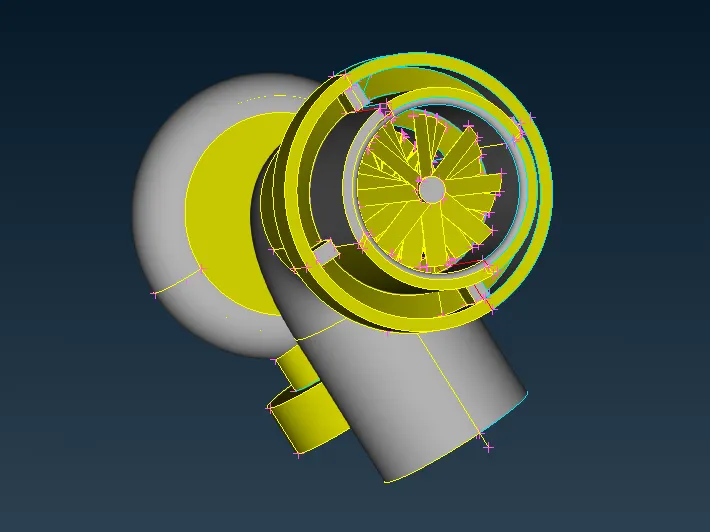
At first i have to cut all unwanted cuts. after cutting this will look like this
WITH THE HELP OF PROJECT that is in coons section
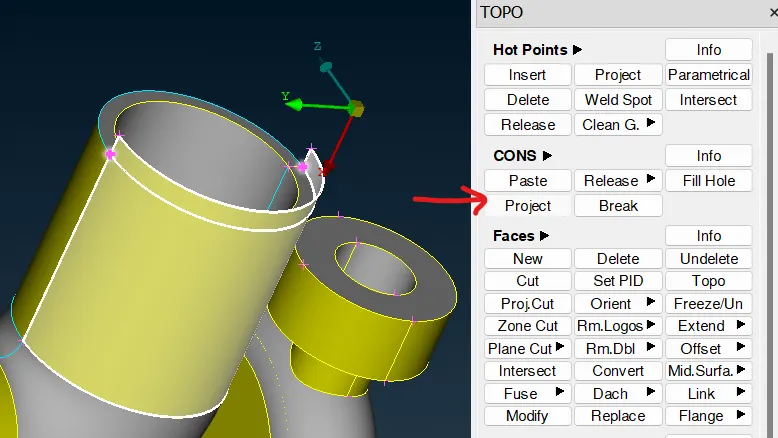
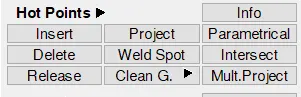
Following toolbar has been used from TOPO deck to clean up geometry.
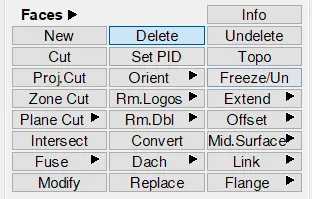
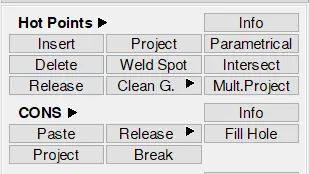

First, overlapping surfaces has been deleted using the delete command available in faces toolbar in topo deck. The surface is selected using the PID selection filter to select all surfaces with same PID which can be seen in below images for pink surfacce set.
Extra CONS has also been found at the same place as shown in below imgae which has been released using "released" command found under CONS toolbar.
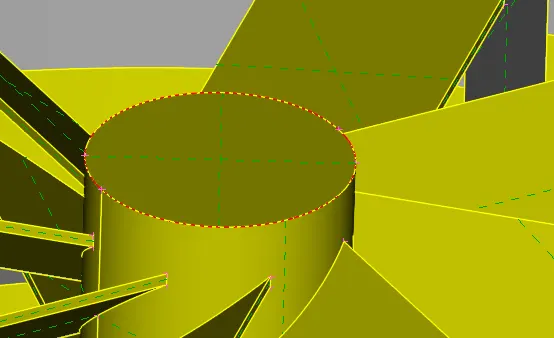
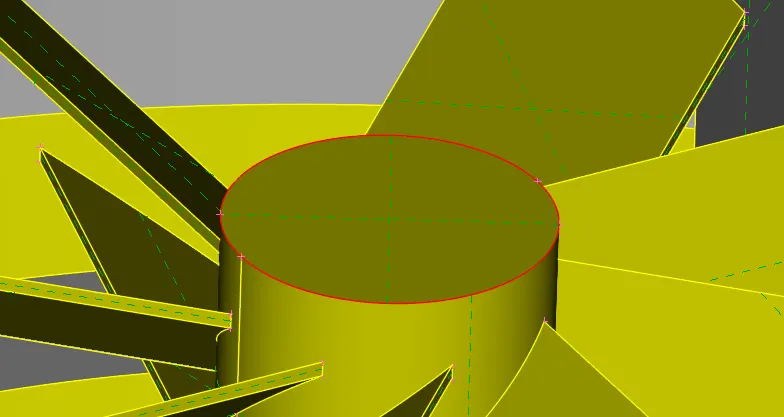
Near the blade section, 2 triple CONS was formed.
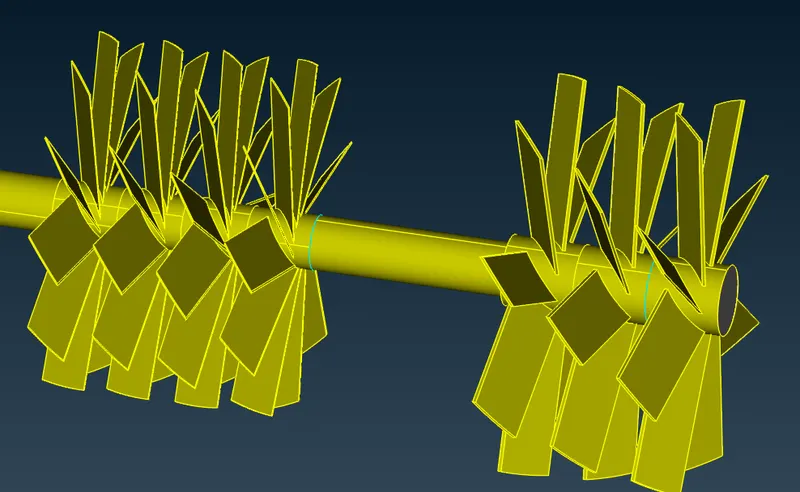
The surface shown in below image was present there.
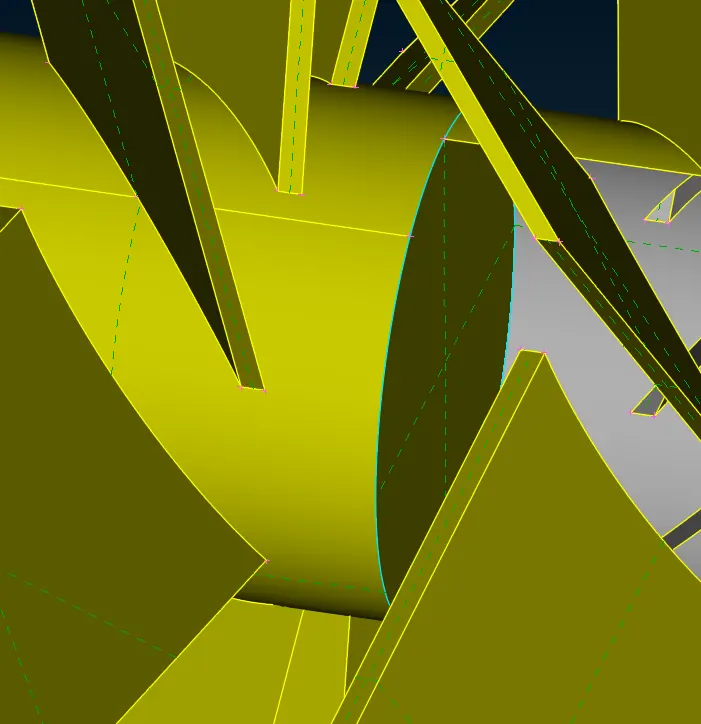
To perform volumetric mesh, the inside surface has been deleted using universal delete option from both places.
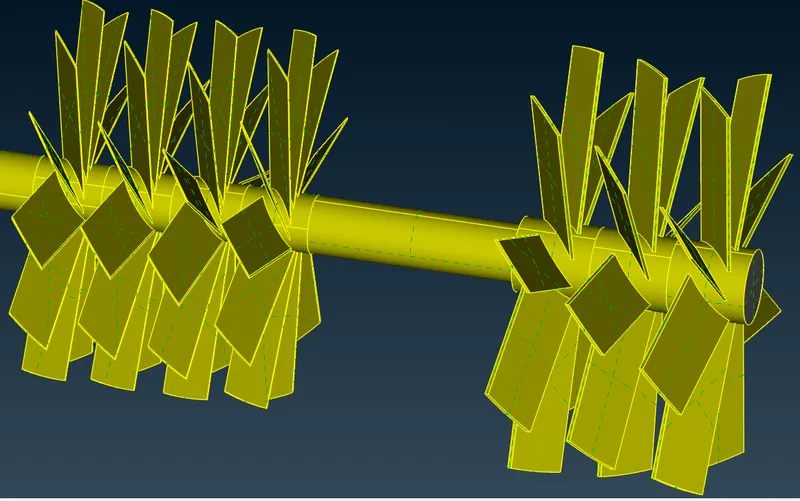
Near the blade section, 2 triple CONS was formed.
The surface shown in below image was present there.
To perform volumetric mesh, the inside surface has been deleted using universal delete option from both places.
After doing all the things
then the final is here
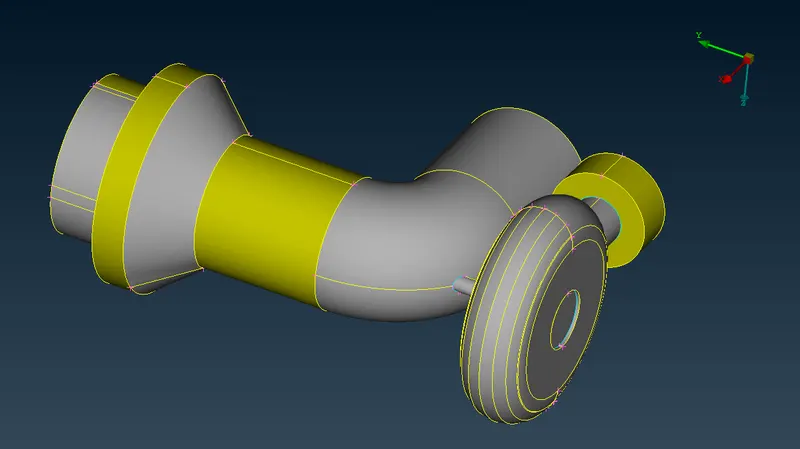
Link : https://drive.google.com/file/d/174Rrsjr7XXv-FVdhMATHGBhvrFw-Ld4q/view?usp=sharing
Thank You