Week 4 Challenge : CFD Meshing for BMW car
Aim: To Perform a CFD meshing given geometry model
Objectives:
- Create half model of the given geometry and solve all geometrical errors.
- Assign PIDS for every part and do surface mesh.
- Create wind tunnel and generate volumetric mesh using mesh generations tools.
Section 1: Topology Cleanup
In this CAD we need to find errors using checks manager
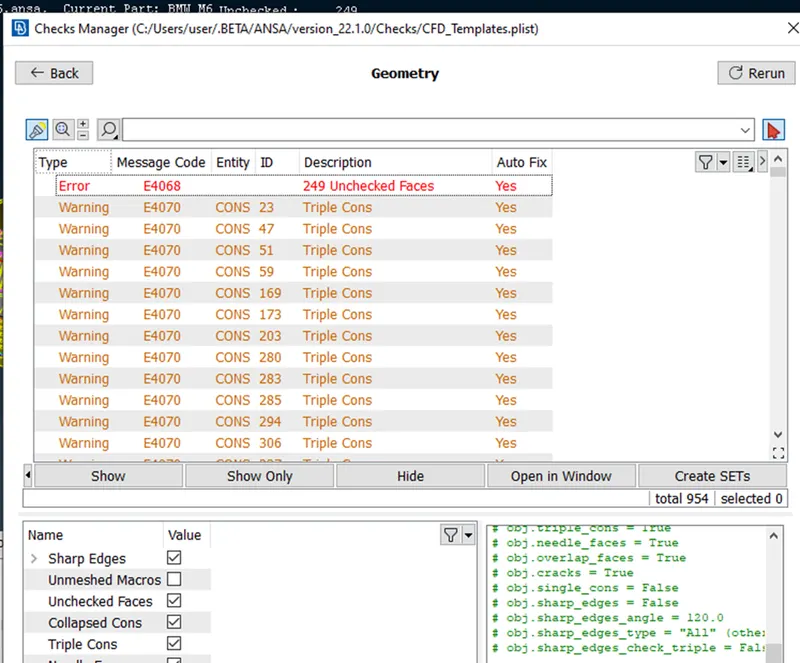
We observed so many errors in this model, By creating half model of the car we are going to solve errors every part wise
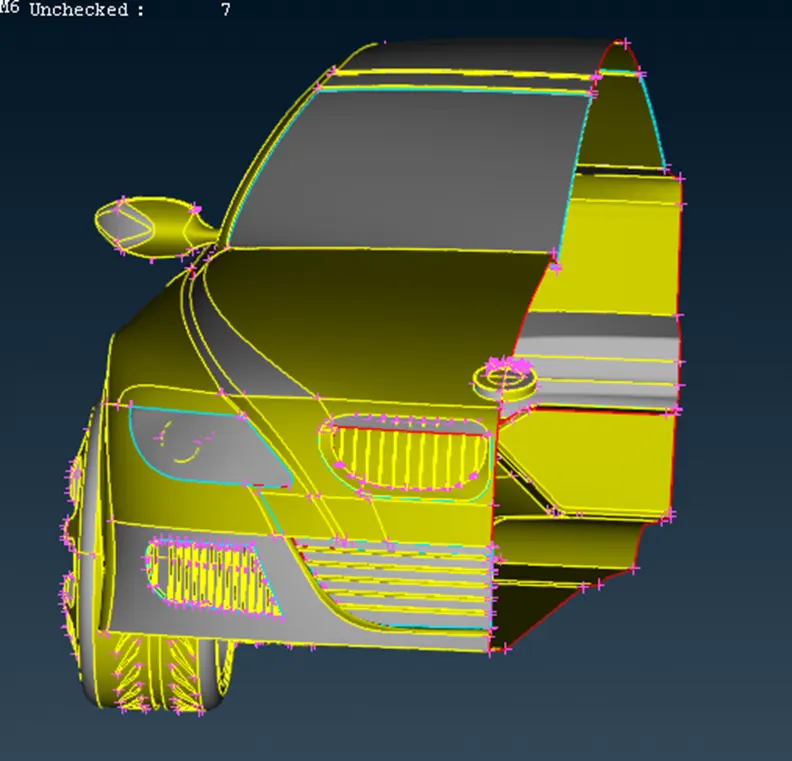
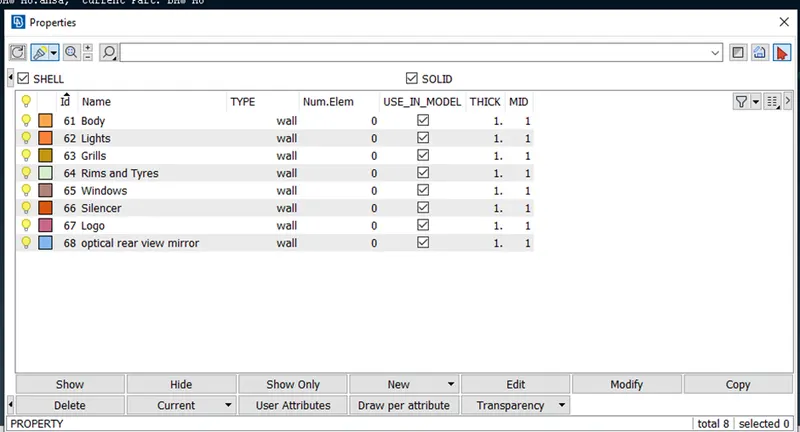
After clearing all geometrical errors we need assign PIDS like Body, Lights, Grills, and Windows etc.
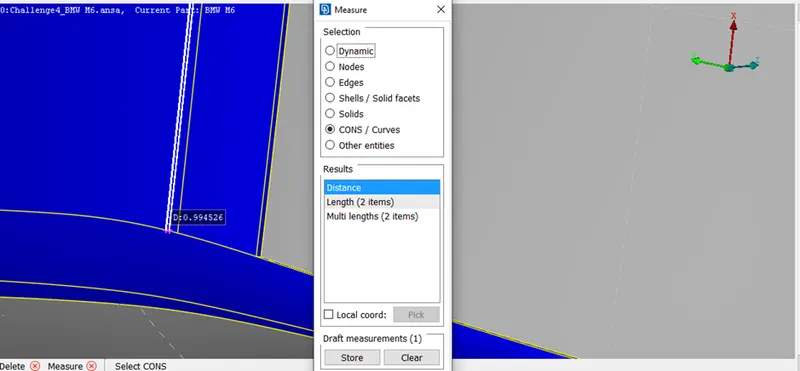
Before start meshing we need examine distance between two CONS by using measure option , we found any smaller faces that faces going to element fail during meshing we need to some solve that small faces using cut options
Section 2: Meshing
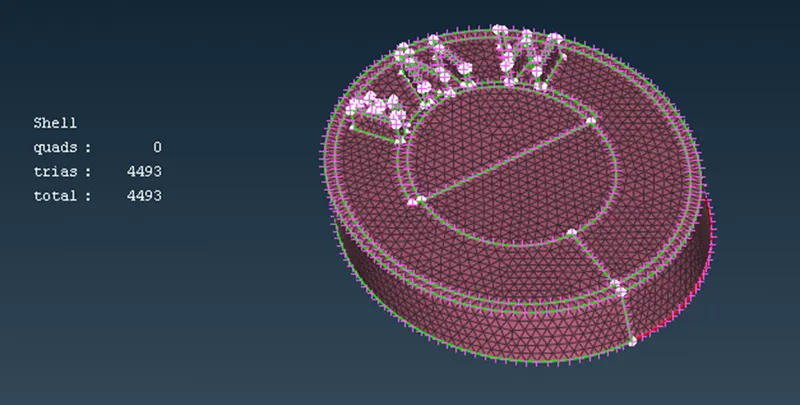
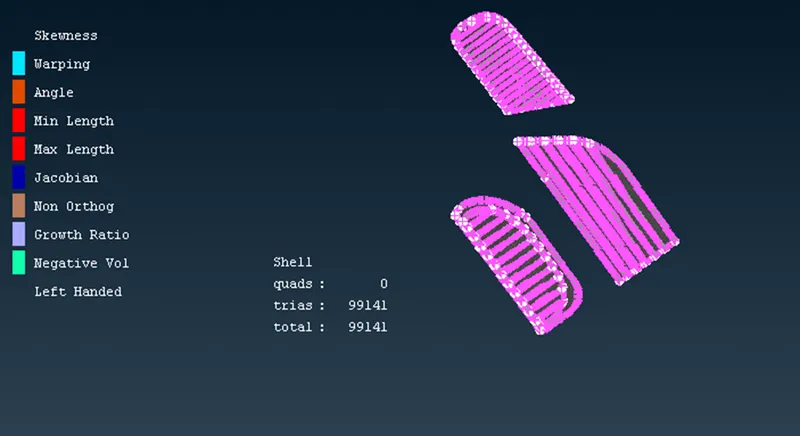
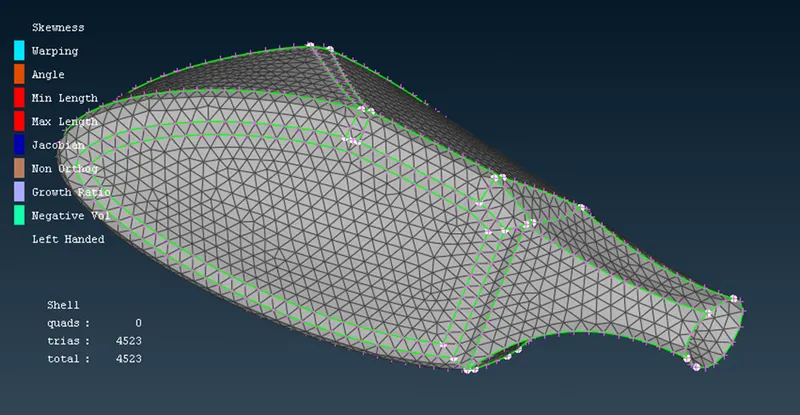
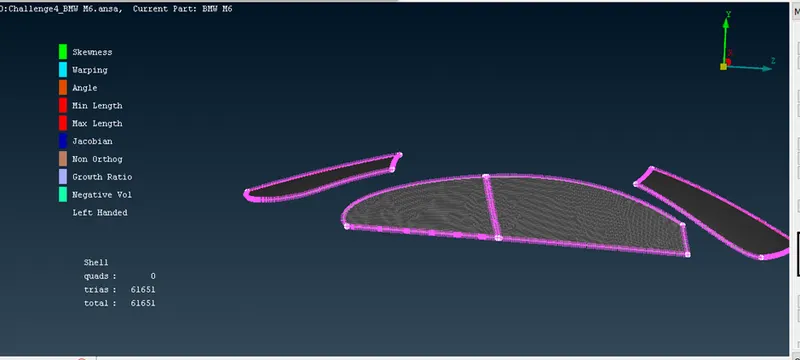
Target lengths are different for every PIDs as per that we need give quality criteria and mesh parameters as per we meshed menstioned below
Logo Target length 1mm
Grills Target length 1mm
Optical rear view mirror target length 2mm
Windows Target length 2mm
Lights Target length 4mm
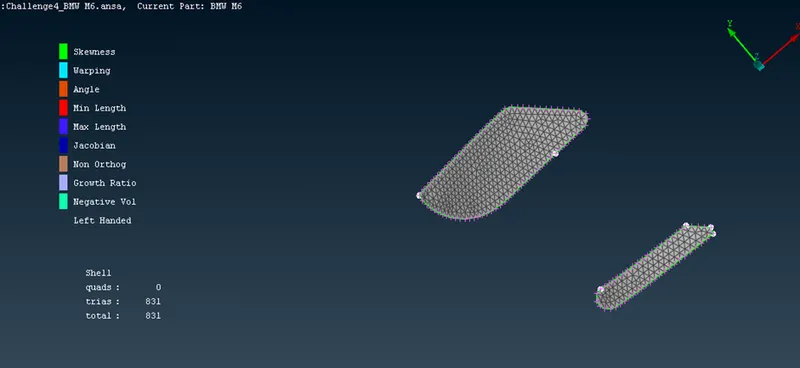
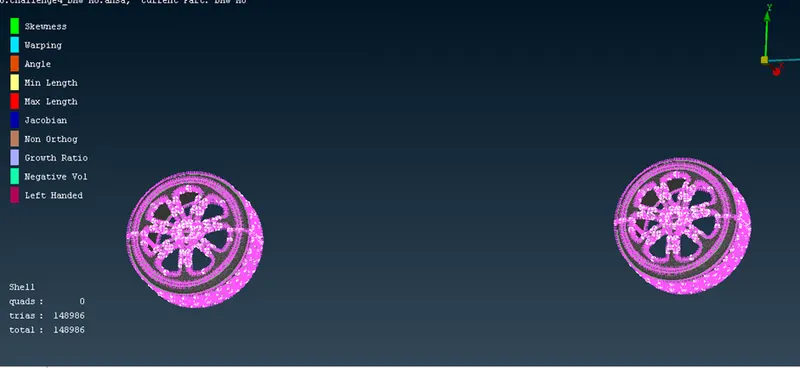
Rims and Tyres target length 2mm
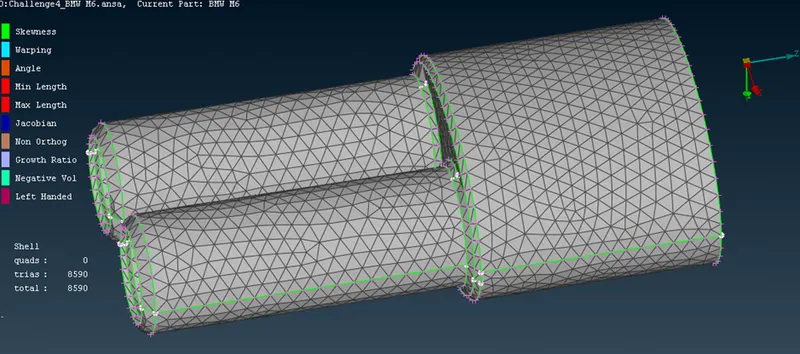
Silencer target length 3mm
Body target length 3mm
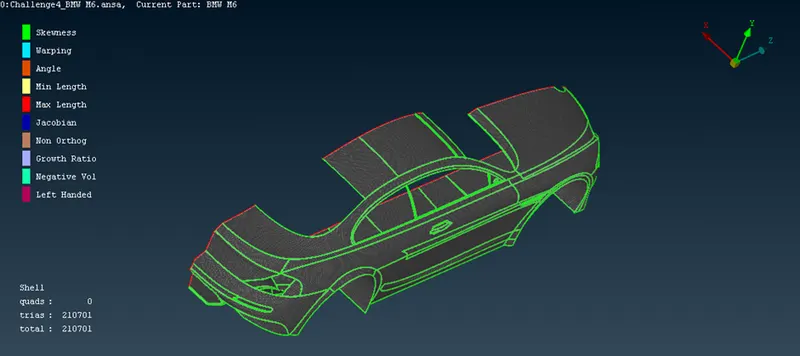
After meshing need symmetry using transform tool
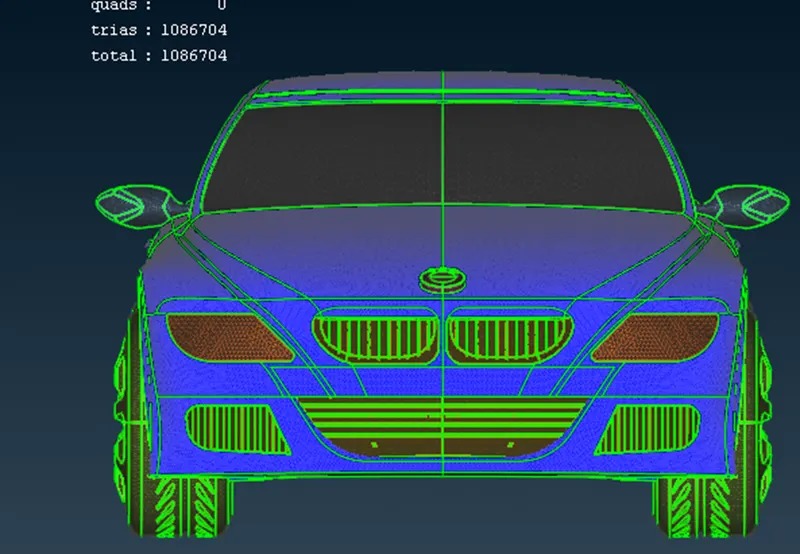
Section 3: Wind Tunnel
Before going to wind tunnel we consider parameters to create wind tunnel. Length of the car is 1300mm,(we consider Length=x) wind tunnel front length from front point should be 4X, Back length of wind tunnel should be 6x from back point, Top length of wind tunnel should be 3x from top point, side length of wind tunnel should be 1x from side from side point. and also asign PIDs.
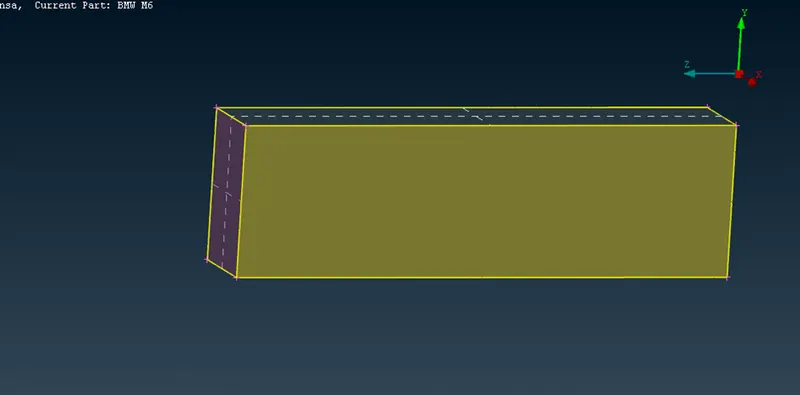
Wind tunnel meshing
We need different mesh length for different wind tunnel faces for top face mesh length100mm, for bottom face mesh length 20mm,
Using spacing tool we given spacing input as Dmin 20mm andDmax 100mm it is useful to wind tunnel mesh,
using this parameters we mesh the wind tunnel.
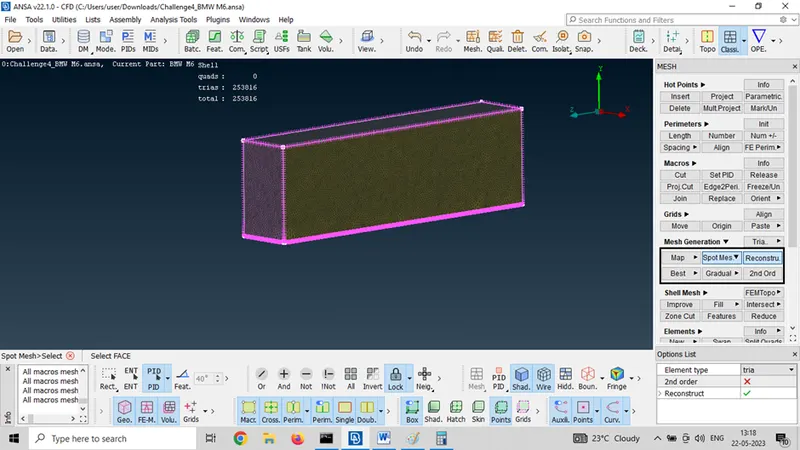
Section 4: Volumetric mesh
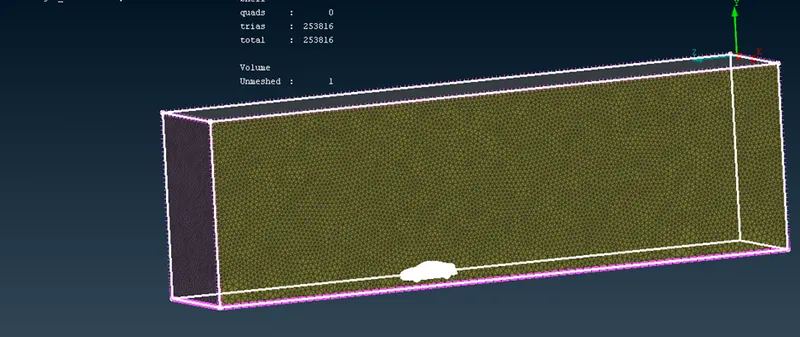
In volumetric meshing select define and auto detect , whole database, ANSA detect 7 volume volumes
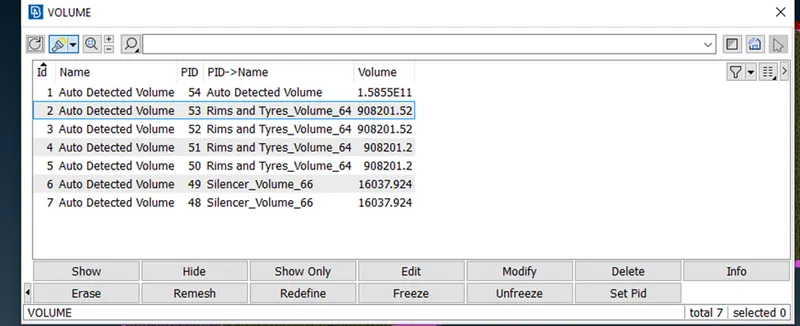
Out of this we don’t want all volume we want only volume between wind tunnel and Car keep this and delete remaining.
Volumetric mesh look like this
Results:
- By using half model and do symmetry we significantly reduce computational time.
- ANSA succesfully detected volume between car model and wind tunnel and this is useful to generate volumetric mesh, which can be use in CFD simulation.
Conclution:
- We succesfully performrd topology cleanup on given model and solve all the errors.
- we succesfylly generated surface mesh and volumetric mesh and created wind tunnel also meshed.