Week 4 Challenge : CFD Meshing for BMW car
1.Aim:
- To create a CFD meshing for BMW car by using Ansa.
2.Objectives:
- Target lengths for the different parts of a model are as follow:
- Body - 3 mm
- Lights - 4 mm
- Grills - 1 mm
- Rims and Tyres - 2 mm
- Optical Rear view mirror - 2 mm
- Window - 2 mm
- Silencer - 3 mm
- Logo - 1 mm.
3.Procedure:
1.Open an ANSA software and import a Geometry.
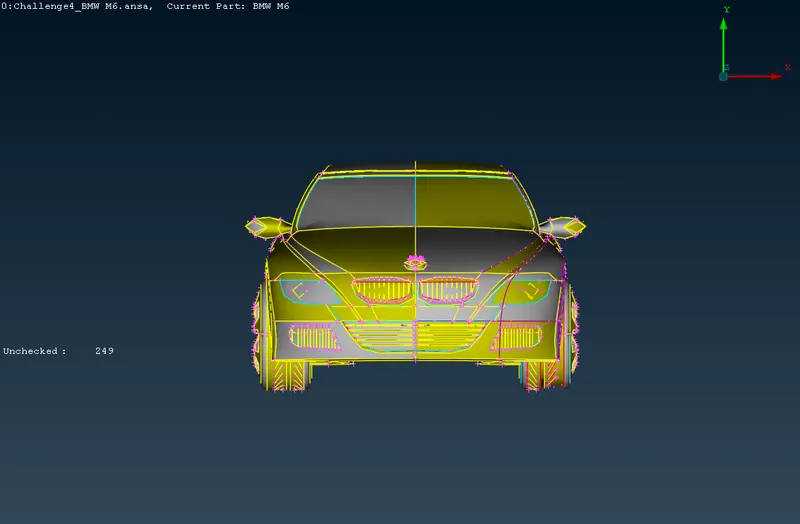
Fig: Imported Geometry
2.After Importing geometry, Check the geometry and its shows some error in topology.
3.Go to mesh and choose length and enter 1mm under perimeters to smoothern the geometry.
4.The car is symmetry from the middle to any end, we can delete one-side of the car and perform the necessary operation.
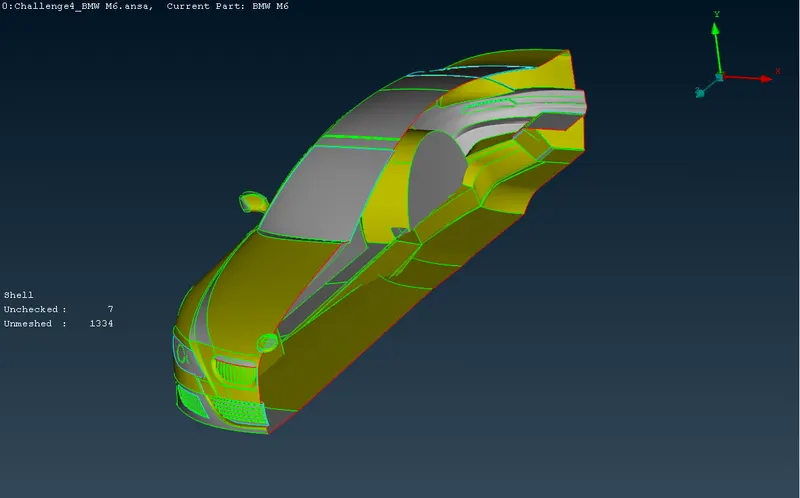
5.Now started the Topo clean-up by removing the single cons and unnecessary triples cons, below surfaces are cleaned.
- Grill, Windows, lights, logo, optical rear view mirror
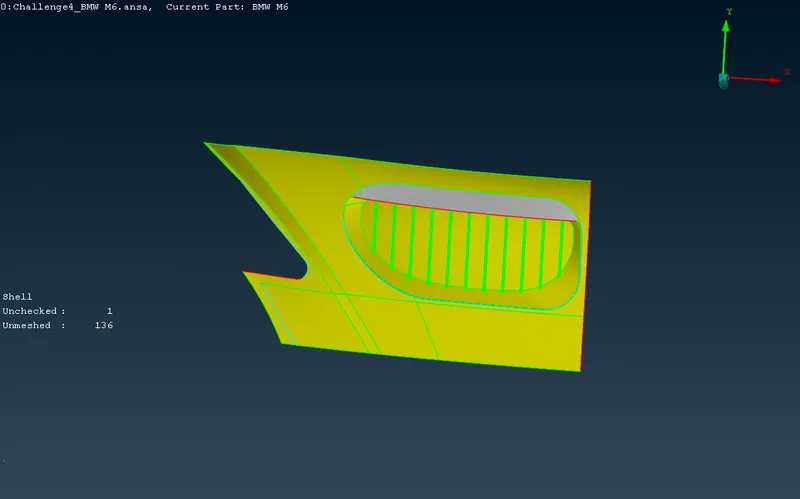
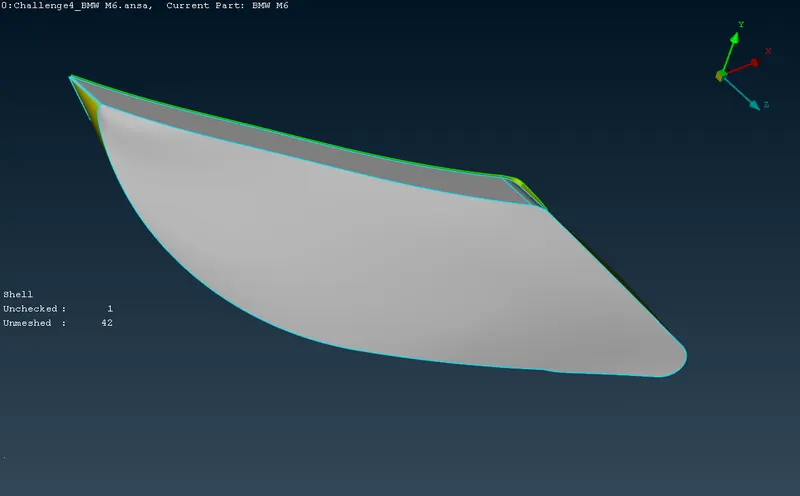
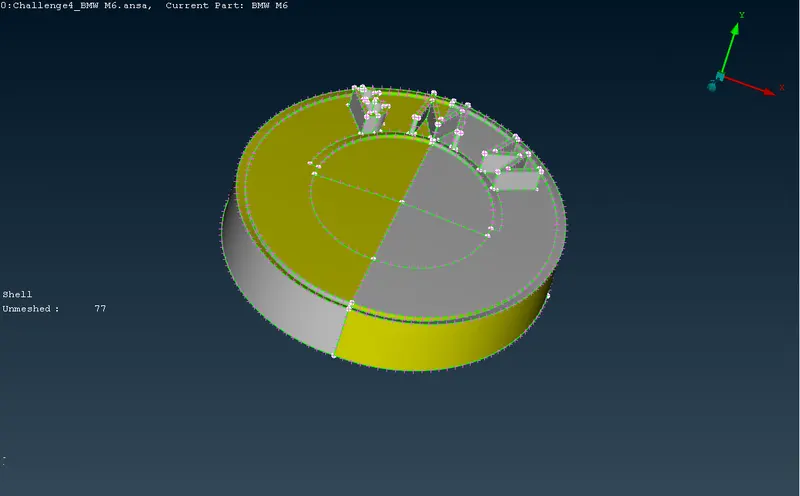
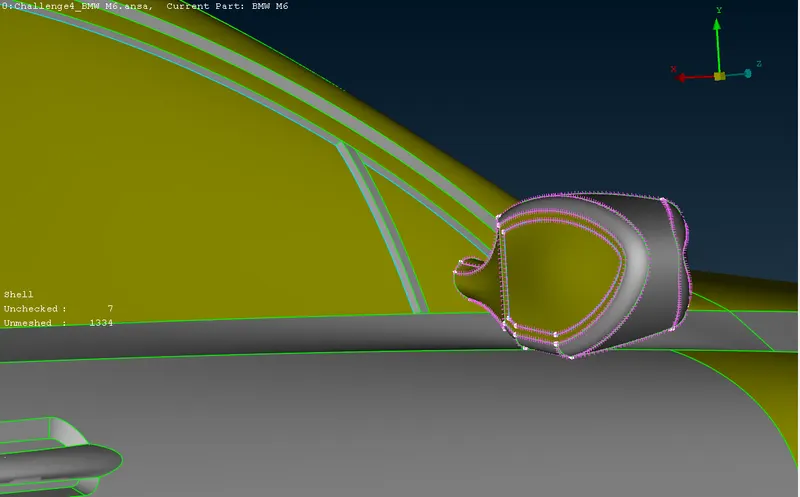
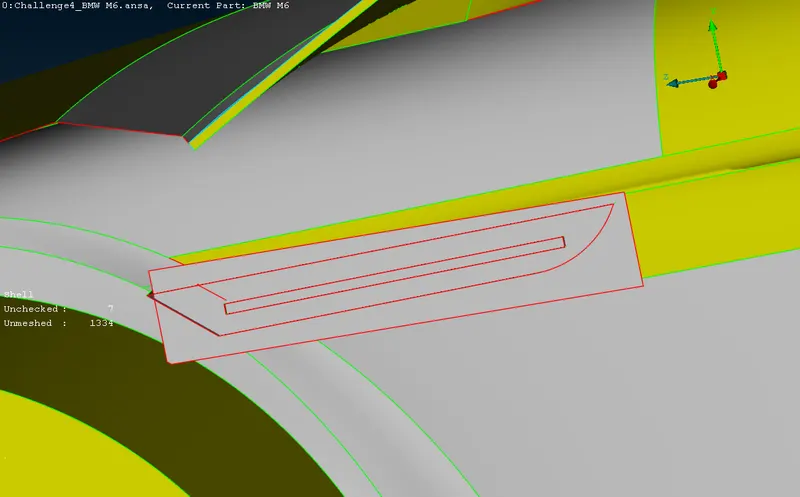
Fig: Single cone double cons presented surfaces
6.After Topo clean-up assign the PIDs.
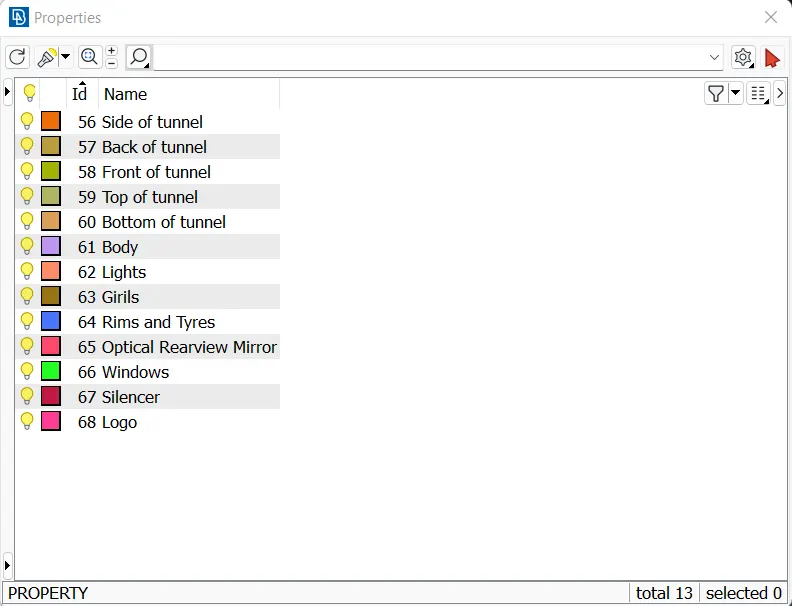
Fig:Properties
7.Select length option and gives the values of perimeter and macros for a different PIDs.
8.After assigning PIDs move to mesh and create a mesh.
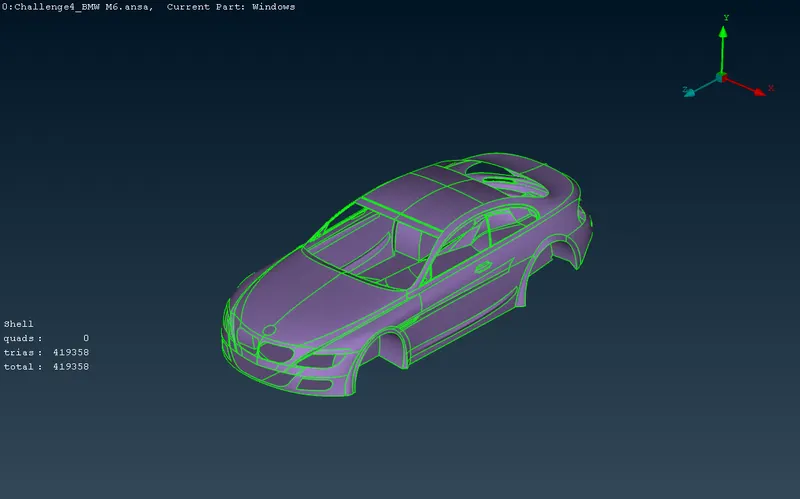
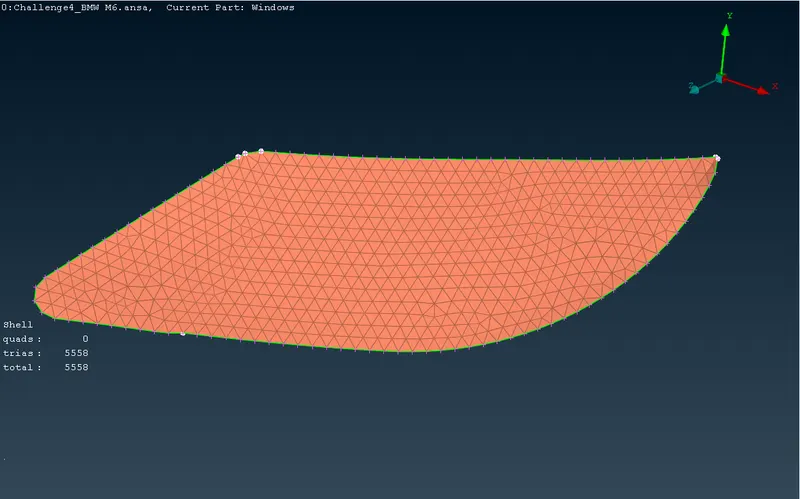
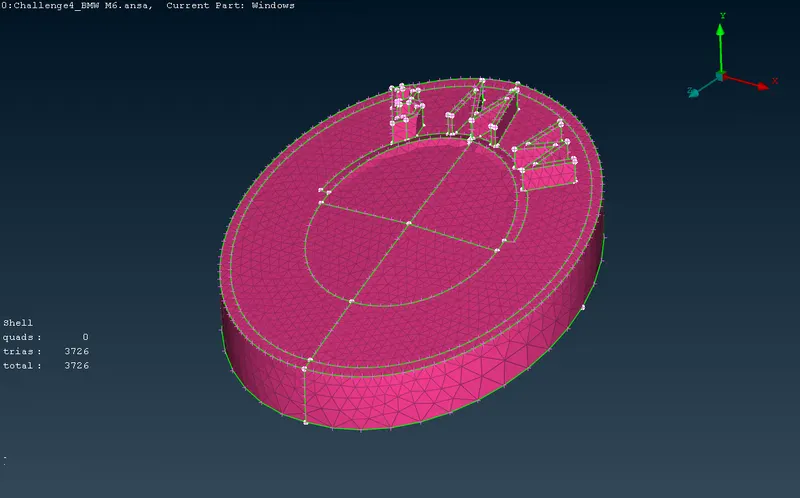
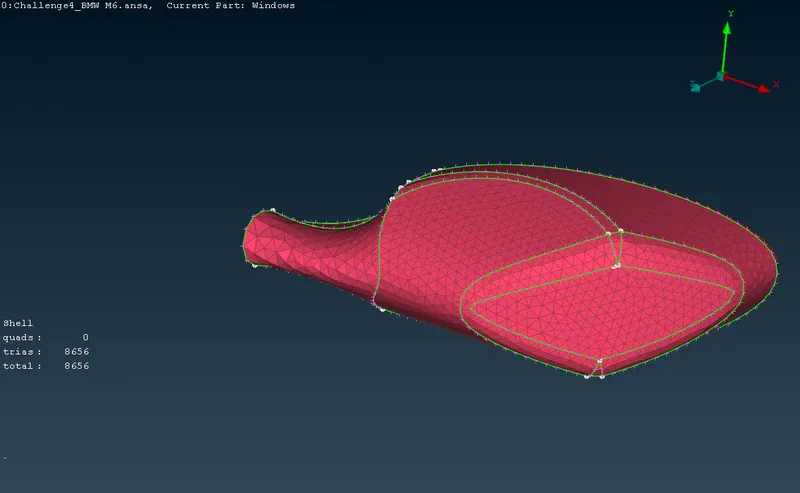
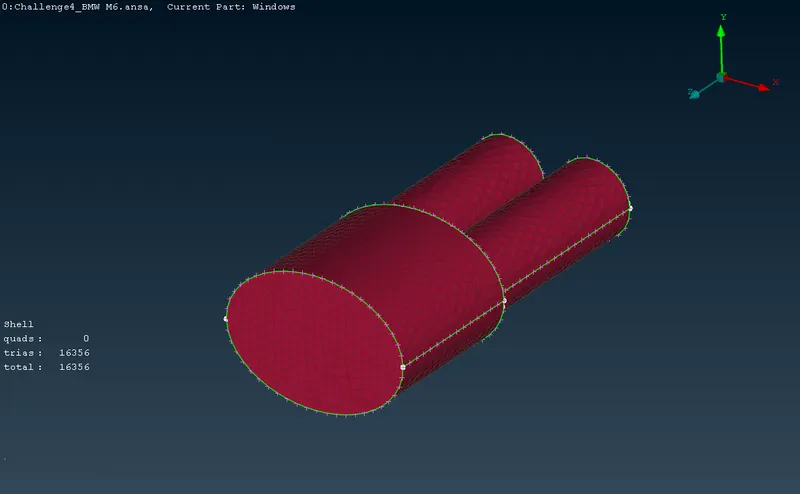
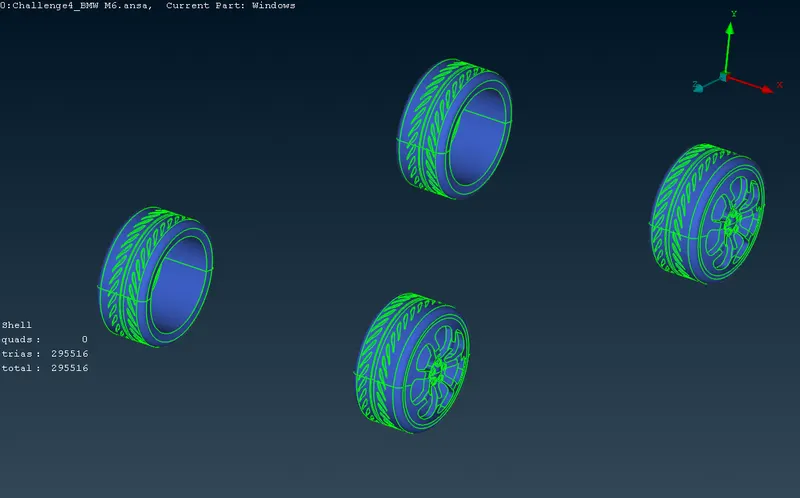
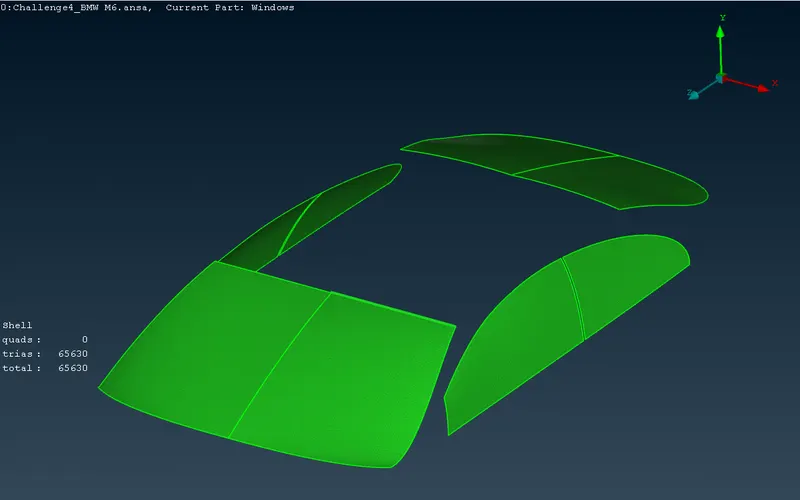
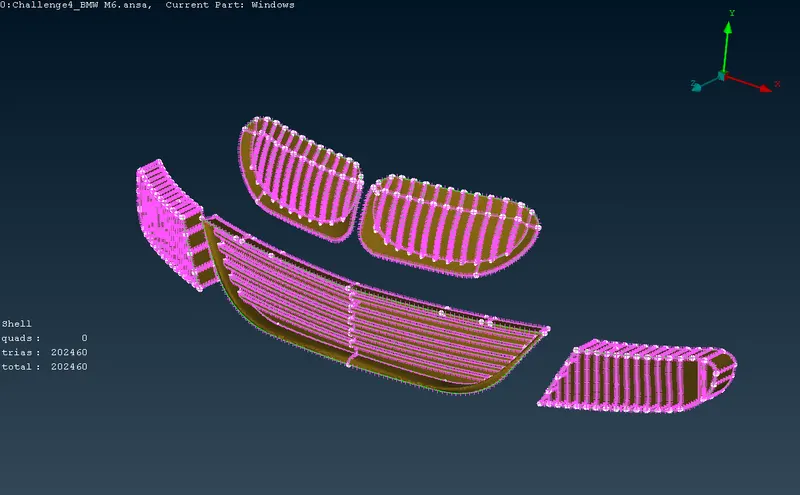
Fig:PIDs with mesh
9.After meshing create wind tunnel.
10.After creating wind tunnel create a mesh of tunnel.
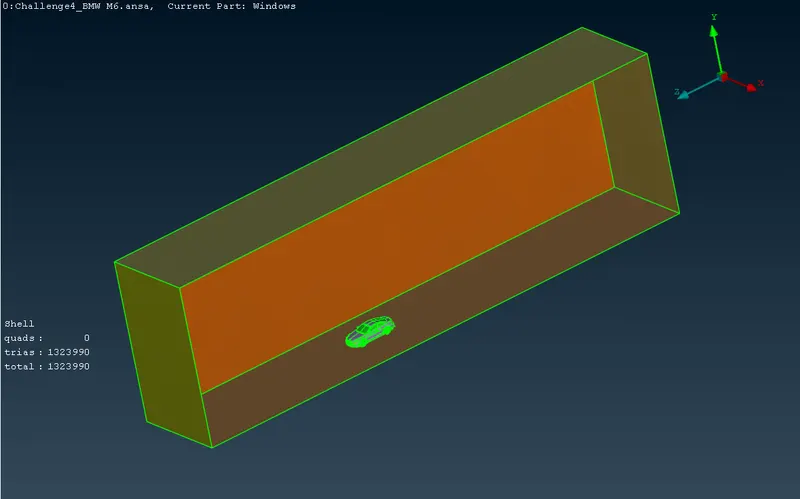
Fig: Wind tunnel with mesh
11. Move to voulmertic mesh.
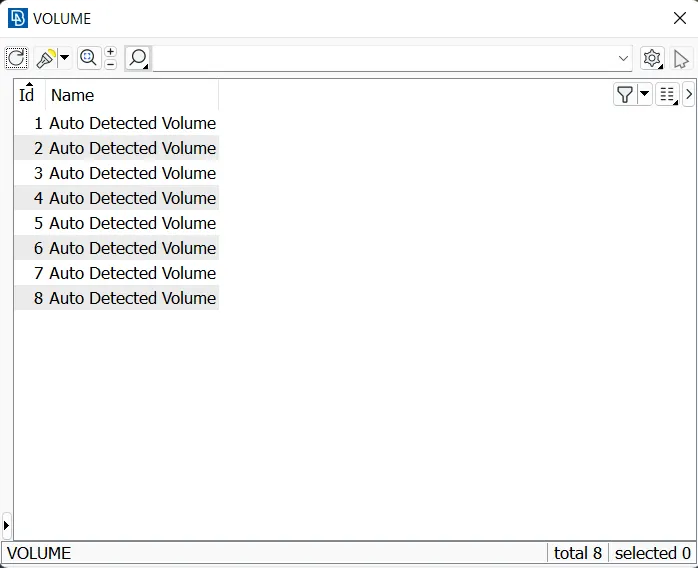
Fig: volume properties
4.Results:
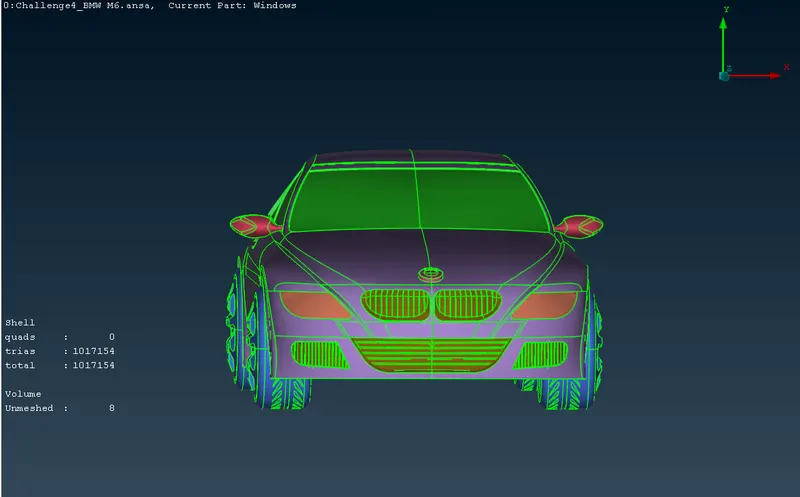
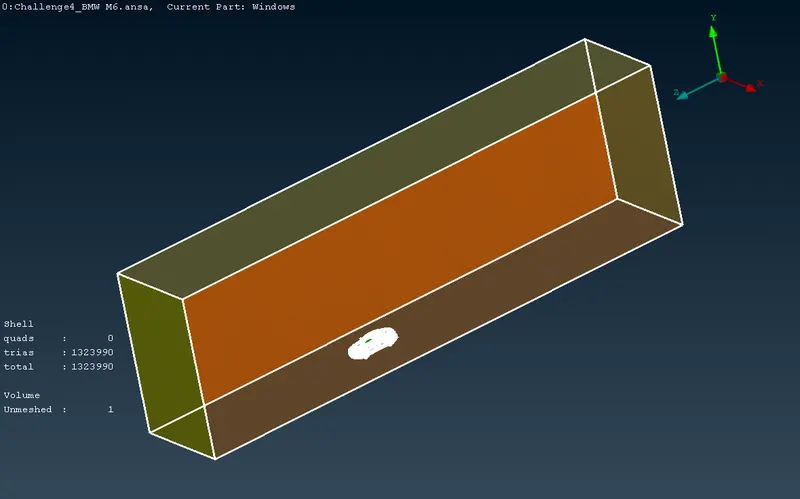
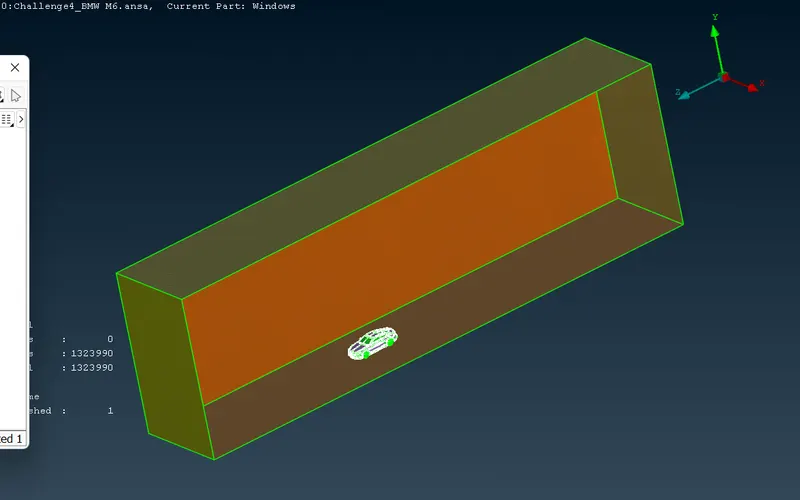
Fig: Volume
5.Conclusion:
- Creating a CFD meshing for BMW car by using Ansa is done.
- Totally 8 volumes are created, 1 for car body, 1 for car body and wind tunnel, 2 for silencer, 4 for tyre and rims.