Week 4 Challenge : CFD Meshing for BMW car
AIM:
To generate CFD meshing For BMW car and volumetric mesh for wind tunnel with ANSA software for given mesh constrain.
Procedure:
Step 1: Generate Ansa file which is given along with challenge.
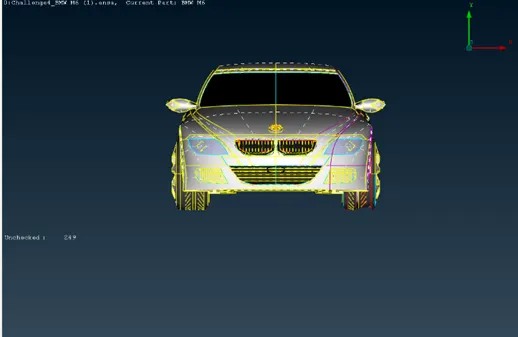
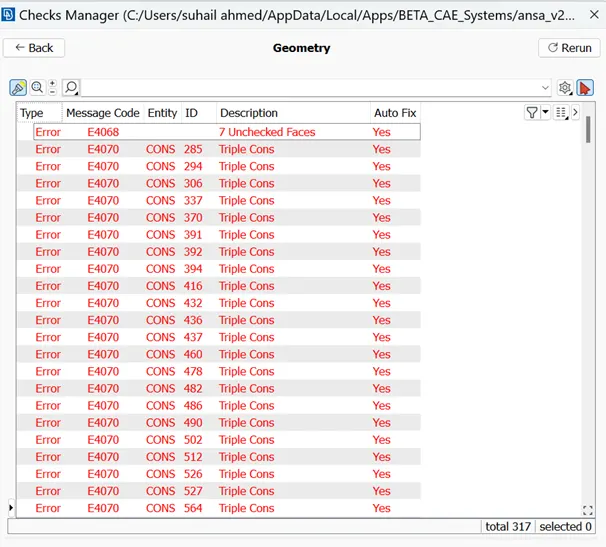
Step 2: Go to checks for detecting geometrical error.
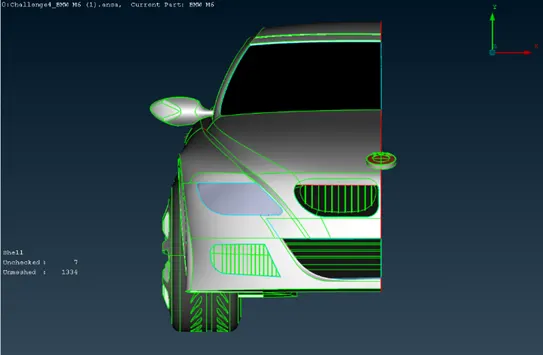
Step 3: Split the model into half portion by the help of symmetry plane.
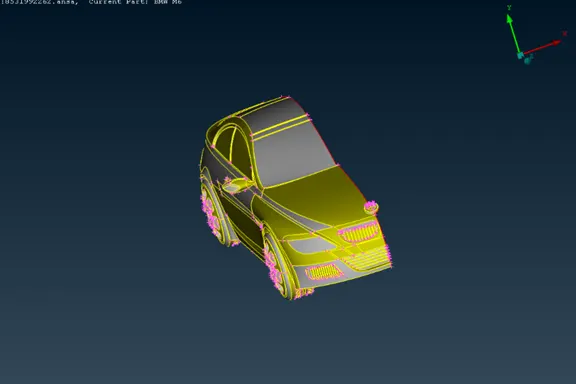
Step 4: Clean the geometrical error with the help of topology tools.
Step 5: Assign PID for all the components separately.
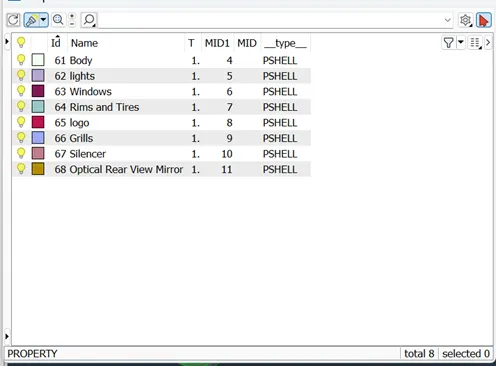
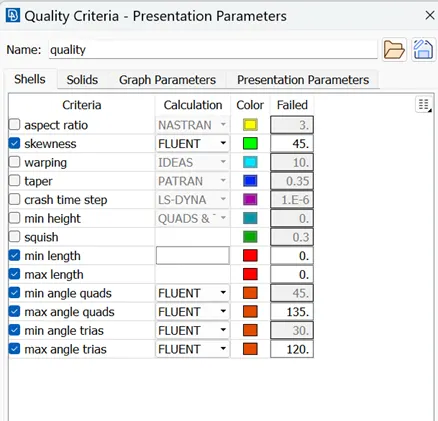
Step 6: Assign the quality criteria for each and every PID’s
Step 7: Go to surface mesh.
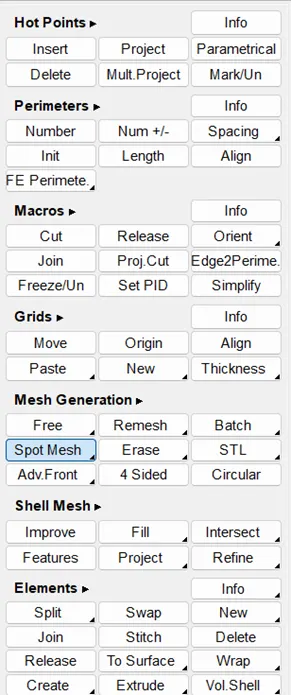
Step 8: Then go to mesh parameters change the target length accordingly to separate constrain given to PID’s and surface mesh every PID’s accordingly.
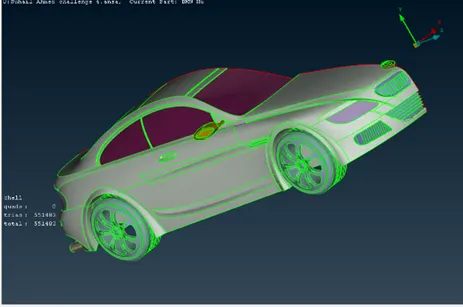
Step 9: By using transform tool another side of the car is mirrored.
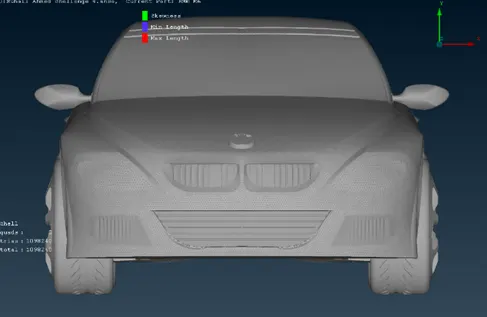
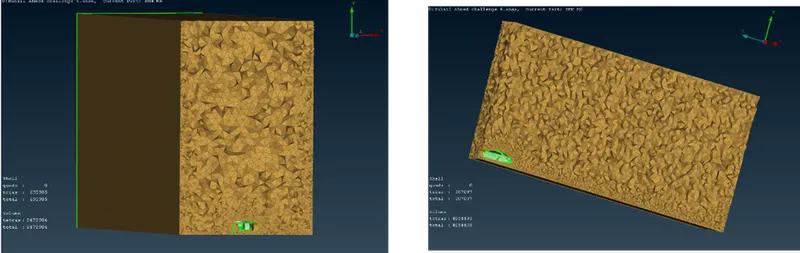
Step 10: After surface meshing of the car model. Create a Wind Tunnel for CFD Analysis.
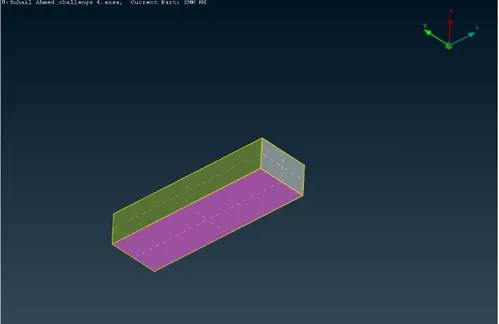
Step 11: For Wind Tunnel surface meshing has been carried out.
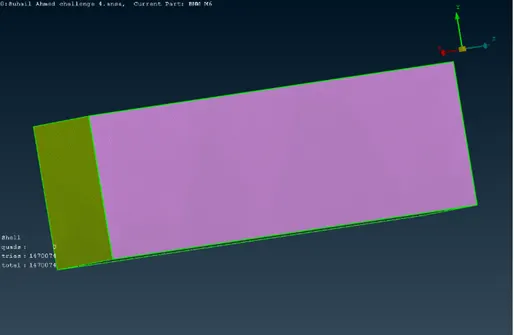
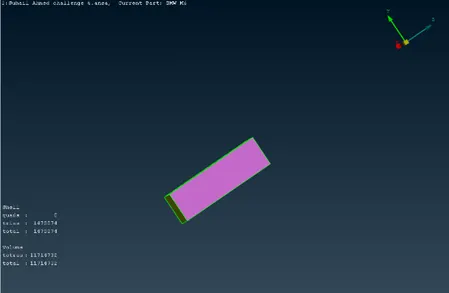
Step 12: volumetric mesh has been done successfully using Tetra CFD mesh for the Wind Tunnel area.
Learning outcomes:
- Advanced topology cleanup.
- In this module, I have learned about symmetric operation of a model.
- Solution quality failure of the element in the quality criteria
- How to create a Wind tunnel using ANSA
- Volumetric meshing for the created wind tunnel.
Result:
Thus, the CFD meshing For BMW and Volumetric mesh for wind tunnel are generated successfully.
Conclusion:
I have studied the different types of tools used in the geometric error clean up and Quality criteria setup during the challenge completions of CFD meshing for BMW.
https://drive.google.com/file/d/1KPmVrW4Xr8E-k6ElX5tLjj2Q-JjMeUnF/view?usp=share_link