Week 3 Challenge : CFD meshing on Turbocharger
AIM:
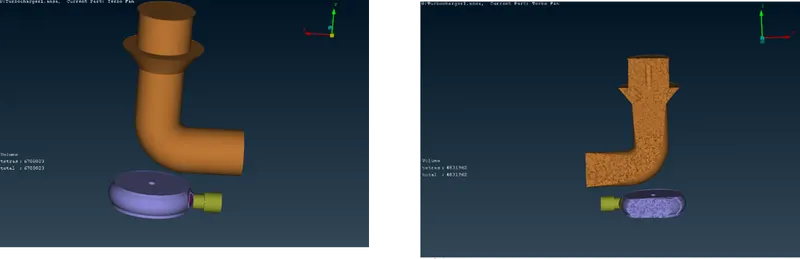
To generate CFD meshing on Turbocharger with ANSA software for given mesh constrain.
Procedure:
Step 1: Generate Ansa file which is given along with challenge.
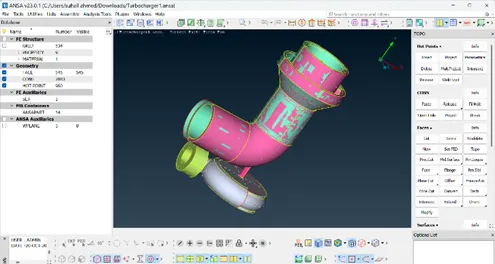
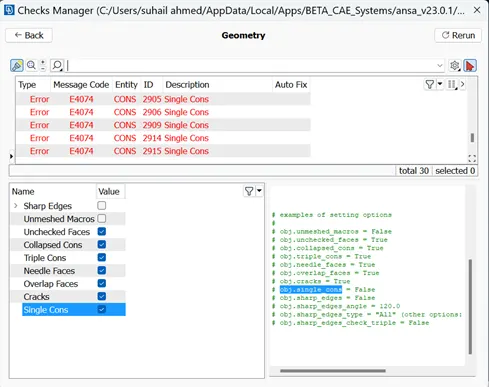
Step 2: Go to checks for detecting geometrical error.
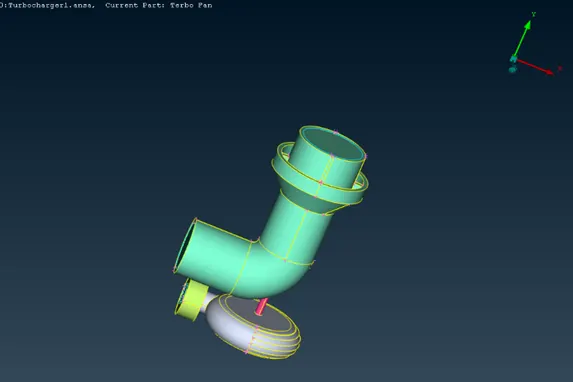
Step 3: Clean the geometrical error with the help of topology tools.
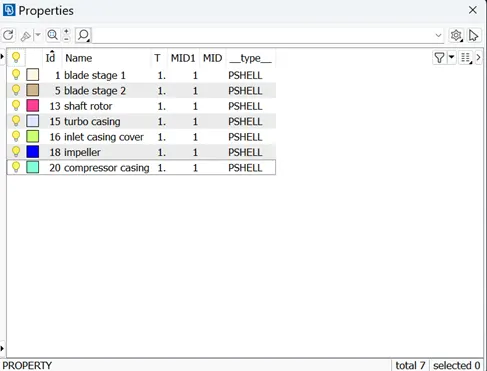
Step 4: Assign PID for all the components separately.
Step 5: After PID assigned. Then go to surface mesh.
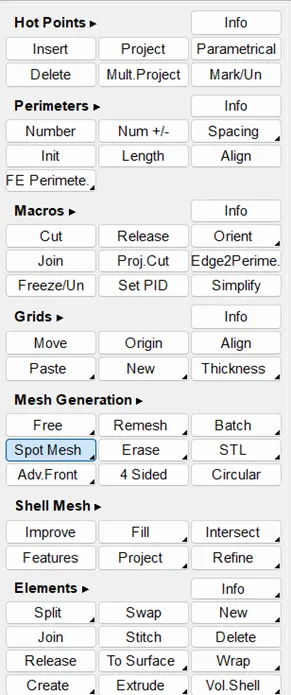
Step 6: Then go to mesh parameters change the target length accordingly to separate constrain given to PID’s.
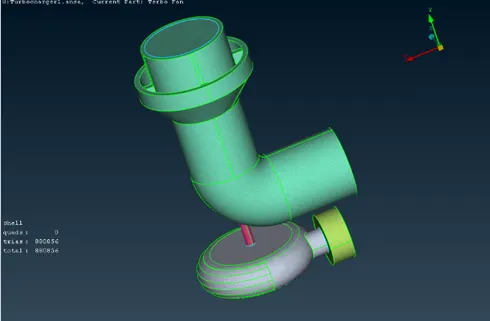
Step 7: After surface meshing. Then go to Volume mesh, in that open define tool to detect the presented volumes.
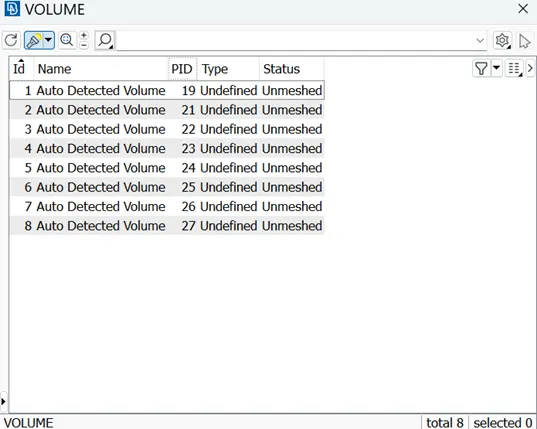
Step 8: Delete unwanted volume’s present in the turbocharger.
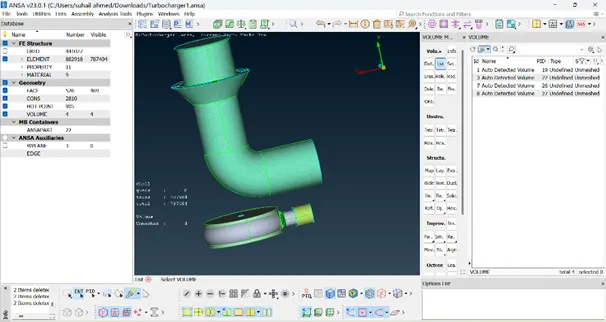
Step 9: volume mesh has been done successfully using Tetra CFD mesh.
Learning outcomes:
- Advanced topology cleanup.
- In this module, I have learned about different Advanced Topology tools.
- Volume mesh using tetra CFD.
Result:
Thus, the CFD meshing on Turbocharger is generated successfully.
Conclusion:
I have studied the different types of tools used in the geometric error clean up and PID creation during the challenge completions of CFD meshing on Turbocharger.