Week 4 Challenge : CFD Meshing for BMW car
AIM:- CFD Meshing for BMW car.
Theory:
we have to delete half of the car,because the car was symmetric about traverse axis.
So we delete half of the car except logo.
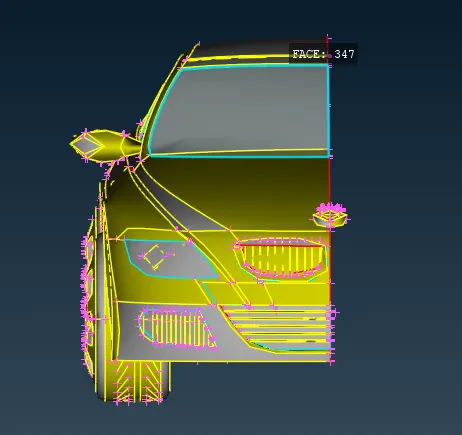
Then check all the error and the following are geometrical error and intersection error.
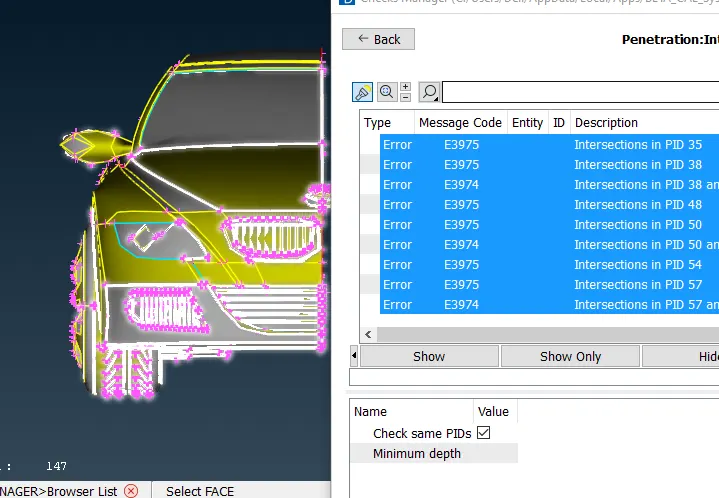
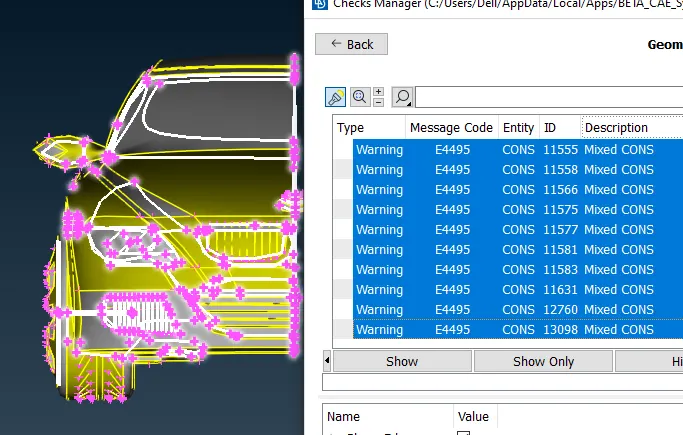
These are errors in the grill.
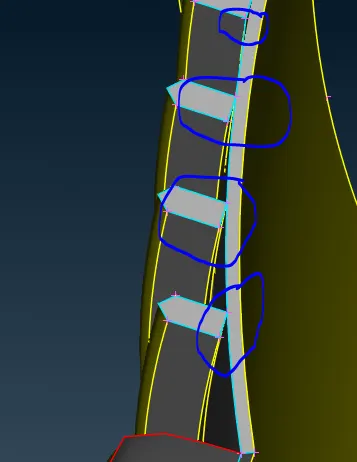
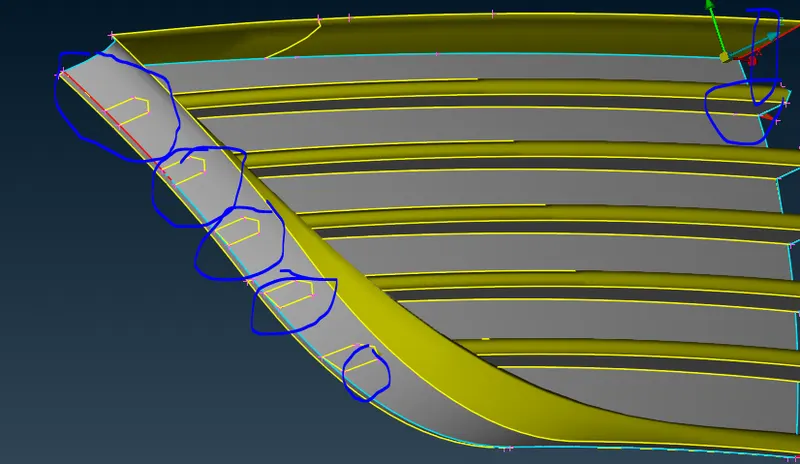
Aftter clear the error
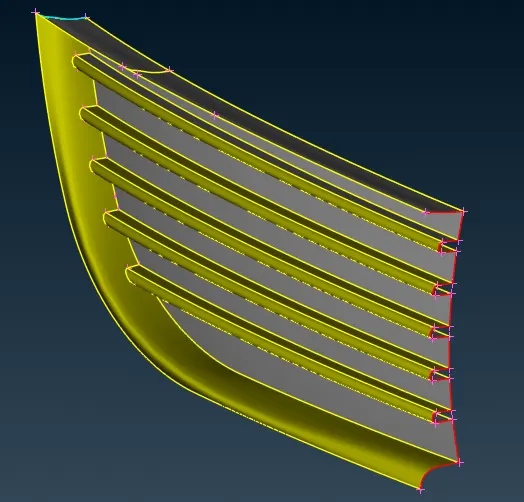
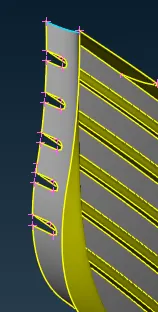
We have to clear all the error of the next grill.
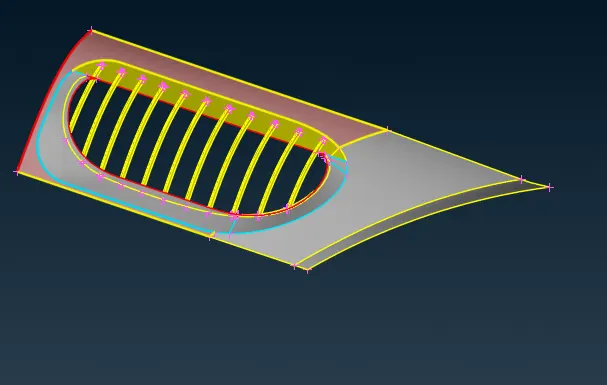
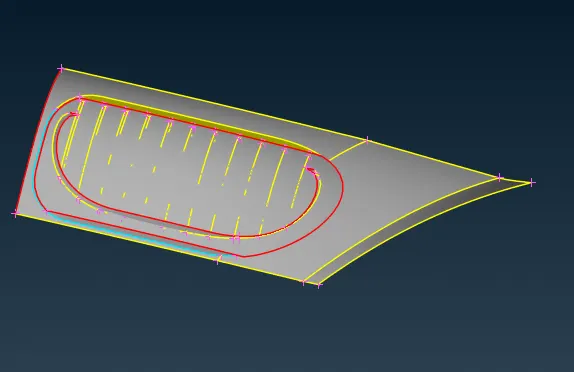 This face was not necessary so delete it.
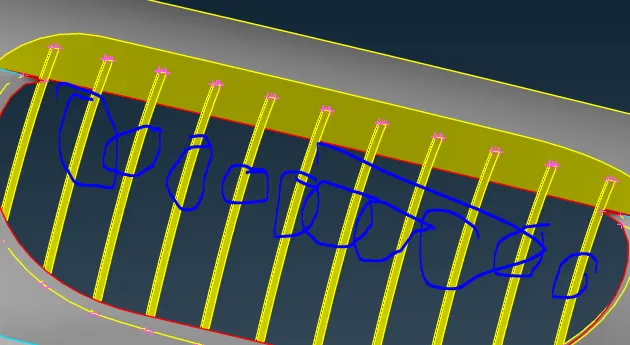 These bars are are hollow so delete one the avove faces.
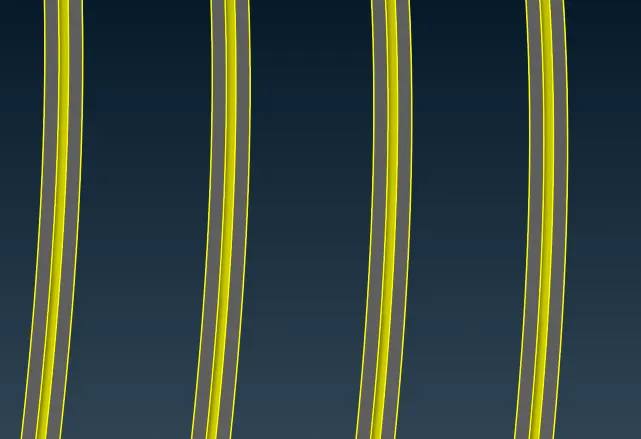 Then creat face in betwwen the bar.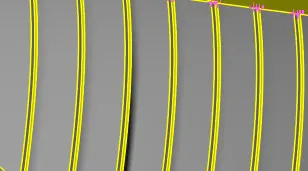
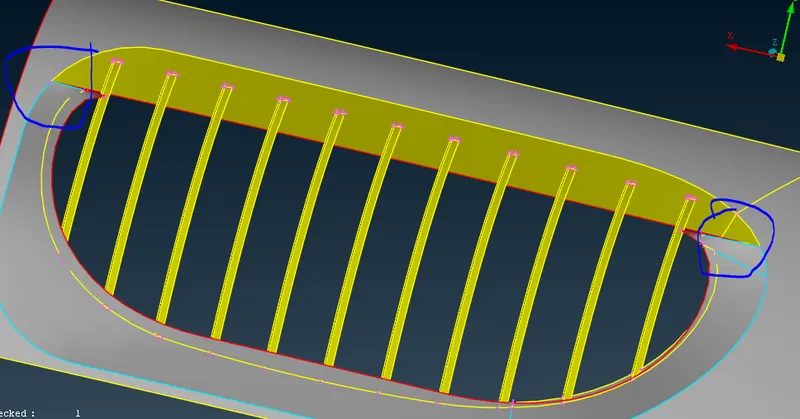 Here is the intersection eror present so deleted the require faces
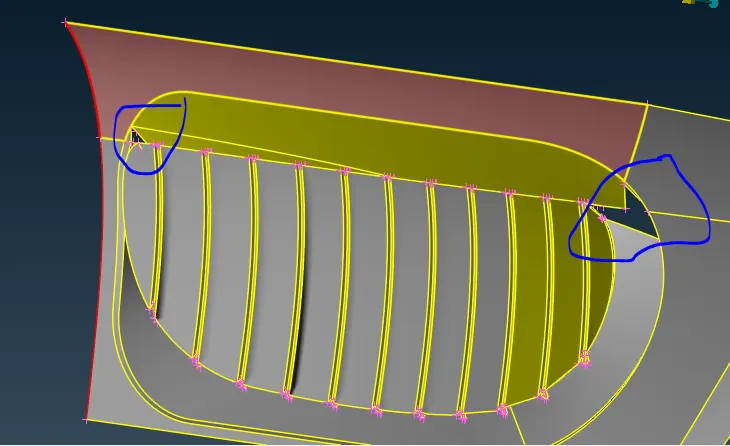
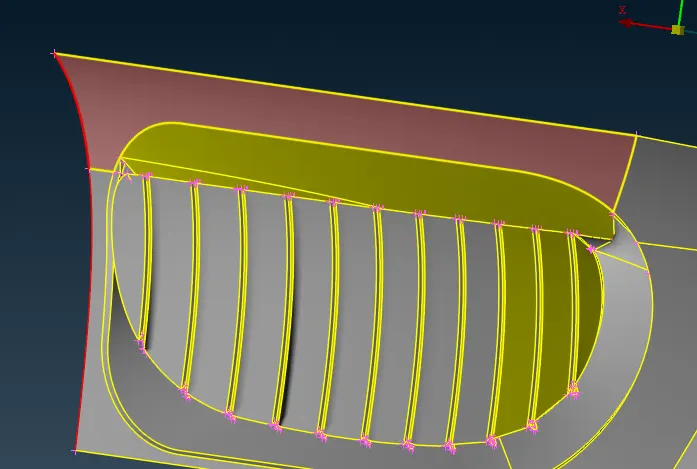
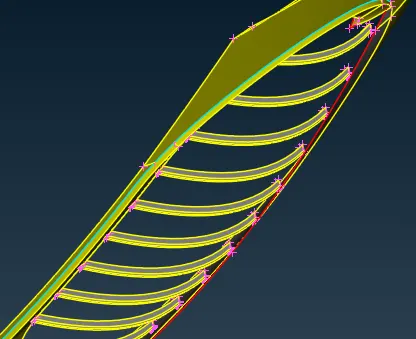 Here the bars are goes above the face.so we have to delete the bars as per the face.
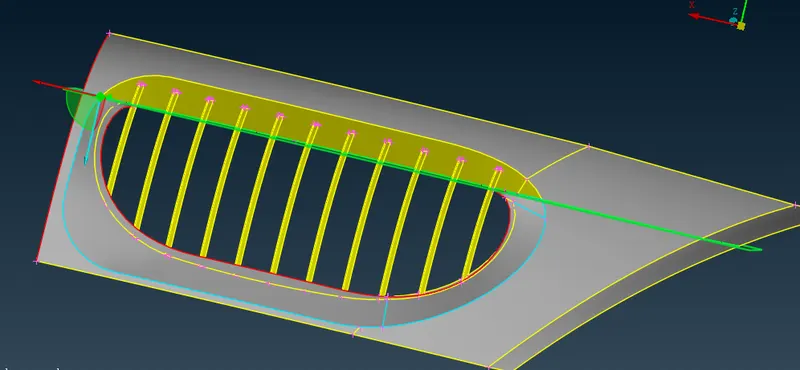 Then use plane cut (faces)>>select three point in the plane>>middle click
then the cone project on the bars
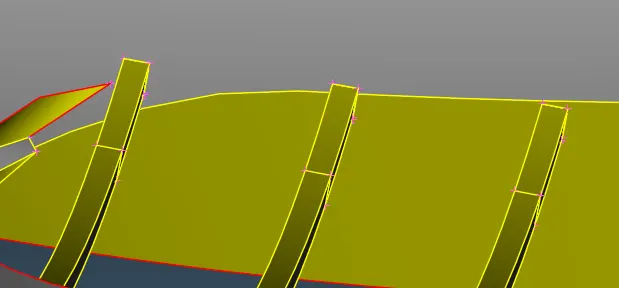 after projection of the cone on the bar delete the avove part of the bar.
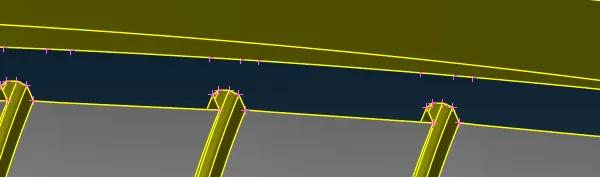 now creat the face in betwwen them as per require.
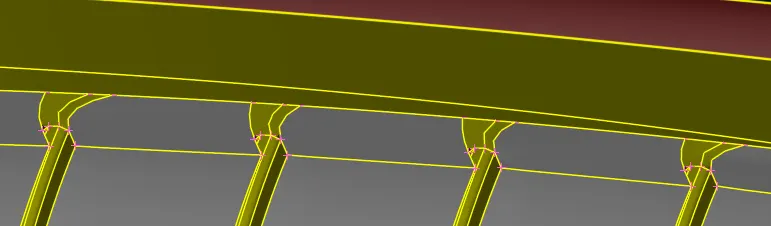
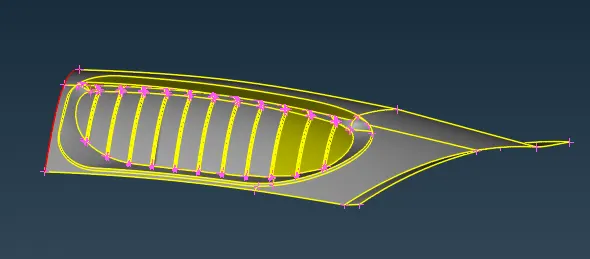
Above is the final grill after clear geometrical errors.
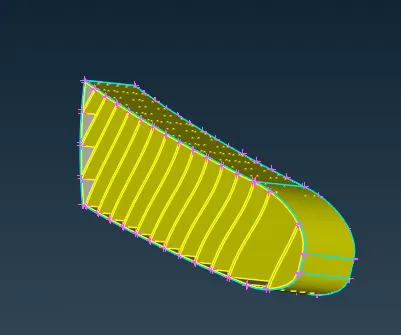 here gril have thickness and boundery have also thickness we are conducting flow analysis so no need of the thikness so we delete the thikness .
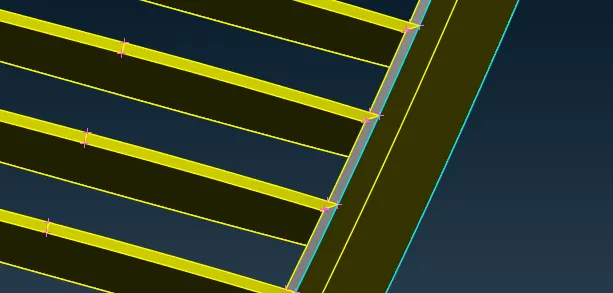 here we have to delete the thikness,to delete the thikness we have to align the grill. to avoid the long process,we ceate a face inside the grill and delete rest in back side by useing intersection.
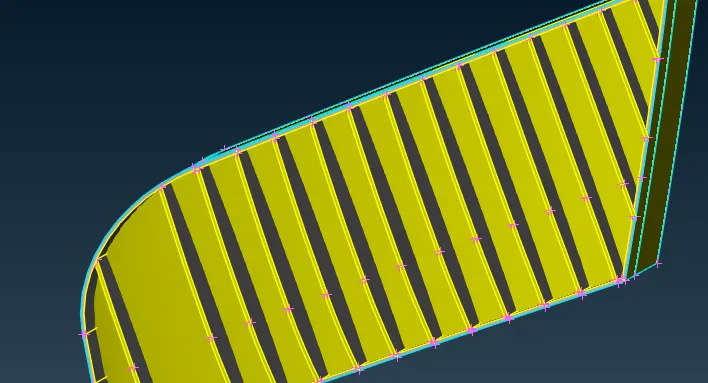 Creat a surface inside the grill
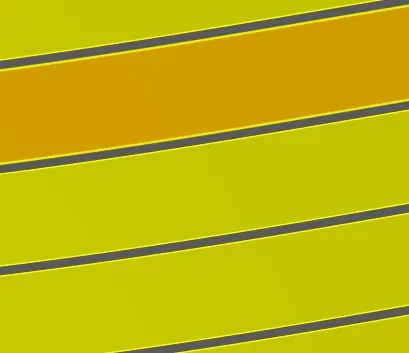 delete the one surface from back of the grill.
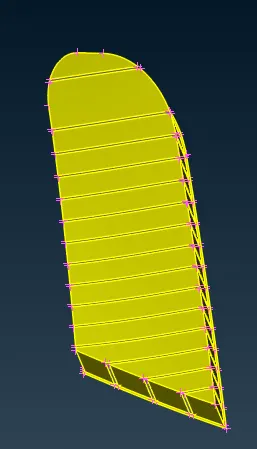 Now this is the final grill.
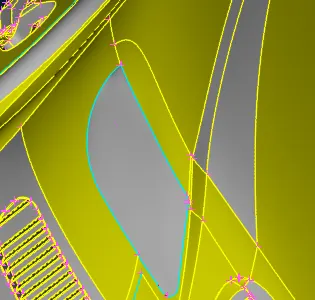
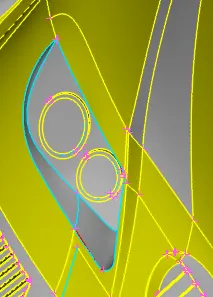 here internal part of the light have to delete.
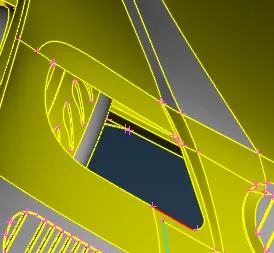 so delete the internal part of the light.
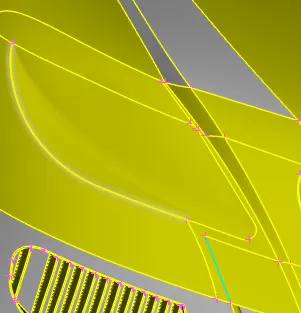 now the mash was clear.
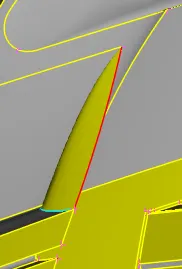
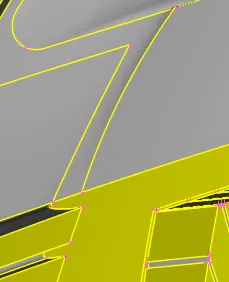 Here extra face is there so delete the face.
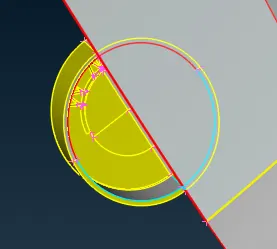
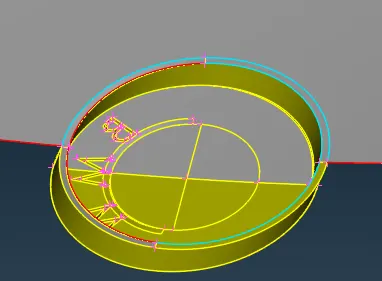
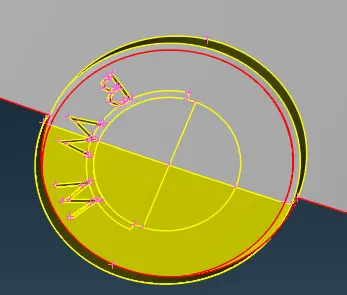
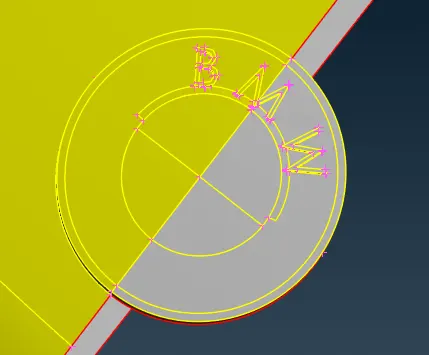 Creat a new face.
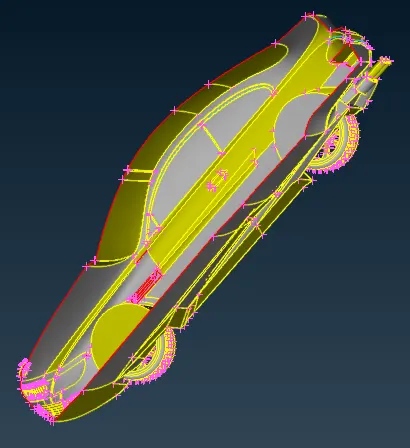 Delete the face extra thickness of the.
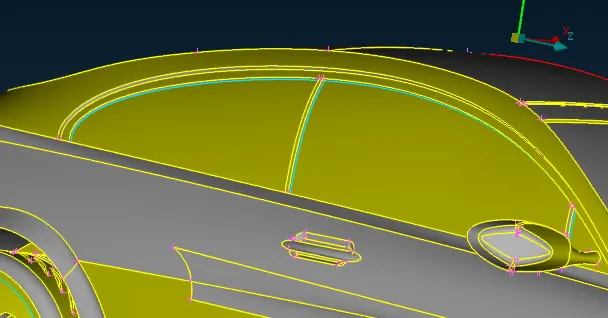 Here triple cones are present,bacuse extra thickness in the glasss are present.So delete the extra extra thickness .
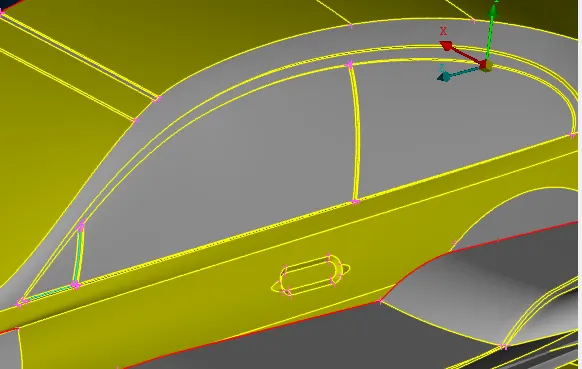
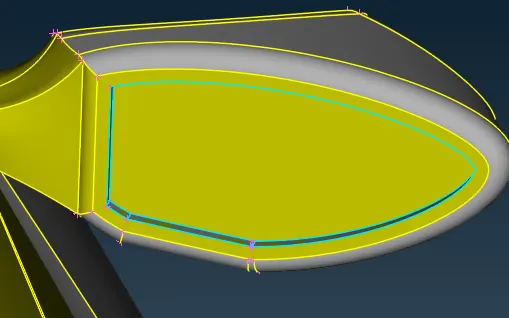
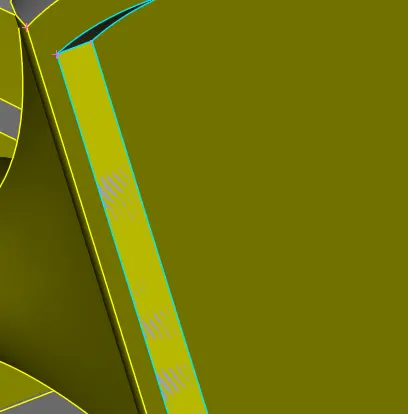
Here internal thickness are prasent and overlap of the face are prasent.So we delete the exra thickness and all the ovelap face.
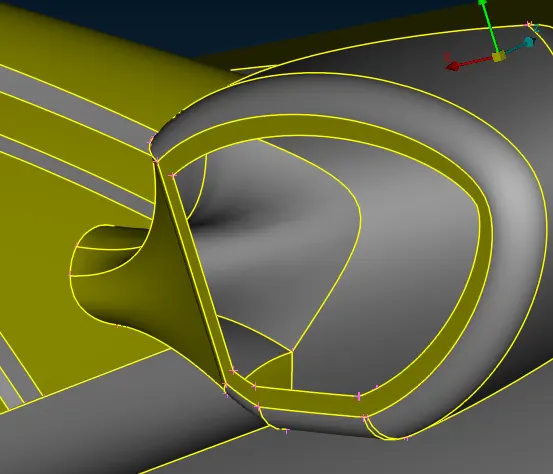 Now extra thickness are not present.
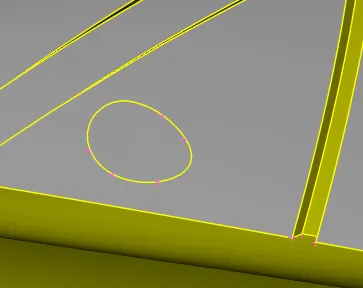 this face creat close volume as a mirror, so delete miror joint part from this face .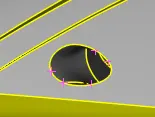
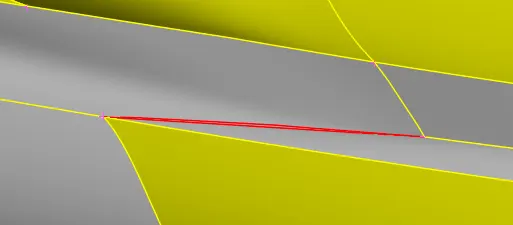 Hear hole was preasent,so creat the a face.
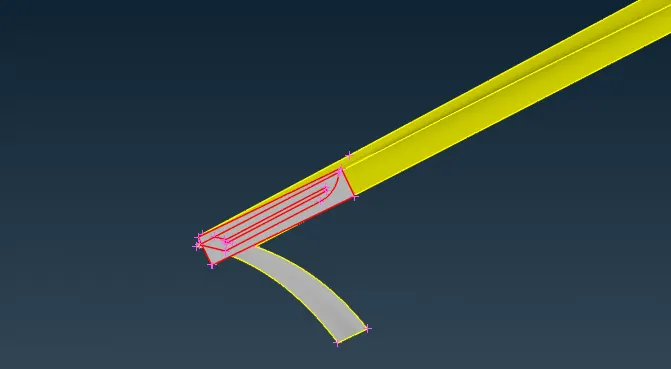 handle with geometrical error.
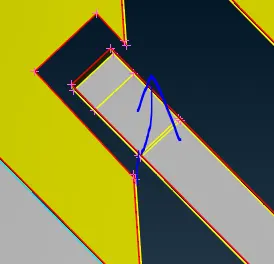 We have to extent the surface
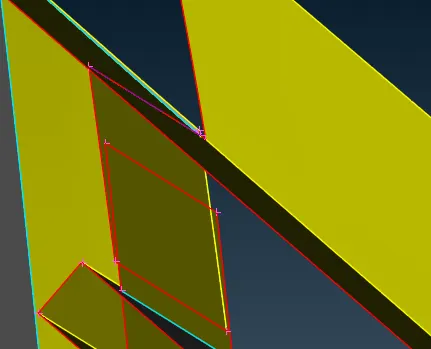 This is the extend surface.
after clear all the geometrical error.
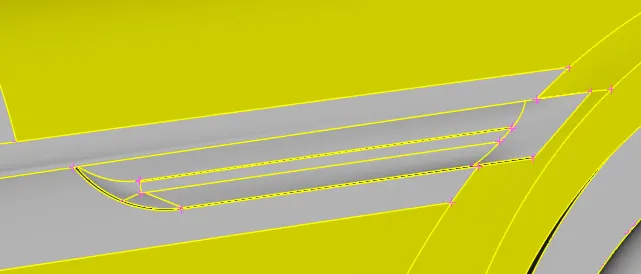
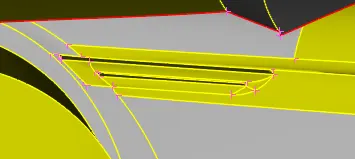
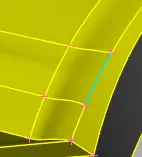 Here is a tripule cone, so delete the surface.
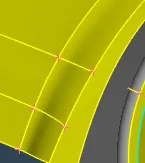 To Delete the face.
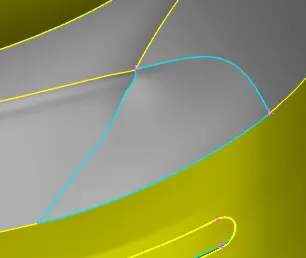 Threre is a tripule cone in a back light.`
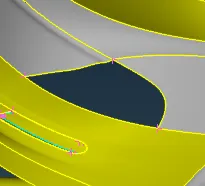 Now delete all inside elements.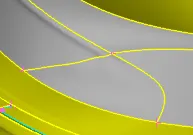
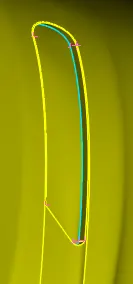 Here inside tripule cone was present, so we have to delete the extra thickness inside it.
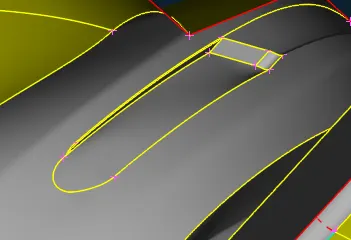 Clear the geometrical error.
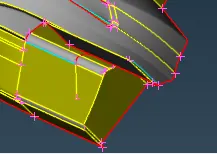
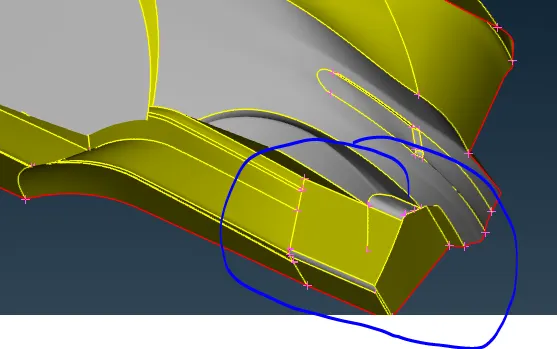 Delete the Extra surface.
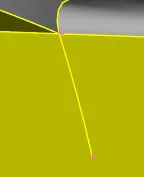
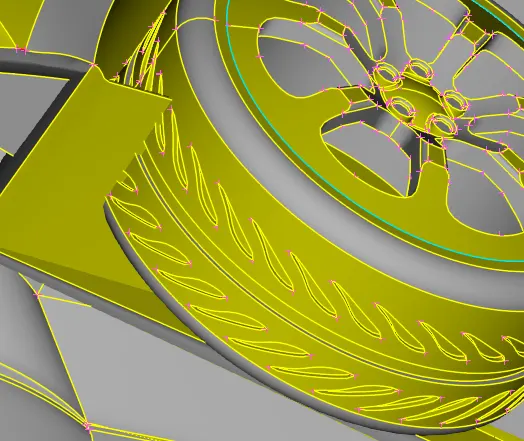
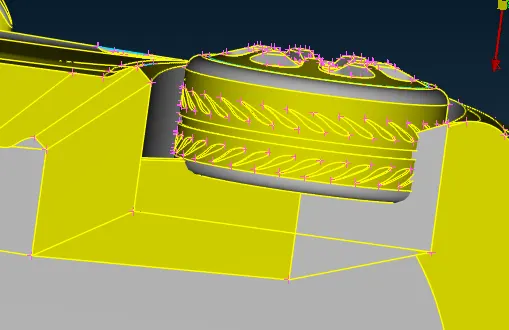
There is many face which intersect in side the tyers
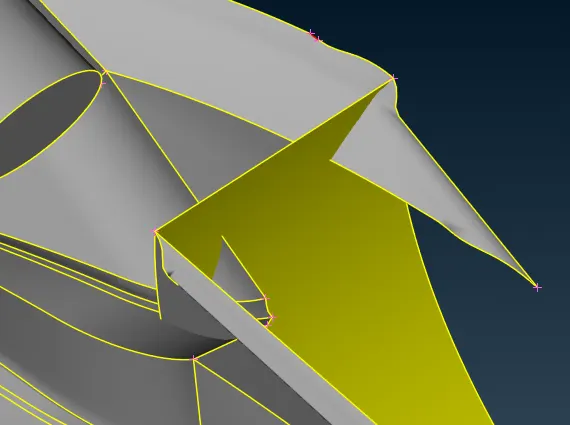
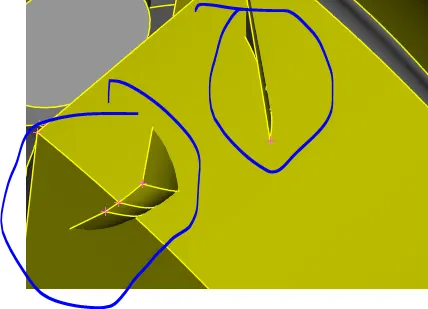
If we delete the face rounded face it is deficult to creat the curvr surface below the exhust pipe.
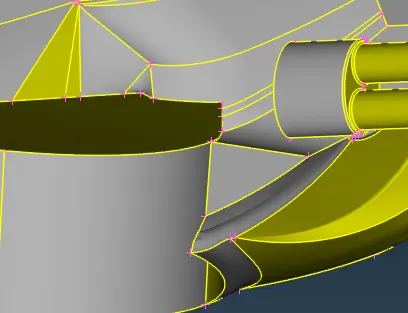 This is the final ,after clear the error
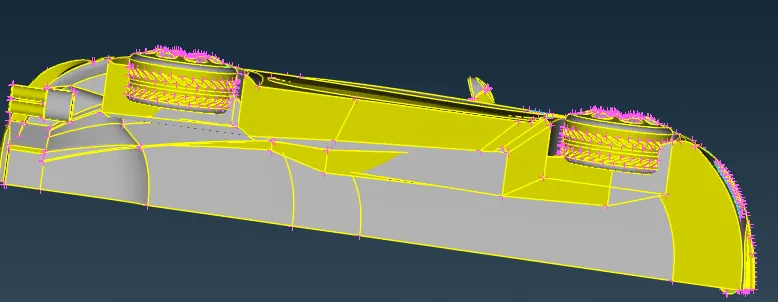
There are many inter section face in lower of car, so delete maximum face and creat the face again.
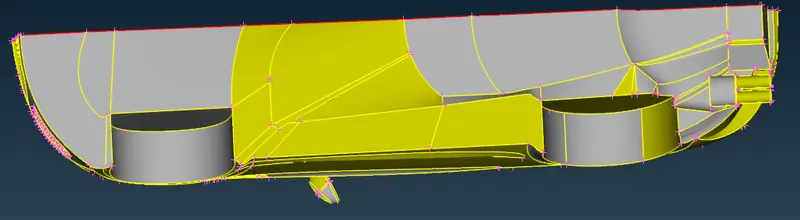
Delete all the face and and re creat all the face. To creat all save the the side single cones we use cones to corve (cone2corve)
cones2corve(corve)>>select the cones

Here delete the face and recreat the face again properly.

Recreat the faces again.
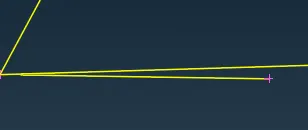
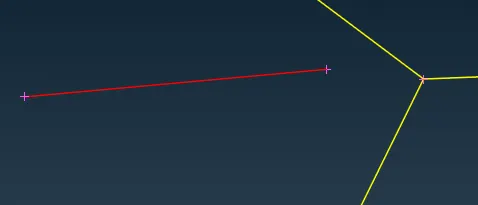
here small face are present
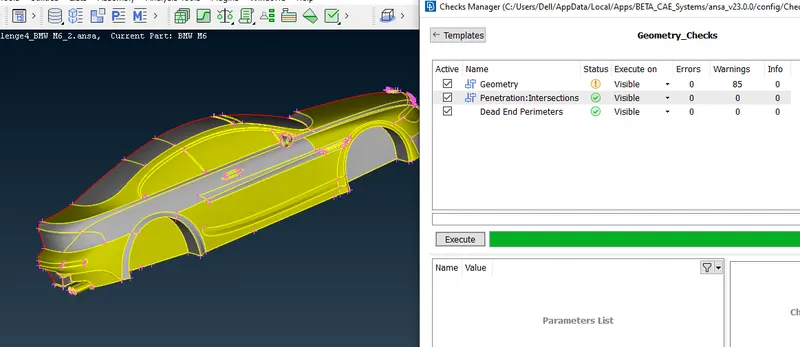 Now except the wheel all the geometrical error and inter section erorwas clear.
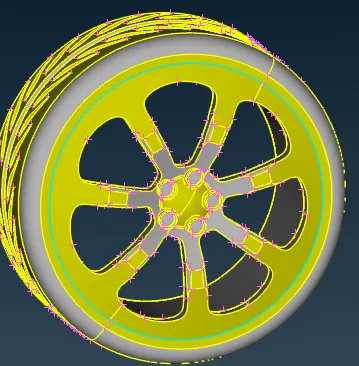 Here tripule cone was present,So deleet the inner face.
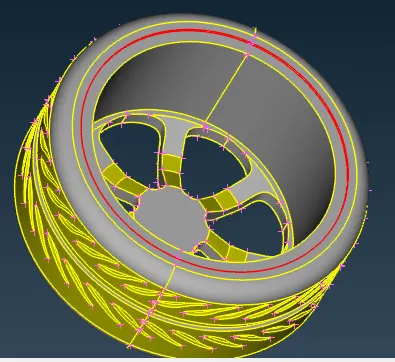 Now delete the small facees and creat a new face.
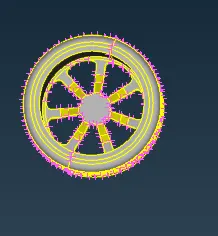 Now all the error get clear.
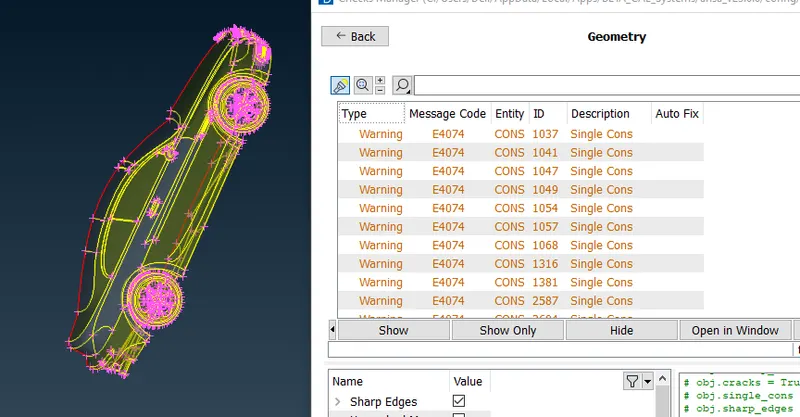 Now all geometrical error was clear.
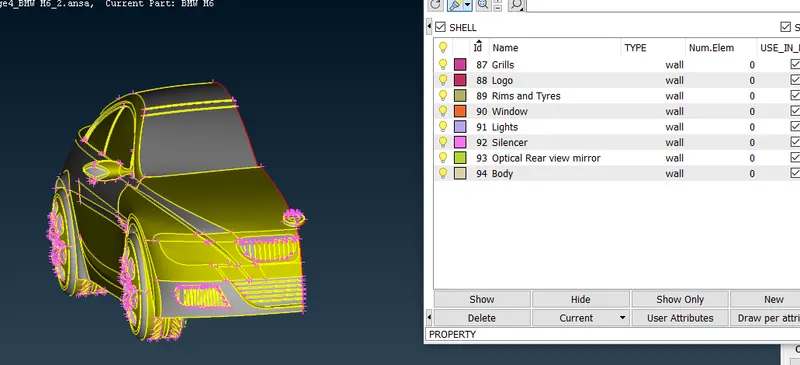 Set the PID as per require.
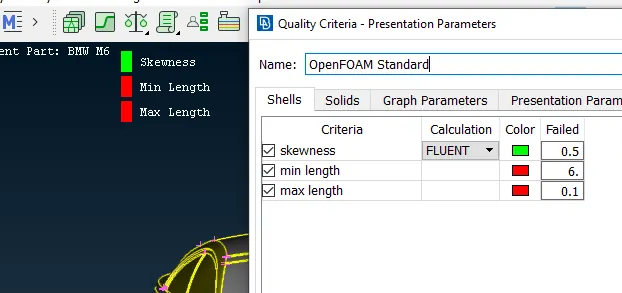 Set quality criteria as per require.
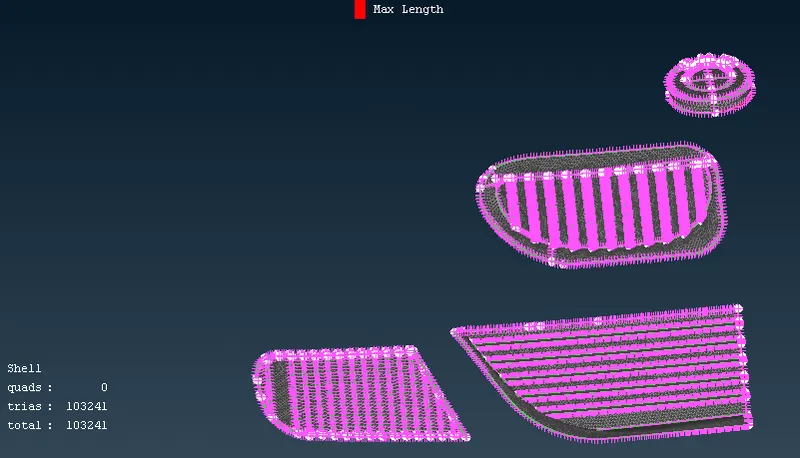 Set CFD mash in mash length 1mm with zero off element.
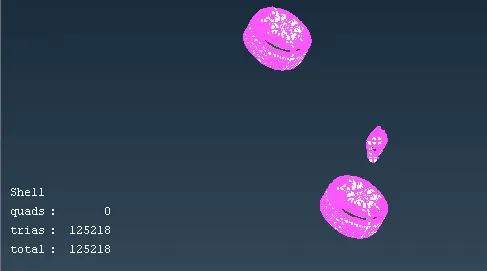 Set the mash parameter at 2 mm have zero off element.
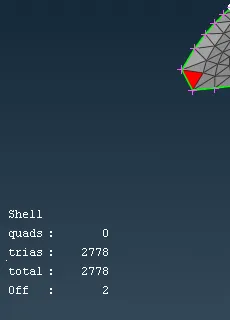 Here there is a off element so adjust the grid by grid move
syntax
Grid>>move>>select the point and move
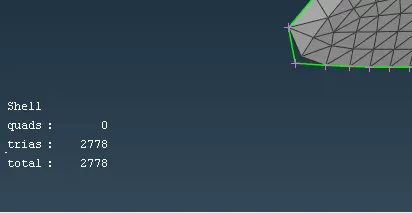 now there is no off element.
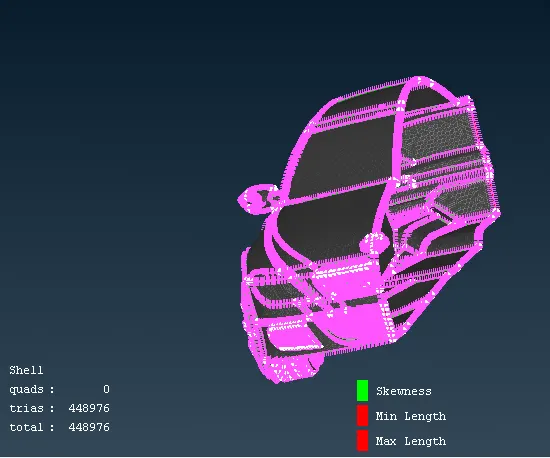 Now complete mashing of the work with 0 off element.
Now mirror the half of the car except the logo.
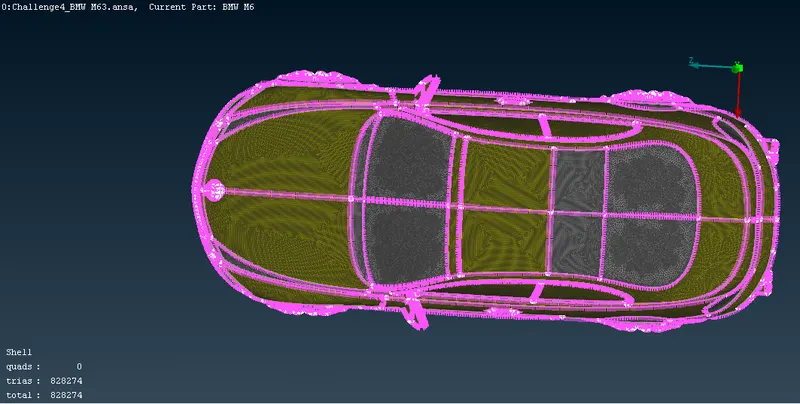
Now creat the volume.
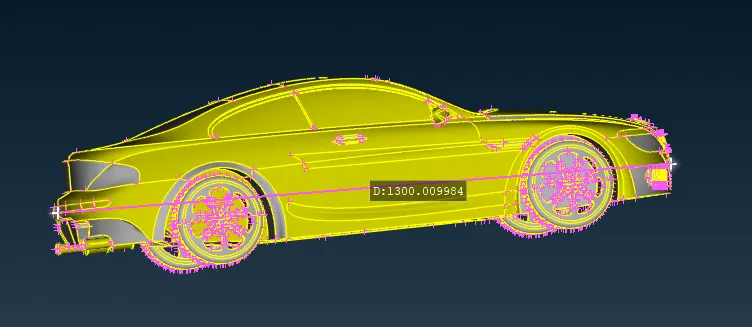 length of the car is 1300
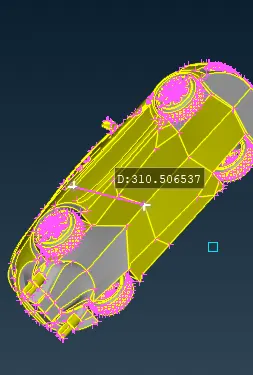 width of the is nearly 300
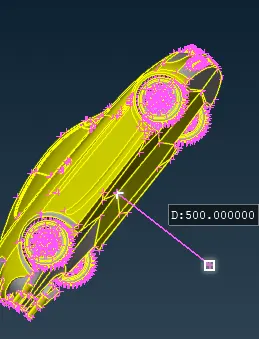 creat a relative pount below the car.
point>>relative>>from the point selected>>(-500)in y axis
simlarly creat other points
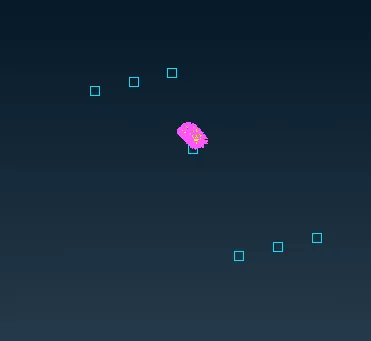 Now creat the curve by join this.
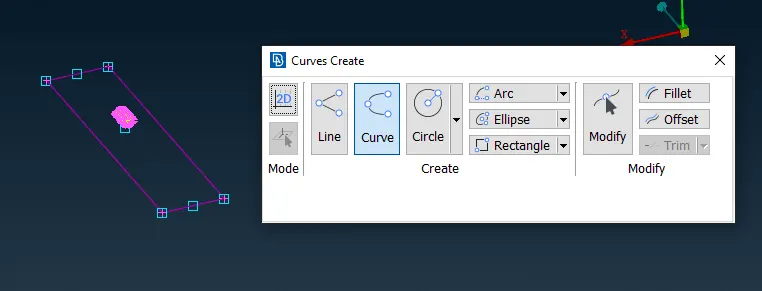 Now creat the plain.
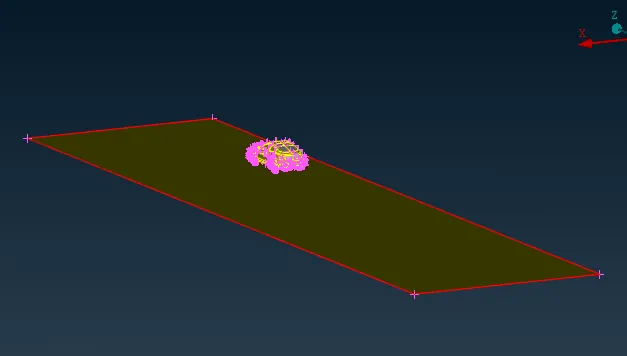 Creat upper surface
Hight of the car is nearly 350 no create a offset face above 4750.
offset(face)>>selectface>>offset -4750
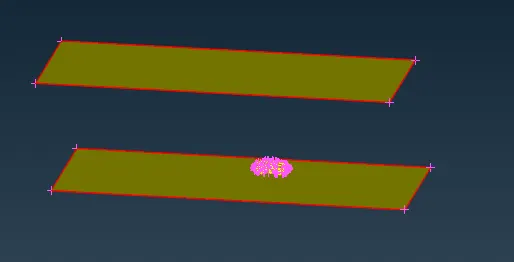
then ceat all other faces
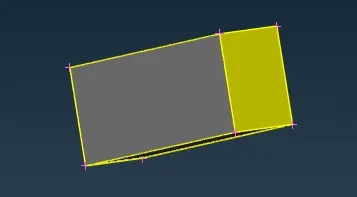
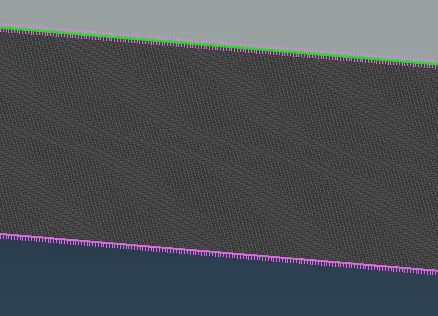 mash the bottom face in 20mm
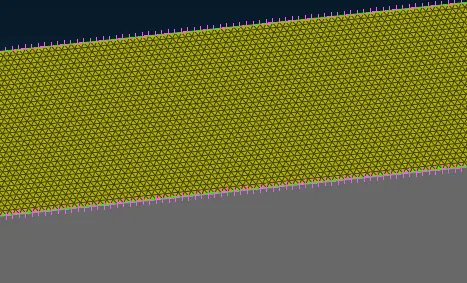 mash the top face in 100mm.
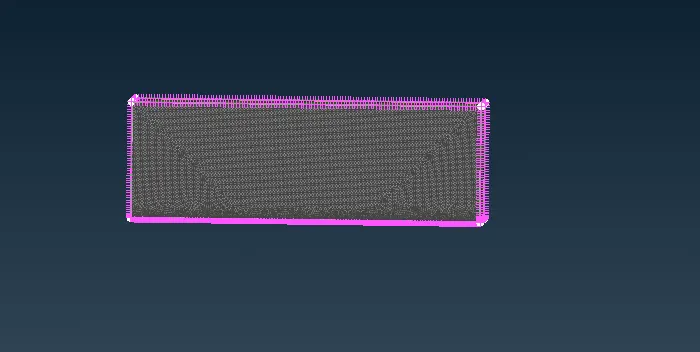 Now it is mash of mash lenth 20 to 100mm mashlength.
Conclusion:
https://drive.google.com/file/d/19pTb-1MK1INeE2yL0geDsgD1DiS9kaII/view?usp=share_link