Week 4 Challenge : CFD Meshing for BMW car
CFD MESHING OF A BMW CARhttps://drive.google.com/file/d/1gFeHVMBv4zdNv6J1F6ddwG_khk6M2adY/view?usp=share_link
AIM
To do CFD meshing of a car and surface meshing of the windtunnel for performing volumetric mesh.
Procedure;
Step-1
topological cleanup;
Open file > topo > (if the model have resolution problem) give macros & perimeter-1mm
Delete the half portion of the car .
Delete the unwanted surface on each parts which forms unwanted volumes.
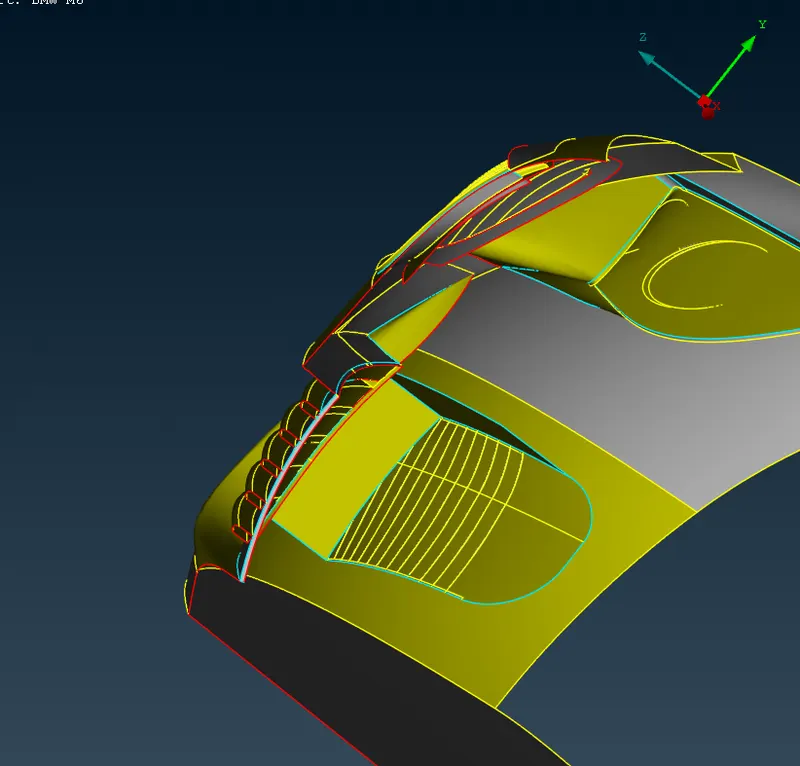
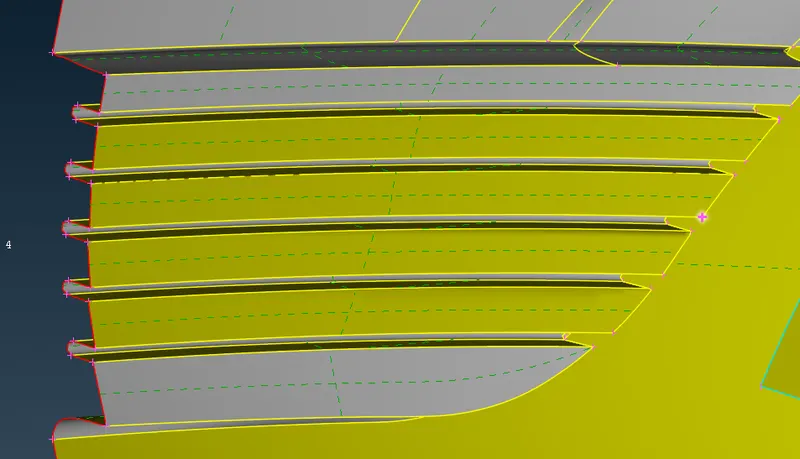
after all the topological cleanup do geometry checks for any errors.
Step-2, Assigning different PID'S.
Properties > right click (new) > p sheel > body >ok.
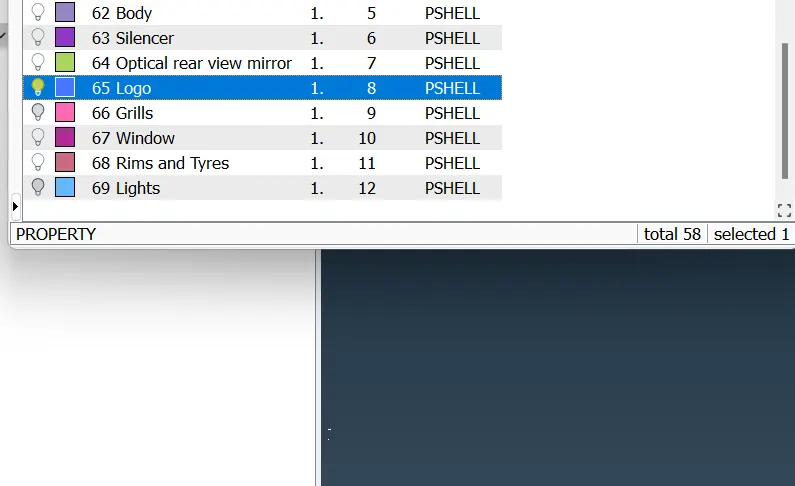
Step-3, meshing of the car.
Select each pid's & start meshing using given quality criteria .
set quality criteria and mesh parameters.
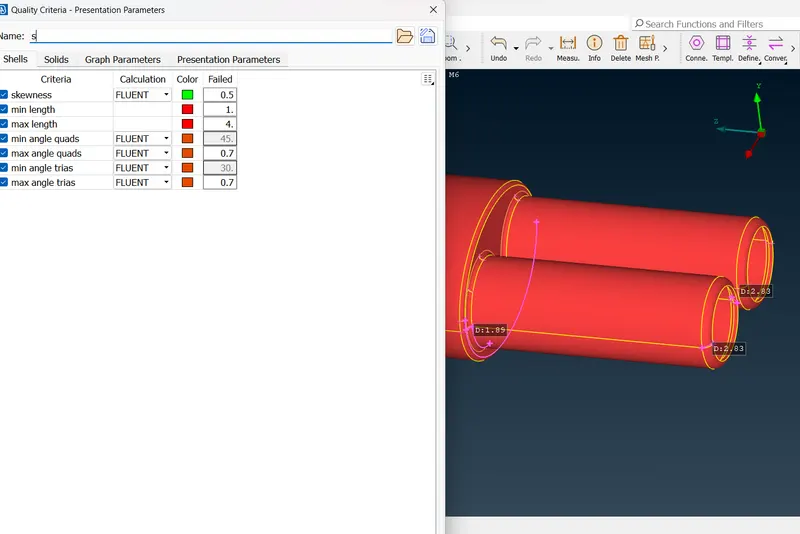
isolate silencer, target length as 3mm,min length 1mm & max length 4mm
parameters > target length 3 & min leng 1mm.
quality criteria > min length 1mm and max length 4mm.
perimeter & macros as 3mm.
spot mesh visible
after meshing check or any of element.
Enable hidden mode > off element can be found
Shell mesh > reconstruct visible .( after reconstruct also if off elents are found do move options, paste option, grid option, split option to remove the off elements .
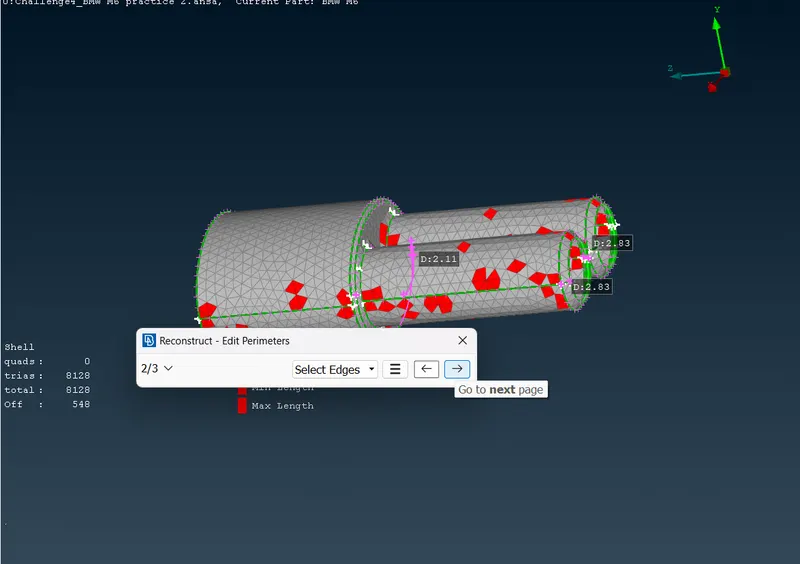
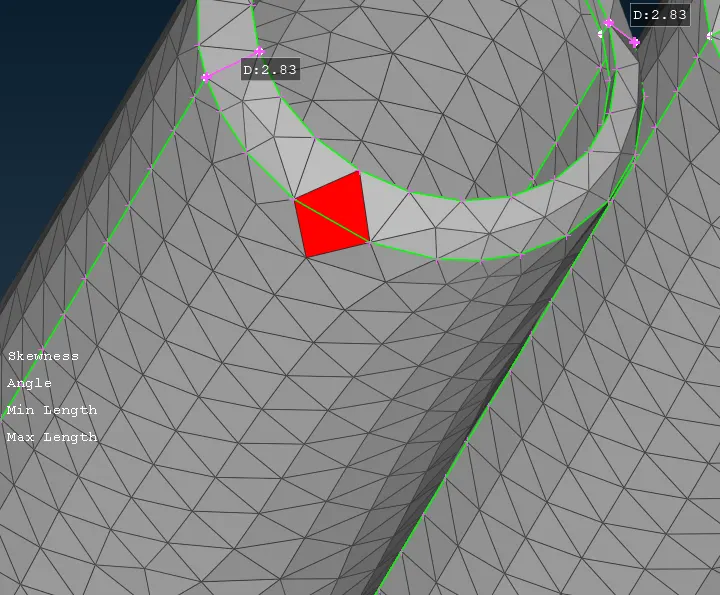
Do the same procedure of all pid's except Body pid.
for body pid because these is the portion which comes in contact with other pid's which have different mesh lengths so;
after selecting perimeter option, deselect the perimeters which comes in contact with other surface which have different mesh length.
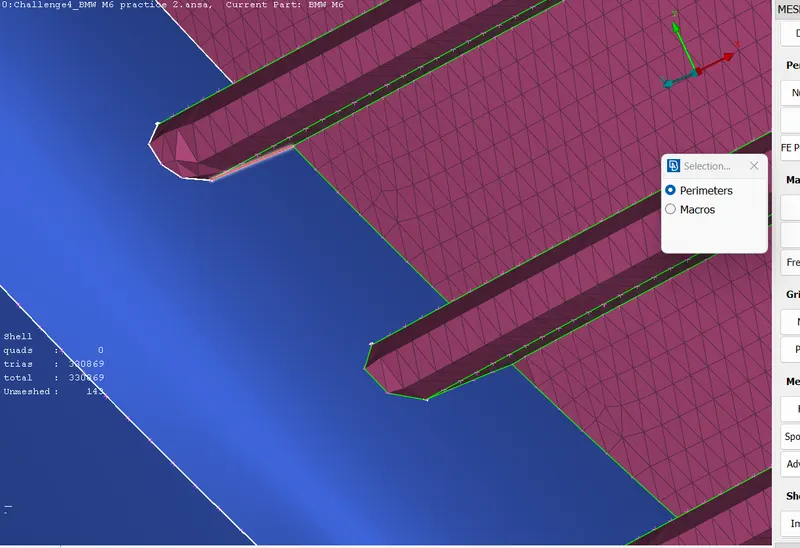
Step-4,to do symmetry of the car.
select transform > copy > entity > press shift & drag box selection >deselect unsymmetric surface (logo) > middle click >symmetry > mirror 3 point plane > select 3 points .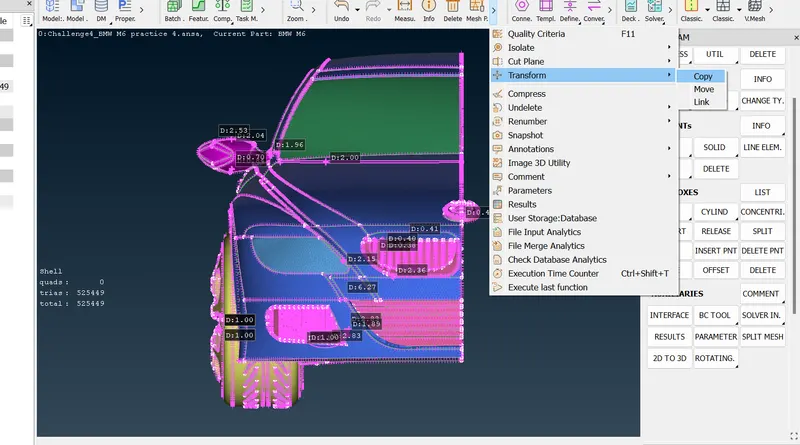
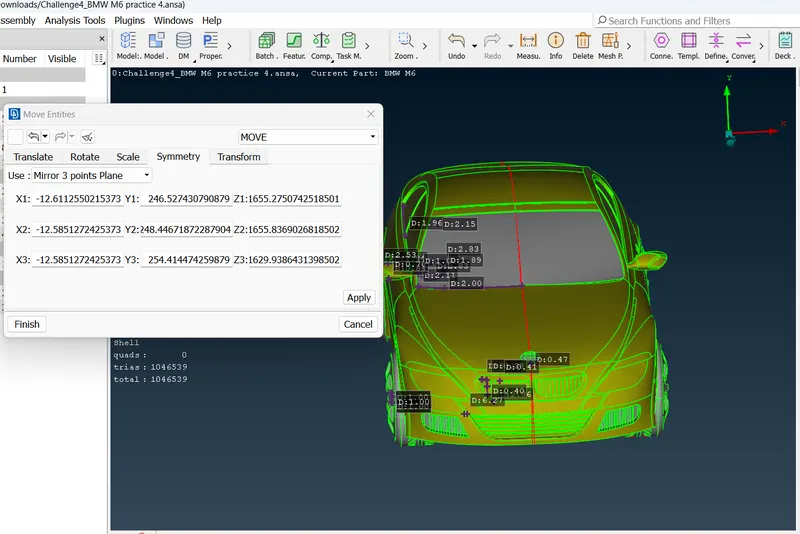
Transform options > PID (no offset) > part ( same part ) > ok > finish
After completing symmetry do checks of the grometry.
Step -5, To create wind tunnel.
First take the measurement of the car from rear to front , length x= 1304 mm
Then select a midpoint at the bottom surface.
Topo > points > relative > select the node > middle click > dy= -75mm.
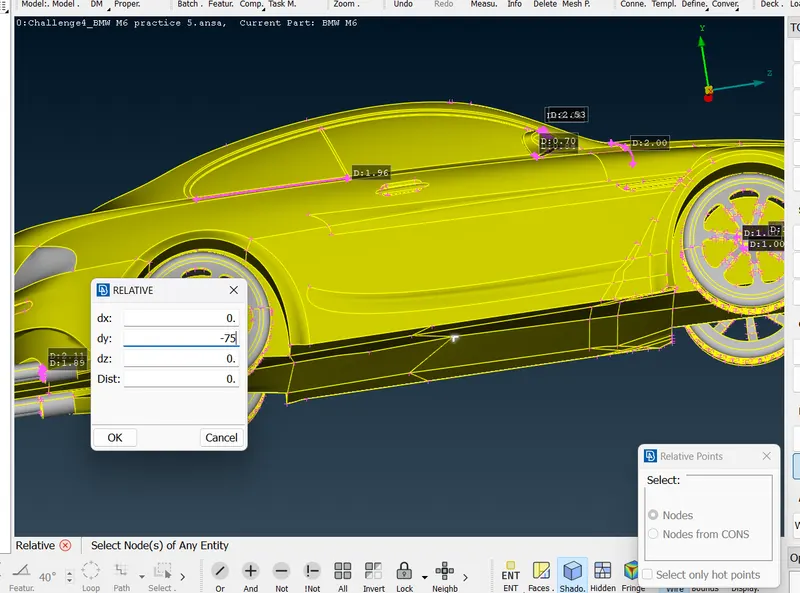
After that to create point on front and rear.
measures the distance from midpoint to front side distance = 654 mm .
front side distance = 4x + 654 = 5870 mm.
Topo > points > relatives > nodes > middle click > dz= 1 > distance = 5870.
for rear side ,
measure distance from midpoint to rear side .
distance = 610 mm .
rear side distance = 6x + 610 = 8434 mm.
Topo > points > relatives > nodes > middle click > dz =-1 > distance = 8434mm.
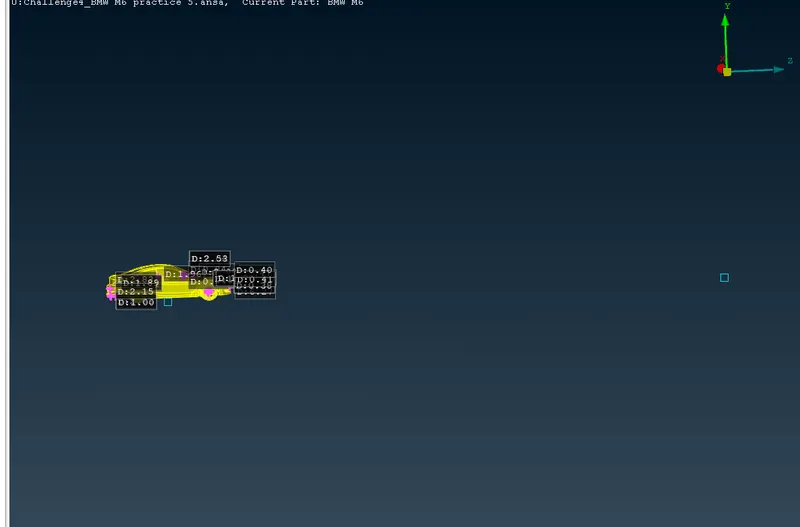
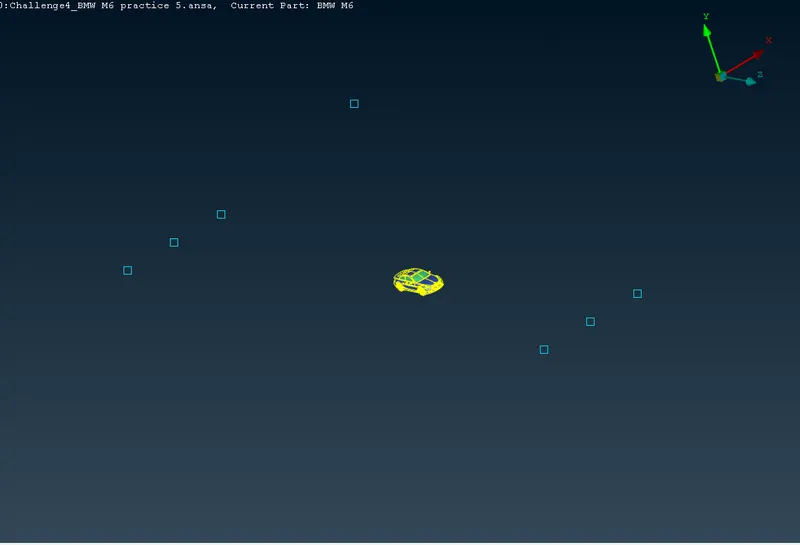
Top surface ,3x distance
relative > select a point on top surface > middle click > dy = +1 and distance = 3*1304 =3912mm.
To create side surface .
Points > relative > select front & rear points > middle click > dx = 1 > distance =1304mm.
to create in opposite follow same except the direction dx=-1.
After that we should create curves for creating surface .
curves > create > select the points > ok.
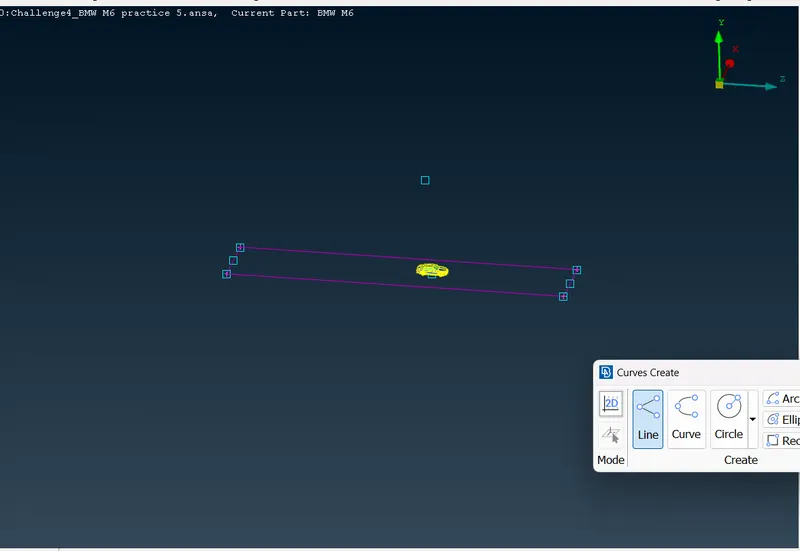
To create top surface ,
we should measure distance from bootom surface to a random point on the top of car distancem=380 mm.
top surface distance = 3x+ 375=4287mm.
face > offset > select face offset > offfset value =4287mm.
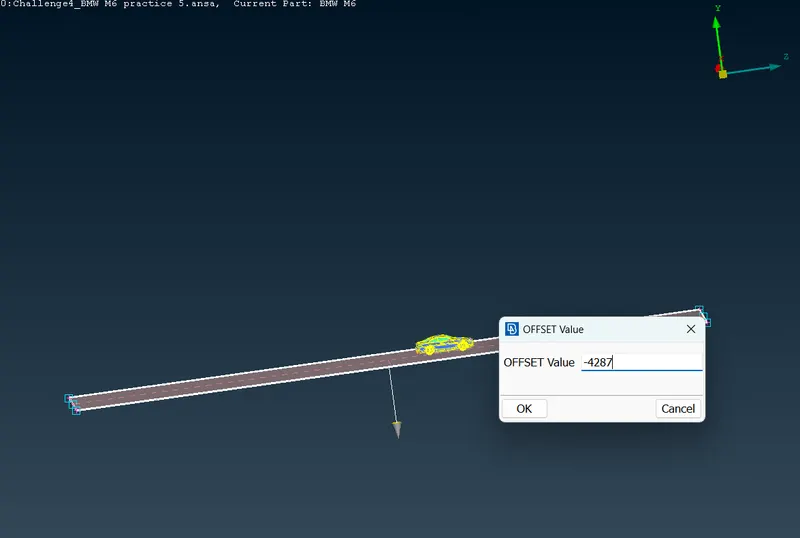
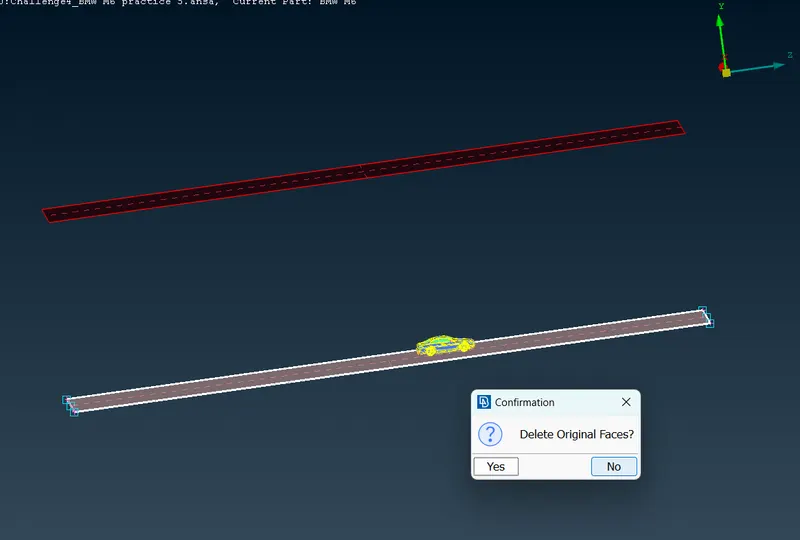
After create all side surface using.
Face > new > cons > middle click > ok.
create different pid's for base surface, top,side ,front & rear surfaces.
Step-6, Meshing of the windtunnel .
when meshing the wind tunnel the surfaces closer to the car should have fine elements and surface faraway should have coarser surfaces.
so the base surface the mesh element should smaller,lets take as 20mm and top surface which is far away take as 100 mm element.
meshing to top surface,
quality criteria as min length 80mm and max length 110mm.
parameter > target length 100mm >min length 80mm.
Length > perimeter & macros as 100 mm.
Do the same for base with target length 20mm, min length15 mm & max length 25mm.
Because of the larger variation of mesh length from bottom surface to top surface so we should give variable mesh lenth between these surface.
spacing >biasing ( geometric) > factor 1.1 > d min 20mm > d limit 100mm > select the cons > check the direction >ok.
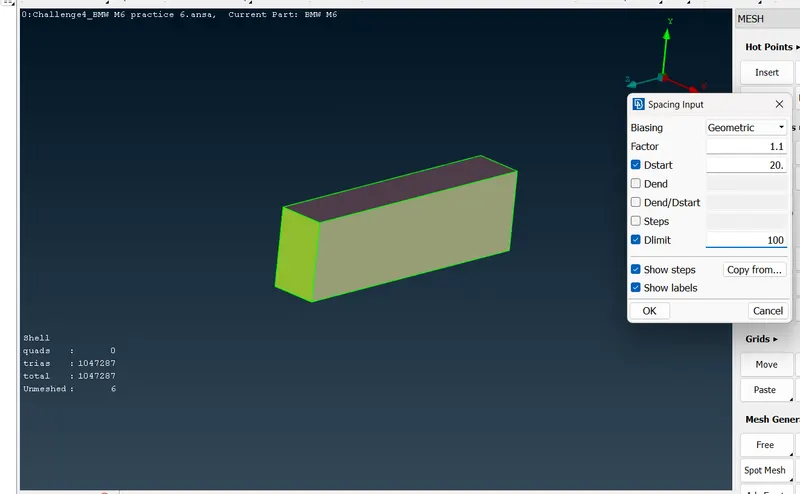
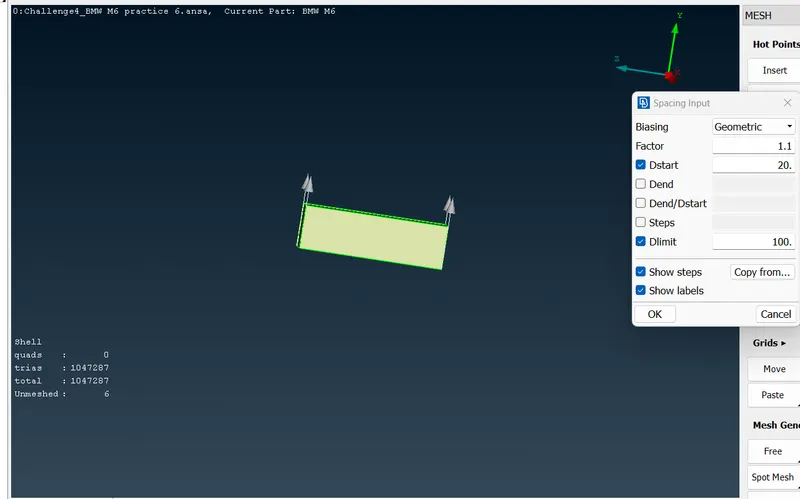
mesh parameters > locals ok.
mesh generation > spot mesh > select > ok.
do the same for all surfaces.
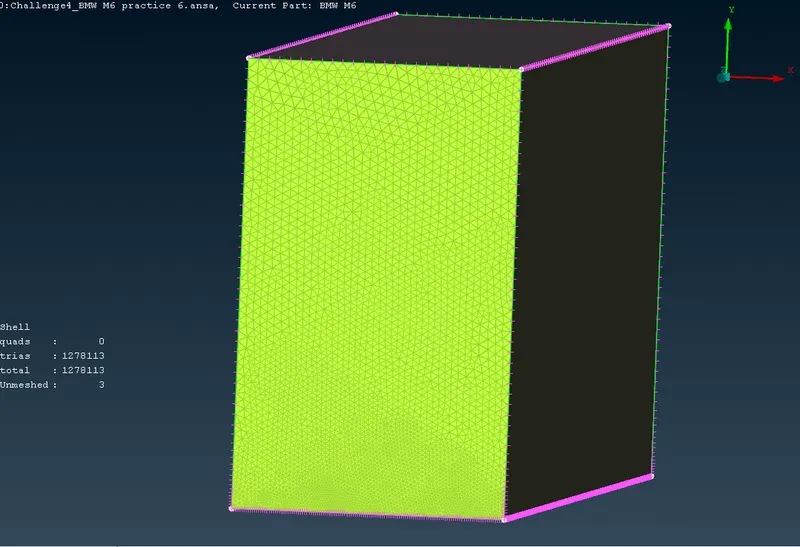
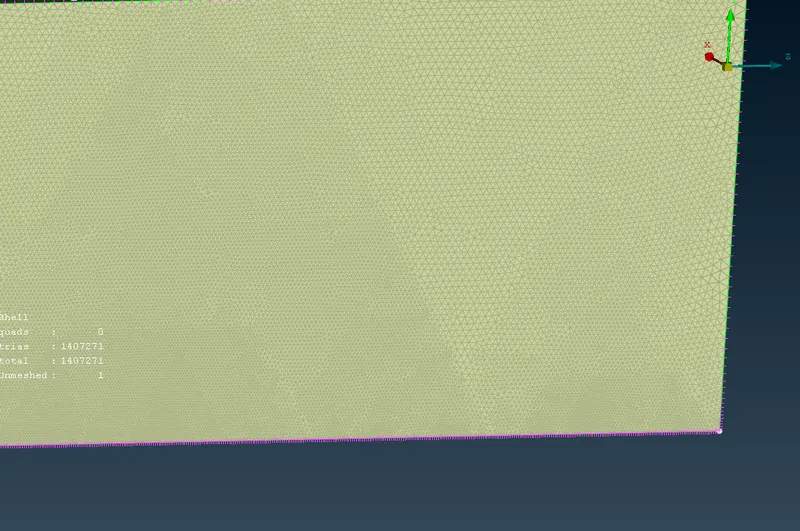
Here we can see the variation of mesh elements of bottom to top surface .
Step -7, Volumetric mesh:
for doing volumetric mesh ,first we need to delet unnecessary volumes.
Define > auto detect
we only need surface volume of the car and wind tunnel.
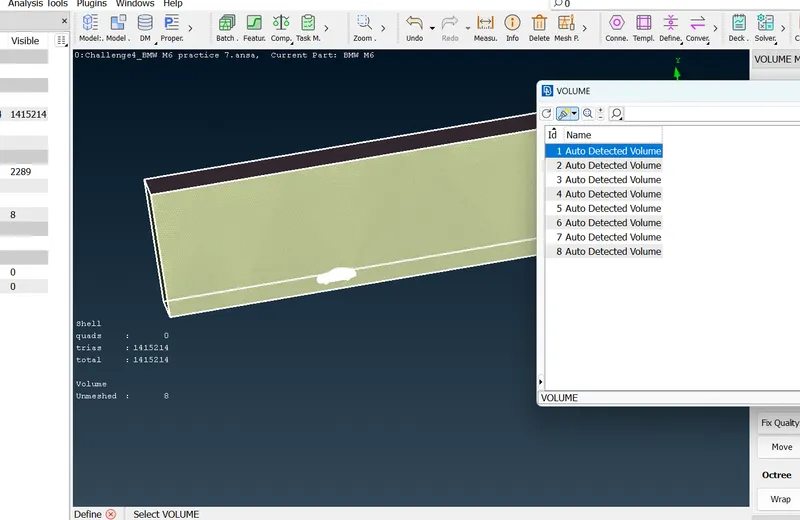
select the volume > right click > mesh.
Learning outcomes;
- topological cleanup of a car or a larger surface which is symmetric in nature which can be deleted one portion and transform the copy of the existing portion .
- meshing of the surface which was sharing different mesh length without loosing the meshed in areas.
- To delete the whole surface and creating whole surface by using curves as footprints.
- To create windtunnel surface using relative nodes in xyz directions.
- define the volumes for model.
Result;
we got CFD meshing of a BMW car and wind tunnel with given parameters and quality criterias.
Conclusion;
By doing the above exercise we can able to analyse the CFD applications of the given model.
https://drive.google.com/file/d/1gFeHVMBv4zdNv6J1F6ddwG_khk6M2adY/view?usp=share_link