Week 4 Challenge : CFD Meshing for BMW car
The aim of this exercise is to perform full geometry cleanup for a half car model and optimise all the surfaces for preparing it to perform volumetric meshing inside a wind tunnel.
For this, first we have to obtain the model for a car which in our case is a BMW half car model and first we analyse the model thoroughly and perform checks to find the errors. Then, we start to perform topo clenaup for the model by isolating the model parts and surfaces according to the PID's and regions.
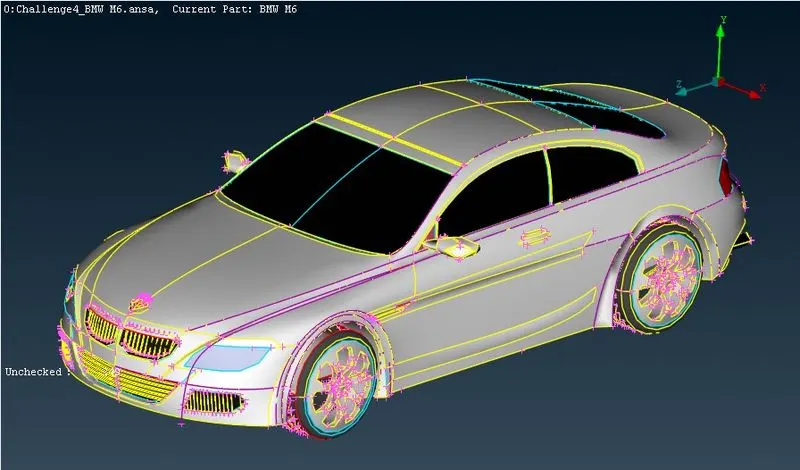
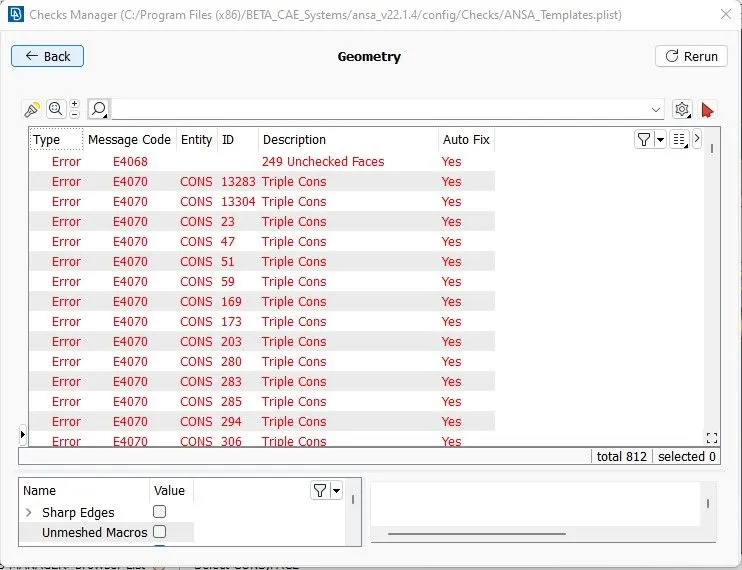
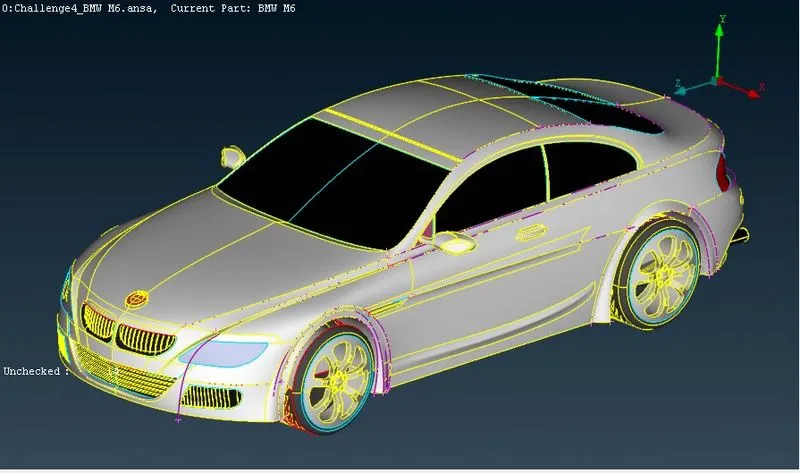
In particular we have to make sure we eliminate all the single and triple coons and duplicate or merged surfaces. We can isolate each and every components respectively and thoroughly inspect the regions where single coons and triple coons are present. But performing this operation on a full car model is tiresome so we split the body into half apart from the logo and perform the necessary actions.
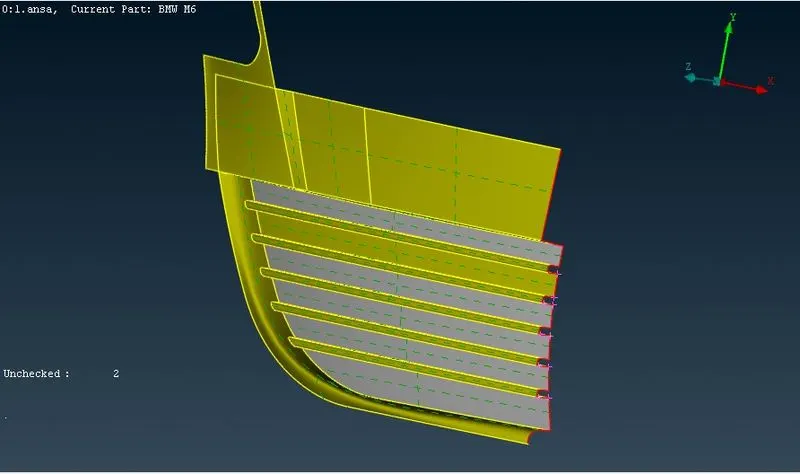
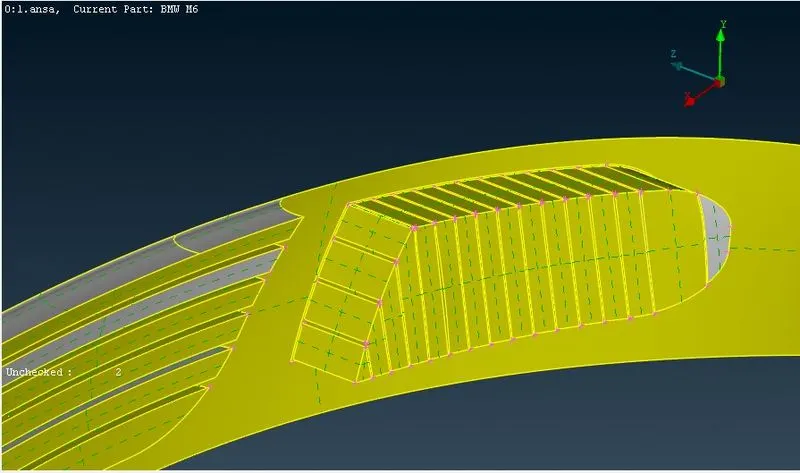
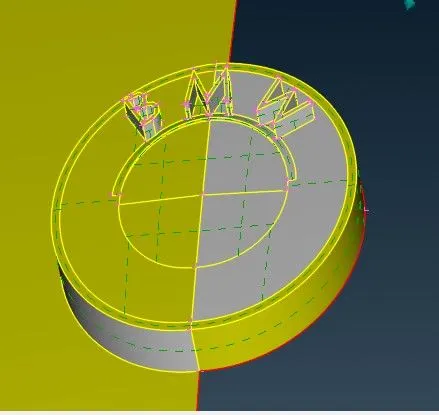
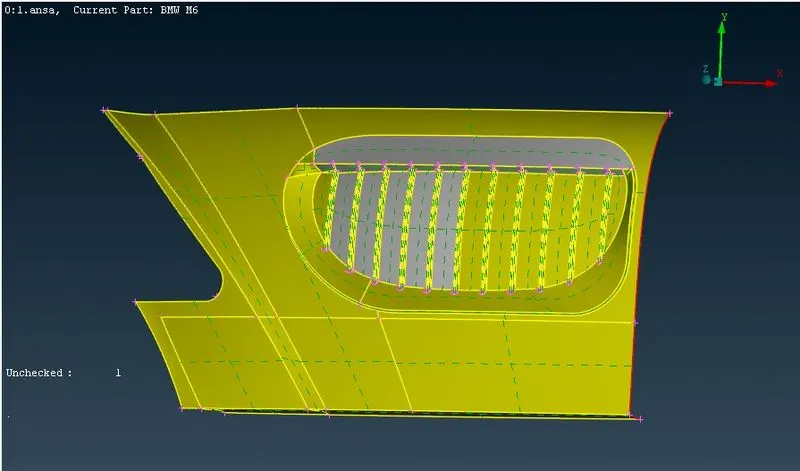
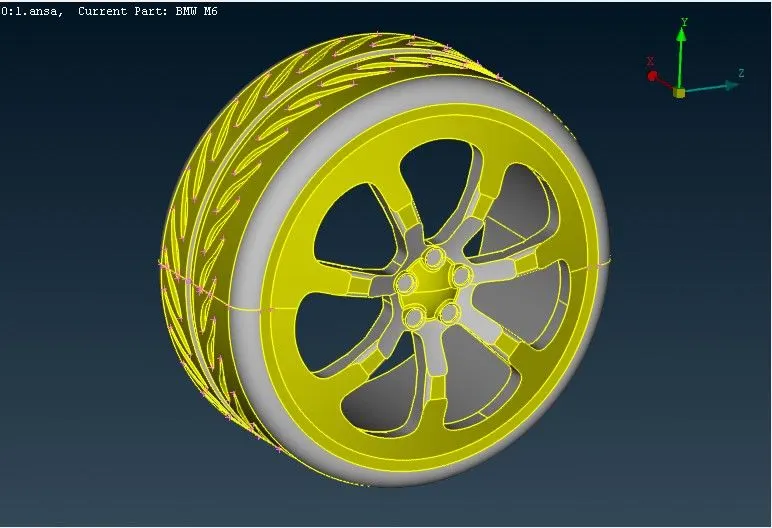
AFter performing all the necessary topo cleanups, we can move onto assigning each of the elements and components their own separate PID's.
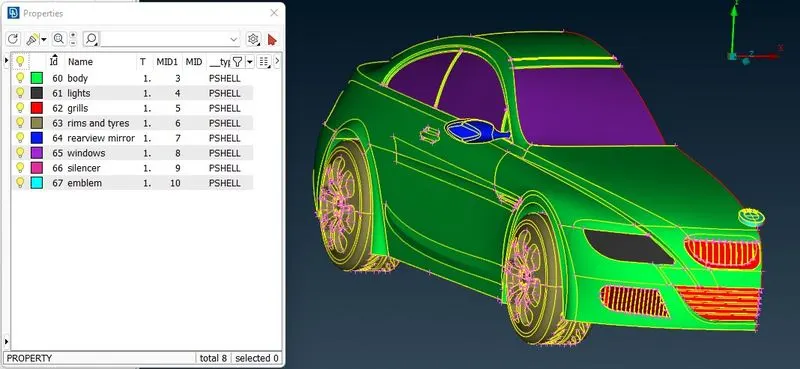
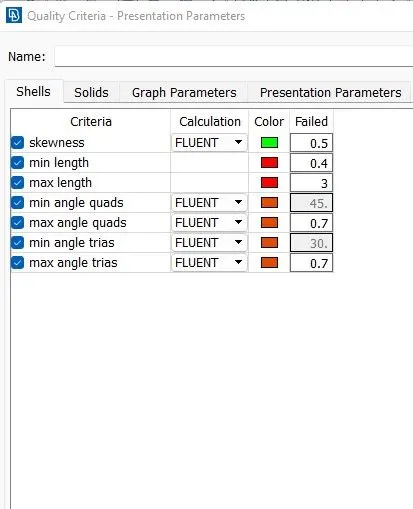
After the PID's have been assigned, we can move onto surface meshing the model. We can assign the mesh parameters, mesh quality criteria and mesh lengths separately for each PID,s since the mesh length and parameters of one component will not be suitable for meshing another component.
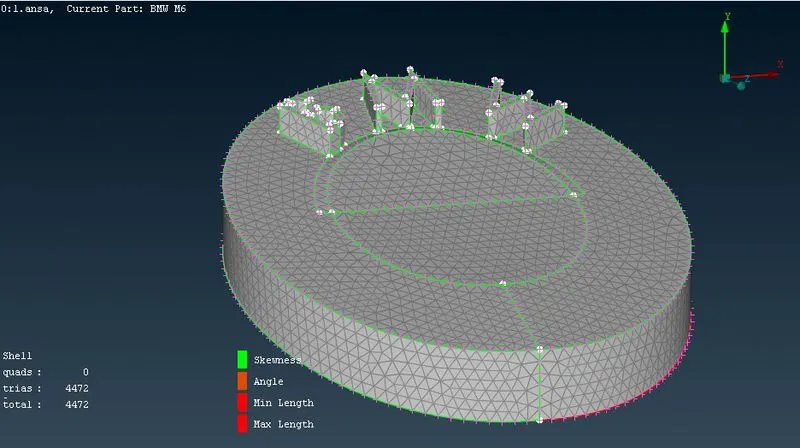
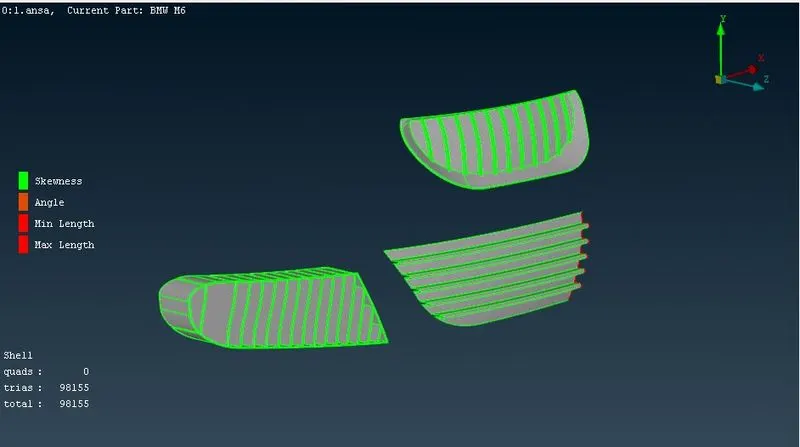
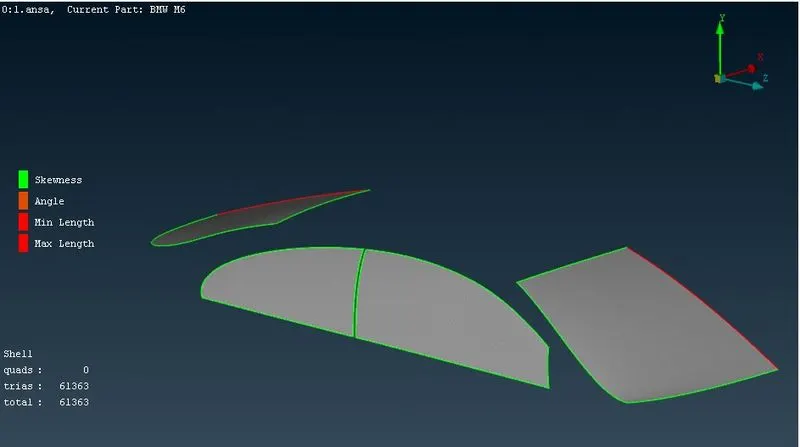
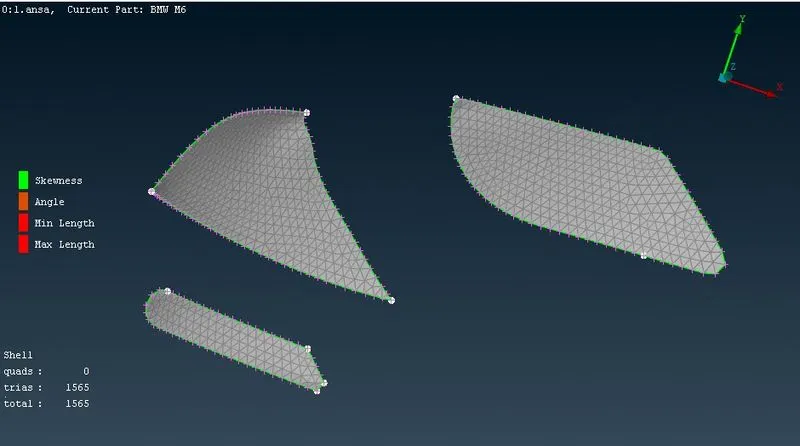
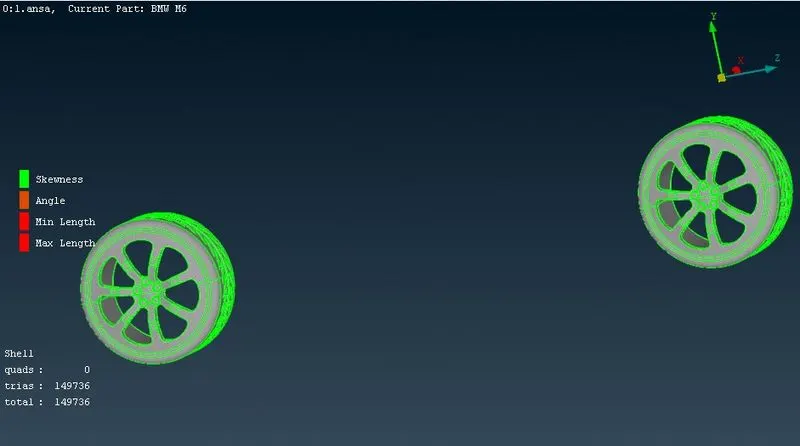
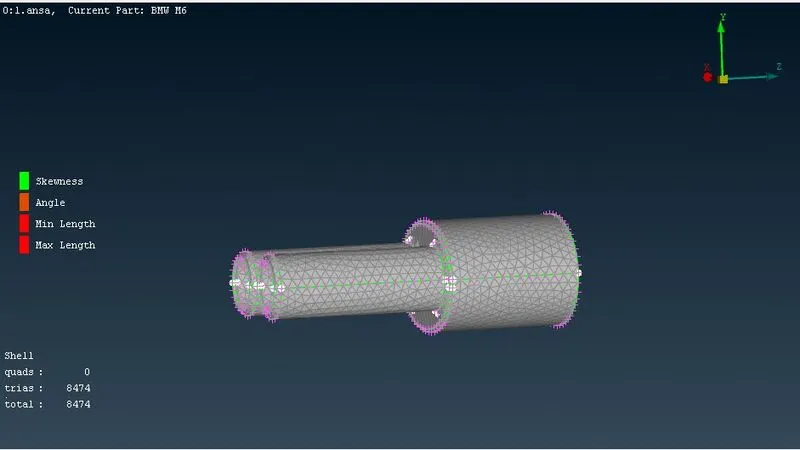
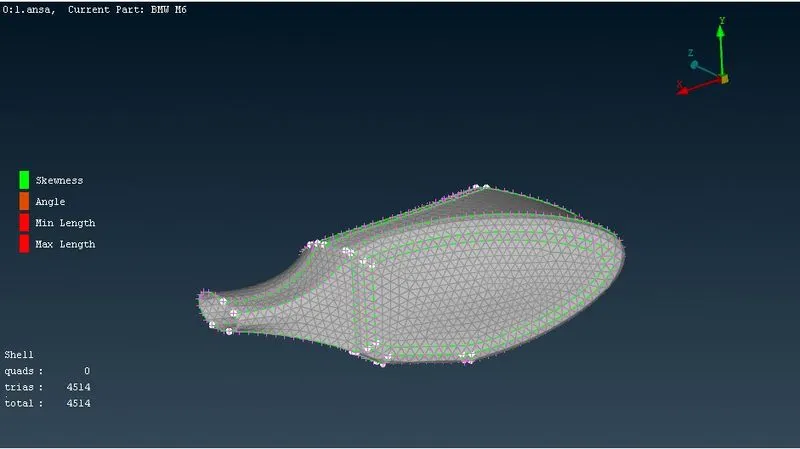
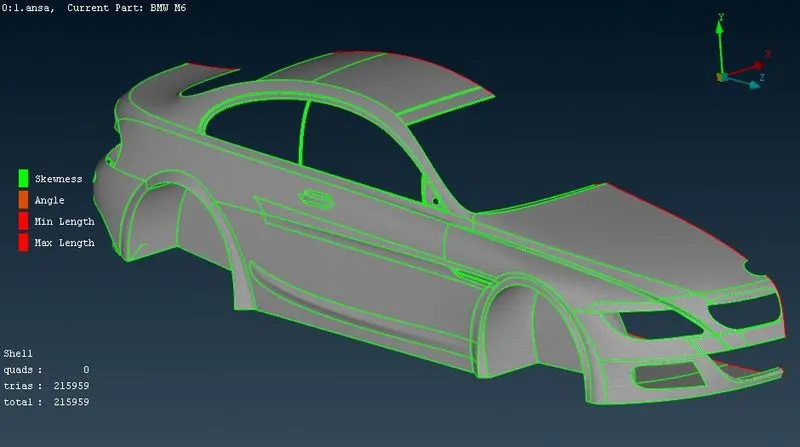
After performing surface mesh for all the components and reconstructing every component to eliminate and rectify any problems or errors occuring due to the contradiction with the values of skewness, min length, max lengths and angles, we can finally move onto mirroring the model's other half.
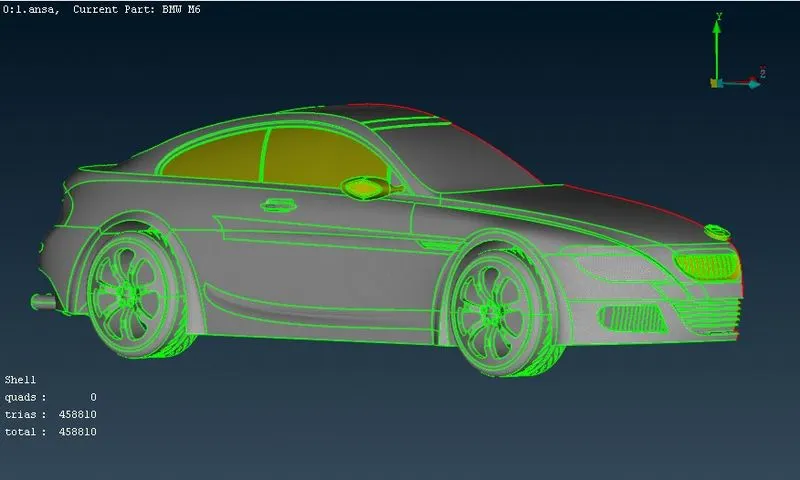
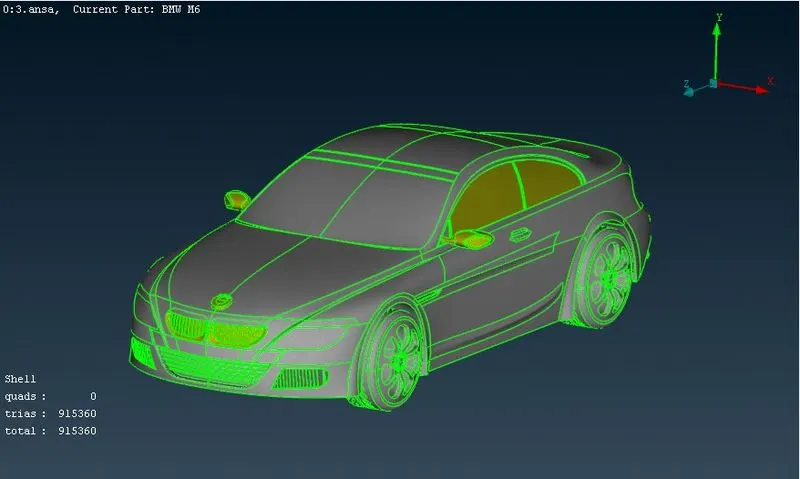
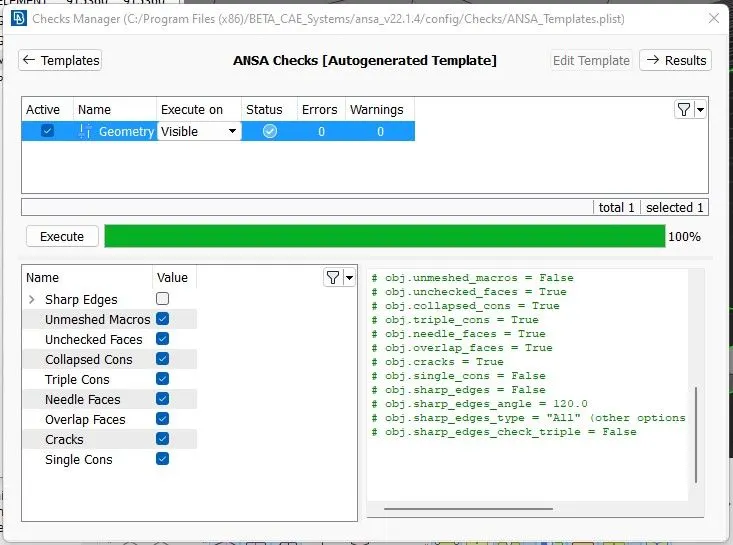
After creating a full model, we can have checks done before moving onto volumetric meshing.
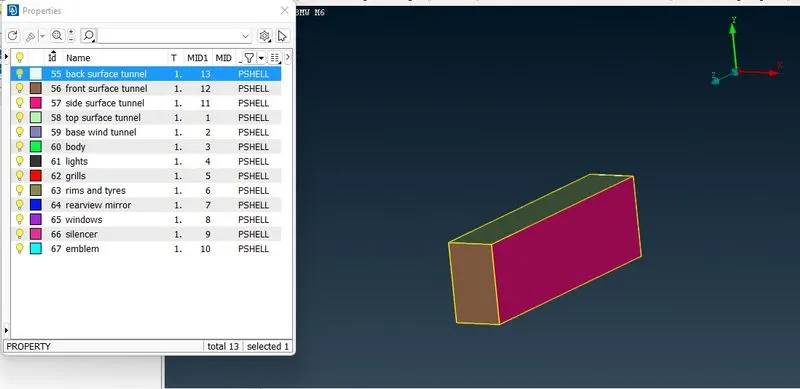
Now, we can move onto creating a wind tunnel for the model. The wind tunnel is created by the size as for the front, back, up, we can provide the values of 4 times, six times and 3 times the value of the total length of the car. We create points and use these points to create curves using which we can create new surface. We use offset option to create the top surface and using the top and bottom surfaces, we create all the remaining surfaces for the wind tunnel and assign individual PID's.
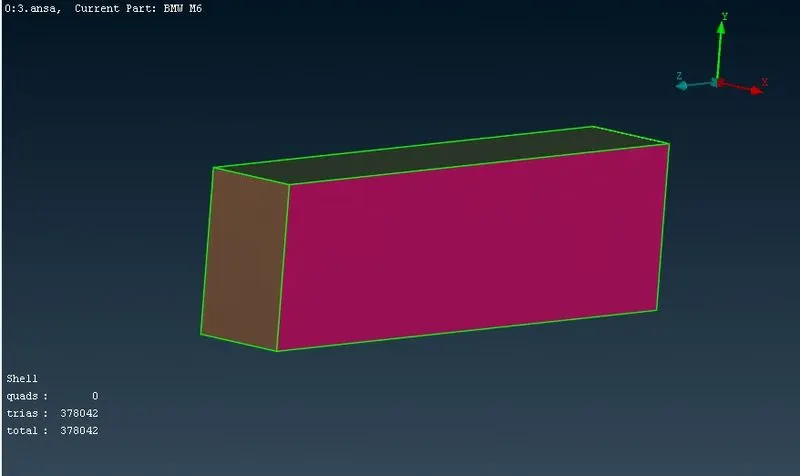
AFter assigning the PID's, we can perform surface meshing for the wind tunnel with mesh sizes of 20mm and 100mm for bottom and top surfaces respectively. We use the spacing option for the sides to vary the mesh length from 20 to 100 gradually from top to bottom with a factor of 1.1.
Now, in volumetric mesh, we can choose define and then select from whole database to find all the volumes present.
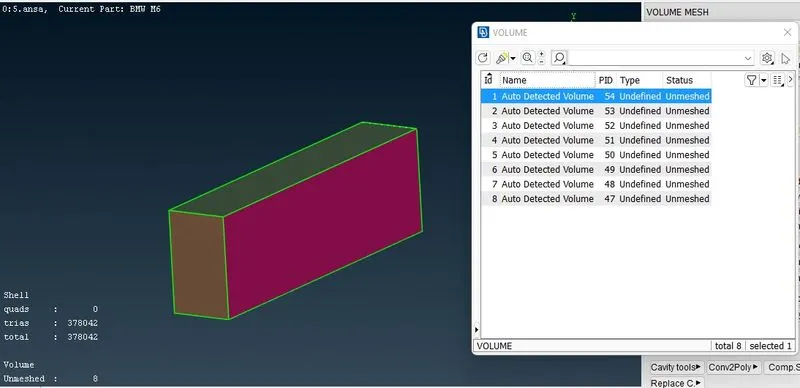
From all the volumes present, only the one with the car as well as the wind tunnel is required for us. So, apart from that volume, we delete all the other individual volumes and proceed to volumetric meshing.
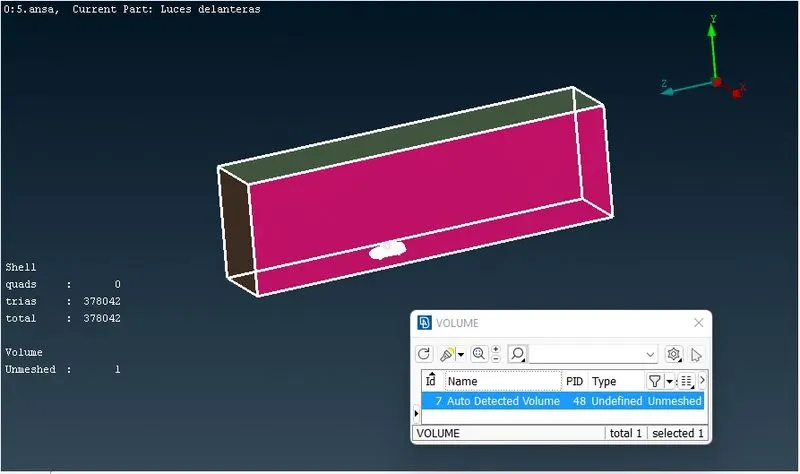
NOw, we can select that volume and remesh the volume using cfd triads.
Therefore, we have successfully split a model into half, checked and rectified all the errors present withing the model's geometry, performed surface meshing individually for all components, created a wind tunnel and surface meshed it as well and finally performed volumetric meshing for the model.
https://drive.google.com/file/d/1mzA-p0LmgBumQEHkOE-eR3fTyKegszuo/view?usp=share_link