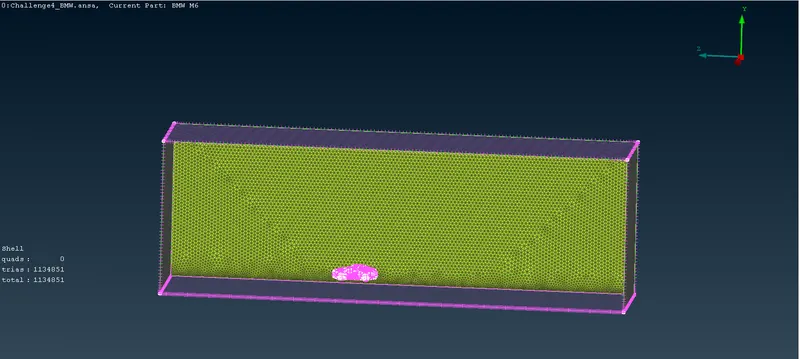
Week 4 Challenge : CFD Meshing for BMW car
AIM : We have to external flow simulation, create a fluid domain , create a wind tunnel and perform the mesh
OBJECTIVE : *Check the geometry by geometry check *Error rectification *Creation of wind tunnel *Performing mesh
We are going to do a external flow analysis so there is no need of internal components and have to clear it so the geometry will be one volume
PROCEDURE:
In every geometry, we have to check the units, whether the size was proper and have to check the resolution.
It's asymmetrical model so we can cut into half and rectify it by clearing all the intersection errors, single cons and triple cons and while cutting the geometry, we have to make sure we're not deleting necessary parts.
We can work on hard part like grills which take more time to solve so it will be easy to solve other parts and we can isolate the parts which we gonna work
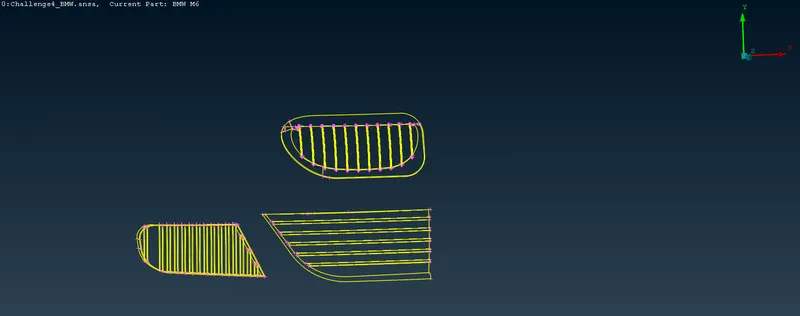 While working on grills, we have to make sure there is no glitches, no extra hot points, no extra faces and no truncation errors
In this grill part, i have learned to use plane cut and how to create a surface by using hot points parametrical
We have to clear all the extra surfaces, sharp edged, small surface, triple cons in the geometry so it won't create an extra volume
If there was no gap between two faces and we need to extend the face, we can use extend - target option
In the tyre portion and floor of car many small faces are creating errors so we need to remove and we can create a guiding line above the cons by cons2curves option, it helps to create surface
After that, we have to make sure there was no intersecting errors
Assigning every PIDs with their appropriate names
We have to switch on the quality parameters by hidden option and clicking on the quality criteria, we can choose skewness, min length and max length in the shells and apply it
In this quality parameters, we have to give lesser value in min length and larger value in max length.
After that, we have to choose the minimum target length and maximum target length in the CFD parameters and by using
Spacing - Auto Cfd - Perimeter and macros - CFD - visible, we can perform the mesh with the given target length
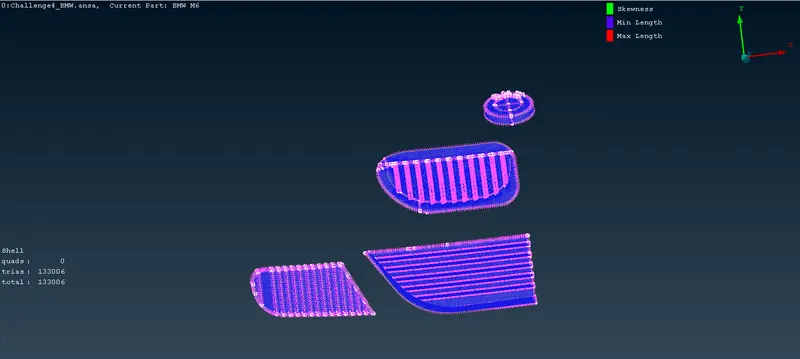 -- Grills and logo : 1mm
After meshing there will be some off elements which are not obeying the quality criteria so we have to clear the off elements by improving using reconstruct and reshape. Once it was done, we have to freeze it to do other parts in different length
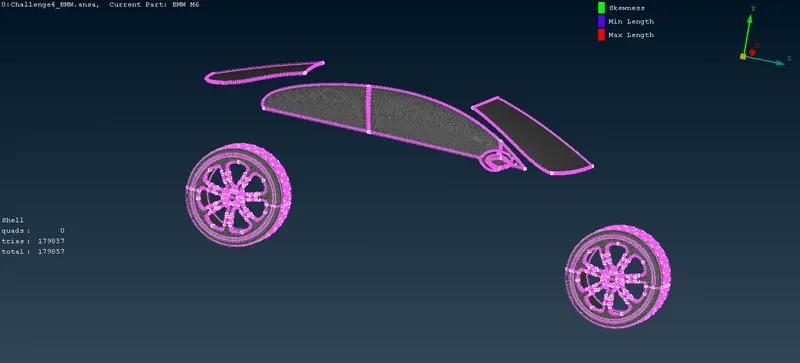 -- Rims & Tyres , Optical rear view mirror & Window : 2mm
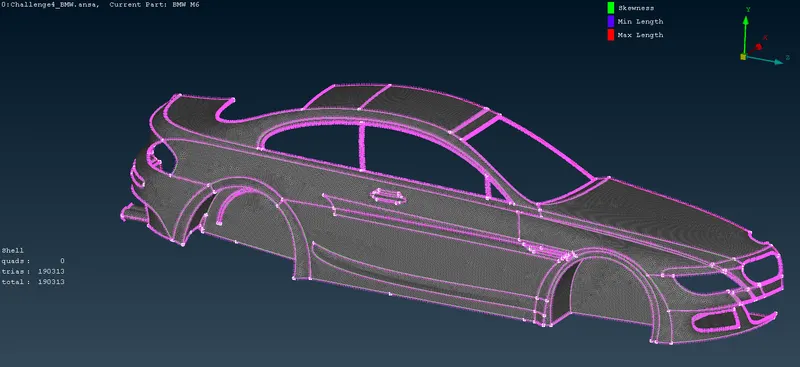 -- Body & Silencer : 3mm
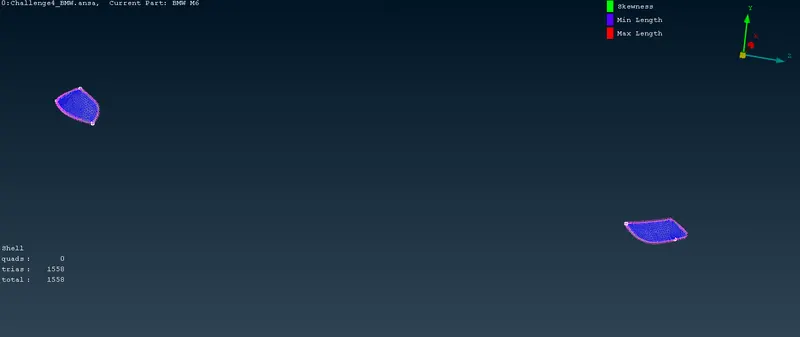 -- Lights : 4mm
After meshing every geometry, we have to unfreeze using face - Unfreeze option so we can do the next step
After meshing the half model, we have to mirror it by using transform - copy - select all entities - symmetry - mirror 3 points plane - select 3 points. While mirroring, we have to make sure logo is not selected
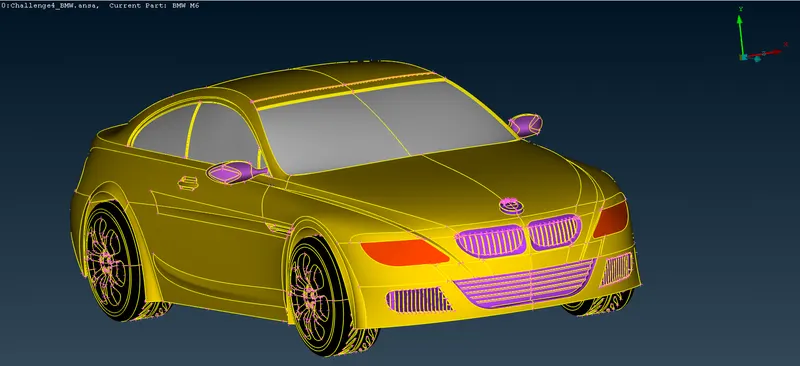 After mirroring if there is any single cons, we can copy - paste if the cons is connected to a single face
After this, we have to create a wind tunnel. For that, measure the total length of car
X is the total length of car , 4X From front of car to front face of wind tunnel, 6X Should be in back face, 3X should be in top face and both side faces are x
Take some point in the middle and create a relative point in the negative Y direction..From that direction, create a point in positive and negative Z direction
By using this two points, we can create points in positive and negative X direction
After creating bottom face, we can create side faces and assign the PID
After that, we have to go for surface meshing of wind tunnel
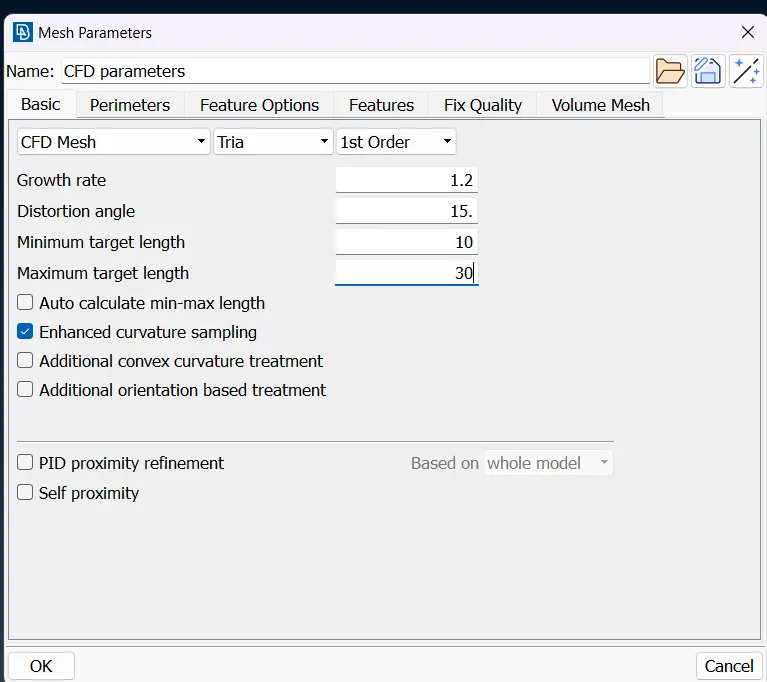 Bottom face length was 20mm so we have to give the min as 10 and max as 30
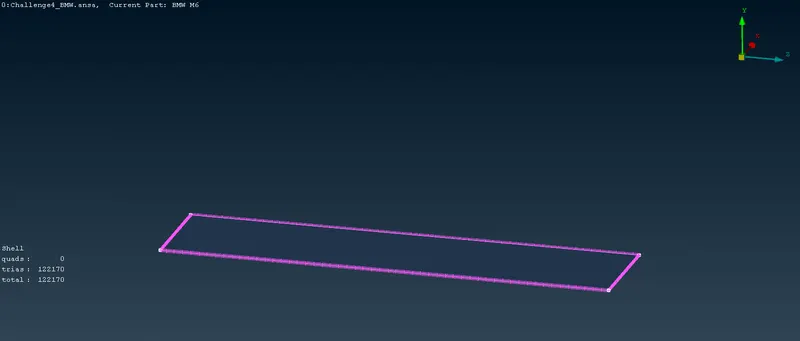 --- Bottom face mesh
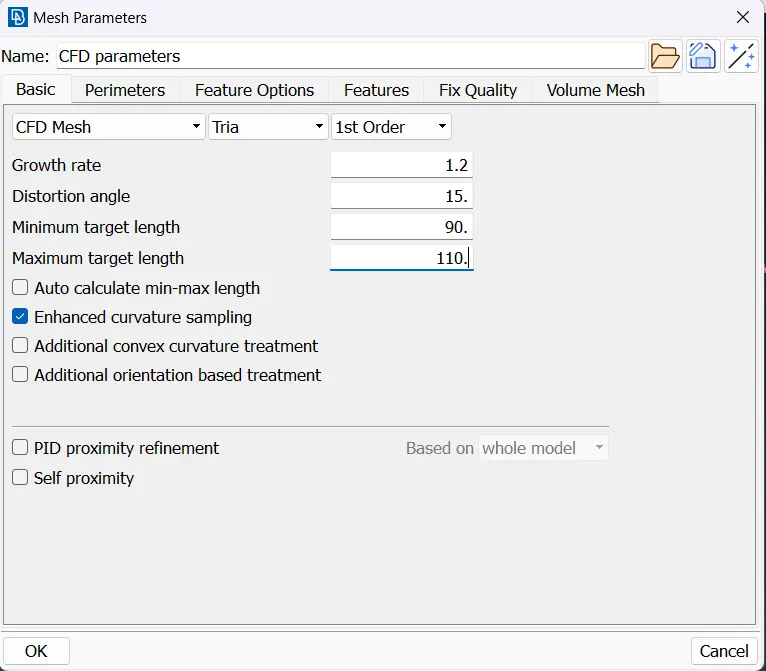 Top face length was 100mm so we have to give the min as 90 and max as 110
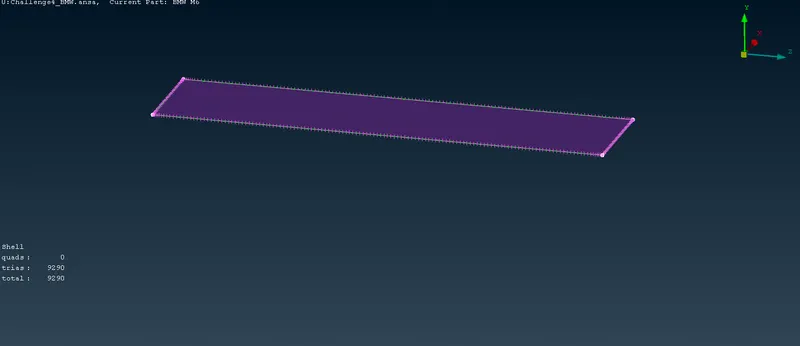 --- Top Face mesh
We have to create growing mesh in the side faces as 20 and 100mm
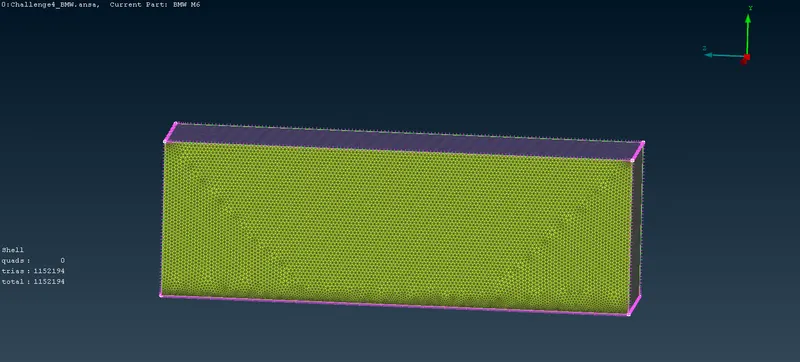 --- Side faces mesh
The Surface mesh of wind tunnel was done...