Project 1 : CFD Meshing for Tesla Cyber Truck
This challenge is similar to BMW car challenge so we are gonna do the same steps
AIM - We have to do a external flow simulation, have to create fluid domain, creation of wind tunnel and mesh it
OBJECTIVE - Identify the errors, check for resolution, do a geometry check, surface meshing of cybertruck, create windtunnel and perform the mesh
PROCEDURE -
The entire cybertruck is filled with single cons so we can hit a top, it'll autofix the errors
Check for the resolution and go for a geometry check. After checking out the errors, we can see that the entire geometry is same so we can cut into half by Face - Plane cut - Select 3 points and it will be equally di,vided so we can the other half
After cutting, we have to check for small faces which will create error so we have to identify and delete it
We have to clear all the extra surfaces, sharp edged, triple cons, no extra hot points, no intersecting errors
After clearing all these errors, we can go for surface meshing of cybertruck. To do that, first we have to assingn each and every part
After Assigning every PIDs with their appropriate names, we have to switch on the quality parameters by enabling hidden option and by clicking on quality criteria, we have to choose skewness, min length and max length by editing in the criteria visibility
In this quality parameters, we have to give lesser value in min length and larger value in max length
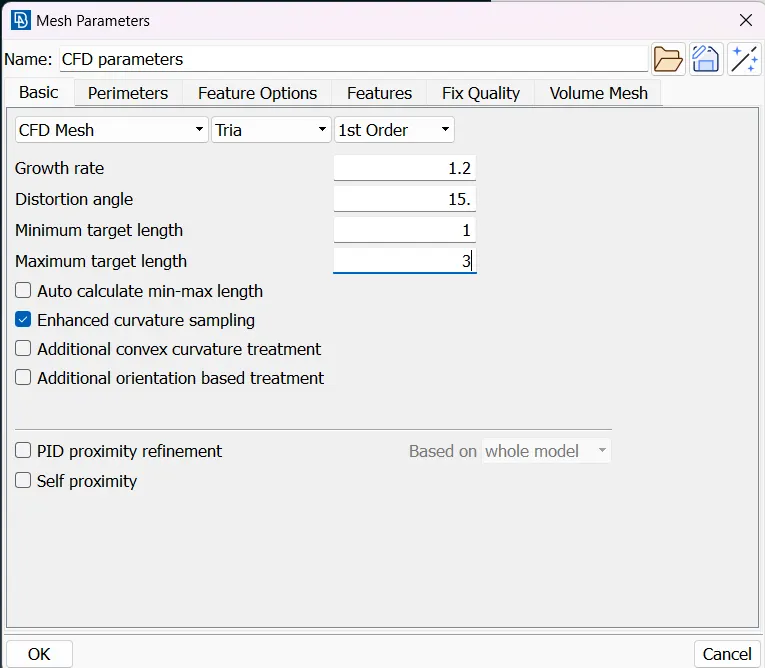 We have to choose the minimum target length and maximum target length in the Cfd parameters and by using
Spacing - AUTO CFD - Perimeter and Macros - CFD - Visible, we can perform the mesh with the given target length
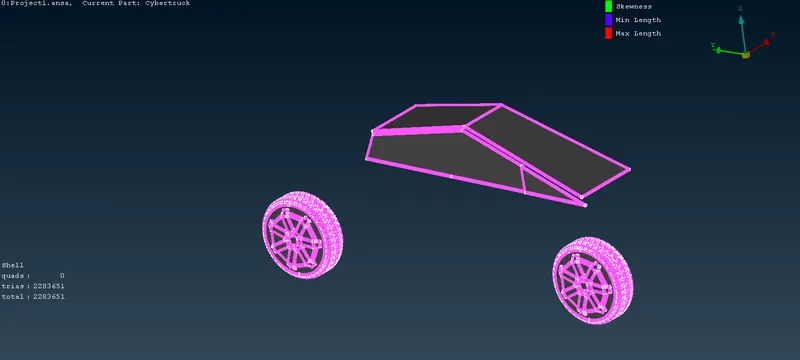 -- 2mm - tyres and windows
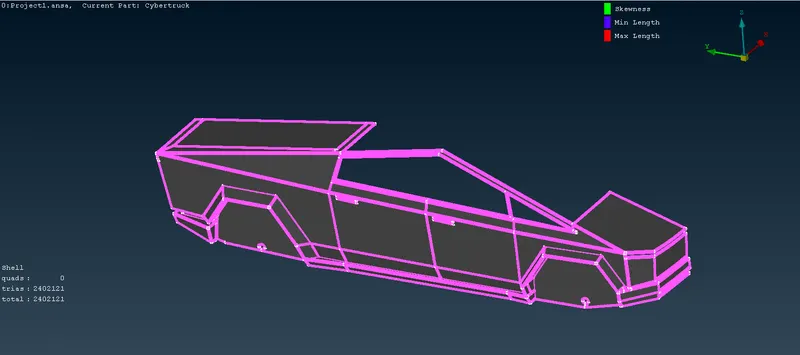 -- 3mm - Body
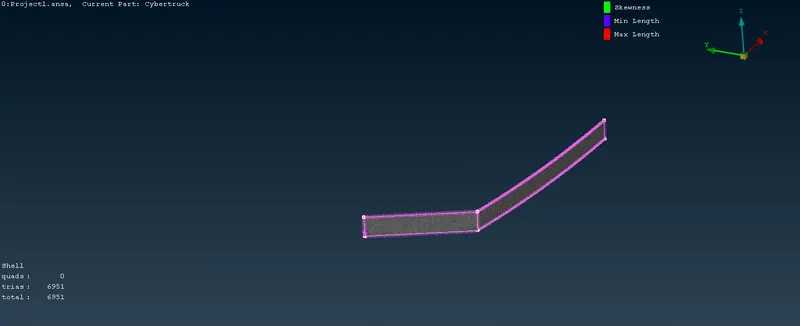 -- 4mm - Lights
After meshing it, there will be some off elements which are not obeying the quality criteria so we have to clear the off elements by improving using reconstruct and reshape. After clearing it, we have to freeze so we can do other parts in different length
After meshing the half model, we have to mirror it by using
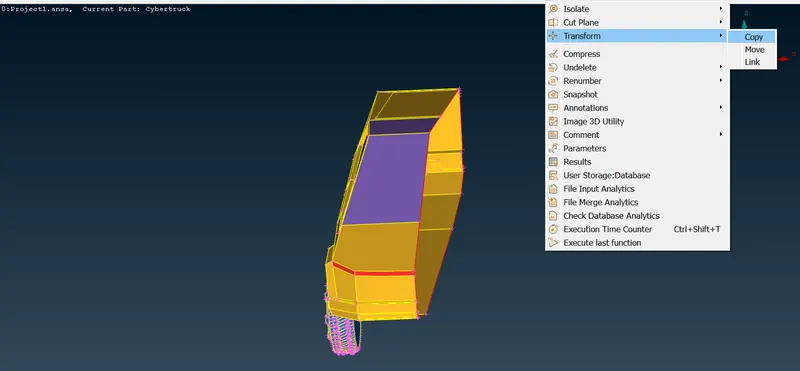 Transform - Copy - select all entities - symmetry - mirror 3 points plane - select 3 points and mirror it
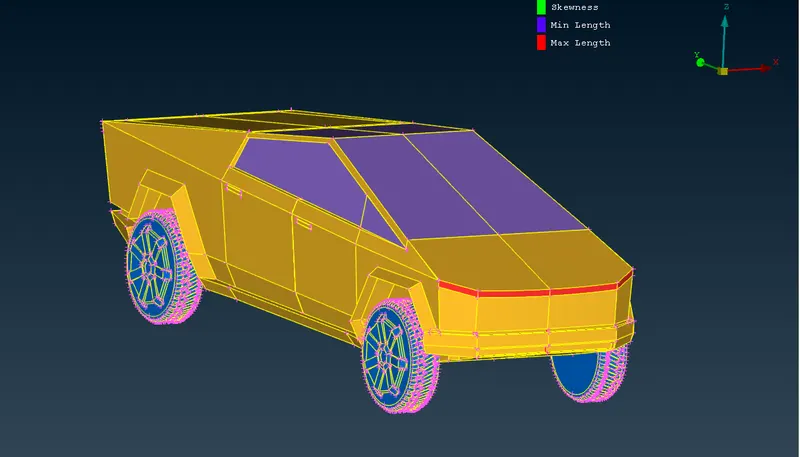 -- Mirrored Cybertruck
After mirroring, if there is any single cons, we can create a new face
We have to create a wind tunnel by using 4x from front to front face of wind tunnel
X is the total length of car, 6x should be in back face and 3x should be in top face and both side faces are x
We have to find the x value so we have to measure the total length of the car and keep that as x
Take some point in the middle and create a relative point in the negative y direction
From that direction, create a point in positive and negative z direction
By using these two points, we can create points in the side faces in positive and negative x direction
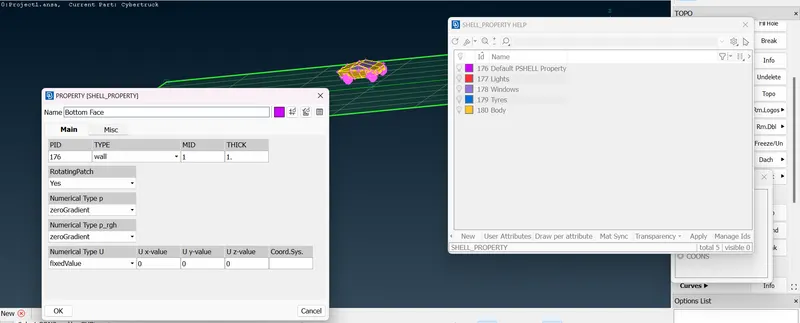 Create the bottom face and assign it
After creating the bottom face, we can create the top face by using offset value and we can create the side faces by using face - new- coons or planar option and assign it
After creating the parts, we can do the surface mesh
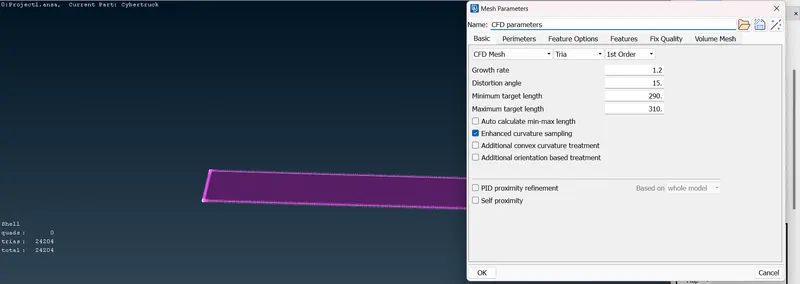 -- Bottom face - set min target length as 290 and max target length - 310
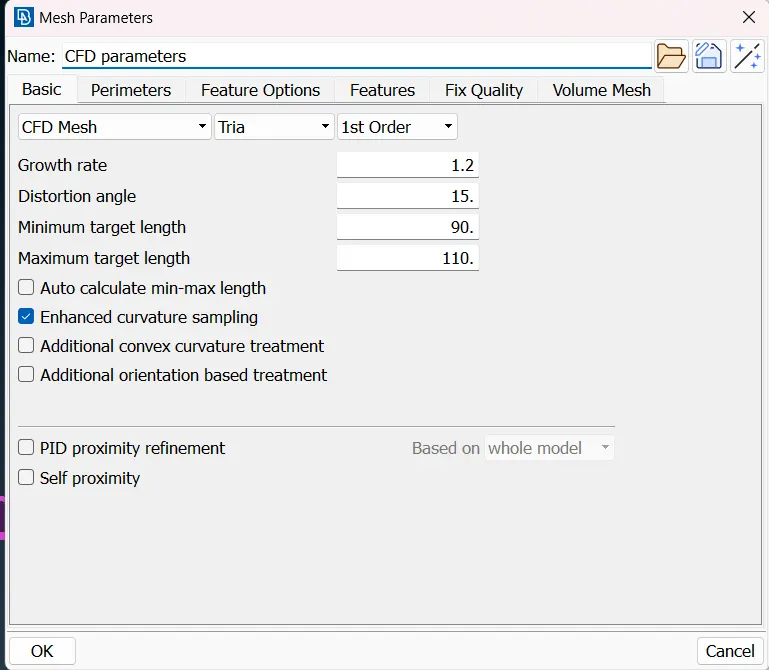 -- Top face - set min length as 90 and max length as 110
After meshing the top and bottom faces, we have to create a growing mesh in the side faces by Spacing - Manual
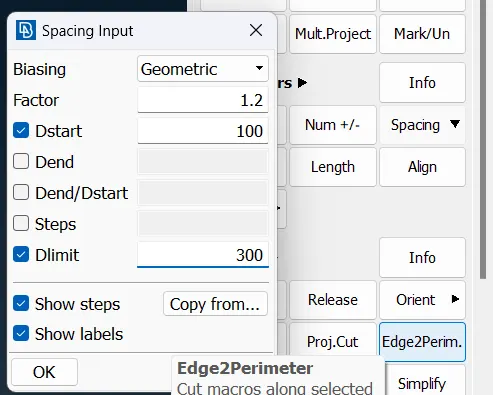 Select the starting point in four sides and give the value Dstart as 100 and Dlimit as 300 and give Cfd - Visible
The Side faces will be meshed
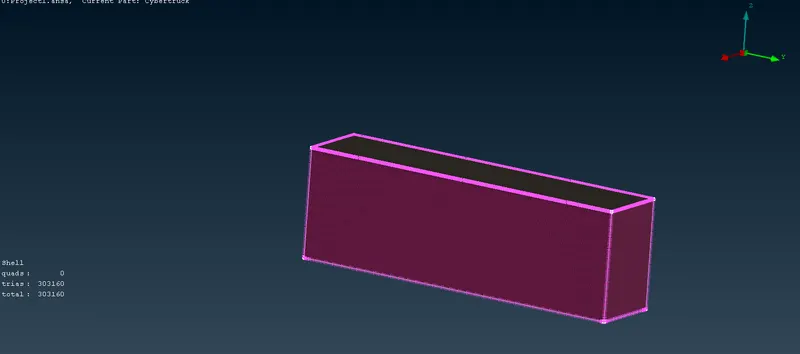
THE SURFACE MESH WAS DONE...!!!!!