Week 4 Challenge : CFD Meshing for BMW car
Aim- To clean geometry of BMW car and perform surface meshing of different parts of different mesh length.
Procedure - First we have to delete half part of the car because car is in symmetrical view so it is easy to perform one side of geometry clean and meshing. Also for half part which is isolate give peremeters length 1 mm to make geometry simple.
In front view of BMW car there are three grills present there so choose any one of them and make it error free.
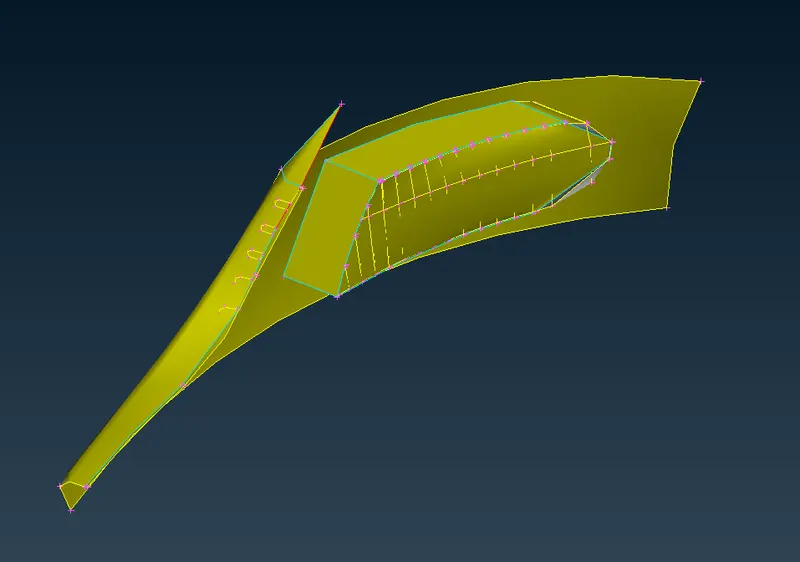
In this grill (above image), in simple terms delete unnecessary surface and at the bottom of grills there are distorted surface present there, In order to make fine this surface use parabolec hotpoint option to create hotpoints on the grill, make cut from this hotpoints and create a new surface by using fitted option in in new surface. After creating new surface delete those unnecessary surface by using intersect option.
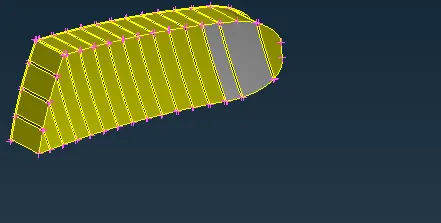
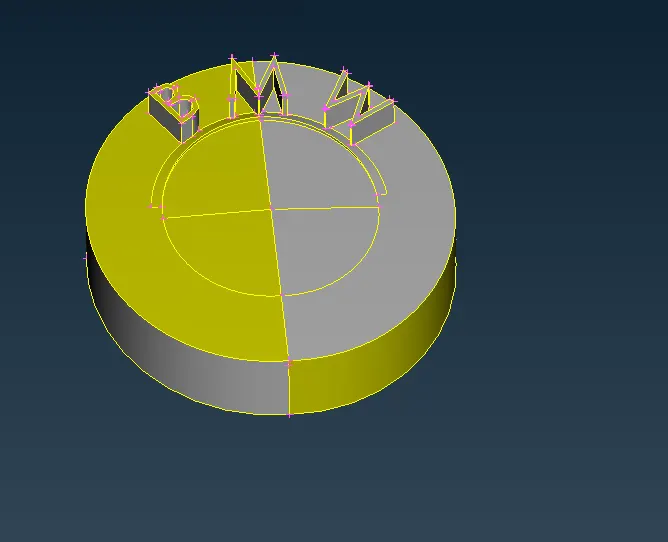
After previous grill work on the logo of car, delete unnecessary surface present at behind the logo, in order to make single volume there are body suface present so in order to delete we have to project coons on that surface and delete that surface.
In name of bmw triple coons present in the M portion and remove these triple coons.
In front dipper light there are many triple coons and unwanted surfaces present, delete this surface make it clear.
At the upper, front and back glass of the car there are unnecessary surface to delete we have to delete these surface .
At the side view of the car, in the rims there are unwanted surface to delete clear geometry by using below option-
Extende - to extend suface to another surface cut - to make cut for delete surfaces project cut - to make parallel cut new surface - to make new surface in order to replace single coons into double coons
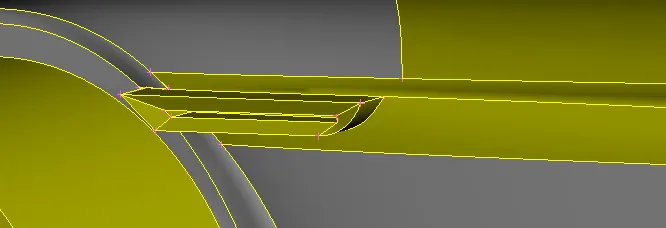
There are some small surfaces which is required so make new surfaces there.
In both tyres triple coons present there, delete those extra surface and make it clear.
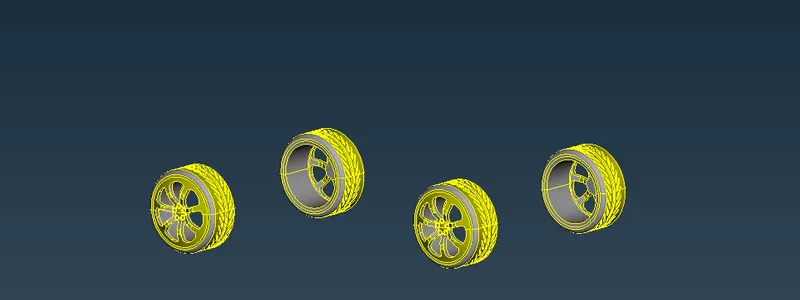
In back light extra suface present there so delete it.
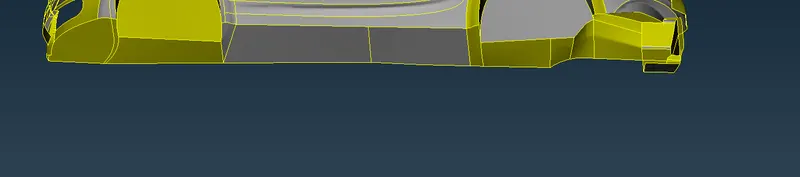
At the base of the car delete surface not required and use intersect option where it was required.
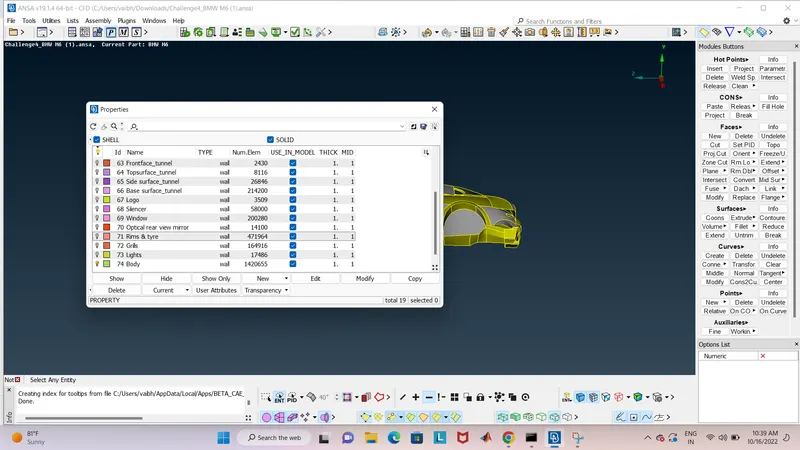
Assiging PID's to all models in model browser
Based on the component of the car PID folders are created in the model browser and all PID's are assigned.
Now we can easily switch on to the individual parts by using model browser.
Compress the unwanted PIDs using Compress command. (By doing so undelete option no longer useful)
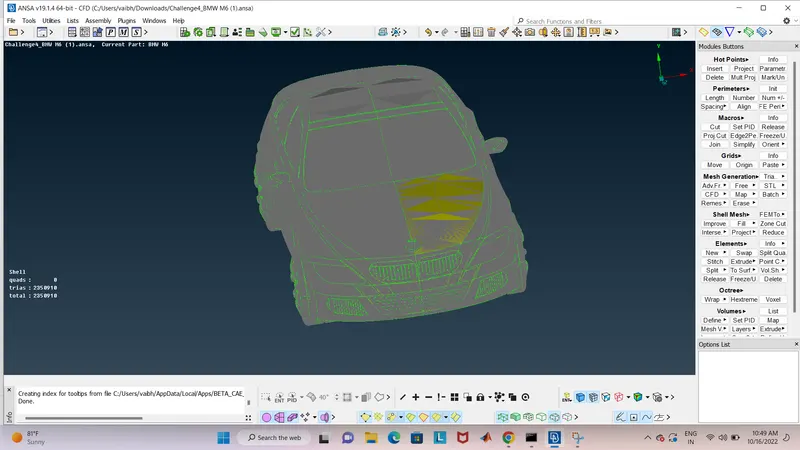
Surface meshing half portion:
Check the gemotric errors before going to mesh mode. If no errors found goto mesh mode.
- Target lengths for the different parts of a model are as follow:
- Body - 3 mm
- Lights - 4 mm
- Grills - 1 mm
- Rims and Tyres - 2 mm
- Optical Rear view mirror - 2 mm
- Window - 2 mm
- Silencer - 3 mm
- Logo - 1 mm
mesh with give the quality criteria and mesh parameters for diffrent PID's with diffrent target length
Symmetry the other half geometry:
Copy the half portion using TRANSFORM option by selecting symmerty option Select three points then middile click then check preview then finish it.
Create a wind tunnel for CFD analysis:
Using POINTS and CURVE functions create the four planes on all sides of the model as distance mentioned below.
INLET - 4 times length of car
OUTLET - 6 times length of car
TOP - 3 times length of car.
BOTTOM - Close to the tires.
After creating points make curves that joints bottom surface and create new surface using it, and using of bottom surface we create top surface which is three times length of car, In order to create top surface we use offset tool in surface making, after that creat side surface if tunnel and assigning diffrent PID's to them which is showing above in assigning pid portion.
After assigning PID for meshing we use 100 mm as top surface target length, 20 mm as bottom surface target length. For both surfaces quality criteria and mesh parameters as according to their target length. Let finish with the mesh generation>spot mesh (for top & bottom surface) one by one.
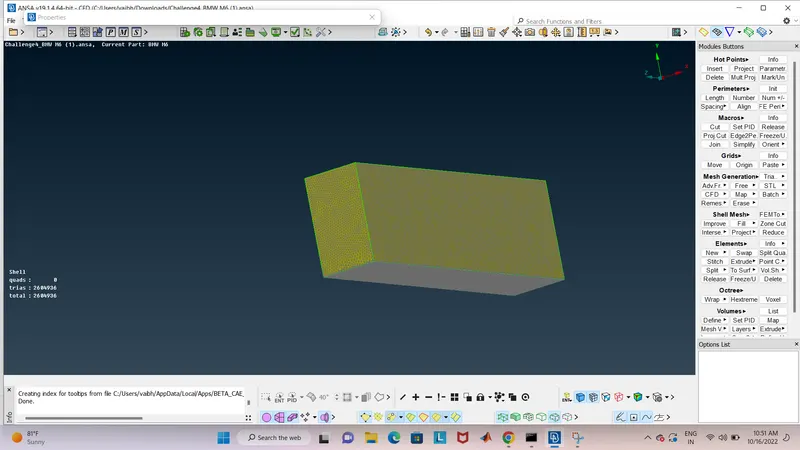
Result:
BMW model is meshed without any geometric and mesh errors.
Link :
https://drive.google.com/file/d/1jlSRsCEskez2D2L4ztgBiy_Gmj5jBXh9/view?usp=sharing