Week 4 Challenge : CFD Meshing for BMW car
https://drive.google.com/file/d/1xteM-4Bi_LQ9QEzWXP81pP4YmF3B6OBy/view?usp=sharing
Aim:
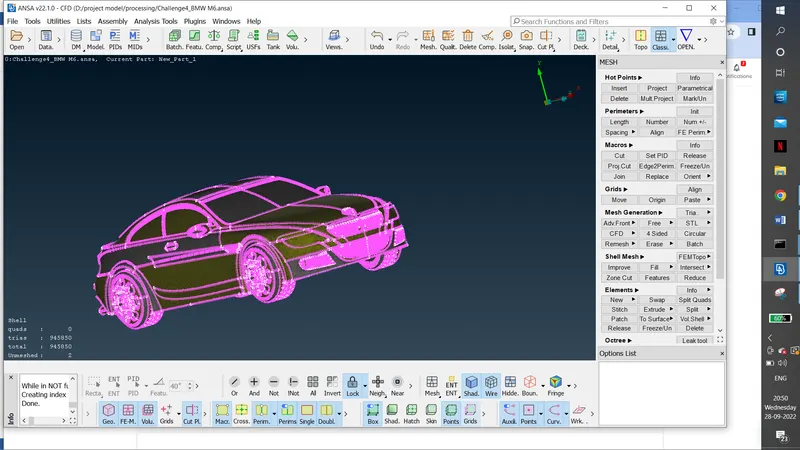
check and solve all geometrical errors on half portion and Assign appropriate PIDs. Perform meshing with the given Target length and element Quality criteria. After meshing the half model, Do symmetry to the other side.
Procedure:
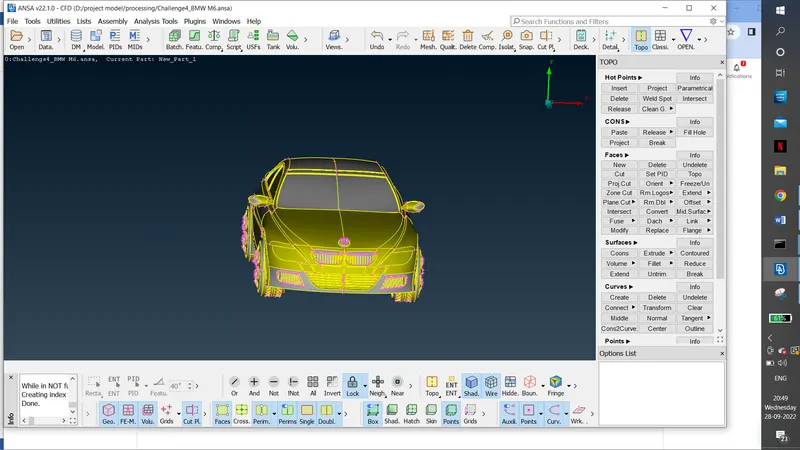
We observed that the part is verticaly symmetrical. So we are cutting the aircraft vertically y axis without the logo.
our target is to delete overlapping surface, solve the blue coon, resolve disortion by deleting and creating new coons and clear the intersection error.
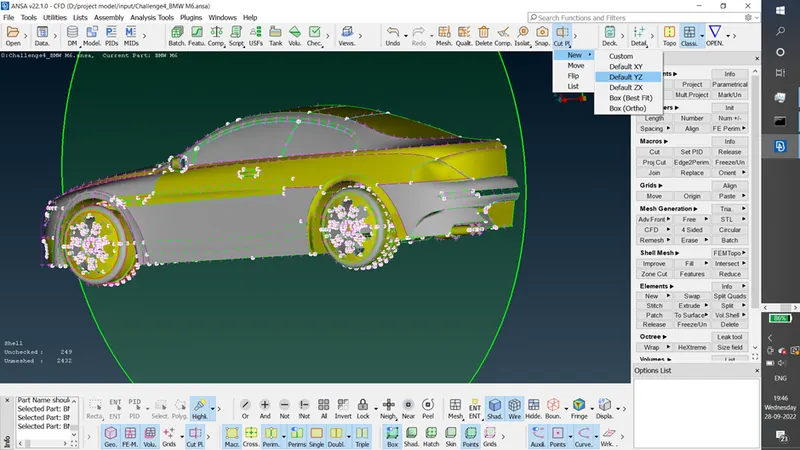
2. delete the other side.
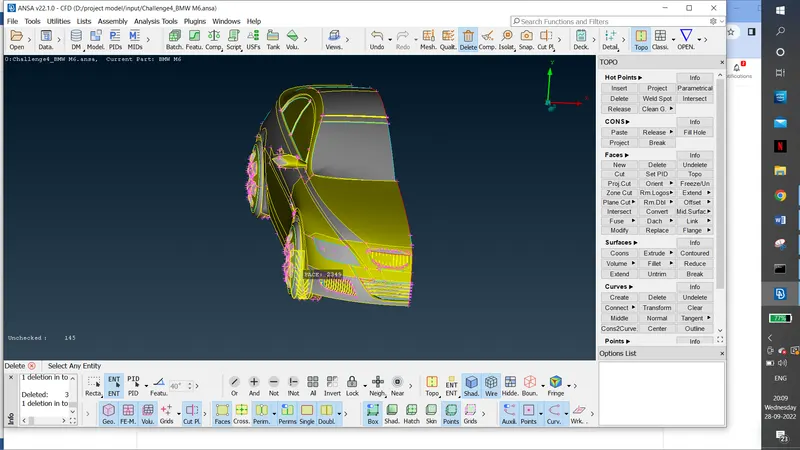
3 After thet we have to change the resolution.
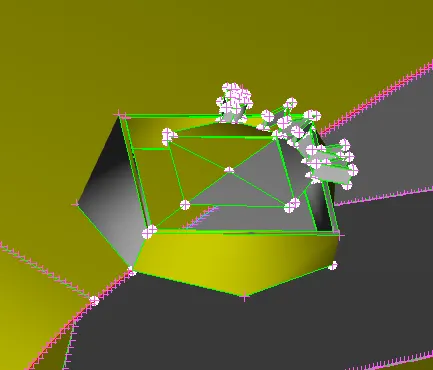
GRILL GEOMETRY CLEANUP.
1.Delete the extra surface. we have to create the the whole car into single volume so we have delete the the thickness in the grill.
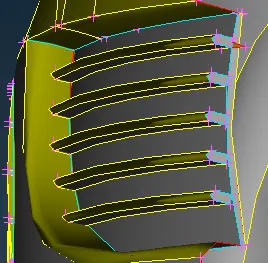
2.identify the overlapping structure and delete it.
3.Delete the thickness of the grill.
4.change the resoution for the accuracy.
5.project the line over the surface and cut the extra surface and delete the the unwanted area. and clear the intersection error.
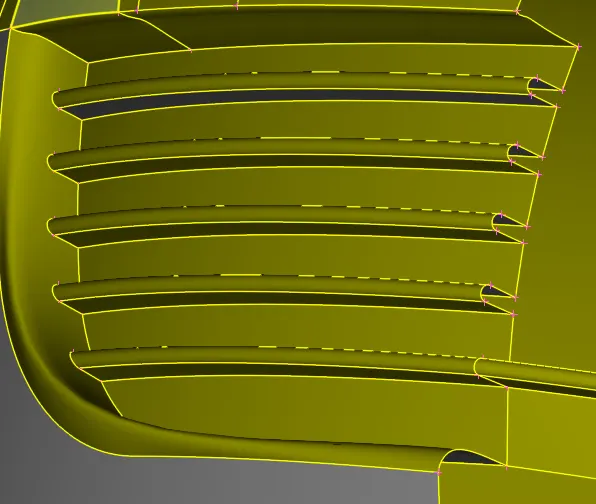
delete the back side and delete the excess and make single structure
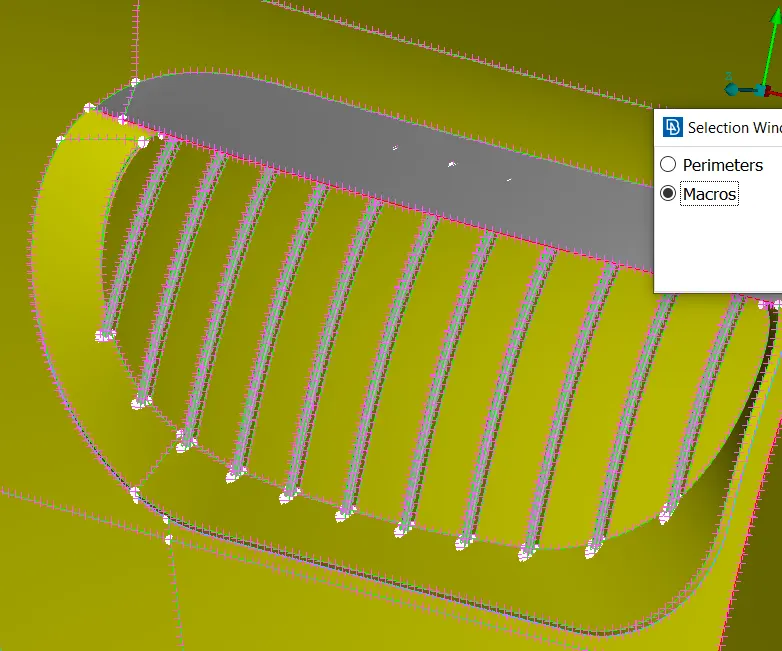
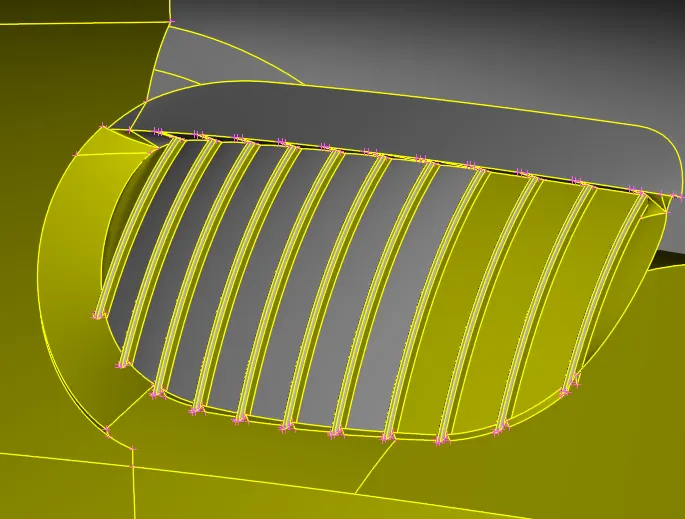
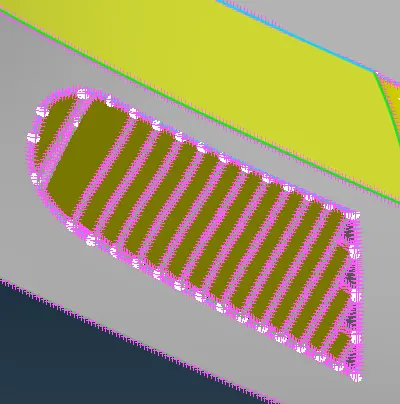
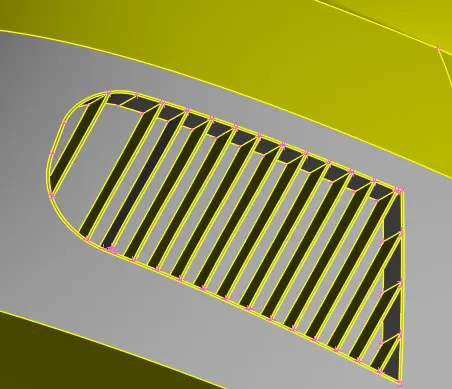
For the below grill structure we have to cut the back side to reduce the disortion part. amd delete the excess portion.
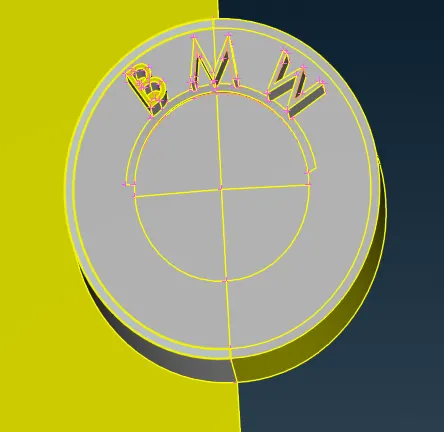
LOGO:
Change the resolution, then clear the blue coon. then create the new coon and solve the cross area in "w" letter.
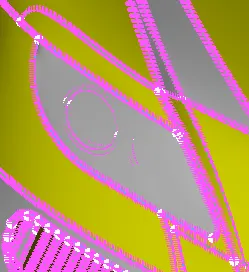
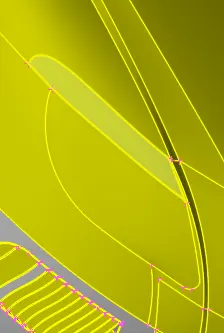
Llight:
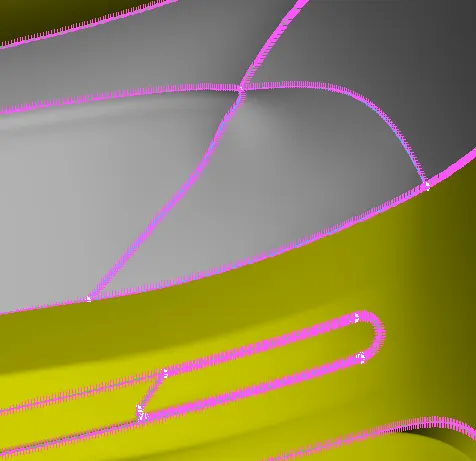
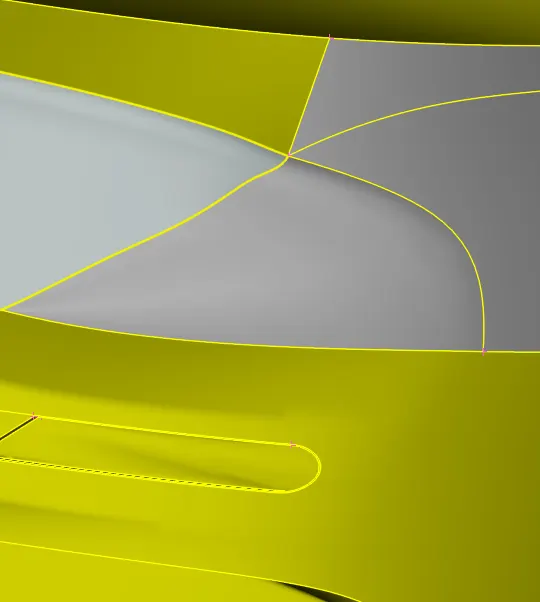
delete the below surface of light.
Tyres:
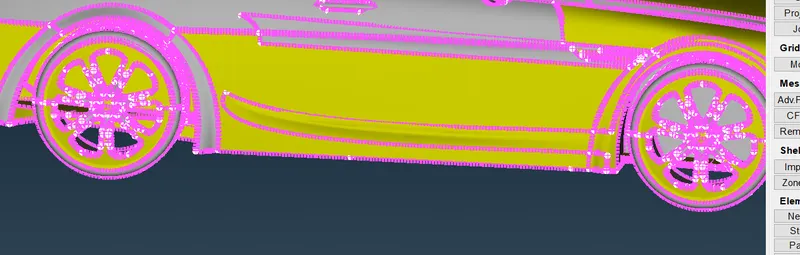
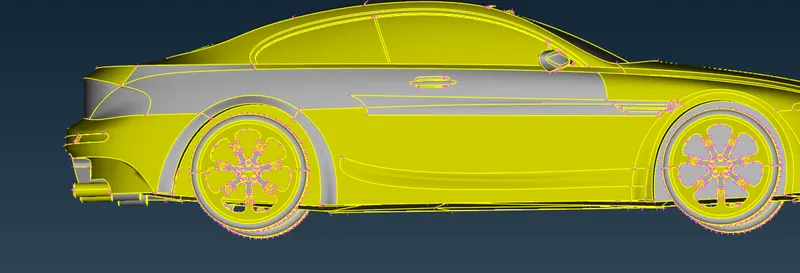
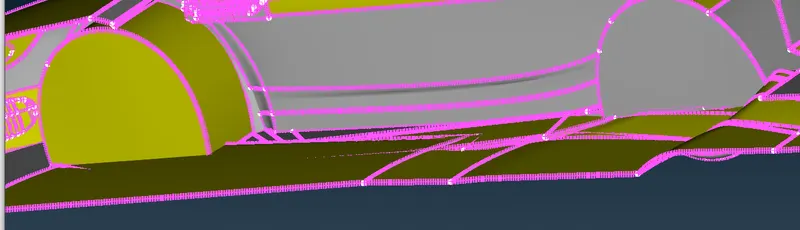
in tyre area the extra surface is there that blocking the rotation of the tyre.delete that extra surafce and delete the blue coon area.
Floor:
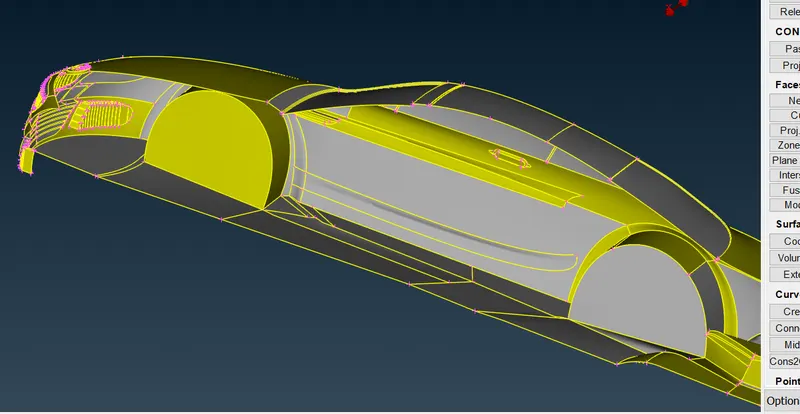
Surface on the floor is full of disortion so need to create the floor as per our idea.
for that by using cons to curve create coons then delete floor and create the floor with our idea.
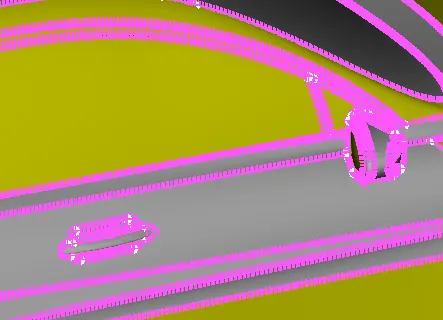
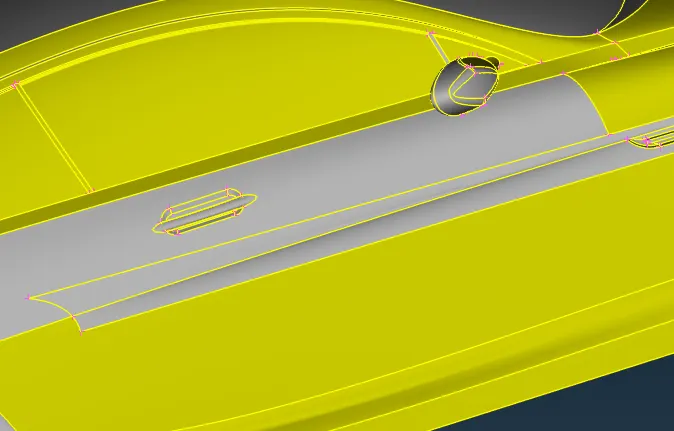
optical mirror and handle.
we have to cut the optical mirror attched window as per attached surface. so project it. and give high resolution and delete the projection part. then give topo.
MESHING OF EACH PART:
Grills:
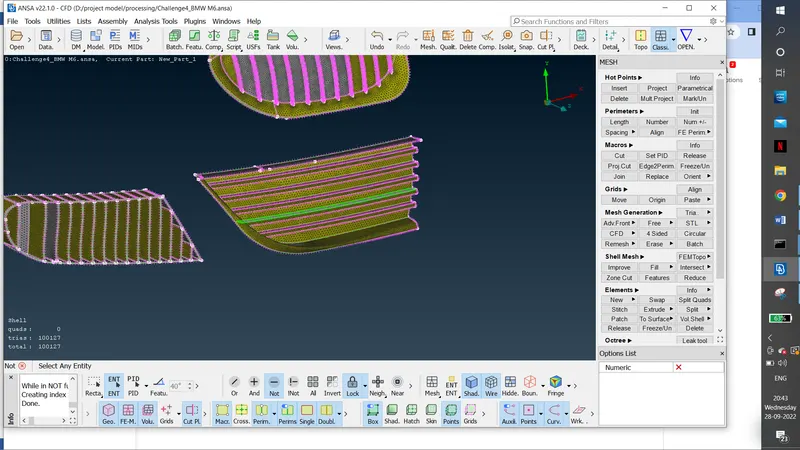
set the quality creteria as maximum length as 7 and minimum length as 1.
change the mesh length for the required cfd mesh distance and mesh using cfd mesh option.
- Body - 3 mm(min length-2.5, max length-3.5)
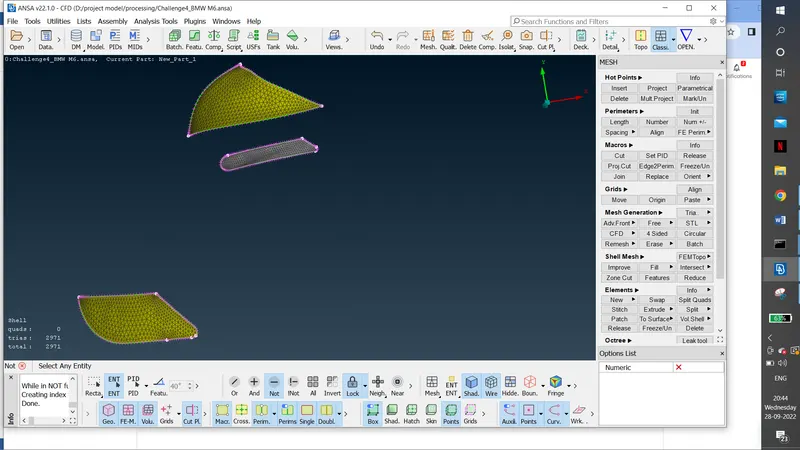
- Lights - 4 mm(min length-3.5, max length-4.5)
- Grills - 1 mm(min length-1.5, max length-0.5)
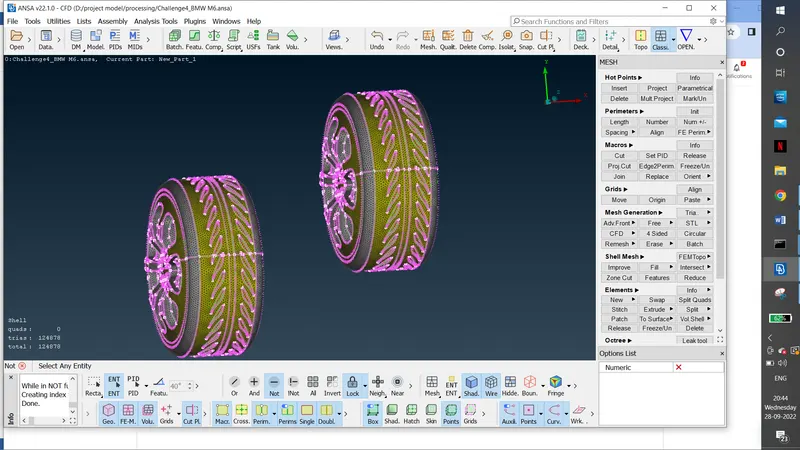
- Rims and Tyres - 2 mm(min length-1.5, max length-2.5)
- Optical Rear view mirror - 2 mm(min length-1.5, max length-2.5)
- Window - 2 mm(min length-1.5, max length-2.5)
- Silencer - 3 mm(min length-2.5, max length-3.5)
- Logo - 1 mm(min length-0.5, max length-1.5)
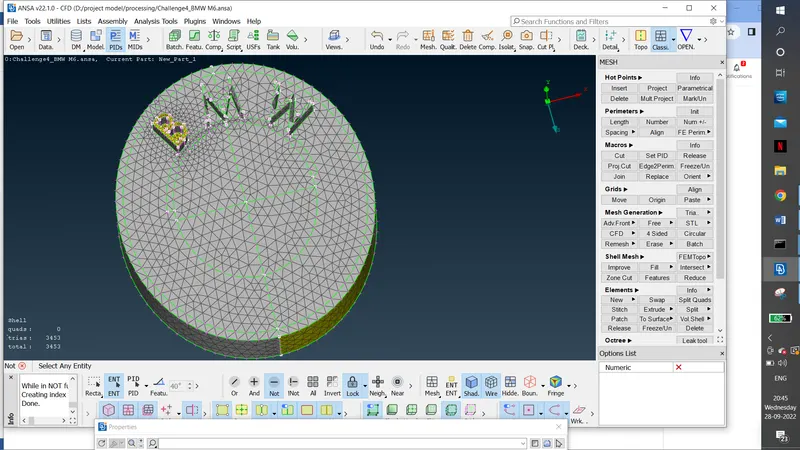
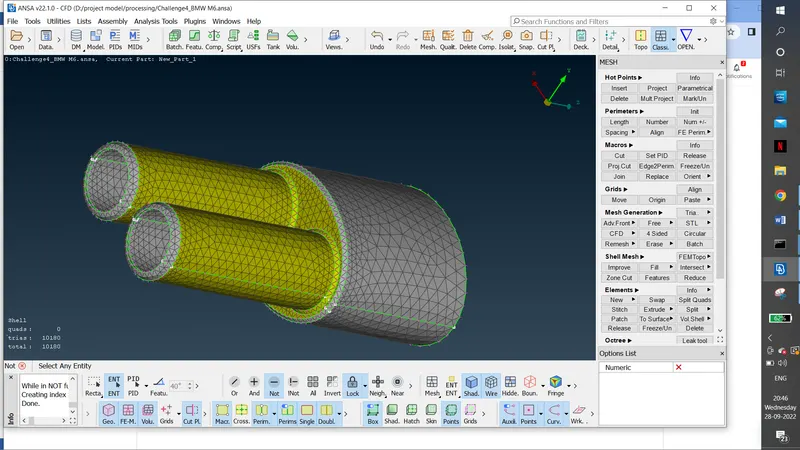
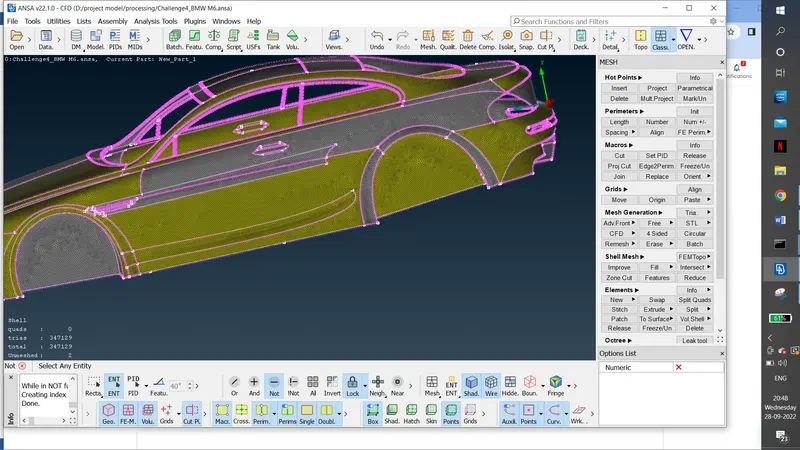
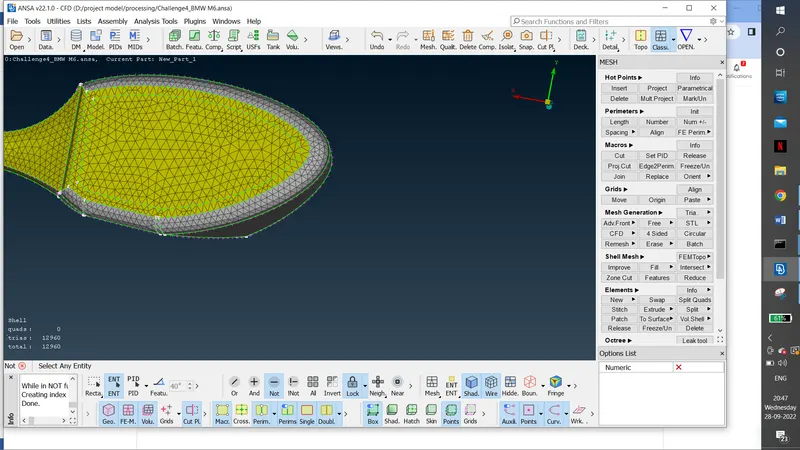
Observation:
1.to paly with disortion surface.
2.creation of windtunnel using using point and curveves.
3.usage of cons to curve option.
4. idae and anlysis of external flow.
5.Quality cretieria.
6. windtunnel distance
7. cfd and manual meshing
8.freeze and unfreeze option
9.paste coon option.
Result:
Creating wind tunnel:
BY using point option we have to create the point at the middle of the bottom.
then we have to create other point by relative option in a point with the distance of -500 in y axis. then have to to create the point in for edges by calculating the wind tunnel creatirea that is 4x in the front side, 6x forback side, 3x in top side and x distance for the side of the model. 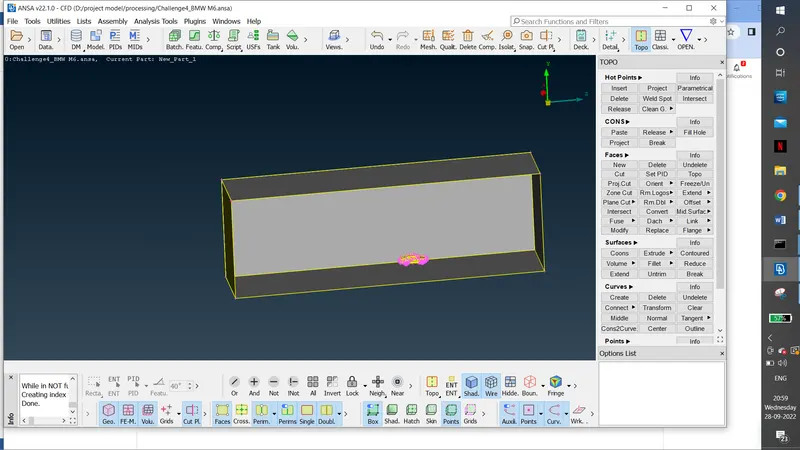
then create the curve by attching the points. then create coon and offset the coon with given distance . then create coon at the all side.
then give the name for each surface.
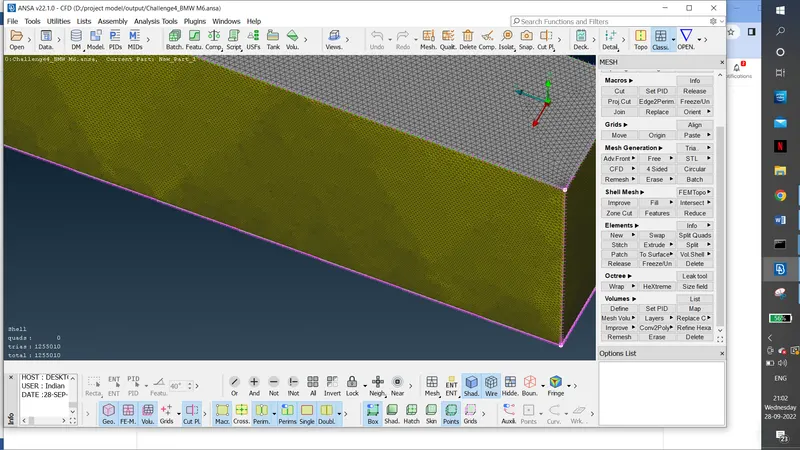
mesh the bottom surface with 10 mm lenth, to surface with 100 length and side with variant of 10 to 100mm mesh with spacing manual option and set the distance in the limit as 10 and 100.then create the spot mesh.
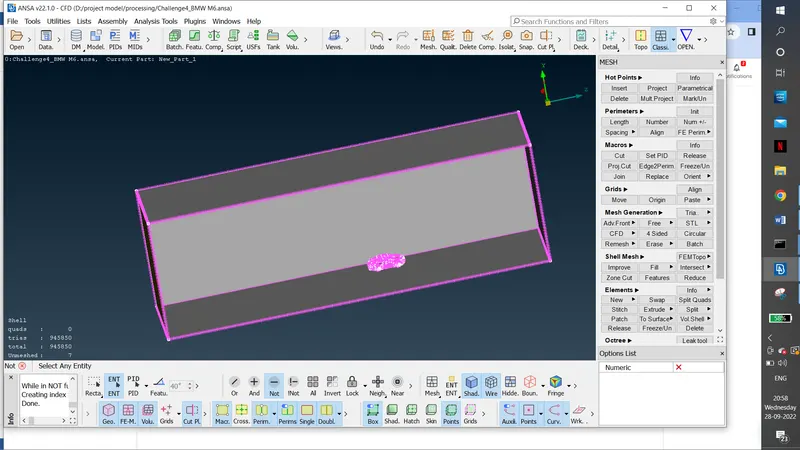
wind trunnel mesh:
top side:
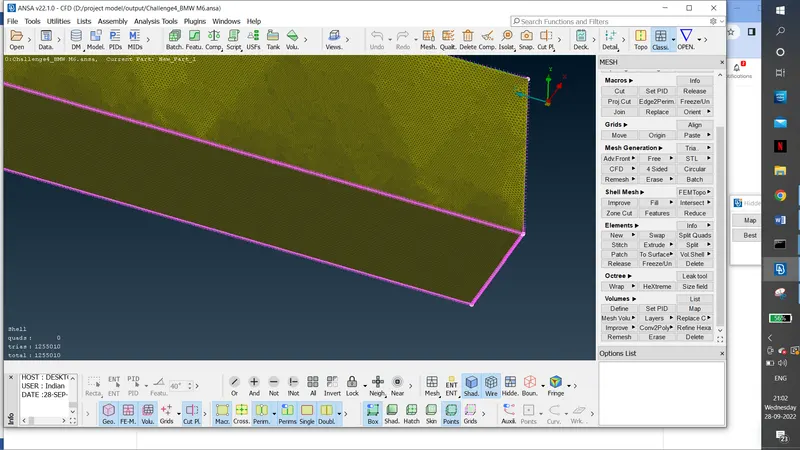
bottom side:
conclusion:
surface meshing of wind tunnel with the BMW car meshing with given meshing length is completed.
https://drive.google.com/file/d/1xteM-4Bi_LQ9QEzWXP81pP4YmF3B6OBy/view?usp=sharing