Project 1 : CFD Meshing for Tesla Cyber Truck
https://drive.google.com/file/d/1ZwZihOR8LAusku_KYd552Pxkuon58Mjr/view?usp=sharing
Aim:
check and solve all geometrical errors and Assign appropriate PIDs. Perform meshing with the suitable Target length and element Quality criteria.
Procedure:
Geometry clean up:
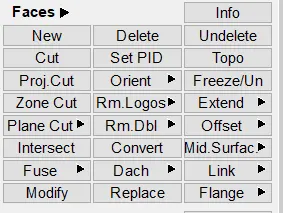
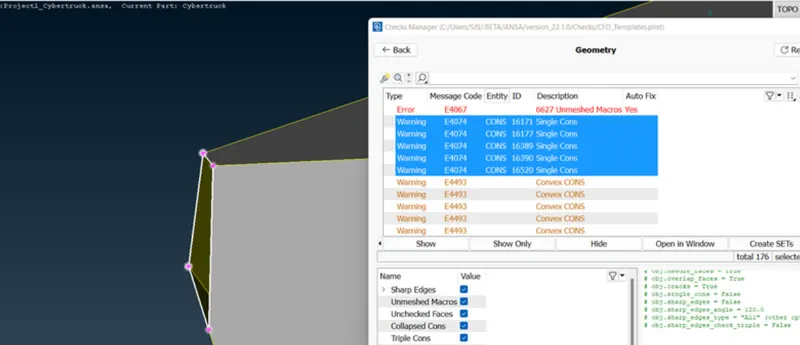
1.check the single present in the diagram and cover the single present in the tesla car using face- new option or fill hole option.
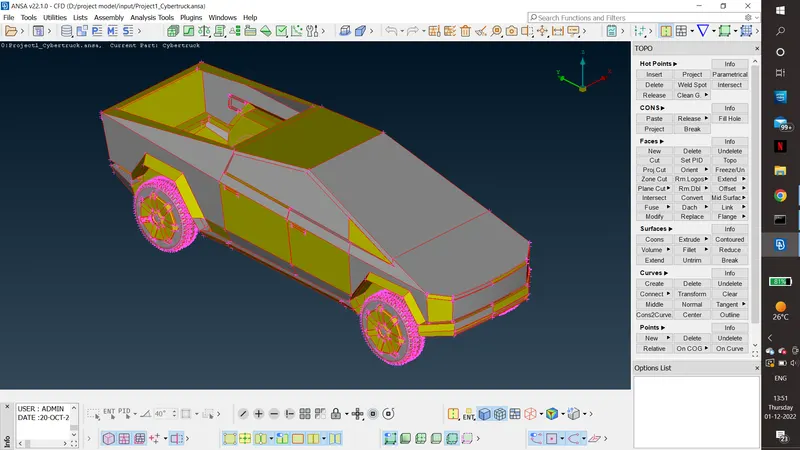
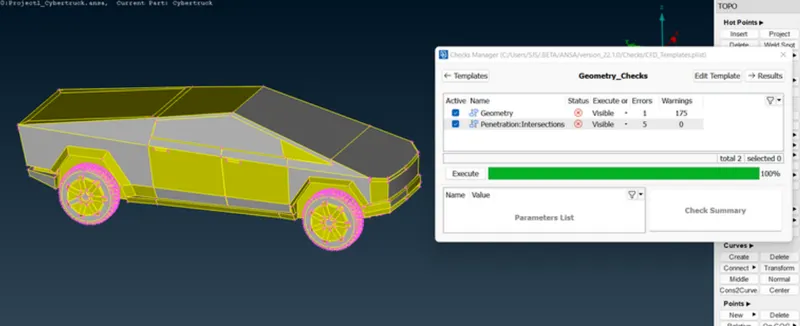
2.Then go for geometric and intresection error check.
3. single coon is cleared by creating new coons
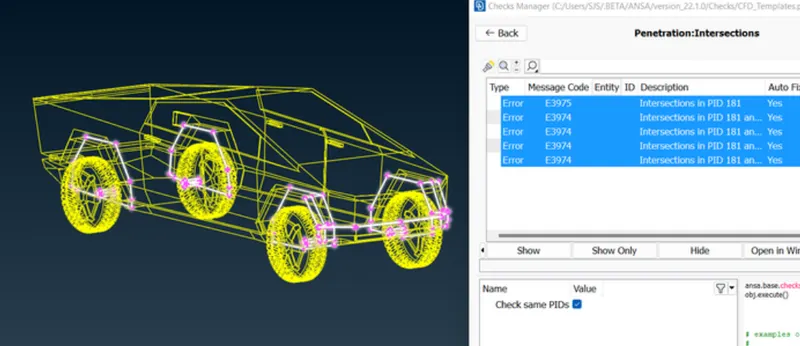
4.find the intersection error location by cut and intersection and new surface option intersection error is cleared.
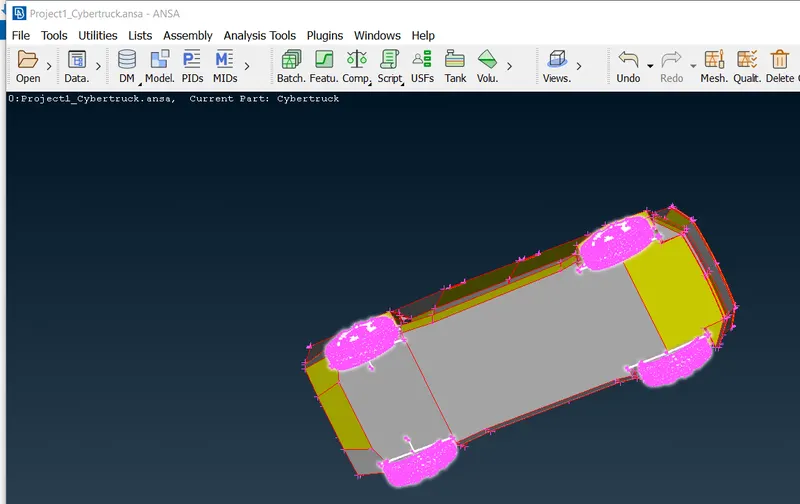
5.clear the over lapping surface.
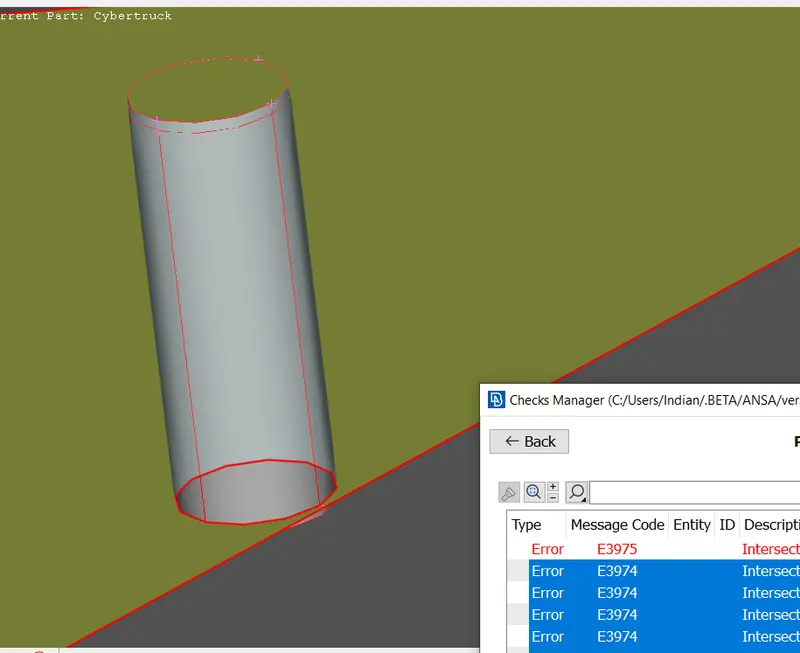
6.symmetricaly cut the cyber truck vertically along by choosing xz axis.
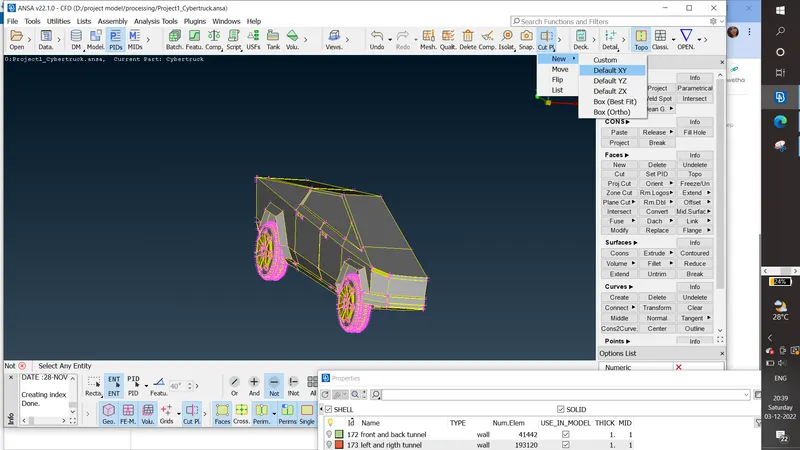
Assigning the PID:
Assign the PID as per name
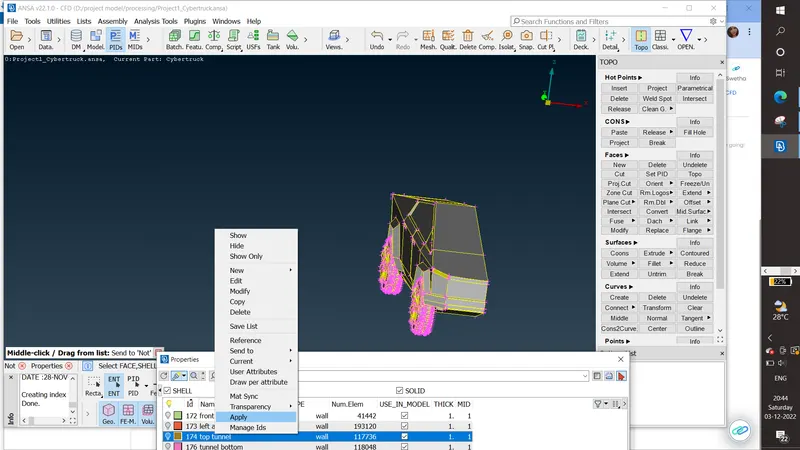
TYRE:
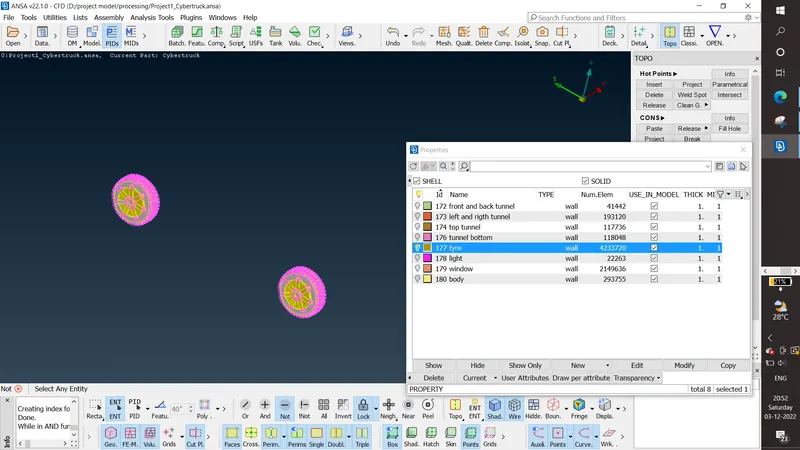
BODY:
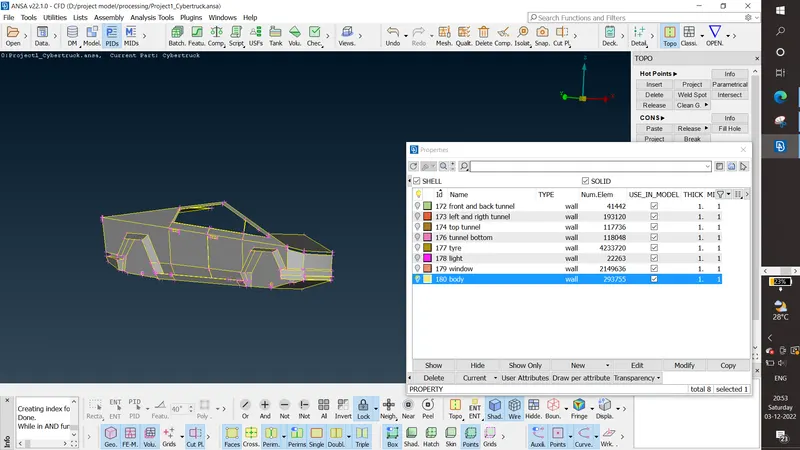
WINDOW:
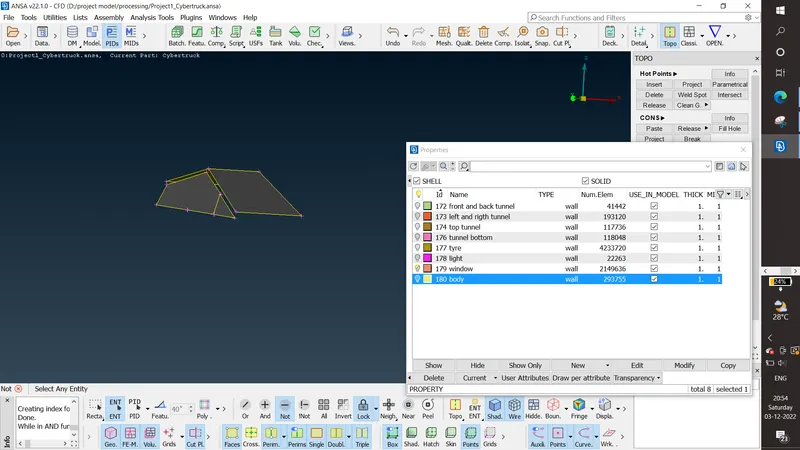
LIGHT:
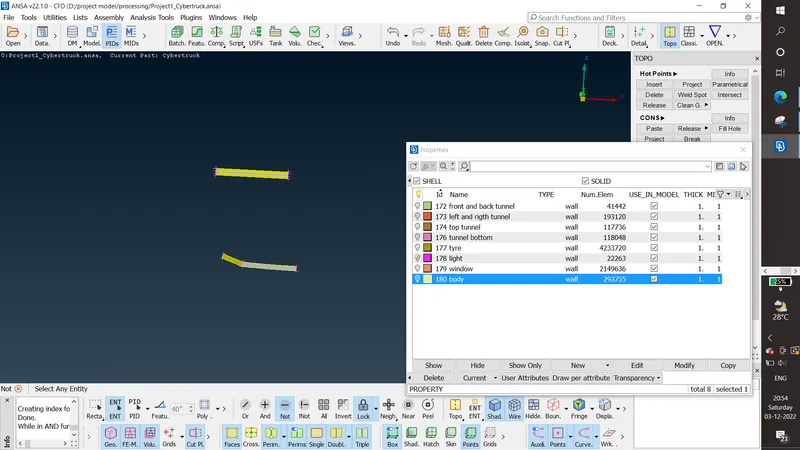
PID ASIGNED AS PER ABOVE.
MESHING OF EACH PART:
Set the quality creteria as Skewness as 0.7 ,maximum length as 25 and minimum length as 0.1
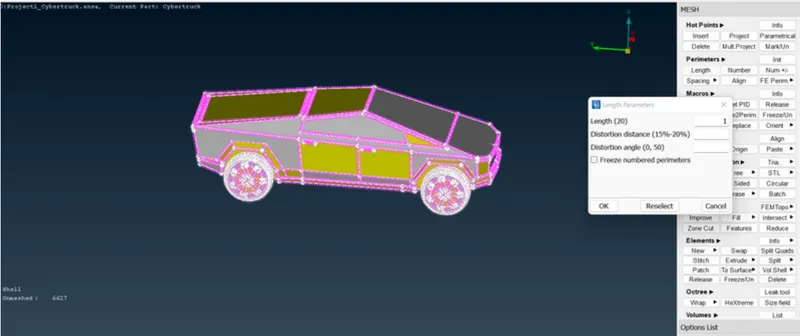
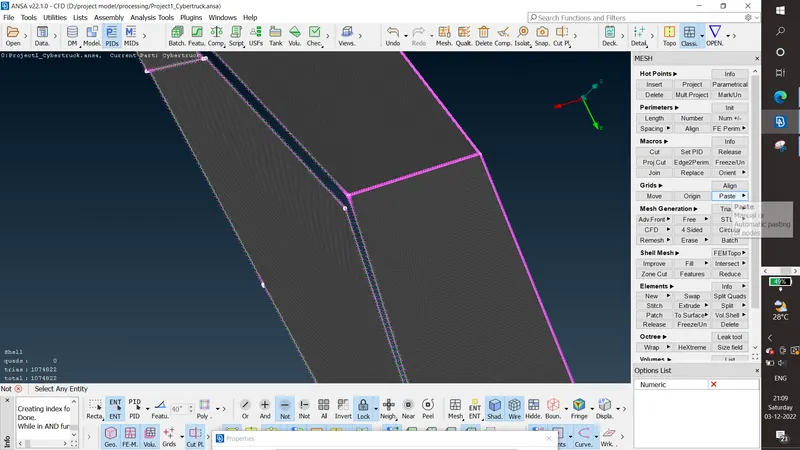
change the mesh length for the required cfd mesh distance and mesh using cfd mesh option.
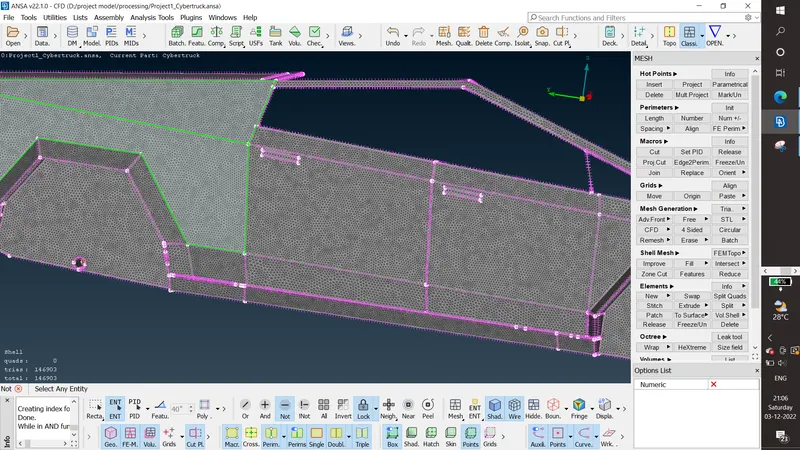
- Body - min length-1, max length-20
- Lights - min length-1, max length-0.5
- Tyres min length-1.5, max length-2.5
- Window - min length-1.5, max length-2.5
BODY
LIGHT:
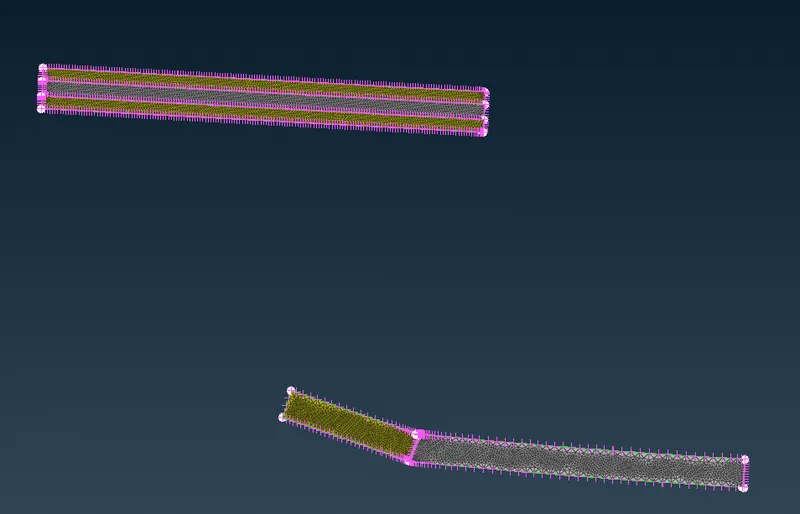
TYRES:
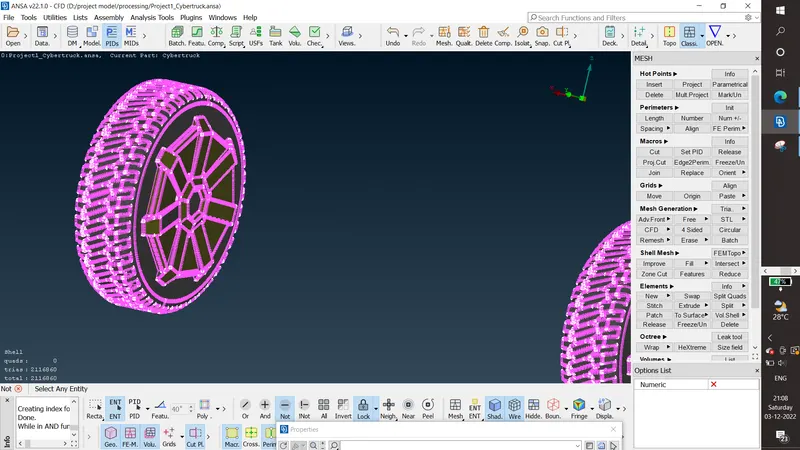
WINDOWS:
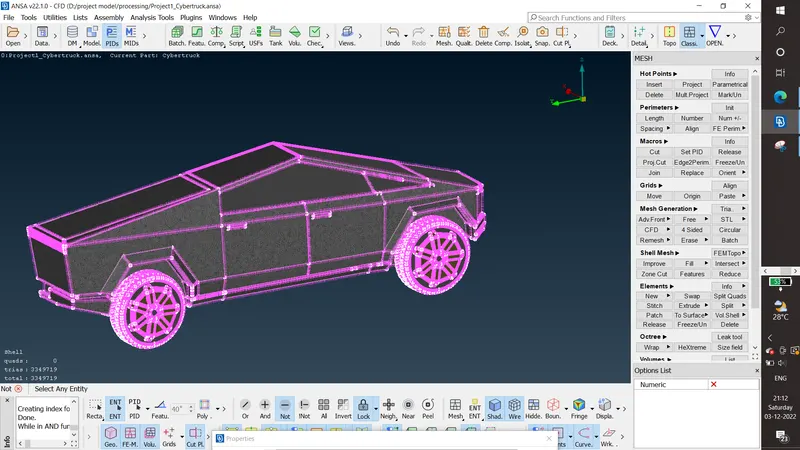
MESHED CYBER TRUCK:
NOTE:
1.while set the quality createria unclick the other option make sure skewness max length min length visible.
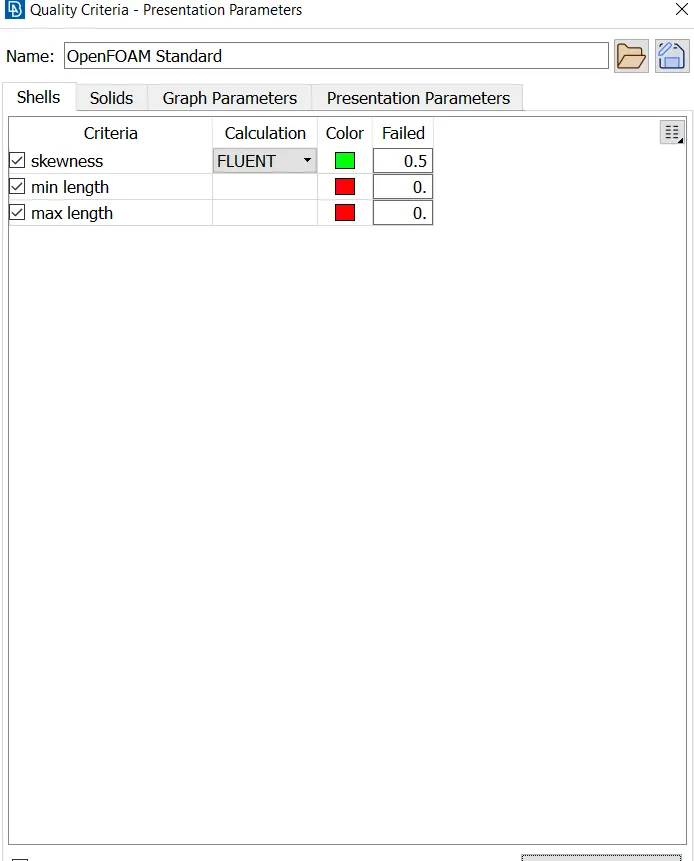
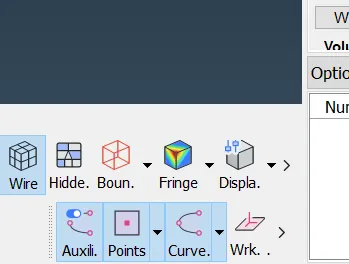
2.click the HIDDEN opion to show the quality creteria on the screen.
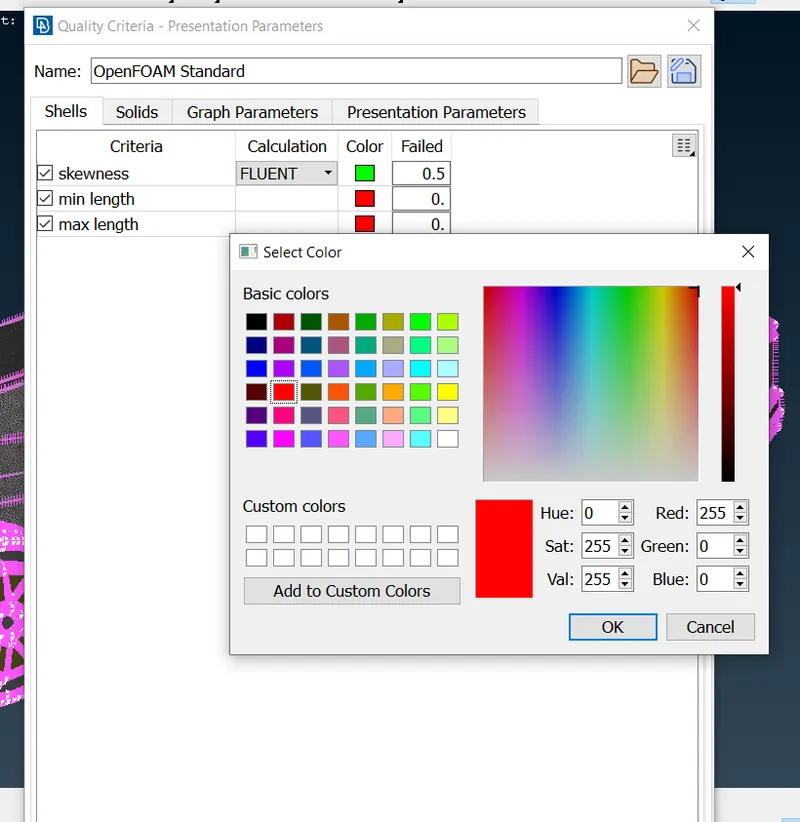
3. In quality to avoid the max min skewness confusion we can set diffrent color for the respective criteria.
4. To reduce the offset element we can use reconstruction, reshape option.
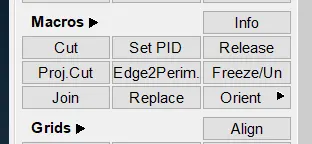
5. To avoid mesh disappearing we can use the frozen option.
Observation:
1.To paly with intersection error.
2.concept of quality,off element and how to clear it.
3.reconstruction, reshape option.
4.frozen and unfrozen option.
5.Usage of grid move option.
6.PID assigning
WIND TUNNEL CREATION:
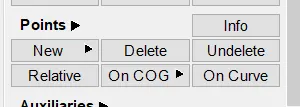
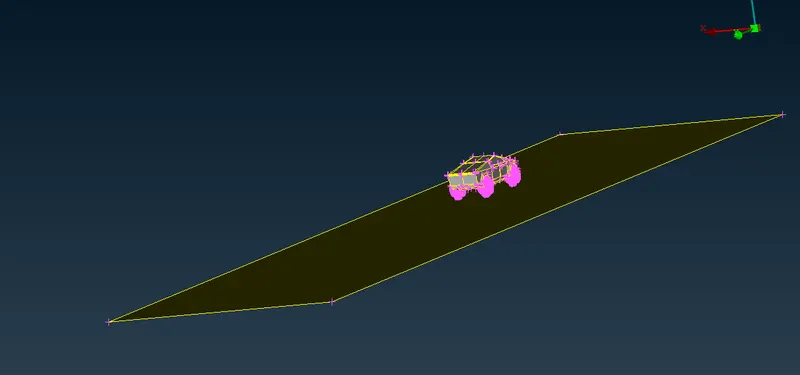
1.BY using point option we have to create the point at the middle of the bottom.Then have to create the point in for edges by calculating the wind tunnel criteria that is 4x in the front side, 6x for back side, 3x in top side and x distance for the side of the model.
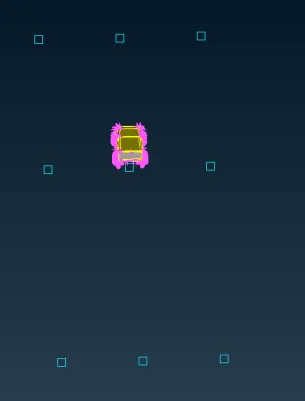
2. then create the curve by attaching the points. then create coon and offset the coon with given distance . then create coon at the all side.
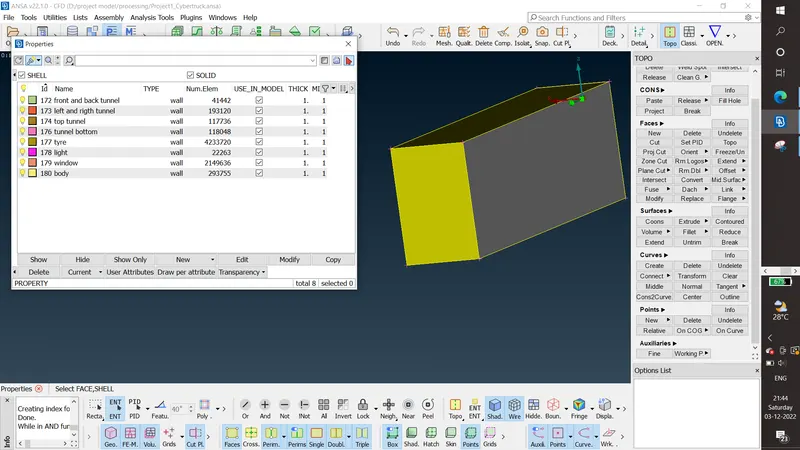
3.then assign the PIDS for each surface.
WIND TUNNEL MESH:
1. For bottom 50 as mesh length and top 300 as mesh length of the tunnel meshed using the general mesh option.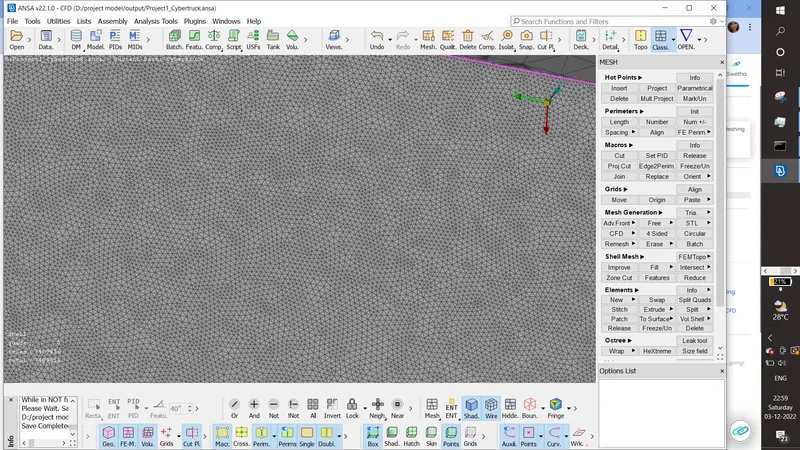
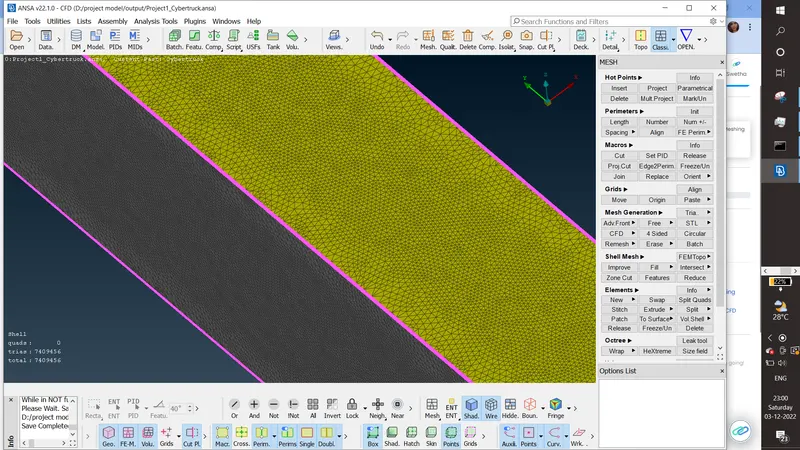
2. For right and left and fron and back option. given range from 50 to 300.
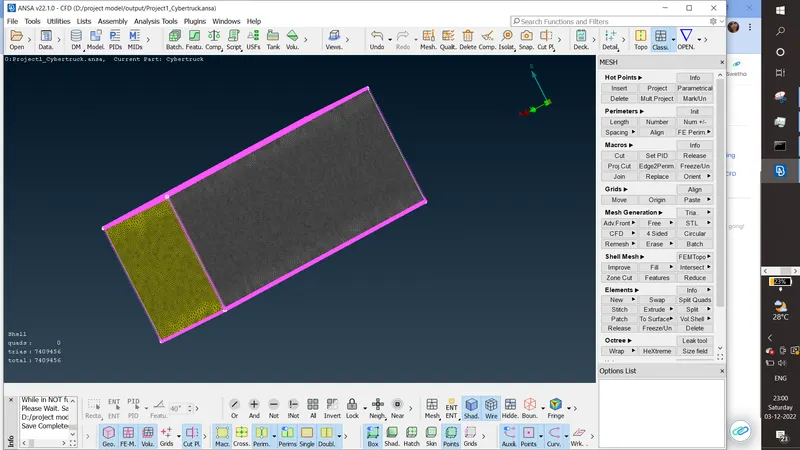
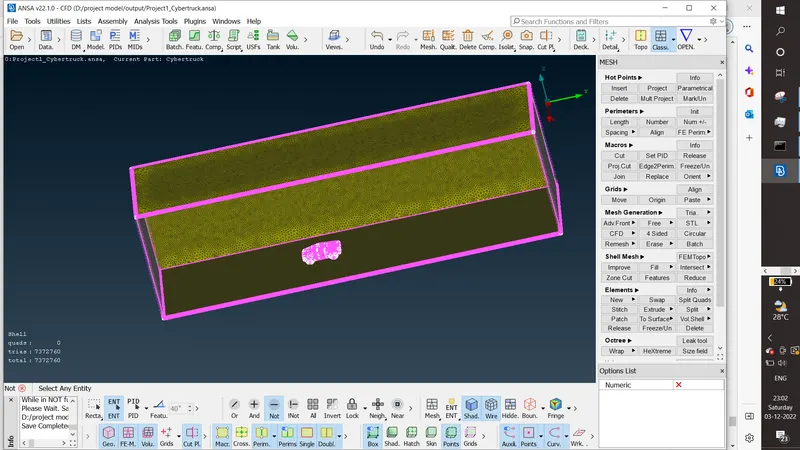
Conclusion:
Tesla cyber truck is meshed with wind tunnel.
https://drive.google.com/file/d/1ZwZihOR8LAusku_KYd552Pxkuon58Mjr/view?usp=sharing