Week 4 Challenge
DESIGN AND ANALYSIS OF BRIDGE WITH SOIL AND FOUNDATION LOADS
AIM
To Design and analyse a bridge with Soil and Foundation loads using STAAD Pro. Software.
INTRODUCTION
As per the given data to calculate the soil load on abutment wall and foundation with reference of UNIT WEIGHT OF BUILDING MATERIALS/DEAD LOAD OF BUILDING MATERIALS AS PER IS 875(Part - 1) - 1987 and standard formulas the loads on abutment wall and foundation is being calculated manually.
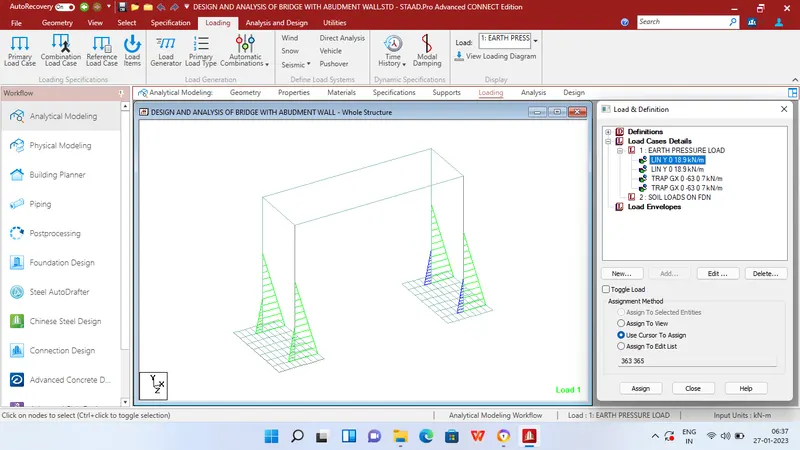
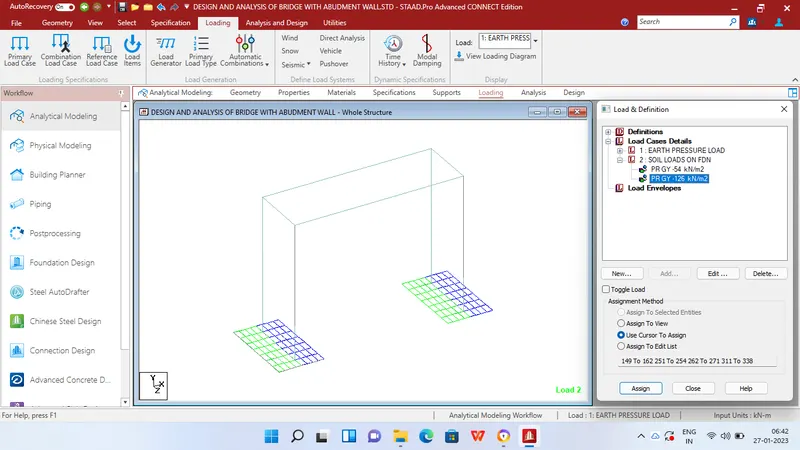
As per manual calculation derived soil load on abument as 18.9 KN/m2 and 63 KN/m2 and soil load on foundation as 54 and 126 KN/m2
Soil load on abutment = Kaγh and Koγh
Soil load on foundation = γh
PROCEDURE
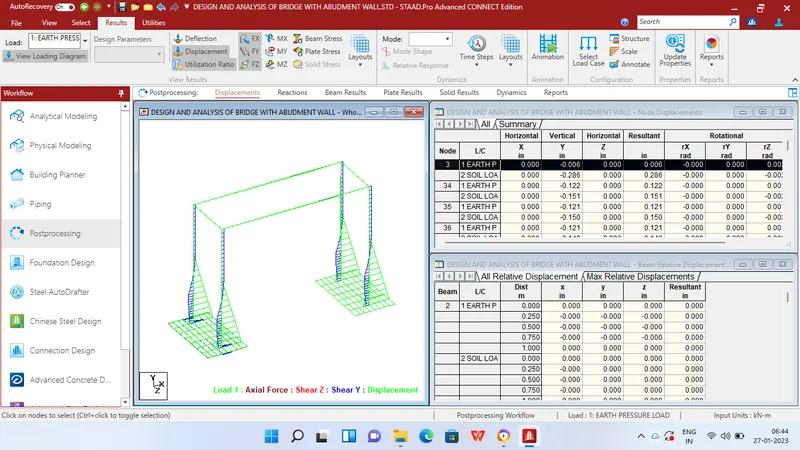
Design of bridge with Soil loads in Staad pro.
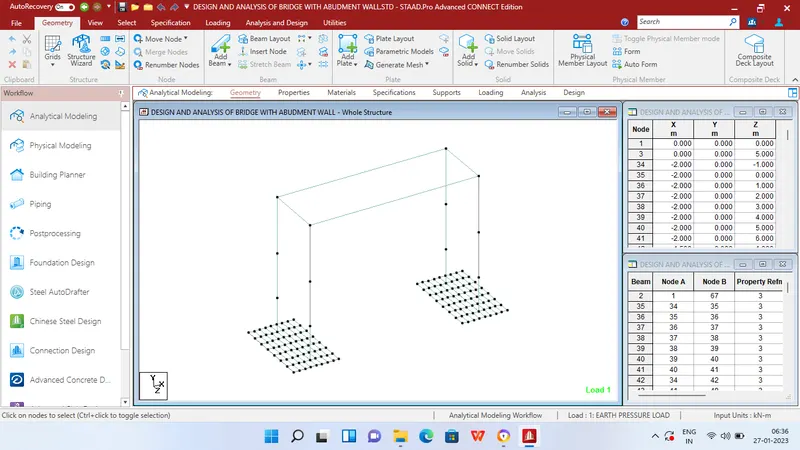
Step 1 - Create Nodes by entering the corresponding X/Y/Z values in the Node table for Abutment wall,foundation and deck slab of bridge.
Step 2 - After creating the nodes connect those nodes with add beam option.
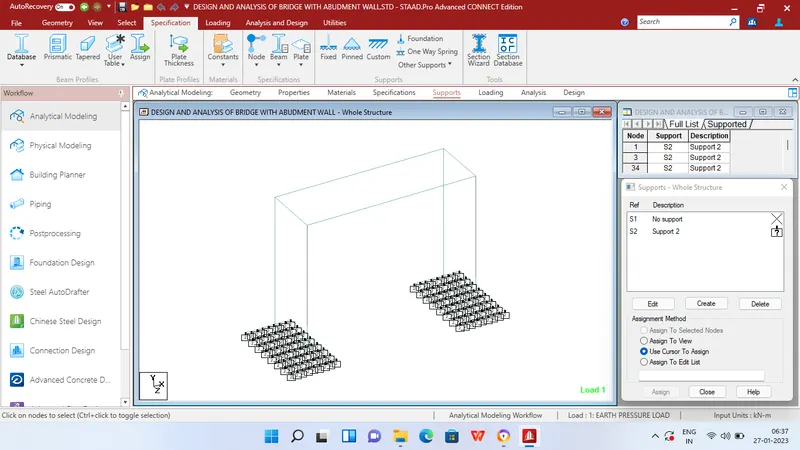
Step 3 - Then Click specification tab and click fixed support tab
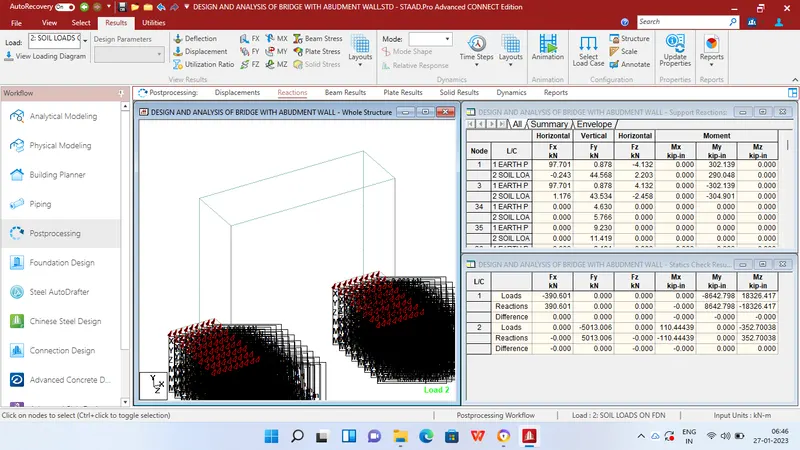
Step 4 - After that in create support dialog box add foundation support with modulus of 12000 kN/m2 using foundation tab then assign it to all the nodes in the foundation.
Step 5 - After adding supports create required nodes in deck slab after that click Geometry tab and choose Add plates option
Step 6 - Then connect all 4 corners of the node with add plate option
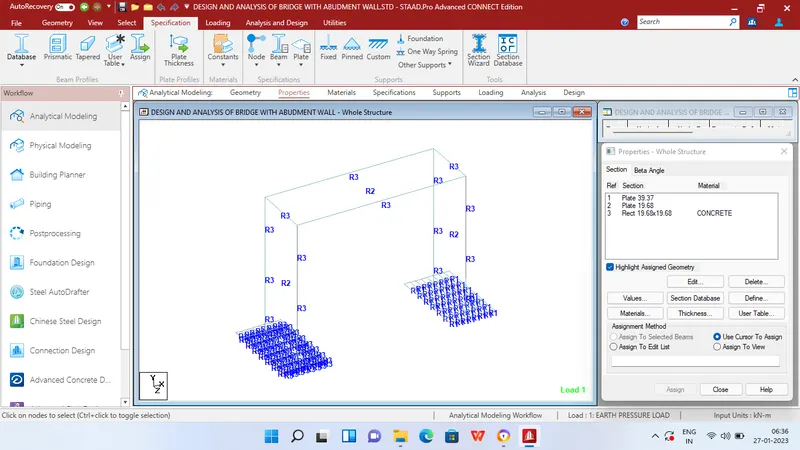
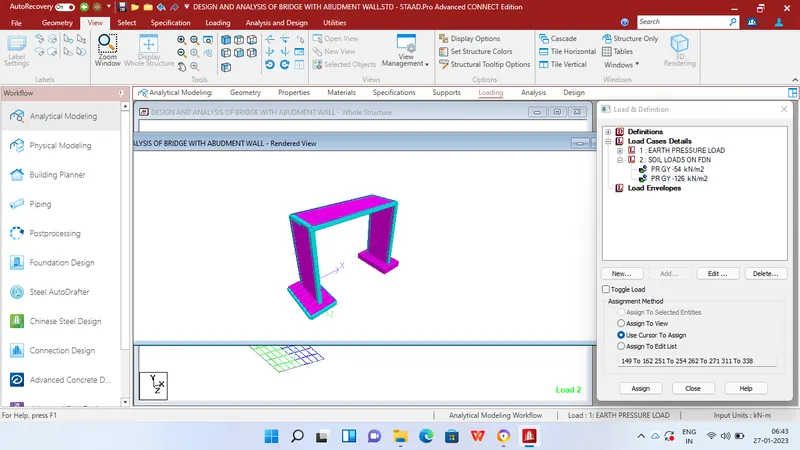
Step 7 - Then in Properties tab click Prismatic and add the required property like Thickness of plate for 0.5m for deck slab,0.5m for abutment wall and 1m for foundation matt.
Step 8 - After adding the properties click Loading tab and in load case details add Earth pressure load and soil loads on foundation.
Step 9 - For earth pressure load apply linearly varying load and hydrostatic loading options and assign the derived values in the sides of abutment wall for the given height.
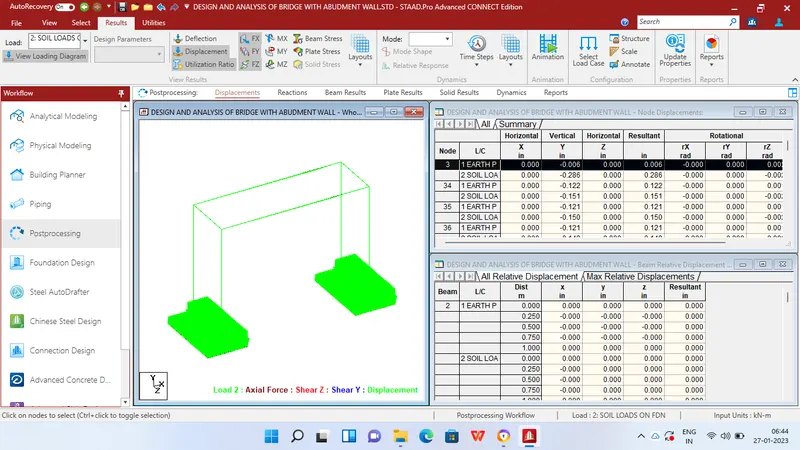
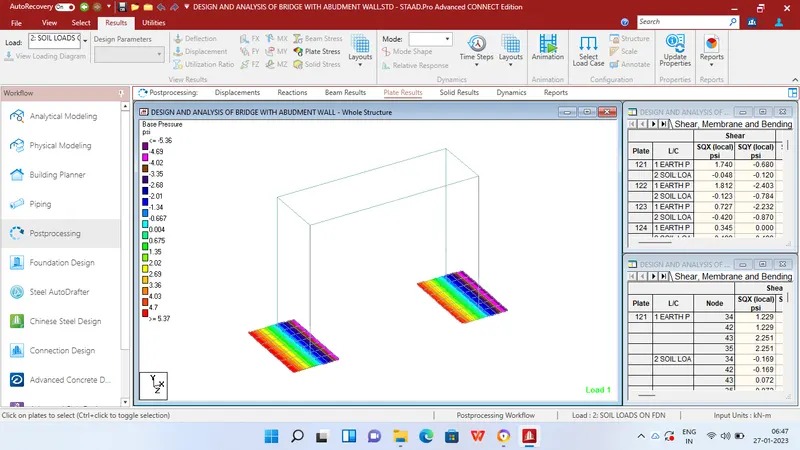
Step 10 - Then for soil loads on foundation use plate loads and assign the maunally derived values on the foundation matt.
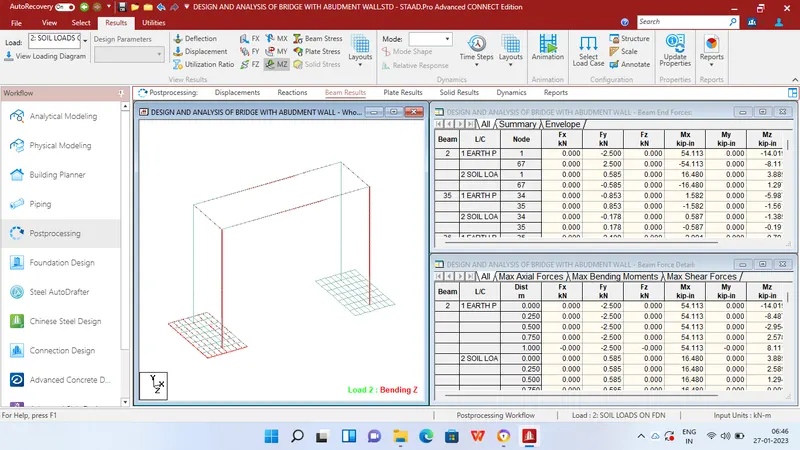
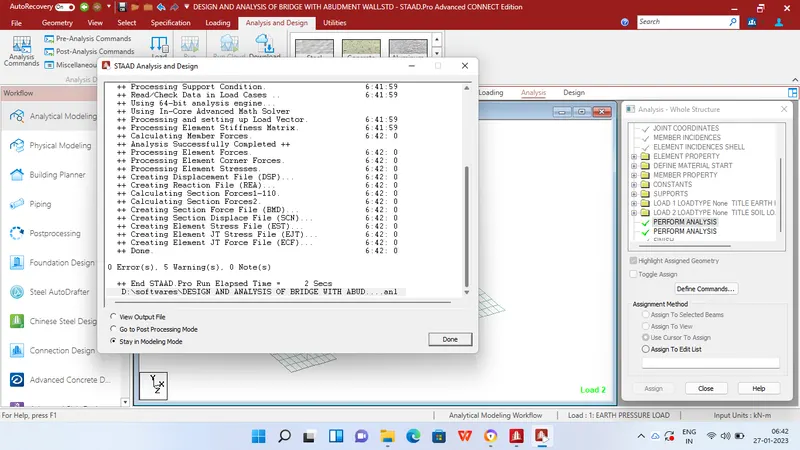
Step 11 - After applying the loads in analysis and design tab define commands for PERFORM ANALYSIS and click run analysis.
RESULTS
REPORT