Week 3 Challenge
DESIGN AND ANALYSIS OF I GIRDER BRIDGE WITH IRS RAILWAY LOADS
AIM
To Design and analyse a I girder bridge with IRS Railway loads using STAAD Pro. Software.
INTRODUCTION
As per the given data to calculate the dead loads of the box girder bridge UNIT WEIGHT OF BUILDING MATERIALS/DEAD LOAD OF BUILDING MATERIALS AS PER IS 875(Part - 1) - 1987 is being considered for finding the dead loads of Deck slab and Box girder.The reference of the IS CODE is as below
PROCEDURE
Design of I girder bridge with IRS Railway loads in Staad pro.
Step 1 - Create Nodes by entering the corresponding X/Y/Z values in the Node table for Pier,Deck slab,Main girder and cross girders for I girder design.
Step 2 - After creating the nodes connect those nodes with add beam option.
Step 3 - Then Click specification tab and click Fixed support.
Step 4 - After that in create support dialog box add the required support with moment and forces assign to the four bottom corners of Piers.
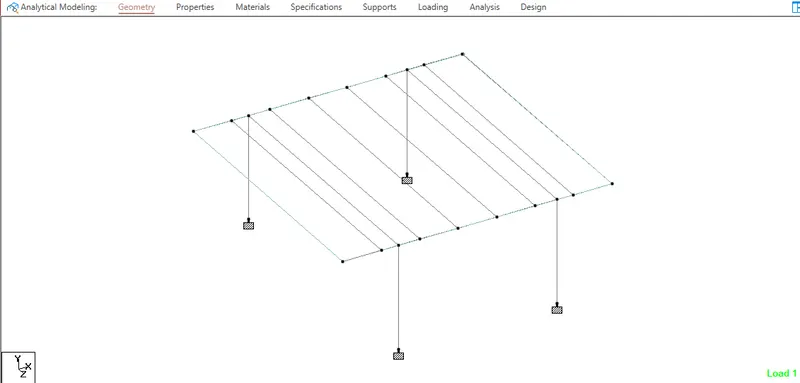
Step 5 - After adding supports create required nodes in deck slab and I girder after that click Geometry tab and choose Add plates option
Step 6 - Then connect all 4 corners of the node with add plate option
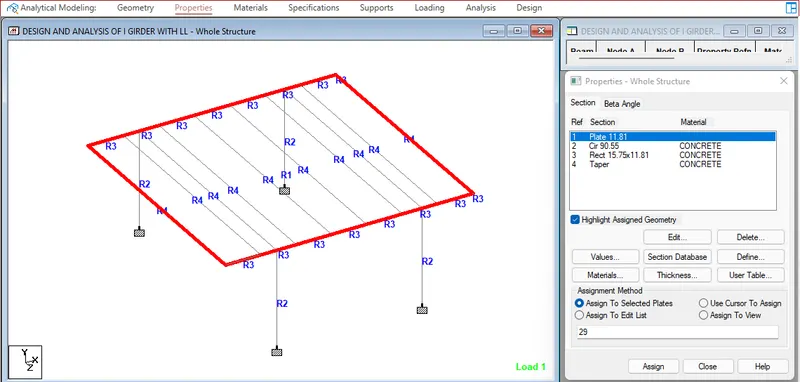
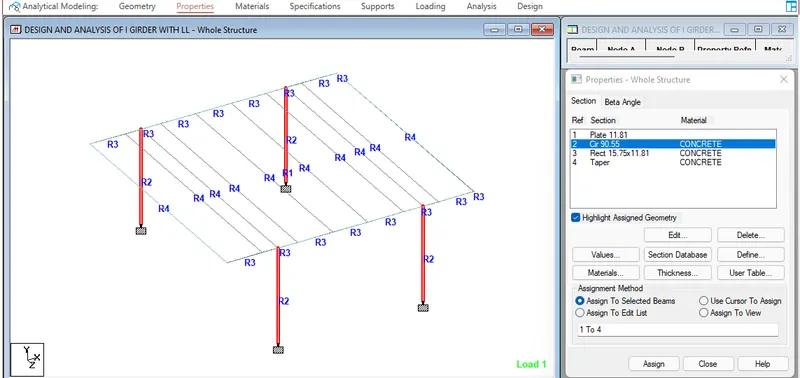
Step 7 - Then in Properties tab click Prismatic and add the required property like Tapered I beam for all main girder beams as given in question,Rectangular beam for Piers and cross beams of the deck slab,Plate thickness for all the plates in the geometry.
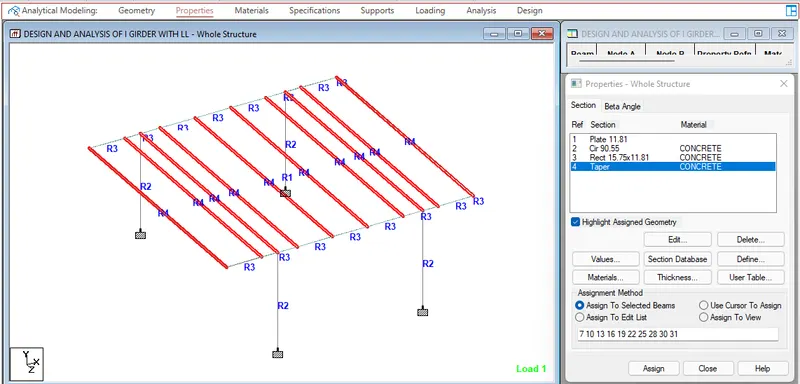
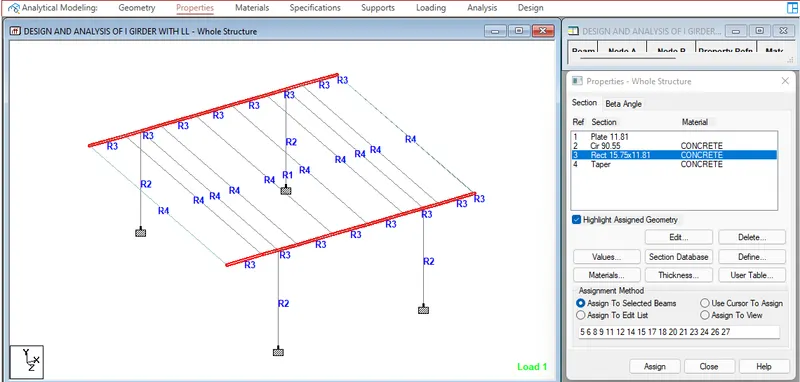
Step 8 - After adding the properties click Loading tab and in Definitions click Vehicle definition and click add
Step 9 - Then Define the moving load with width as 1.8m with Load and distance as per IRS standard for Metro live loading
Step 10 - Then in Load case details add load generation and click ok.
Step 11 - Click the added load option from Generate load and enter the values of X,Y,Z Range,Increment,Maximum range in particular axis.
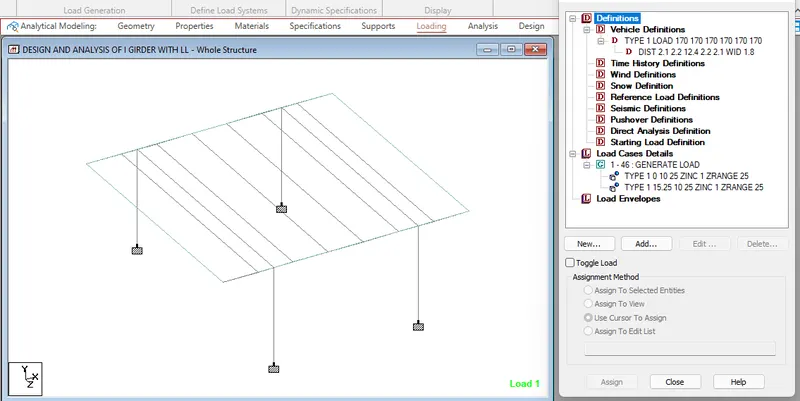
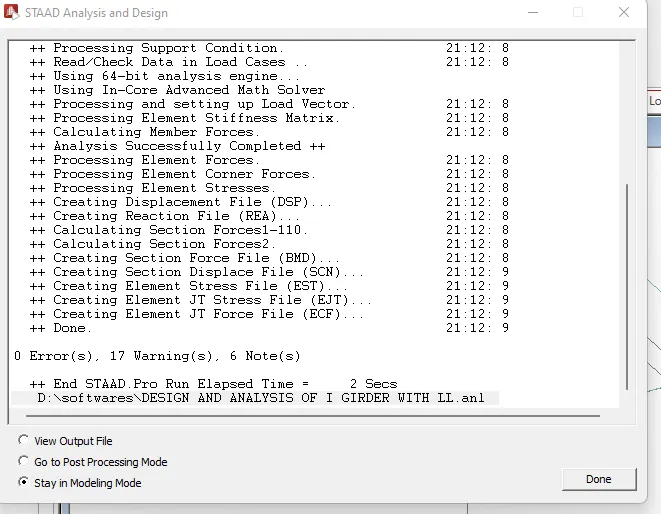
Step 12 - After applying the dead loads in analysis and design tab define commands for PERFORM ANALYSIS and click run analysis.
RESULTS
Loading diagram
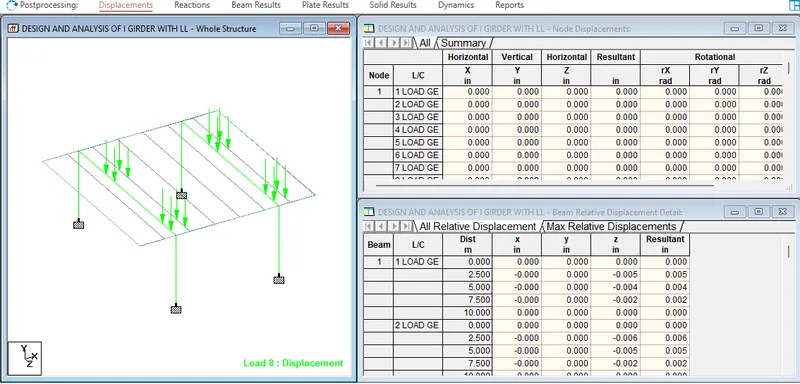
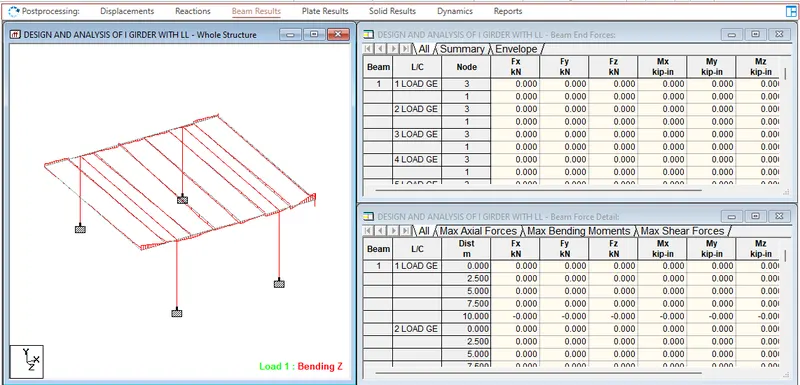
Beam results
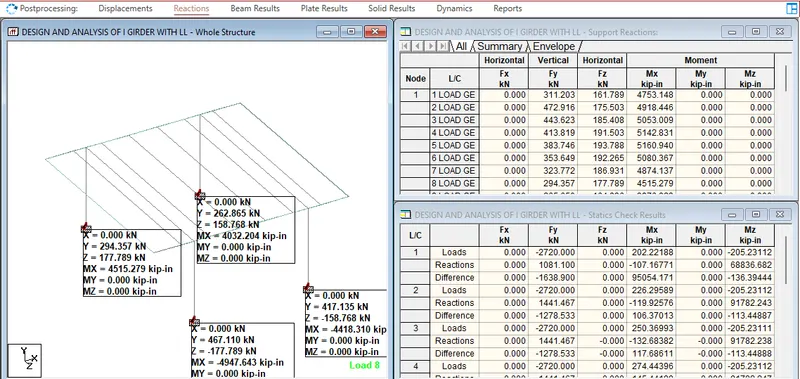
Reactions
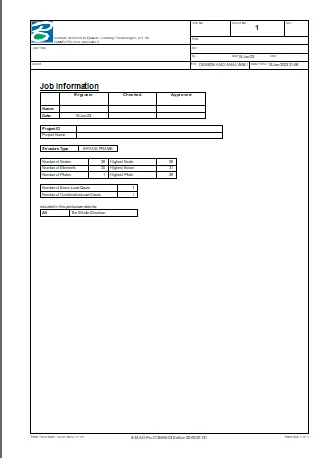
REPORT
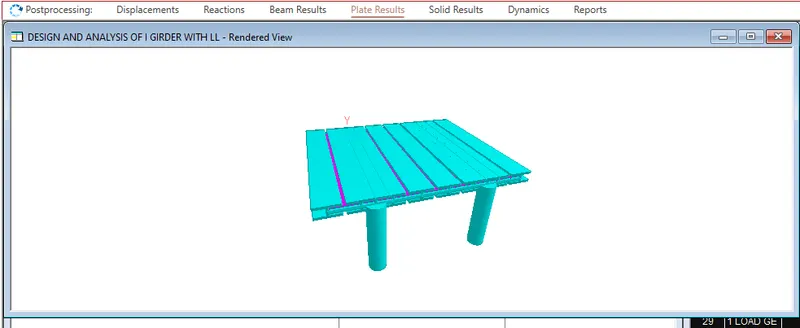
3D Rendering