Week 4 - 2D Meshing for Sheet Metal
Aim:-
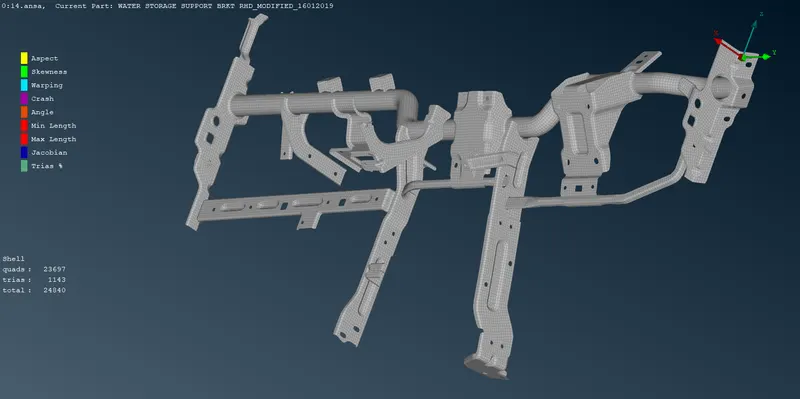
For the given CCB CAD model, Check for the Geometry cleanup (if required), Take the mid surface, and Mesh it with the below 2D element Quality criteria.
Quality Criteria:-
|
S.No |
Quality Criteria |
Value |
|
1 |
Target/Average length |
5 |
|
2 |
Minimum Length |
3 |
|
3 |
Maximum Length |
7 |
|
4 |
Aspect |
3 |
|
5 |
Warpage |
15 |
|
6 |
Skewness |
45 |
|
7 |
Jacobian |
0.7 |
|
8 |
Minimum Quad Angle |
45 |
|
9 |
Maximum Quad Angle |
135 |
|
10 |
Minimum Tria Angle |
30 |
|
11 |
Maximum Tria Angle |
120 |
|
10 |
Tria Percentage |
15 |
Procedure:-
1.Import the model by clicking open from file menu.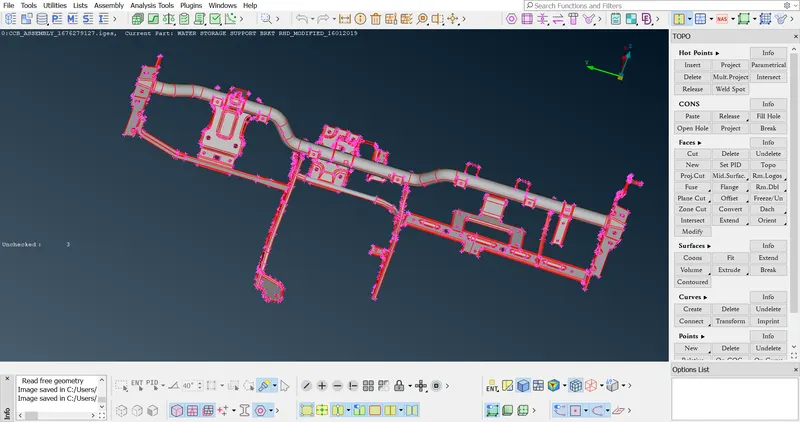
2.now we have to observe part first and plan accordingly, so first step
should be use topo option over entire model and do geometry check
this is regular step while work on new model.
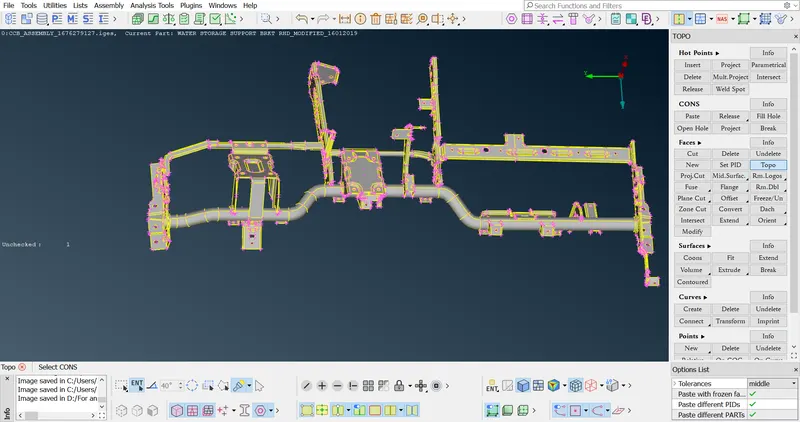
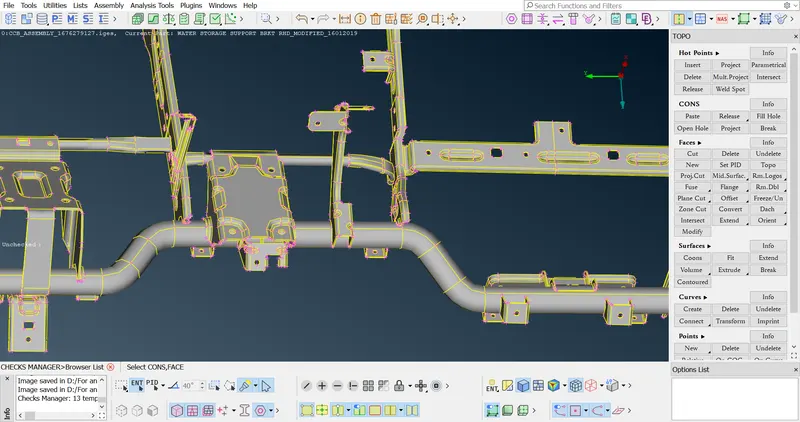
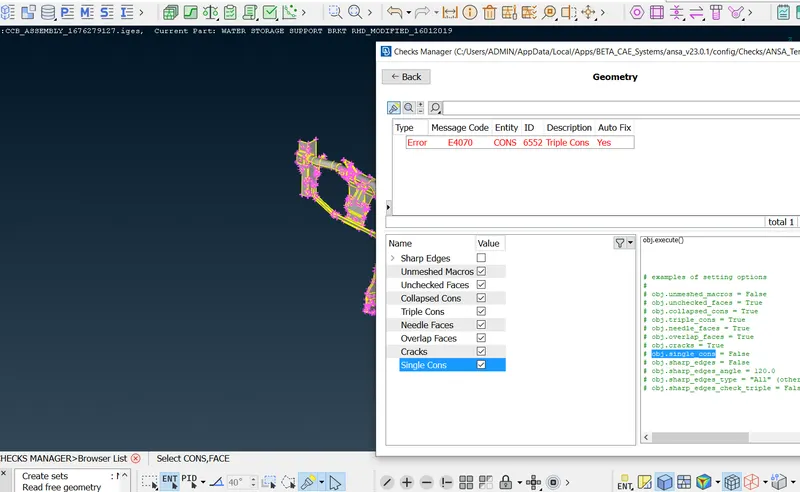
3.now measure thickness of various component and we can observe
there are 3types of thickness present.
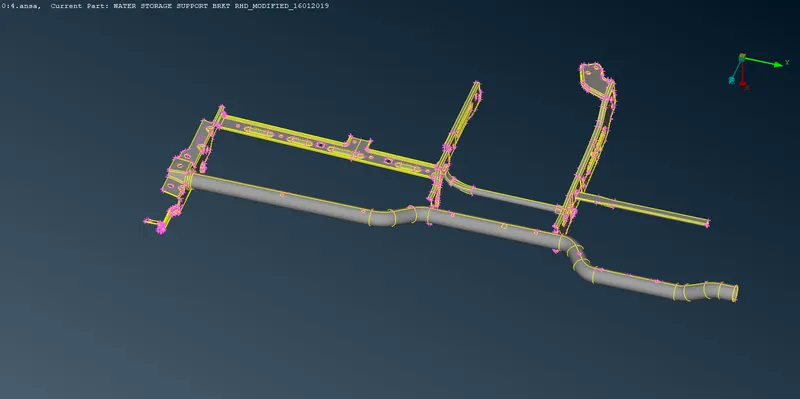
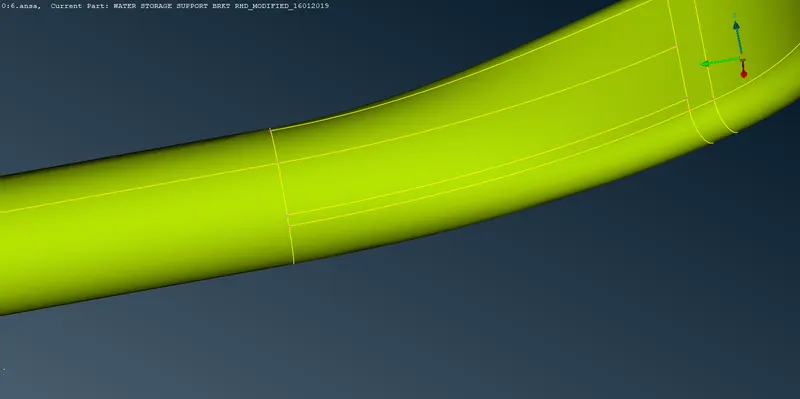
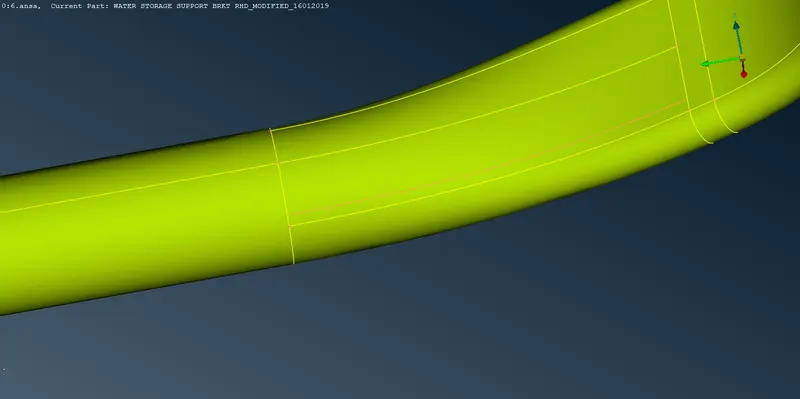
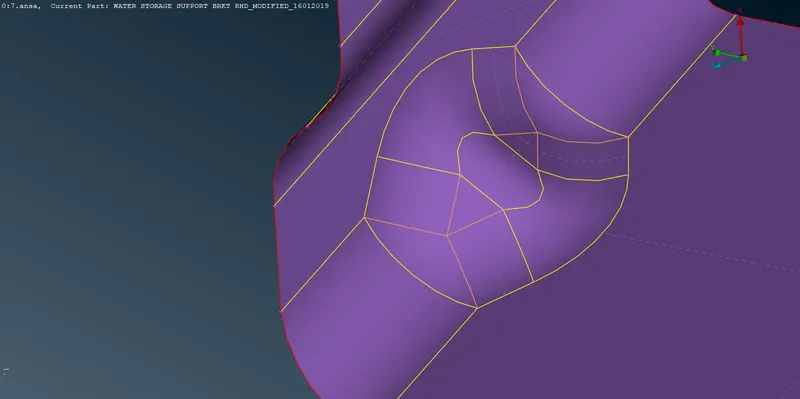
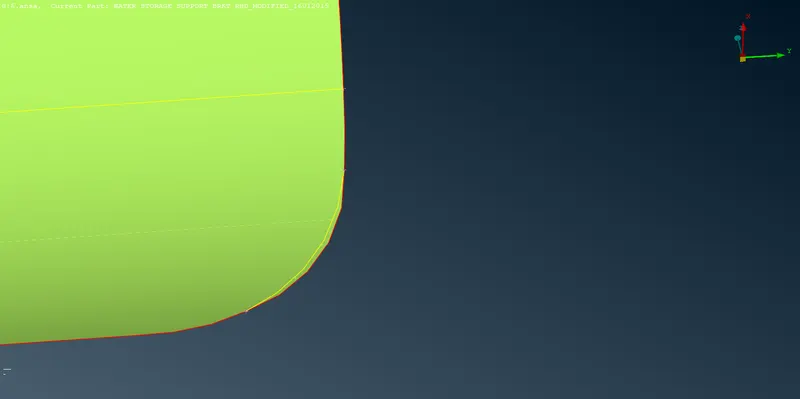
4.we have to clear geometry which is cause for quality failure.
5.now for taking mid surface click mid surface ---skin---and while performing
this from option list use always ask and put mid surface to appropriate PID
6.one by one take mid for all available parts.
7.after that give mesh length 5mm and below quality criteria
|
S.No |
Quality Criteria |
Value |
|
1 |
Target/Average length |
5 |
|
2 |
Minimum Length |
3 |
|
3 |
Maximum Length |
7 |
|
4 |
Aspect |
3 |
|
5 |
Warpage |
15 |
|
6 |
Skewness |
45 |
|
7 |
Jacobian |
0.7 |
|
8 |
Minimum Quad Angle |
45 |
|
9 |
Maximum Quad Angle |
135 |
|
10 |
Minimum Tria Angle |
30 |
|
11 |
Maximum Tria Angle |
120 |
|
10 |
Tria Percentage |
15 |
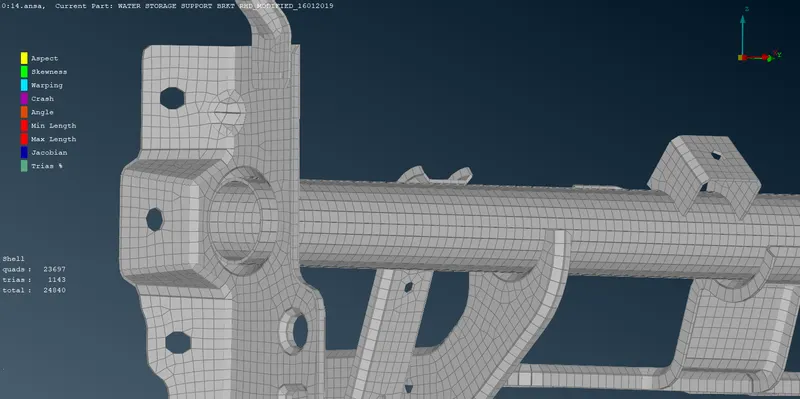
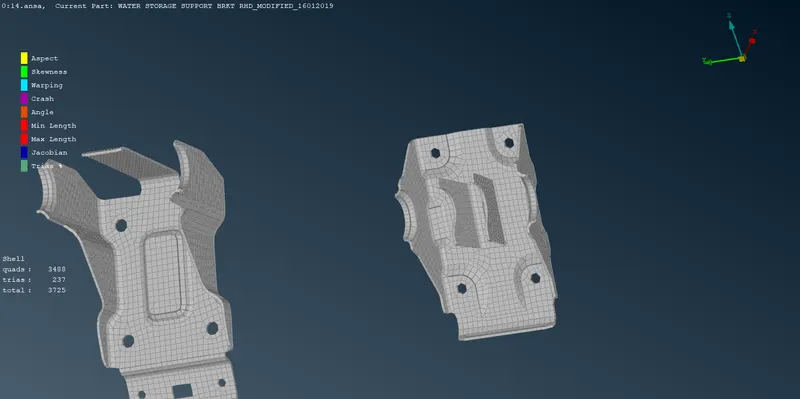
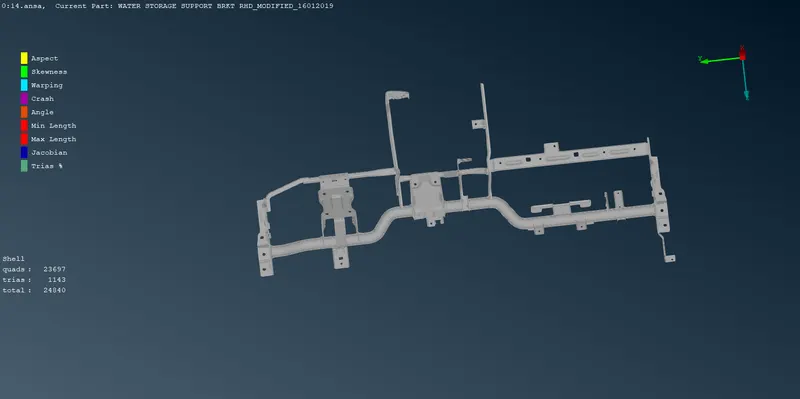
7.now by using mesh algorithm mesh the mid surface one by one.
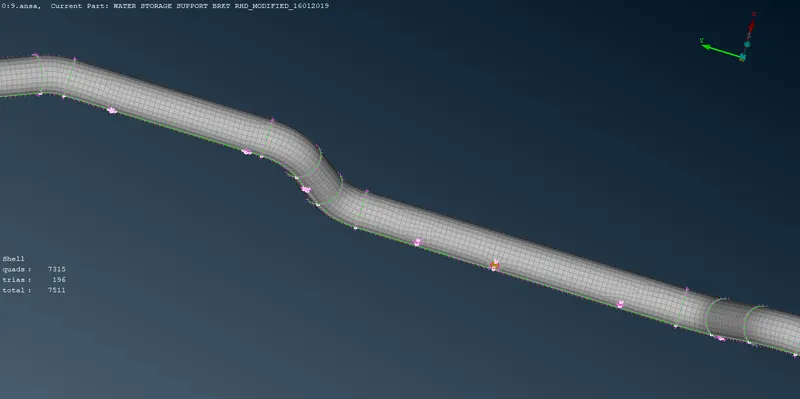
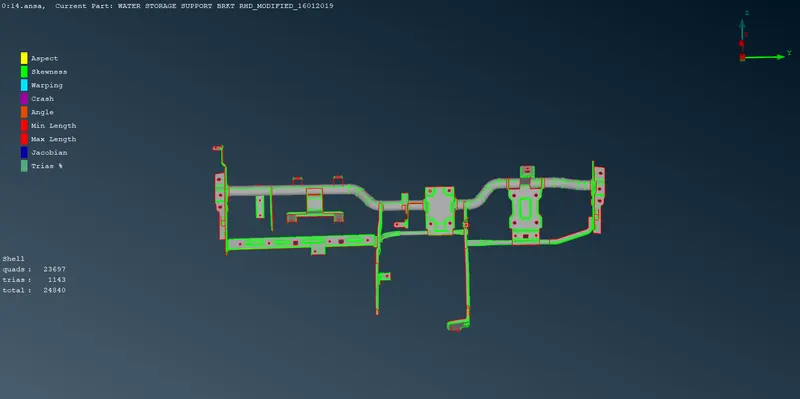
8.by switching hidden mode we can number of off elements. And get rid of those off elements
by using move ,split, sweep, join option,
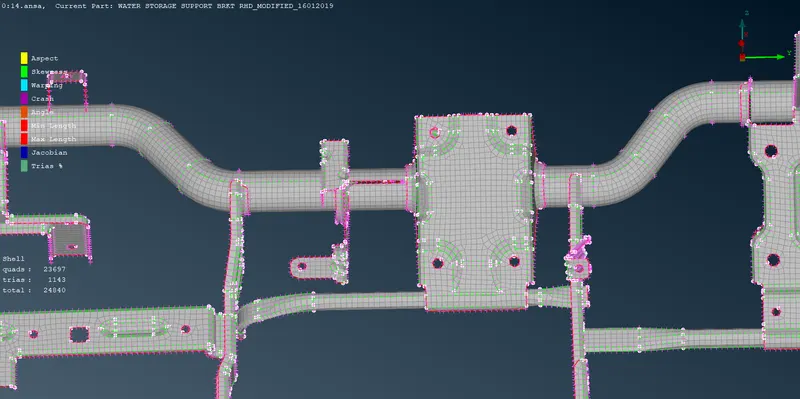
9.now in quality criteria there Is option draw as solid by clicking that option we can see
assign thickness over the component.
what I learn from this challenge
1.import of model
3.assign PID for different region
4.set mesh parameter
5.set quality criteria
6.deploy mesh
7.various isolating options
8.hide options
9.topo clean-up
10.surfacemesh
11.mid surface
12.set PID for thickness
13.how to clear off elements
14.applying thickness
drive link:-
https://drive.google.com/file/d/1ftIJj-GhgQfccm2BuRQBzvvq_UlFzp17/view?usp=drivesdk