Week 4 - 2D Meshing for Sheet Metal
MESHING OF A CCB CAD model:
- Import the geometry.
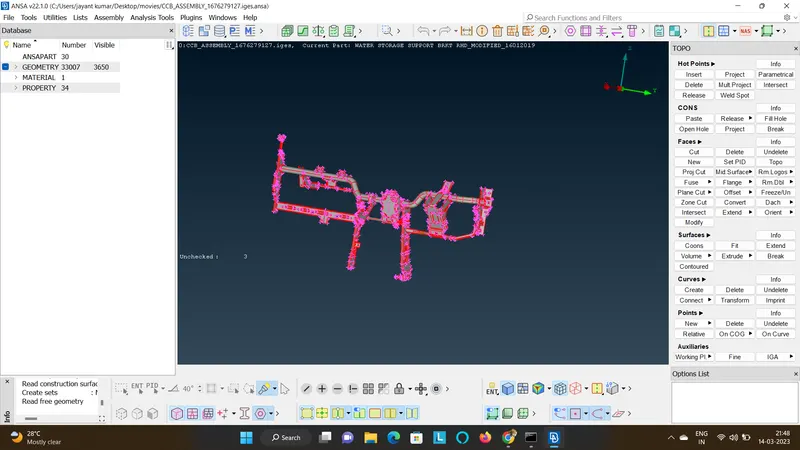
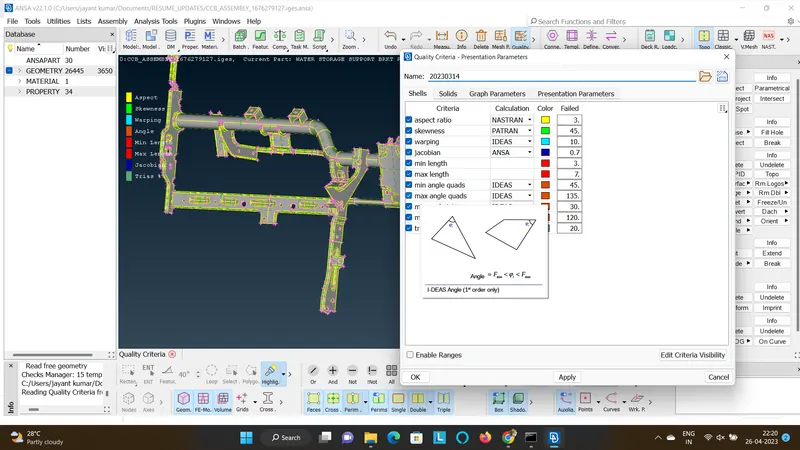
- Import the given mesh quality criteria and also set the target length to 5 as mentioned.
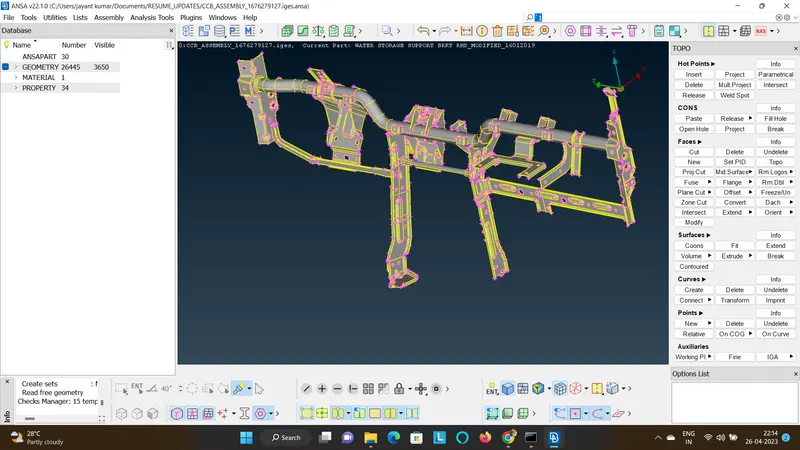
- Perform the geometric checks and fix it so that all the errors like free edges are toggled.
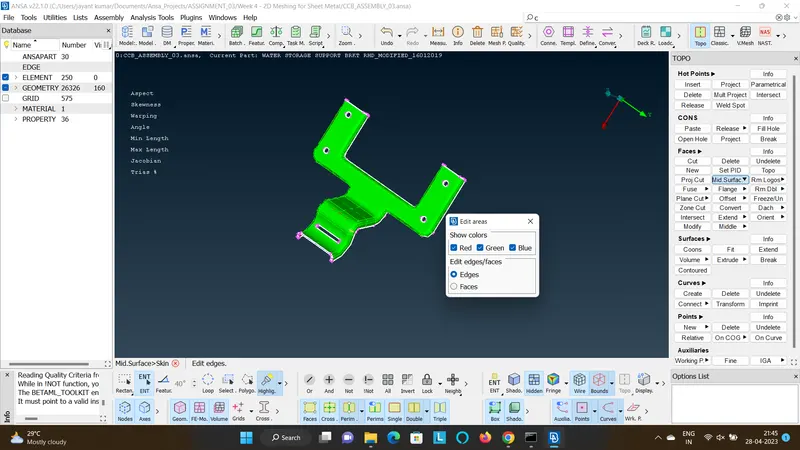
- Select one component.
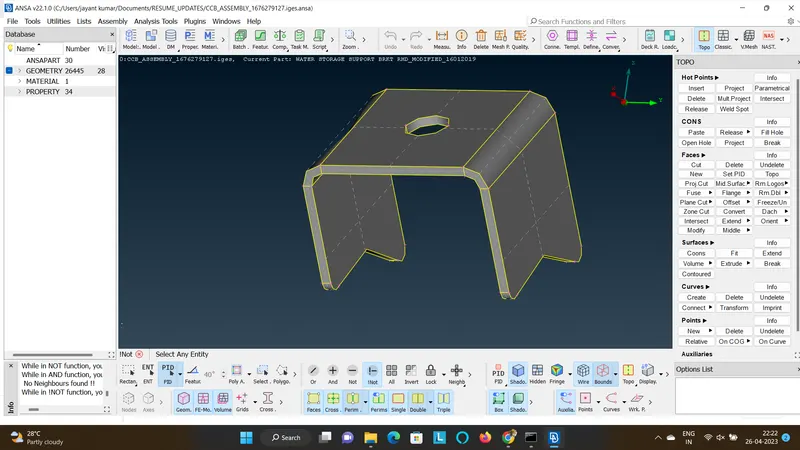
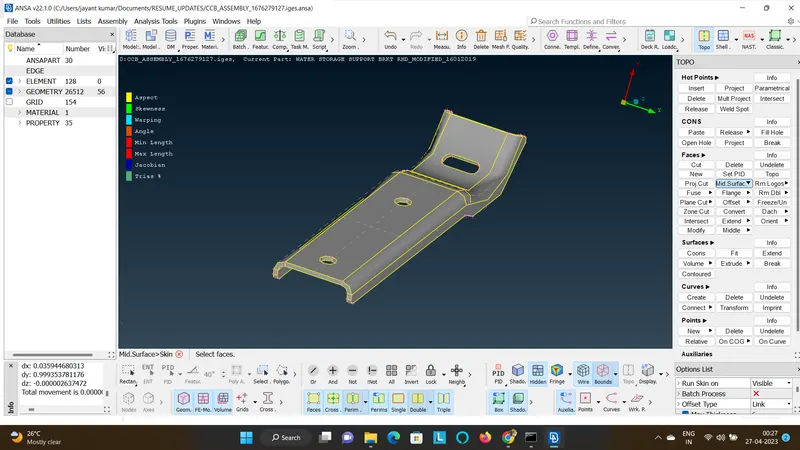
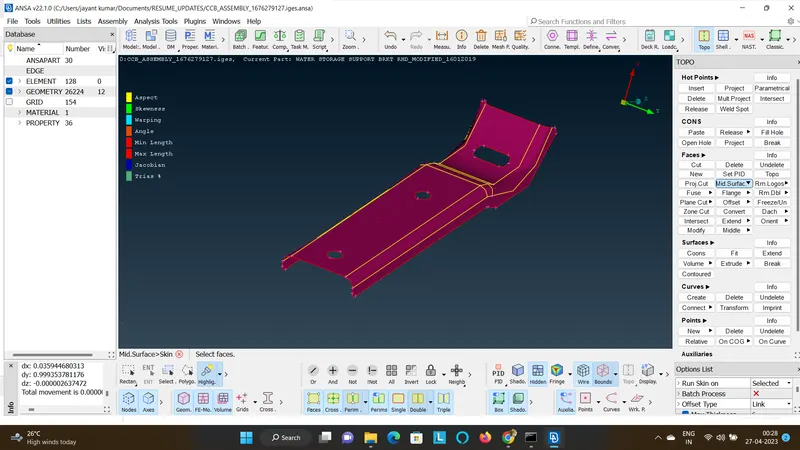
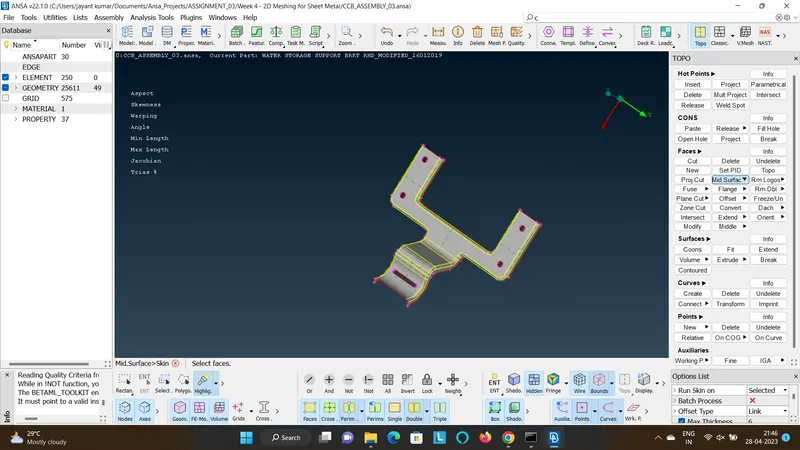
- Create a mid component by using face>Mid Surface>Skin.
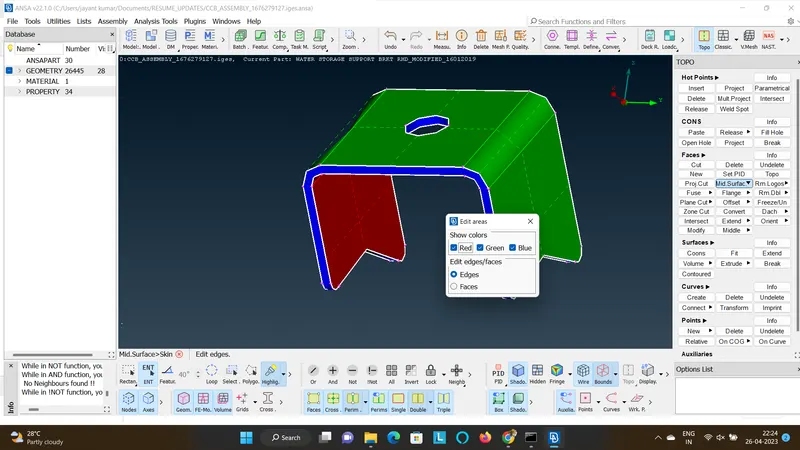
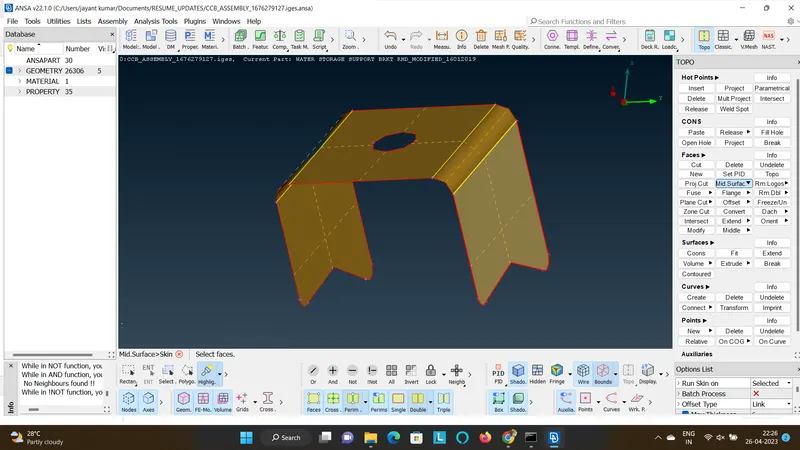
- Create a mesh for the created mid surface w.r.t to the quality criteria by Topo>Mesh Generation>Batch.
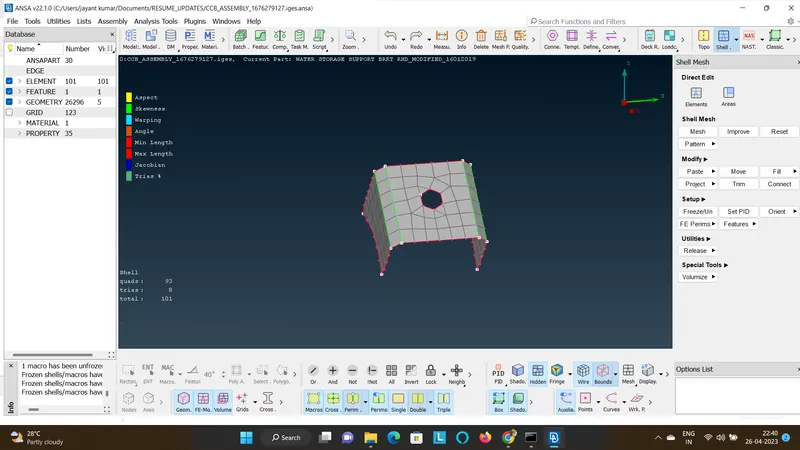
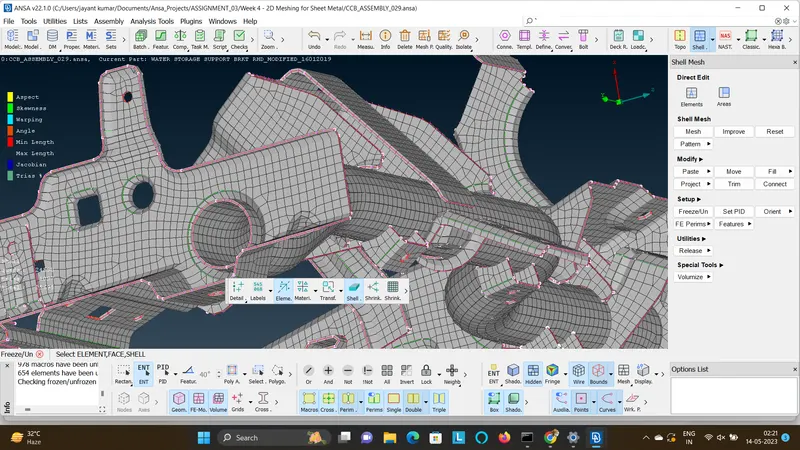
- Fix the distorted mesh by doing remeshing operation and convert it as shown below by removing the quality, setting the flow and capturing the feature.
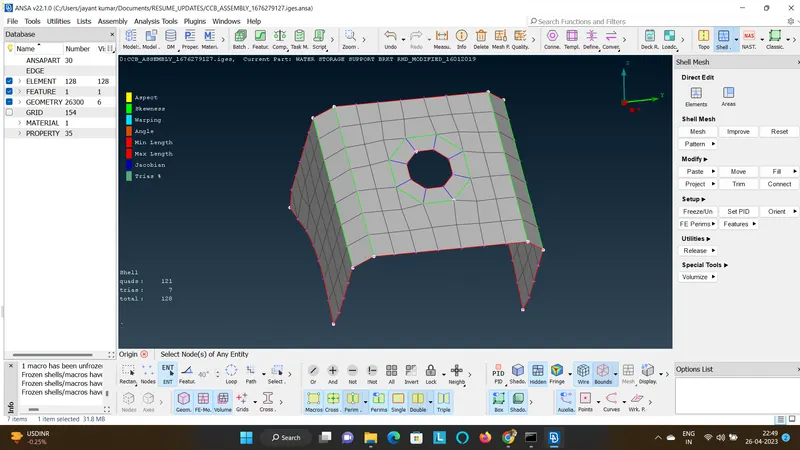
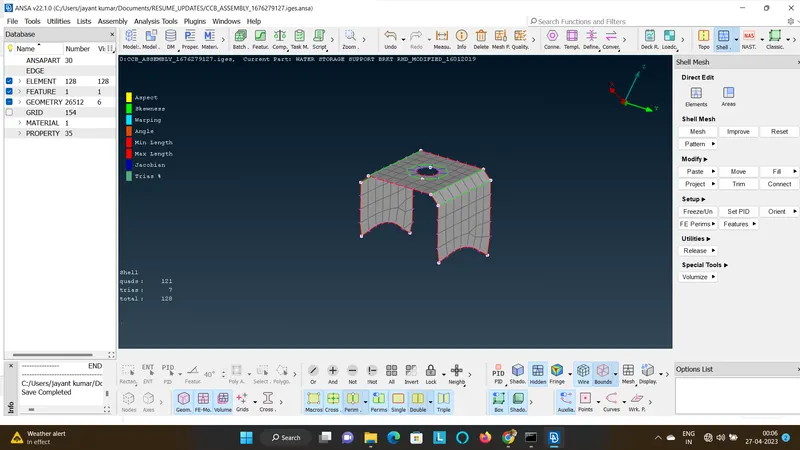
- Check for free edges and duplicates, if noticed fix it and recheck untill you clear it.
- Follow the same for all the components.
- If the model is symmetric, mesh the half part and reflect the component to reduce the meshing time.
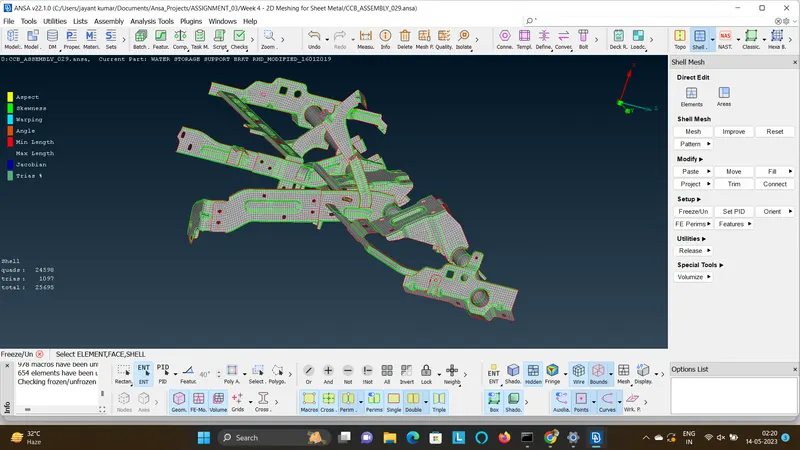
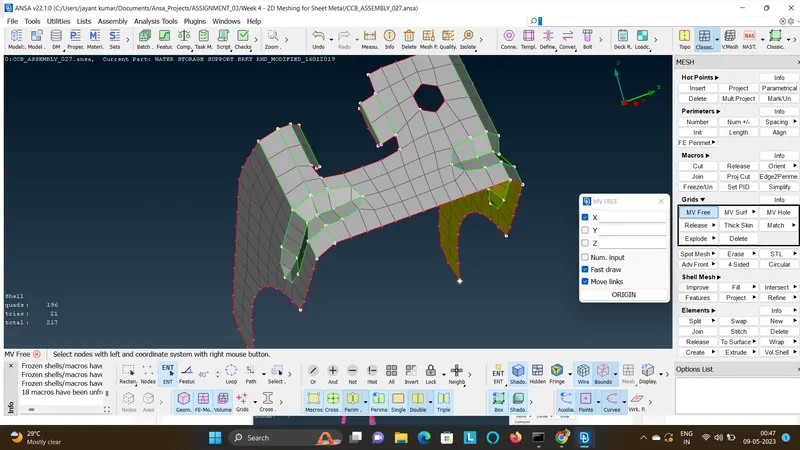
- Below are some of the meshed parts in the CCB Assembly.
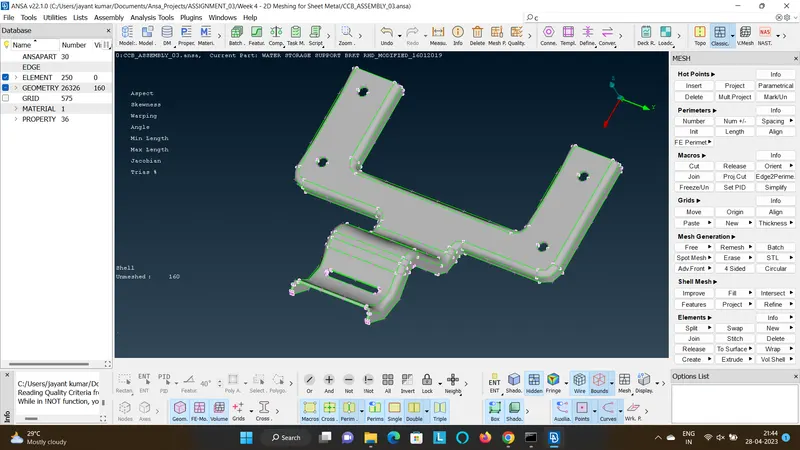
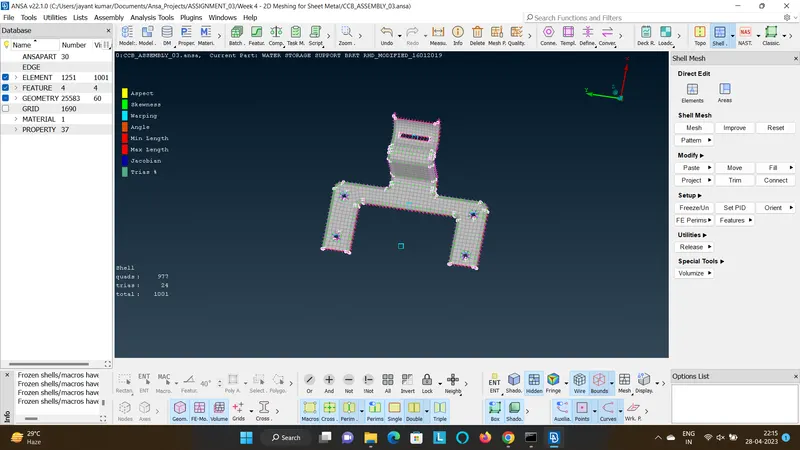
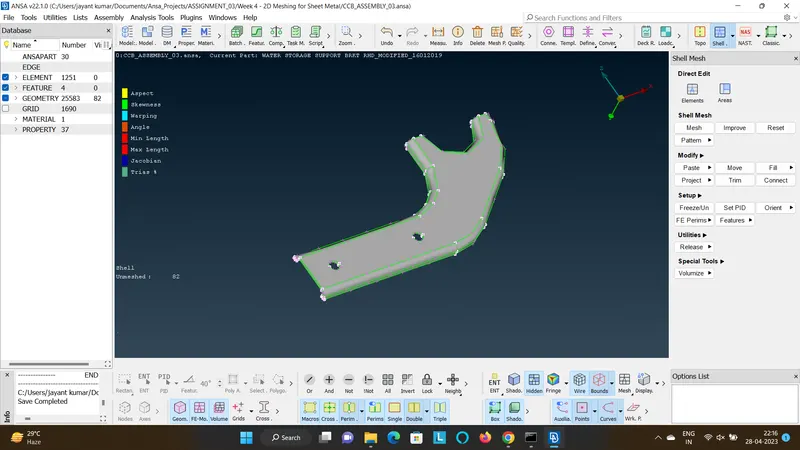
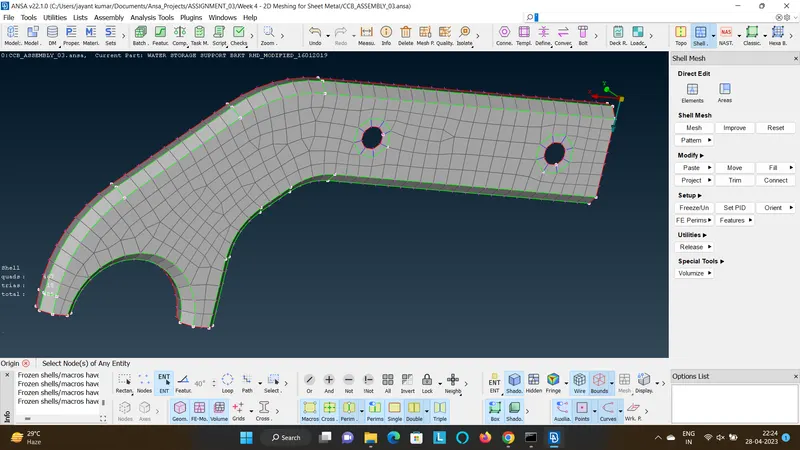
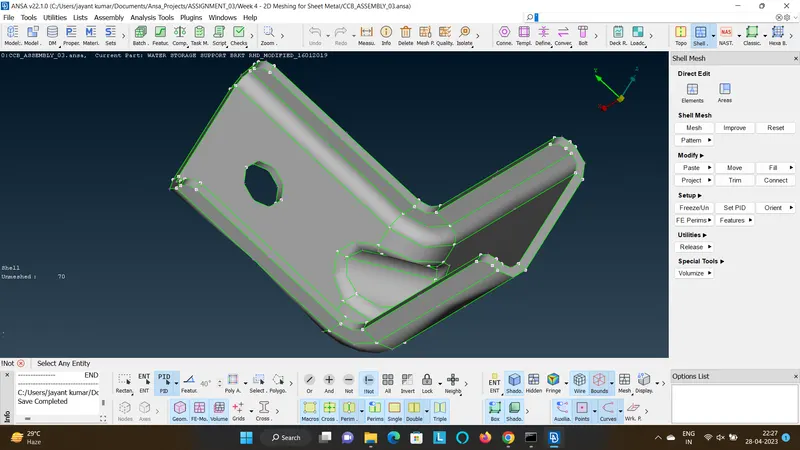
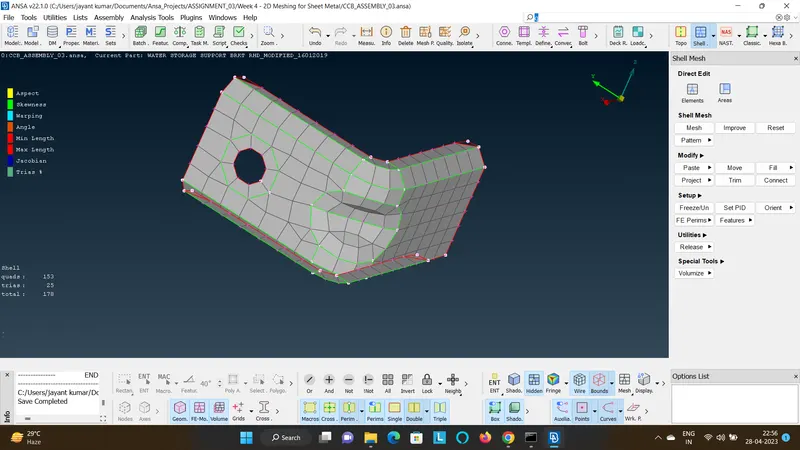
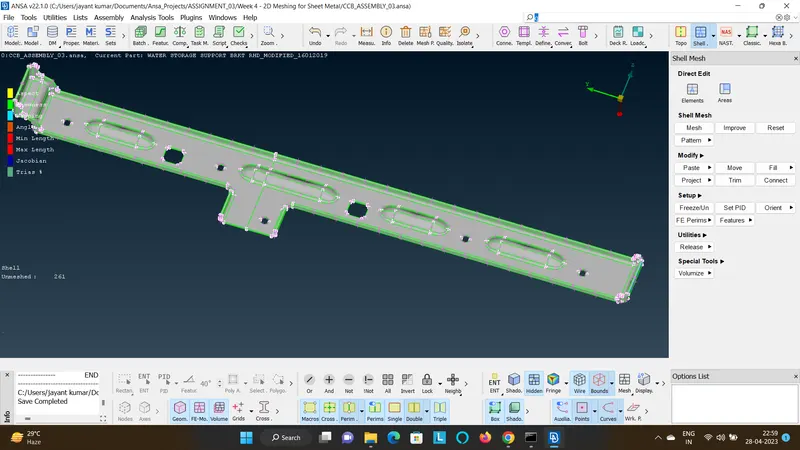
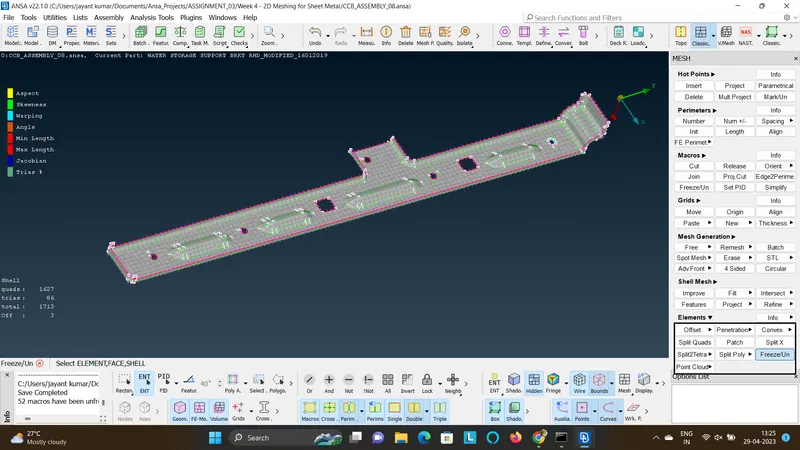
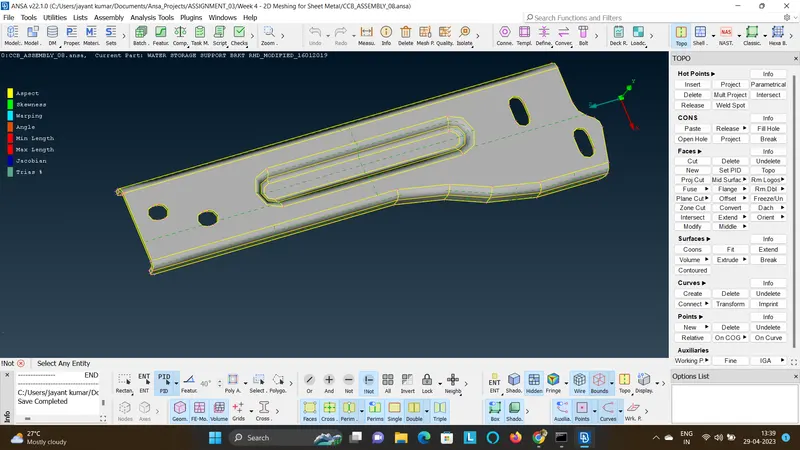
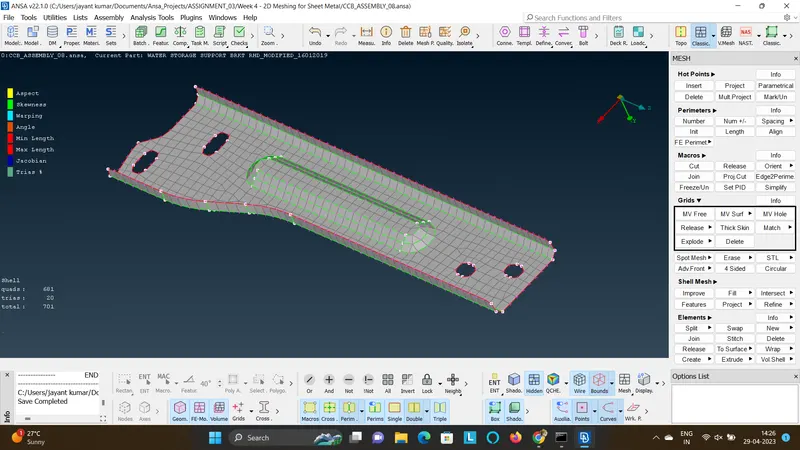
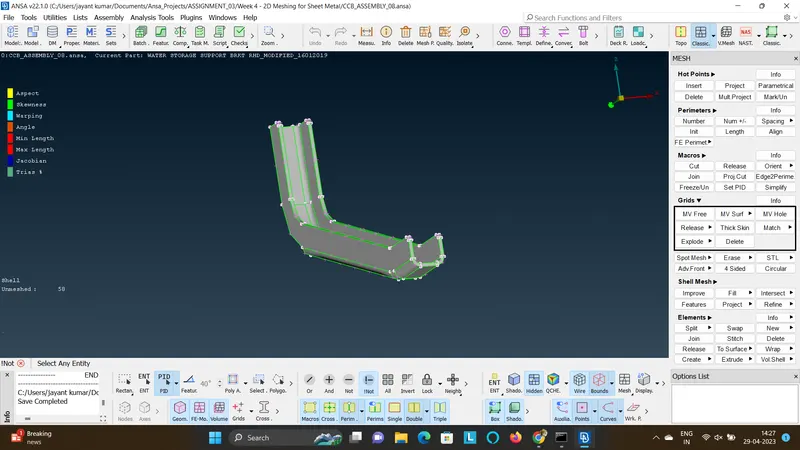
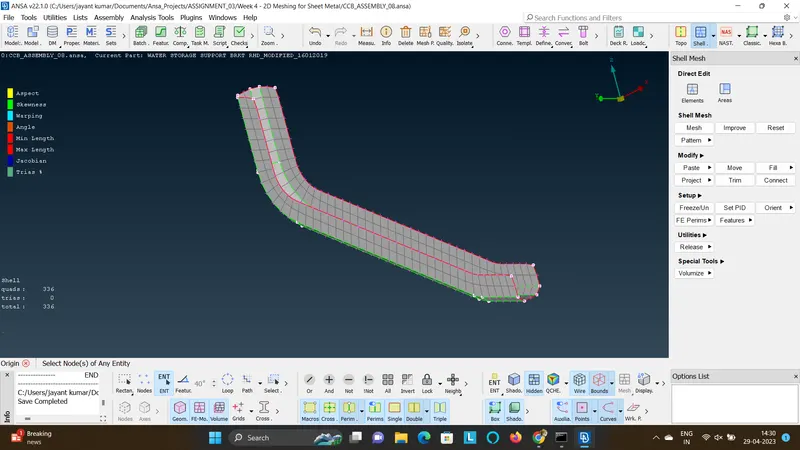
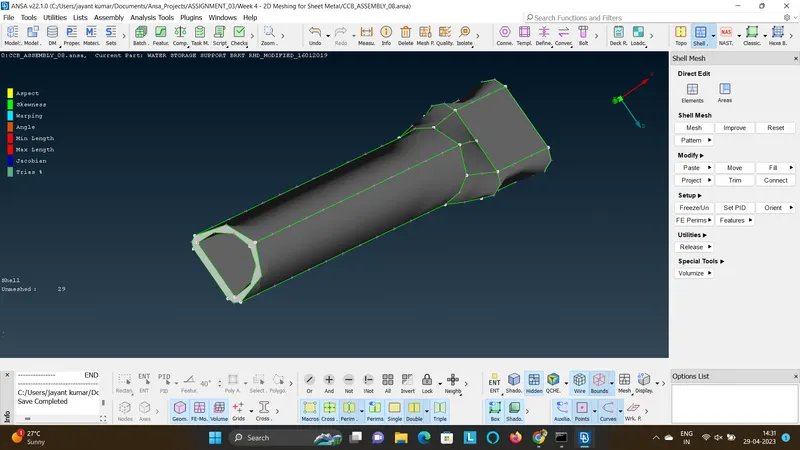
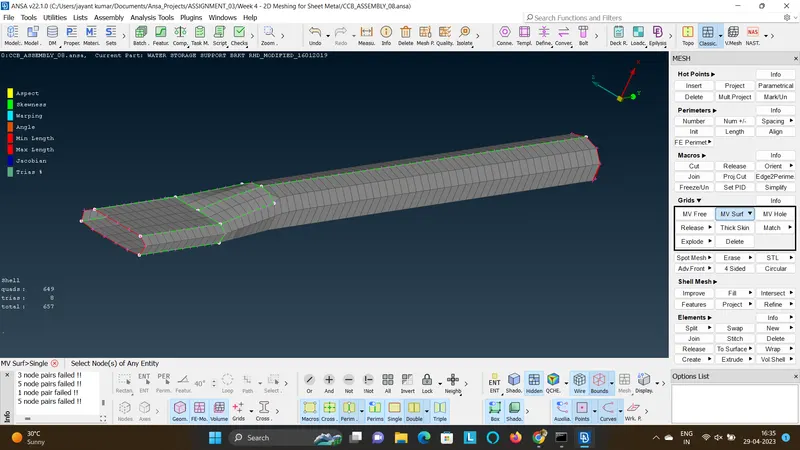
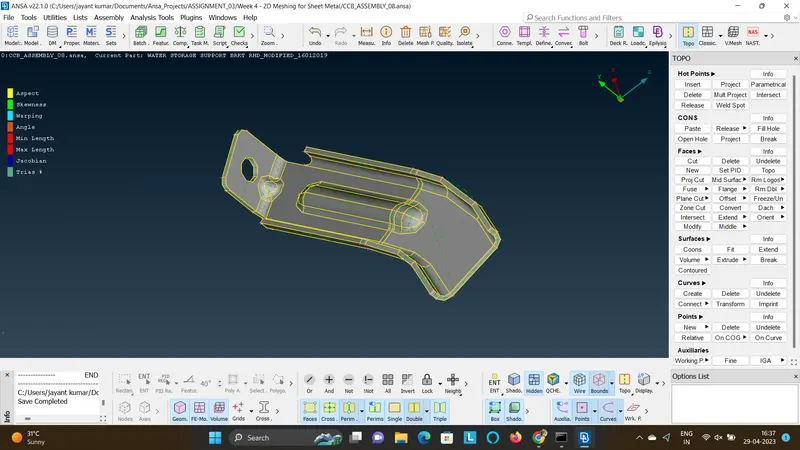
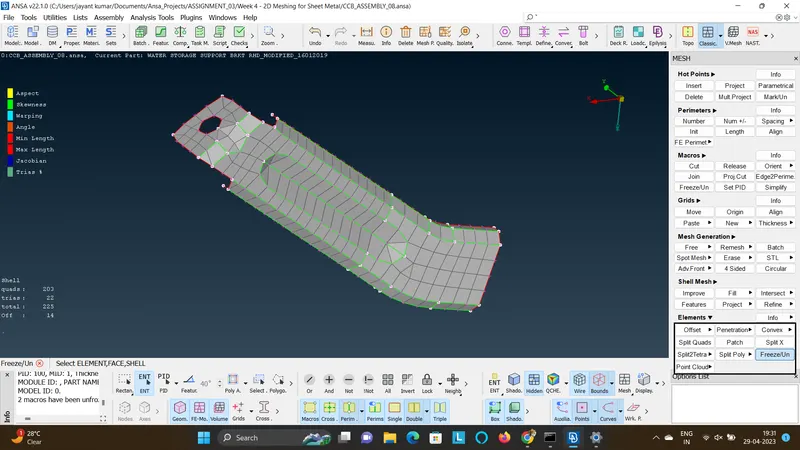
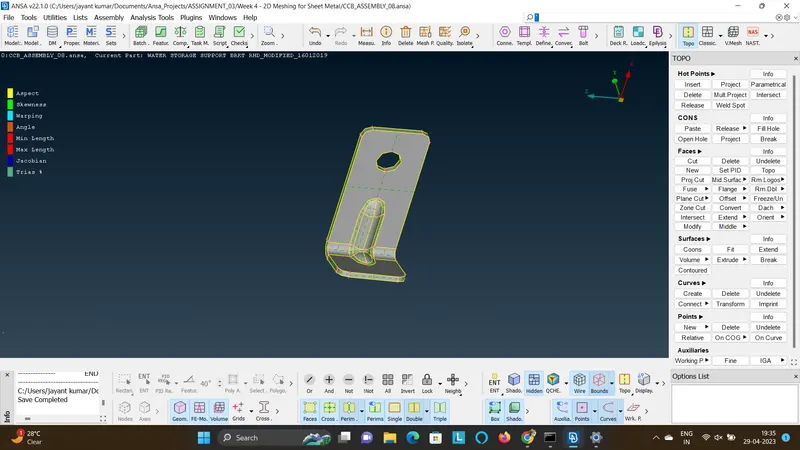
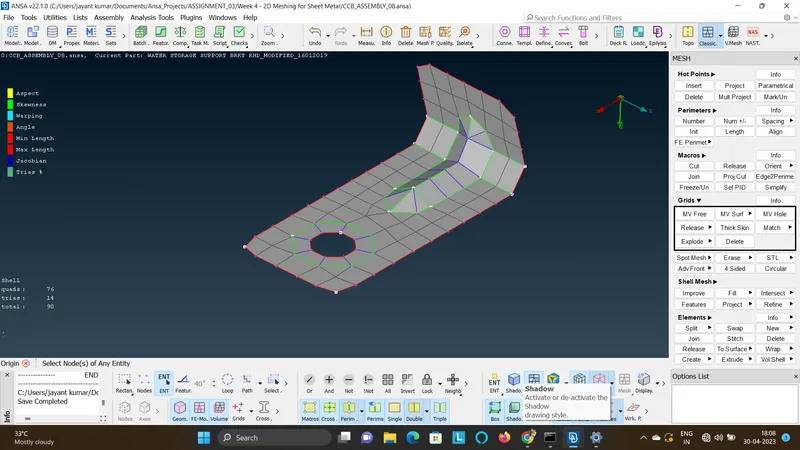
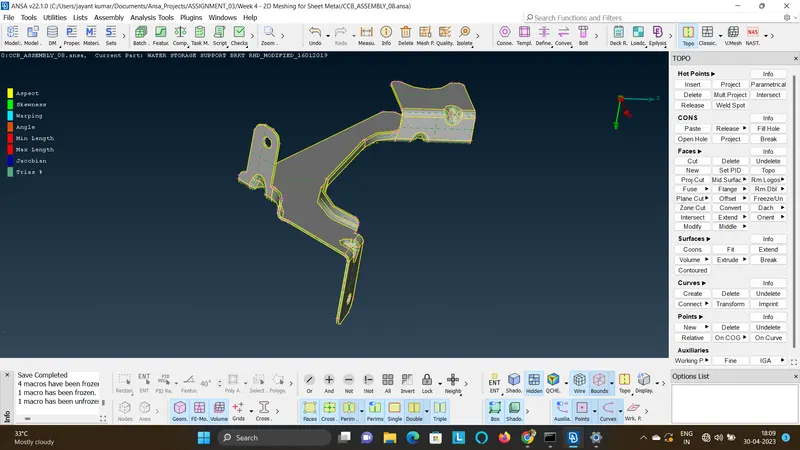
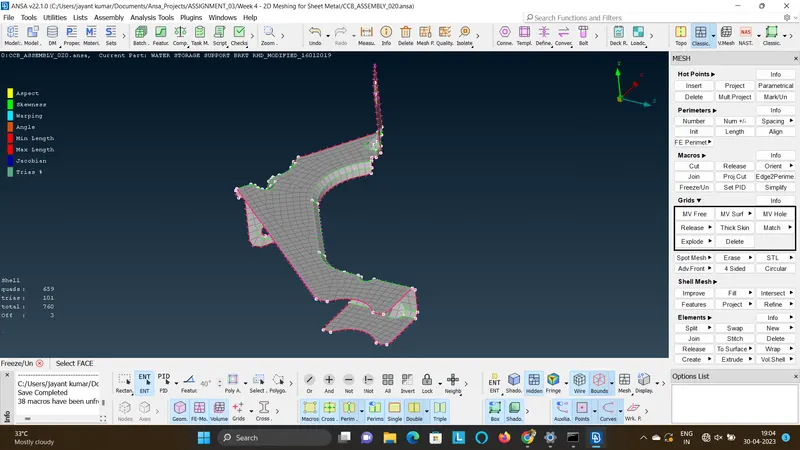
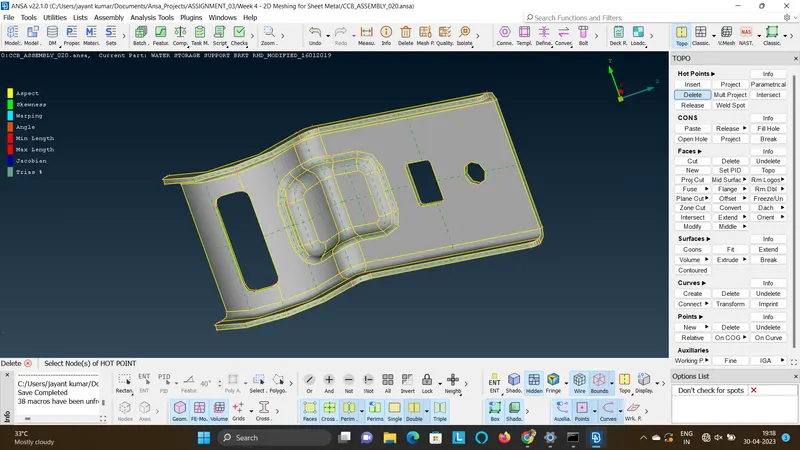
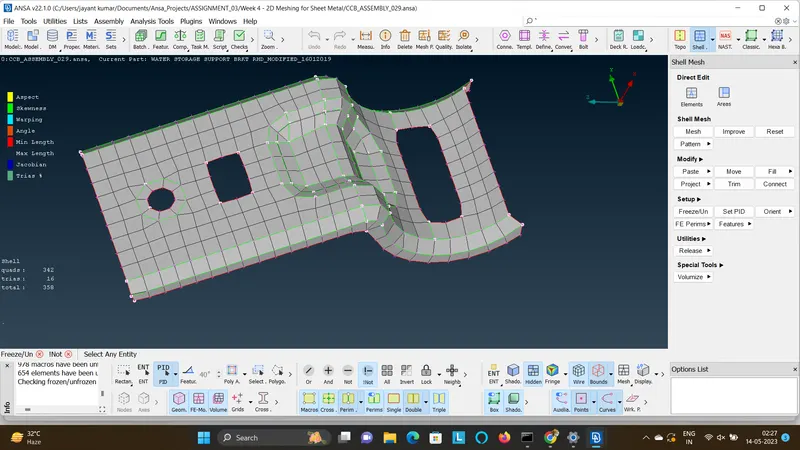
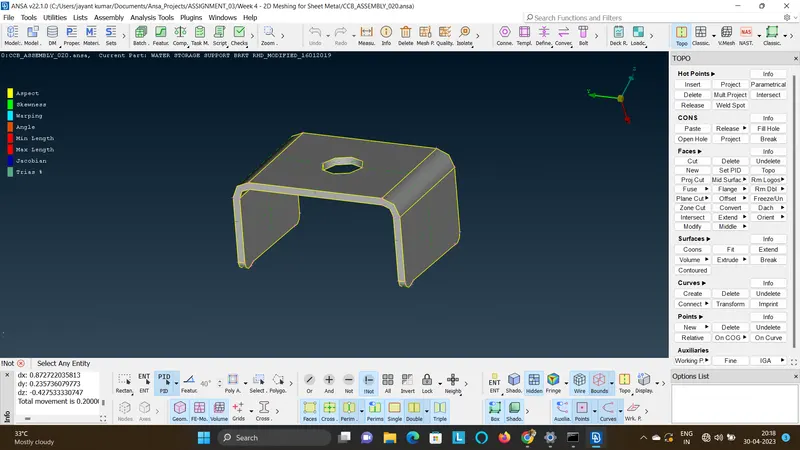
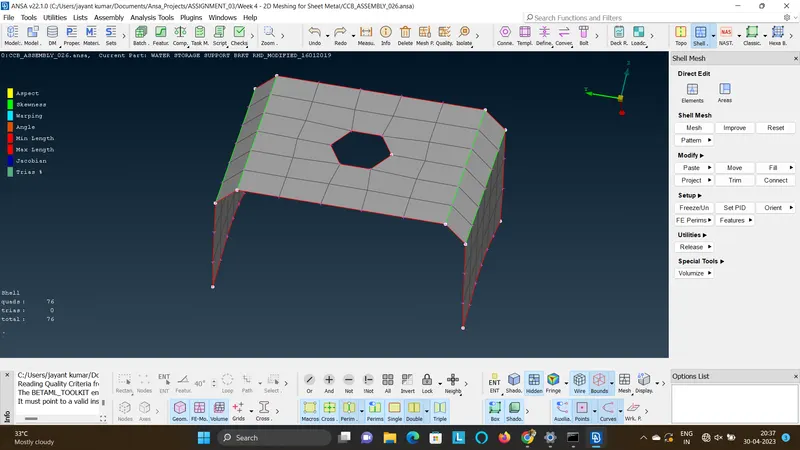
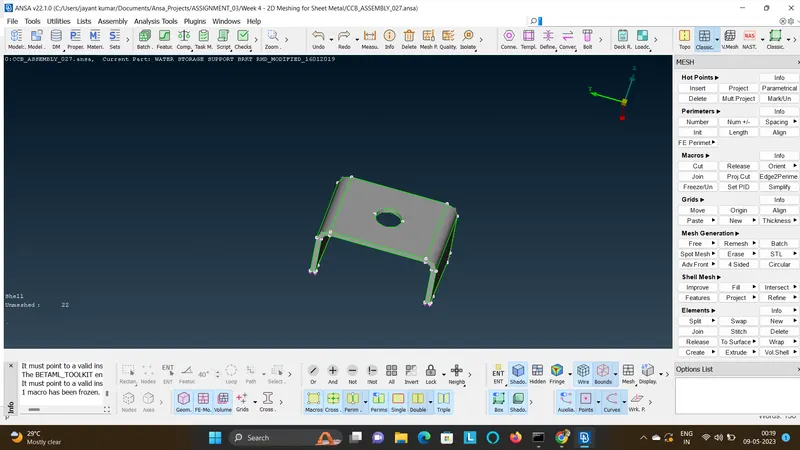
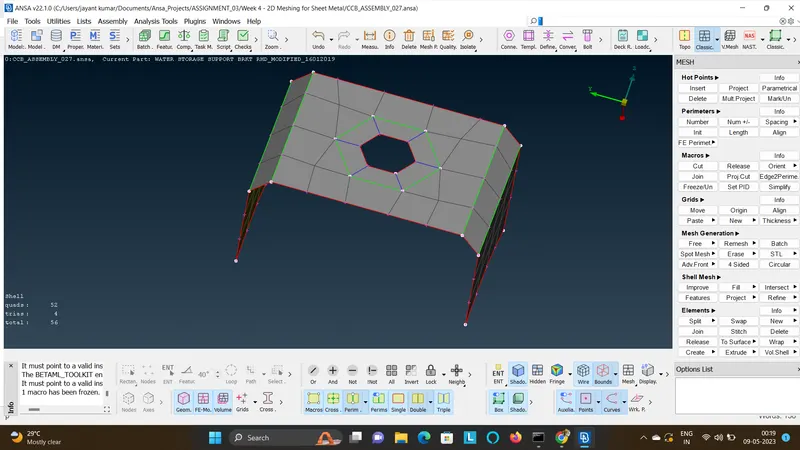
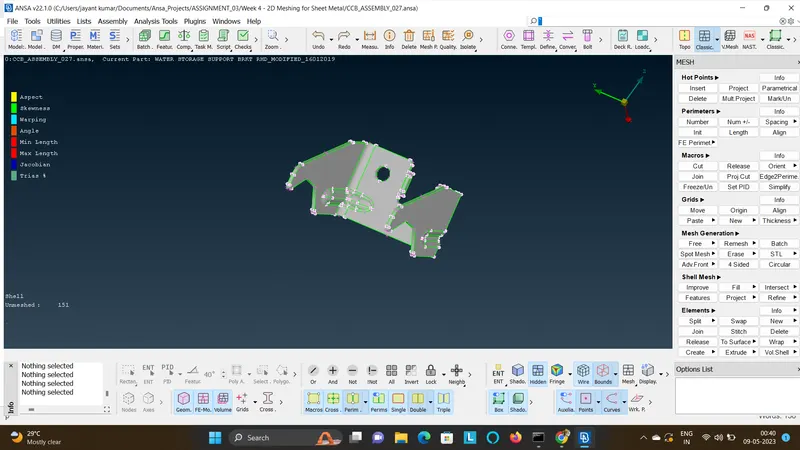
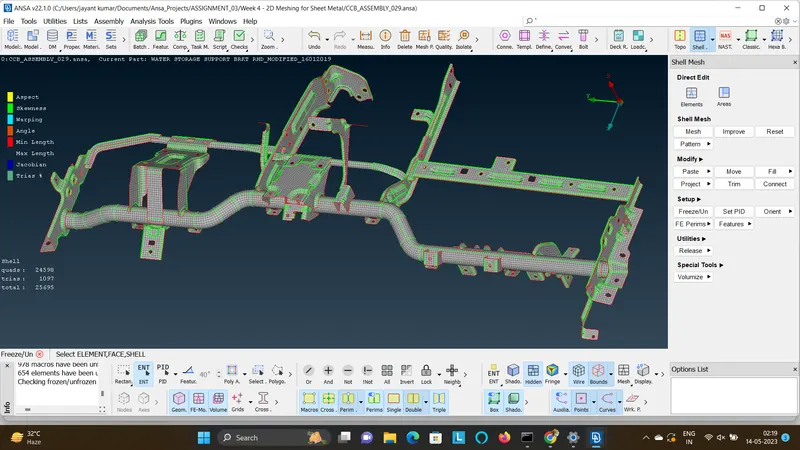
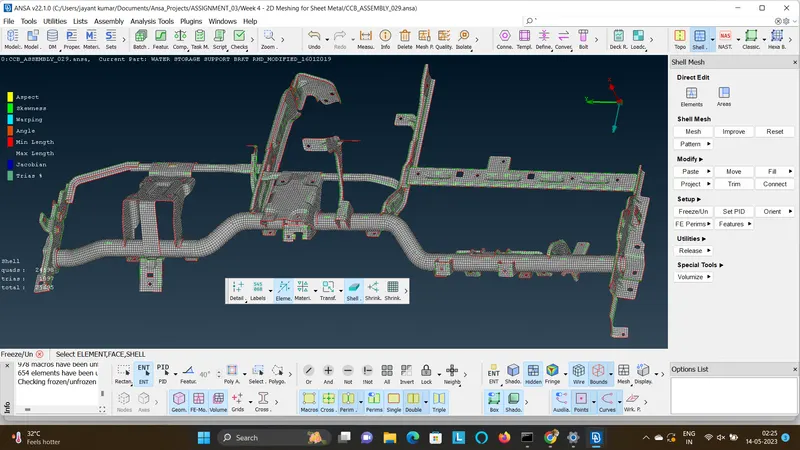
- On completing the entire mesh activity the assembly is shown as below in shell view and solid view as follows.