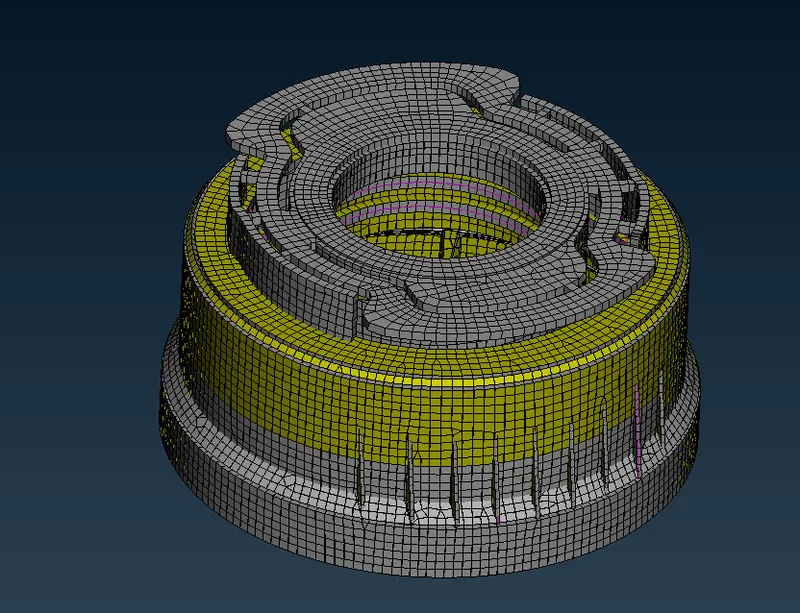
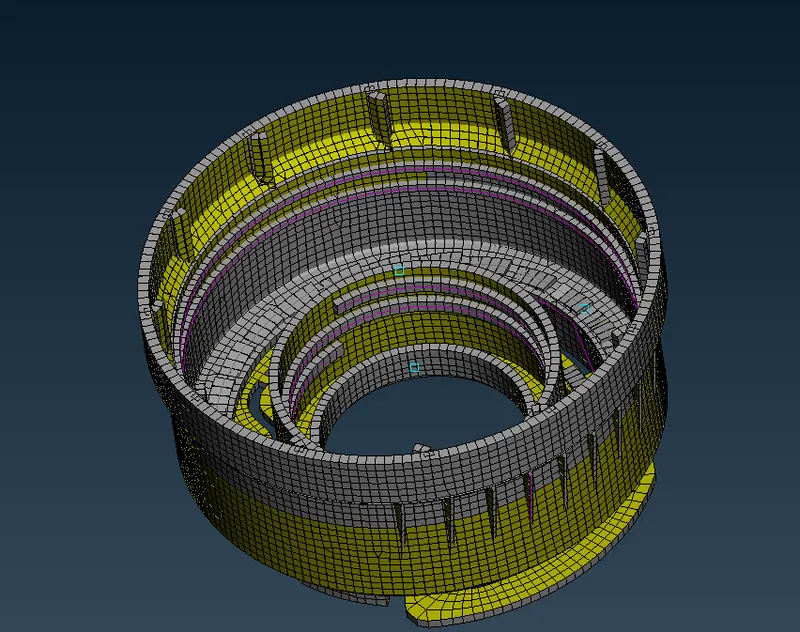
Week - 4 - 2D meshing for Plastic components
Week - 4 - 2D meshing for Plastic components
AIM
To check for the geometrical errors and take the mid surface by suitable mid surfacing techniques. PID and Thickness assignment has to be done for all the mid surfaces. Mesh the same with given element Quality criteria.
PROCEDURE
- we have to insert the component in the work area
- after that, we have to check the whole component
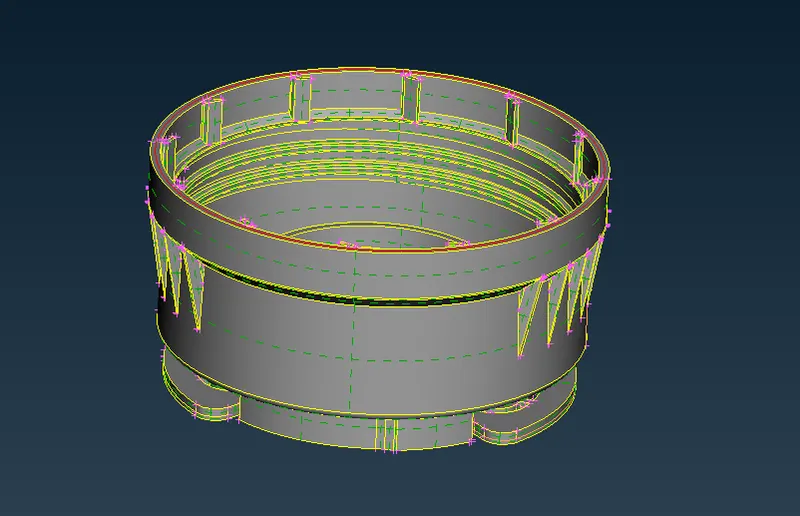
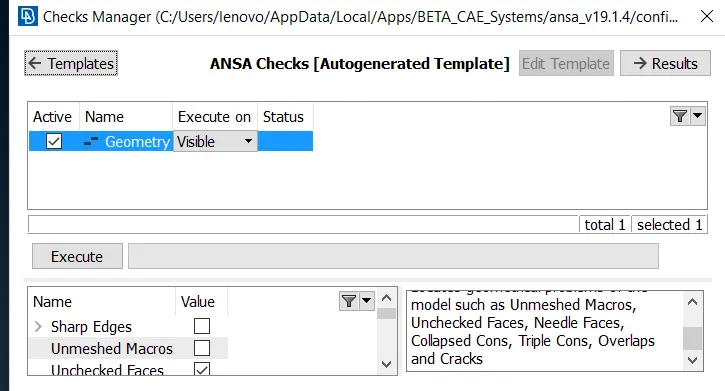
- we can check the component by checks-geometry - and execute the file
- if any error in the component it will show the error
- we can fix them by this way
- after that we have to take the mid surface to the whole component
- by its very big component so we have to take one by one
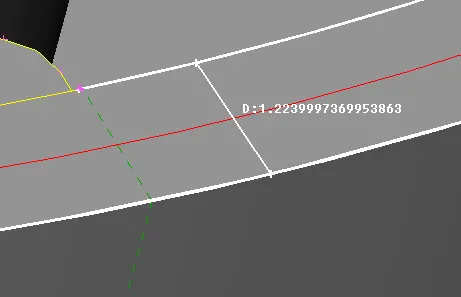
- measure the component after that we take mid surface or offset the component
- by check the direction we update the value as positive or negative value
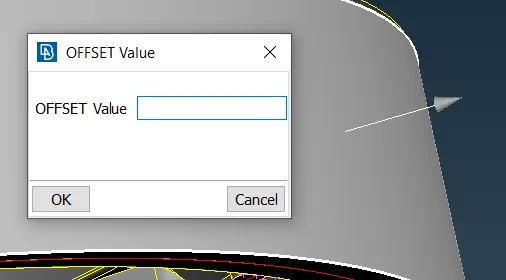
- by this is the procedure to take manual mid surface for the component
- we have options to take a mid surface
- we can take mid surface through offset,
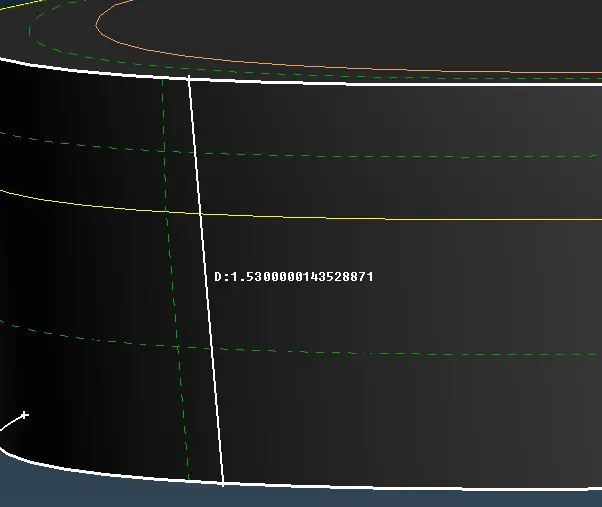
- or we can take middle and then we can create a new surface
- after taking the mid surface we have bottom part like this
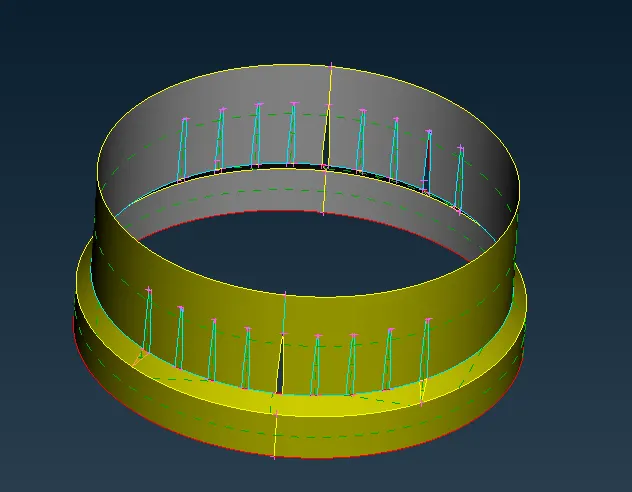
- in the same, we can make a neck of the component
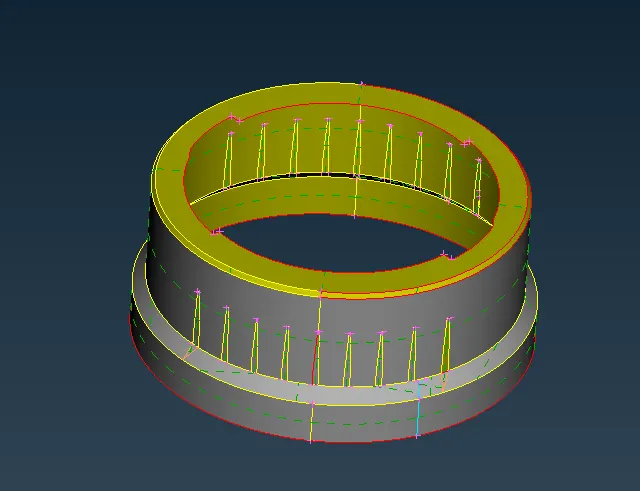
- after that, we have a top position by this time we need an atmost careful to take mid surface
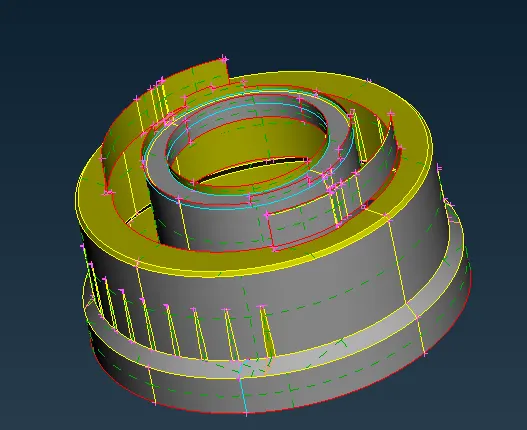
- finally we completely took the midsurface
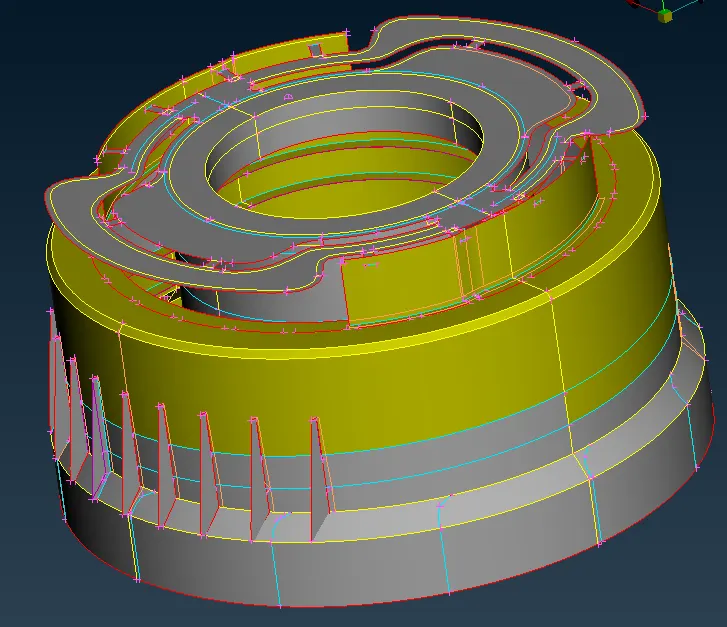
- after that we have to mesh the component
- if mesh the component directly we may face lots of element failure and triangle may occur
- so we have to split the component as much as possible
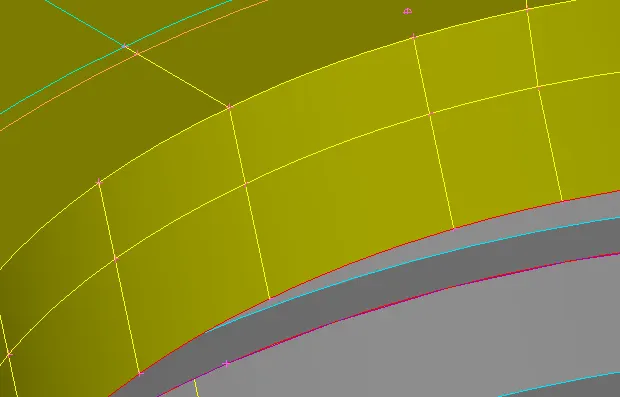
- finally we split the component like this
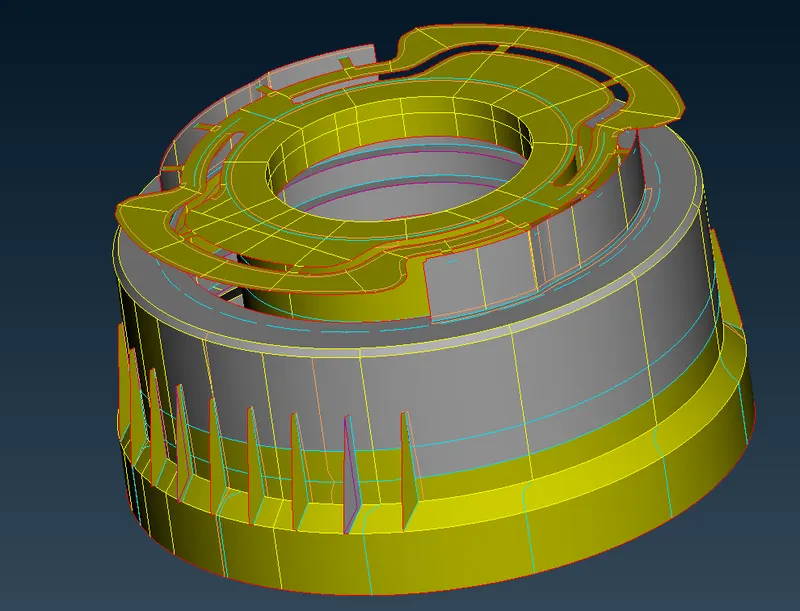
- before meshing gibe the target element and quality criteria value
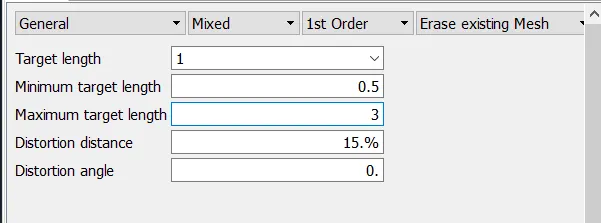
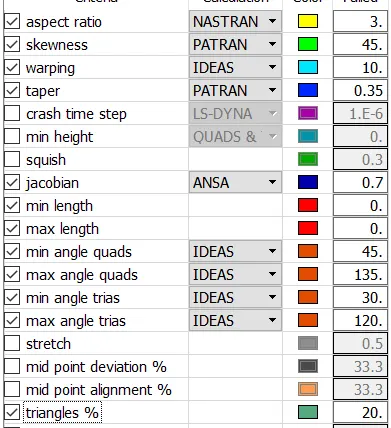
- go to mesh- mesh generation - best
- and select the surface and besh the area
- when we completely mesh the component
- we have component like this
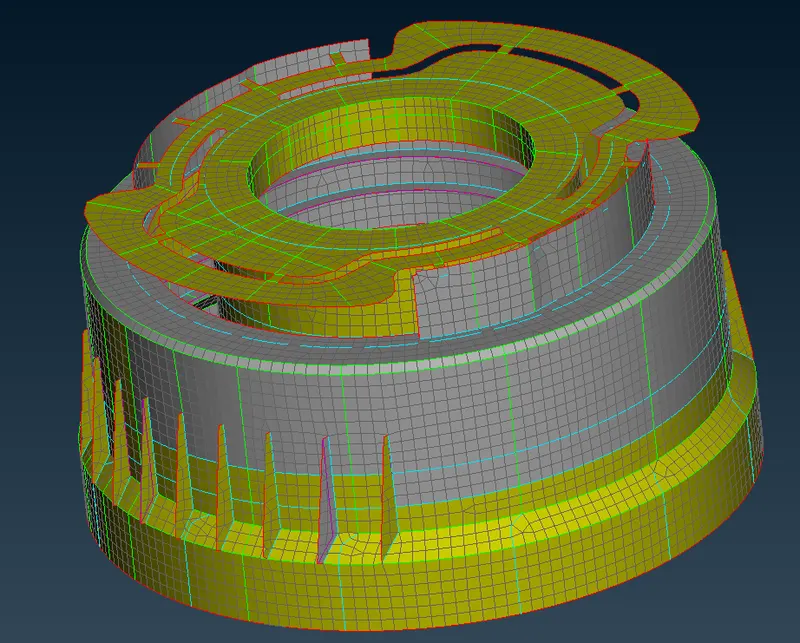
- now check the element failure by hidden mode
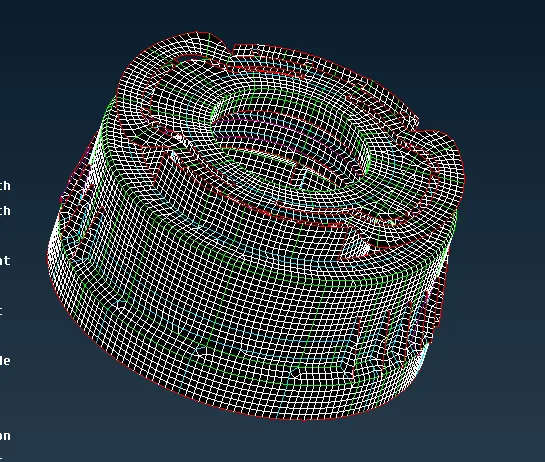
- in this mode, it will show the element failure by different colours
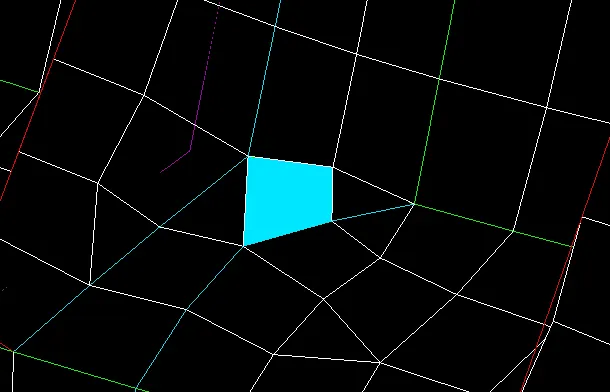
- now we remove the tria elements, element failure by using reconstruction, smooth, align , paste and split option
- after that, we have to give the thickness just check the thickness of the parent surface and
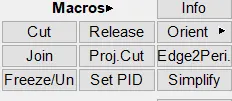
- go to mesh - macros - set pid and select the surface and give the thickness to the surface
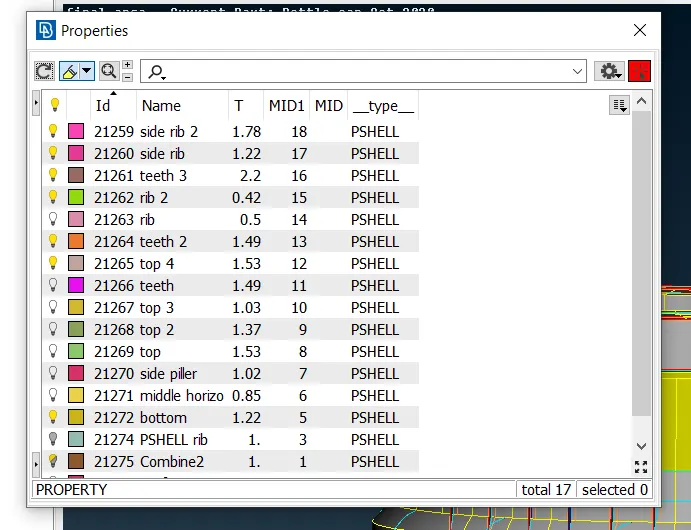
- RESULT Finally, we check for the geometrical errors and take the mid surface by suitable mid surfacing techniques. PID and Thickness assignment has to be done for all the mid surfaces. Mesh the same with given element Quality criteria.