Week - 4 - 2D meshing for Plastic components
Aim - The given Plastic Bottle Cap model, check for the geometrical errors and take the mid surface by suitable mid surfacing techniques.
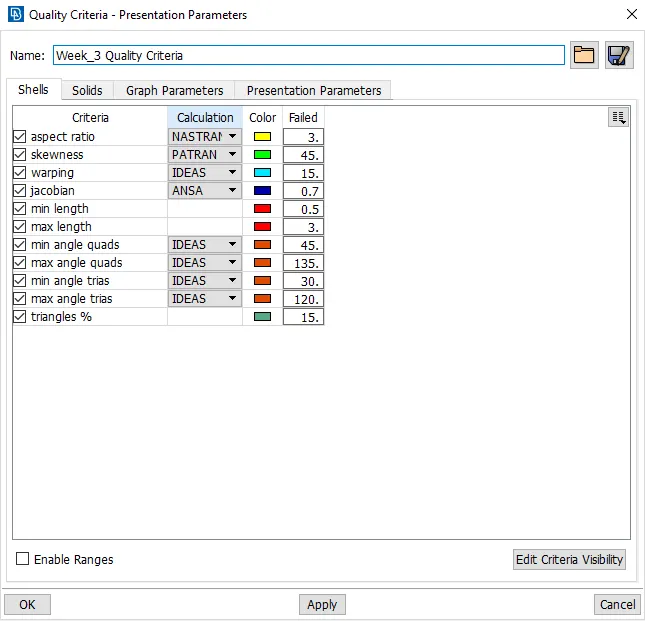
PID and Thickness assignment has to be done for all the mid surfaces. Mesh the same with given element Quality criteria. (Refer the table Below
for the Quality criteria)
Procedure - Import the component file in to the GUI.
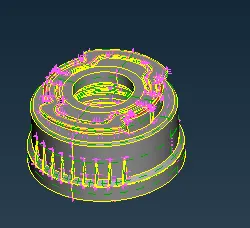
Fit the model in to the screen and do the checks for the component.
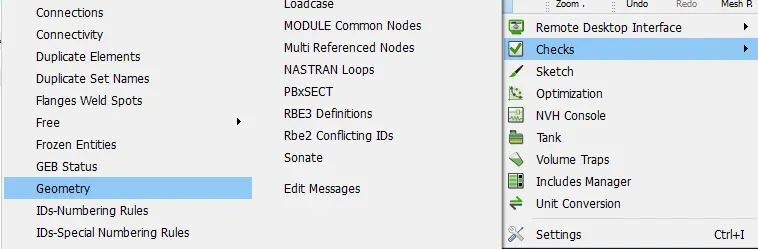
The errors are found for tripple cons and other errors also.
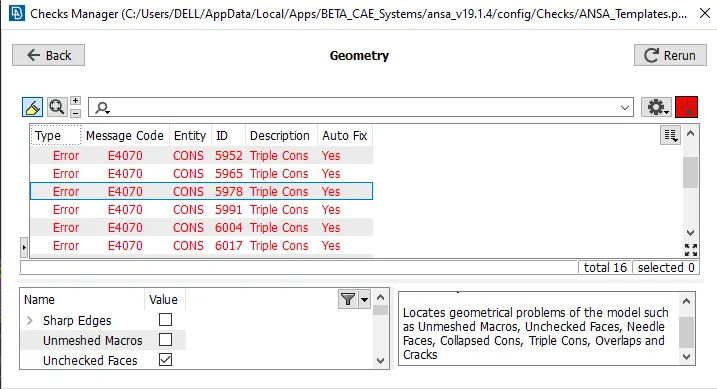
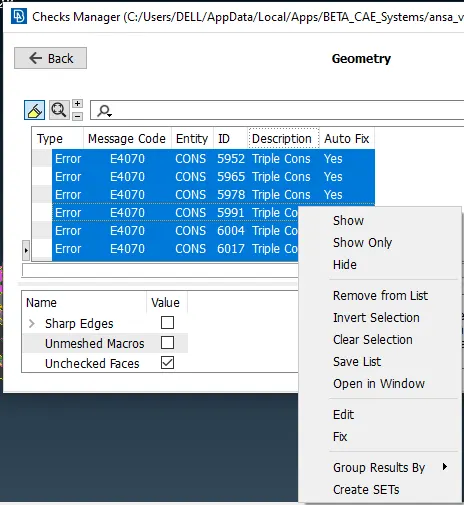
All the errors can select once, set to fix and if any errors was not fixed, do that manually.
After fixing the all errors make the component as the topo mode.
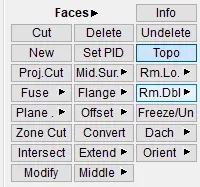
Mesure the thickness by using the nodes.
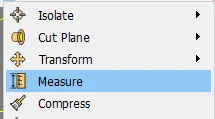
select the nodes and thickness has been shown in below.
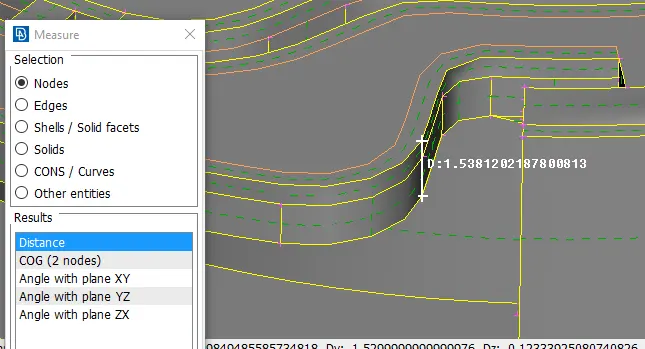
As per the base of that thickness create the mid surface for the component.
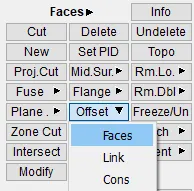
By using the offset command select the faces and assine the mid surface value as per the shown direction.
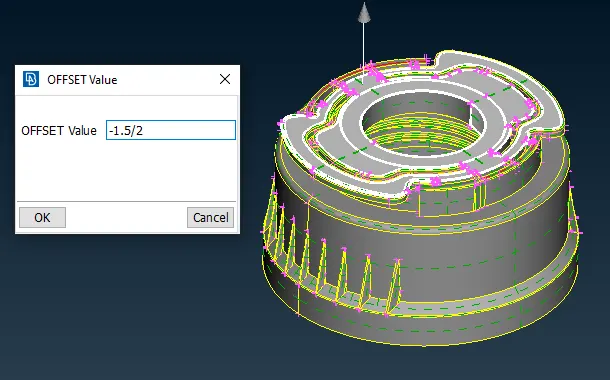
Similarly for ribs also can extract the mid surface by selecting the multi option.
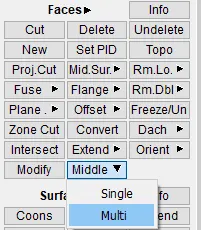
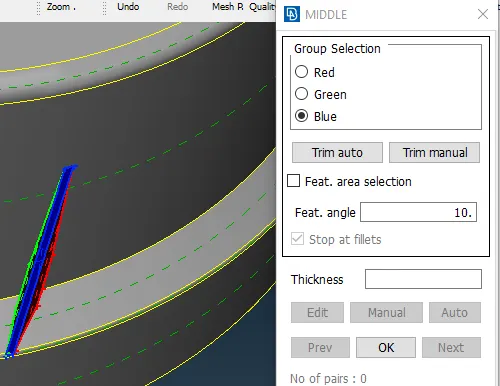
As below shown figure the surfaces are selecting for the as per the group selection.
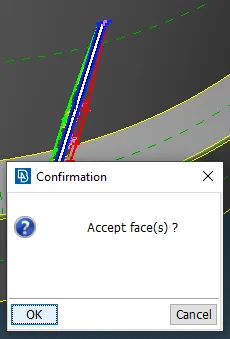
Accept the faces and extract it by as shown in below.
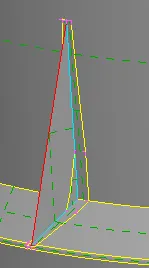
By using the inot option hide the geometry and extend the ribs.

First releas the tripple cons on the surface. By releasing tripple cons shown in below.
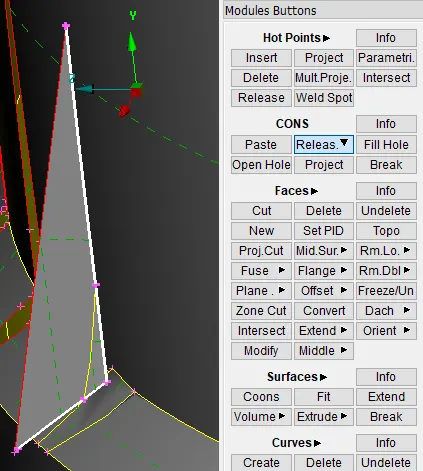
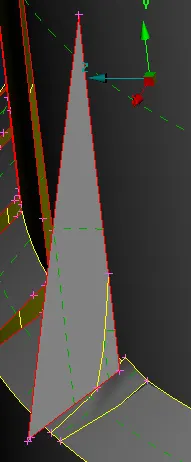
Extend the surface and target the line to surface and extended.
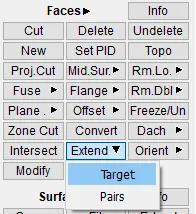
Below shown figure shown the extended the ribs to the surfaces.
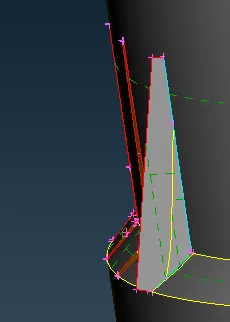
For the symmetrical ribs can be copy
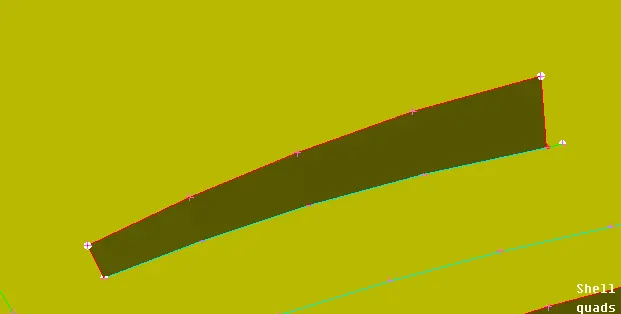
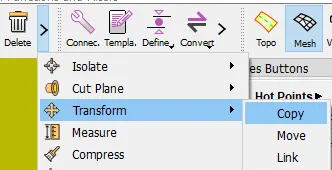
select the tranform and copy the perticular surface.
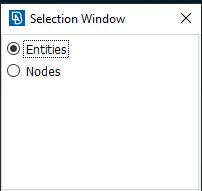
Select the surface and click middle mouse botton.
Create the COG by selecting the edge
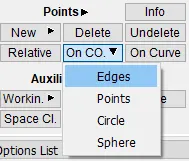
Select the COG and assign the angle, no. of surface and direction.
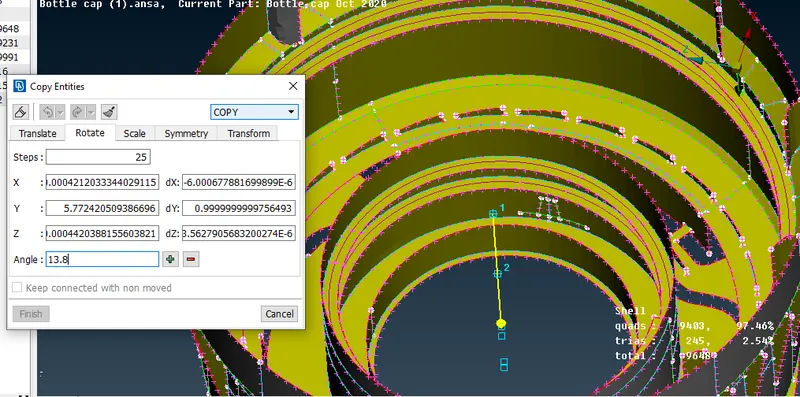
Like that create the mid surafece for the plastic component. The fully component is shown in below.
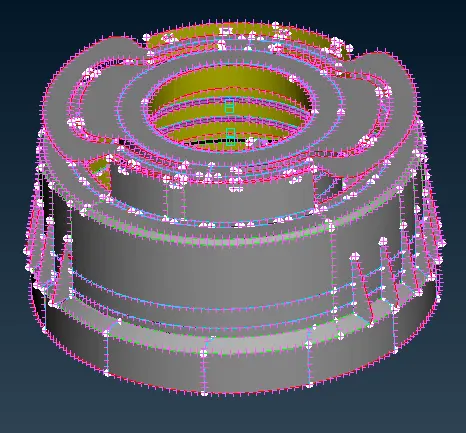
Set the perimeter and macros for the mid surface.
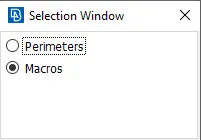
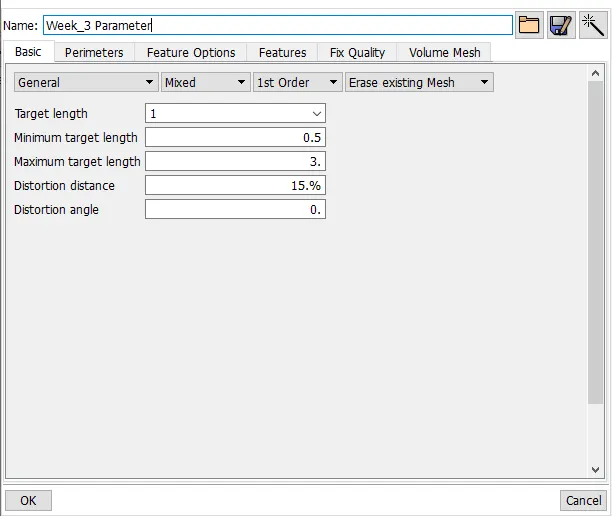
Set the perimeter length as 0.5.
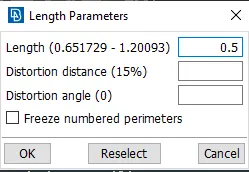
Make the mid surface can be select and make it topo.
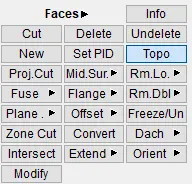
Also set PID for the mid surface for extracting the mid surface.
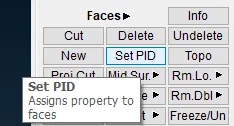
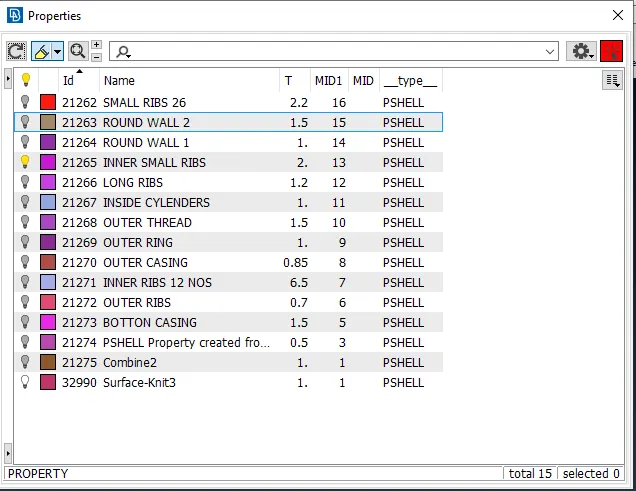
Create the PID for the different component by selecting the PSHELL.
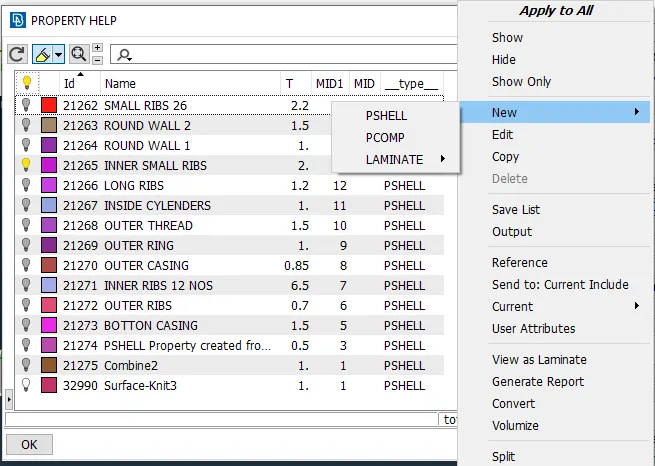
Create the PSHELL and the assign the thickness for the component.
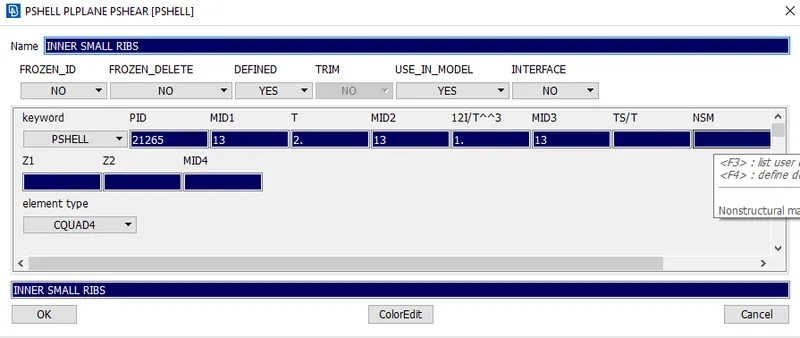
With the proper name and thickness assign for the collector as shown in below.
Assign the quality parameters as shown in below.
Also the assign the mesh parameters as shown below.
Start doing mesh for the component. Change the topo to mesh.
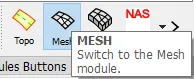
To generate the meshing by using the best or spot mesh from the mesh generation.
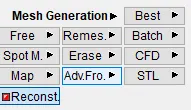
Doing meshing, failing for min element length and aspect ratio.
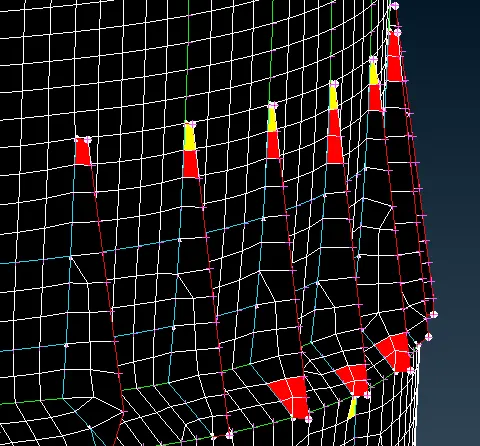
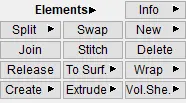
If element is failing for jacobian or warping use the element and select to use split, swap like so on the commands can use.
The trai touching each other so, remove the touching trais as much as possible.
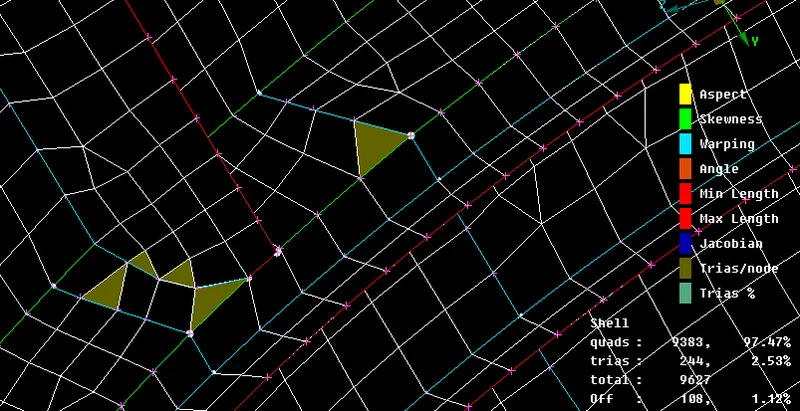
Use the smooth option to arrenge the flow of elements.
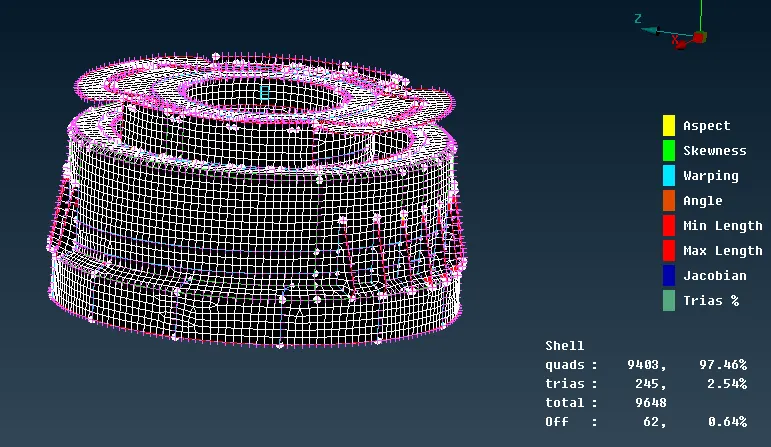
Aftter meshing the componentbecomes shown in below.
Conclusion
Doing this challenge to know the extracting the mid surface and how to mesh for the component. Also assign the thickness property for the perticular region.