Week - 4 - 2D meshing for Plastic components
- AIM:
The main aim of the challenge is to extract the mid surface and to mesh the same with given quality criteria and mesh parameter of given plastic bottel cap model.
- QUALITY CRITERIA:
| SL NO | QUALITY CRITERIA | VALUE |
| 1 | Target/Average length | 1 |
| 2 | Minimum length | 0.5 |
| 3 | Maximum length | 3 |
| 4 | Aspect | 3 |
| 5 | Warpage | 15 |
| 6 | Skewness | 45 |
| 7 | Jocobian | 0.7 |
| 8 | Minimum quad angle | 45 |
| 9 | Maximum quad angle | 135 |
| 10 | Minimum tria angle | 30 |
| 11 | Maximum tria angle | 120 |
| 12 | Tria percentage | 15 |
- PROCEDURE:
- Import the given model to the ANSA envirnoment.
- Perform TOPO operation to entire model and set the perimeter and macros to 1.
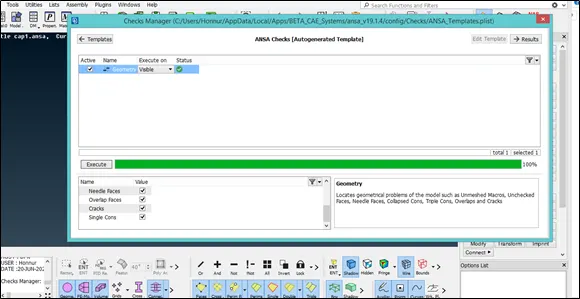
- Check the geometrical issue using checks manager
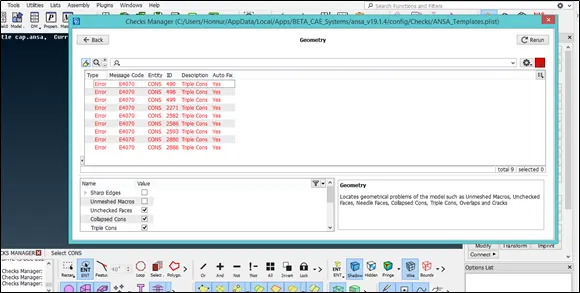
- Clear the Geometrical issue using Auto fix option and triple cons issue can be solved by using the tools like cons>release and then top and delete unwanted hotpoints in the model using Hotpoints>delete
- Orientation issue can be solved by using Faces>orient.
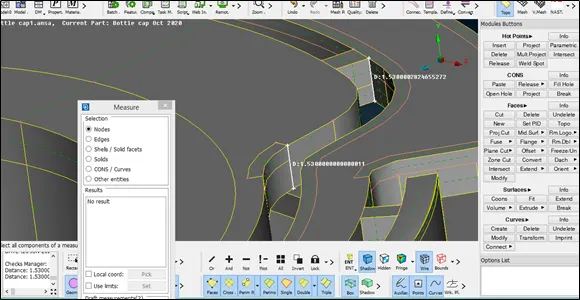
- Measure the thickness of the model at different area and it is observed that the thickness is varied at different areas and then seperate the parts which falls under same thickness using INOT option and store the different areas
- Extract the middle surface by using various tools like Faces>offset,Faces>middle(single,multi) and the thickness during offset should be half of the measured thickness.
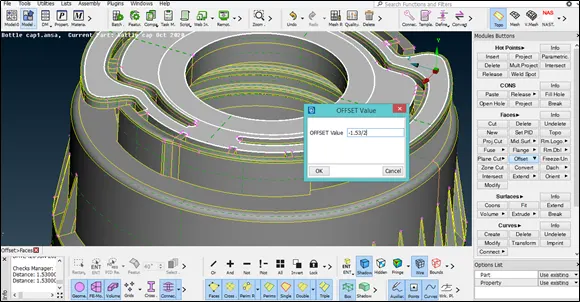
- For variable thickness we can use average thickness or we can cut in the area where thickness is changing.
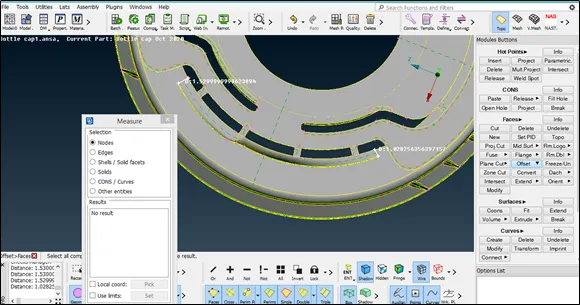
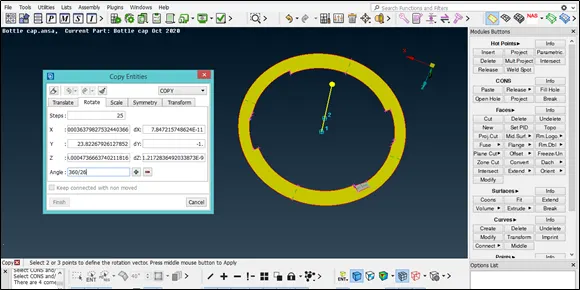
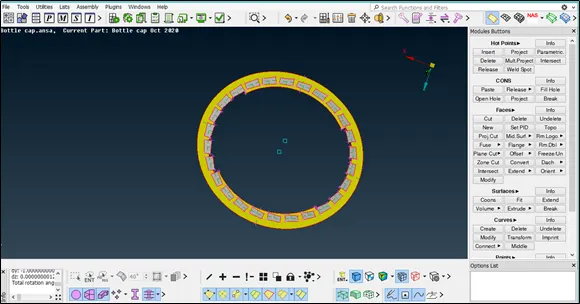
- To extract the teeth part we have to use Curves>middle and attached con is to be projected on the extracted mid surface and create the new surface using Faces>new and transform the copy of teeth using Transform>Rotate as shown in the figure.
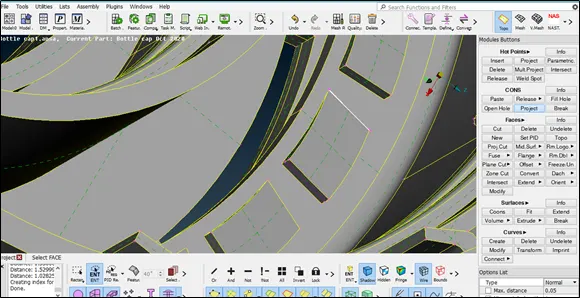
- To extract the threads we have to use Curves >middle and then projecte the same to the mid surface created and new face is created using Faces>new to get the thread mid surface.
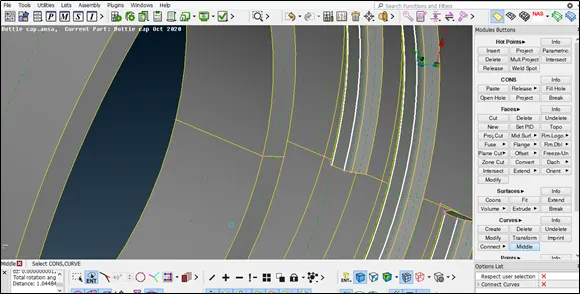
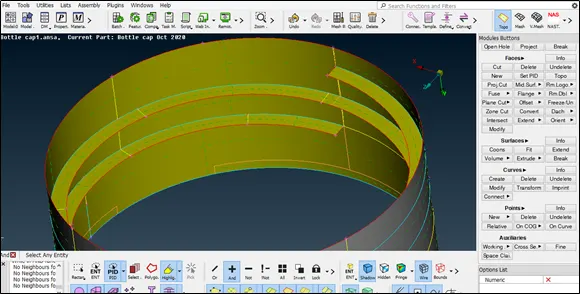
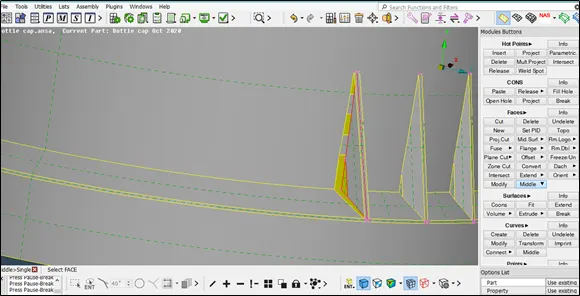
- To extract the mid of the ribs use Faces >middle option and then perform topo if required and the extent the surface to the mid surface using Faces>extent as shown
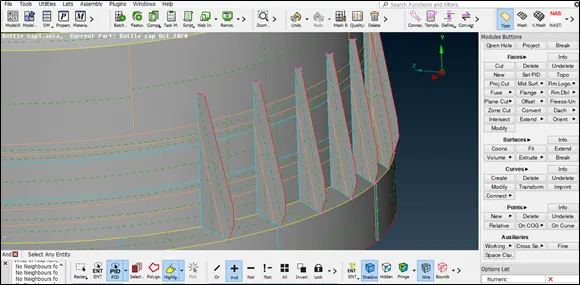
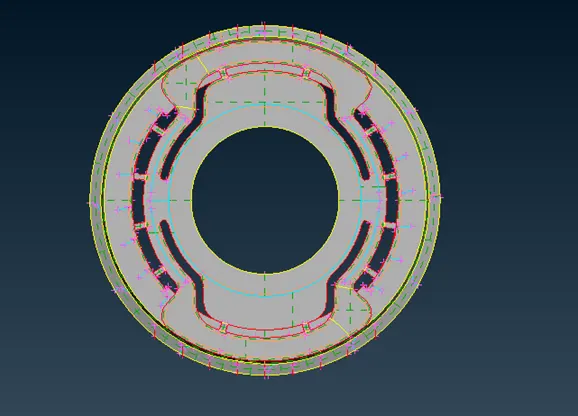
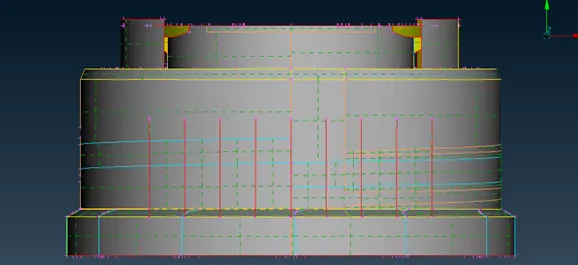
- Complete extracted mid surface is as shown in the figure TOP VIEW:
 SIDE VIEW:
  BOTTOM VIEW: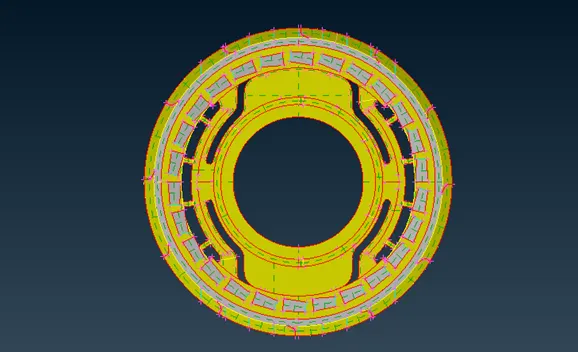
- Set PID for extracted mid surface and correct thickness value has to be provided to capture the parent geometry.
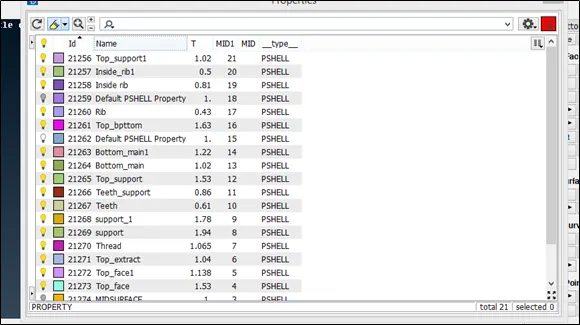 PID VIEW OF MID SURFACE: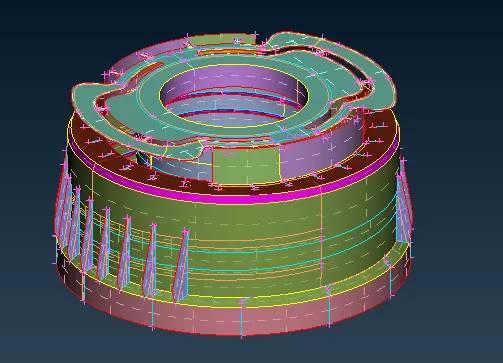
- Set the meshing parameter and quality criteria as shown
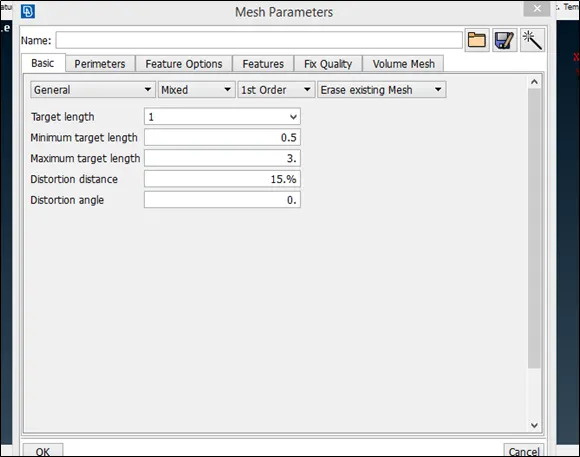
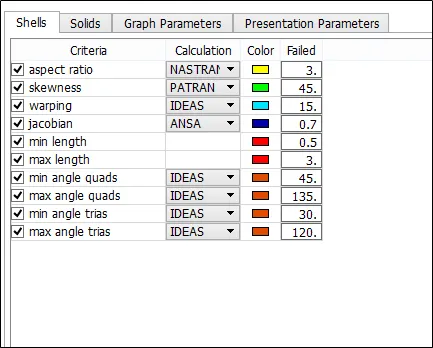
- Set the perimeter length and macros to target length and remove the unwanted cut using Macros>cut and then mesh the mid surface according to the quality criteria.
- Complete mesh of mid surface
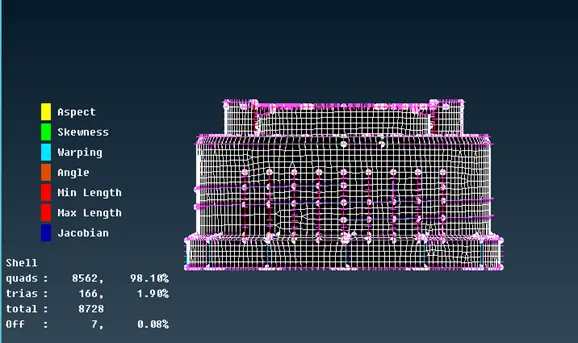
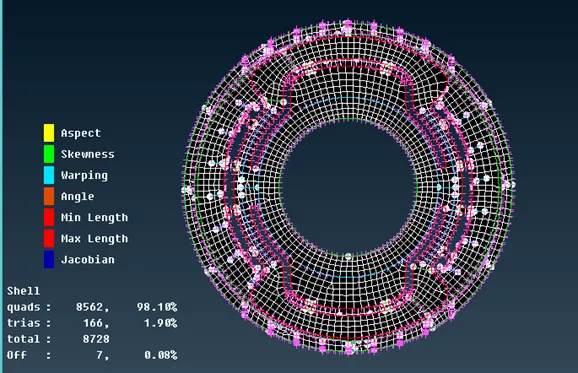
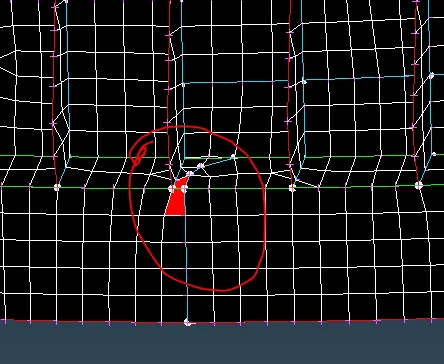
- Their are some off elements because of two triple cons,element is failed due to minmum length criteria
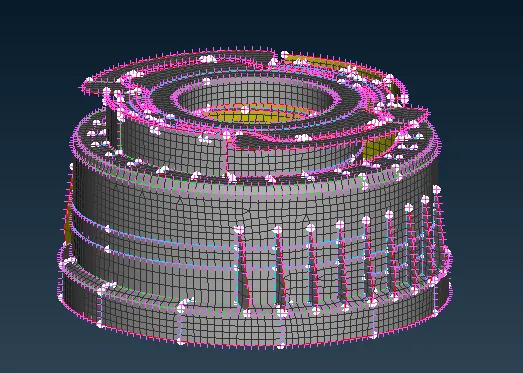
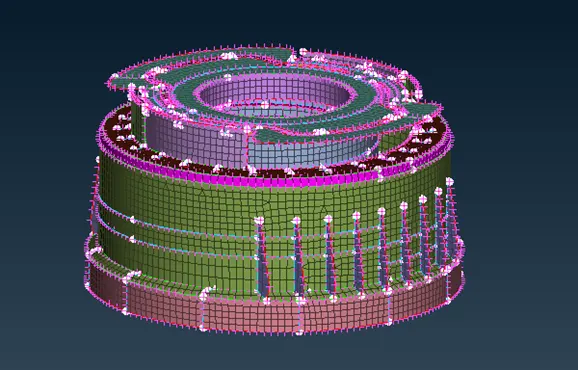
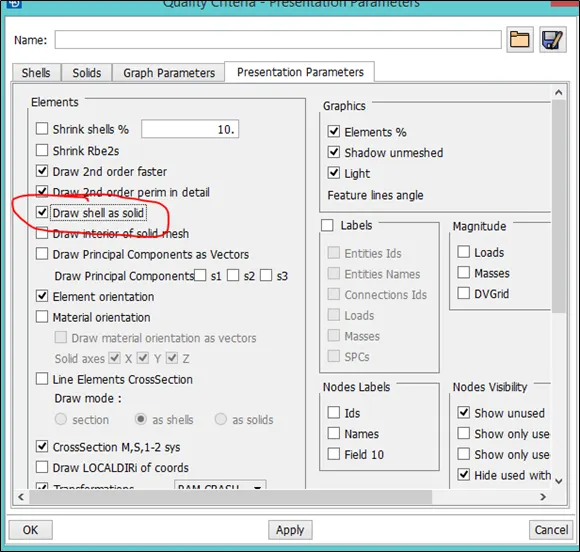
- To capture the parent geometry enable shell as solid option as shown
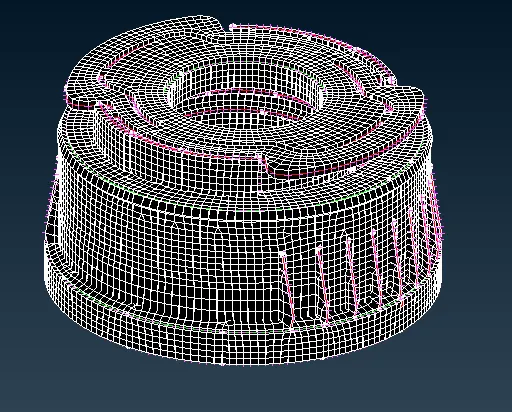
- Hidden mode
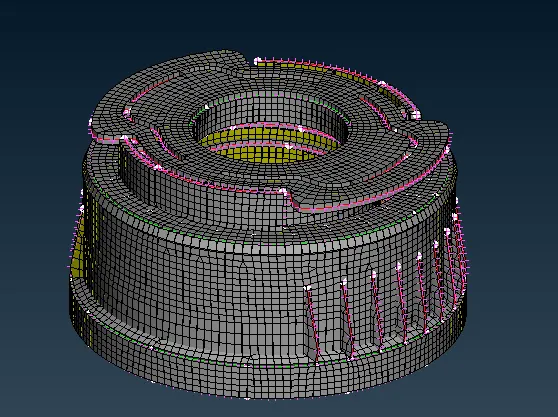
- Shadow mode
- PID mode
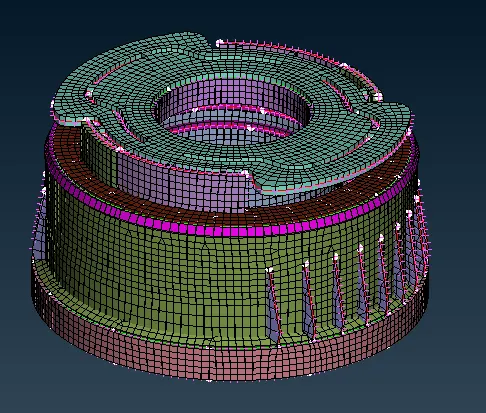
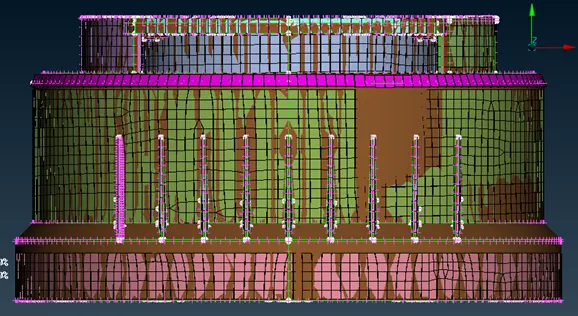
- Comparing with the parent model
- LEARNING OUTCOME:
- Undrestand how to extract the mid surface of the Thread,Teeth and Rib area.
- Undrestand how to use the rotate option .
- Undrestand how to modify the mesh flow using NUM+/- tool and to get the better mesh flow.
- CONCLUSION:
The mid surface of the given model is extracted and better mesh flow is acchieved according to the given quality criteria.