Week - 4 - 2D meshing for Plastic components
MEASHING OF A BOTTLE CAP(PLASTIC COMPONENT):
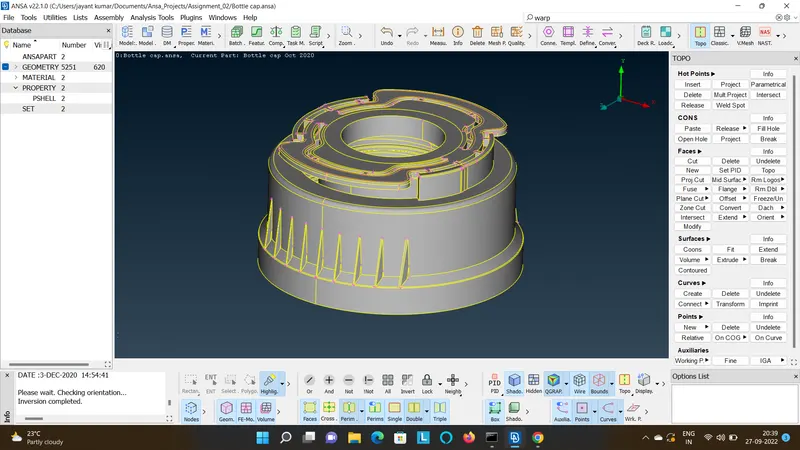
- Import the geometry.
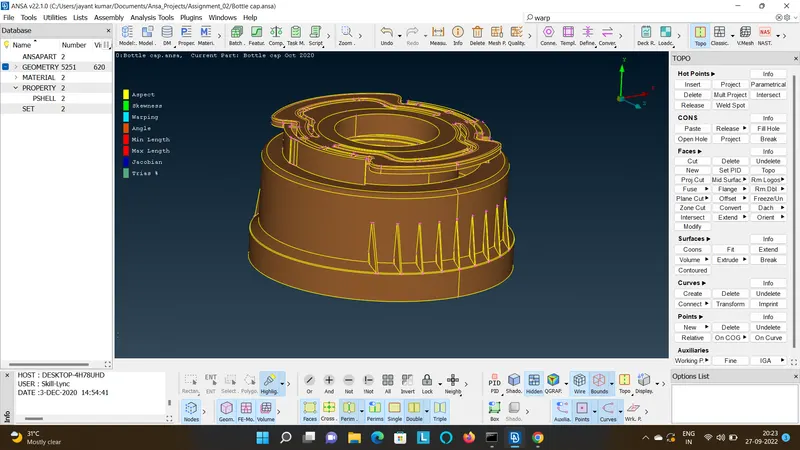
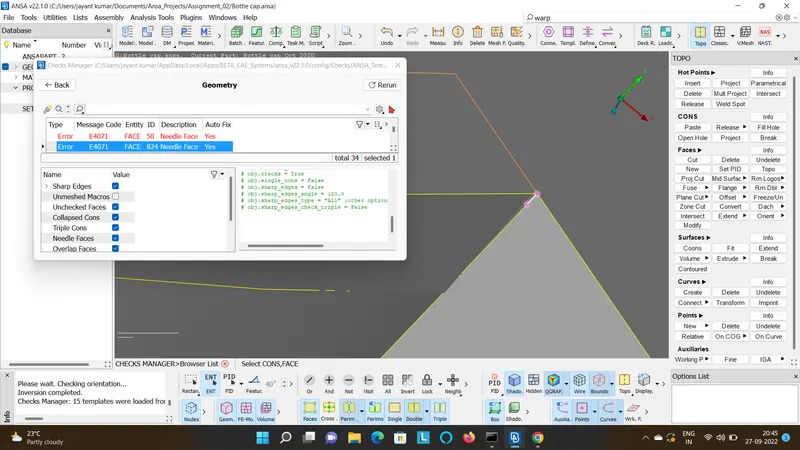
- Go to Checks>Geometry>Select Sharp Edges>Execute>Select all>Fix.
- Now after fixing the geometry extract the Mide surface by manual offset method.
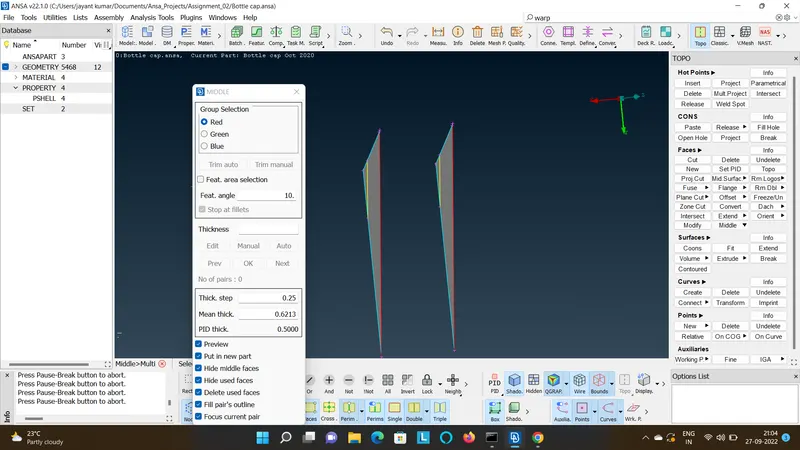
- Go to Topo>Middle>Multi>Select Faces as shown and offset.
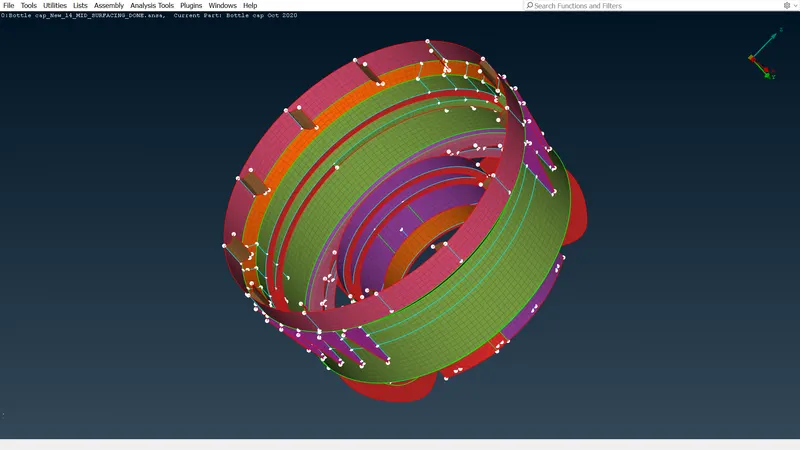
- Before surface offset and after surface offset are shown in the figure.
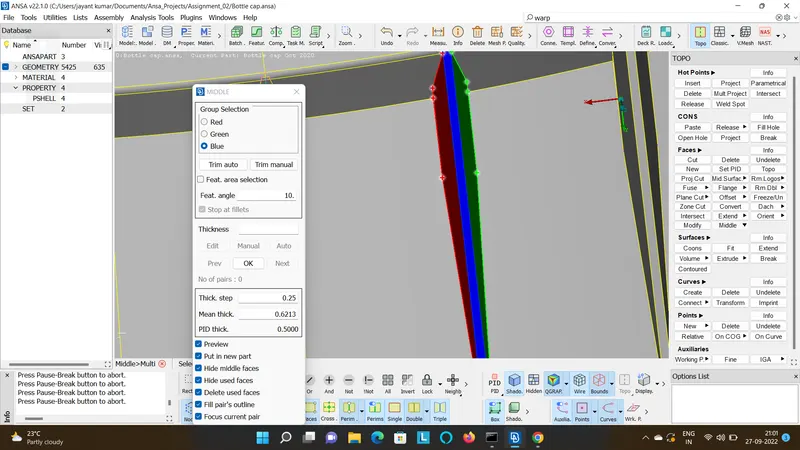
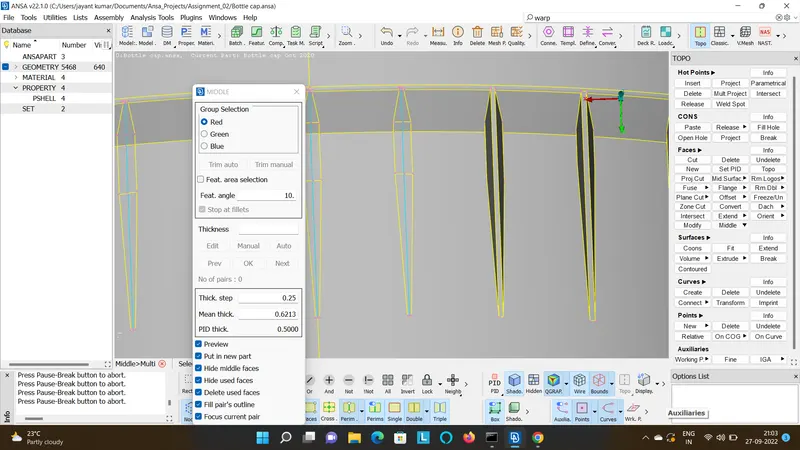
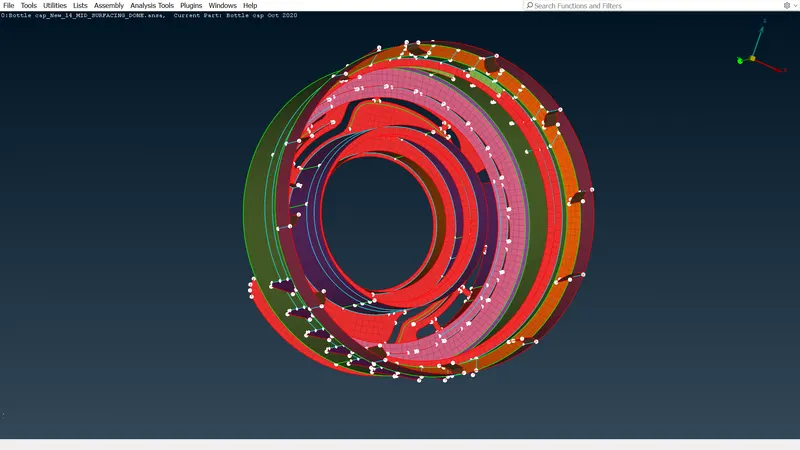
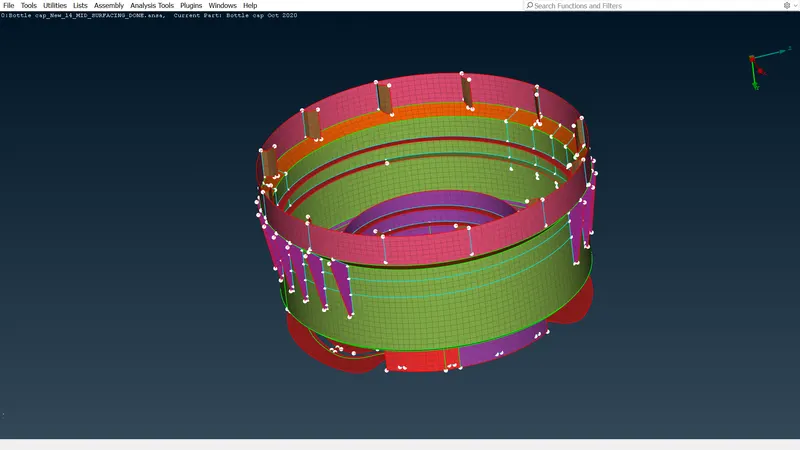
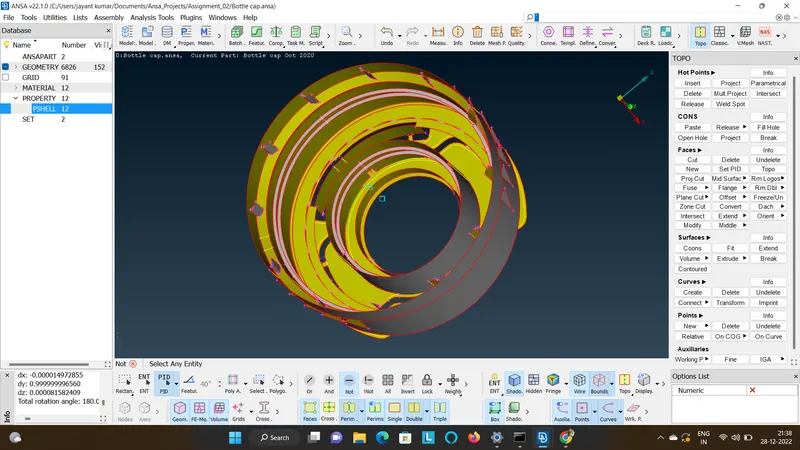
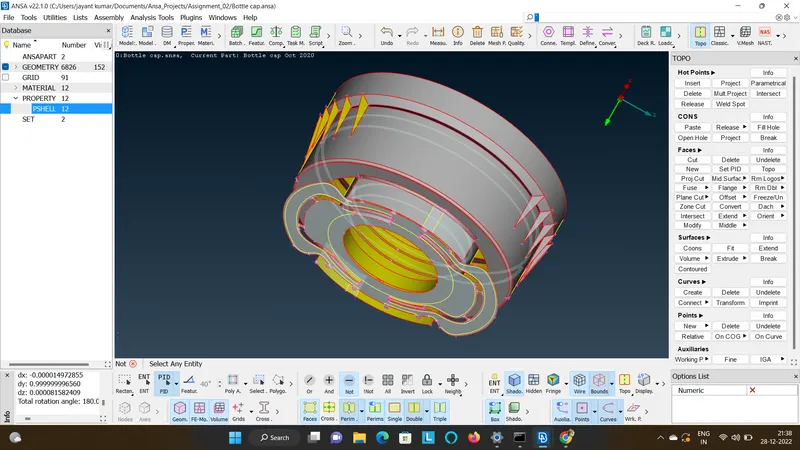
- Perform extracting the mid surface to all the entities, after extracting it will be shown as it is in the figure.
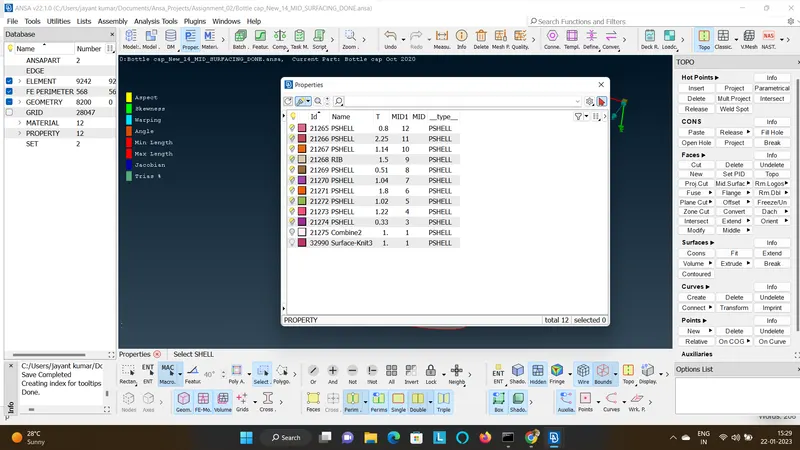
- Enter the relevant thickness in the property tab for the particular PID when it poped out while offesting the surface.
- Now connect all the entities together by extend and intersect options in TOPO>Faces.
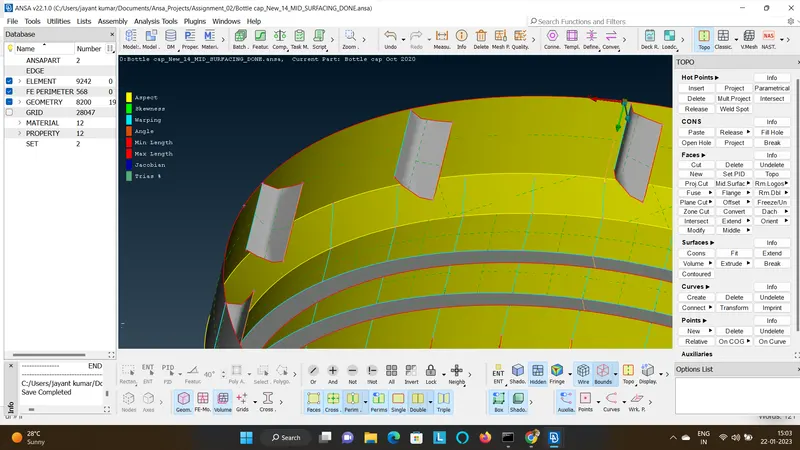
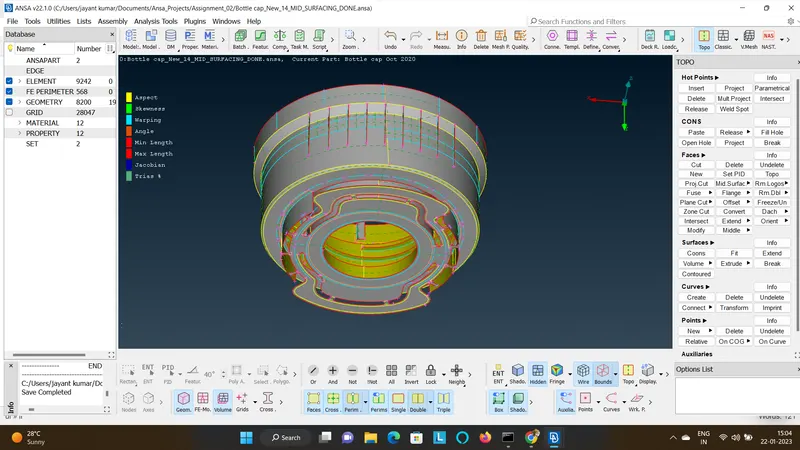
- Select each enitity and Mesh the entity by using options such as Best mesh or batch in the mesh generation or you can also mesh all the entity at time.
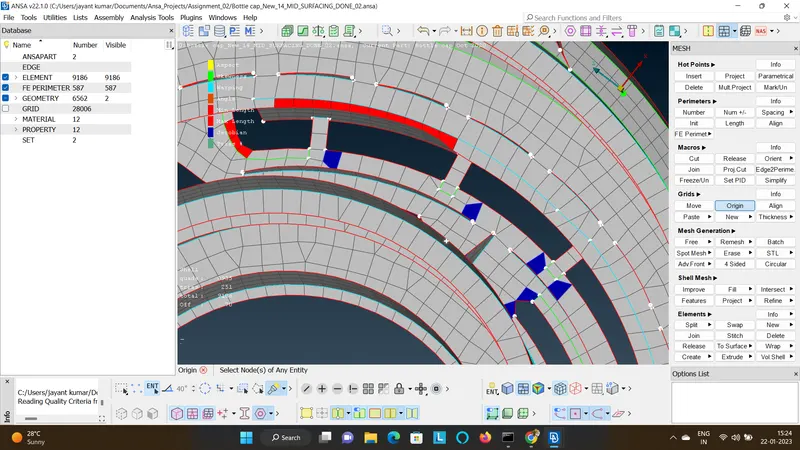
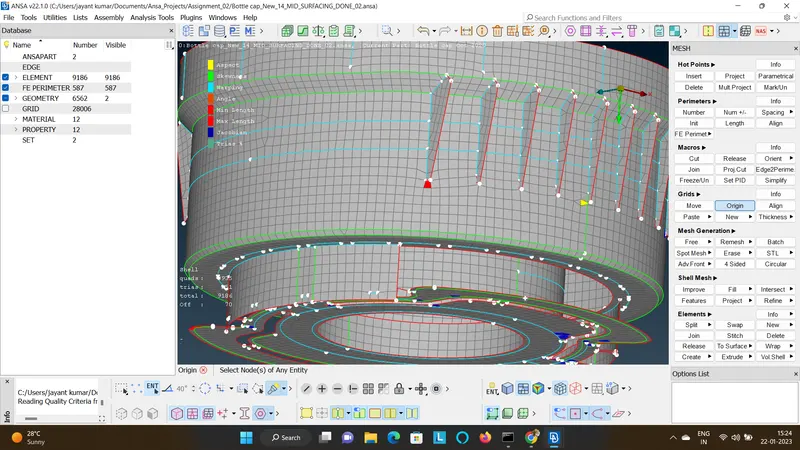
- Now Try to remove the quality errors w.r.t to the required guidelines and get the out put such that they are no off elements.
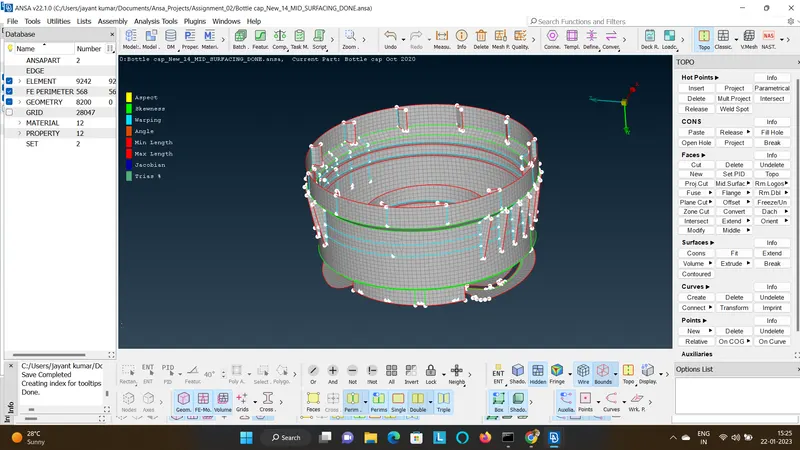
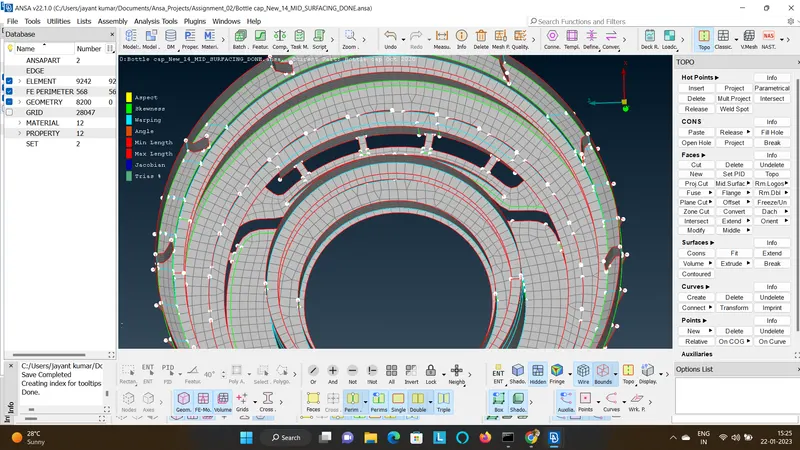
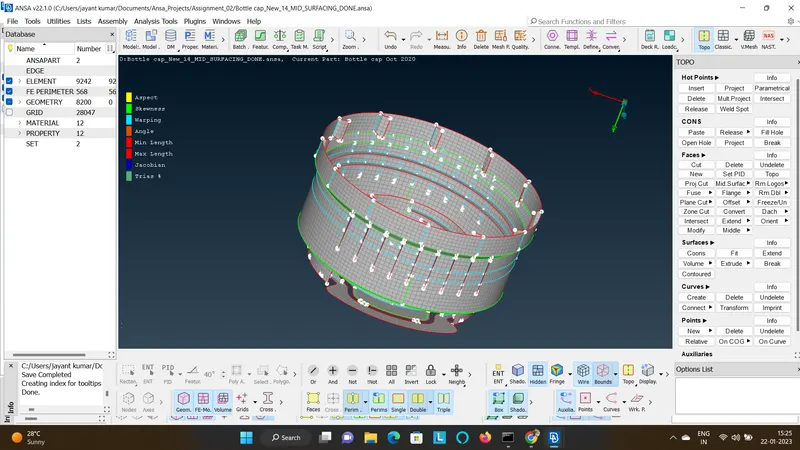
- Finally check if their is no free edges in the mesh.
- Check if their is no duplicate elements in the mesh.
- Finally check if the thickness is assigned as per the given value and also if it is matching with the parent geometry by drawing the shell to solid in the Quality Criteria>Presentation parameters>Draw Shell as Solid>Apply.
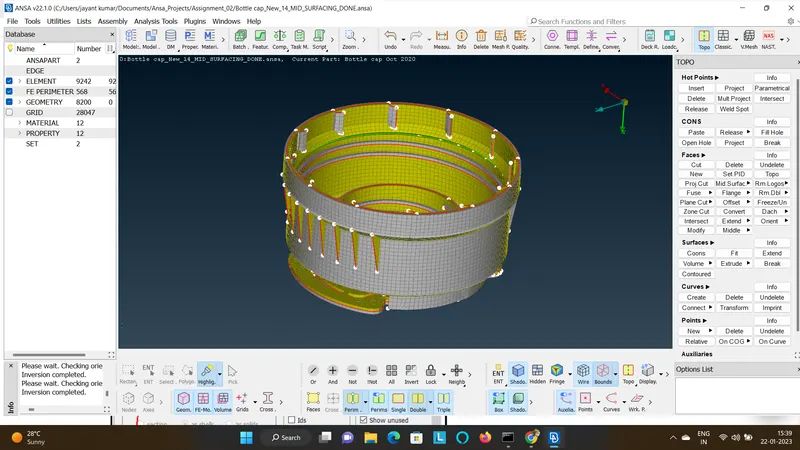
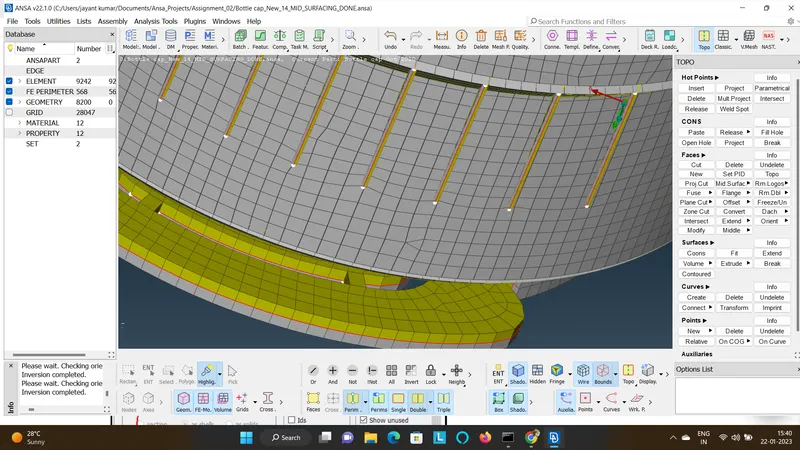
- The final output is as shown.