Week - 4 - 2D meshing for Plastic components
Objective: To take the mid surface and checking for geometrical errors. To mesh the mid surface with the given element Quality criteria and to assign thickness.
Procedure:
- Geometric clean up (Fix the single cons and missing surfaces)
- Toggle the unwanted edges (Topo Module - Faces - Cut right click)
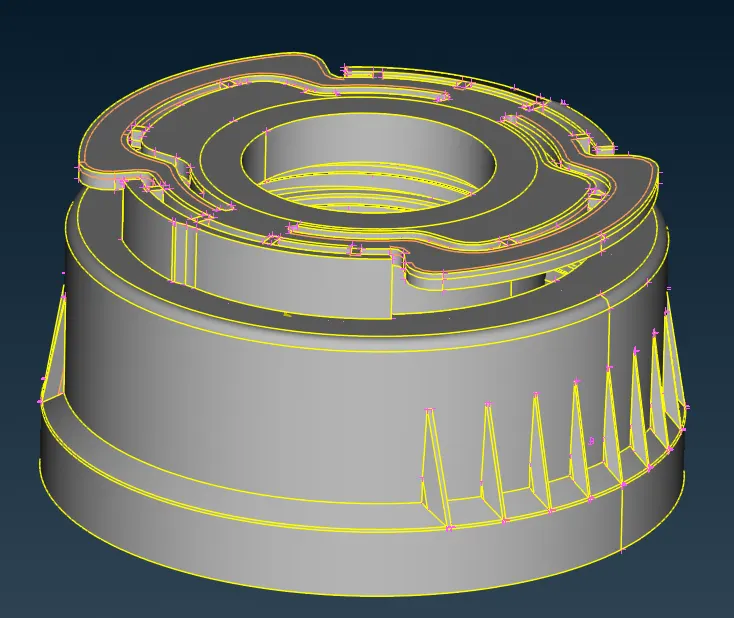
- Take midsurface (Topo module - Surface - Offset & Middle)
- For threads, create midline (Topo module - curves - midline), project it on the bottom surface and create new surface
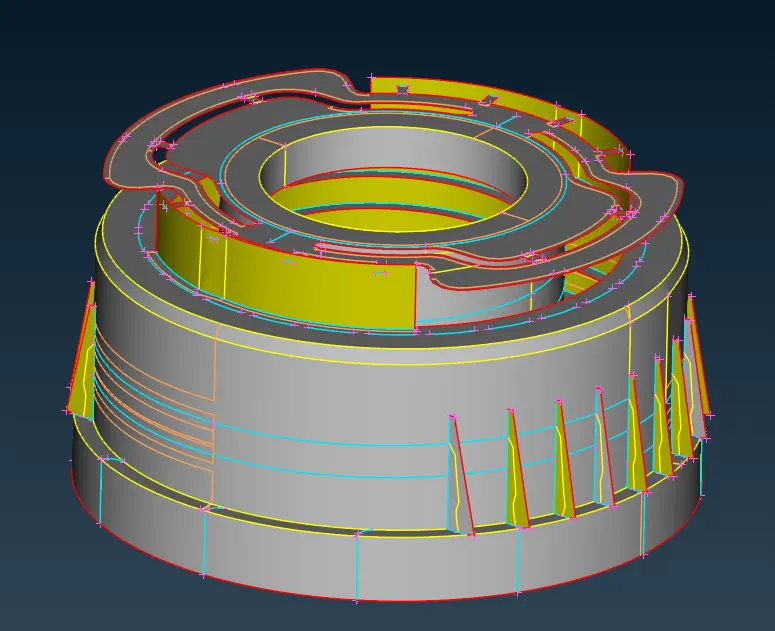
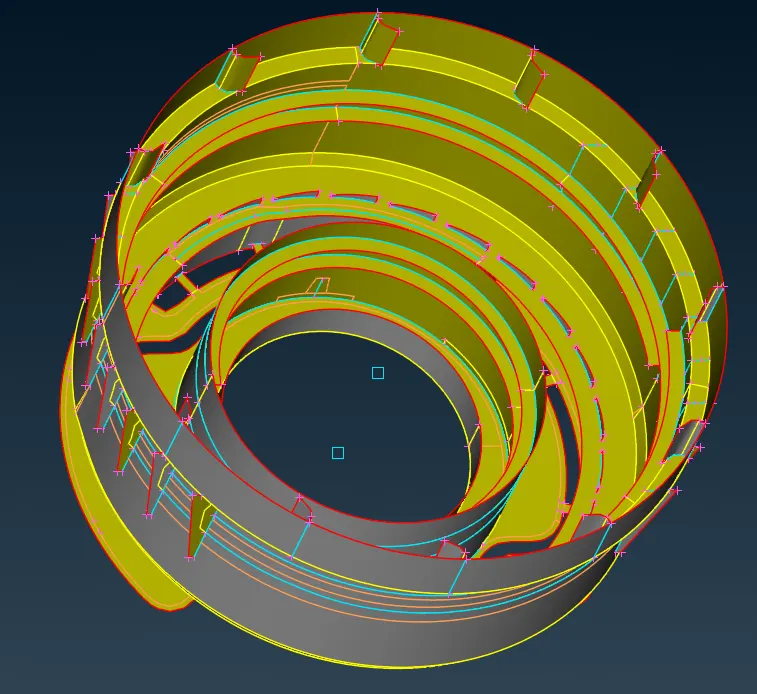
- Change the element criteria as per the given problem (F11 for quality criteria)
- Change the element parameter (Mesh Parameters from Utilities toolbar)
- Go to classic mesh module and generate mesh on all surface (4 sided and best)
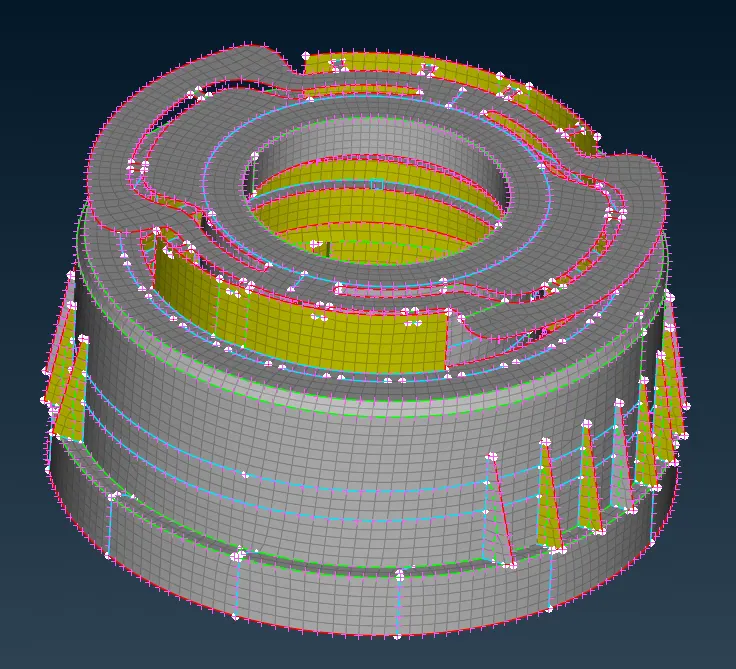
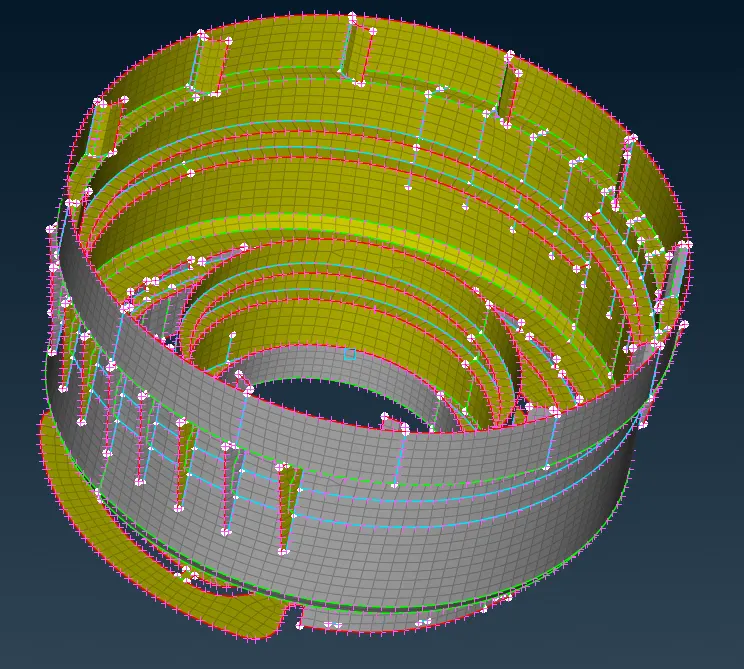
- Check and fix for off elements from hidden view
- Assign appropriate thickness to elements to represent the actual model
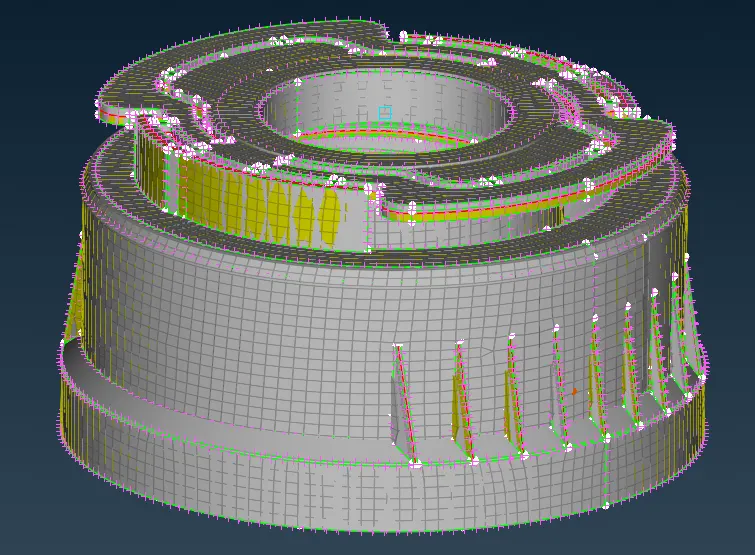
Results: The mesh has been generated on the midsurface following the element criteria and the thickness has been assigned.