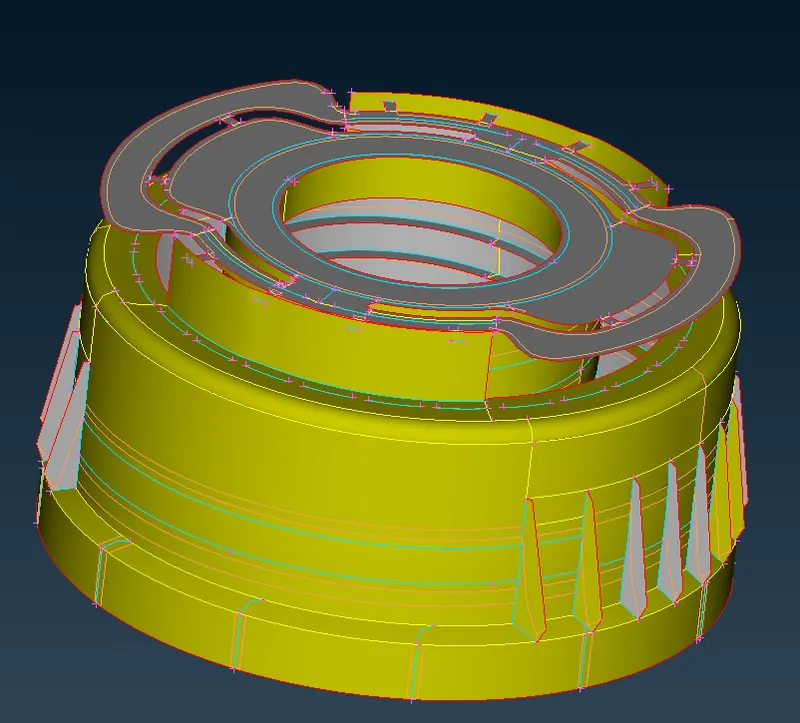
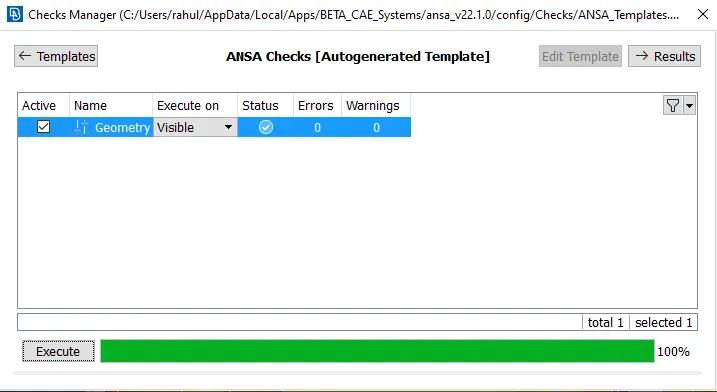
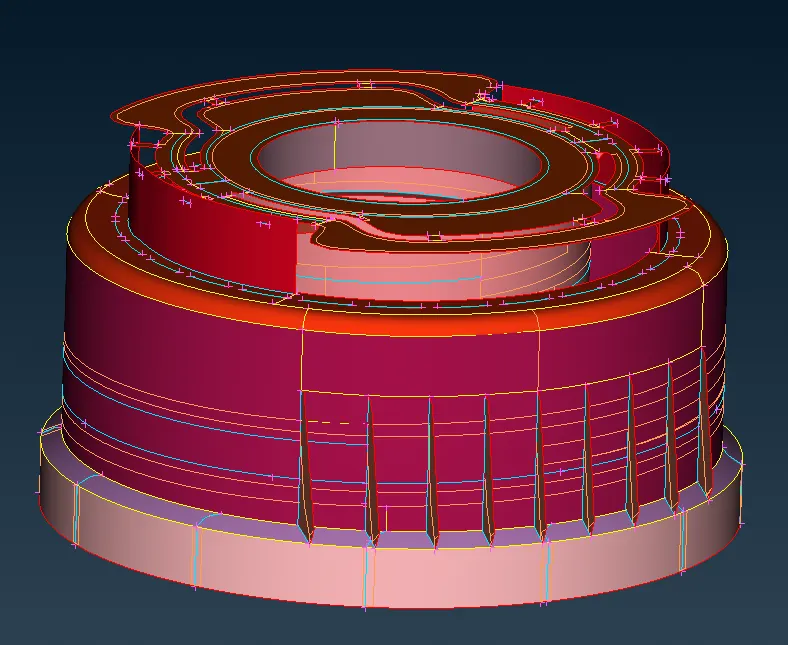
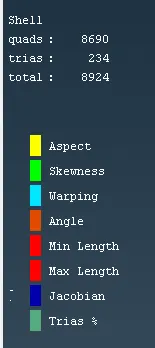
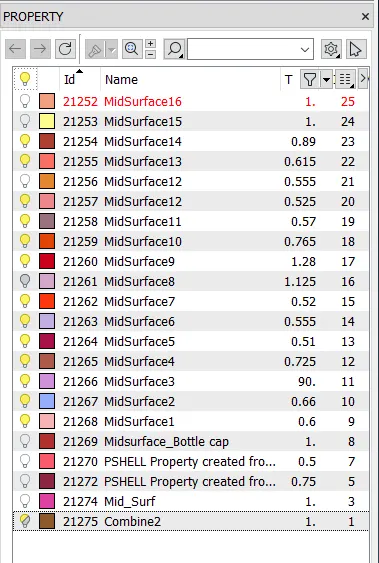
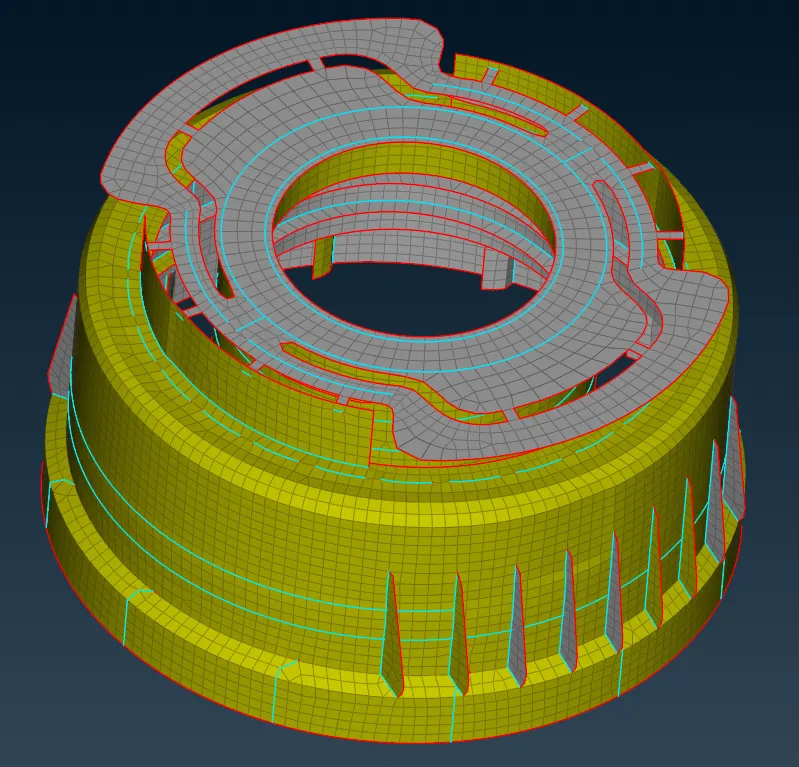
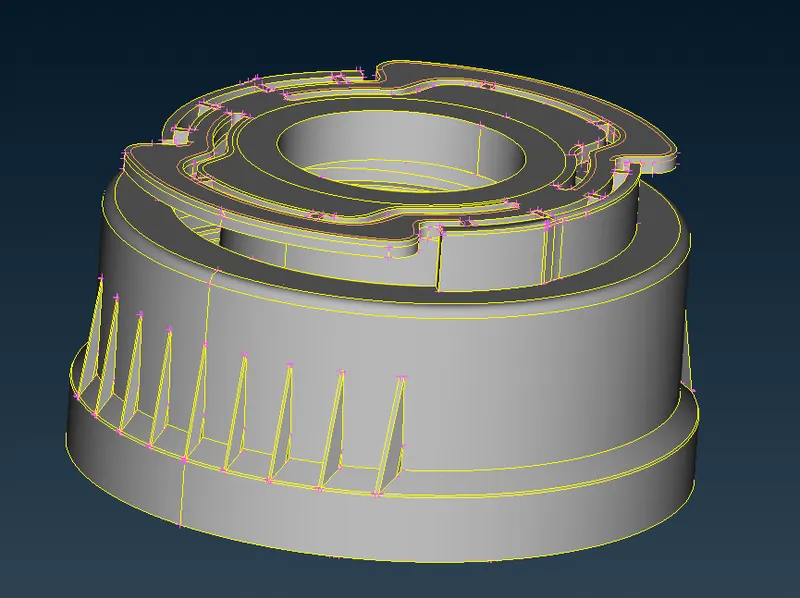
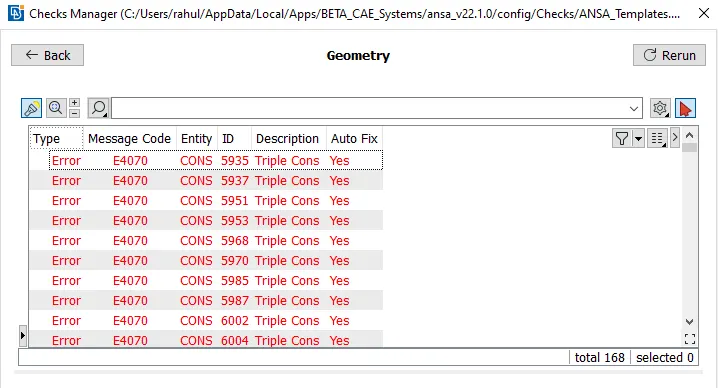
Objective: To take midsurface and mesh the plastic part Procedure:- 1. Following is the part from which mid surface needs to be extracted 2. Check for geomerty errors 3. Fix all the errors. 4. Take manual mid surface for separately for each thichness 5. After taking midsurface, this is how the mid surface will look like…
Rahul Bhaumik
updated on 25 Nov 2022
Project Details
Leave a comment
Thanks for choosing to leave a comment. Please keep in mind that all the comments are moderated as per our comment policy, and your email will not be published for privacy reasons. Please leave a personal & meaningful conversation.
Other comments...
Read more Projects by Rahul Bhaumik (9)
Week 3-Meshing of Hood Challenge
Objective For the given CAD model of an automobile hood - Extract the mid-surface 2D mesh Apply thickness Follow the below-mentioned quality criteria, mesh the component given below and assign thickness: Target Element Length = 5 Units S.No. Criteria Value 1 Aspect Ratio 5 2 Skewness 45 3 Warping 15 4 Taper 0.5 5 Min.…
18 Mar 2024 03:29 PM IST
Project 2 - 2D meshing on the instrumental Panel
Aim: To generate mid surface of the plastic model and mesh the component Procedure: 1. Impot the model 2. Set peremeter length to 1mm 3. Perform geometry checks 4. Remove all the errors from the surface 5. Extract mid surface for the whole model 6. Assign thickness to the mid surface extracted 7. Set quality…
05 Aug 2023 08:39 PM IST
Week 7 - Creating connection for Rear door
AIM: To create conection for the front door of a car PROCEDURE: 1. import the model in Ansa 2. first start making all the bolt hole connections 3. Similarly create for all bolt holes 4. Connect the hinges with RBE2 5. Restrict the RBE2 connection done in hinge to only 5 DOF 6. Below parts need to be welded connection…
29 Jul 2023 12:18 PM IST
Project 1 - Meshing of Floor Panel
Aim:- To perform mid surface extraction and mesh the component with applied thickness for the iges model provided. Procedure:- 1. Import the Iges model 2. Go to mesh deck and set peremeter length as 1mm 3. Perform topo on complete model 4. Perform gemetry checks 5. Fix all the errors 6. Set the following quality criteria…
18 Jul 2023 02:41 PM IST
Week 4 - 2D Meshing for Sheet Metal
1. Import the model in ANSA 2. Go to mesh deck and set premeter length to 1 3. Perform geometry checks and resolve all geometry errors 4. Give topo for complete model 5. Perform manual midsurface separately for each component 6. De/fine mesh parameters 7. First start meshing the critical components using best mesh…
09 Jul 2023 11:53 AM IST
Week - 4 - 2D meshing for Plastic components
Objective: To take midsurface and mesh the plastic part Procedure:- 1. Following is the part from which mid surface needs to be extracted 2. Check for geomerty errors 3. Fix all the errors. 4. Take manual mid surface for separately for each thichness 5. After taking midsurface, this is how the mid surface will look like…
25 Nov 2022 07:24 PM IST
Week 4-1D Element Creation Challenge
Objective: Mesh the geometry and create 1D ekements Geometry model: Procedure: 1. Go to Geometry and create auto mid surface for bracket 1 2. Similarly take mid surface for bracket 2 3. Make components for both the brackets 4. Create washer splits around the holes 5. Create a material name "Steel" and two properties for…
10 Sep 2022 09:23 PM IST
Week- 5 - Solid meshing
Aim: For the given rear view component model check for the geometrical errors and mesh the model. Procedure: Upload the model 2. Give a peremeter length of 1mm so that a fine geometry can be obtained 3. Perform topo and join all single cons 4. Perform geometry check and eleminate all errors 5.…
21 Jun 2022 09:51 AM IST
Week 3 - 2D meshing for sheet metal
AIM: Perform thebelow mentioned tasks on a CAD geometry- Inspection Geometry Cleanup Mid-Surfacing Quality Checks Meshing Procedure: Import the Cad geometry in the ANSA. The CAD file must be a .stp file. Perform topology on the geometry Go to mesh and change the parameter length to 1mm so that we have a clear idea…
04 Apr 2022 03:02 PM IST