Week 4-1D Element Creation Challenge
Objective: Mesh the geometry and create 1D ekements
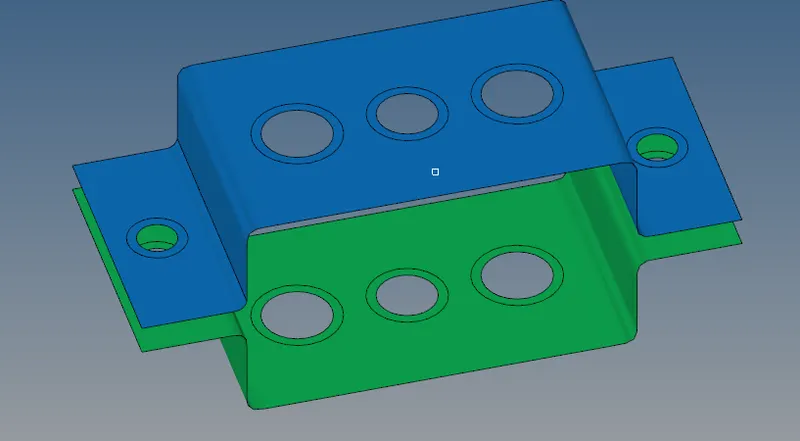
Geometry model:
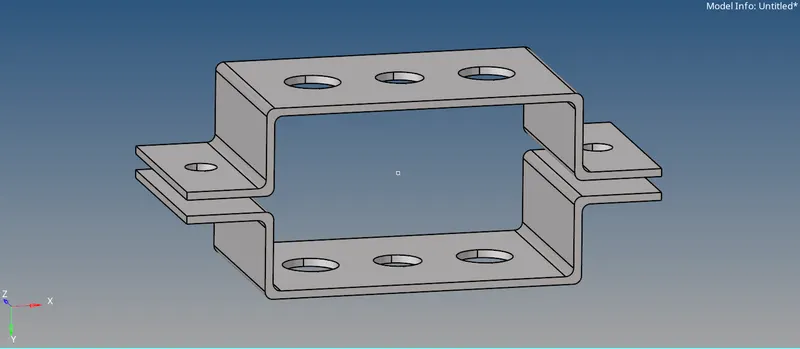
Procedure:
1. Go to Geometry and create auto mid surface for bracket 1
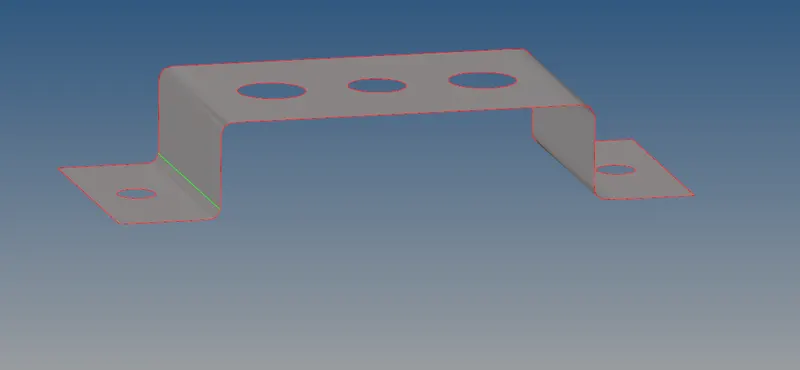
2. Similarly take mid surface for bracket 2
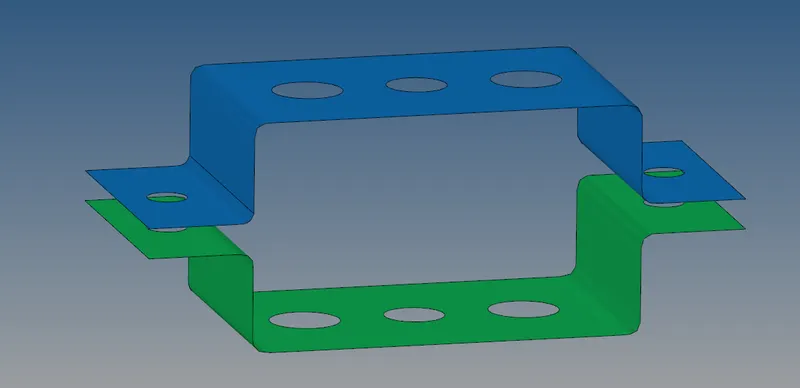
3. Make components for both the brackets
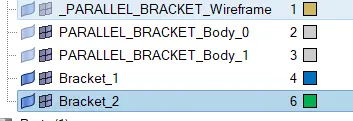
4. Create washer splits around the holes
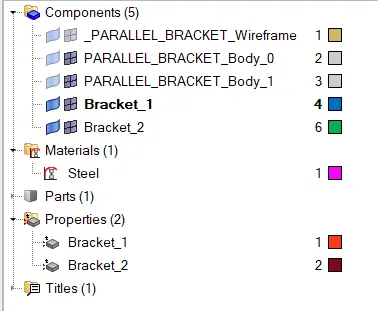
5. Create a material name "Steel" and two properties for the respective brackets having thickness 2 and 2.5
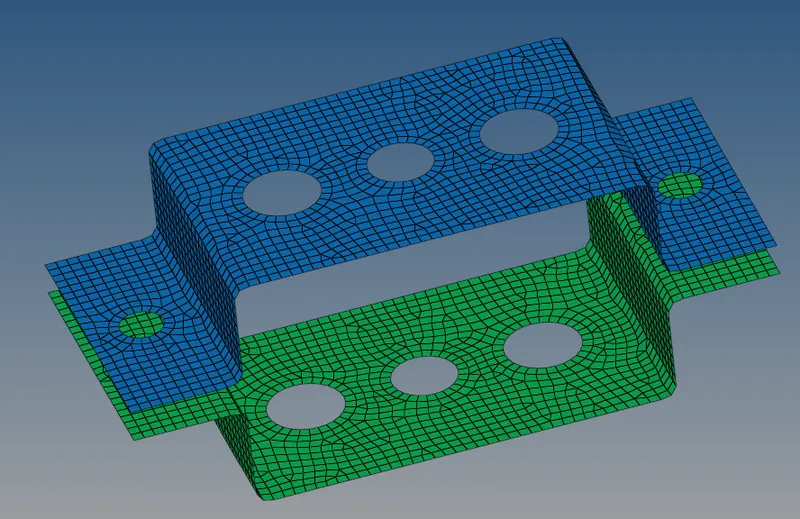
6. Go to 2D and create automesh with element size of 5
7. Go to 1D and create 1D elements as shown below
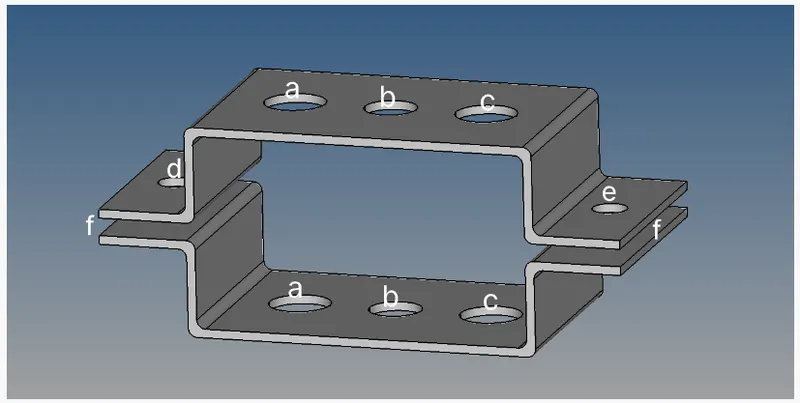
8. For creating rod elements go to 1D and create rbe2 elements for a
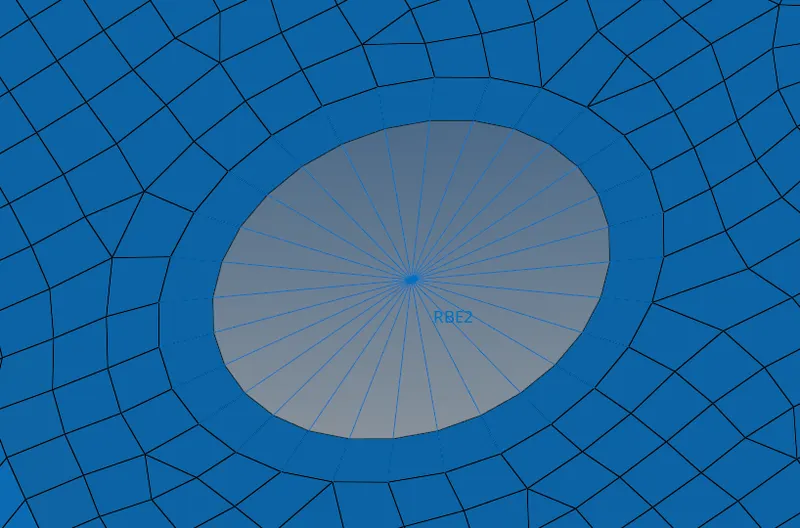
9. Similarly create rbe3 and rbe2 elements for respective locations
10. Make sure to constraint DOF's as mentioned
11. Add properties in the hyperview for each element
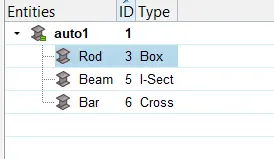
12. Add properties for each element also having section as mentioned in hyperview
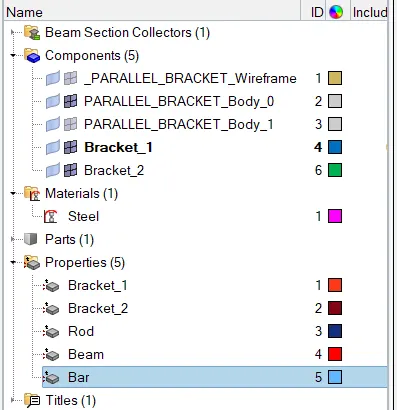
13. Turn ON detail representation to get following views
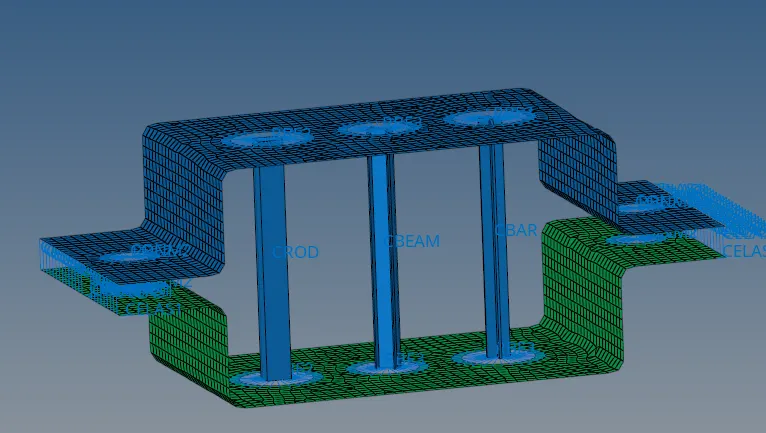
Conclusion:
1. Learned how to extract mid surfacing for simple 2D geometry
2. Learned basic 2D mesh & 1D meshing