Week - 4 - 2D meshing for Plastic components
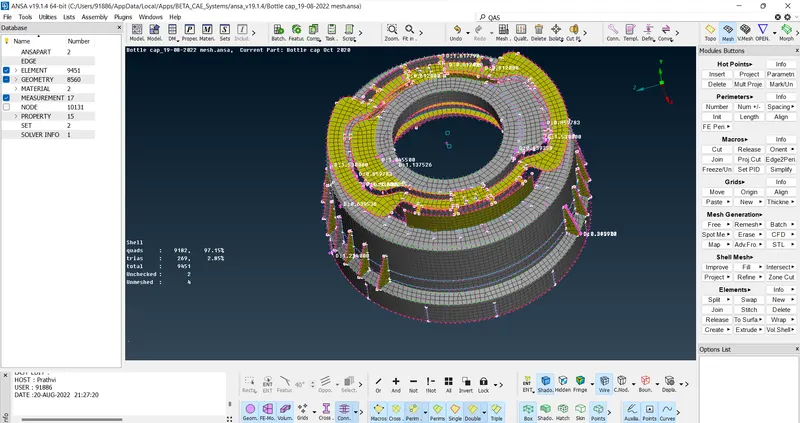
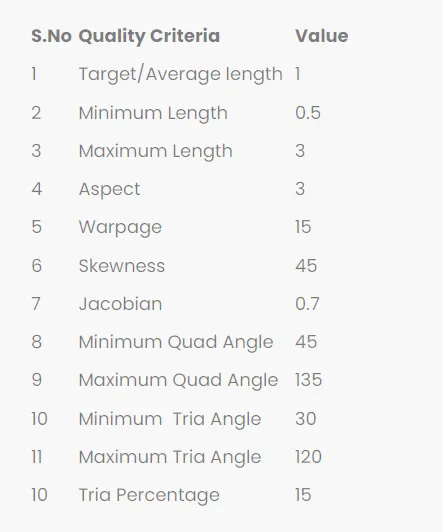
Aim: Meshing of a Plastic Bottle cap with given Quality criteria
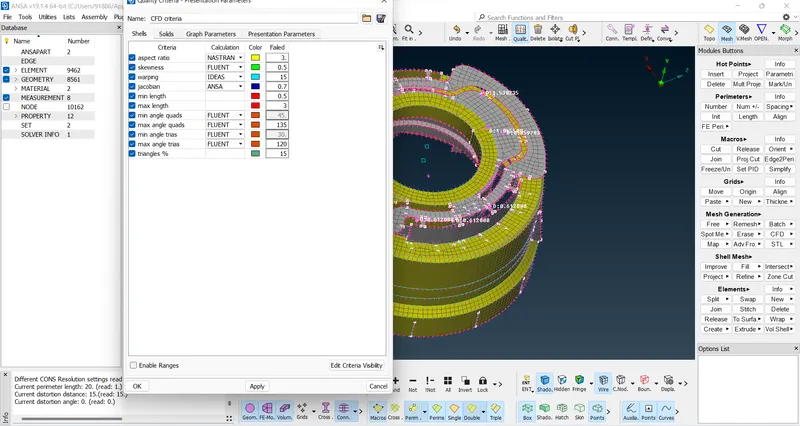
Quality Criteria:
Procedure :
Open the ANSA software and import the Bottle cap Model
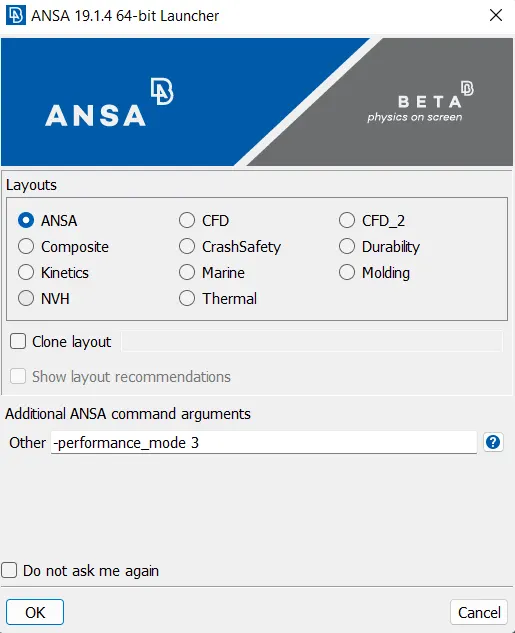
On Clicking the ANSA a window pops up Clicking Ansa and enter the code -performance_mode 3 to improve the graphics of the model
The model is as shown in the figure below
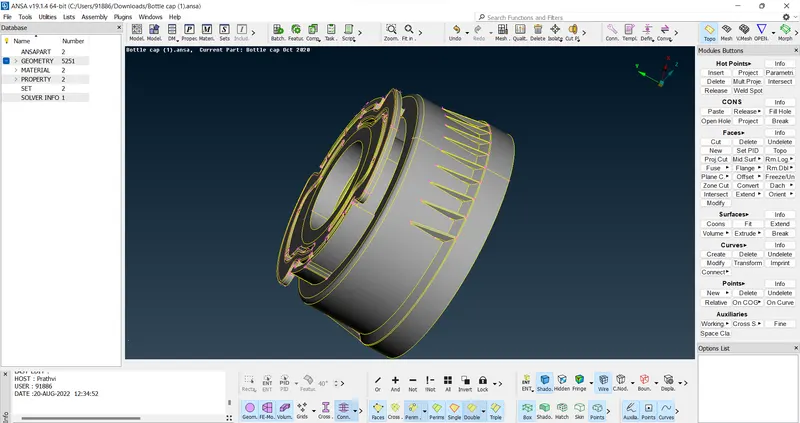
Before Meshing can be done we have to make sure that the Model is free from geometrical errors
This can be done using a check manager
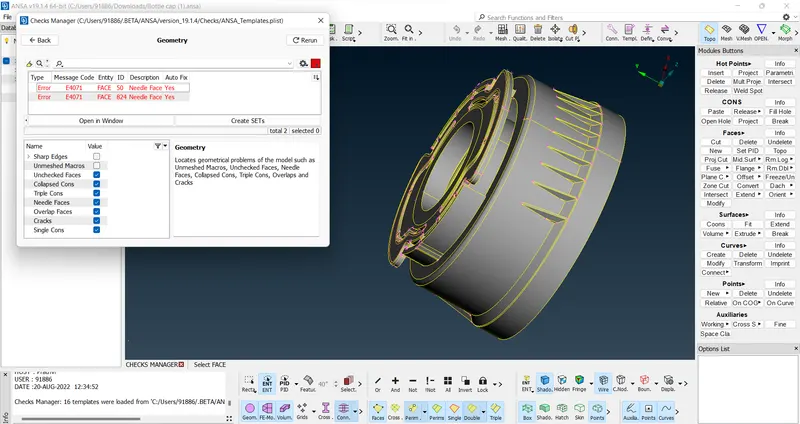
As seen from the figure above there are some geometrical errors in the model. These errors can be fixed either by manual method or by clicking the fix option on rectify the errors the model is run again
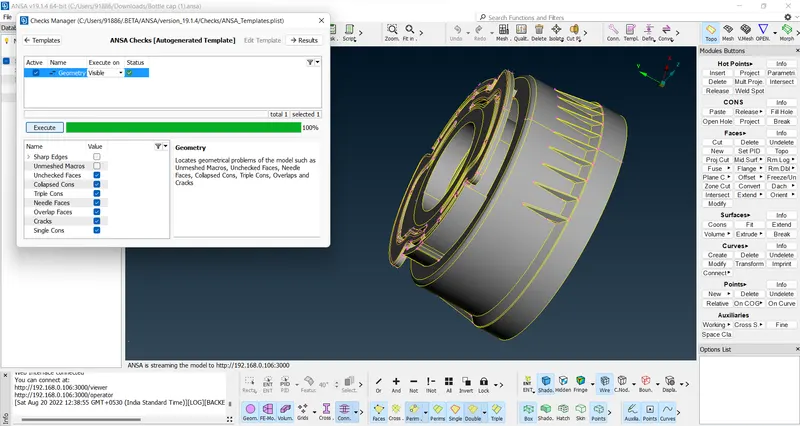
Once the model is free of geometrical errors Mid surfacing can be done
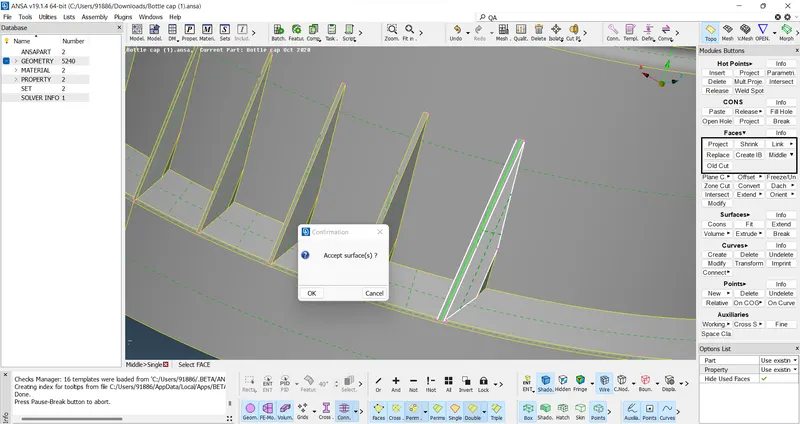
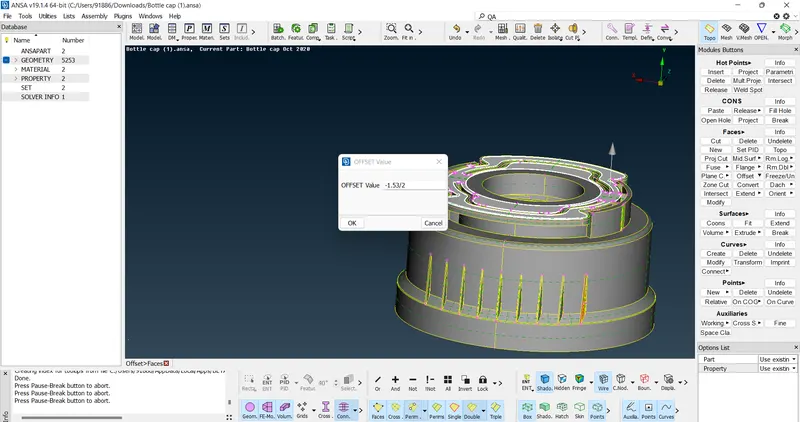
The mid surfacing can be done either by Auto Mid or by offsetting the faces individually
MID surface can also be taken by using the Middle option. The middle option basically takes the Middle of two surfaces as shown below
The mid surface can also be taken by offsetting the faces as shown below:
For complicated features like thread, the mid surface can be taken by using the curve feature by taking the middle of the cones a curve is formed in the middle then the curve is projected into the mid surface and new surface is formed by using the tow curves created
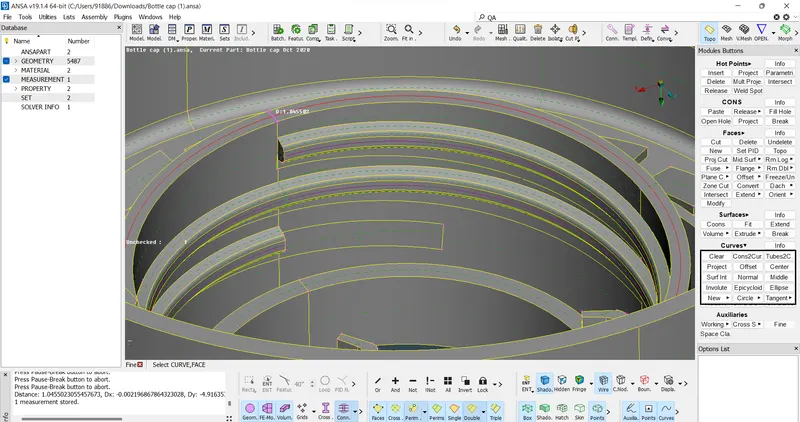
(Taking the curve)
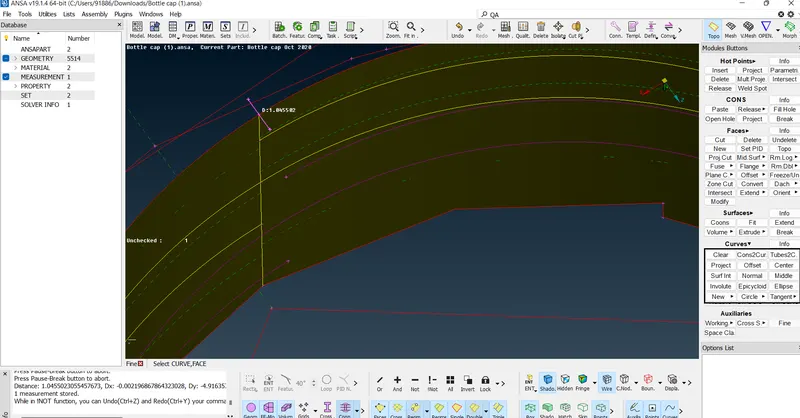
(Projecting the curve to the Mid surface)
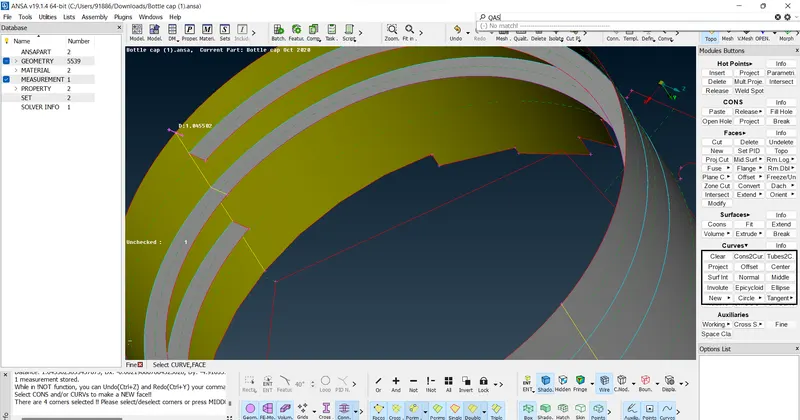
(Creating the Mid surface)
Final Mid surface of the Component
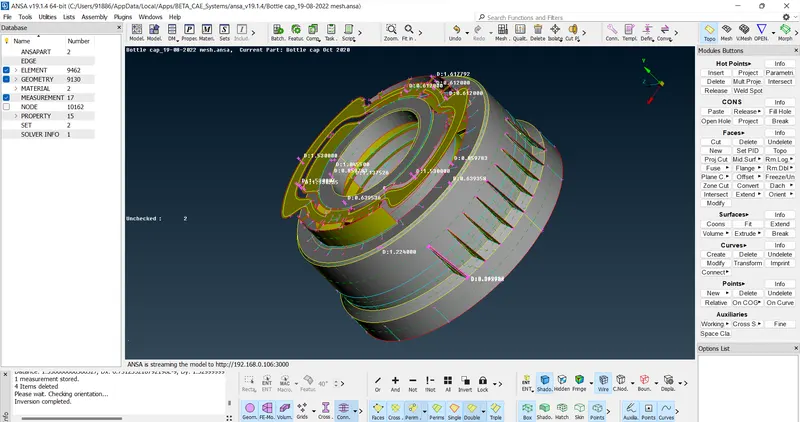
Once the mid surface of the component is Done PID is given to features of varying thickness
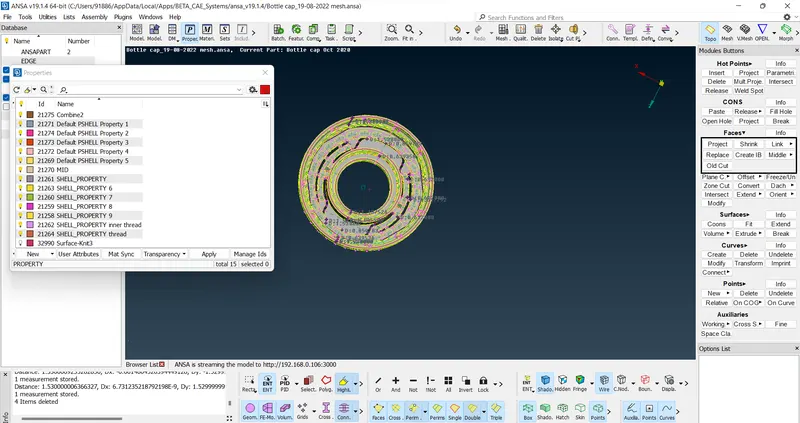
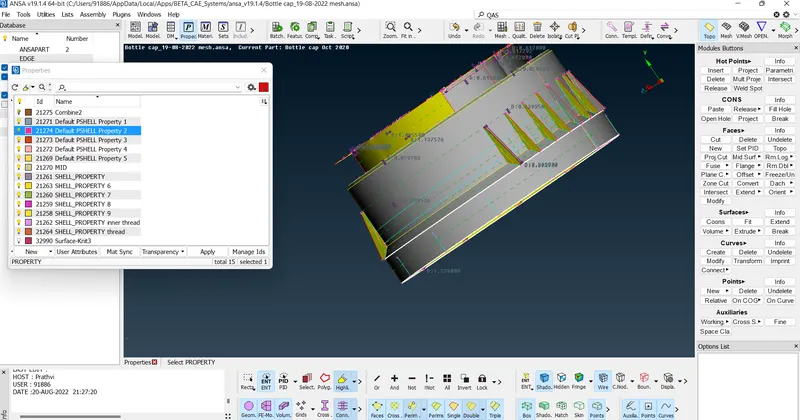
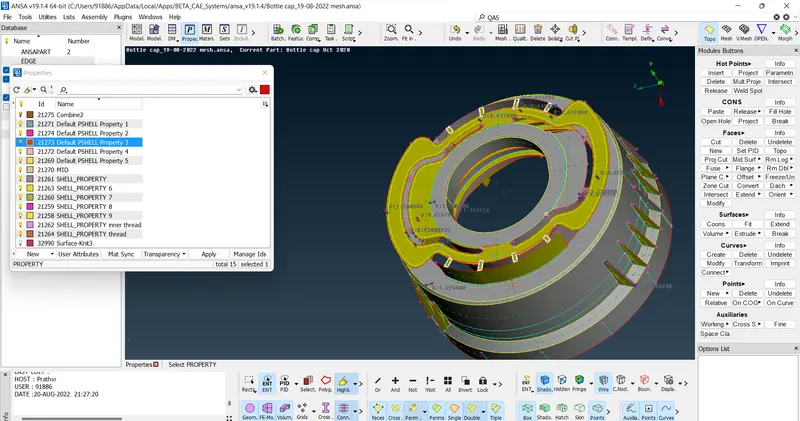
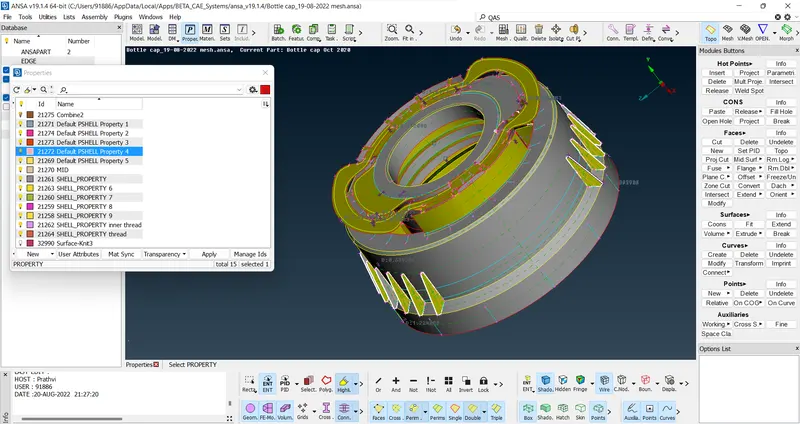
Before the meshing quality criteria is to be given
Assigning the Length as 1
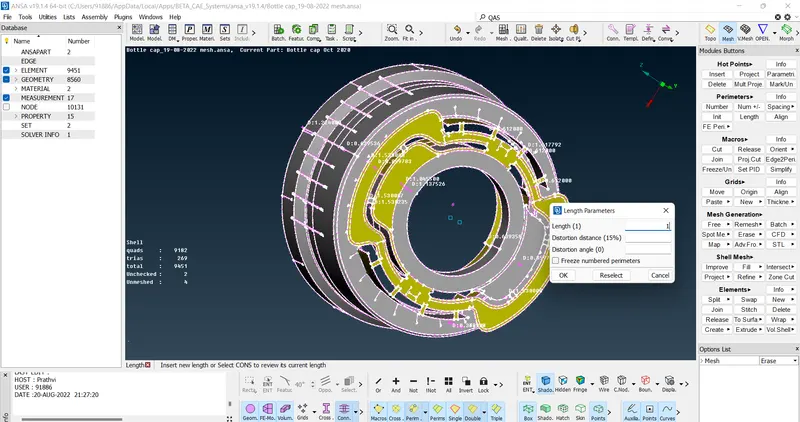
Final mesh of the Model