Week - 4 - 2D meshing for Plastic components
To Extract the middle surface of the Plastic Bottle cap and mesh this model with
given quality parameter criteria as mentioned and also assign a proper thickness
to it.
Quality Criteria:
|
S.No |
Quality Criteria |
Value |
|
1 |
Target/Average length |
1 |
|
2 |
Minimum Length |
0.5 |
|
3 |
Maximum Length |
3 |
|
4 |
Aspect |
3 |
|
5 |
Warpage |
15 |
|
6 |
Skewness |
45 |
|
7 |
Jacobian |
0.7 |
|
8 |
Minimum Quad Angle |
45 |
|
9 |
Maximum Quad Angle |
135 |
|
10 |
Minimum Tria Angle |
30 |
|
11 |
Maximum Tria Angle |
120 |
|
10 |
Tria Percentage |
15 |
Model:-
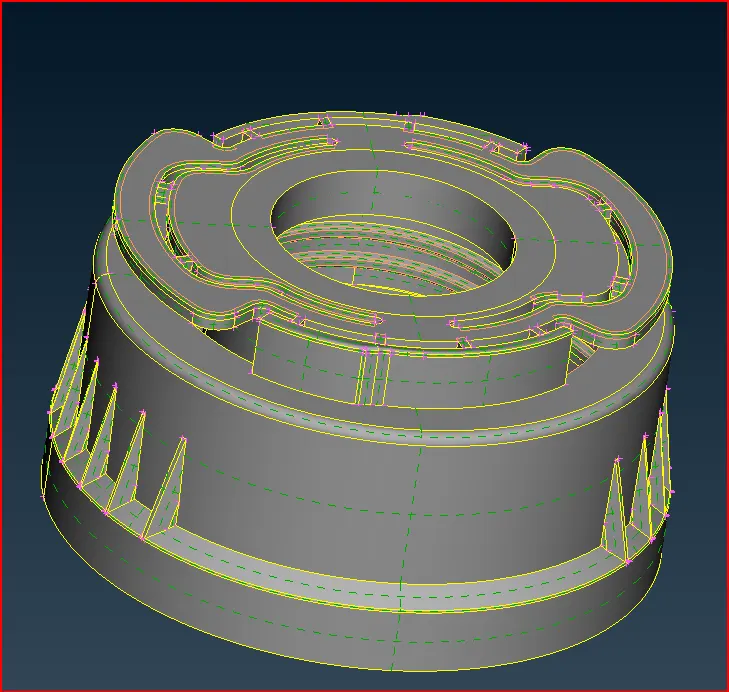
Plastic Bottle Cap
Objectives:-
Generating the mid surface from the parent component.
Performing a meshing operation on a middle surface as per element quality criteria.
Checking the element quality by comparing with given quality parameters and criteria and improve the quality by various options.
Assigning the material and proper thickness to it.
Why we do Geometrical Cleanup ?
While we importing any geometry data it generally come up with little errors, some geometrical issues are
Surface are not stitched together. i.e. ( there is a gap present between the surfaces.)
Very small surfaces are squeezed between the surfaces.
Sometimes duplicate surface are present.
The Junction between the two surfaces also contains the gaps, overlaps and misalignments.
Why we Create the Mid - surface ?
While doing 2D meshing we extract the mid surface from the model. Mid surface means the surface between the two
surfaces. 2D meshing is carried out on the mid - surface, because mathematically element thickness we assigned half in
+Z axis ( element top) and half in -Z axis (element bottom ). Hence for appropriate representation of geometry via 2D mesh
it is necessary to extract the mid surface and generate nodes and elements on the mid surface. We try to create the shell
elements which is 2D representation of 3D elements. Mid surface meshing is used when the geometry thickness is very small
as compare to its length and width, so we are generally used in most of indusries where structure is made up of sheet metals and
plastic etc. In that cases, we use 2D elements instead of 3D elements, hence by adopting mid - meshing number of nodes are decreases
and also computational time decreases.
We have two methods for extract mid surface
Manual mid surfacing
Automatic mid surfacing
Here we choose manual mid surfacing because the given plastic model / casted model, so thickness is not constant throughout, if
we use automatic mid surfacing so it will not give us accurate meshing result and we have to do lot of changes in model to repair,
so that's why we choose manual mid surfacing .
In Meshing We have to take care about that,
Features should be capture properly,
No back to back trias.
There should be element connectivity between the elements.
No opposite trias.
No Rotational quads.
Quality check to ensure that all elements are within good quality.
Procedure:-
Import the model file by using open option in ANSA.
Then we clean model and give cons resolution for geometry shape will get smooth.
After Geometry clean up we do geometry check.
Check manager > Geometry for checking geometrical issues.
In Geomety check if some errors got that time select all the errors and autofix them.
And some errors solve manually.
Then Geometry check,
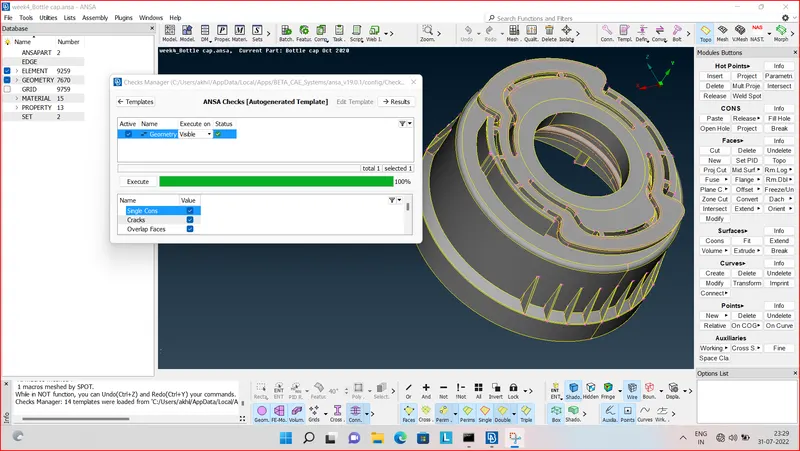
we got 100 percent geometry check.
After cleaning the parent geometry and geometry check, we can start the extracting the mid surface of the component.
After that,
Before start the creating the midsurface we do seperate small parts for our understanding and easy for the find out the model for us like that,
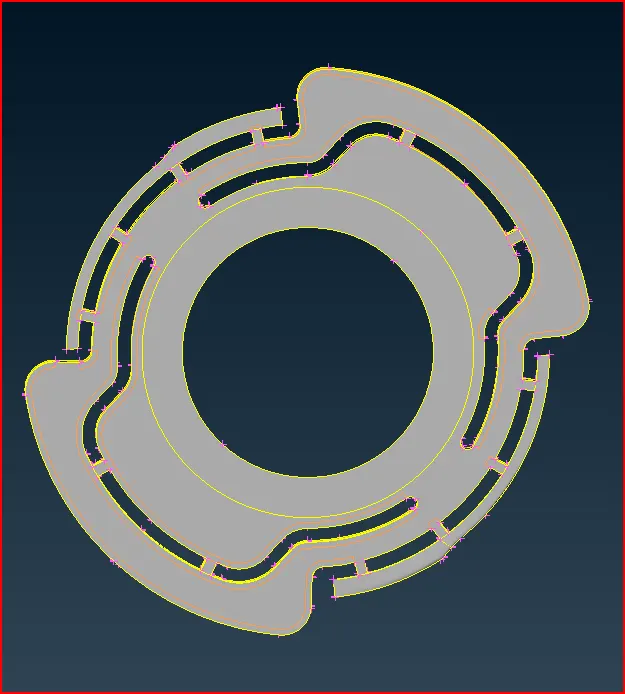
upper part
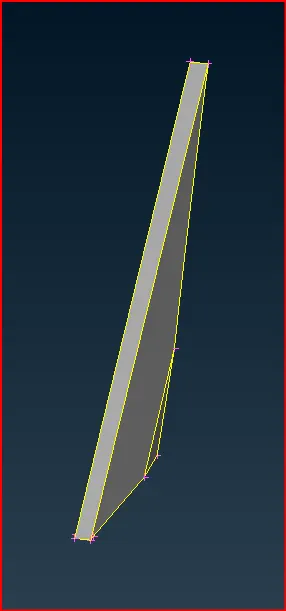
Teeth
Then we start the mid surfacing,
Topo > Faces > Offset ,
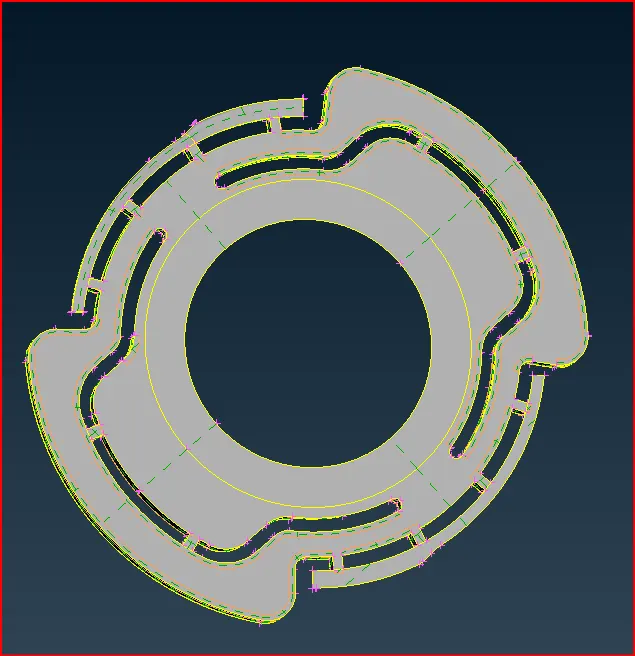
Parent Geometry
After gave offset and creating mid surface then go to Property ID,
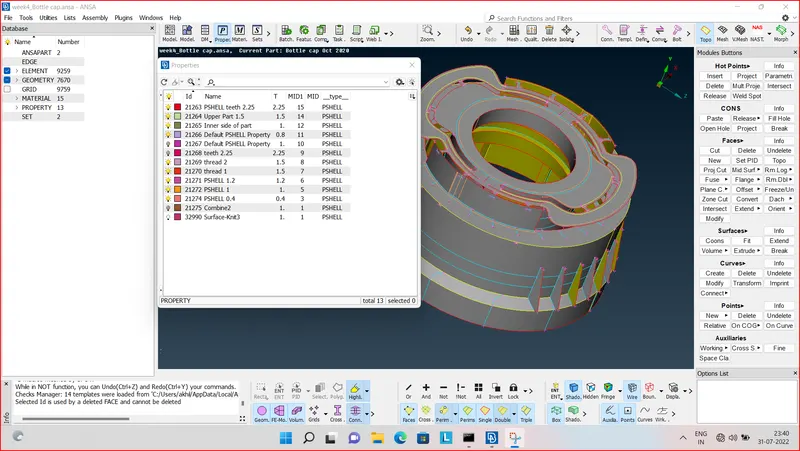
Then, save this in Property ID and gave naming and thickness.
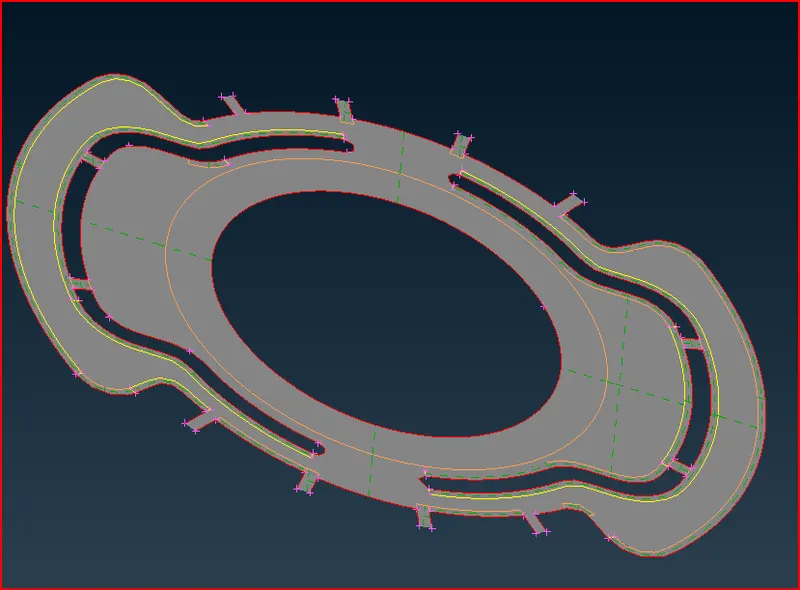
mid surface of upper part
all model creating the mid surface.
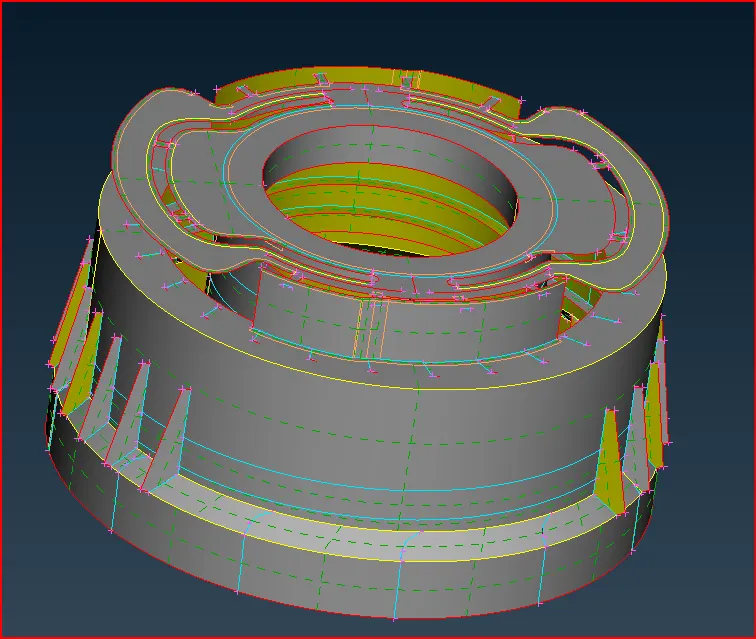
mid surface of bottle cap
After that go to mesh.
Before start the mesh set mesh parameter and element quality parameter.
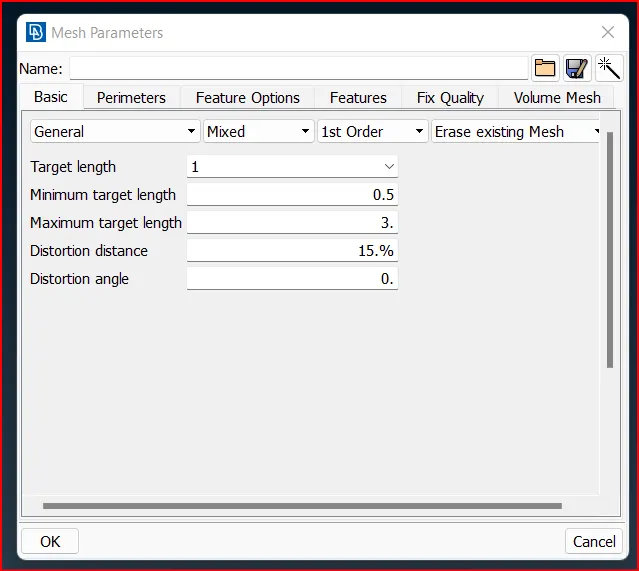
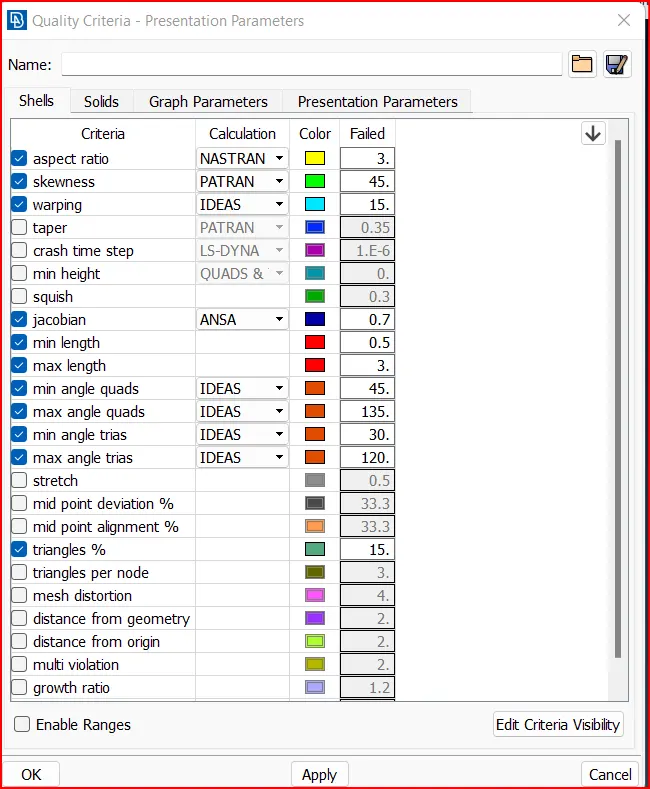
After Defining the mesh parameter and quality criteria we start the meshing.
We are using best option in mesh panel to the mesh component.
Mesh > Mesh generation > Best
and Mesh > Shell mesh > Reconstruction
Mesh > Shell mesh >Improve
Mesh > Shell mesh > Smooth.
And used Improve and Reconstruction also for quality of mesh improve.
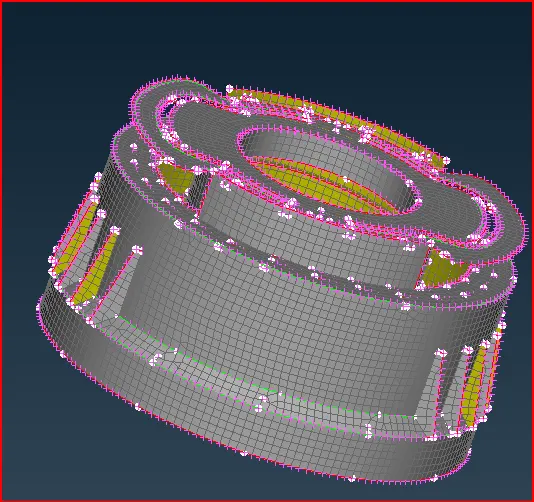
Meshed model of Bottle Cap
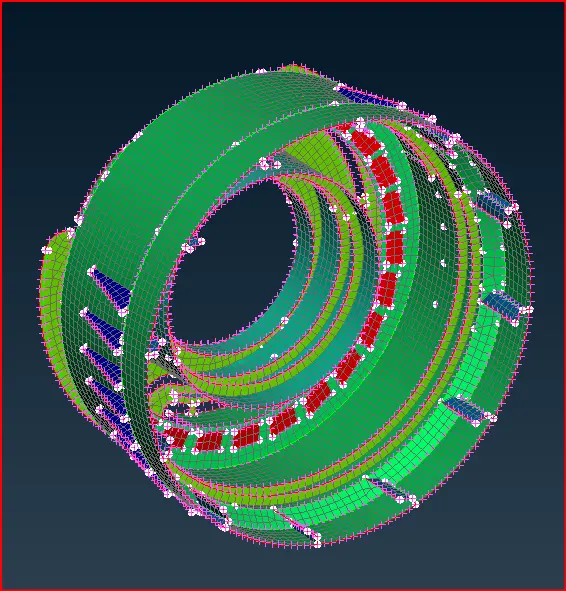
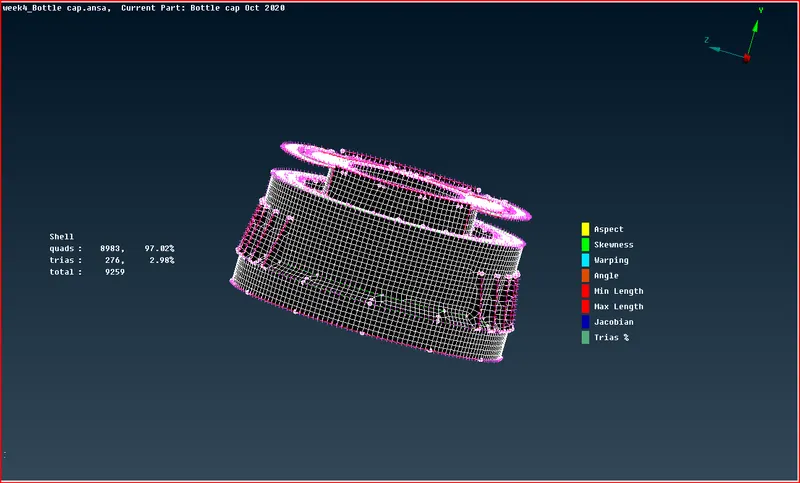
Quality performance meshed of Bottle cap
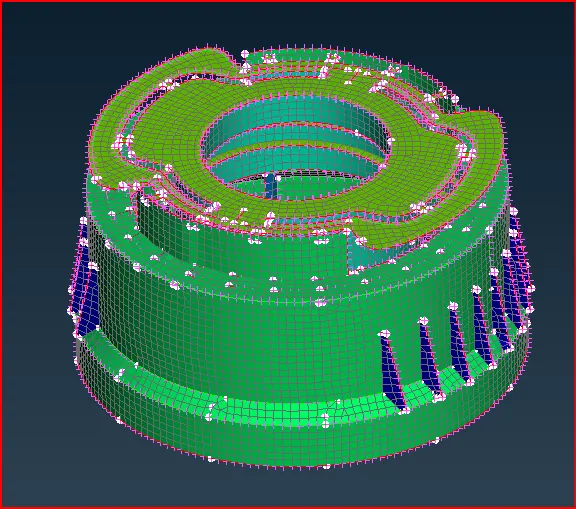
FINAL MESH MODEL OF BOTTLE CAP:-
CONCLUSION:-
Understanding the about manual mid surfacing.
Understanding the about plastic model.
Understanding the difference between the sheet metal meshing and plastic metal meshing.
Understanding the how to take mid surface in complicated areas.