Week - 4 - 2D meshing for Plastic components
Aim- For the given Plastic Bottle Cap model, check for the geometrical errors and extract the midsurface.
Objective- For the given component Exctract the mid surface and assign proper PID.
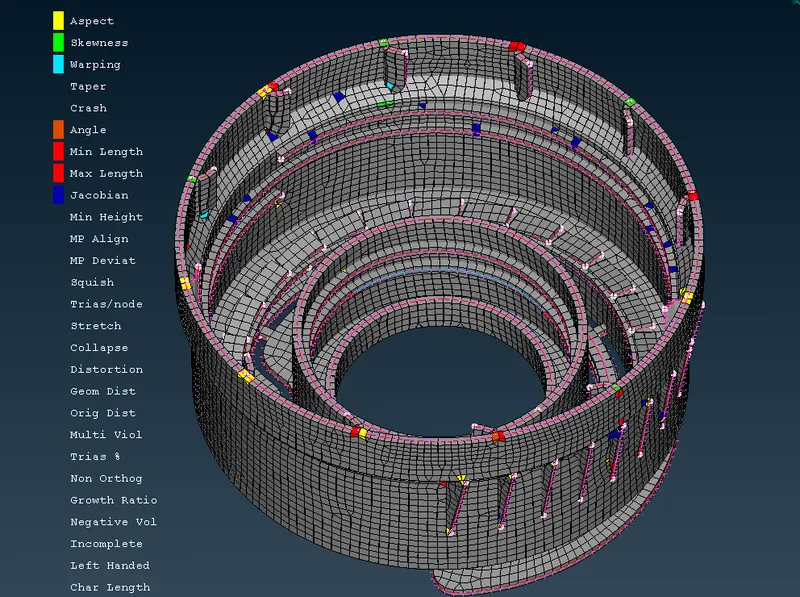
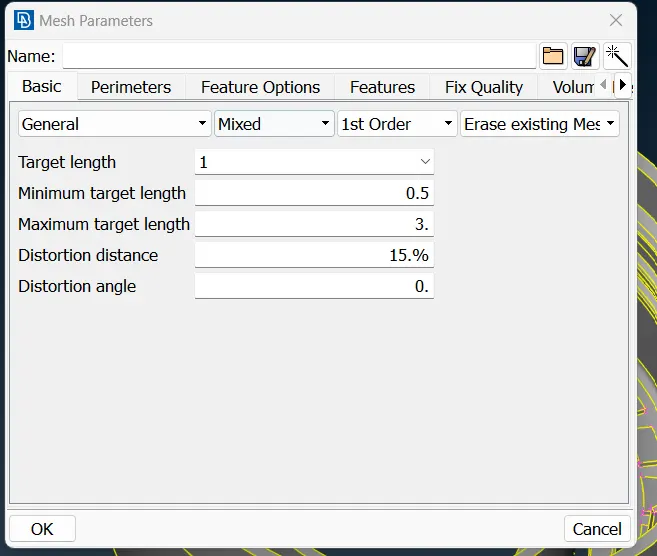
Mesh the midsurface with the given mesh parameter and quality criteria.
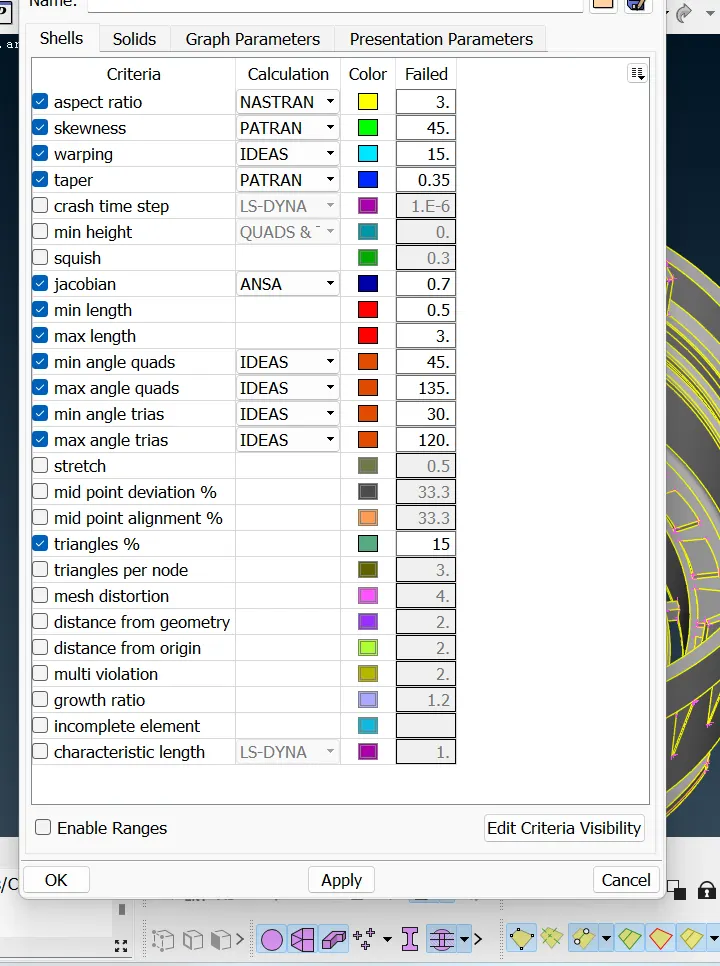
S.No Quality Criteria Value
1 Target/Average length 1
2 Minimum Length 0.5
3 Maximum Length 3
4 Aspect 3
5 Warpage 15
6 Skewness 45
7 Jacobian 0.7
8 Minimum Quad Angle 45
9 Maximum Quad Angle 135
10 Minimum Tria Angle 30
11 Maximum Tria Angle 120
12 Tria Percentage 15
Procedure- Import the given Model
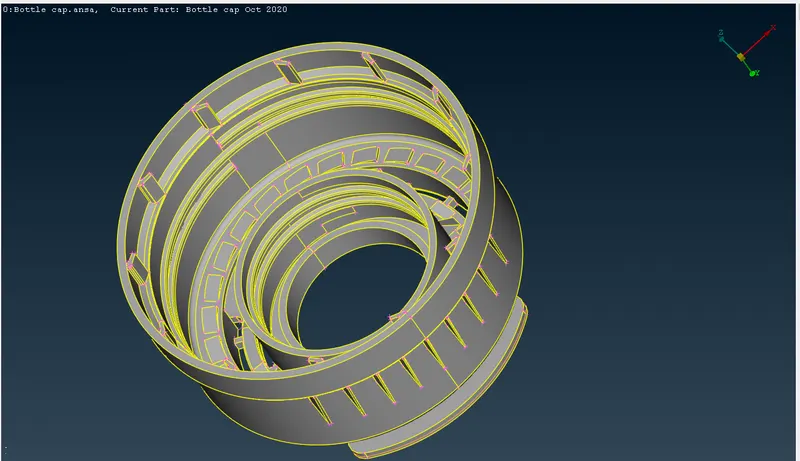
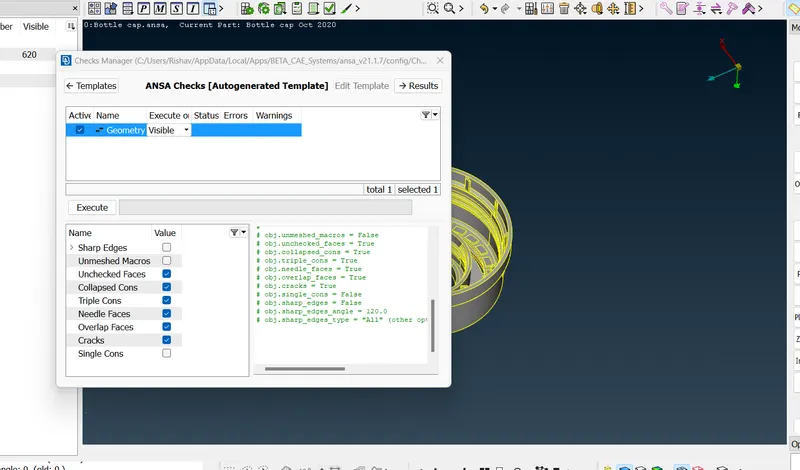
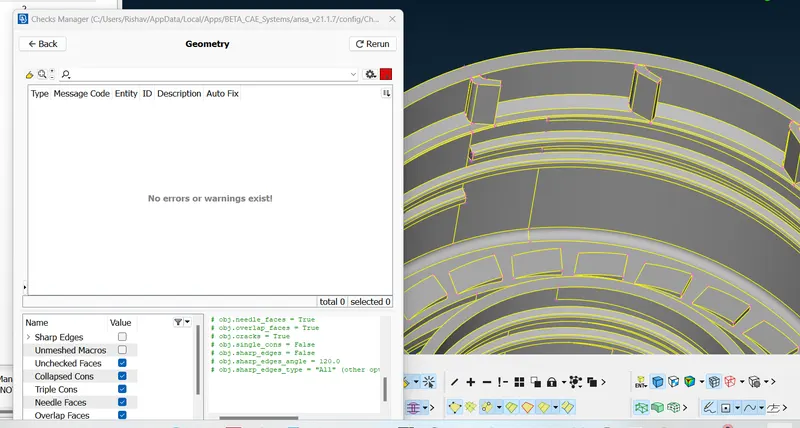
2. Check for the geometrical errors by performing the geometry check on the component.
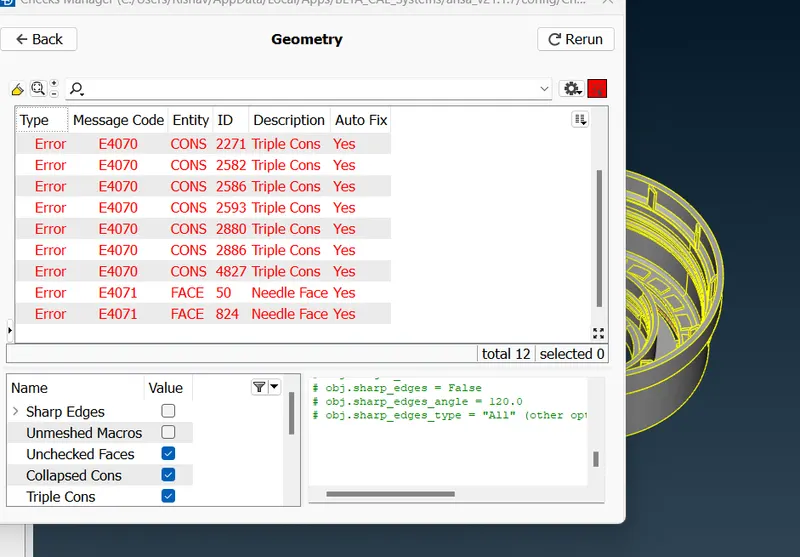
Fix all the errors to make the 100% no error.
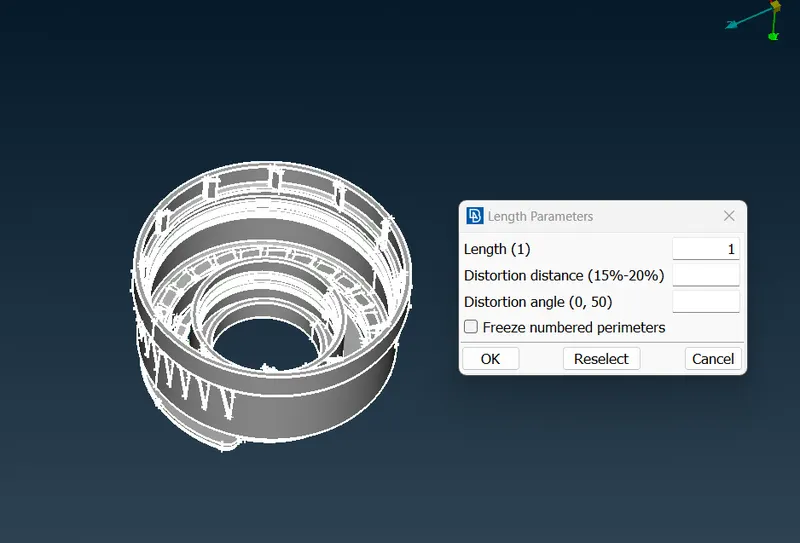
3. In the mesh perimeter tab in the length tool set the length value to 1
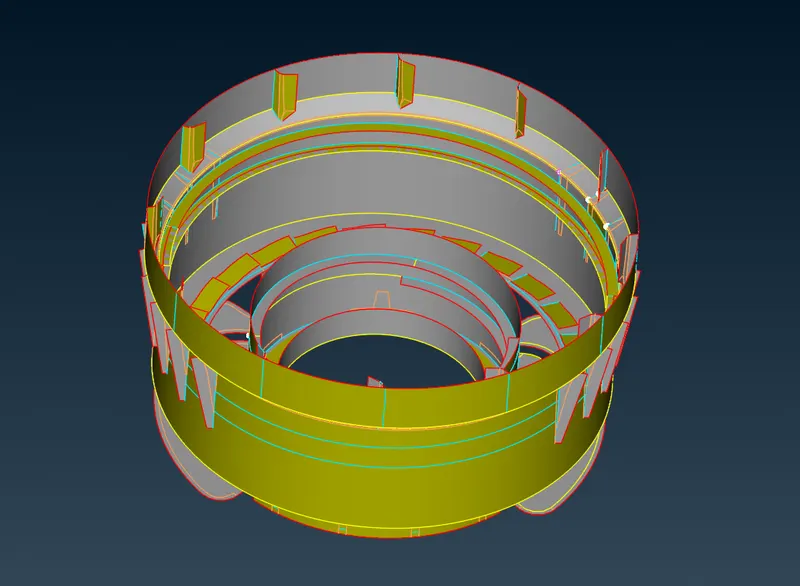
4. Extract the mid surface using the Middle tool in the Face tab. for appropriate section and do the offset for the faces with number of feature and create the new surface and do the topo to stich all the surfaces.
Use the extend and intersect tool to join the two surfaces.
Copy and pattern the features using the copy tool.
5. Set the mesh parameter and quality parameters.
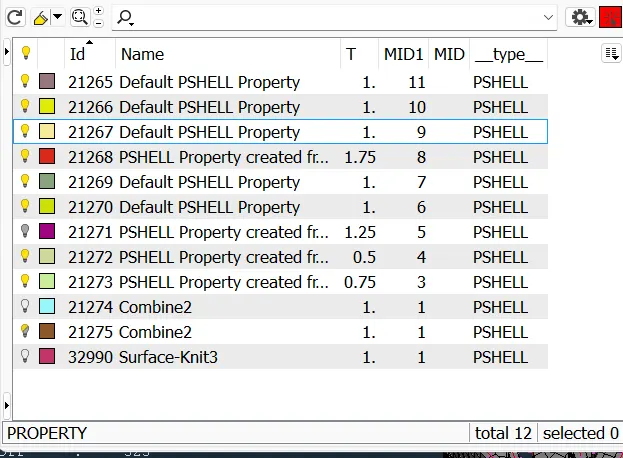
6. Set the PID for all the faces with appropriate thickness.
7. Mesh the Mid surface using the Mesh tools.
In the shell mesh tab Improve the qulaity of the mesh using the improve tools.
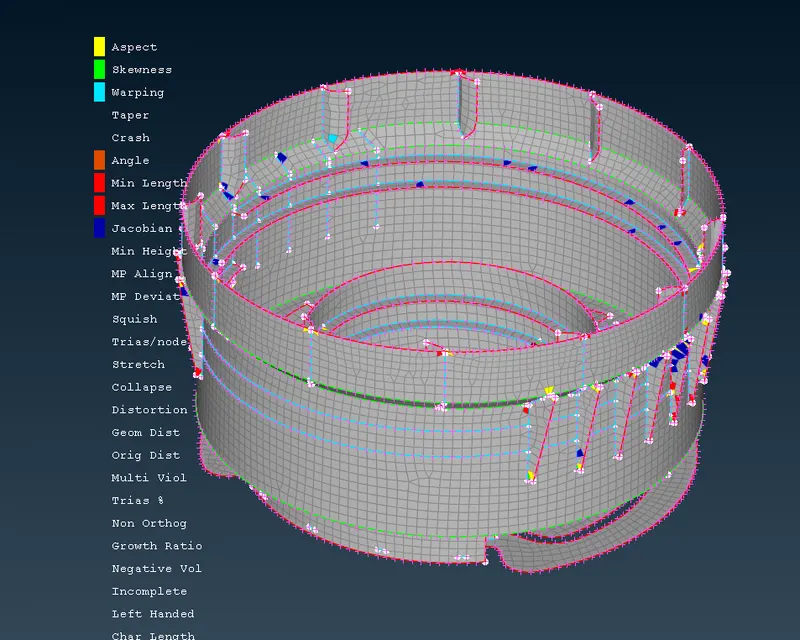
Result- In this challenge we have succesfully created the mid surface and mesh the midsuface with the given mesh parameter.
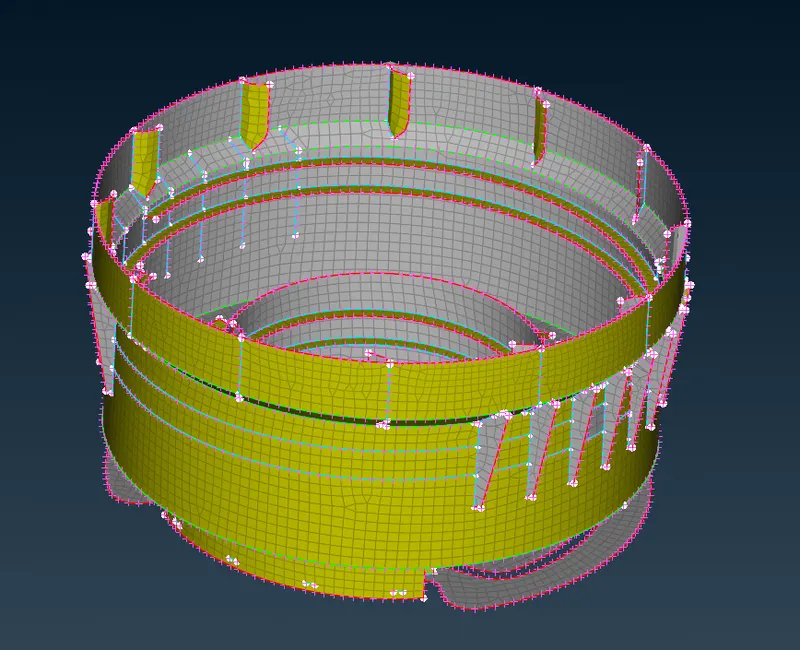
Conclusion- The Mesh extraction of the component is done with the mesh creation with the appropriate thickness assigned to the Surfaces.