Week - 4 - 2D meshing for Plastic components
Week 4
2D meshing for plastic components
Aim:
To study and perform the pre-processing operation on a given 3D model using ANSA.
Objective:
To check for the geometrical errors for the given component and to extract mid surfaces of the given components and to mesh the obtained mid surfaces with the given element quality criteria.
Procedure;
- Import given 3D model
To import the 3D model go to File > open, then select the downloaded file and press open. The imported model can be seen as
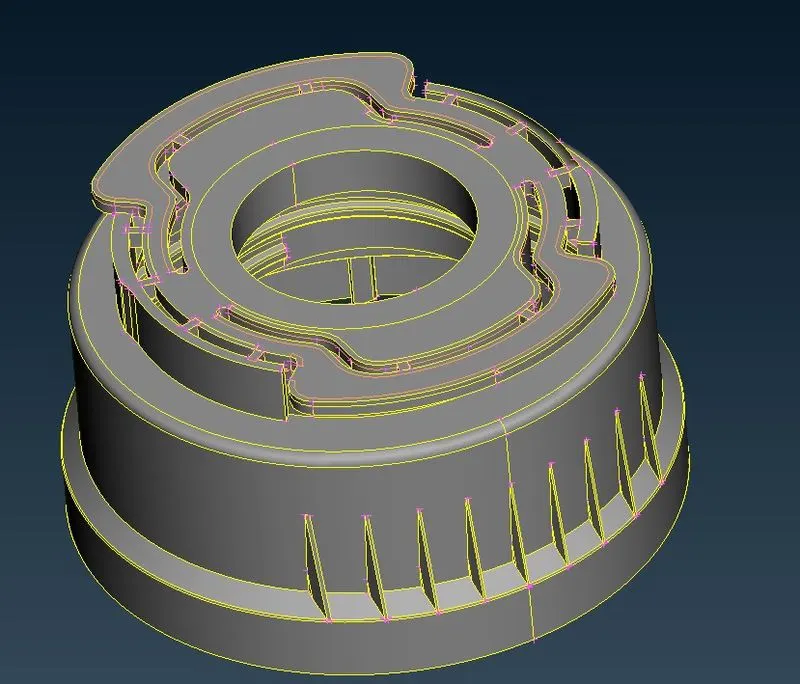
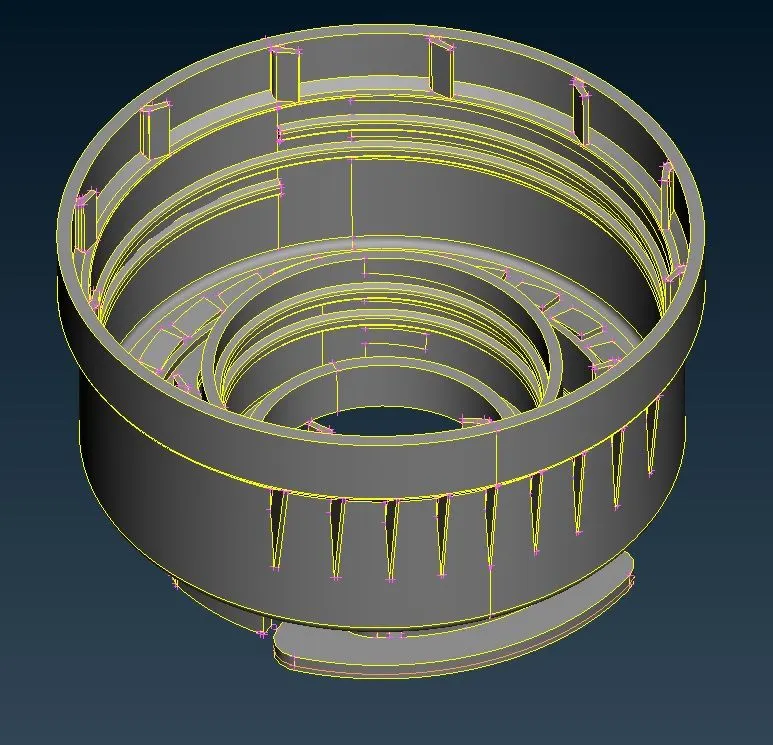
After importing the model check for the geometric error in the imported model as Tools >> Checks >> Geometry, and then click execute to run the geometry check. After running the geometry check the result appeared was
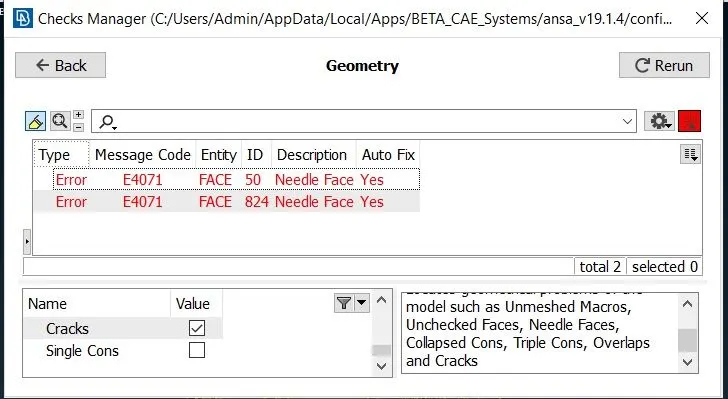
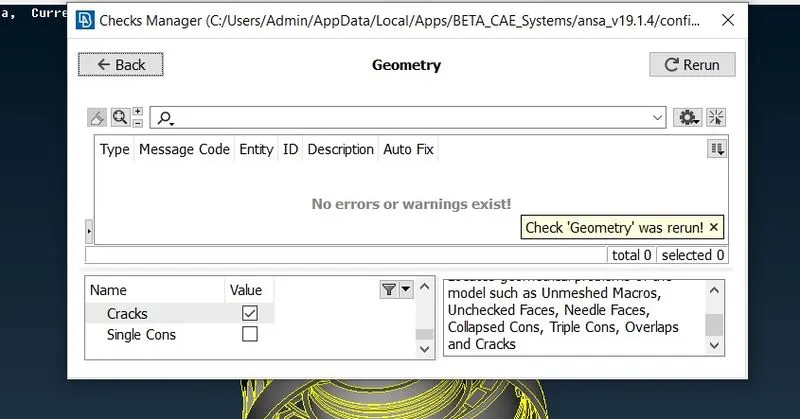
As this was minor error, it was fixed by automatic fixing and the result was
Mid surface:
After the geometry checkup had finished, the model is taken for mid-surface It can be done both manual and automatic, here manual mid-surfacing method is preferred
Most of the mid surface is obtained by using the offset option under the “face” panel.
After using various options, a mid-surface has been created with two views. And the obtained model is shown below.
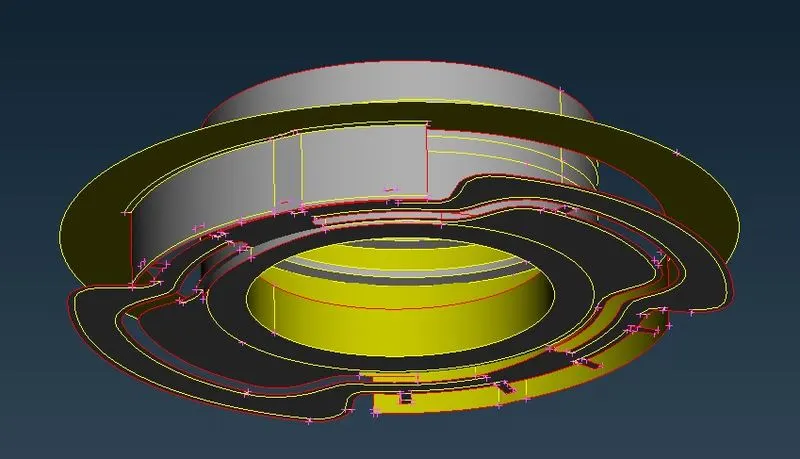
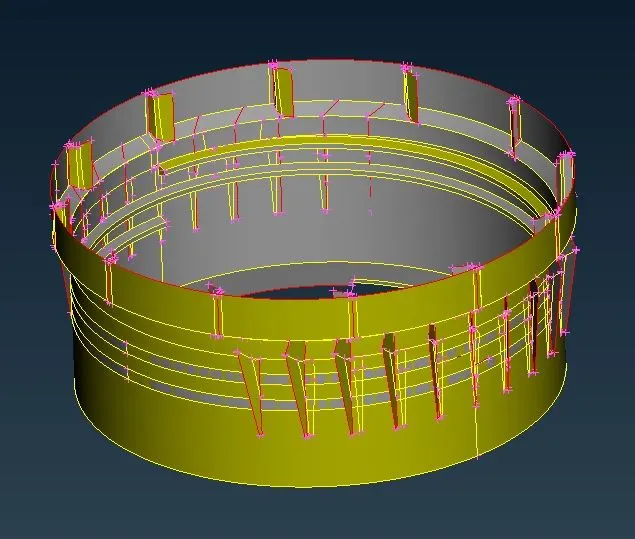
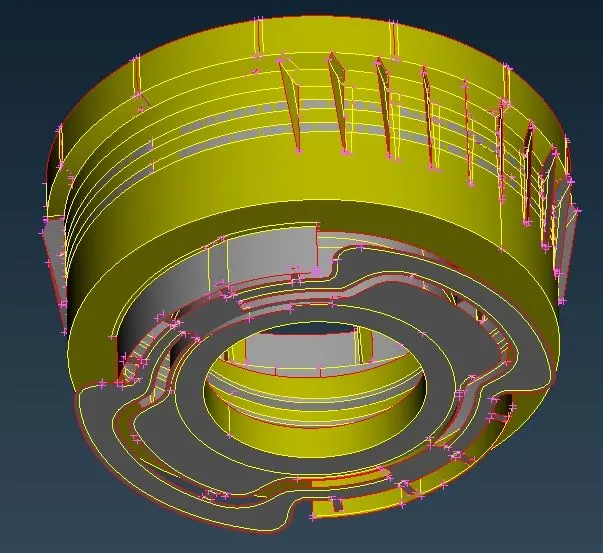
2-D Meshing
The above-created mid surface is taken for the meshing process. For the meshing process mesh parameters and quality criteria must be applied as given. So Mesh parameters, and Quality criteria under Utilities is applied as below:
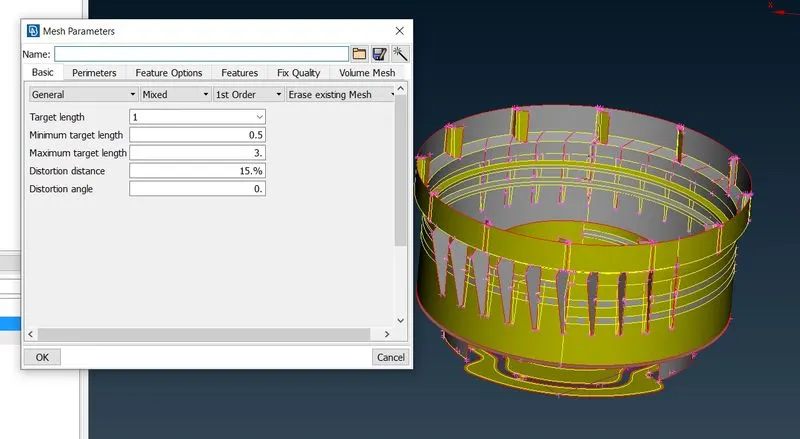
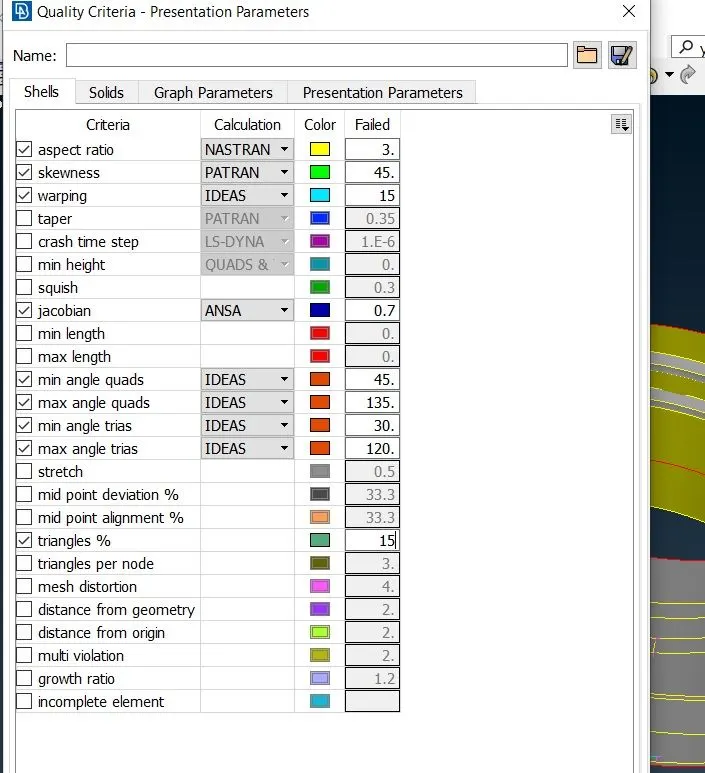
Now to mesh the component, go to the mesh option, under mesh generation select the “best mesh” option which will provide good meshing for the component, to obtain better meshing “best, split, reconstruct, smooth, and swap” options under shell mesh and elements options.
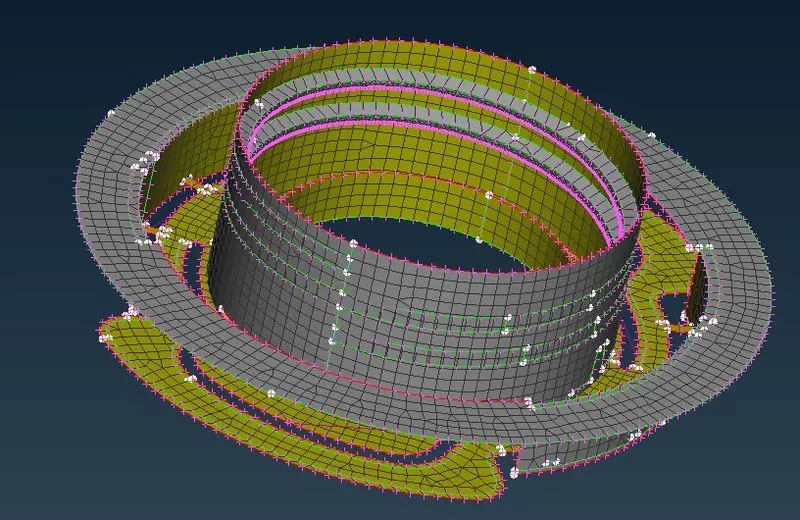
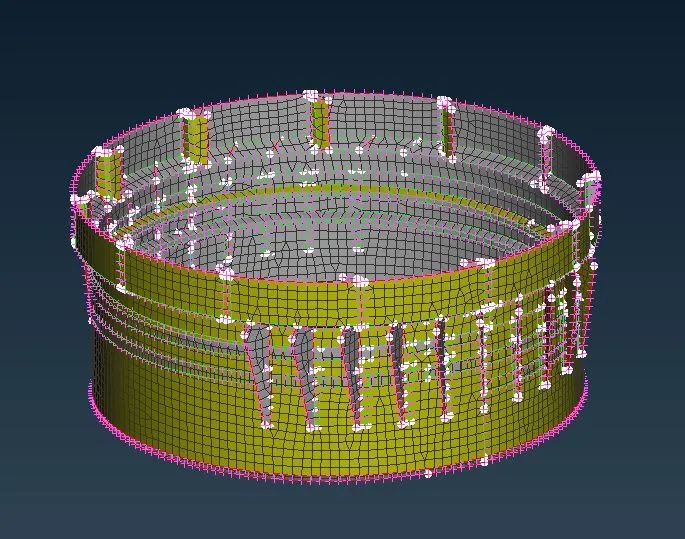
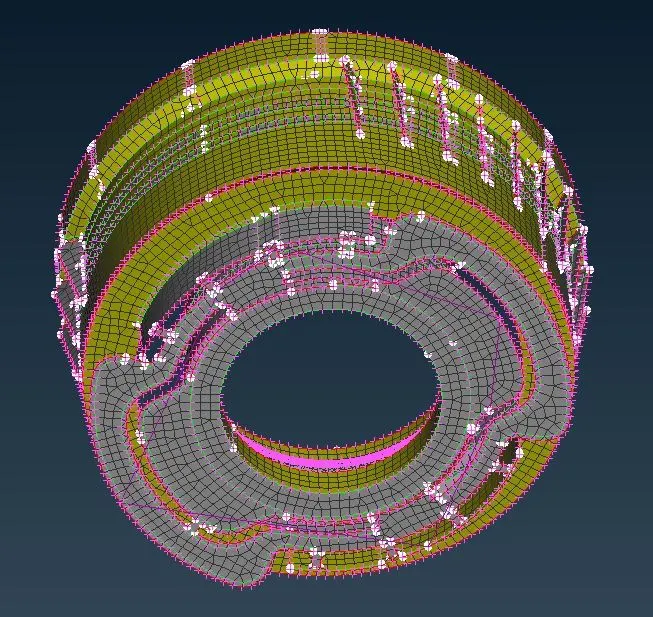
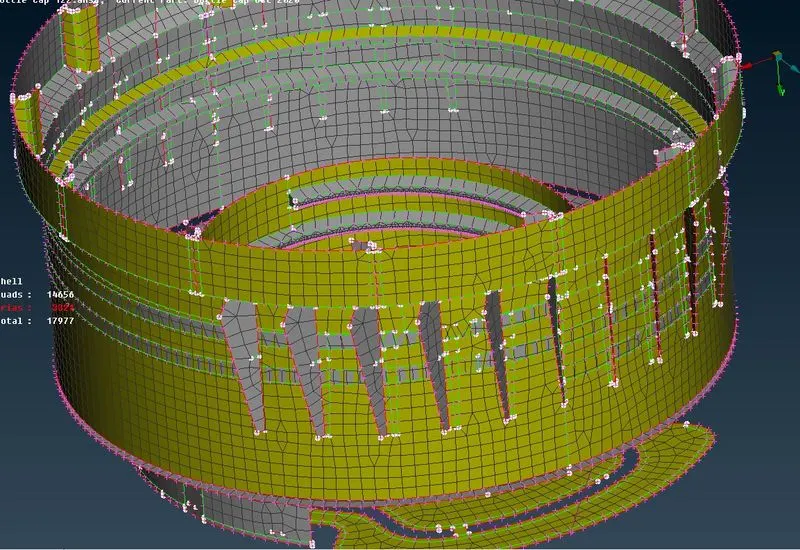
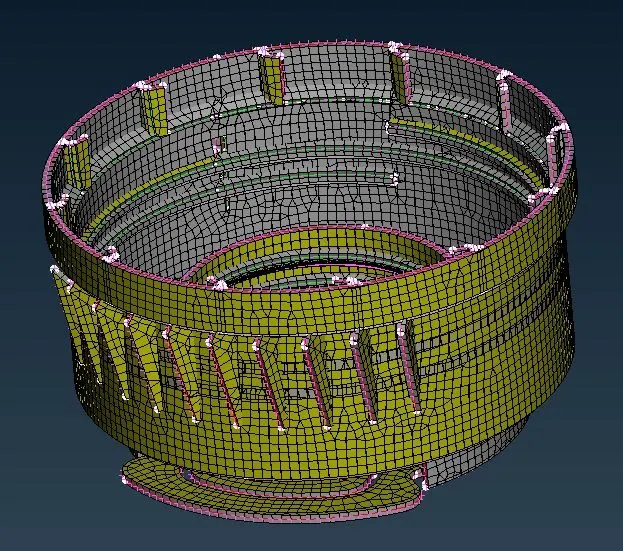
After meshing to check whether thickness have been assigned, check the check box “draw shell as solid” under quality criteria. So the solid mesh will appear as
Conclusion:
Geometry clean-up, mid-surface extraction, and 2D meshing of the given model were successfully executed.