Week 4-1D Element Creation Challenge
OBJECTIVE
Taking a bracket component meshing with 2D meshing and applying links according to the parts.
CAD MODEL
PROCEDURE
1st we have to take midsurface for the 2 brackets, here we will take auto mid for those 2 components. Tool used geometry<midsurface<.
After the midsurface assign it in a property that will be in the component’s browser.
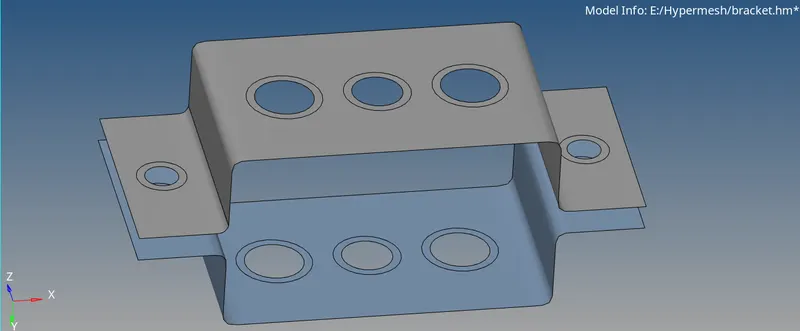
After that assign the materials and property to that 2 brackets, now mesh that 2 components with auto midsurface 2D<automesh<.
Now create a RBE2 for A and D, so that these 2 links will be rigid elements.
Create a RBE3 links for B and C, so that c will be constrain with x,y only.
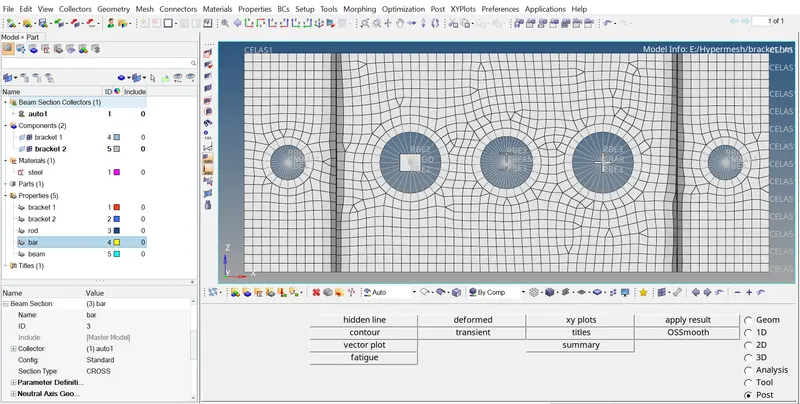
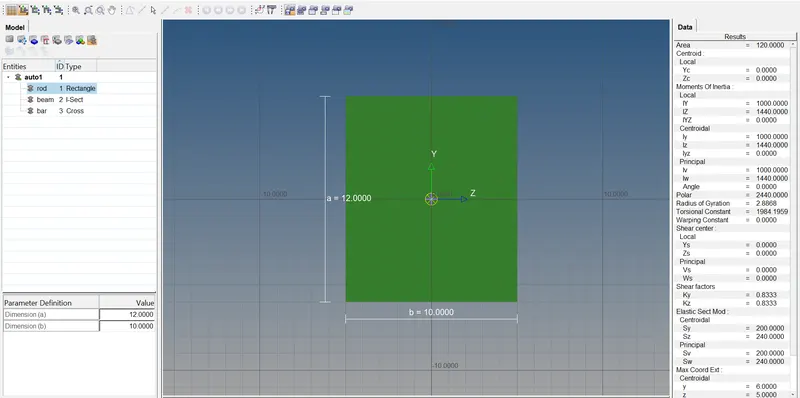
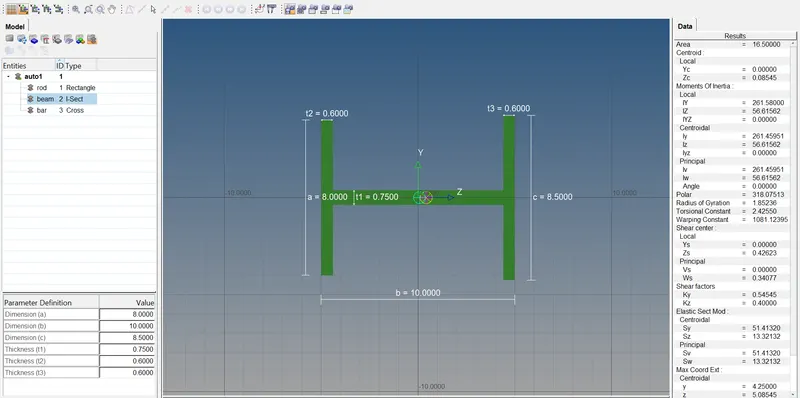
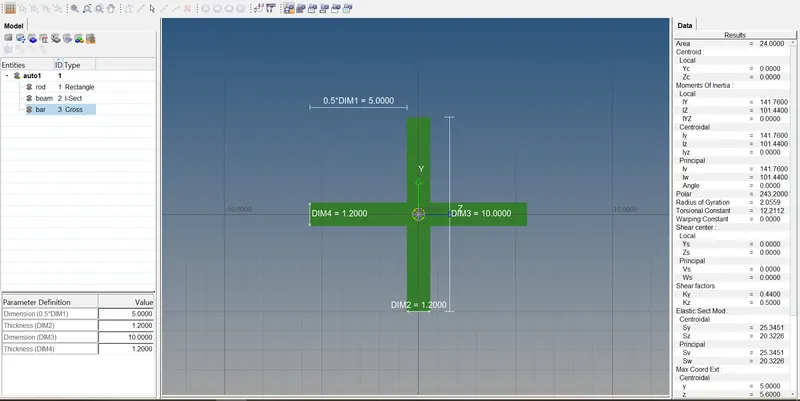
Now go to hyper beam then create rod,bear,beam. And create with their required dimensions.
Now link the rigids and rbe nodes with master nodes. Tools used bars and rods.
Assign the property for that rigid elements and give material and update property to that elements.
Finally give 1d and 2d element representation in the menu bar.
RESULTS
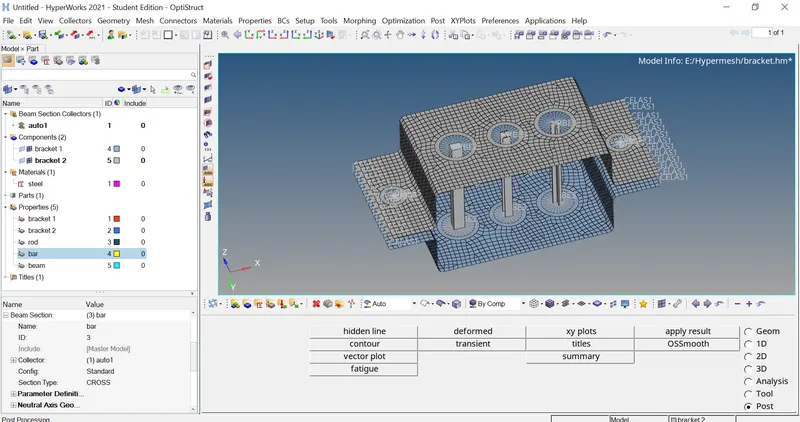
All the components are meshed and assigned to that required to links with the given dimensions.
FINAL IMAGE