Week 4-1D Element Creation Challenge
Aim:- To Mesh the Given component with the Size of 5 Units and to create 1D elements on the given component with provided cross-section and DOF
PROCEDURE:
- Introducing the geometry. Before importing the geometry into the workspace, remove the wireframe.
- Making the mid surface for the component that has been defined.
- To create a mid surface for the top component (bracket 1), choose the component and make it the current selection in step 1.
- Pick the element and alter the selection it now has to make a mid surface for the bottom element (bracket 2).
3.Including the element
- Washer breaks must be produced near to the area of the hole in order to mesh the given component. We decided on a washer split offset of 5mm.
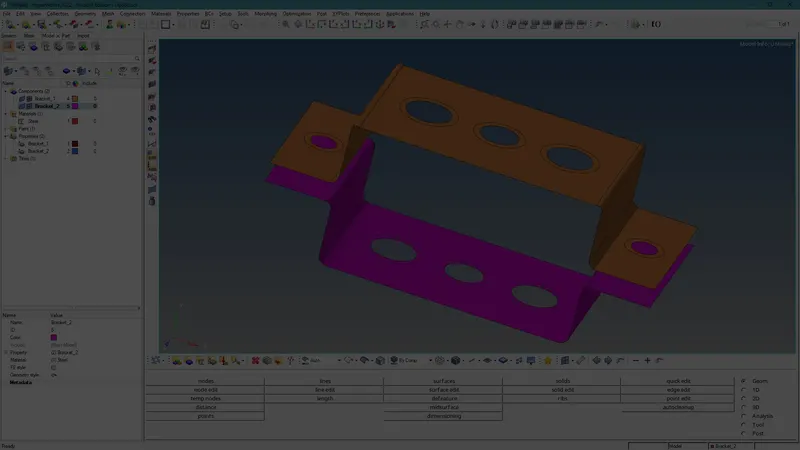
- Create a mesh using components of different sorts and 5mm element sizes.
4.Create Content
We choose to make this component out of steel.
5.The formation of the properties
- We created the characteristics for the matching component and established rod, beam bar, and mass properties after assigning the Card ID and material.
6.Build the 1D Elements
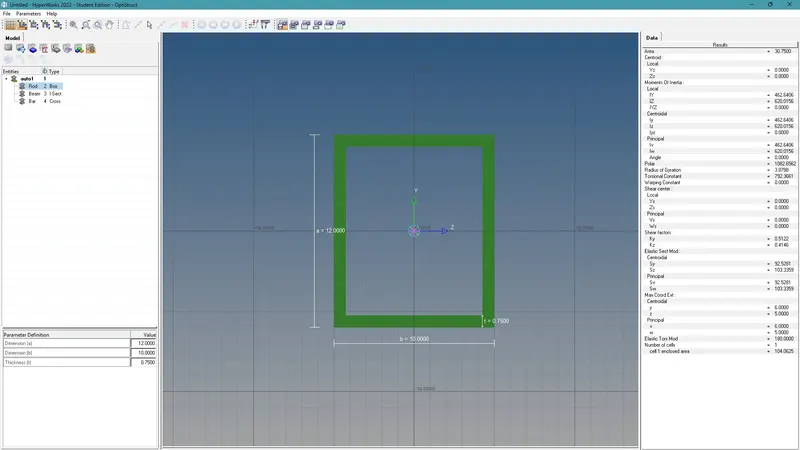
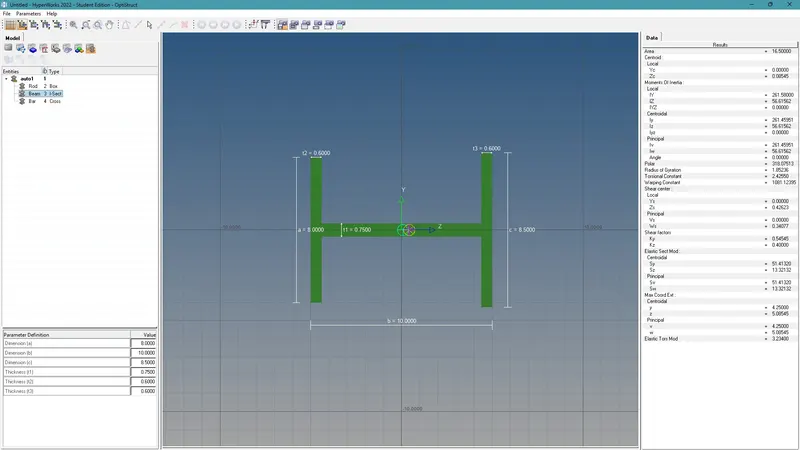
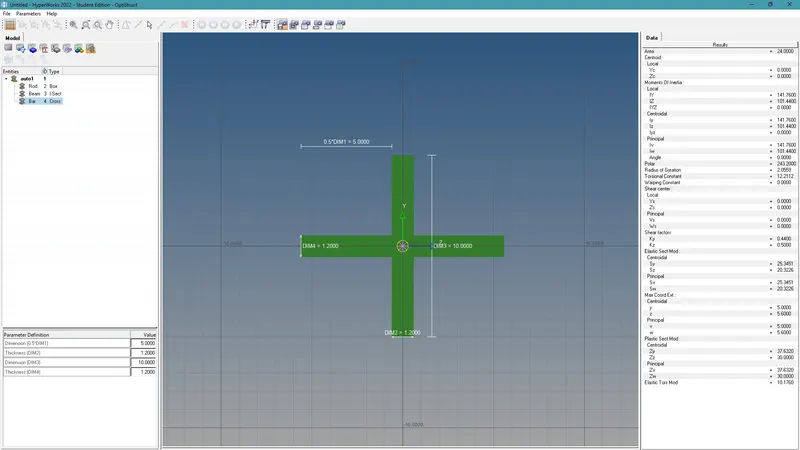
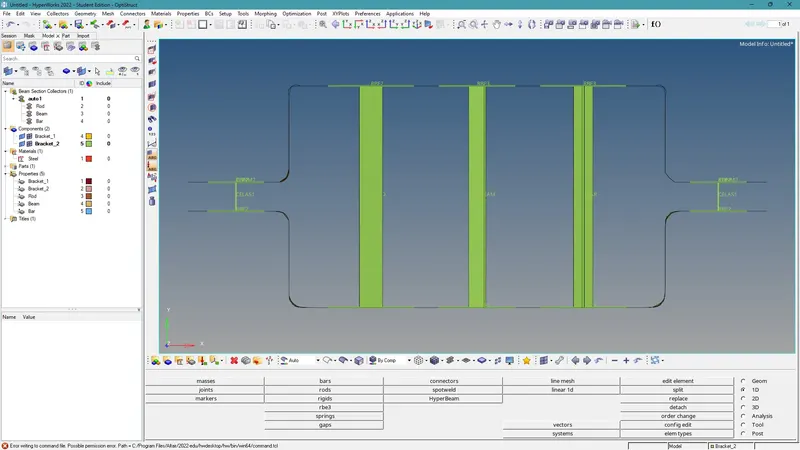
In order to create the 1D element, we must utilise the hyperbeam tool, pick the proper cross-section, and give the geometry the required dimension.
7.The stiff at points a, b, c, and d
Using the provided DOF, create the RBE2 and RBE3 at the corresponding holes.
8. Build the stiff 1D element.
- At the corresponding node positions, create the rod, bar, and beam 1D components.
- About their property, update the 1D element.
- Spring between two brackets and create the mass at node d.
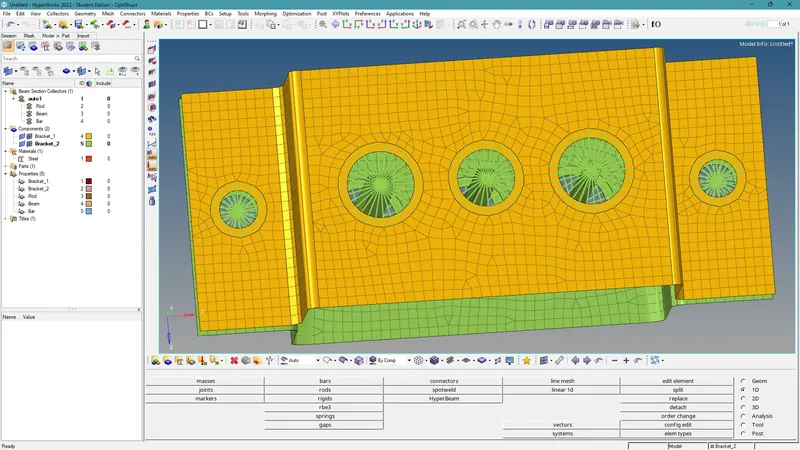
Conclusion :- Based the mesh creation for the selected component on the retrieved mid-surface. The necessary places each received a related 1D element (RBE2, RBE3, ROD, BAR, BEAM, MASS, SPRING, etc.). Solid representations of the 1D parts were created by assigning a cross-section and an attribute to the 1D components.