Week 4-1D Element Creation Challenge
AIm: Mesh the component with the Size of 5 Units and create 1D elements on the following component with given cross-section and DOF.
Procedure:
1. Import Geometry *.igs
2. Delet Geometry, wireframe.
3. Auto generate midsurface on the displayed surfaces.
4. Delete the surfaces of both the body.
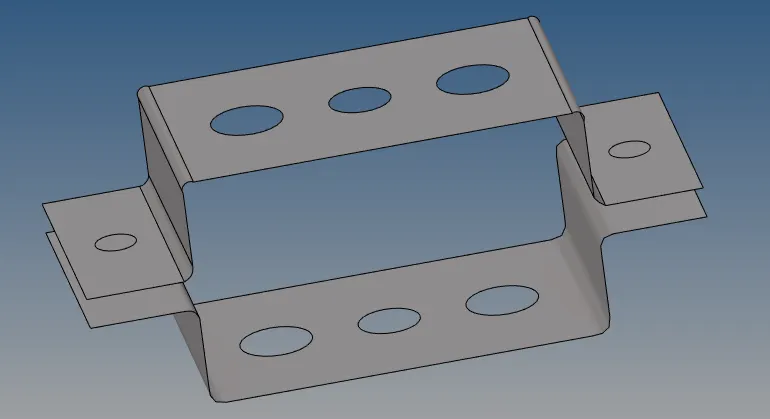
5. Create and specify the material and property data to each of the mid surface.
6. Make washer split and Automesh the complete surface with 5 unit size.
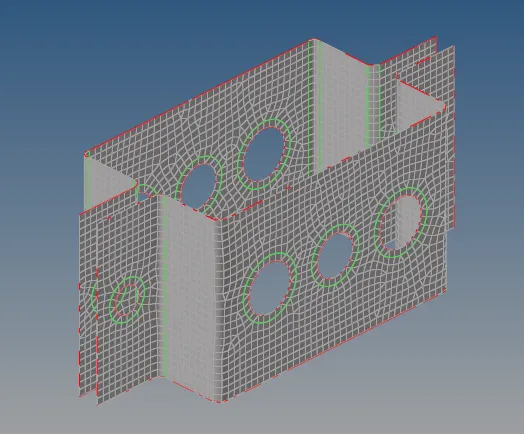
7. Use rigids ID element to create rBE2 connection by path on each of the holes.
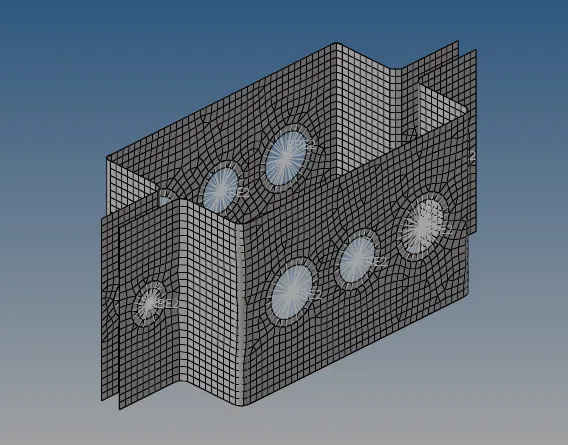
8. Create standard section in hyperbeam for all the given conditon of box, I section, Bar element.
9. Create Bar at hole pair a, RBE3 all constrained at hole pair b and RBE3 with x&y constrained at hole pair c.
10.Create masses of magnitude 10 at holes d & e.
11.Create spring element between f holes.
12.Assign property with cross section to each of the rod and beam element.
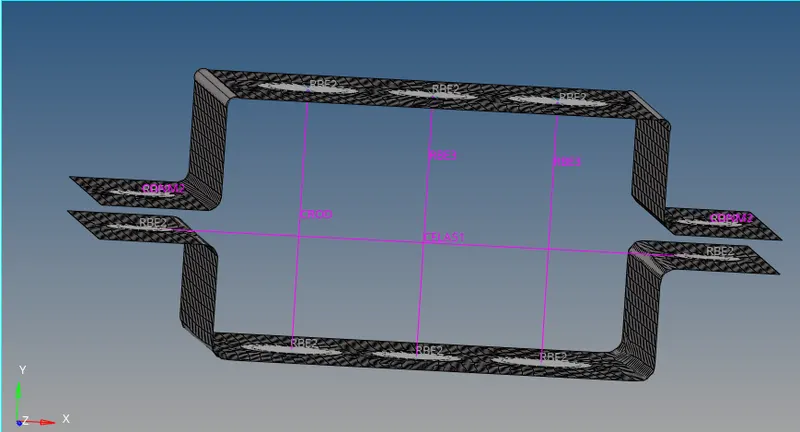
Conclusion: Learnt how to take mid surface, mesh the component and assign property chart.