Week 4-1D Element Creation Challenge
Aim:-Mesh the Given component with the Size of 5 Units. Create 1D elements on the following component with given cross-section and DOf.
a. Rod element:- Translational DOF should be Constrained with RBE2 link
Cross-Section: BOX- Dimension a= 12 mm
dimension b=10 mm
Thickness t= 0.75 mm
b. Beam element:- All DOF should be constrained with RBE3 link
Cross-Section: I Section- Dimension a= 8 mm
Dimension b= 10 mm
Dimension c= 8.5 mm
Thickness t1= 0.75 mm
Thickness t2= .6 mm
Thickness t3= .6 mm
c. Bar element:- Constrain only x and y DOFs With RBE3 link
Cross-section: X section- Dimension DIM1= 5 mm
Thickness DIM2= 1.2 mm
Dimension DIM3= 10 mm
Thickness DIM4= 1.2mm
d. & e. Apply the mass of magnitude 10 with the RBE2 link
f. Join the two components with Spring elements
Object:-
- create midsurface and 2D mesh given componant
- assine property
- create hypermesh element like bar,beam and cross.
Step1:- Import the model in hypermesh and create mid surface
Geo>midsurface
Steap2:-after that create mesh(2D>automesh)
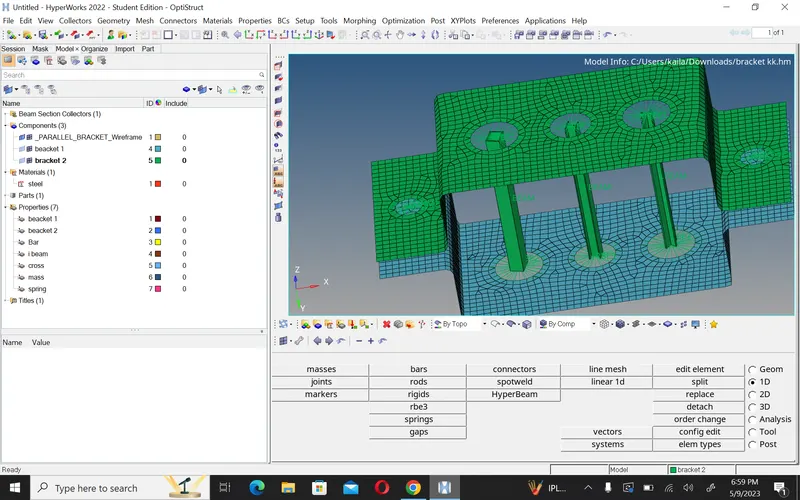
Step3:-Assine the property.
Step4:-Now create connection like RBE2 and RBE3.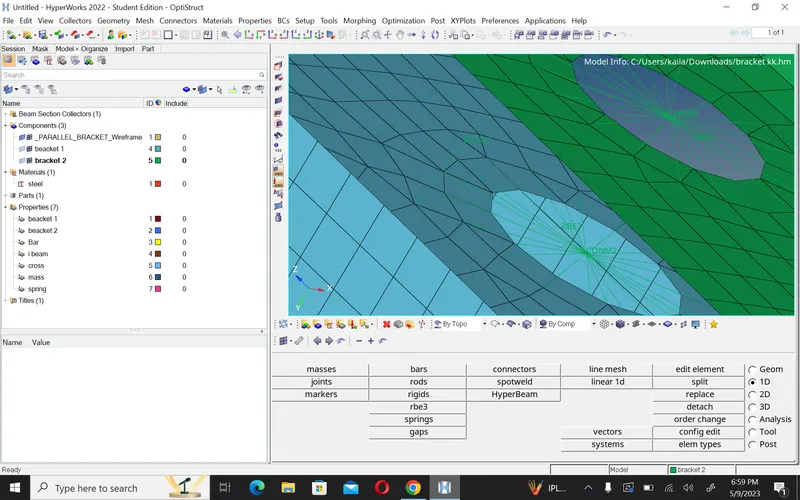
Step5:-create rod,beam and cross.
| Rod | Beam | cross |
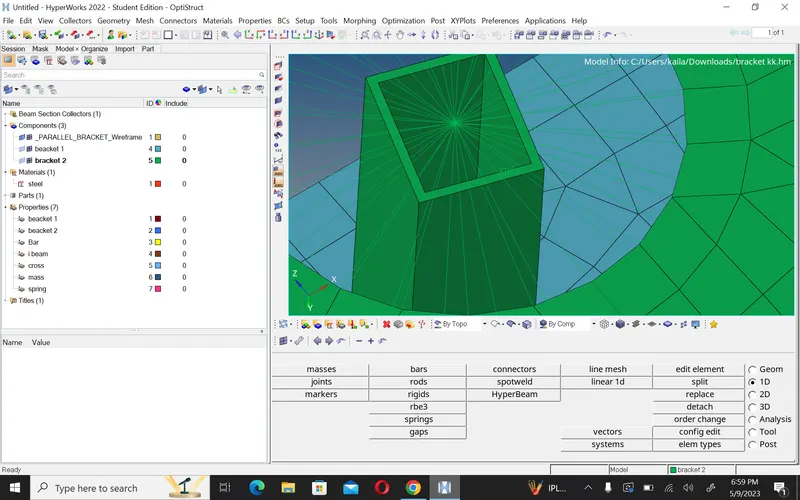 |
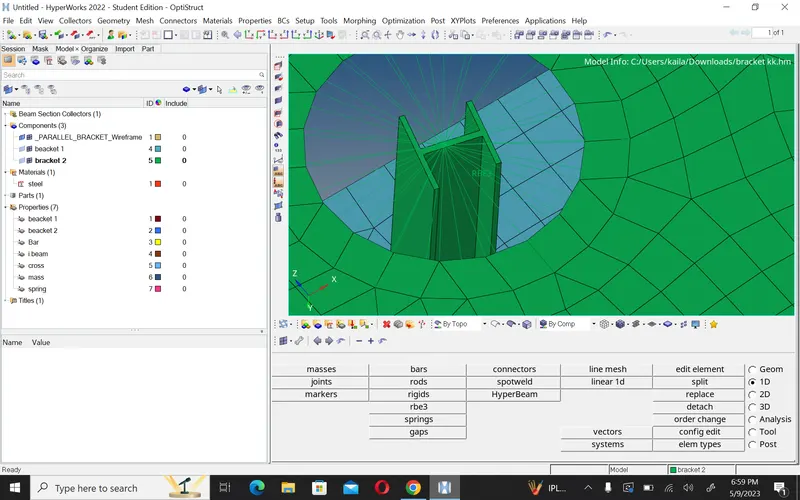 |
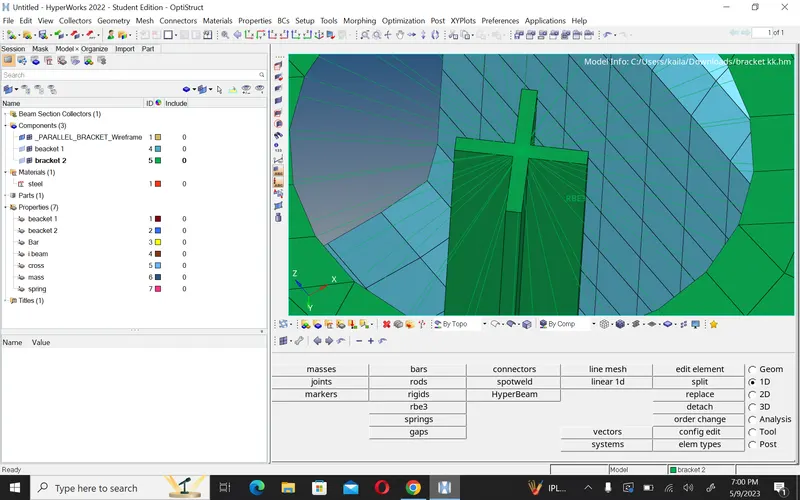 |
conclusion:-
- In this challenge i learn how to create a mesh,mid surface, connection and cross section element.