Week 4-1D Element Creation Challenge
AIM : To Mesh the Given component with the Size of 5 Units. Create 1D elements on the following component with given cross-section and DOF.
a. Rod element:- Translational DOF should be Constrained with RBE2 link
Cross-Section: BOX- Dimension a= 12 mm
dimension b=10 mm
Thickness t= 0.75 mm
b. Beam element:- All DOF should be constrained with RBE3 link
Cross-Section: I Section- Dimension a= 8 mm
Dimension b= 10 mm
Dimension c= 8.5 mm
Thickness t1= 0.75 mm
Thickness t2= .6 mm
Thickness t3= .6 mm
c. Bar element:- Constrain only x and y DOFs With RBE3 link
Cross-section: X section- Dimension DIM1= 5 mm
Thickness DIM2= 1.2 mm
Dimension DIM3= 10 mm
Thickness DIM4= 1.2mm
d. & e. Apply the mass of magnitude 10 with the RBE2 link
f. Join the two components with Spring elements .
Explanation: The given model was imported in Hypermesh using import geometry> file type > IGES.
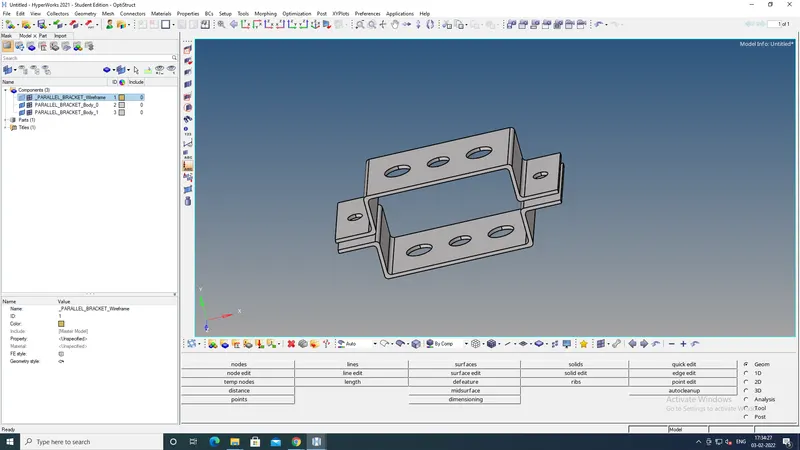
Then mid surface is made for both the brackets using Geo>midsurface and the required surfaces are selected and then mid surfaces are extracted from the surface.
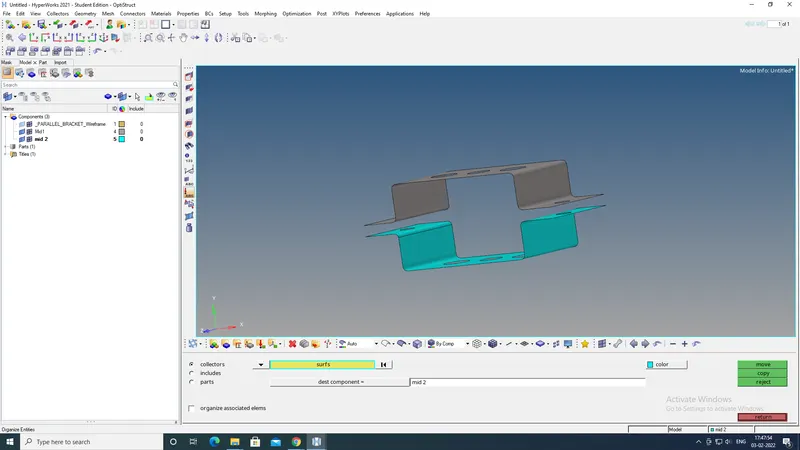
After extracting the mid surface the solids are deleted and from the components the brackets are also deleted.
Created a new component for mid 2 and moved the bottom mid surface to the mid 2 using Tool> Organize and selecting the surface which need to be moved also metioning the destination component to move it.
After Moving
Washers are made using quick edit>Washer split ; offset value = 5mm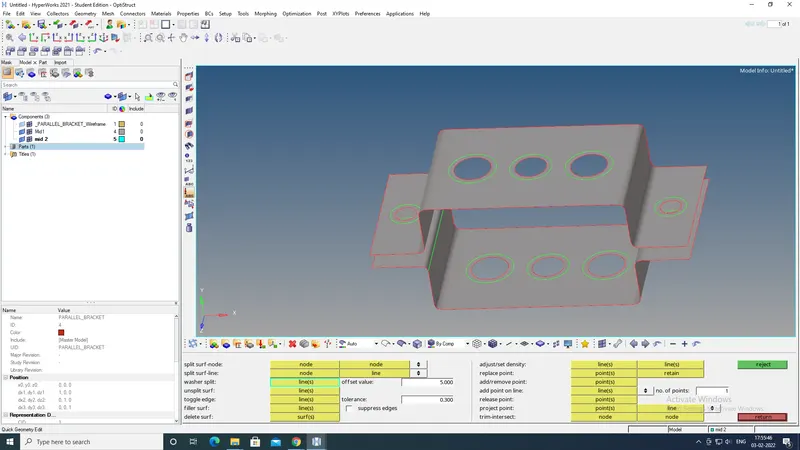
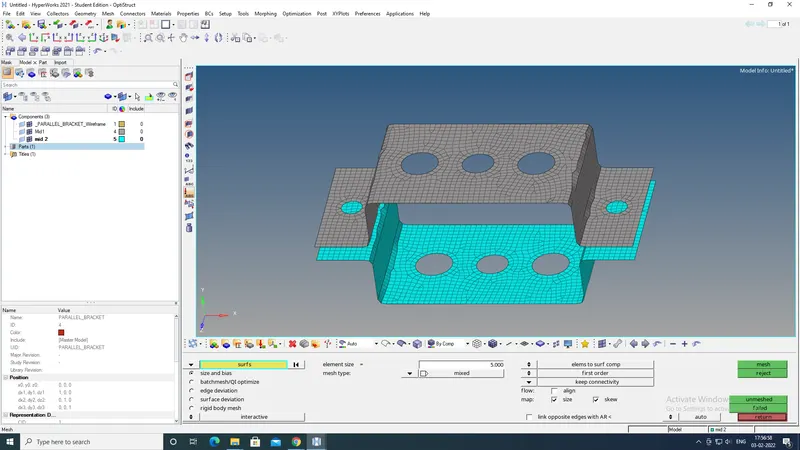
Then did mesh using 2D>automesh option , selecting the surfaces and giving the mesh element value of 5mm.
After meshing
Then going to the hyperbeam window and then creating the entities using optistruct. 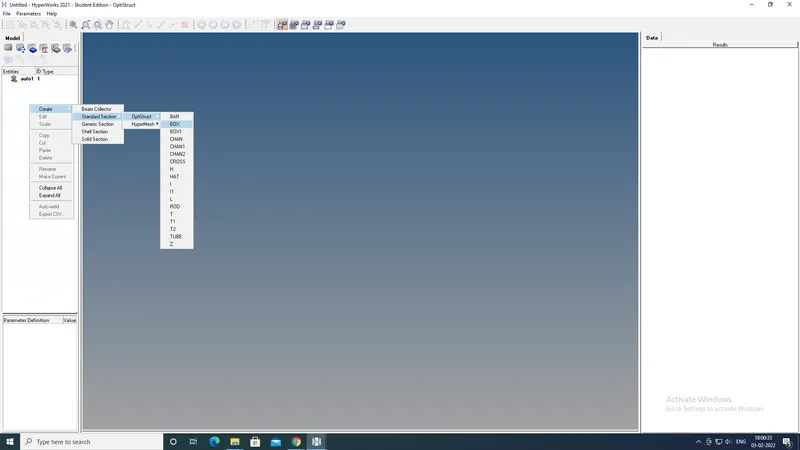
created all the entites (BOX, I section, Cross ) with defined dimensions. 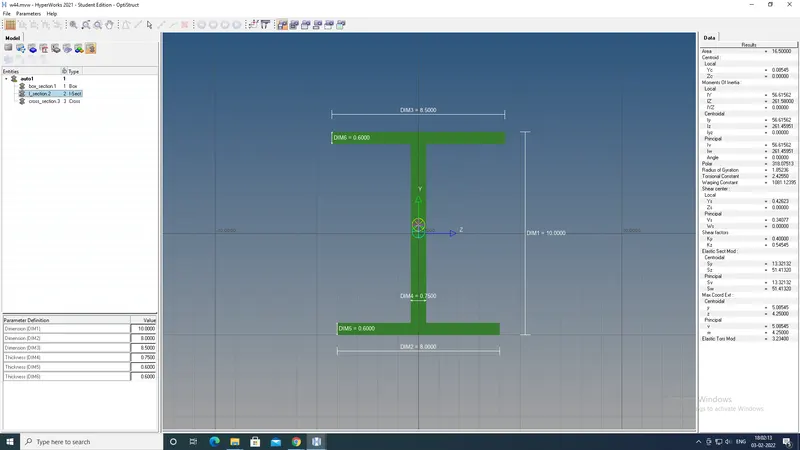
Then going back to the model view and creating 1D rigid(rbe2) and rbe3 links by selecting the requied nodes
After creating link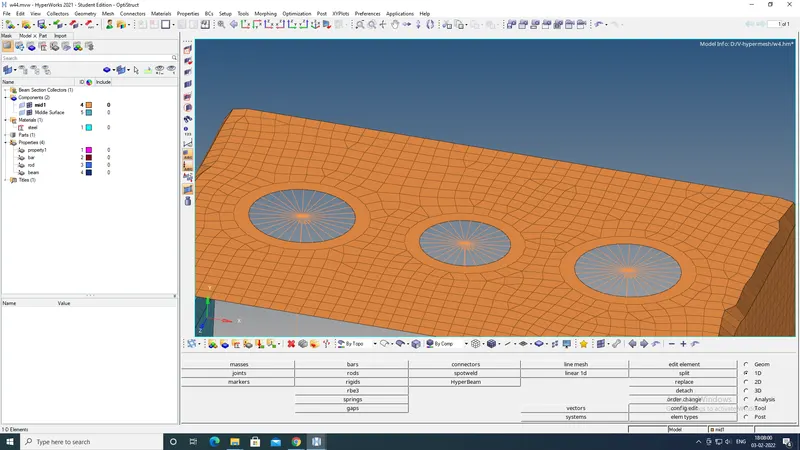
Then creating 1D bar, Rod, Beam elements using 1D>bar ( for beam and bars) ; 1D> Rod for Rod element.
Also spring elements are created.
Then by using 1D> Masses assigned concentrated mass on requied points. ( mass =10)
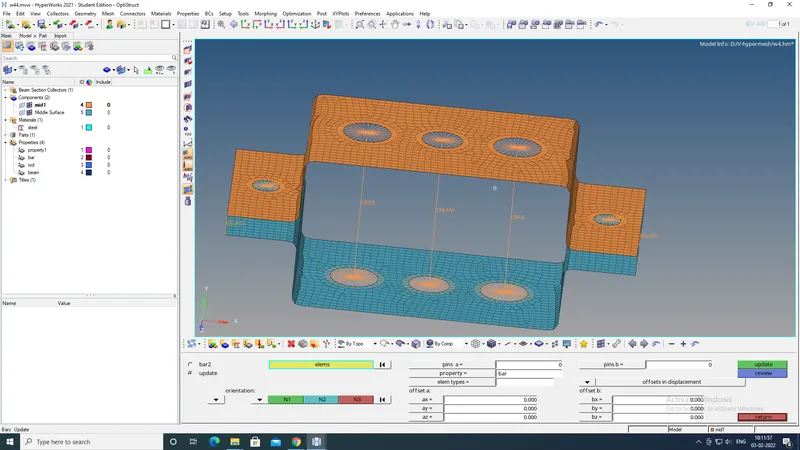
Creating new properties for beam; bar; rod elements and giving respective card image ( PRod; PBeam; PBar) and then assigning material ; then type of section. 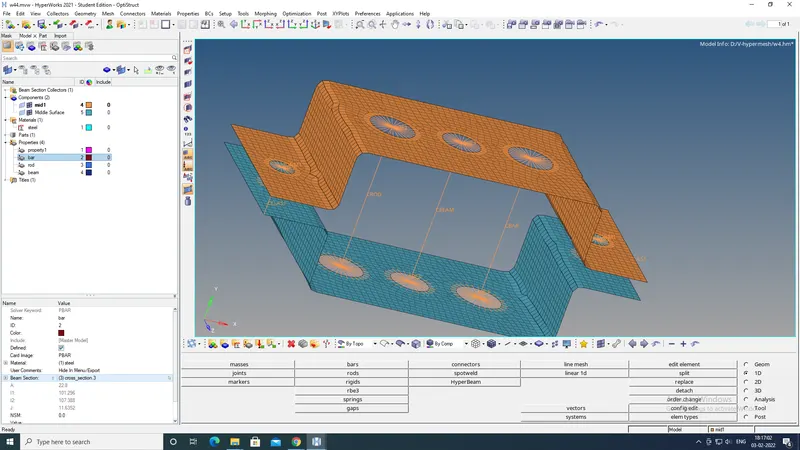
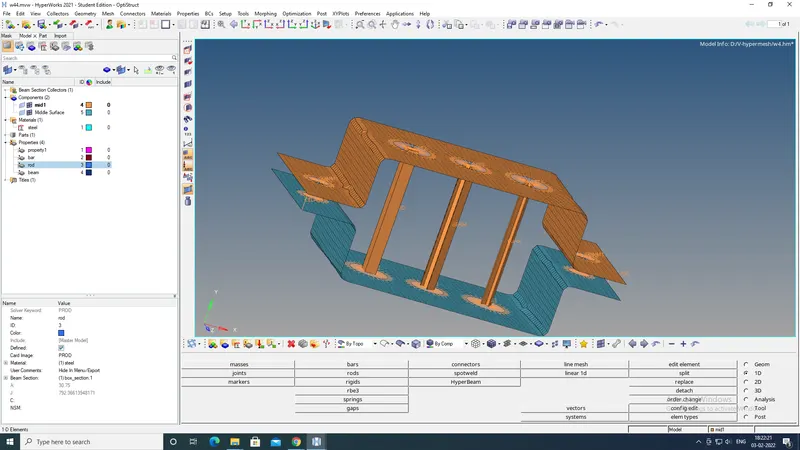
After creating updated the 1D elements with the respective properties.
then by using 1D Detailed element representation; can able to see the whole model.
LEARNING OUTCOME :
Learnt how to exract mid surfaces ; 2D meshing ; creating 1D elements ( RBE2 , RBE3 , ROD, Beam, Masses, Spring elements).
creating and assigning different properties to the elements.
Creating Hyper beam sections of different shapes.
Thanks,
Vishal