Menu

Executive Programs

Workshops

Projects

Blogs

Careers

Student Reviews


More

Academic Training

Informative Articles

Find Jobs

We are Hiring!


All Courses

Choose a category

Loading...

All Courses

All Courses

logo

Week 4

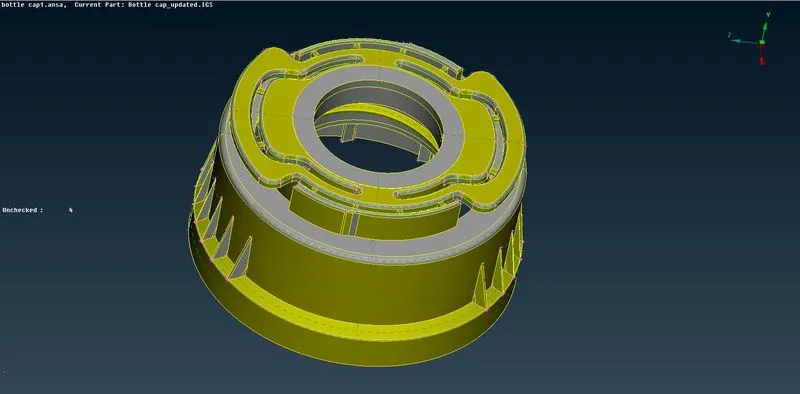
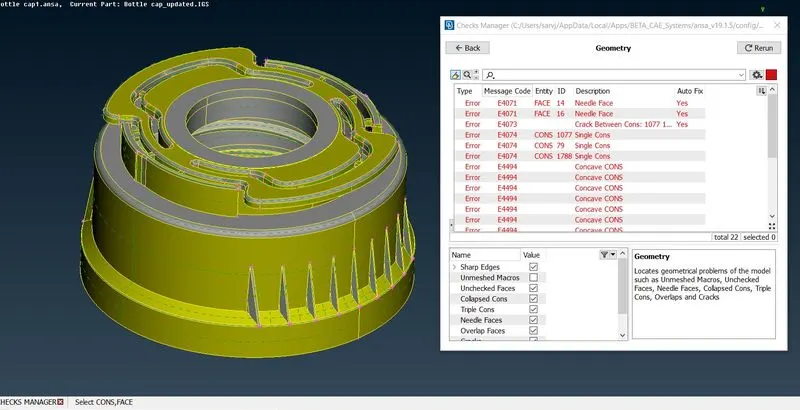
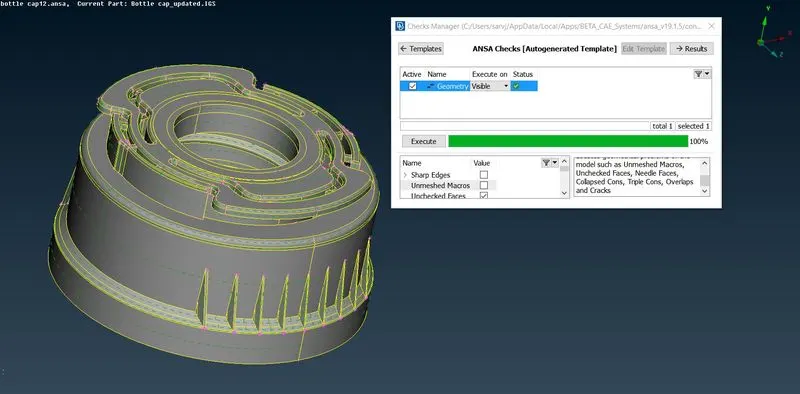
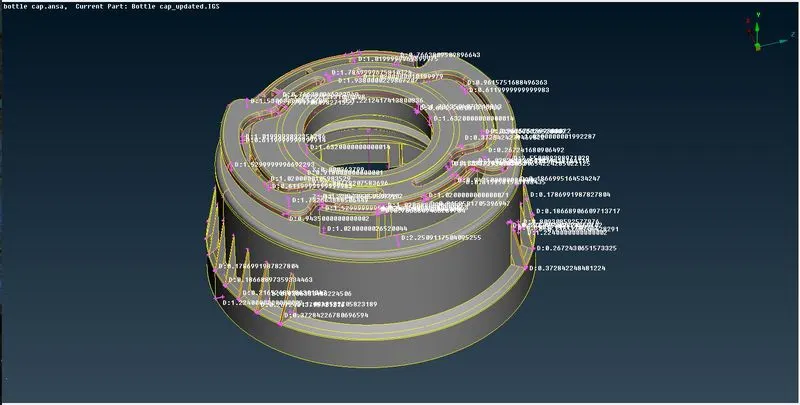
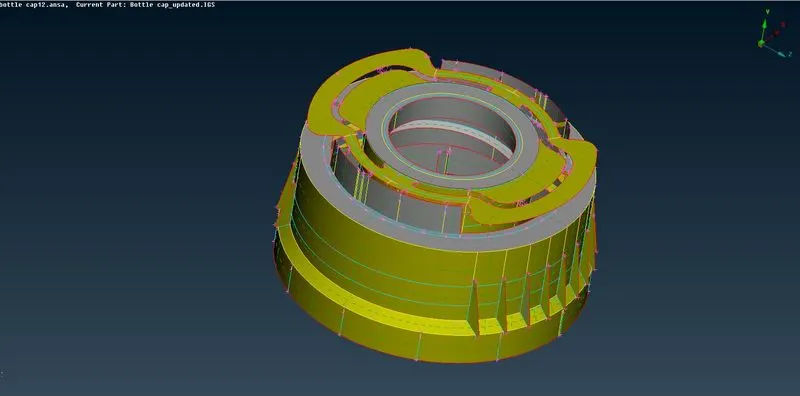
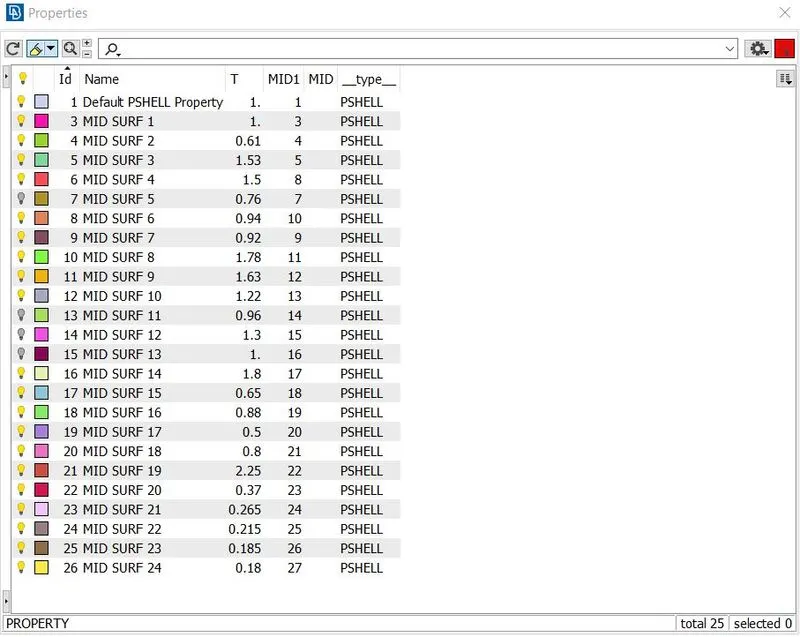
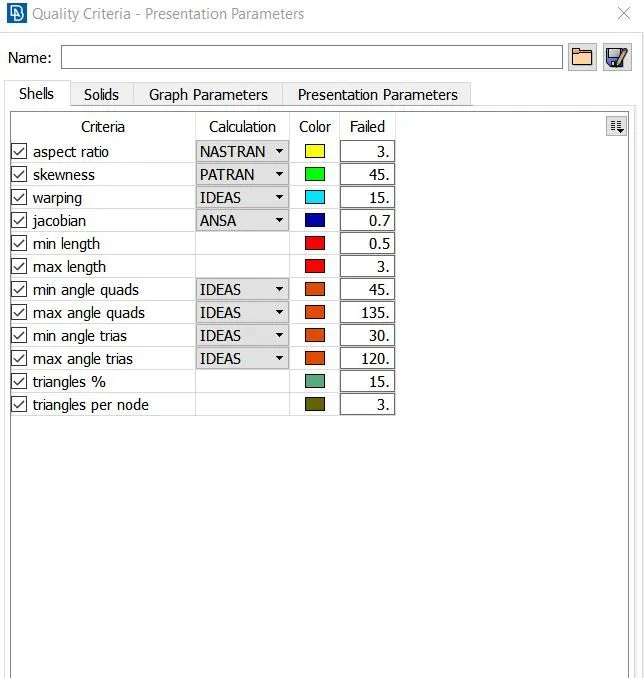
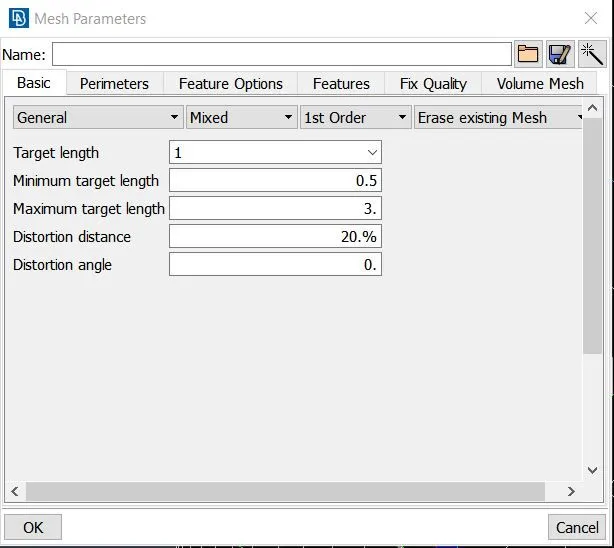
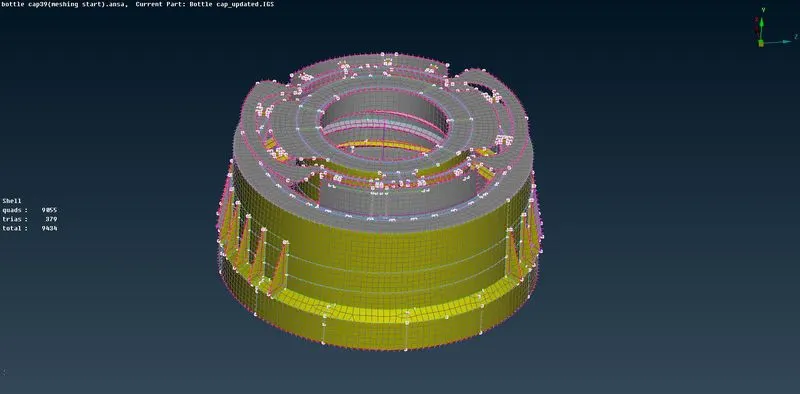
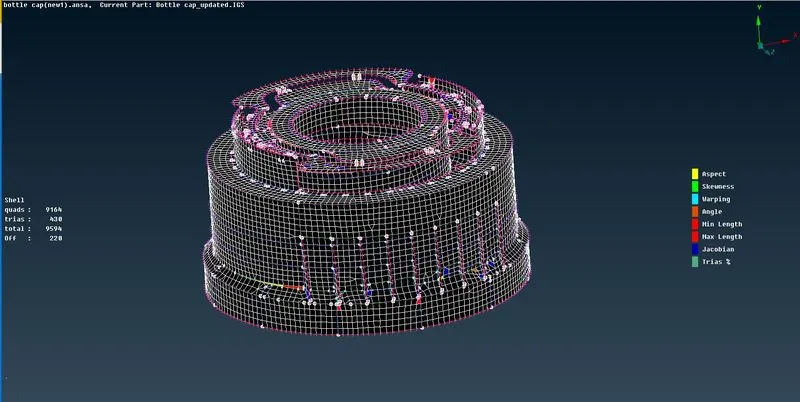
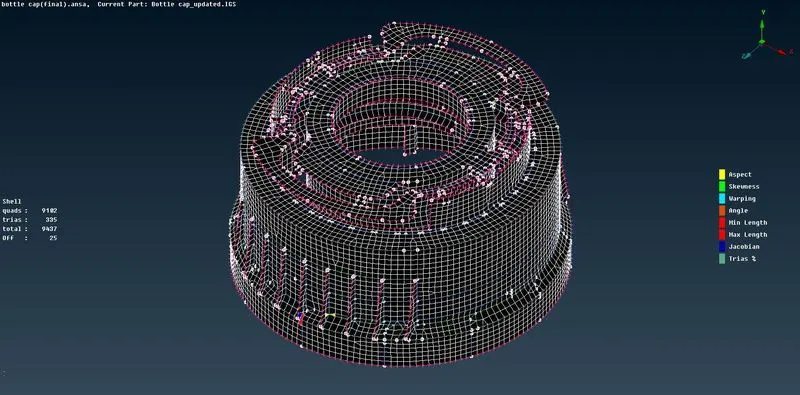
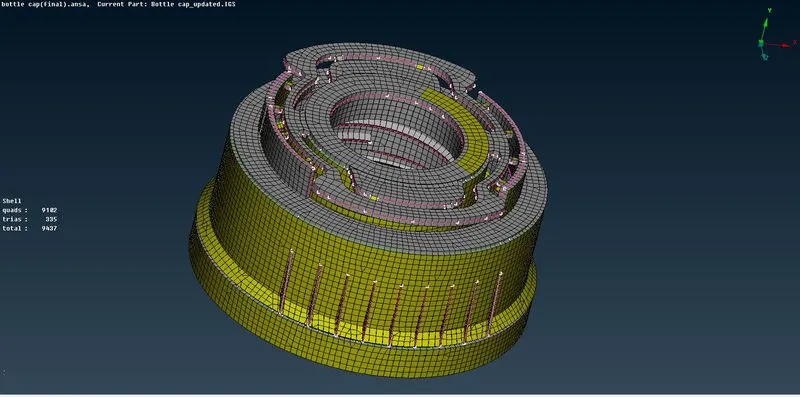
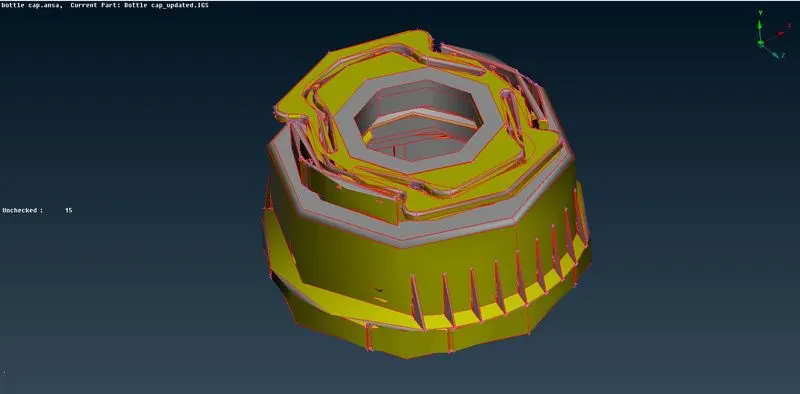
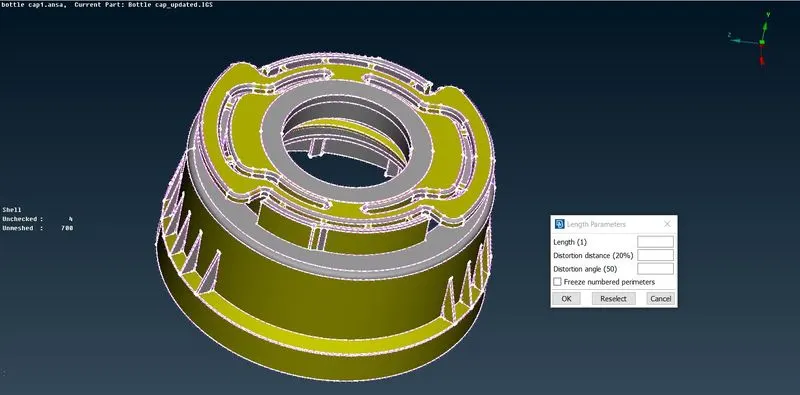
Aim: To check for the geometrical errors and mesh the given component as per the provided element Quality criteria. Procedure: First openedthe model file using the File open   First switched to mesh module to change Length in Perimeters to have more refined visuality of the components of model.  …
    Project Details

    Loading...

    Leave a comment

    Thanks for choosing to leave a comment. Please keep in mind that all the comments are moderated as per our comment policy, and your email will not be published for privacy reasons. Please leave a personal & meaningful conversation.

    Please  login to add a comment

    Other comments...

    No comments yet!
    Be the first to add a comment

    Read more Projects by Sarvjeet Singh Thakur (11)

    Week 4

    Objective:

    Aim: To check for the geometrical errors and mesh the given component as per the provided element Quality criteria. Procedure: First openedthe model file using the File open   First switched to mesh module to change Length in Perimeters to have more refined visuality of the components of model.  …

    calendar

    19 Dec 2020 08:19 AM IST

      Read more

      Week 3

      Objective:

      Aim: To check for the geometrical errors and mesh the given component as per the provided element Quality criteria. Procedure: First openedthe model file using the File open   First switched to mesh module to change Length in Perimeters to have more refined visuality of the components of model. Component…

      calendar

      10 Jul 2020 04:49 PM IST

        Read more

        Week 9-Challenge

        Objective:

        Objective: To create connector and attach the various parts of the given model. Procedure: First imported the model file using the Import Geometry option under the Import. Switched to topo mode to check for solids. As there are no solids,displayed components are mid surfaces. Now selected the mid surfaces one by one to…

        calendar

        27 May 2020 01:43 PM IST

          Read more

          Week 12 - Project-1

          Objective:

          Objective: To mesh the following component as per the provided quality criteria and assign thickness. Procedure: Firstimported the model file using the Import Geometry option under the Import.   Switched to topo mode to check for solids.   In topo mode we can see some errors on surfaces(free cons),corrected them. To remove…

          calendar

          27 May 2020 12:00 PM IST

            Read more

            To perform Batch-meshing in Hypermesh(Benefits & Drawbacks)

            Objective:

            Objective: To perform Batch-meshing on the components of provided models with the given criteria and assign the non-linear material property Steel to them.   Procedure: First selected the working profile as Radioss.   Imported the model file using the Import Geometry option under the Import. Model1(Hood)…

            calendar

            30 Apr 2020 02:32 AM IST

              Read more

              Frame Assembly Welding

              Objective:

              Objective: To create connector and attach the various parts of the given model. Procedure: Firstimported the model file using the Import Geometry option under the Import. Switched to topo mode to check for solids. As there are no solids,displayed components are mid surfaces. Now selected the mid surfaces one by one to…

              calendar

              26 Apr 2020 01:29 PM IST

                Read more

                3D meshed Models

                Objective:

                Objective: To create 3D meshes for the models provided in the challenge according to the given parameters.   Task 1: To create Tetramesh for the given model with given mesh parameters. Procedure: First imported the model file using the Import Geometry option under the Import. Switched to topo mode to check for…

                calendar

                19 Apr 2020 10:28 AM IST

                  Read more

                  Meshing of HOOD

                  Objective:

                  Objective: To mesh the given component as per the data provided. Procedure: First Imported the model file using the Import Geometry option under the Import. 2. Then deleted the solid part of the model using the Delete >Solids. 3. Now first selected one of the component of the model to work on by hiding all…

                  calendar

                  11 Mar 2020 08:31 AM IST

                    Read more

                    CREATING 1D ELEMENTS ON PARALLEL BRACKETS

                    Objective:

                    Objective: To Creat 1D elements on the parallel bracket with given cross-section and DOFs. Procedure: 1. First Imported the model IGES file using the Import Geometry option under the Import. 2. Then extracted mid surfaces from the parallel bracket components using the Midsurface command under the Geometry menu bar. Also…

                    calendar

                    17 Feb 2020 11:38 AM IST

                      Read more

                      Geometric Cleaning Meshing of a BMW M6 Model

                      Objective:

                      TASK 1 AIM: To Clean the Geometry of the BMW M6 Model using the tools taught in the lecture.   Procedure:  1. Selected the model file and opened it by double clicking on it to work on it using CFD . 2. Upon opening the file, by default we are in the wire frame mode so first we disabled the wire frame mode using…

                      calendar

                      26 Dec 2019 12:39 PM IST

                      • CFD
                      Read more

                      Gemetric Cleaning Meshing of a Turbocharger

                      Objective:

                      TASK 1 AIM: To Mesh the Turbocharger Model using the tools taught in the lecture.   Procedure:  Selected the model file and opened it by double clicking on it to work on it using CFD . Upon opening the file, by default we are in the wire frame mode so first we disabled the wire frame mode using Shadow mode tool.…

                      calendar

                      09 Dec 2019 09:18 AM IST

                      Read more
                      Showing 1 of 11 projects