Bottle Cap Modelling using ANSA
Bottle Cap modelling using ANSA
AIM :
To perform a geometry clean up and shell mesh the given model of a bottle cap with the given quality criteria.
REQUIRED QUALITY :
|
S.No |
Quality Criteria |
Value |
|
1 |
Target/Average length |
1 |
|
2 |
Minimum Length |
0.5 |
|
3 |
Maximum Length |
3 |
|
4 |
Aspect |
3 |
|
5 |
Warpage |
15 |
|
6 |
Skewness |
45 |
|
7 |
Jacobian |
0.7 |
|
8 |
Minimum Quad Angle |
45 |
|
9 |
Maximum Quad Angle |
135 |
|
10 |
Minimum Tria Angle |
30 |
|
11 |
Maximum Tria Angle |
120 |
|
10 |
Tria Percentage |
15 |
PROCEDURE :
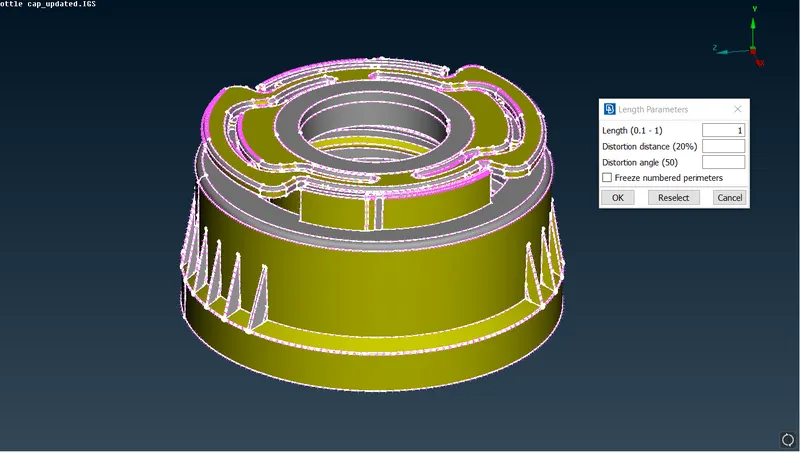
- The given model is opened in ANSA v19.1.5 and the model refined by selecting Length>>Perimeter in Mesh tools and putting the value to 1mm.
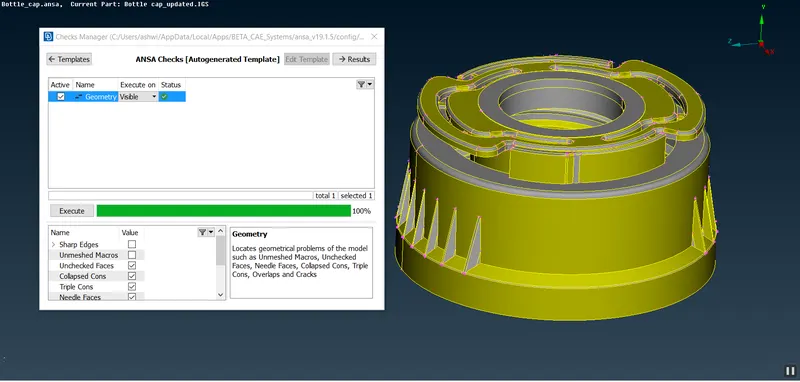
- The model is then checked for Geometry Errors and cracks.
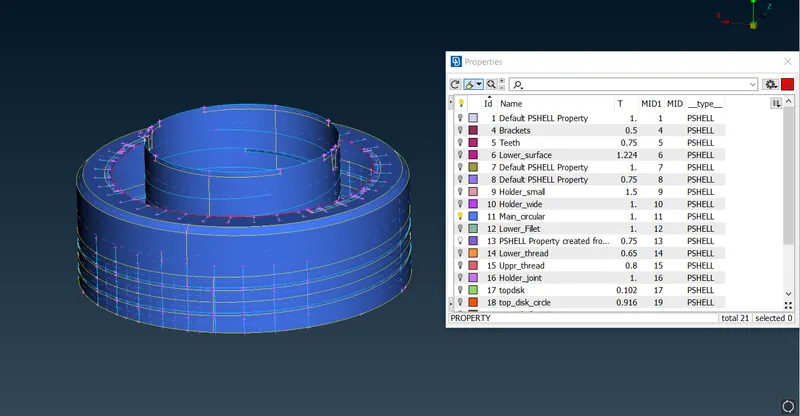
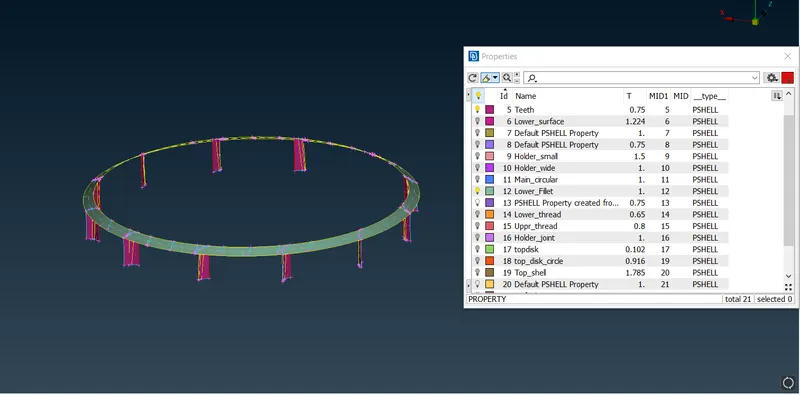
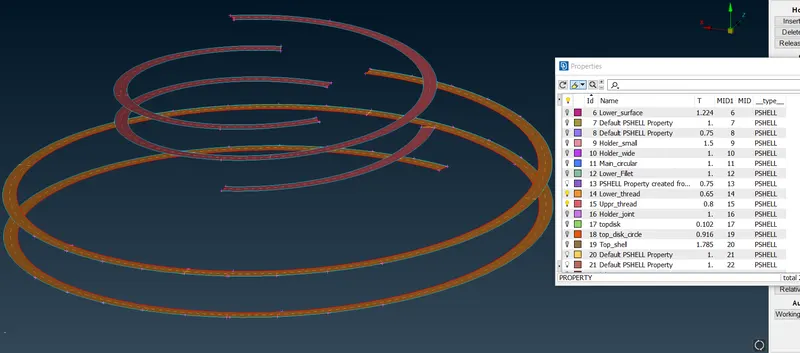
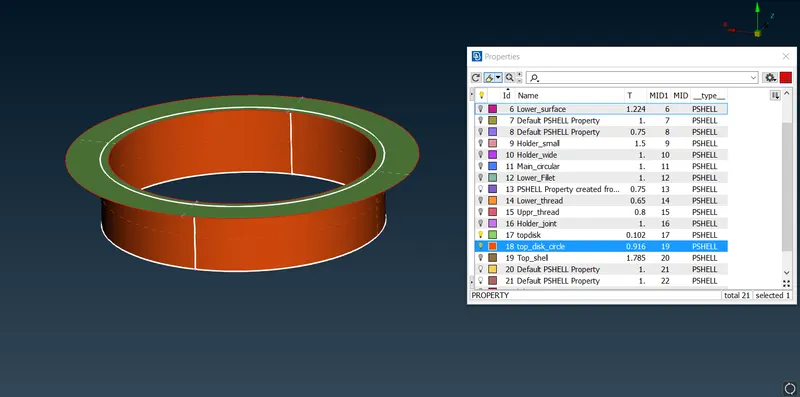
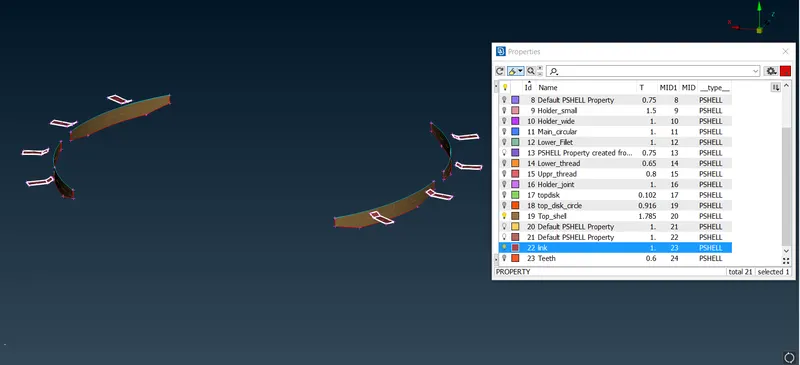
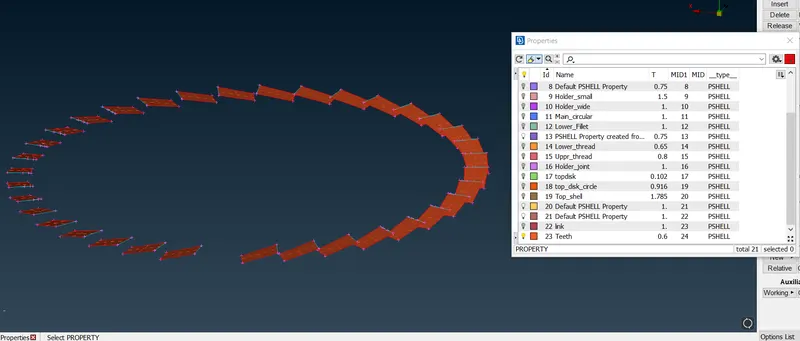
- Measure the thickness of various regions of the model. Since the model is having varied thickness in different regions, the mid surface of various parts formed seperately using different techniques and saved as a new PID.
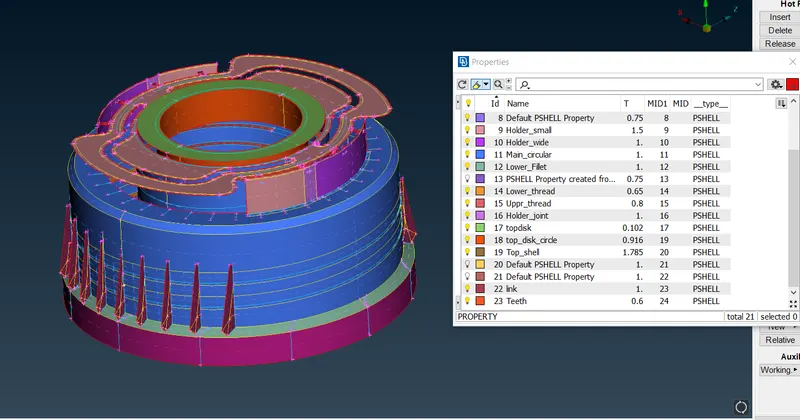
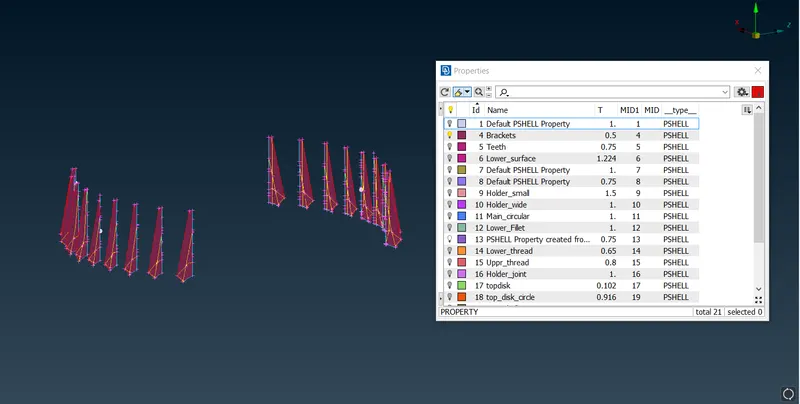
- Different parts are saved as new PID and as follows :
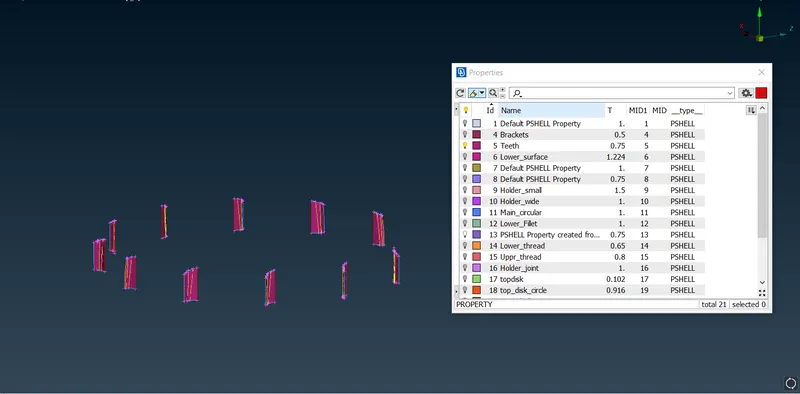
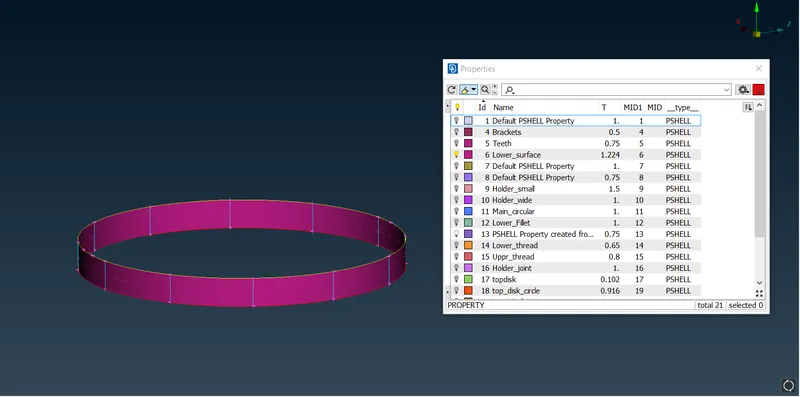
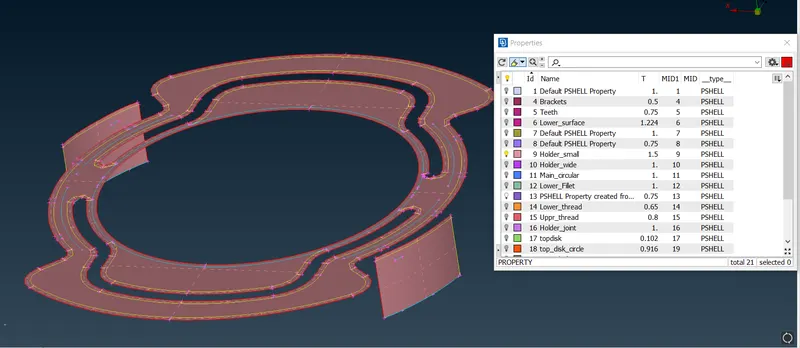
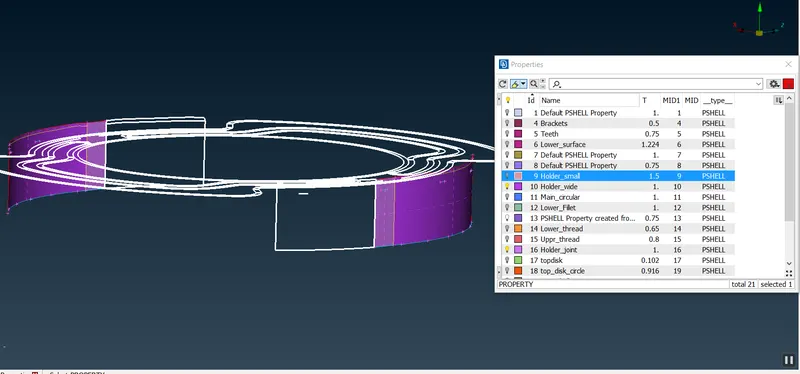
- The Mesh quality and Quality Criteria were set according to the requirements.
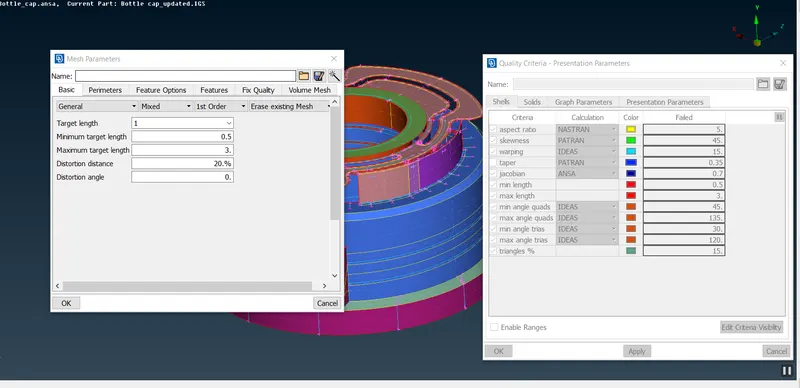
- Mesh is then generated to Mid-Surface generated. The length of elements was set to 1mm by using mesh>>perimeter>>length.
- The mesh is generated using Best option and it is then reconstructed to match the quality criteria.
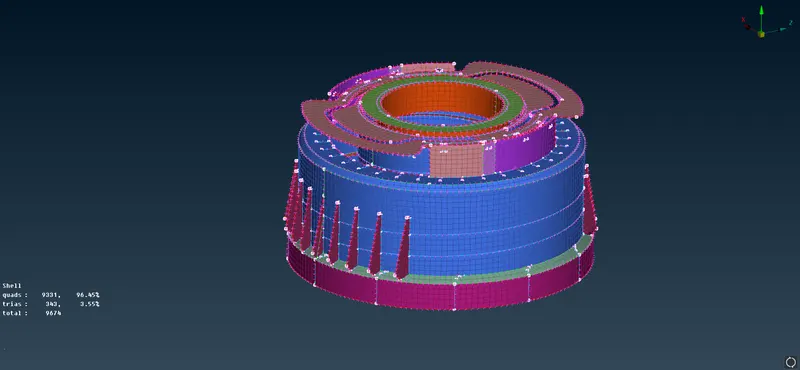
RESULT :
- A geometry clean up done with given Bottle Cap Model.
- Mid-Surface was generated and refined.
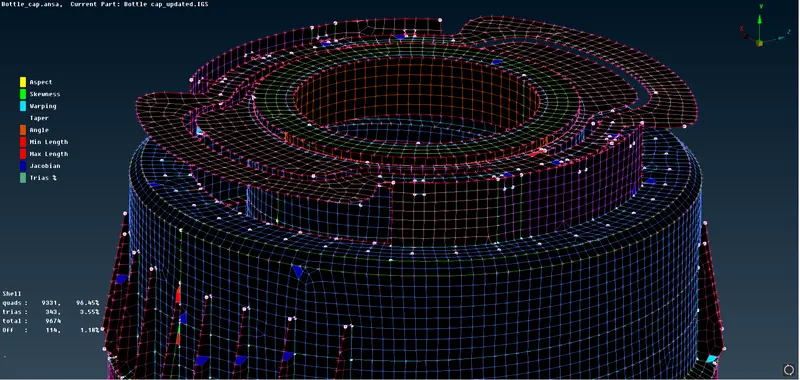
- And it was then meshed according to the Quality Criteria given.
- Finished Mesh :
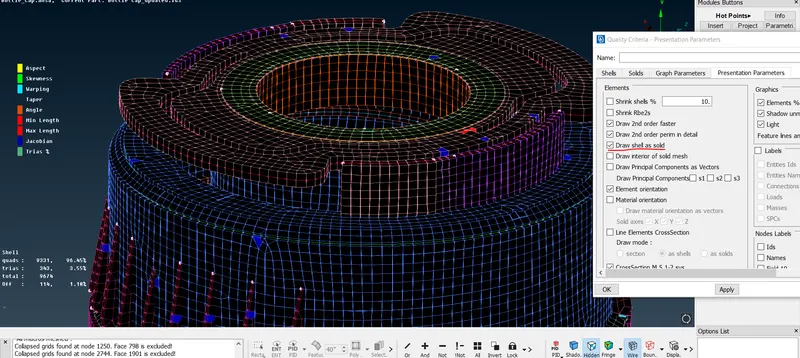
- Apply thickness to the mesh by enabling "draw shell as solid" option under Presentation parameters in Quality Criteria tool.
FILE : Bottle_cap_file