Week 3 - Solving second order ODEs
PROGRAM FOR SOLVING SECOND ORDER ODE OF A SIMPLE PENDULUM MOTION
The follwing will be the sample codes inserted:
clear all
close all
clc

%Program to solve the second order ODE of a pendulum motion

%Inputs
b=0.05
m=1
l=1
g=9.81


%Intial conditions
theta_0 = [0;3];

%time points
t_span = linspace(0,20,100)

%solve ODE
[t,results] = ode45(@(t,theta) ode_func(t,theta,b,g,l,m),t_span,theta_0)

% plot(t,results(:,1))
% hold on
% plot(t,results(:,2))
% ylabel('plot')
% xlabel('time')

%Animation

X0=0
Y0=0

ct=1
for i=1:length(t_span)
    X1=l*sin(results(i,1));
    Y1=-l*cos(results(i,1));


   plot([-2 2],[0 0],'linewidth',16,'color','g');
   axis([-2 2 -2 2]);
   hold on;

   line([X0 X1],[Y0 Y1],'linewidth',3,'color','g');
   plot(X0,Y0,'O','markersize',3,'markerfacecolor','b');
   plot(X1,Y1,'O','markersize',20,'markerfacecolor','b');
   title('simple pendulum simulation');
   legend('support rod','length of pendulum','fixed point','Bod of pendulum');
   grid on;
   hold off;
   M(ct) = getframe(gcf)
   ct=ct+1;


end


movie(M)
videofile=VideoWriter('ode_pendulum.avi','uncompressed AVI')
open(videofile)
writeVideo(videofile,M)
close(videofile)
function[dtheta_dt] = ode_func(t,theta,b,g,l,m)
  theta1 = theta(1);
  theta2 = theta(2);
  dtheta1_dt = theta2;
  dtheta2_dt = -b/m*theta2 - g/l*sin(theta1);
  dtheta_dt = [dtheta1_dt ; dtheta2_dt];

end
The folowwing will be the screenshots of a code written in matlab:
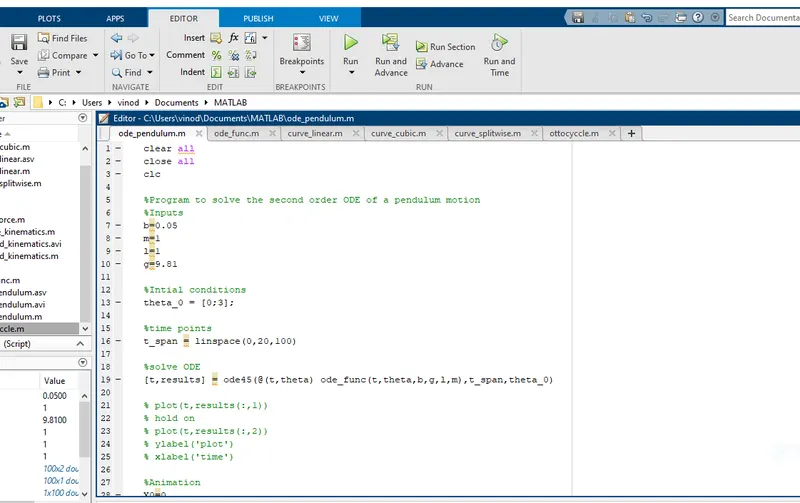
Here the second order differential equation of a simple pendulum with a damper which has a damping coefficient has been reduced in to a single order two differential equations which can give be solved.With a given mass,length,gravity and damping coefficient, by using matlab ODE45 command,a program has been written for a given starting angular displacement and angular velocity.
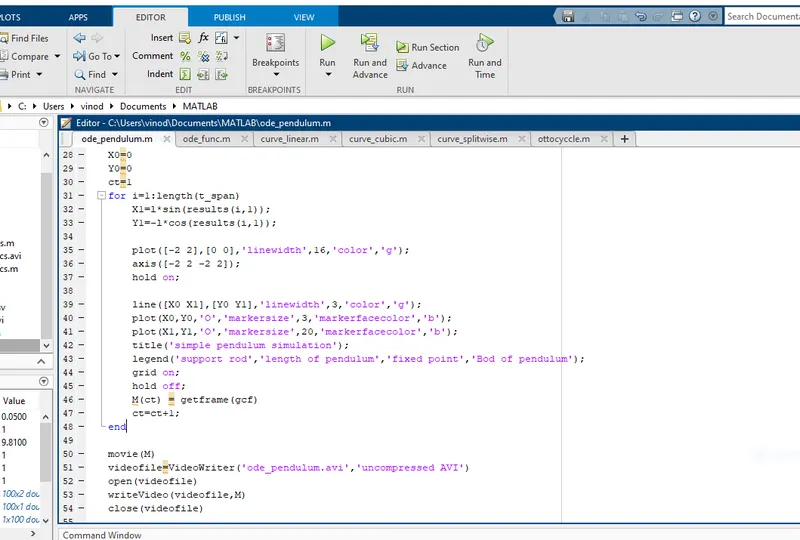
In this picture the motion of pendulum is simulated for its motion string from 0sec to 20sec with a linspace commad which given 100 values in between the defined range and then the plot is animated with the help of for loop and the marker syntax for the pendulum indication.
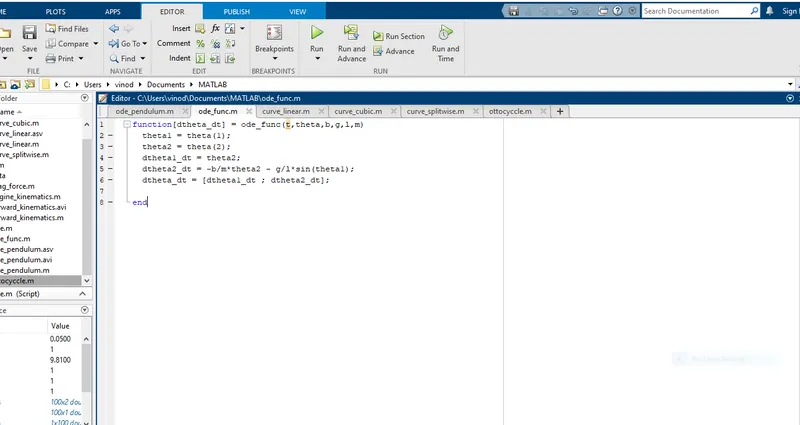
Here the ode_func has been defined with respect to the initial arguements and the respective inputs.
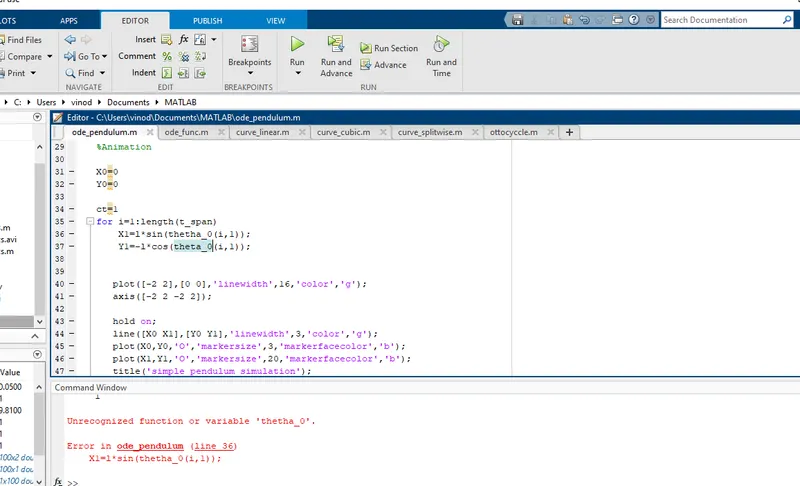
In this picture i have used the unrecognised function theta_0 for intiating the for loop instead of ODE results then i have corrected with the proper syntax.
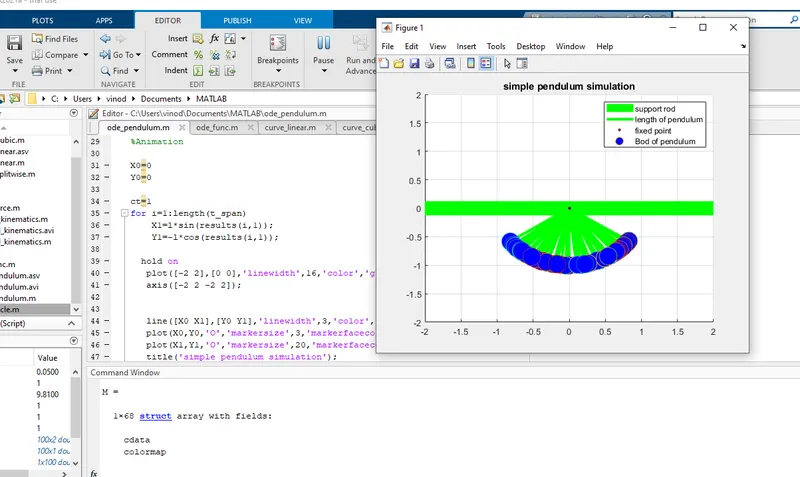
I have used the hold on command in a upmost position which has caused the noisy animation window then i have placed it in a right syntax line.
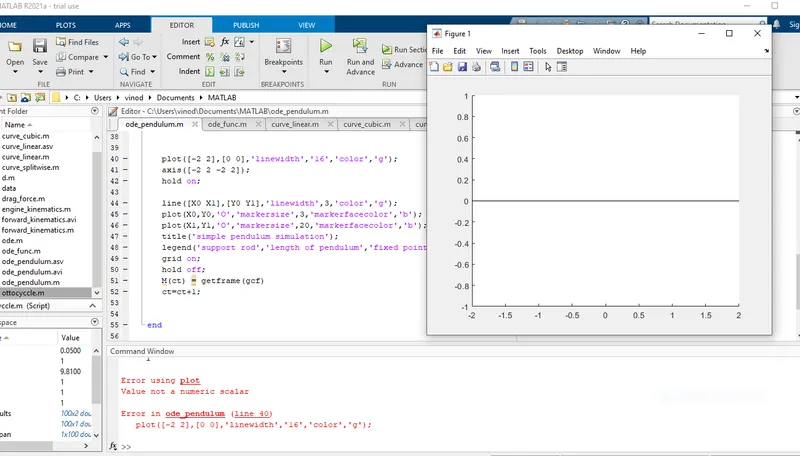
In this, i have used the wrong parenthesis by using extra commas for defining the numerical width of linewidth command then i have removed it to make it proper.
The following will be the google drive link to chack on my pendulum simultion animation
Link:https://drive.google.com/file/d/1NfLo7Gb3xNABqhdYbVuvVfFRMxtvaWh_/view?usp=sharing