Week 3 - Geometry simplification of an Electronic enclosure assembly
Introduction: In this challenge the task is to import an Power Board geometry and simplyfy it so that an fluid flow simulation can be performed and relevent data can be extracted. To get the final solution it is important to make adjustment to the geometry such that relevent objects are represented and the ones thet are not influencing the simulation are removed. This helps in maintaining a less computaionly expensive simulation.
Using spaceclain and the modules such as Icepak and Icepak simplyfy we can achieve this task. First the main geometry is imported into spaceclaim.
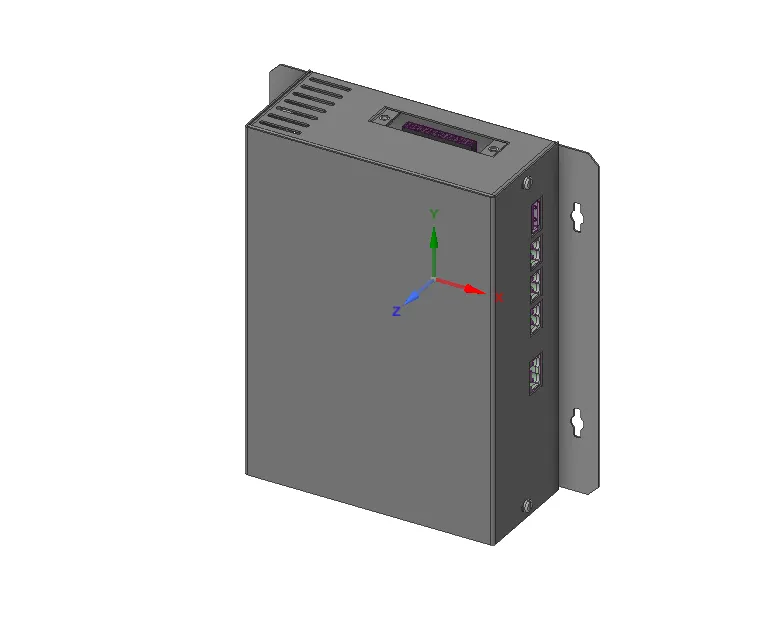
Simplification process involves the removal of the extraneous objects using splitting tool:
Splitting the edges
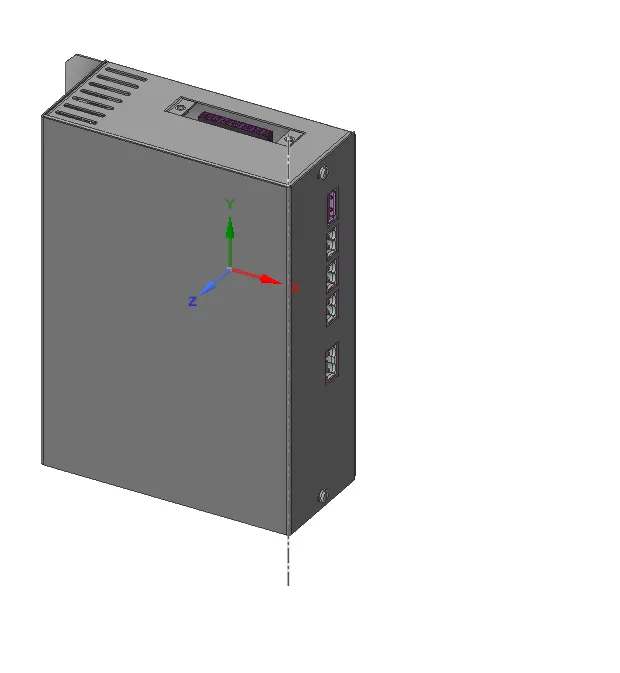
Removing the screws in the model
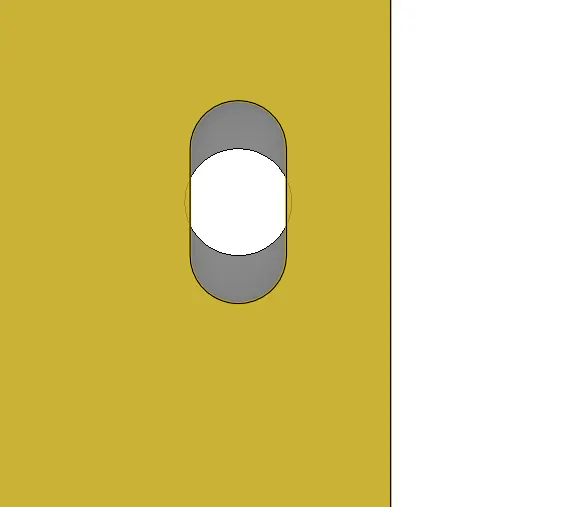
Using the fill command to fill the holes for screws in the model
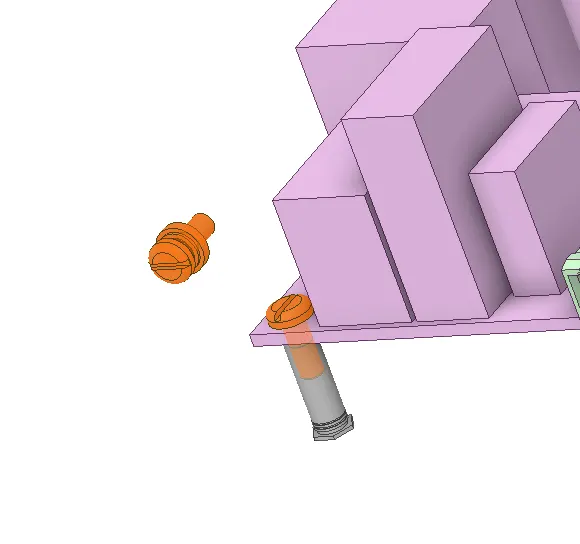
Opening the PCB component to simpklify the relevent geometry
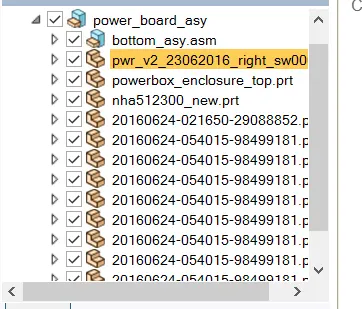
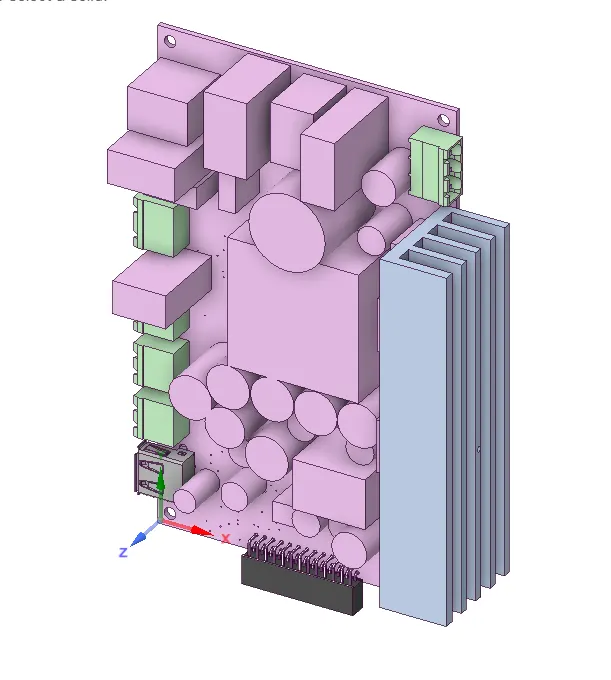
Using the splitting to tool to separate the geometry to its individual components
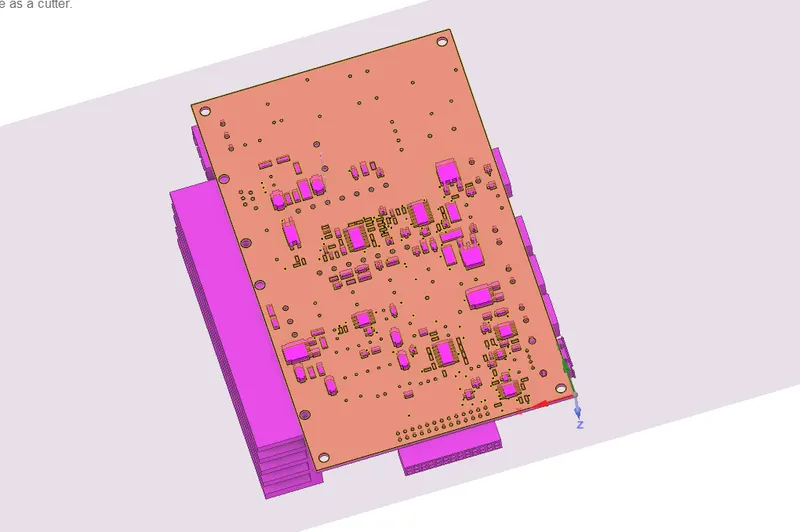
As the model is now splitted into individual components, we can use the Fluent's Icepak module to identify the objetcs to simlify the model further.

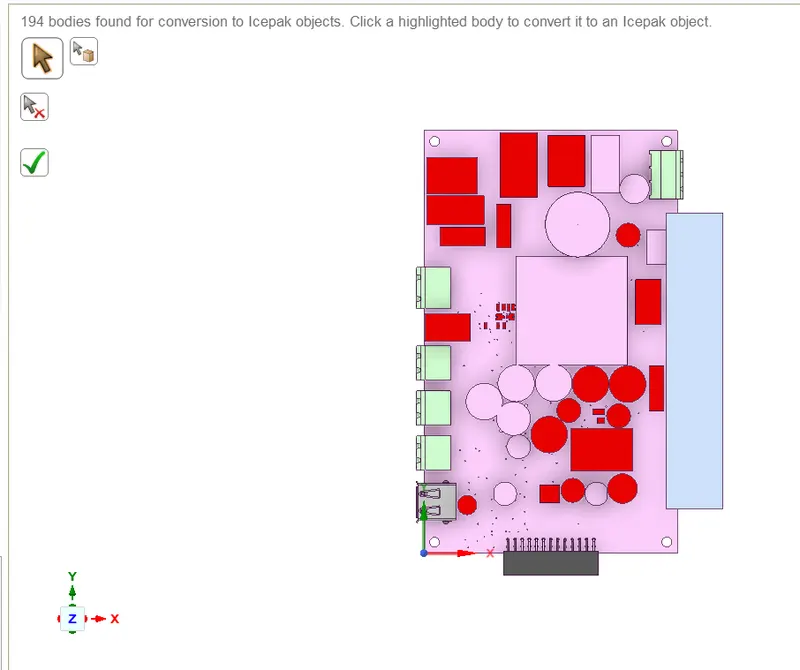
as these are alreay Icepak ready we can use the Icepak Simplify tool to simplyfy eac object manually.
NOTE: Some objets are attached toeach other which can be bad for the simualtion and meshing. To address this we can use the split body to separate these obecjts and then use the Icepak simplify to make these into Icepak objects.
Icepak Simplify allows us to create objects that are necessay for the simulation. Based on their importance and relevence in the simulation we get the ability to catpture the resolution if these objects. This can be done using the levels provided by the Simplify option.
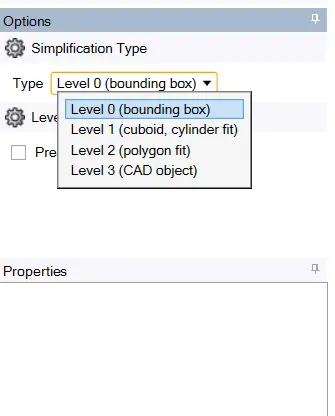
as the level increase we can captutre the true shape of the object for out simulation. This ofcourse will depend on the relevence of the object inthe simulation.
Level 0:
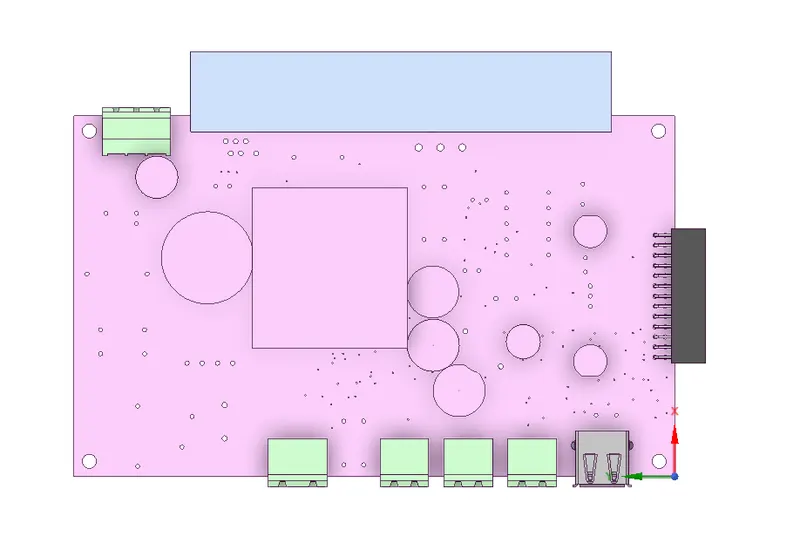
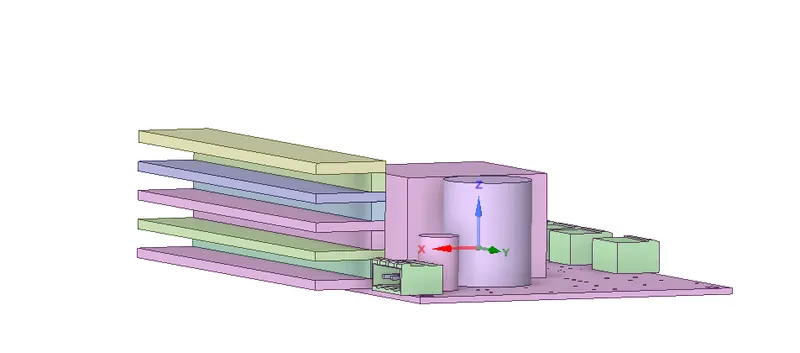
Level 1: (To capture cylindrical objects)
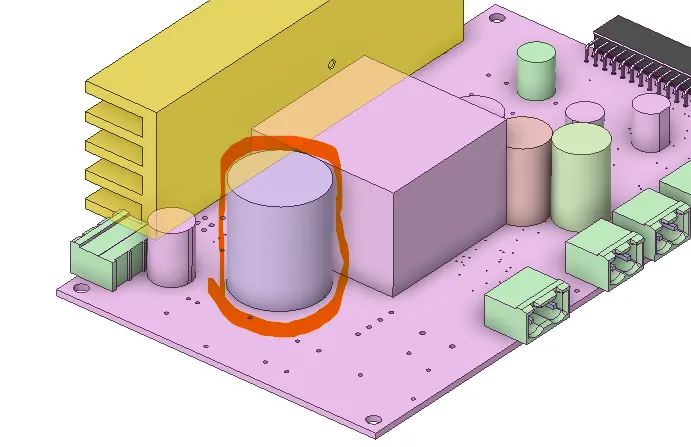
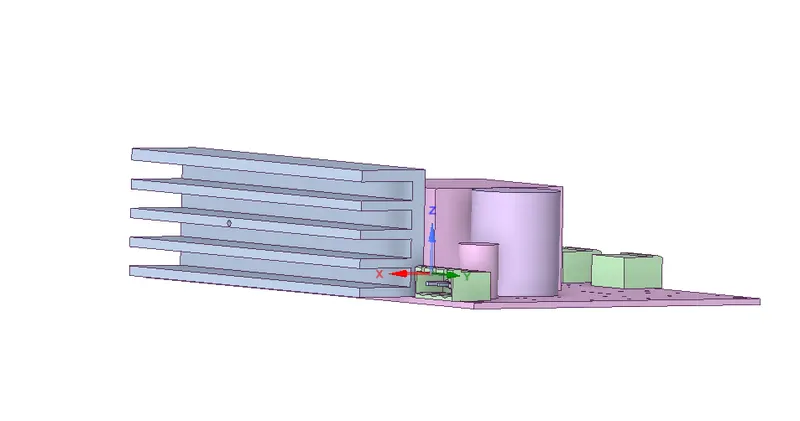
Level 2 (To capture geometries with complex shapes, it allows to split the body which breaks the body into smaller parts)
 |
 |
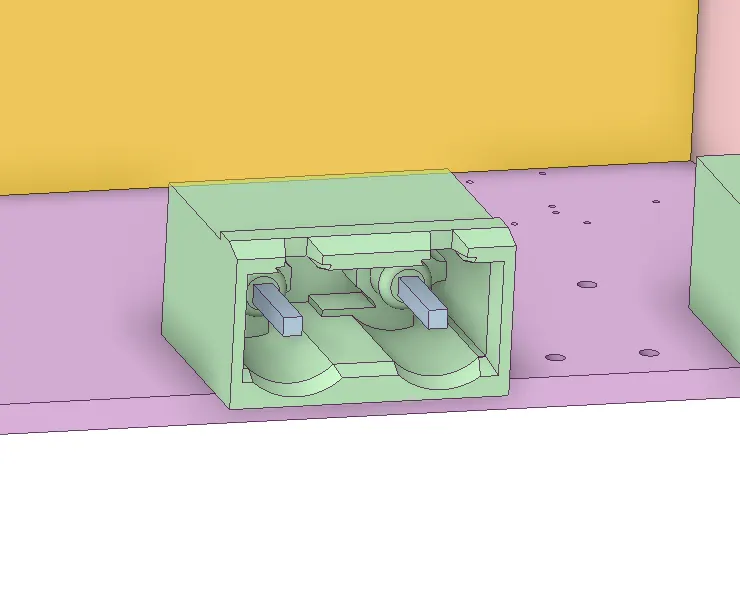
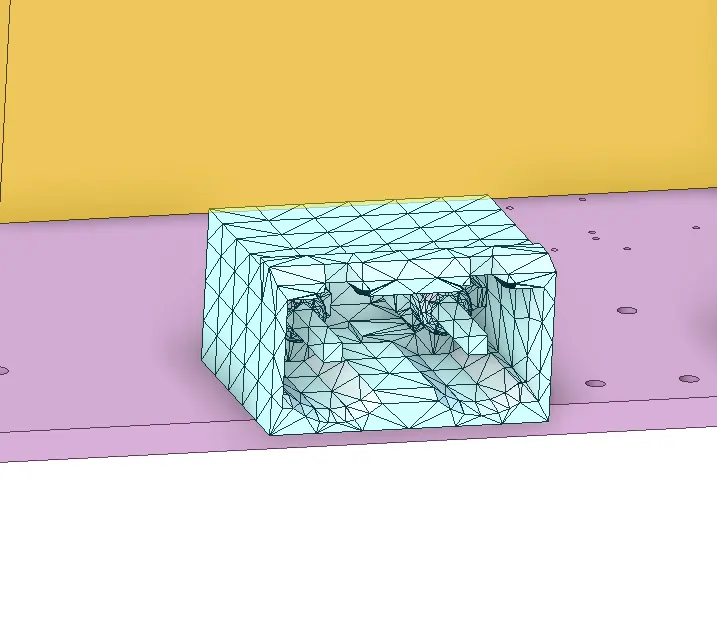
Level 3 (This method is best suited for geometry which need to be captured accurately as they are very important to the simulation)
 |
 |
Using the show non-Icepak option in the Icepak tab we can keep atrack of the icepak objects to further simplyfy the objects accurately.
Conclusion:
As the method to simplyfy the objecst is quite convinient and Fluent provides this. It is important to remember the scope of each object and unnecessary objects should be removed. In this way we can achieve a good mesh and better simulation without exhausting too many resources.