Week - 3 Drop test Challenge
AIM:-To perform drop test of mobile on the ground and understand the process of performing the test.
PROCEDURE:-
- Import the model into ls perpost.
- Apply the material property for the parts given.
- Apply the Section property to the parts in the model.
- Then after we need to give boundary conditions to the model.
- Then we need to give the runtime and time step to the model.
- We need to request the output results from the solver.
- Analyze the result from the solver.
IMPORTING THE MODLE
- To import the model we need to open ls prepost and select file.
- Click on import select ls-Dyna binary polt and select the file location and press enter.
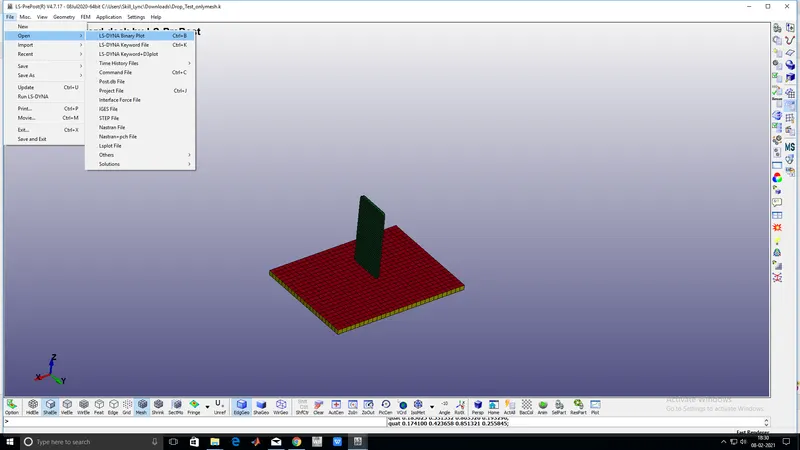
- These are the raw files after uploading
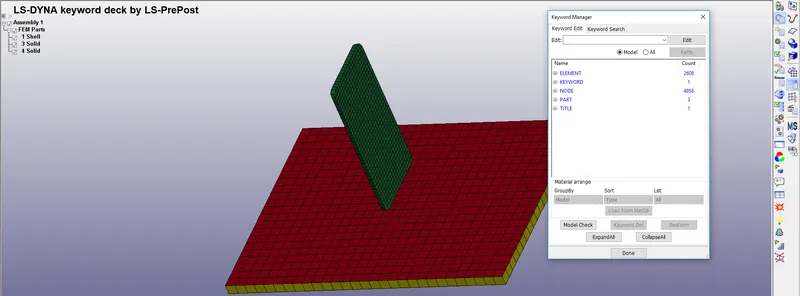
- From the image, we can understand that there are 3 parts are present.
- There are two shell component and 1 solid solid component
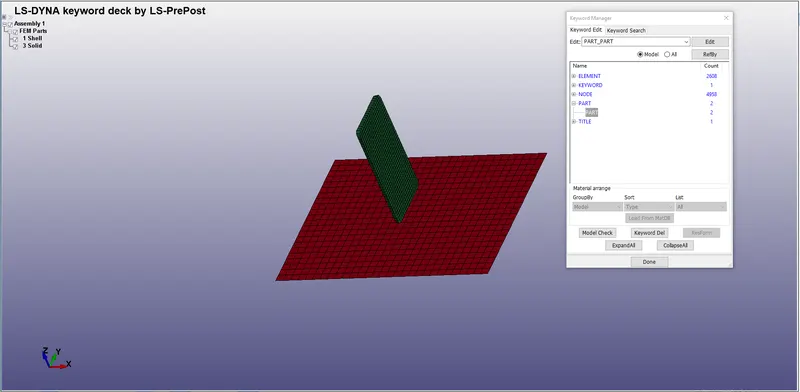
- Now solid component is not required so we will delete the component
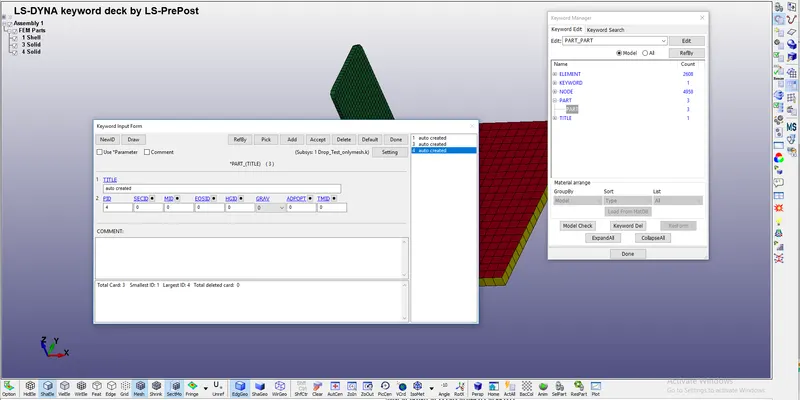
- Component after deleting the solid elements
MATERIAL PROPERTY ASSIGNMENT
- For assigning the material property we need to go to keyword manager and select all.
- And then we need to go to MAT and select concerning material.
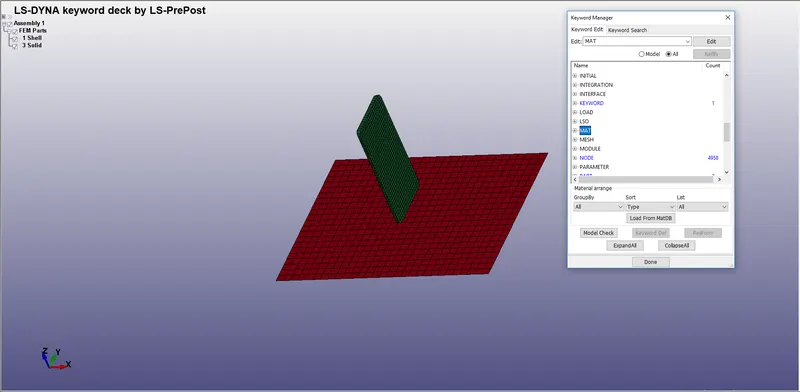
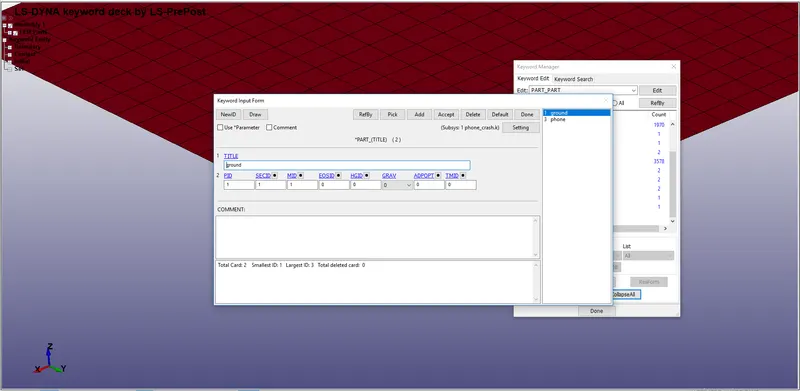
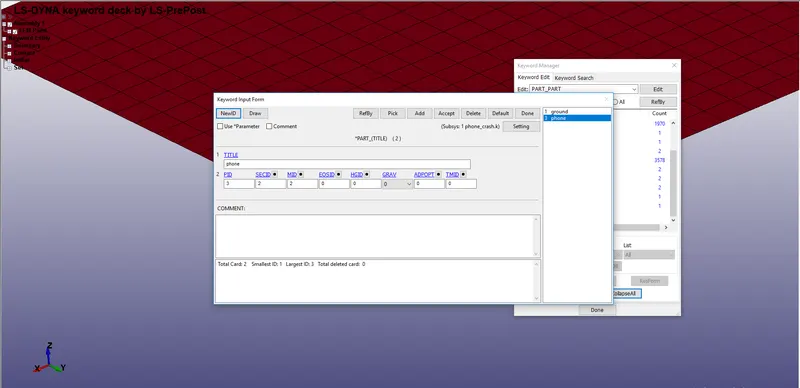
- Assigning the linear elastic material to the phone and rigid material to ground
- And we are considering the material property of steel
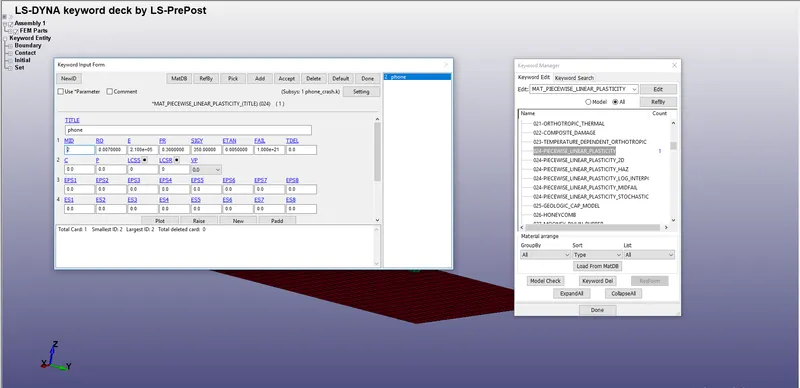
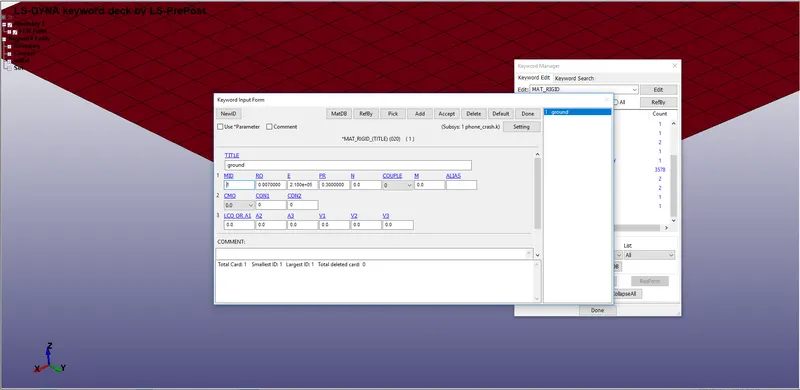
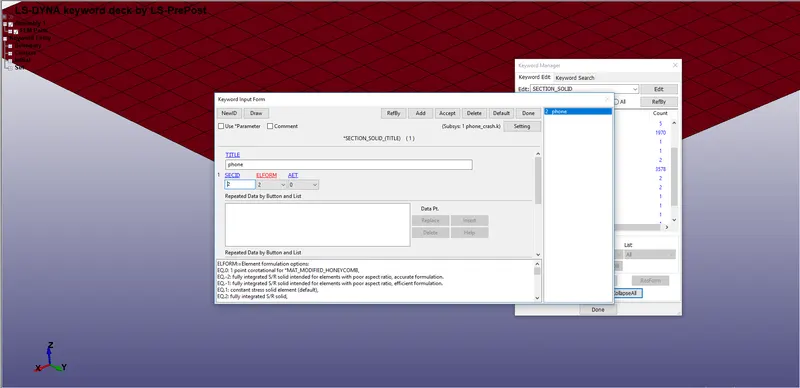
- After this we need to apply element formulation to the elements by sectionID.
- So we need to create section id to give behaviour to the elements by element formulation.
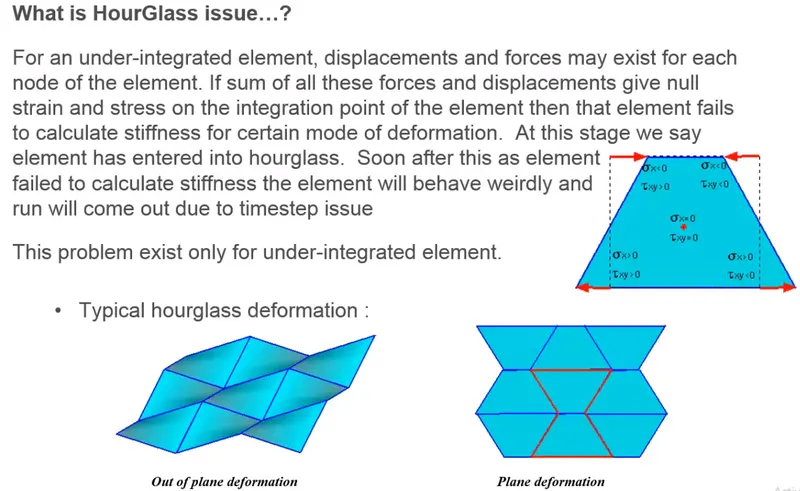
- There are different types of element formulation majorly we use EQ 2 but its has reduced integration which has chance for forming hourglass
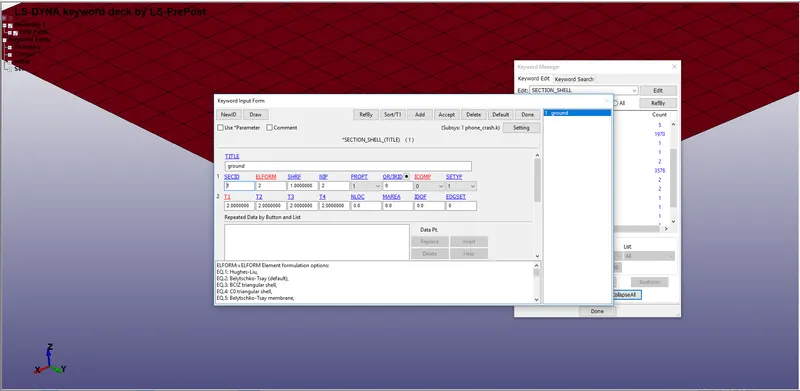
- As we will not concentrate on the results of the ground so no need to give fully integrated formulation
- But we must give full integrated formulation which decreases the hour glass and increases the accuracy of the solution
Hourglass:-
Assigning material and section id to the part :-
BOUNDARY CONDITIONS AND CONTACTS:-
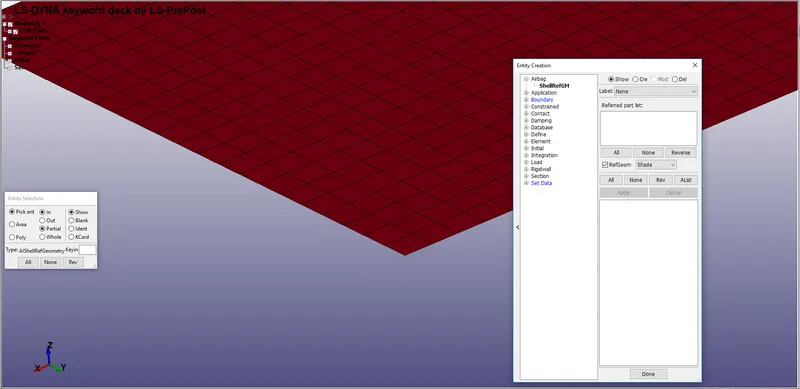
- After assigning the material and section id to the part,we need to fix the ground
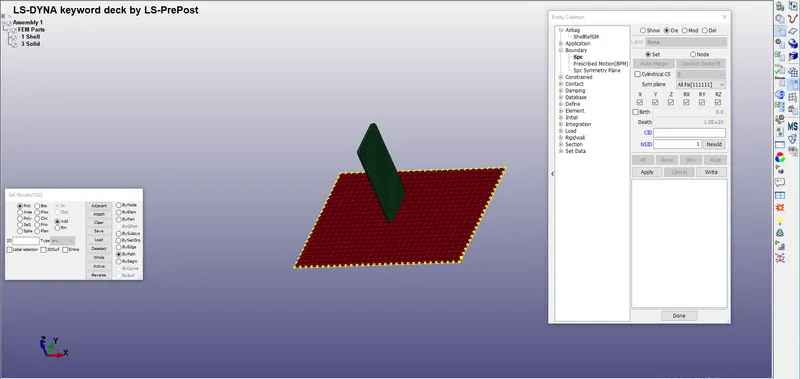
- To fix the ground we need to go to entity creation and go to boundary and select spc(single point constrain)
- Select create and select all the nodes and lock the axis and select apply
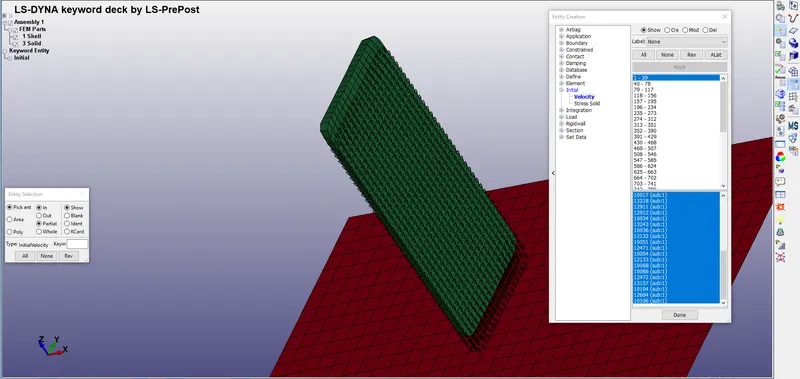
- After that we need to give initial velocity to the phone
- To give initial velocity wev need to select initial and select velocity
- Select all elements and give velocity at z direction 10 m/s
CONTACT :-
- After applying the boundary conditions we need to give contacts
- To give contact we need to open keyword manager and select contact
- Select the contact type as surface to surface contact
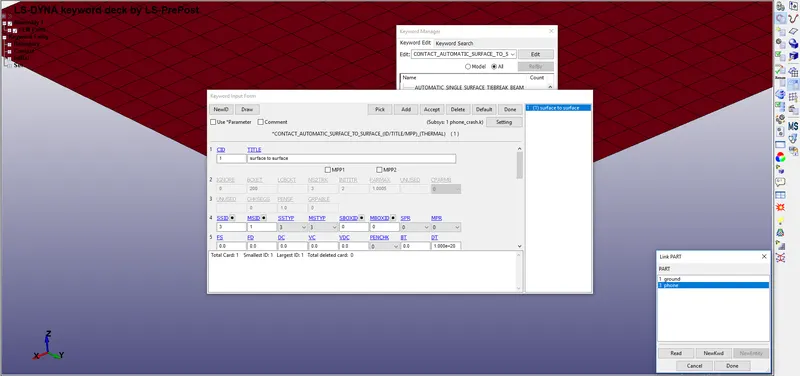
- Select the slave as phone and master as ground
- The more stiffer part is consider as master
- After that we need to give the time step and run time
- To give the run time we need to go to control cards and we need to give the values.
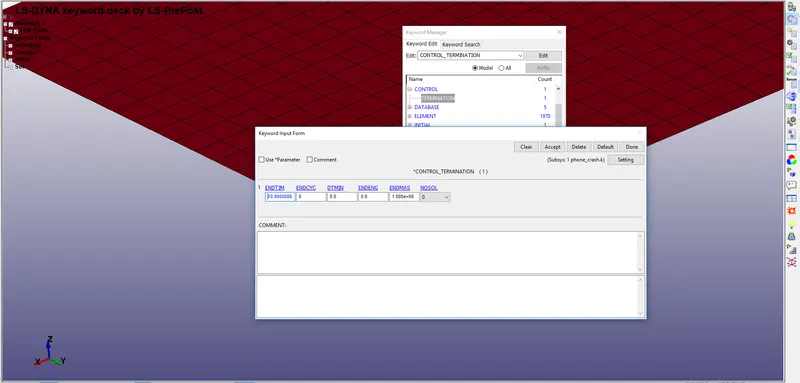
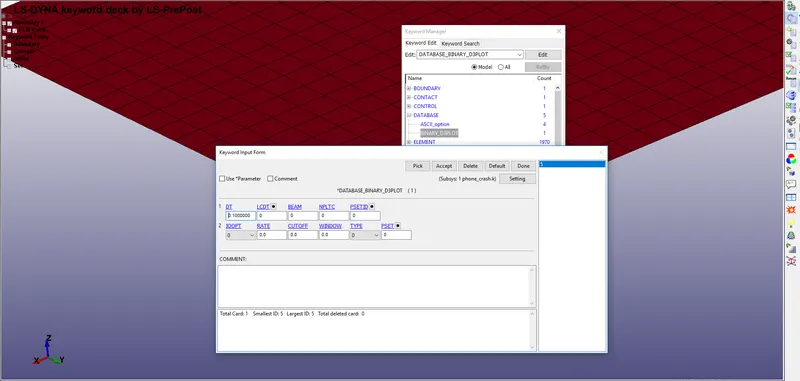
- After that we need to request the output for the results
- To request the outputs we need to go to database and select the ASCII option
- And enable them to get the output results
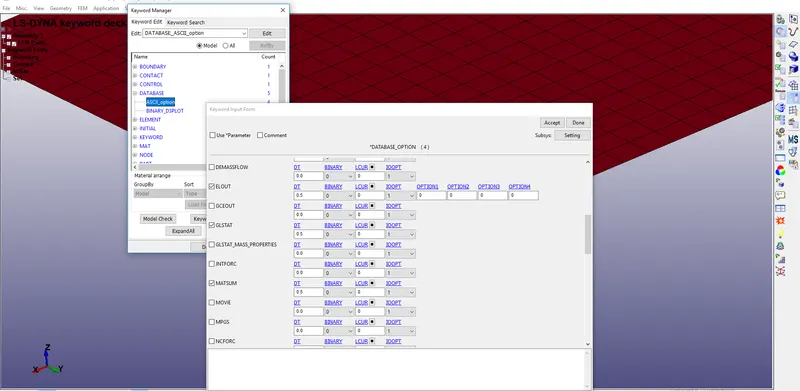
ELOUT:-database for element results for SSD (stress and strain
components).
D3PLOT :-Database for entire model.
GLSTAT:- file is the sum of internal energy of discrete elements.
MATSUM :- Energy values part by part.
RESULT:-
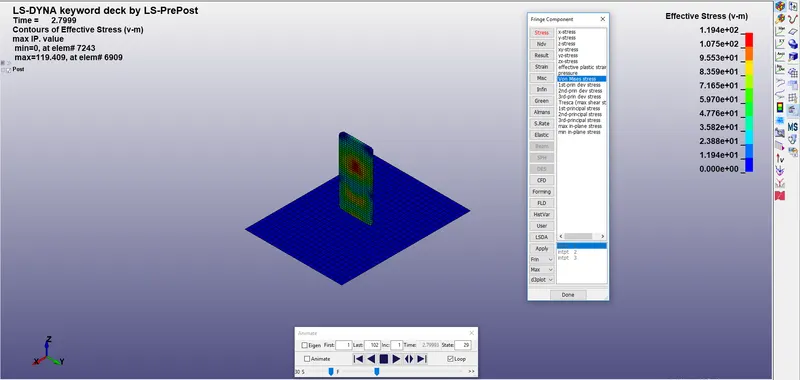
- The maximum von_misses stress attained is 119 N/m^2
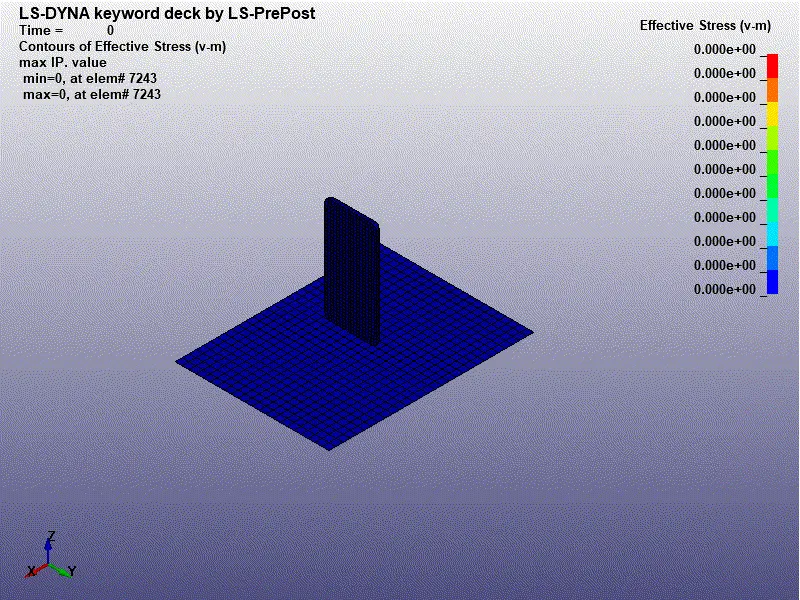
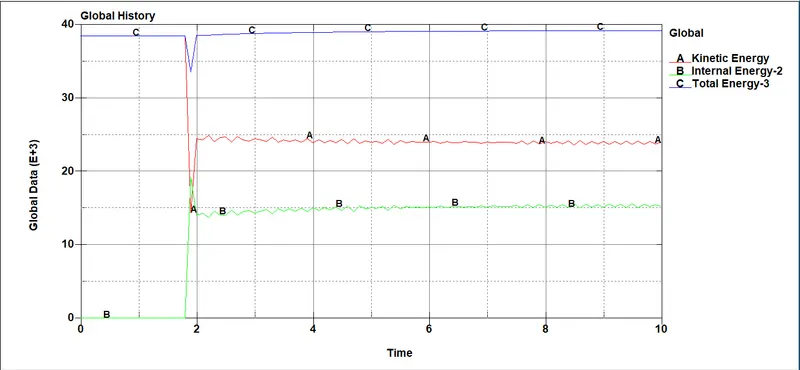
- As we can see that crash has occurred at 1.8s and we can understand some disturbance in the graph
- The phone is given with an initial velocity of 10 m/s when the crash has occurred then there is a huge loss in k.e
- When there is a reduction in kinetic energy the internal energy will be increased
- The disturbance occurred after the crash is due to contact energy
CONCLUSION:-
- Understood how to assign the material and contacts to the component.
- Understood how to assign boundary conditions and rigid supports.
- Understood how to assign the output results