Week - 3 Drop test Challenge
Aim- To perform the drop analysis on the given component.
Objective -
To apply the material, boundary condition to the given model.
Procedure-
1. Open the model in the interface.
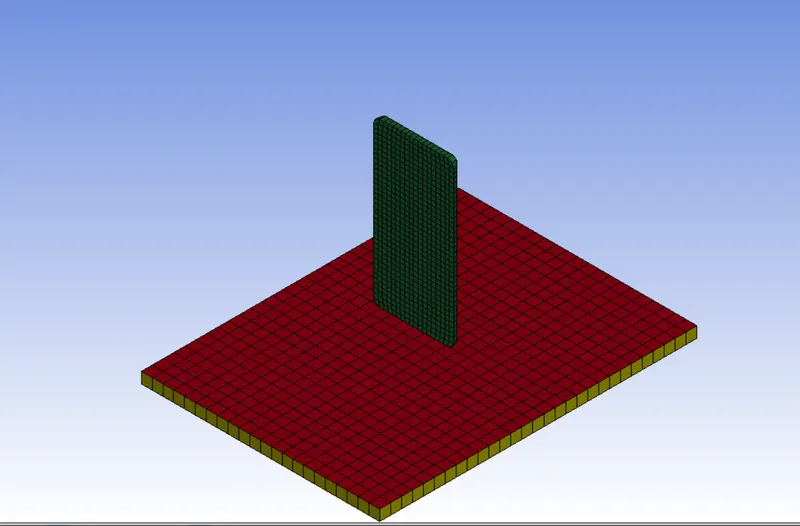
2. Assign the appropriate name o the part.
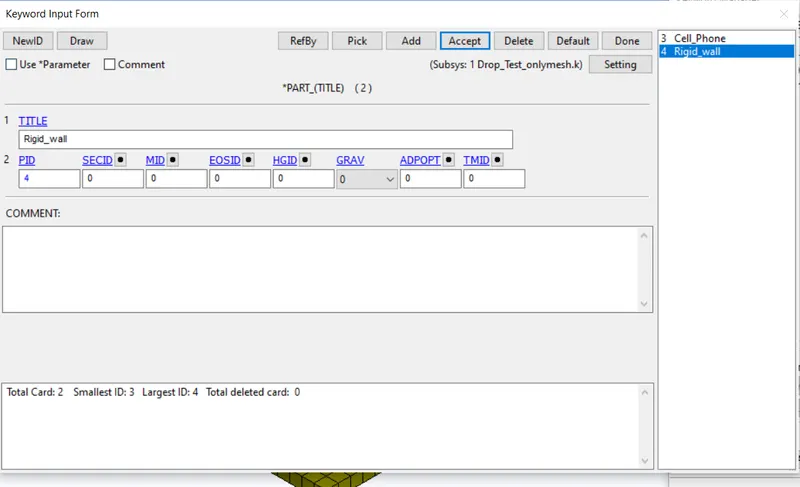
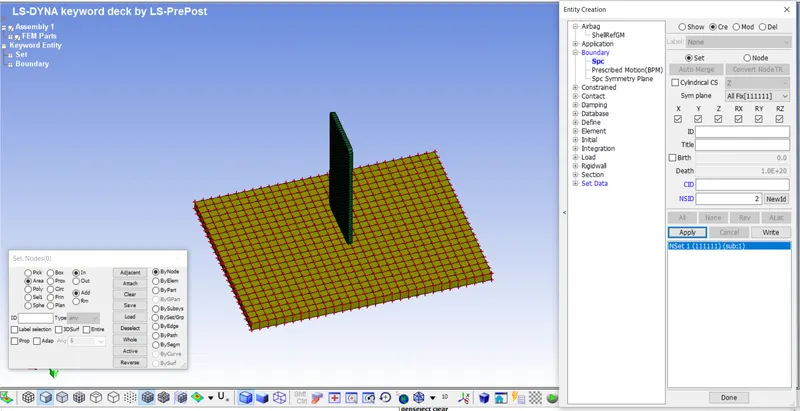
3. Apply the boundary conditions.
For the wall apply the rigid connections, select the SPC for the rigid wall.
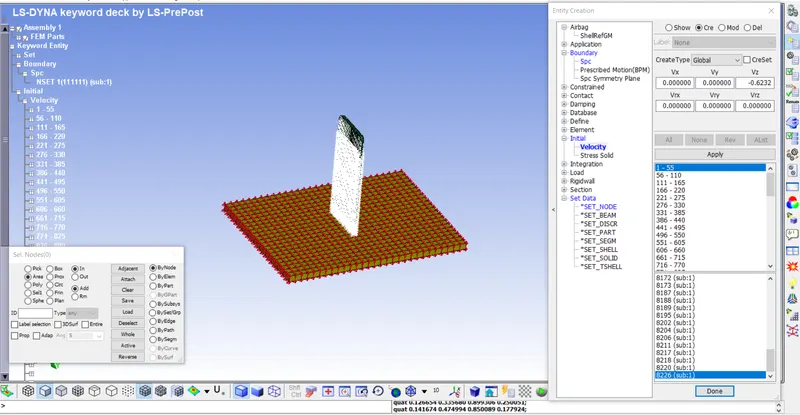
For the phone apply the inital velocity in -Z direction.
4.Since we are working on the solid model, we need to apply the solid section for the model.
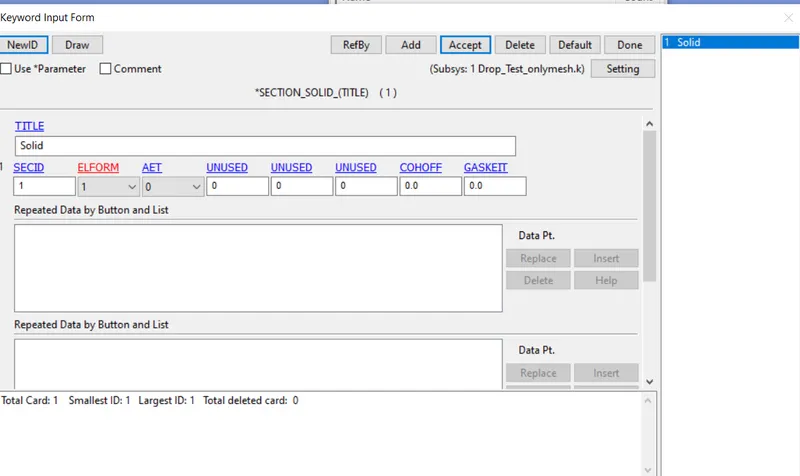
5. Apply the material for the phone and the rigid wall.
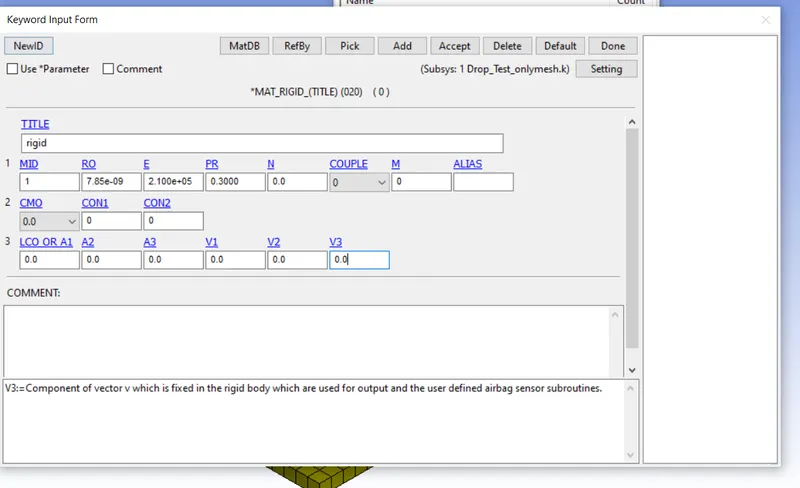
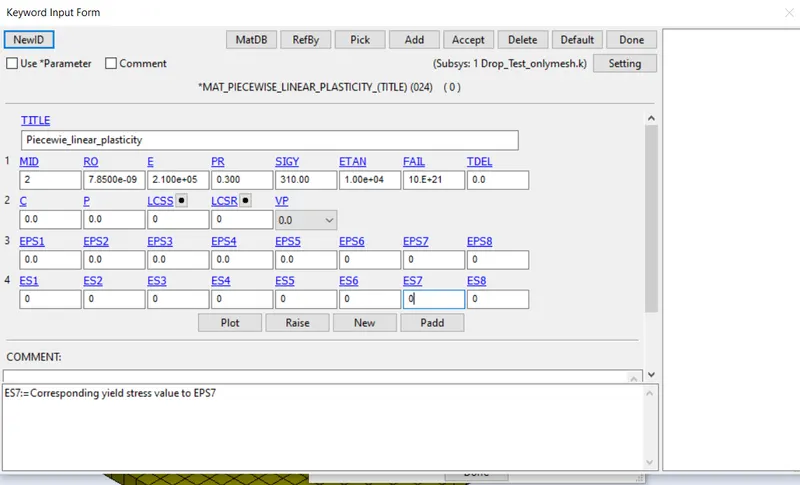
6. Since the model is a contact analysis we need to set the contact for the component.
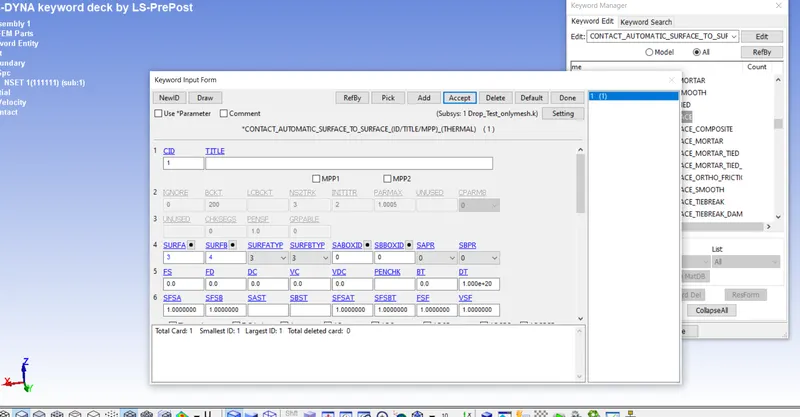
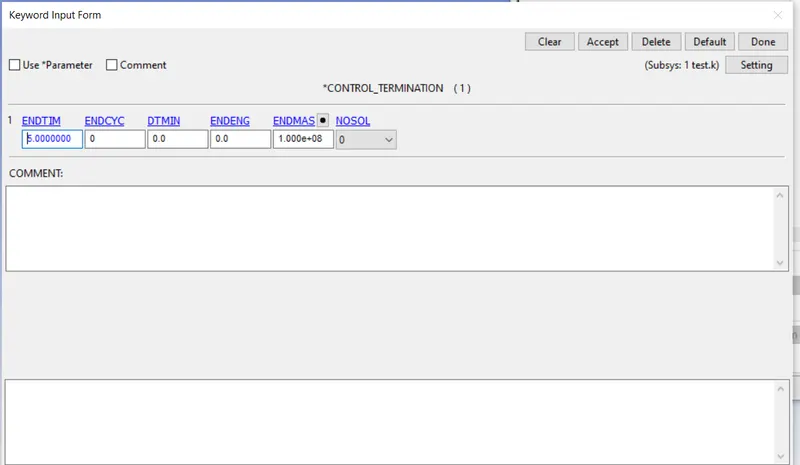
7. Set th control termination.
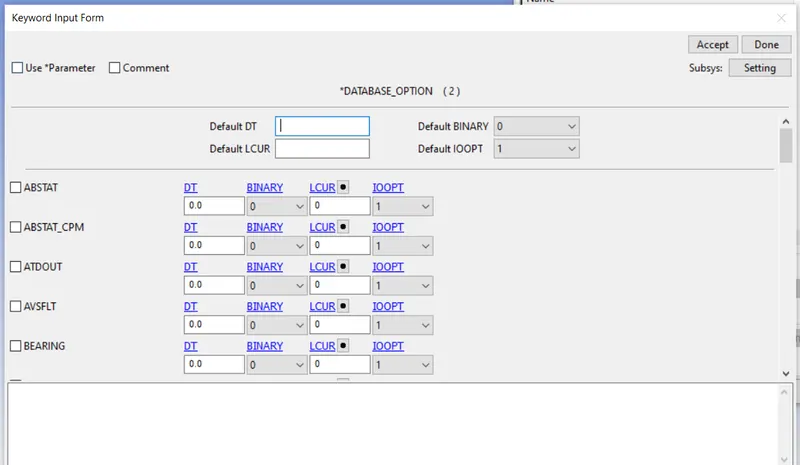
8. In the data base set the aiisc values.
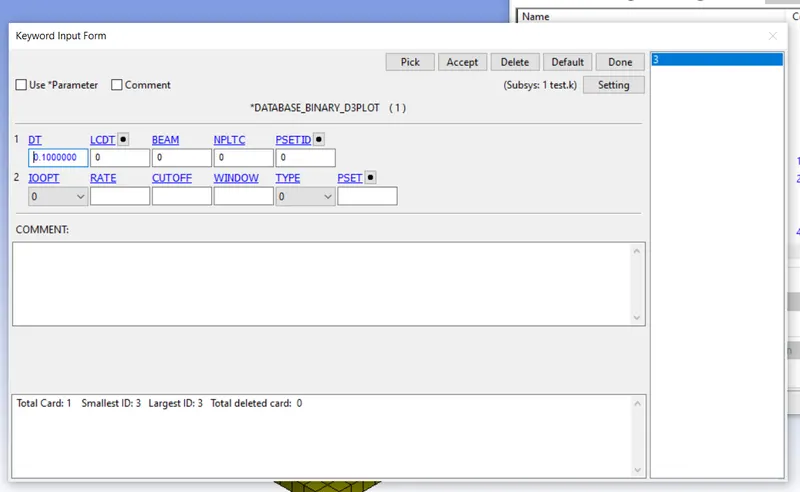
9. Define the binary plot.
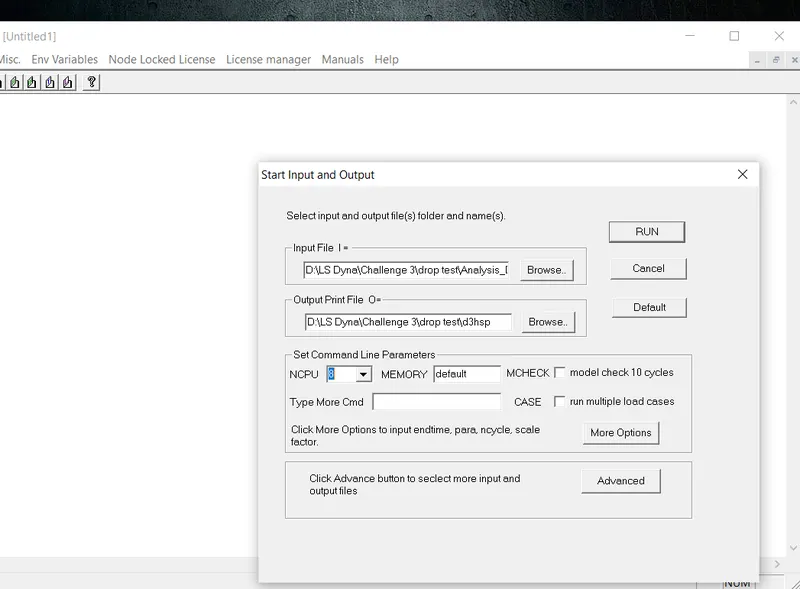
10. Run the analysis in the LS dyna program manager.
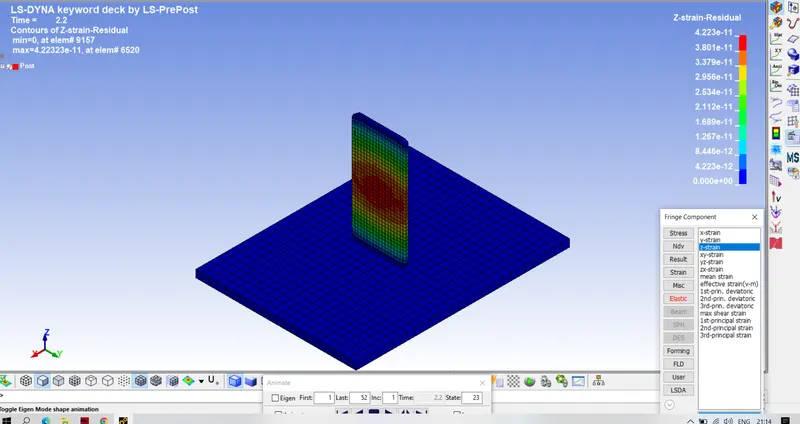
Results- The strain the z direction is given as follows.
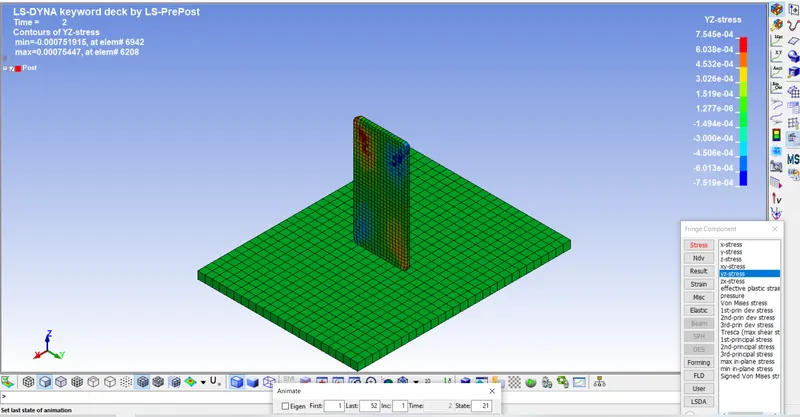
The stress is given below.
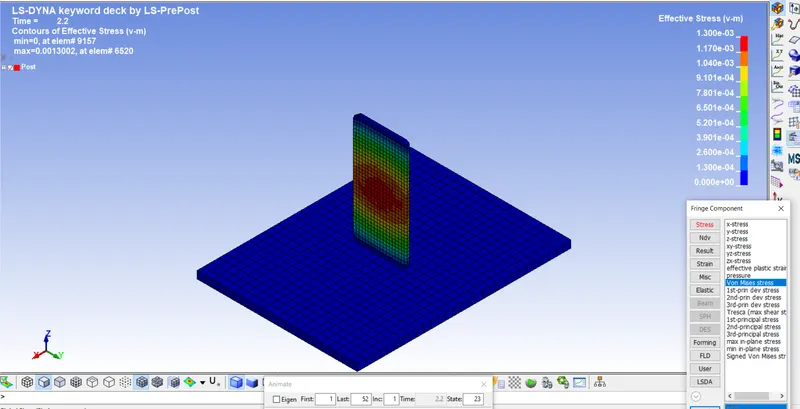
The von misses stress is given below.
conclusion- In this challenge we have done the maerial modelling and setting up the boundary conditions which gives the results on the analysis as per the inputs.