Week - 3 Drop test Challenge
OBJECTIVE: simulate the given phone model as it drops on a rigid floor in LS DYNA by applying necessary load and boundary conditions.
PROCEDURE:
First open the phone model in LS DYNA and open the keyword manager and select model and select part for distinguishing the parts in this subsystem and delete the unnecessary shell part and select accept and then done.
now rename the two solid parts as phone and floor respectively and then click done now the model is displayed as below.
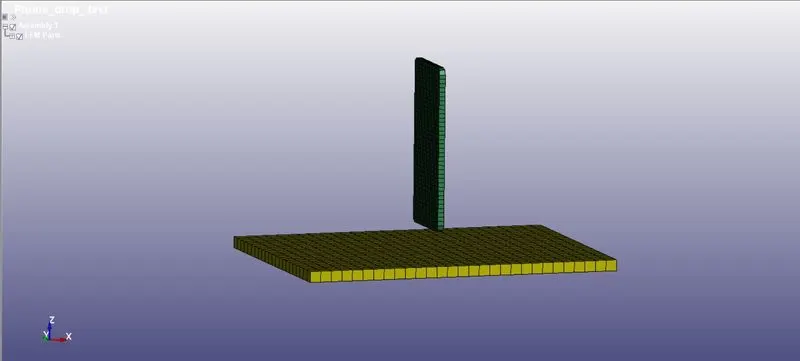
Now create the node sets for phone and floor respectively using create entity option,for applying the load and boundary conditions.
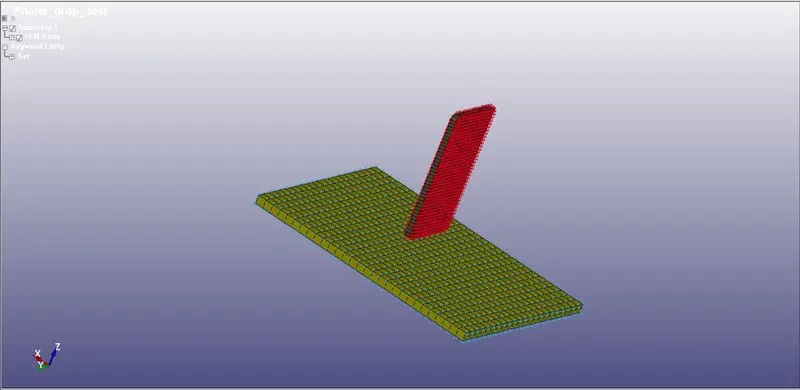
then create the setion for floor and phone which is solid section, for the floor I have created the solid section with element formulation '1' and for the phone with element formulation '-2' .
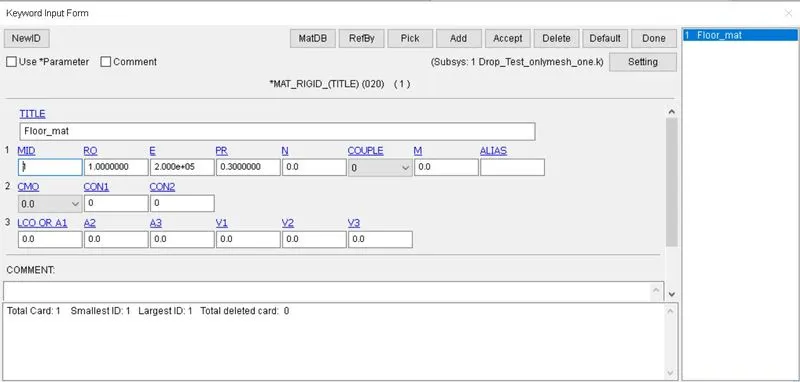
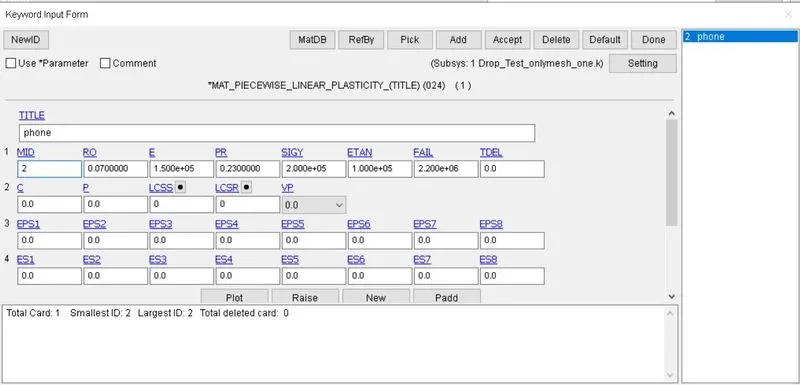
then create the material cards for floor and phone as shown below by giving values in gm mm ms unit system as below.
For the floor I have chosen 'mat-020' Rigid to behave as rigid floor.
for the phone I have chosen 'mat-024' Piecewise linear plasticity to behave as elastic material.
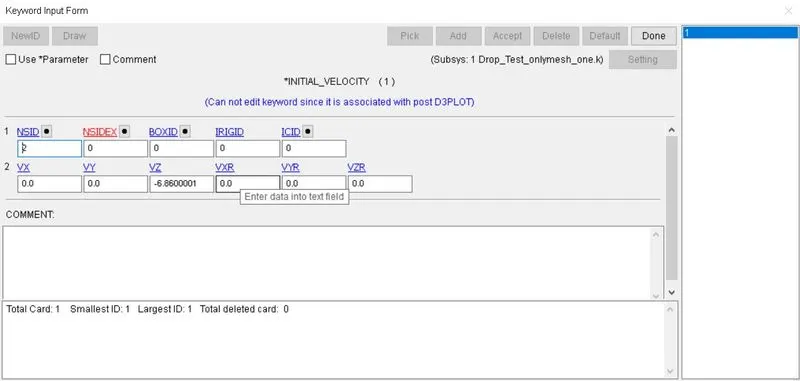
and then create the load as in this drop test it is initial velocity which I calculated its as -6.86 mm/ms in the Z direction.
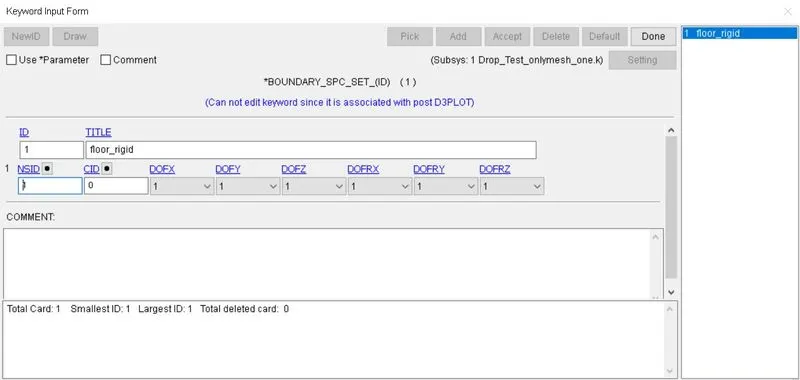
then set the boundary condition for floor using SPC_SET card by constraining six degrees of freedom for the floor node set.
now create the segment set for floor upper surface and segment set for phone as shown below for contact specification.
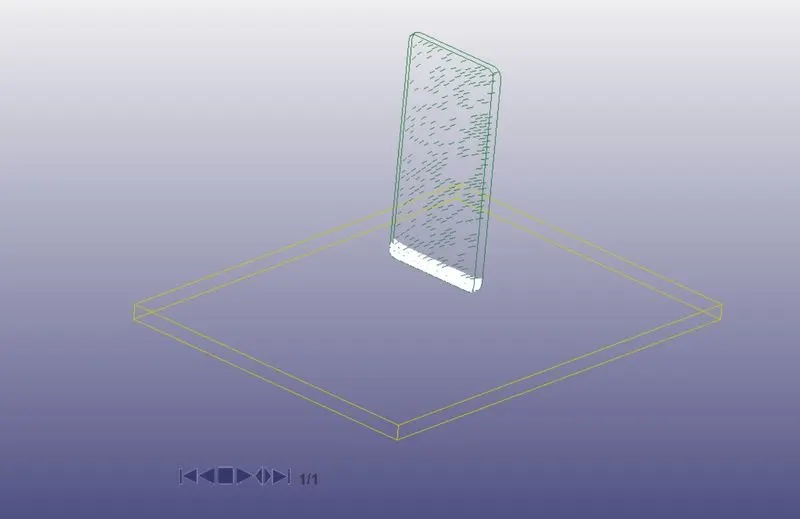
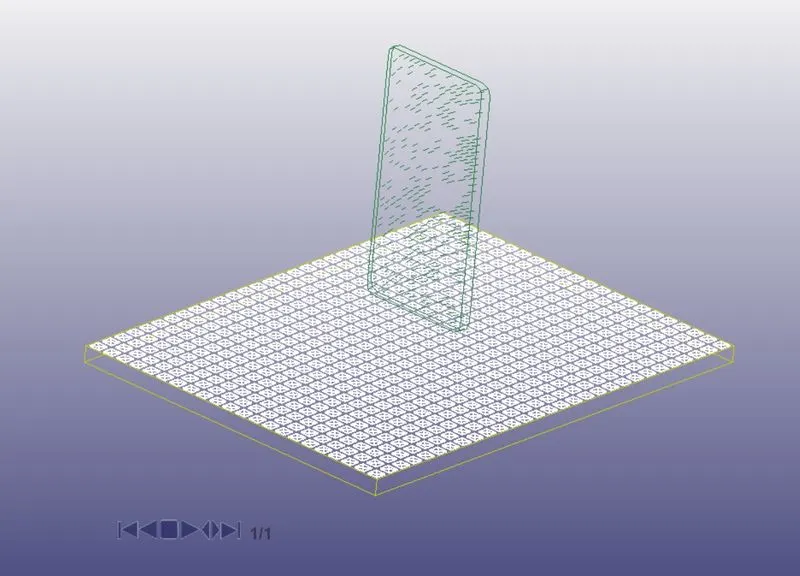
then create contact card "AUTOMATIC_SURFACE_TO_SURFACE" card and give master and slave type as '0' as we are using segments for contact detection. and specify the segment set for both master and slave.
then create CONTROL> TERMINATION card specify the end time of simulation I have calculated it to be 6 ms.
and in DATABASE create ASCII and binary outputs as required with 'DT' as 0.01
now run the keyword using LS program manager.
and check for the normal termination message in command prompt and open the binary plot file and play the simulation, then select the fringe option in postprocess tool and select von mises stress and it will show the stress as below.
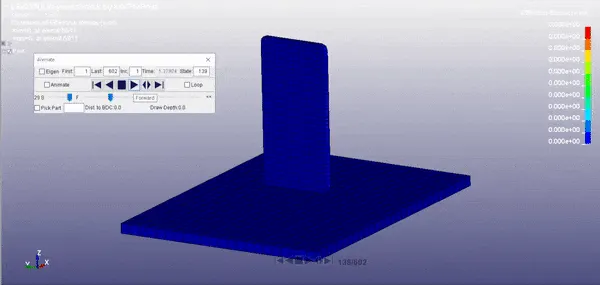
von-mises stress animation, contact happened at 2.888889 ms.
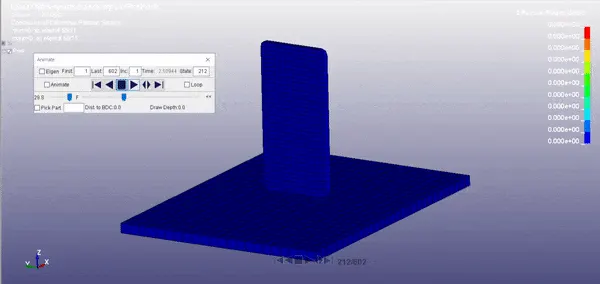
effective plastic strain of when yield stress is 500 `g*mm^-1*ms^-2`.
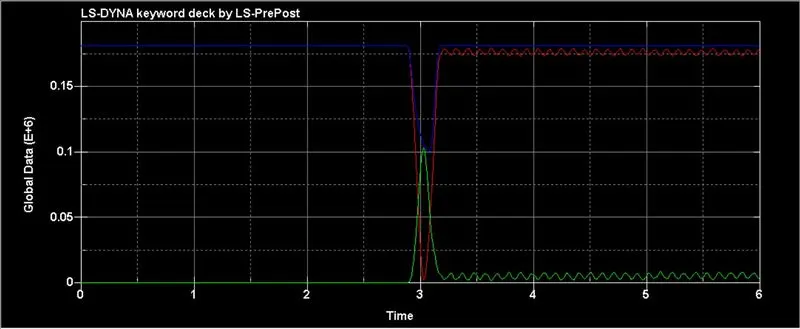
ASCII plot of the internal energy, kinetic energy and total energy of the subsystem from the global data.
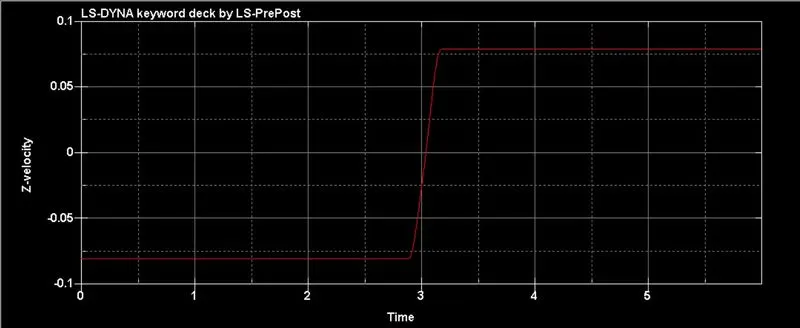
velocity in z-direction of the subsystem.
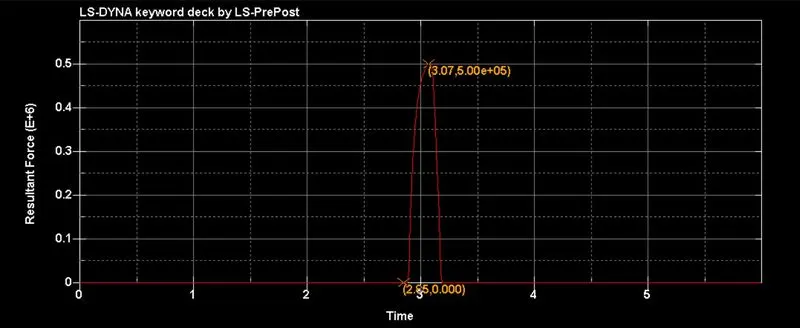
reaction force on master part with contact at 2.85 ms and max reaction force is 50000 `g*mm*ms^-2`.
curves are smooth because of 'DT' is small which is basically the resolution of the curve.
CONCLUSION:
In this challenge I have understood the basics of LS DYNA software and how to create a basic simulation of phone drop test with recorded data for post processing and to plot the graphs for post processing using the database ASCII and BINARY plots.