Week 3 Challenge : CFD meshing on Turbocharger
https://drive.google.com/file/d/1gLKBSF6Mh389zCcgB1sB4AOUFWmIHe8P/view?usp=sharing
AIM: - To create volumatric mesh given model on different target length of part.
Part is shown in below figure
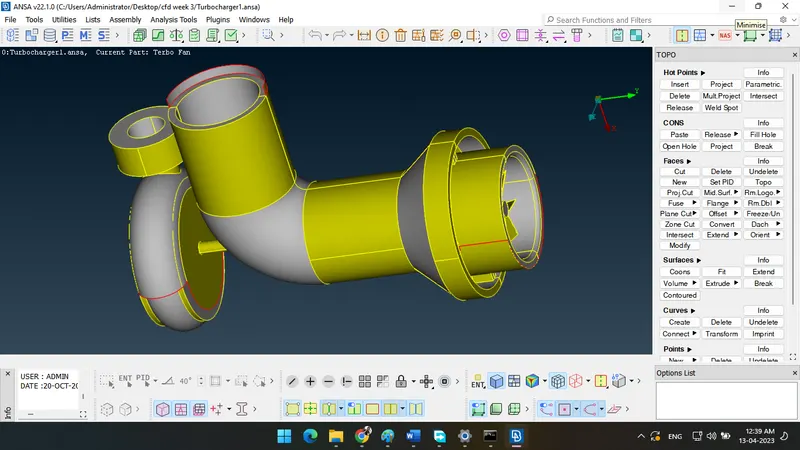
Procedure: -
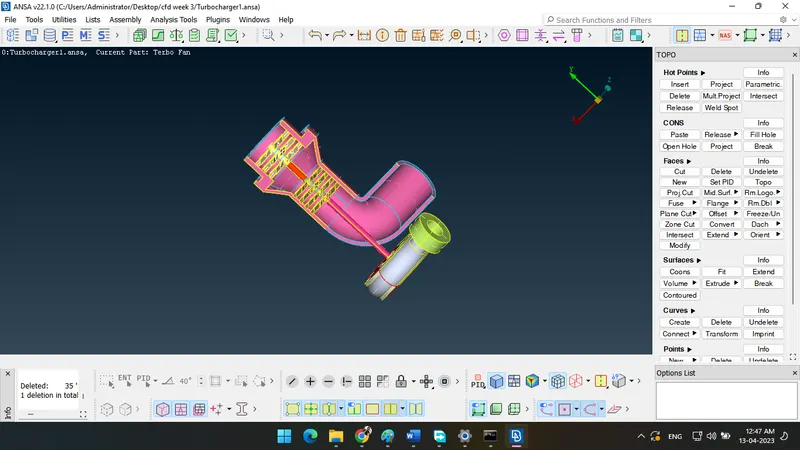
To clean model like delete over lap surface and extra extuded surface. as shown in figure
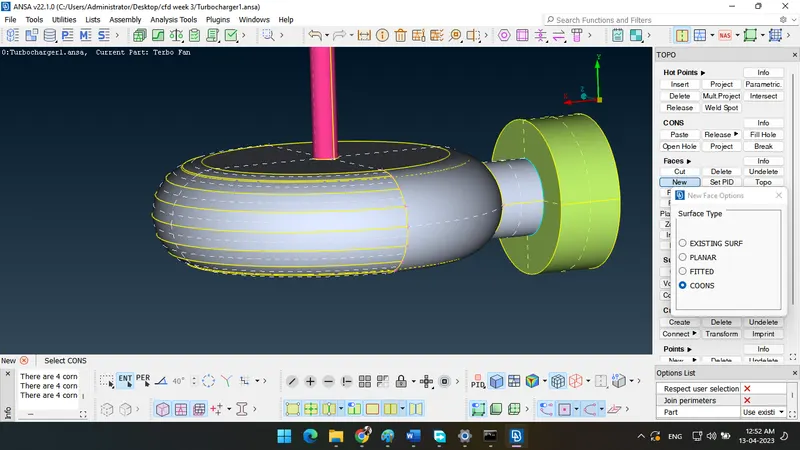
In the below figure do not create direct by new surface , fill hole.
So create cons by parameter option than create new surface.
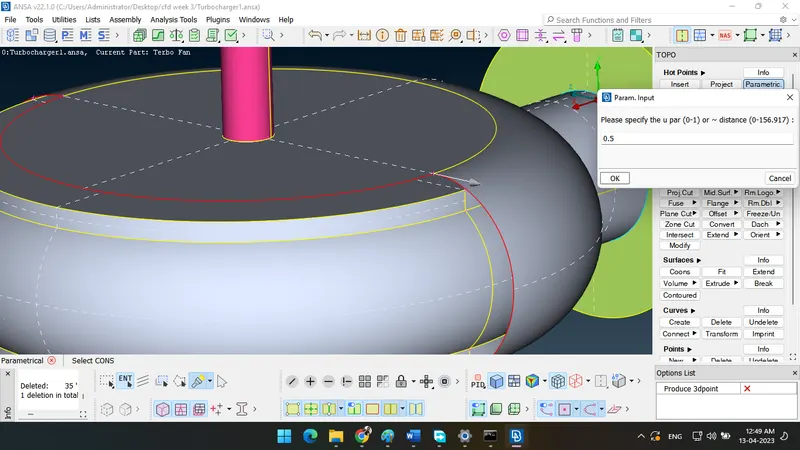
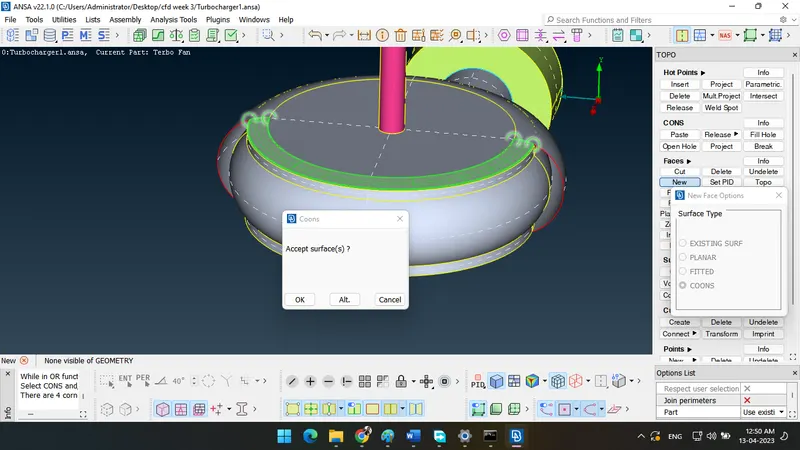
New surface create like as shown in figure.
same as a create cons to curve by multi projection after that create surface by small area
as shown in figure.
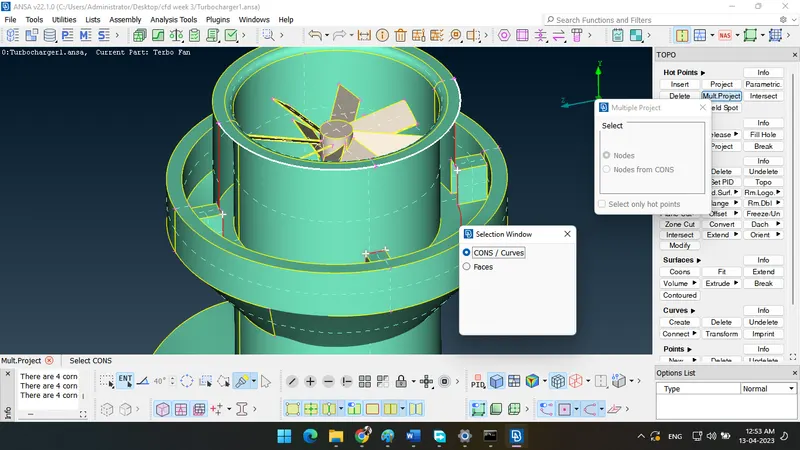
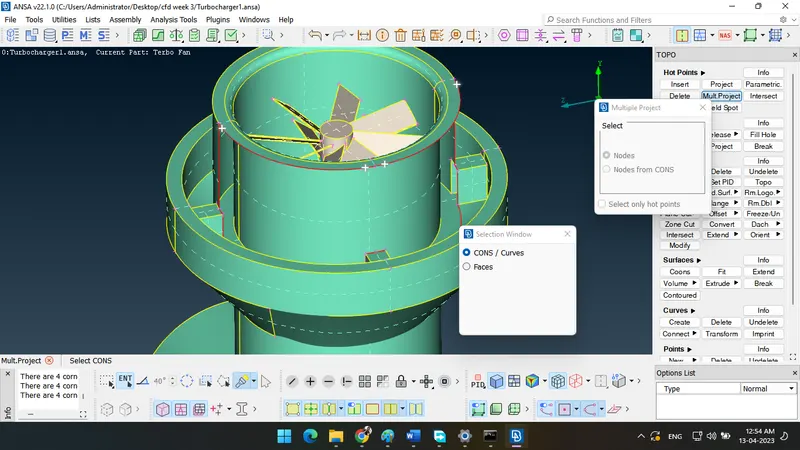
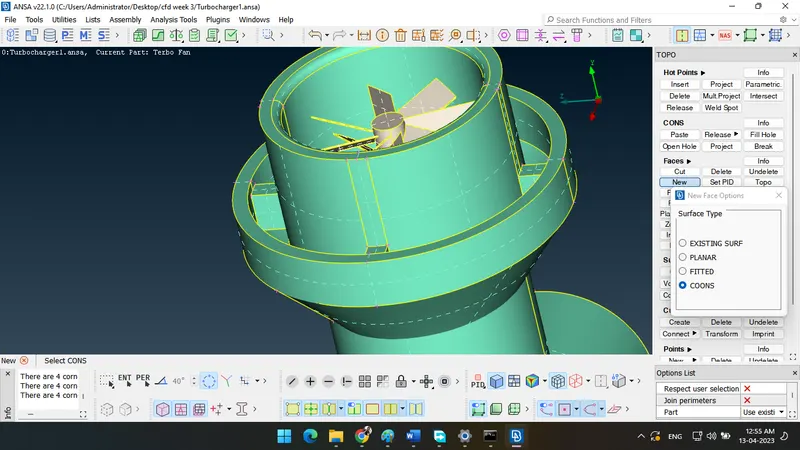
In below figure use intersect option to delete extra part.
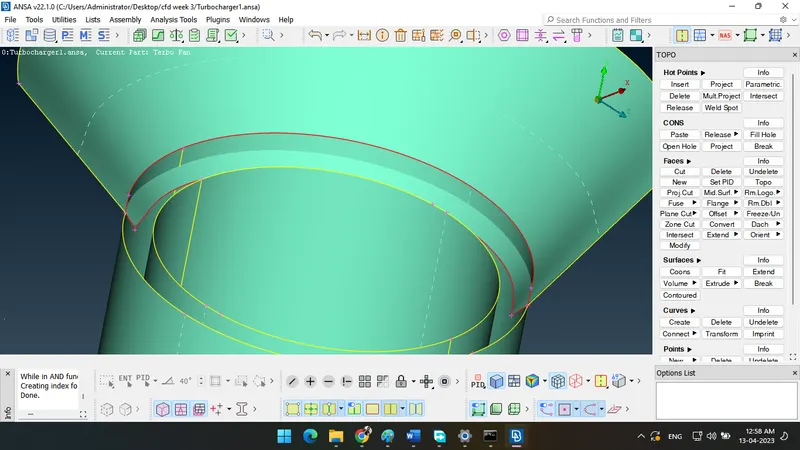
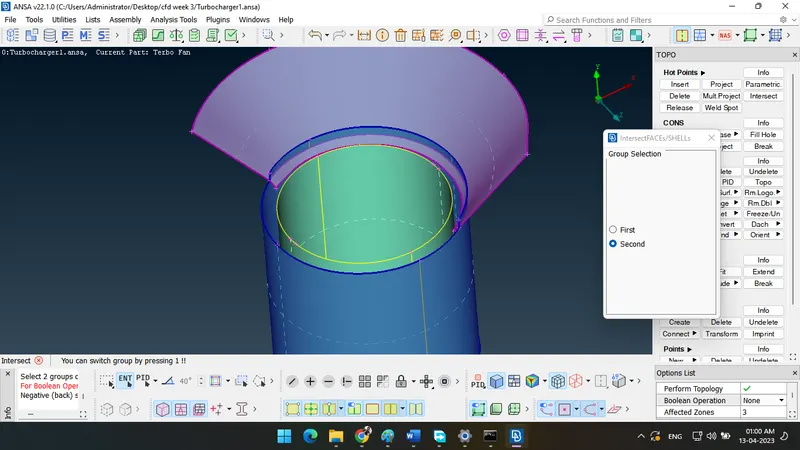
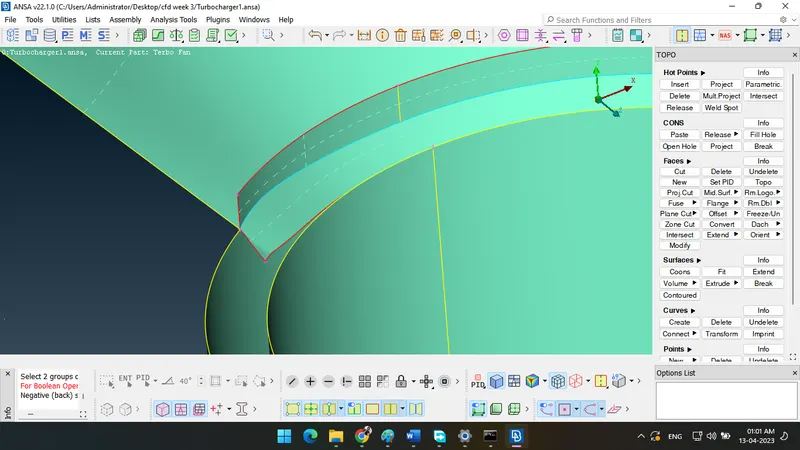
To delete extra surface and remove triple and singal cons as shown in figure.
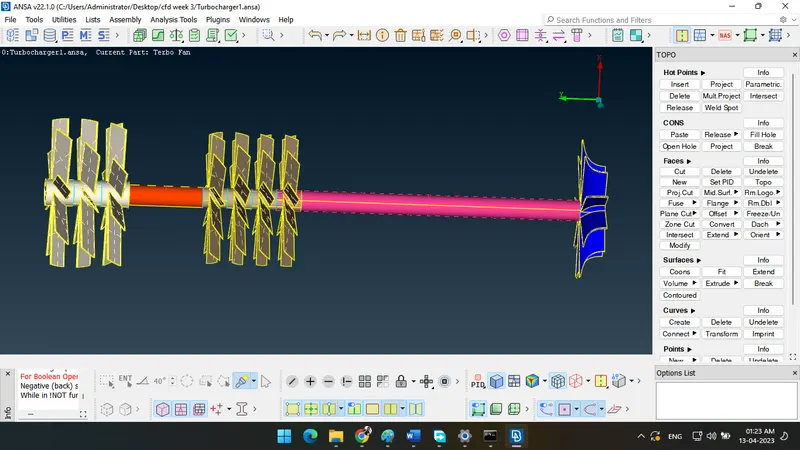
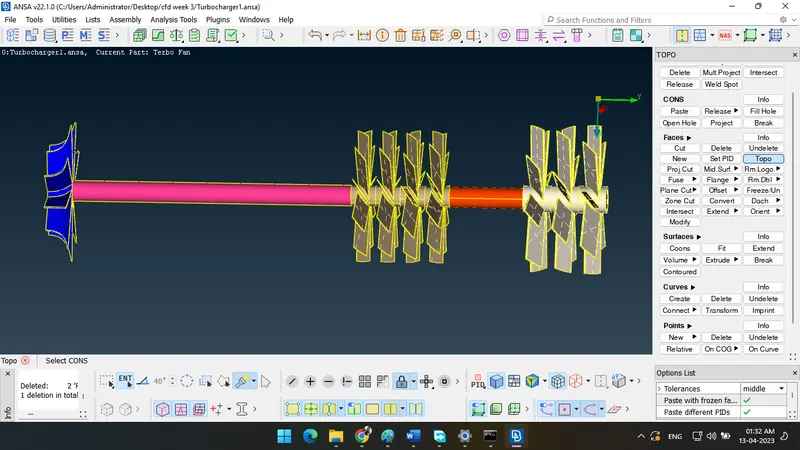
To check geometry as shown in figure.
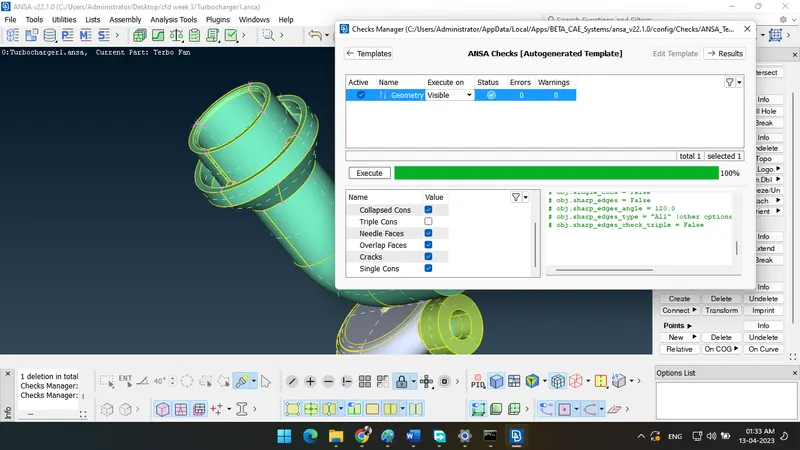
After that close all faces and define pid as shown in figure.
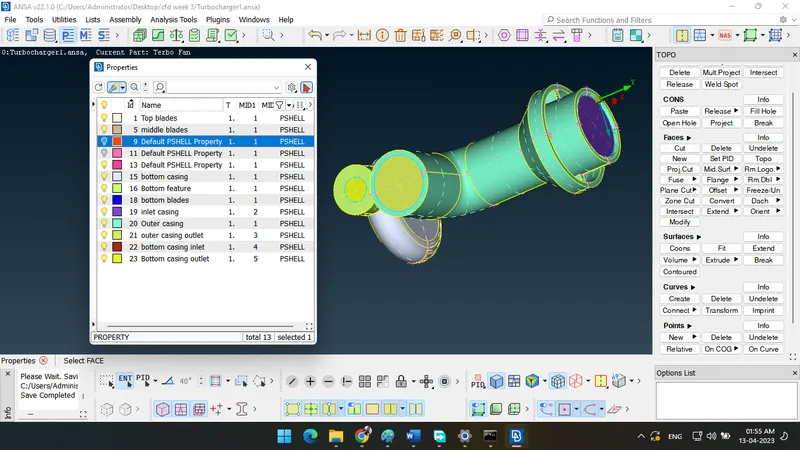
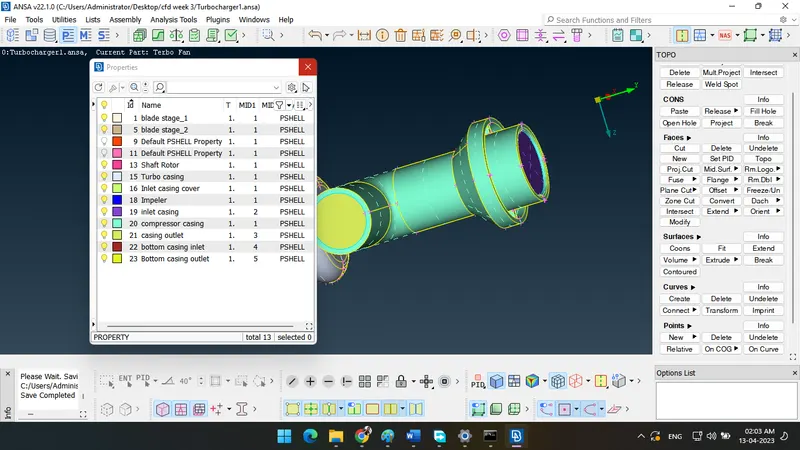
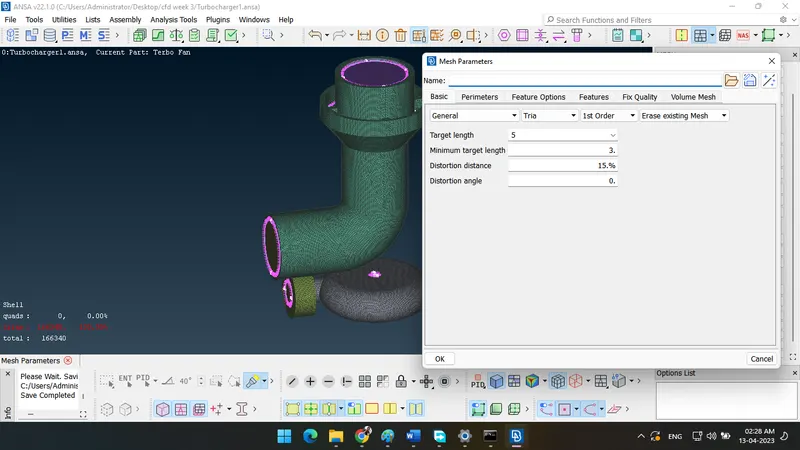
IN below figure target length 5mm and select all 5mm required part after that create mesh flow
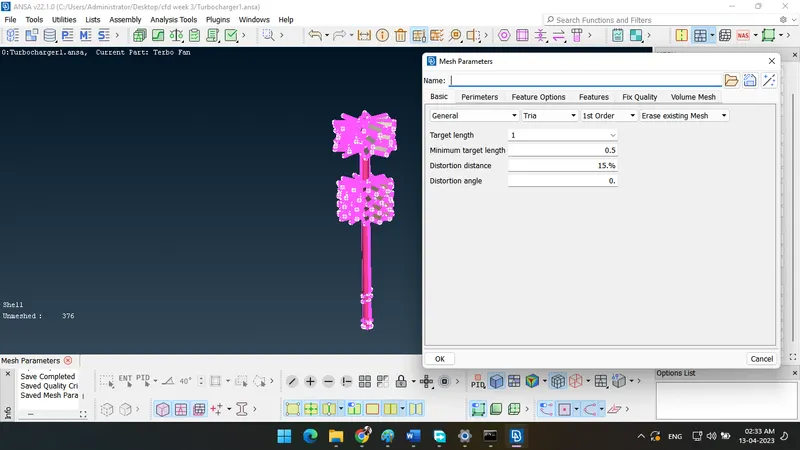
IN below figure target length 1mm and select all 1mm required part after that create mesh flow
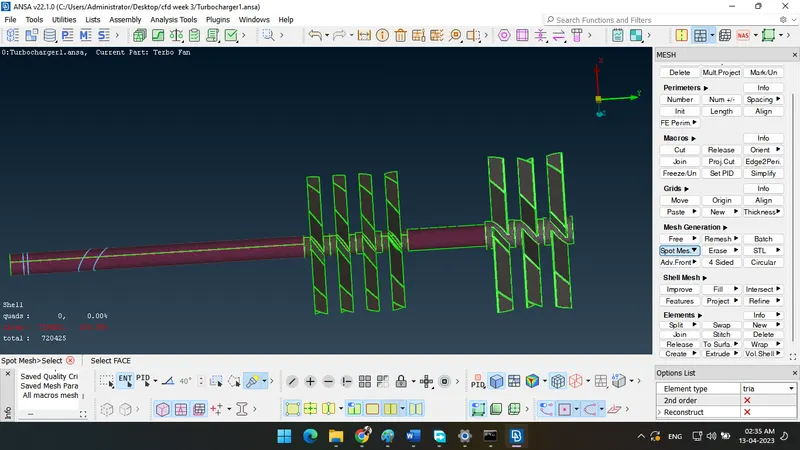
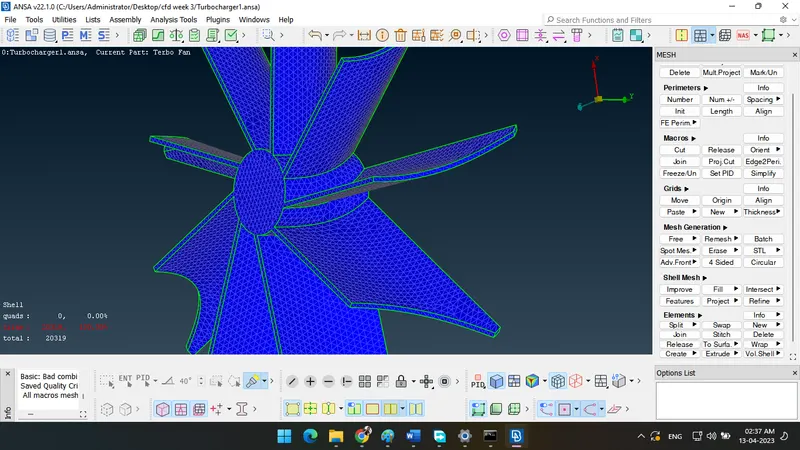
IN below figure target length 2mm and select all 2mm required part after that create mesh flow
After that create volumetric mesh use define option as shown in figure.
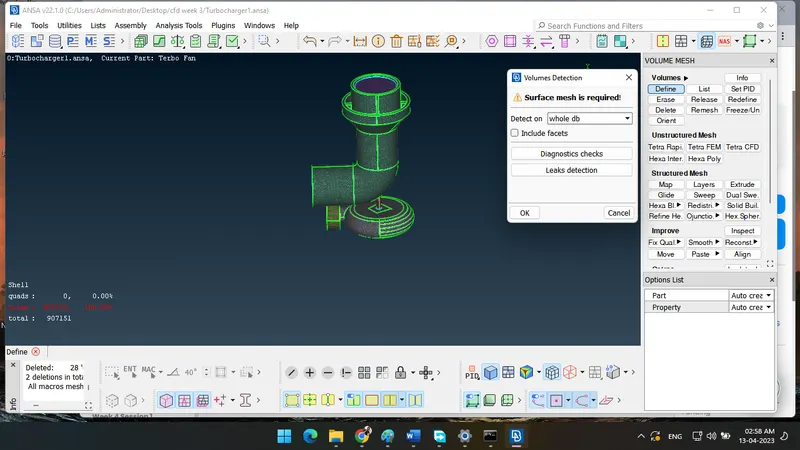
volum mesh option is shown in figure
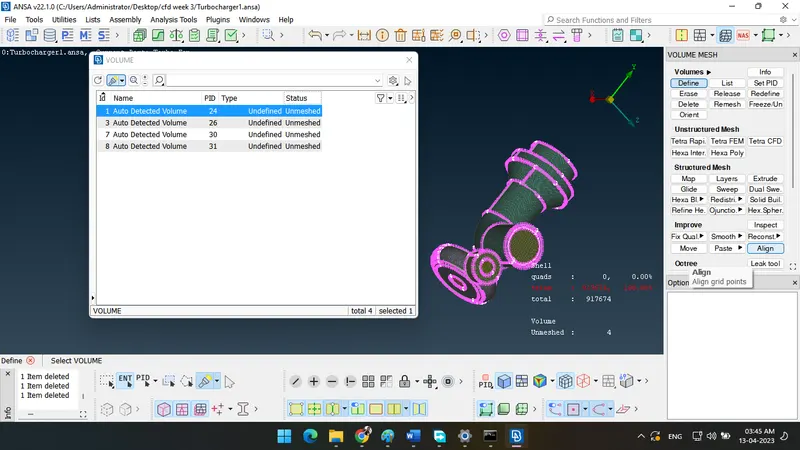
Create remesh and choose tetra cfd mesh option
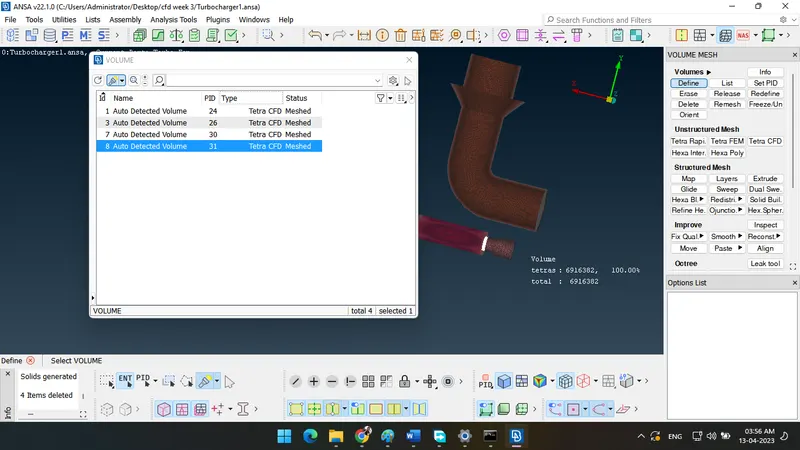
Result: - Tetra CFD mesh as shown in figure
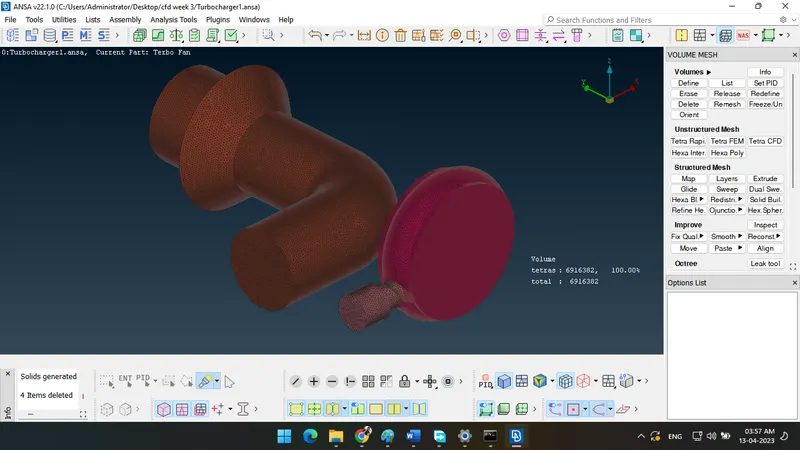
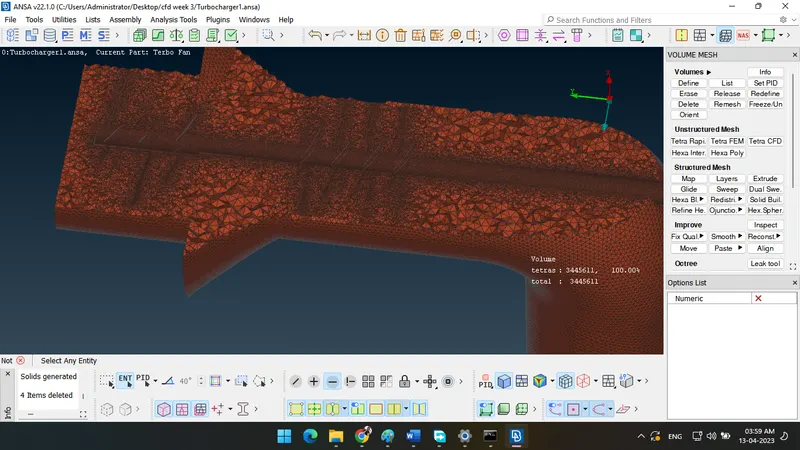
Learning outcomes: - Only desire area convert in to a volume mesh.