Week 3 Challenge : CFD meshing on Turbocharger
AIM
To check for the geometrical errors to make appropriate volumes analysis and create and assign PIDs and to perform surface mesh with the given target lengths as per PIDs and do the Volumetric meshing
OBJECTIVE
-To learn and experience the GUI of the ANSA software and the features provided by the software for the domain of Computational Fluid Dynamics .
- to learn about the features of the design like hot points,cons ,cut sections and the commands like or,and,not used to isolate the surfaces of the design for the study .
-To learn about cons like single,double and triple cons and their role in the design and their effect in the meshing of the surface
-Learning the use of features under faces command and how it is used to rectify the surface errors present in the given design and to make the surface close for getting a perfect surface meshing of the given specimen.
-learn to use hot points command to remove and assist a proper surface generation
-learn how to use properties command and how to remove overlapping surfaces
-learn about the various checks used for finding error before meshing
-use of transform,project commands
-learn how to annalyse the design in various aspects before meshing
-learn about command like loop for selecting of surfaces
-learn about assigning PIDS
-learn how to checks errors in meshing for triple cons and how to rectify it
-learn how to do volumetric mesh and to define the given design
-learn about various aspects of meshing
INTRODUCTION
ANSA is an advanced multidisciplinary CAE pre- processing tool that provides all the necessary functionality for full-model build up, from CAD data to ready-to-run solver input files, in a single integrated environment.It has its world wide usage and known for its user interfaces for solving and modellign. It provide the user wide range of features under a single intregated system .
turbocharger (often called a turbo) is a forced induction device that is powered by the flow of exhaust gases.It has a compressor and an exhaust gas turbine,it is used to increase the air intake of IC engines
PROCEDURE
- Open the model in ANSA.
- Have a visual inspection of the image
- We have to remove the overlap surfaces from the design in order to have a proper volumetric meshing
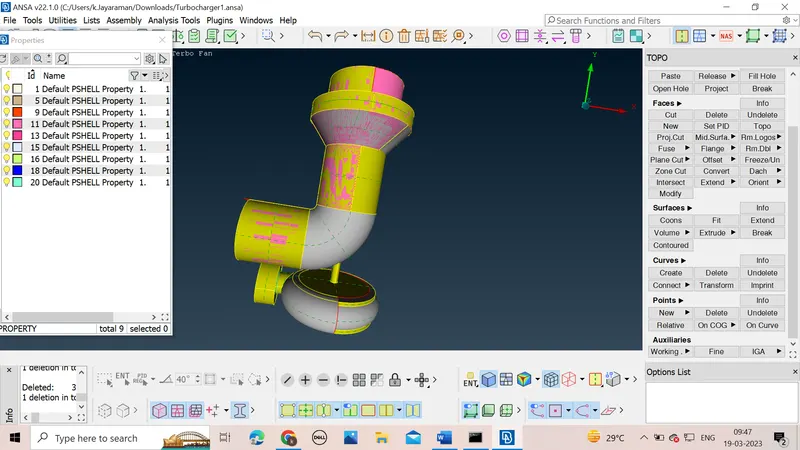
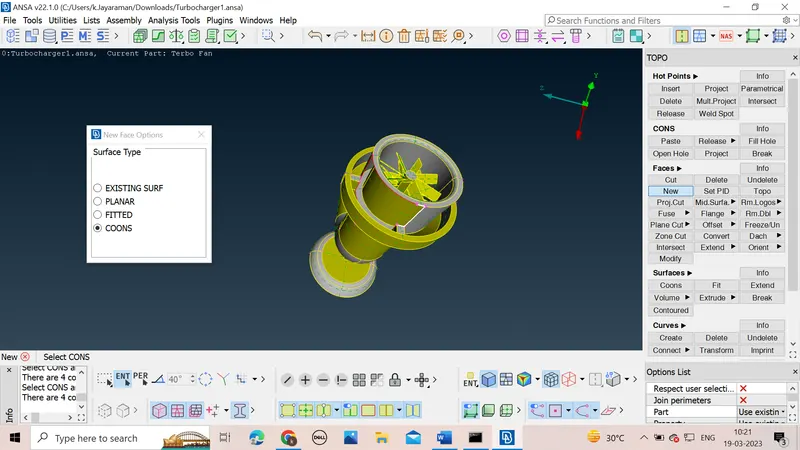
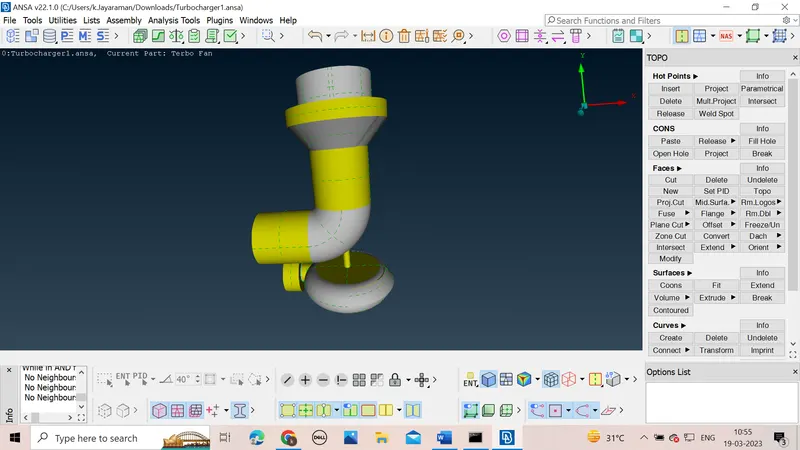
- For this we will first delete the unwanted surfaces overlapping
- In the design we will see the overlapped surfaces region like mix of colours representing two overlapping surfaces
- For removing the overlapping surfaces we can use the delete command to delete the surface
- For Deleting we can use different selection methods like PID region ,pid loop.
- We should make the cross edges visible.
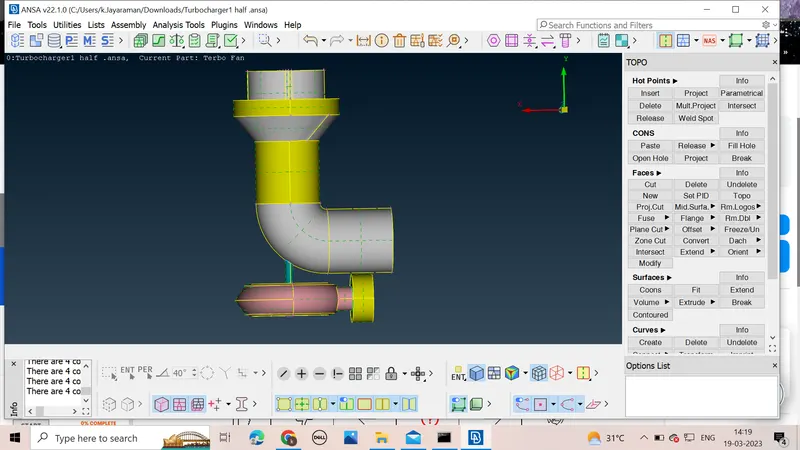
- After clicking the conmand we can use PID Region command to select the overlapped surfaces and delete it
- We delete all the overlapped surfaces one by one by selecting the suitable selection methods
- After deleting all the overlapped surfaces we will have a geometric check to see if any single cons are present in the design or not
- If single cons are present we will patch surfaces by using methods learnt in the previous seasons of ANSA
- In the design we notice that in some single cons we have to creat new hot points in order to patch new surfaces .
- After completing this check for triple cons present
- Check if the triple cons are needed or not
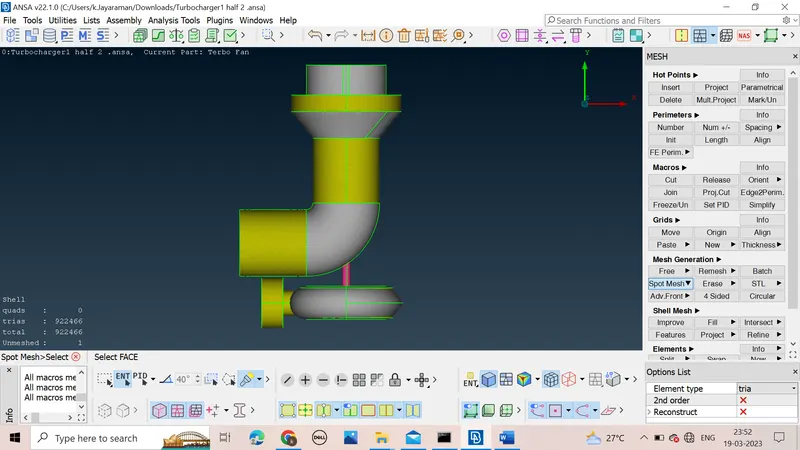
- There is some glitch in the shaft connected with one another,we can delete the overlapping surfaces by using the command project under cons to project the con ,one the con is genearate it can be refined by using the command fine
- After that we can delete the overlapping shaft
- After generating the cons we can delete the overlapping pink surfaces by using the delete command .
- After removing the overlapping surfaces we will start to assign PID to various parts of the design depending on the question statement
- We can assign it by using properties command from where we can apply PID to the parts by using apply command
- We will assign the shaft Pid to both the shaft so that behave like a single part
- After assign the PID we will again check for any Overlapping surfaces,single cons,geometric checks,topo and the design should be closed from all the sides
- We will design the shaft as a single large part for volumetric meshing
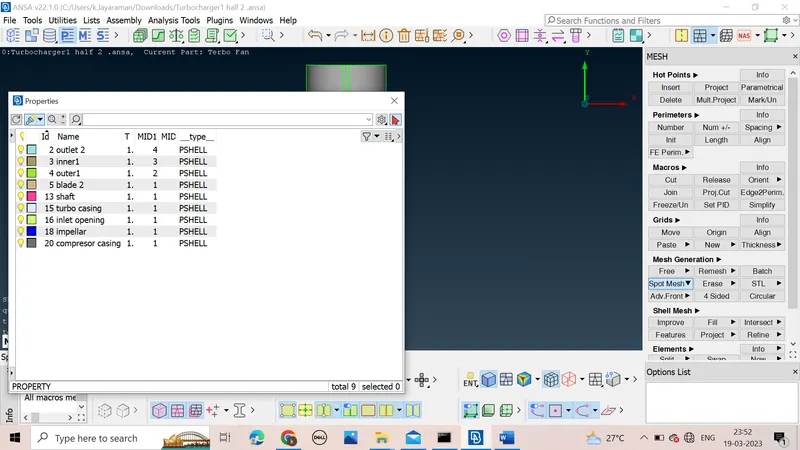
- After that we will start with meshing
- We will assign the PID for all the elements
- We will assign the parameters for all the PID and initiate meshing
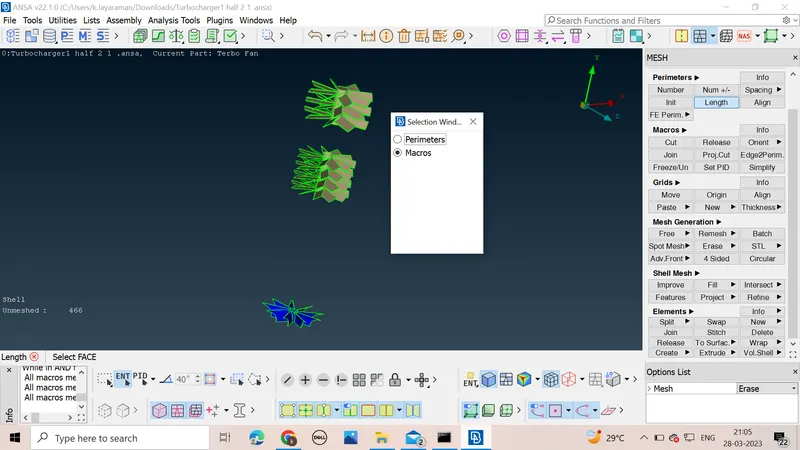
- After completing meshing for all the parts we will go with volumetric meshing
- We will select define from volumes command to analyse the design and find the list of volumes
- after getting the volume list ,we will delete the unwanted volumes from the list
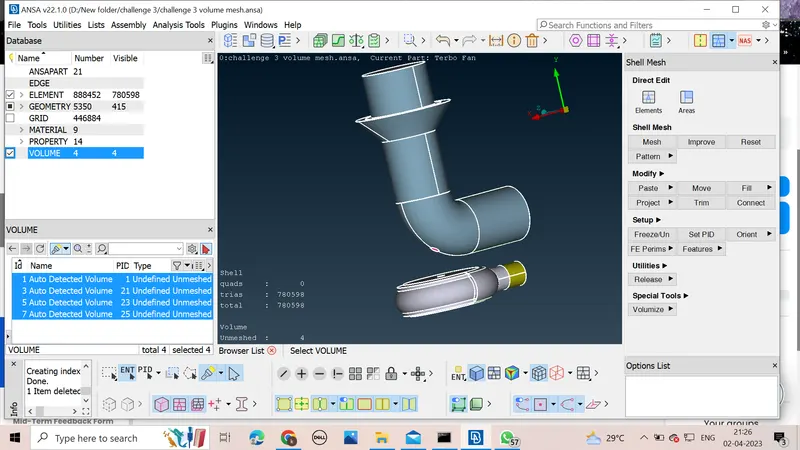
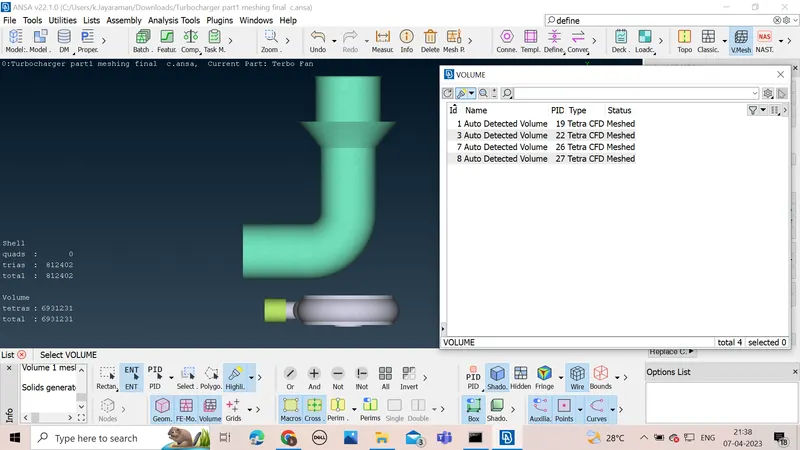
- we will start to mesh each of the volume using tetra CFD mesh
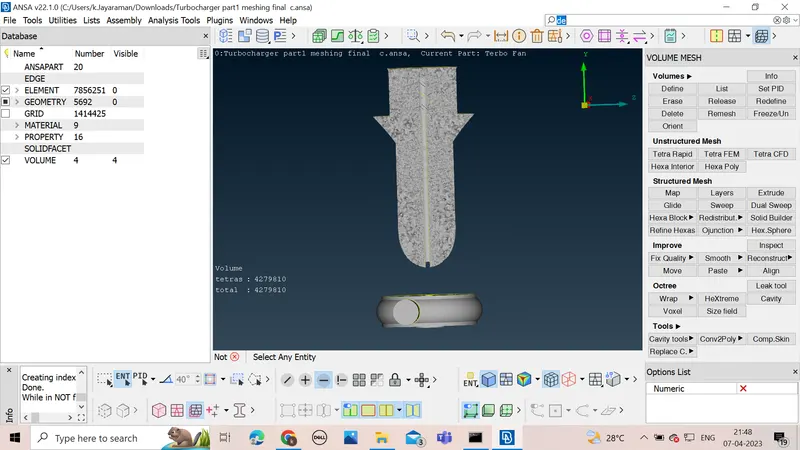
we will mesh all the volumes available and complete the assigned task and annalyse the result
LEARNING OUTCOMES
*got a experience of the GUI of ANSA software
*learnt how to remove errors in surface by adding hot points and cutting sections using cut for meshing under TOPO command
*learn how to use geometric checks for the given design and how to clear the errors present in the design
*learn how to generate new faces and patching up of holes and other unsurfaced error
*learn how to assign properties to different surfaces of the given design and colours to them
*learnt how to set length parameter for the mesh
*learnt how to input mesh parameters for a proper meshing
*learn about volumetric meshing and the conditions to be full filled before volumetric meshing
*learn about many new commands
*learnt about different Mesh Generations available in ANSA
RESULT
The given task was completed and all the paprameters were fullflied and the volumetric meshing of the design was completed and was submitted and a great learning was experienced and a great deal of challenge
CONCLUSION
The great learning experience was provided by this challenge and it was completed
(the design is not being uploading due to website error in the website for my challenge ,so can i know how to submit the file )