Week 2 Challenge : Surface meshing on a Pressure valve
AIM -To complete surface meshing of the given specimen that is design of a turbocharger by annalysing the geometrical errors,topology cleanup and surface meshing of the specimen with different target length as mentioned in the task.
OBJECTIVE
-To learn and experience the GUI of the ANSA software and the features provided by the software for the domain of Computational Fluid Dynamics .
- to learn about the features of the design like hot points,cons ,cut sections and the commands like or,and,not used to isolate the surfaces of the design for the study .
-To learn about cons like single,double and triple cons and their role in the design and their effect in the meshing of the surface
-Learning the use of features under faces command and how it is used to rectify the surface errors present in the given design and to make the surface close for getting a perfect surface meshing of the given specimen.
-learn to use hot points command to remove and assist a proper surface generation
-learn how to use properties command and how to remove overlapping surfaces
-learn how to annalyse the design in various aspects before meshing
- surfacing meshing the specimen under differnet set of condition of target length,quality, type and other parameters used for meshing at different target length
-learn about command like loop for selecting of surfaces
-learn how to checks errors in meshing for triple cons and how to rectify it
INTRODUCTION
ANSA is an advanced multidisciplinary CAE pre- processing tool that provides all the necessary functionality for full-model build up, from CAD data to ready-to-run solver input files, in a single integrated environment.It has its world wide usage and known for its user interfaces for solving and modellign. It provide the user wide range of features under a single intregated system .
turbocharger (often called a turbo) is a forced induction device that is powered by the flow of exhaust gases.It has a compressor and an exhaust gas turbine,it is used to increase the air intake of IC engines
PROCEDURE
*Check all the system requirements are fullfiled for the software
*Open the given design of turbo charger in the ANSA software for the annalysis.
*Have a rough veiw of the Model and check it for errors by veiwing the Model
*before doing surface meshing we should ensure that the surface error is not present in the model for doing a perfect surface meshing
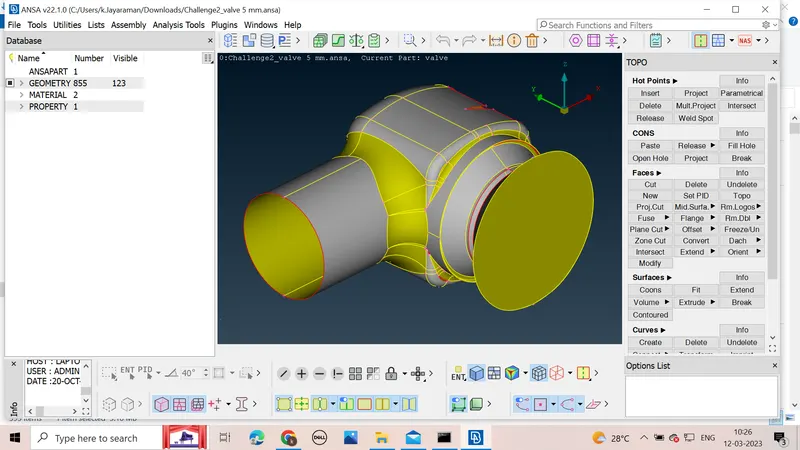
*First we should annalyse the errors in the given design by using geometric check under checks command which analyze the design for the given parametres.
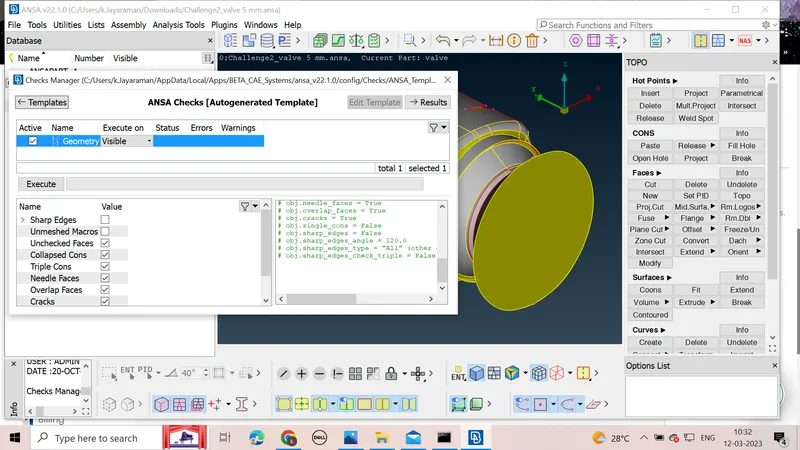
*After the check we can see the list of errors in the design ,there are many single cons present in the design which have to be changed to double cons for the volumetric mesh as for it closed surface is required .
*By clicking the error we can see where errors are located in the given specimen and we can solve these errors
* For solving the errors related to single cons we have to touch up the surface to remove it
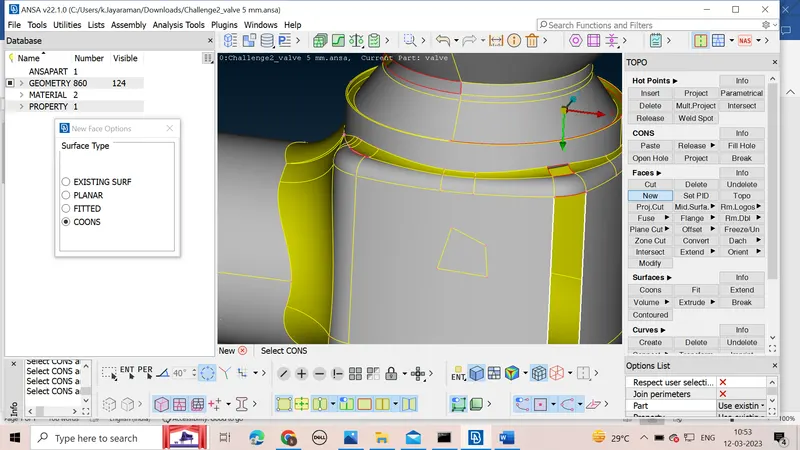
*We can use commands under Faces command to stich the surfaces
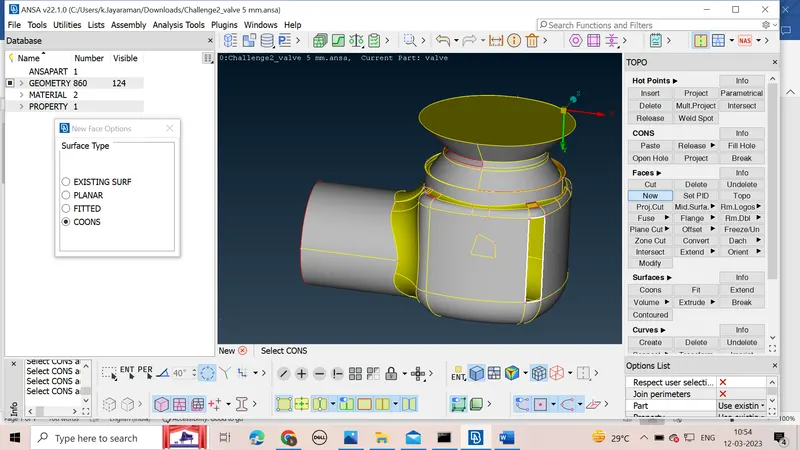
*We can use new under faces command to patch up the surface to remove single cons
*Under the new we have many options ,we can select one which give us a good surface output
*We have to select the single cons which we have to patch we can do that by using option loop present below which select all the cons which are connected with the selected single cons
*We can use fill hole command under cons to patch up holes in the given design
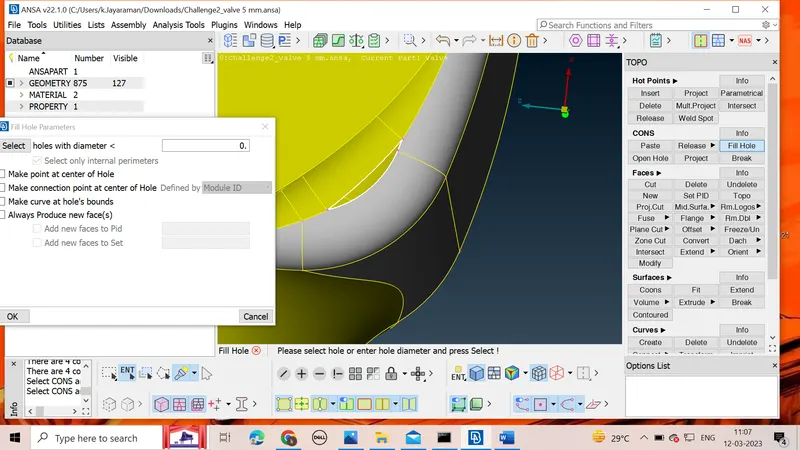
*After completing the patching of surface then we move to next part of patching where we have to insert hot points for patching due to uneven length of cons which results in different surface generation.
After completing all the patching we will again run geometric check again to make sure that there are no errors
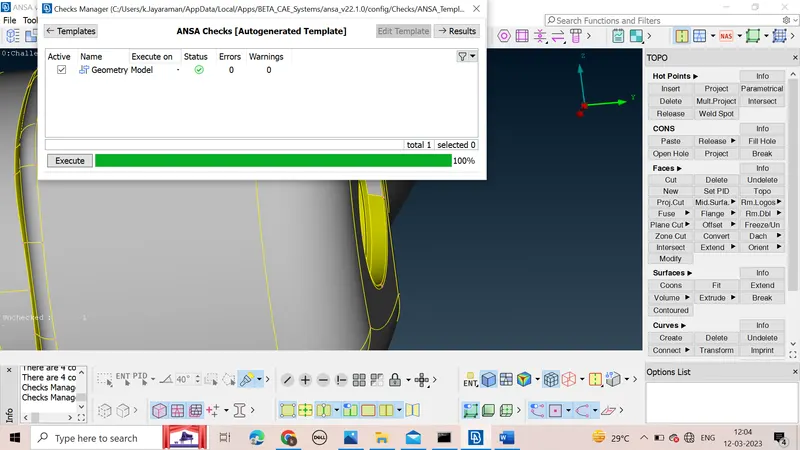
*Check all the triple cons present and check if it is needed or not
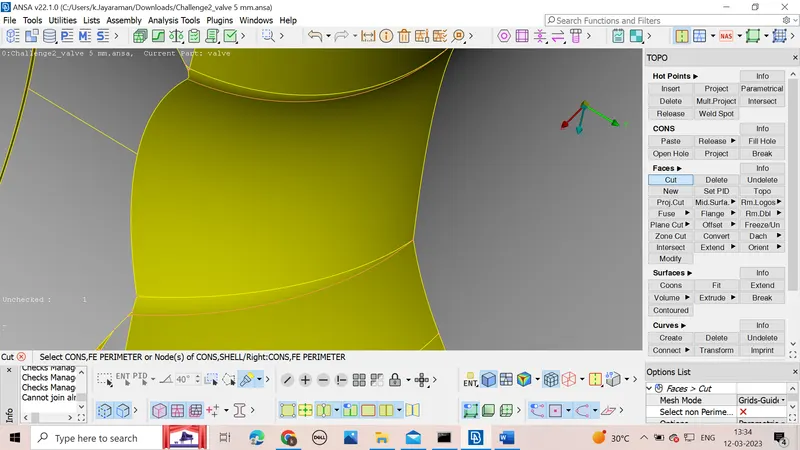
*Remove the lines which create very small surfaces using command cut to have a proper surface meshing
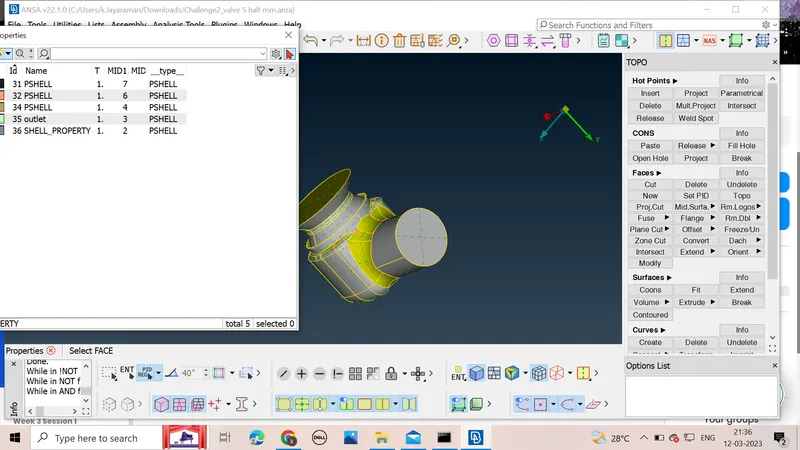
*after this we under properties will assign names to the different surfaces present in the design and assign different colours to it
*We can then check for overlappig surfaces and remove it before meshing
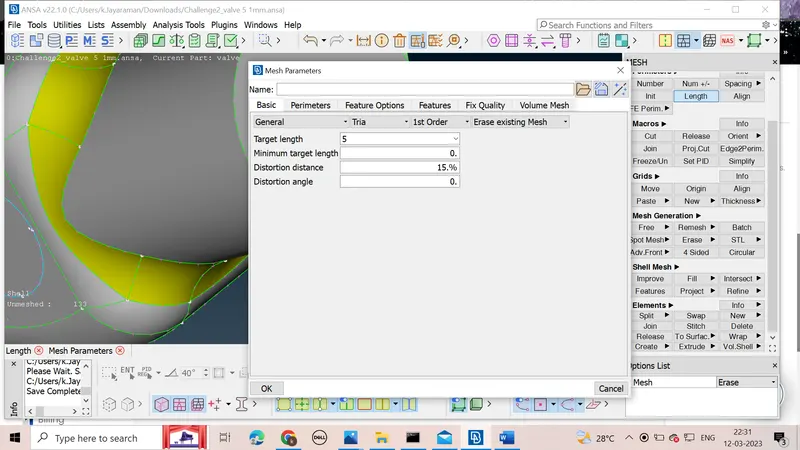
*After that we have to give mesh parameters which can be given using the command in mesh parameters,target length ,type of mesh using various command available below mesh parameters
*After setting the parametrs we can use command Spot mesh to mesh our design surface
CASE 1
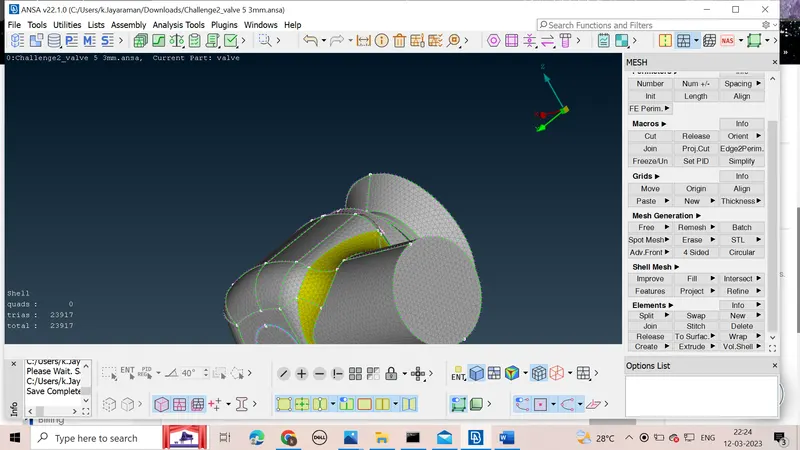
when target length is 3mm
case 2
when target length is 1mm
At target length of 1mm we see that the meshing is very fine which will increase the accuracy of the results of meshing as there are many nodes generated
case 3
when target length is 5mm
*save all the surface mesh results and annalyse the results
LEARNING OUTCOMES
*got a experience of the GUI of ANSA software
*learnt how to remove errors in surface by adding hot points and cutting sections using cut for meshing under TOPO command
*learn how to use geometric checks for the given design and how to clear the errors present in the design
*learn how to generate new faces and patching up of holes and other unsurfaced error
*learn how to assign properties to different surfaces of the given design and colours to them
*learnt how to set length parameter for the mesh
*learnt how to input mesh parameters for a proper meshing
*learnt about different Mesh Generations available in ANSA
RESULTS
For the given design of turbocharger the annalyses based on the geometric checks was undertaken and the errors were solved using the various commands available in the ANSA Software .The Meshing of the suraface was completed for the given three conditions of target length that is 1mm,3mm,and 5mm, 1mm mesh was most fine and was of higher accuracy due to availability of nodes in large number which increases the accuracy