Week 3 Challenge : CFD meshing on Turbocharger
CFD meshing on Turbocharger
Aim: To perform CFD meshing on Turbocharger.
Objectives:
- To check for the geometrical errors to make appropriate volumes of the given module.
- To create and assign PIDs .
- To perform surface mesh with the given target lengths as per PIDs.
- To perform volumetric mesh for the required volumes.
Given target length:
- Blade stage-1 = 1 mm
- Blade stage-2 = 1 mm
- Impeller = 2 mm
- Shaft rotor = 1 mm
- Turbo casing = 5 mm
- Compressor casing = 5 mm
- Inlet casing cover = 5 mm
Procedure:
1.Open the given model in ansa.
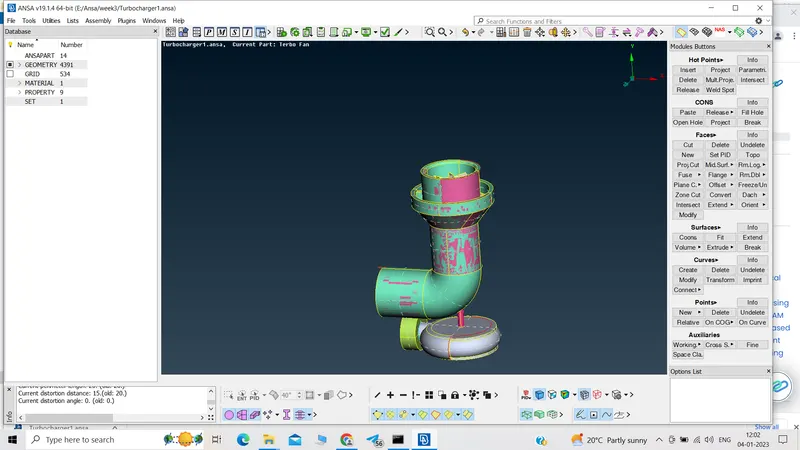
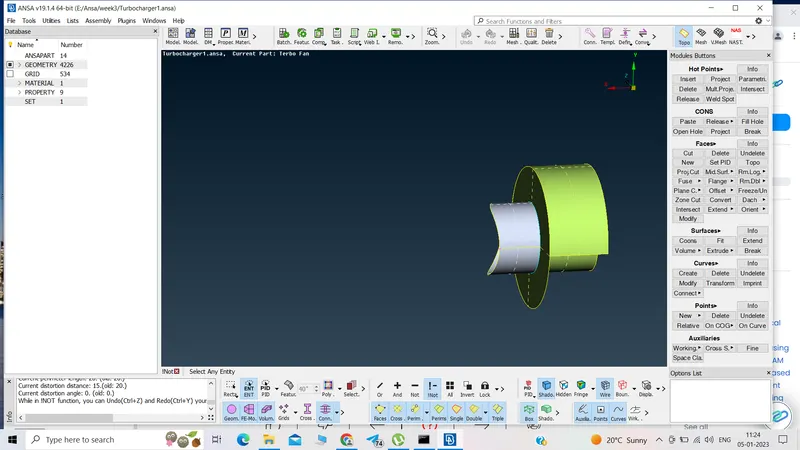
2.Clear the mixed surfaces.
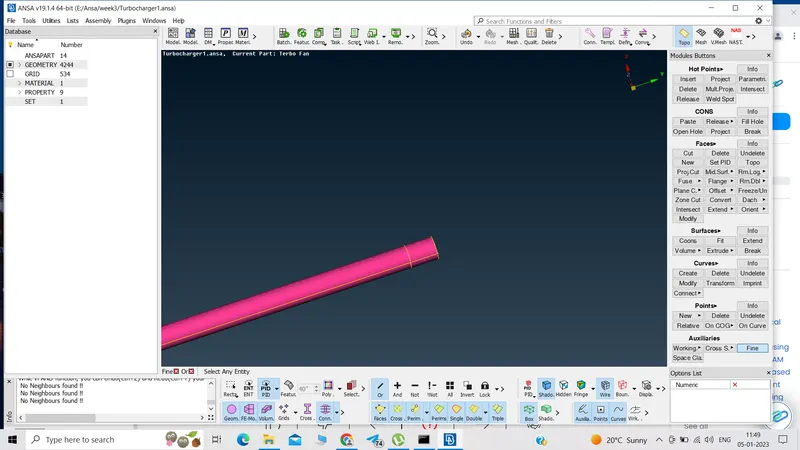
Delete the pink surface by
choosing universal delete
selecting pink crossedge
selecting PID region
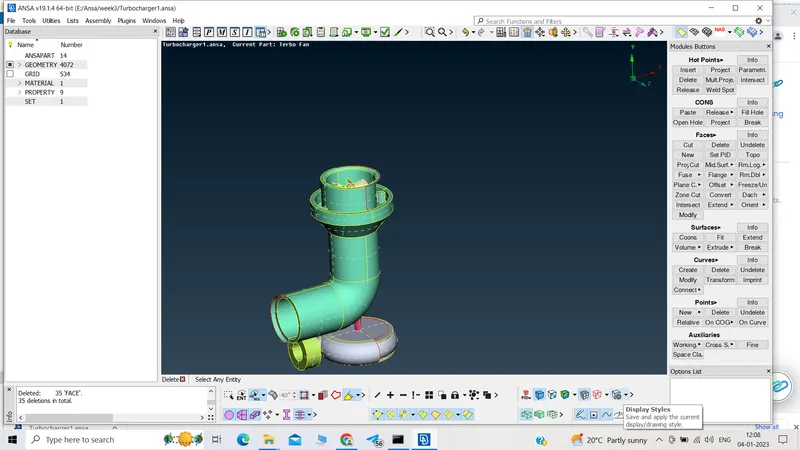
Delete the extended surface by selecting entity
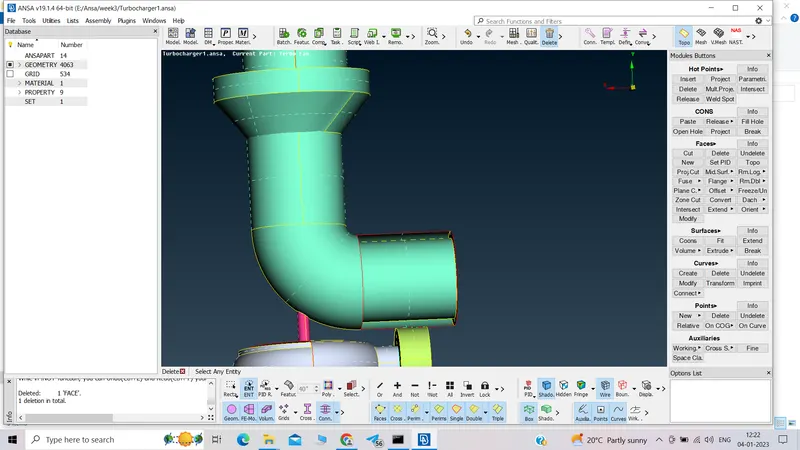
3.Create the missing surfaces.
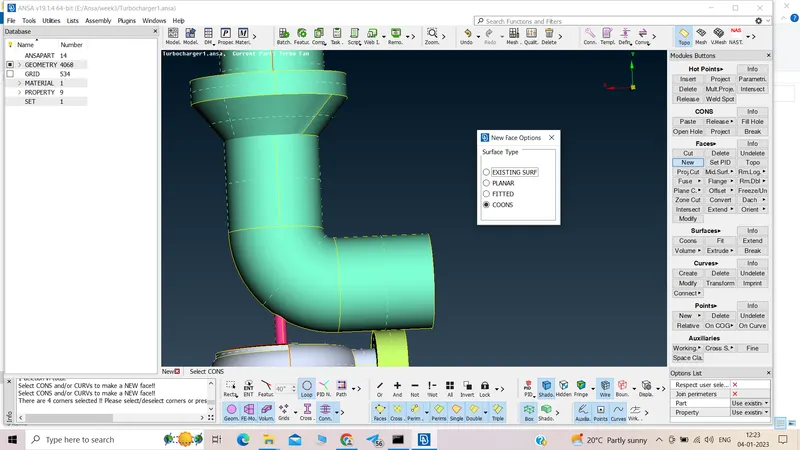
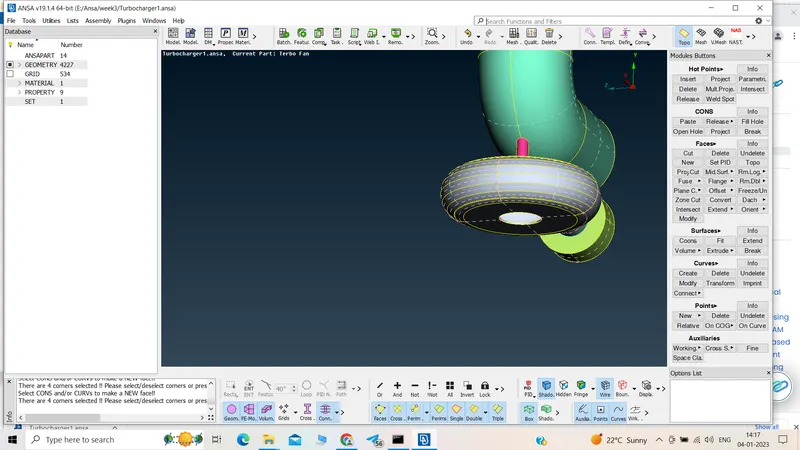
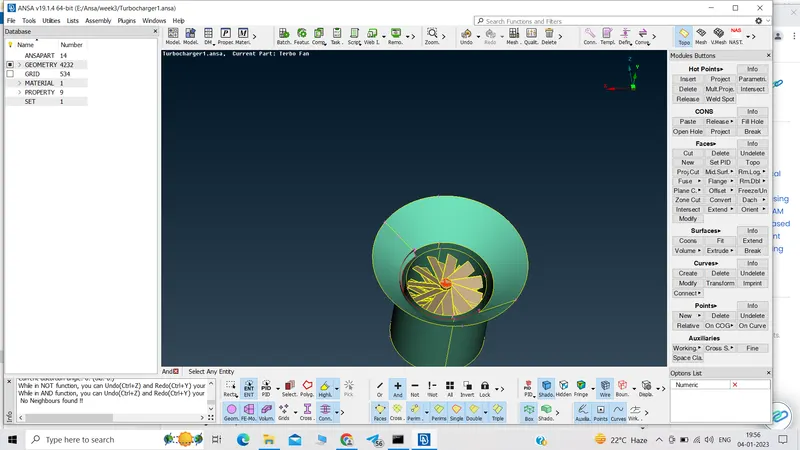
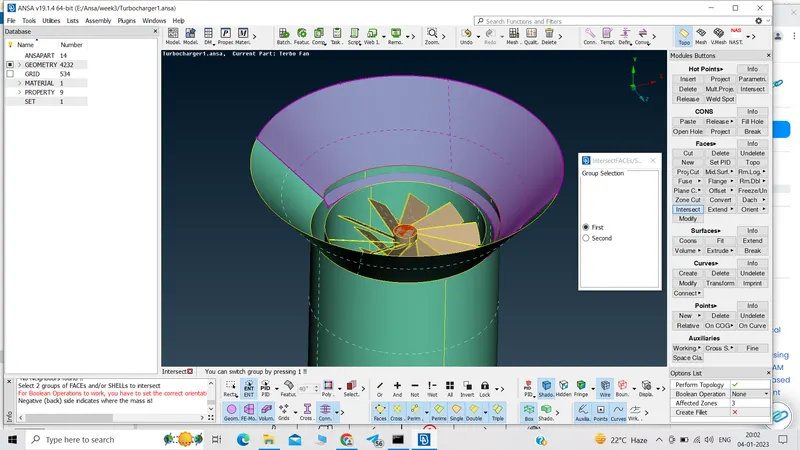
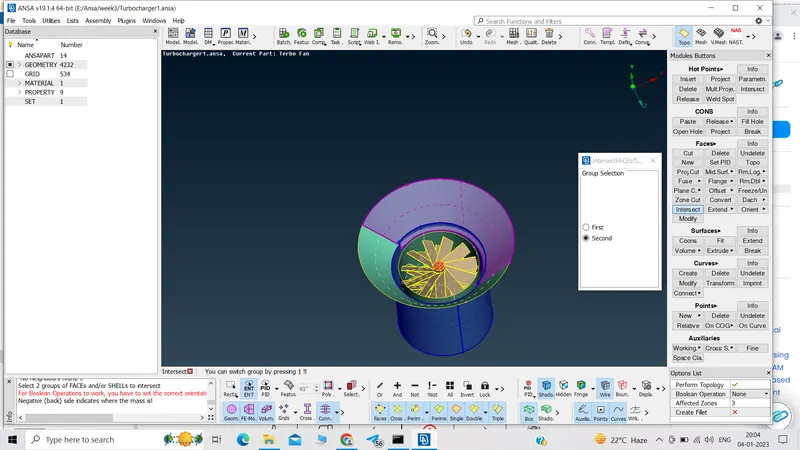
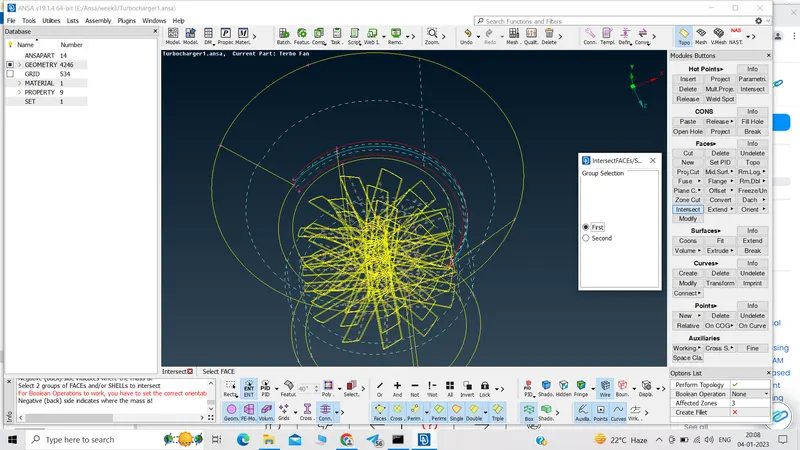
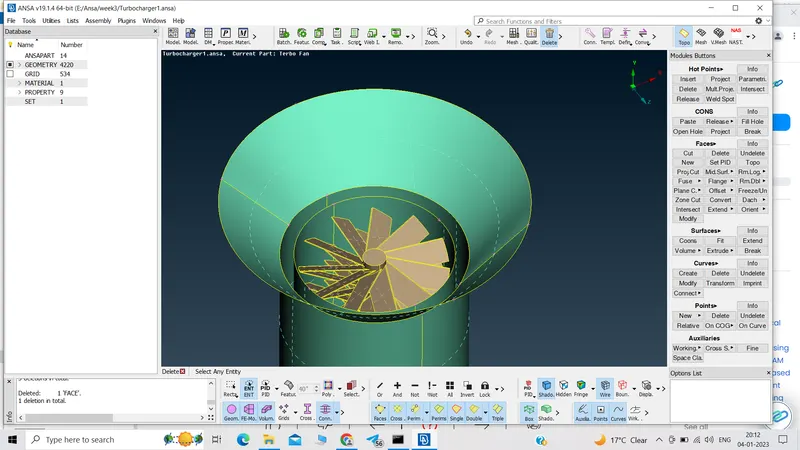
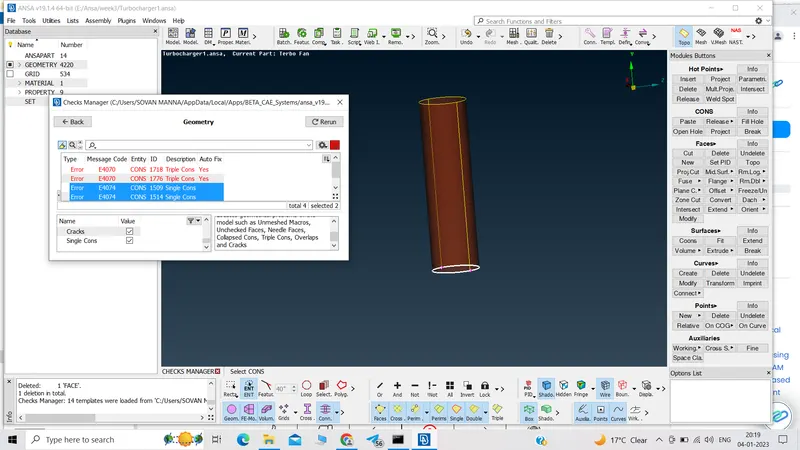
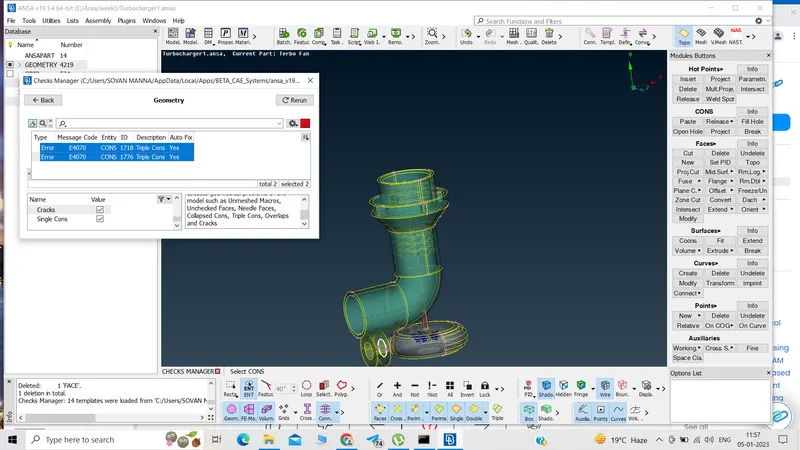
4.Perform geometry check.
Solving single cons using topo
Solving triple cons:
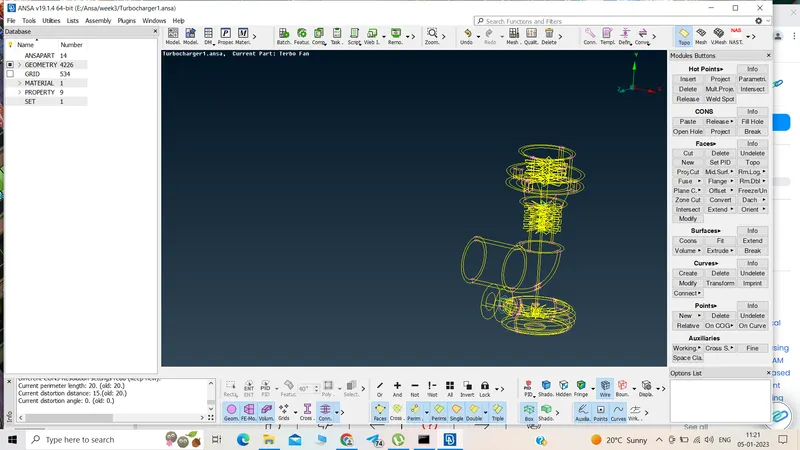
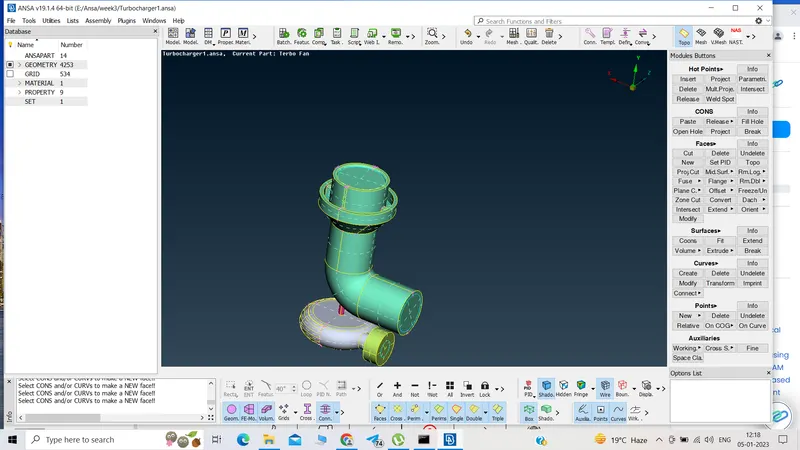
5.Closing the turbocharger
6.Checking,renaming and assigning new PIDs.
deleting unwanted PIDs
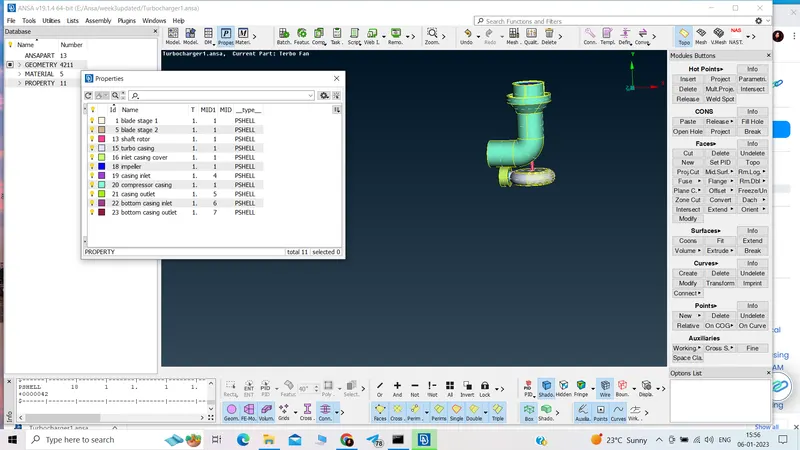
7.Surface meshing:
Use different target length for different component.
- Blade stage-1 = 1 mm
- Blade stage-2 = 1 mm
- Impeller = 2 mm
- Shaft rotor = 1 mm
- Turbo casing = 5 mm
- Compressor casing = 5 mm
- Inlet casing cover = 5 mm
FOR target length 5mm
min length:3 mm
max length:7 mm
FOR target length 2mm
min length:1 mm
max length:3 mm
FOR target length 1mm
min length:.5 mm
max length:2 mm
Mesh property,quality criteria should be given accordingly.
Length permimeter and macro should be given accordingly.
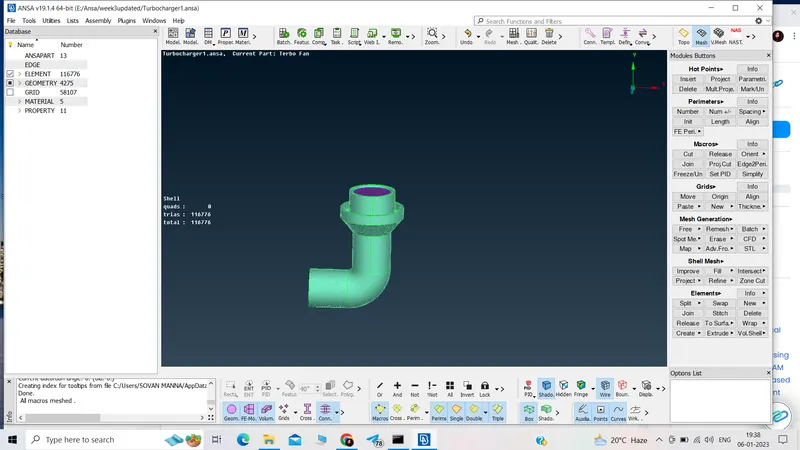
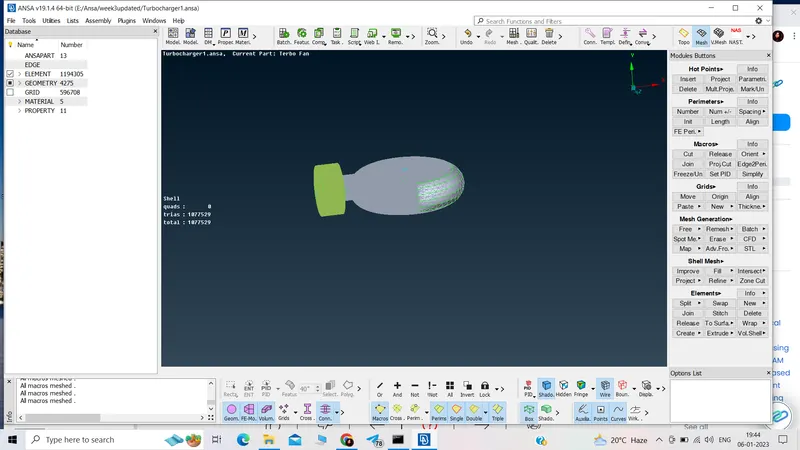
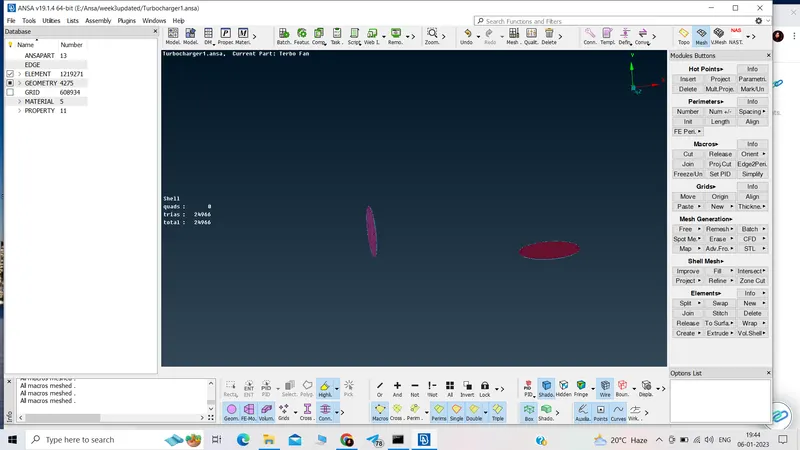
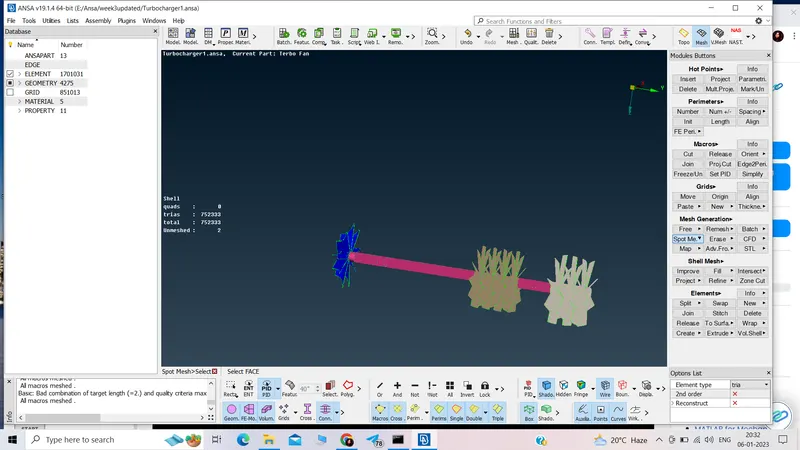
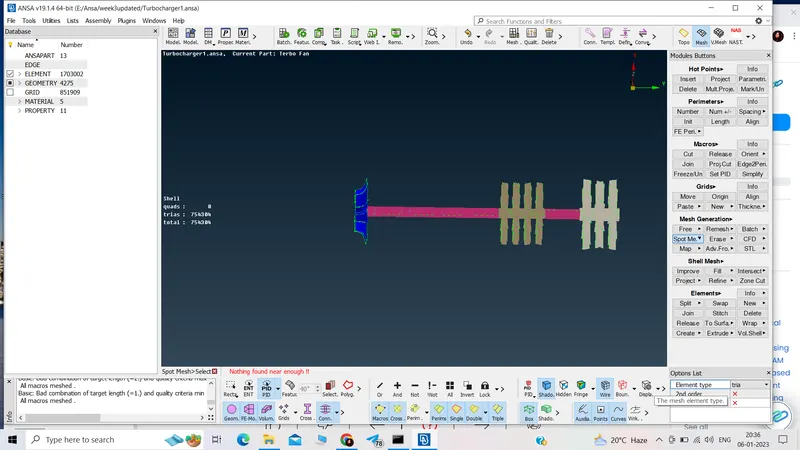
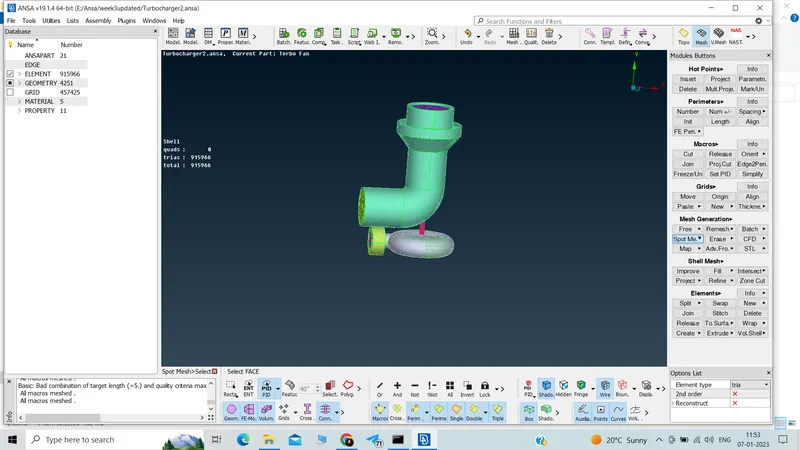
8.Volumetric meshing:
- Volume
- Define
- Autodetect
- List
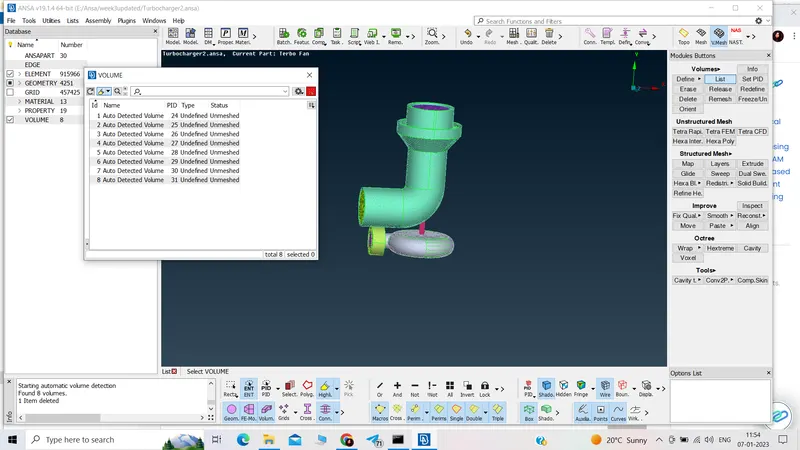
- Delete thickness volume
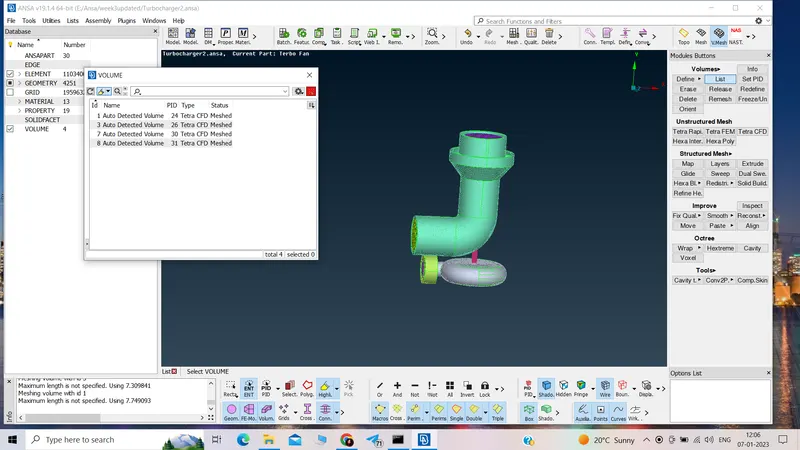
- Remesh with tetra CFD
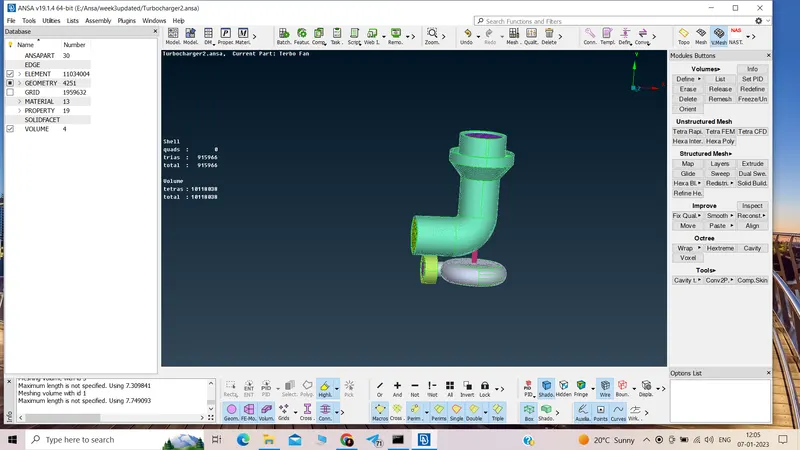
- Volumetric mesh done.
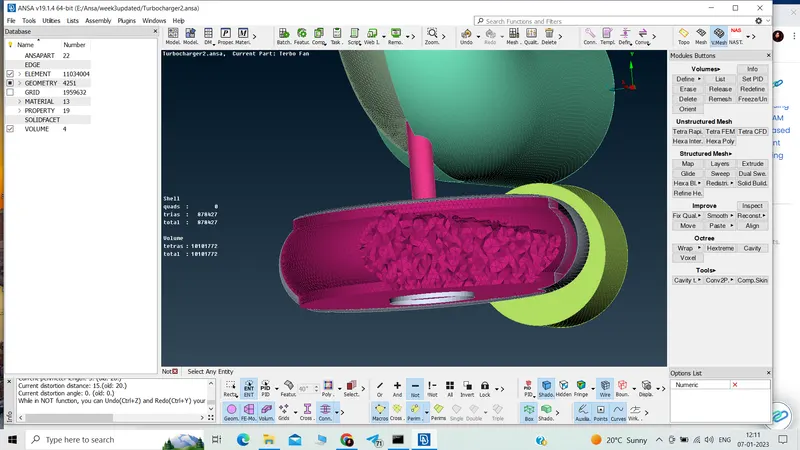
Ansa model link:
https://drive.google.com/file/d/1YYgiKTGjF_gcjadRO1QWySj24bFpUQHe/view?usp=share_link
Learning outcome:
- topo cleanup
- geometry check
- surface mesh
- creating PIDs
- volumetric mesh
Result:
Surface meshing trias 915966 and volumetric meshing tetras 10118038
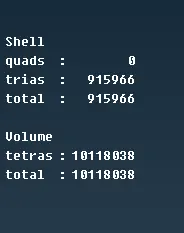
Conclusion:CFD meshing of turbocharger has performed successfully.