Week 2- 2R Robotic Arm Challenge
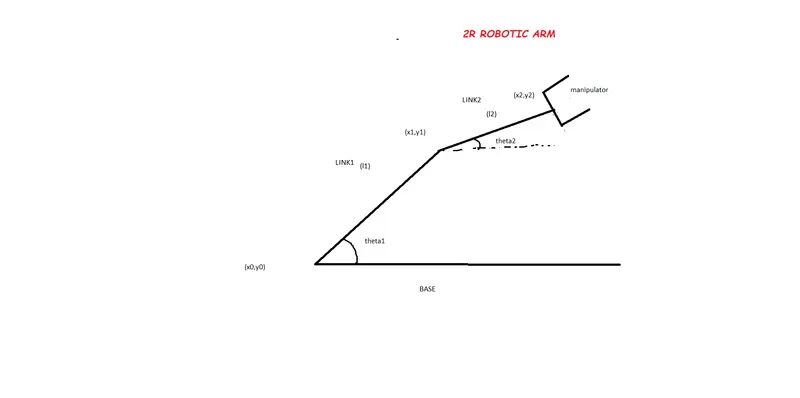
FINAL PROGRAMME
% Forward kinematics of a 2R Robotic arm
clear all
close all
clc

% inputs
%link1link2
l1=1
l2=0.5
%angle
theta1=linspace(0,90,20)
theta2=linspace(0,90,20)

ct=1
for i=1:length(theta1)
THETA1= theta1(i)
for j=1:length(theta2)
THETA2=theta2(j)

x0=0
y0=0

x1=l1*cosd(THETA1)
y1=l1*sind(THETA1)

x2=x1+l2*cosd(THETA2)
y2=y1+l2*sind(THETA2)

%Plotting

plot([x0 x1],[y0 y1],[x1 x2],[y1 y2],'linewidth',2)
axis([-0.1 1.5 0 1.5])
pause(0.05)
M(ct)=getframe(gcf)
ct=ct+1
end

end
movie(M)
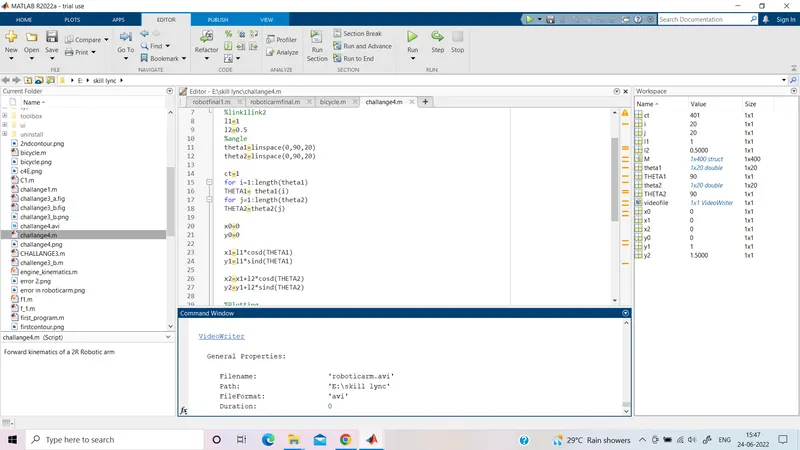
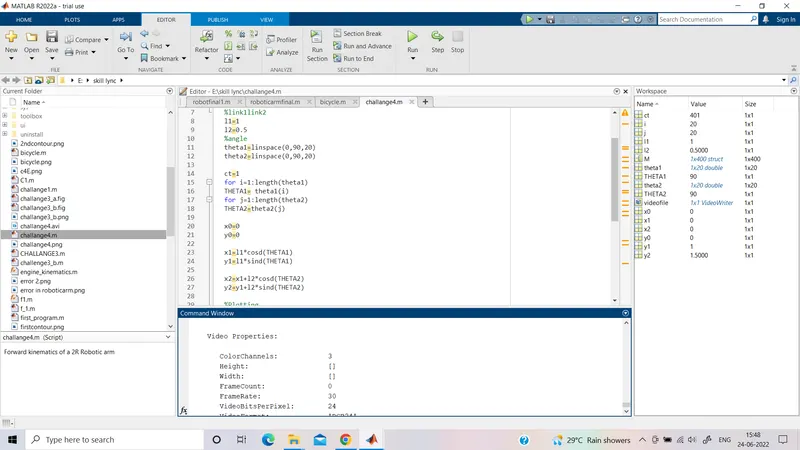
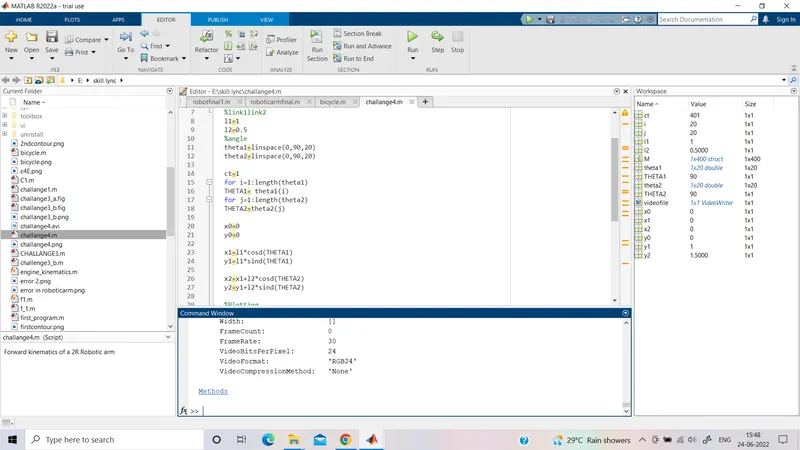
videofile=VideoWriter('roboticarm.avi','Uncompressed AVI')
open(videofile)
writeVideo(videofile,M)
close(videofile)
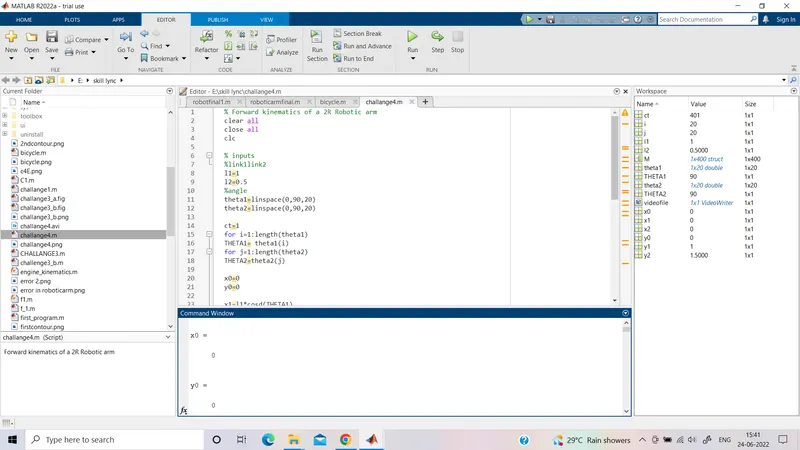
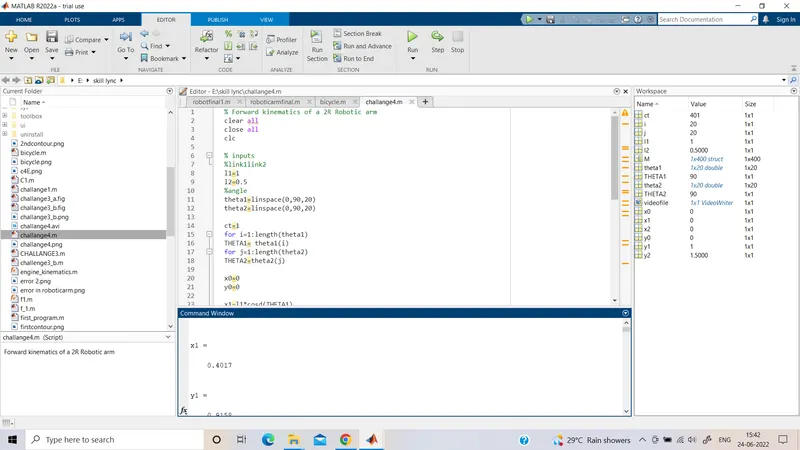
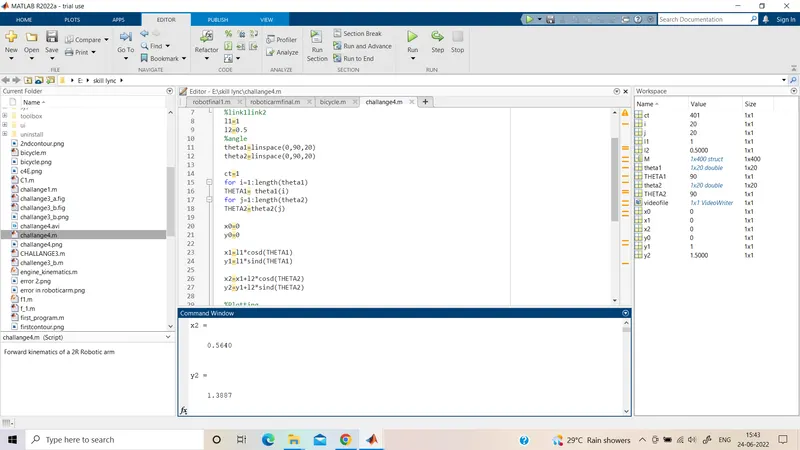
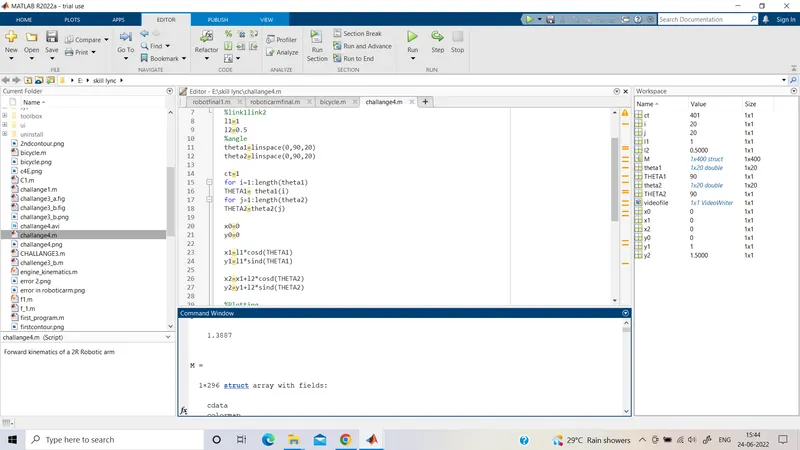
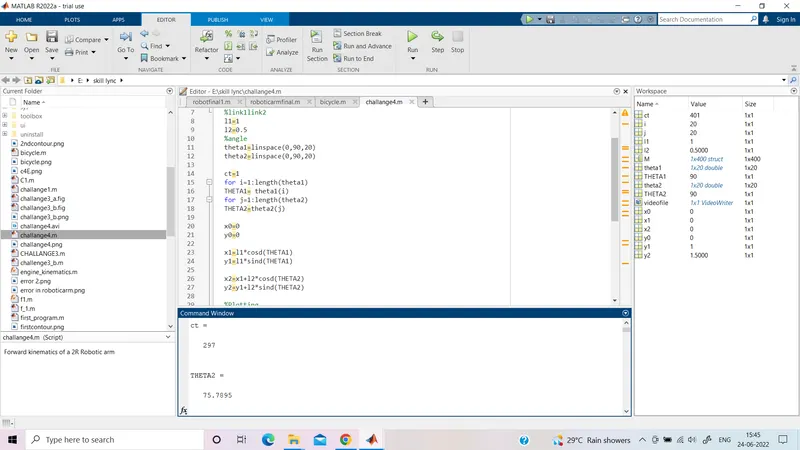
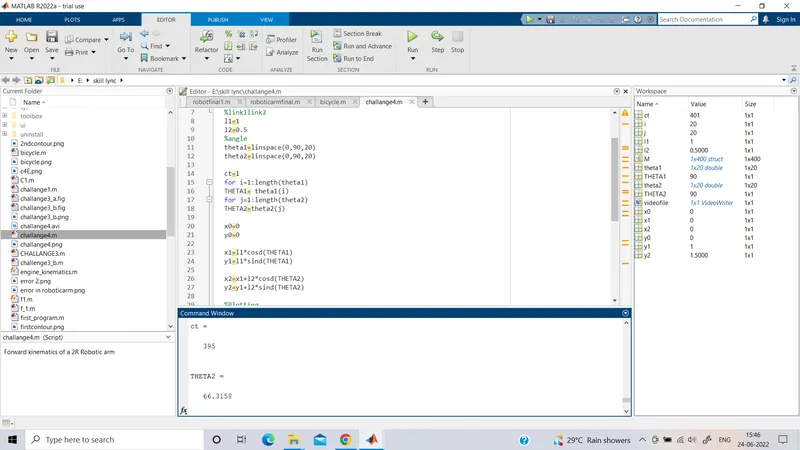
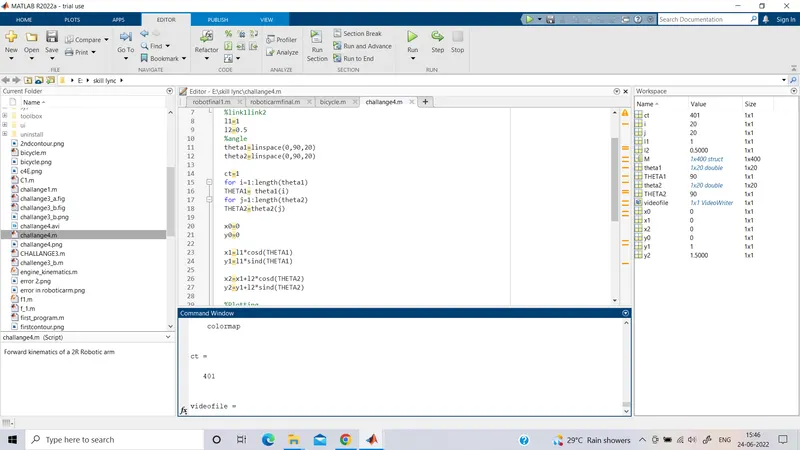
To write the program to simulate the forward kinematics of the robotic arm:
STEP-I Clear all (to clear all the stored data to a variable, close all (to close all Matlab fig. window),clc (to clear the command window) commands are used.
A suitable program name is given
STEP-II Inputs are given
link1,link2
l1=1
l2=0.5
angle theta 1 and theta 2
The values of theta1 and theta 2 are given using linspace command in which the first value represents the start angle, the second point represents the end angle and at last, and the third point represents the number of values between those[in this case it is taken as o to 90( 20 values)].
STEP-III
To vary the angle For-loop command is used.
The value of theta 1 from 1 to i ; the variable assigned THETA1
The value of theta 2 from 1 to j; the variable assigned THETA2
i=1:20
j=1:20
THETA1:particular value(variable)
THETA2:particular value(variable)
Calculating the position of link 1 and link 2
link1(x0,y0 and x1,y1)
where x0=0,y0=0
x1=l1*cosd(THETA1),y1=l1*sind(THETA1)
link2(x1,y1 and x2,y2)
x1=l1*cosd(THETA1),y1=l1*sind(THETA1)
x2=x1+l2*cosd(THETA2),y2=y1+l2*sind(THETA2)
d:degree
*:multiplication
ct (1)is used before for loop
ct : function demonstrates the basic principles of image reconstruction in computed tomography.
STEP-IV
To plot the 2R forward kinematic of the robotic arm plot command is used
The linewidth of 2 is given
Axis is set (-0.1 1.5 0 1.5)
An animated plot with a pause interval of 0.05 has set
STEP-V
To create a movie
just below the pause(0.05) is used and the loop is ended.
M(ct)=getframe(gcf)
getframe command is used to capture the current axes as it appears on the screen as a movie frame
Further, save all the figures in the array called (M)
.avi file is created by using
videofile=VideoWriter('roboticarm.avi','Uncompressed AVI')
open(videofile)
writeVideo(videofile,M)
close(videofile)
animated video file named roboticarm has created.
BASIC PROGRAMMING :
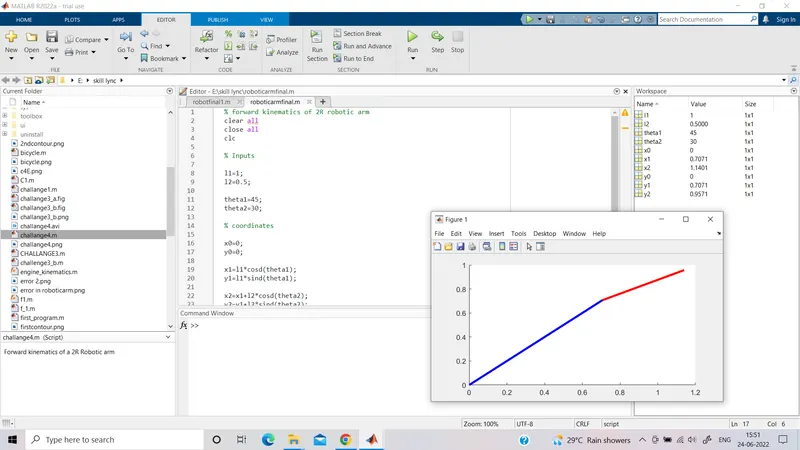
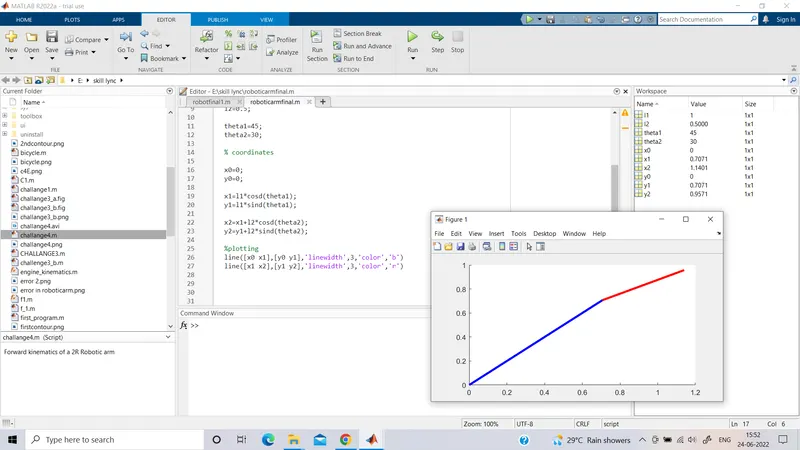
% forward kinematics of 2R robotic arm
clear all
close all
clc
% Inputs
l1=1;
l2=0.5;
theta1=45;
theta2=30;
% coordinates
x0=0;
y0=0;
x1=l1*cosd(theta1);
y1=l1*sind(theta1);
x2=x1+l2*cosd(theta2);
y2=y1+l2*sind(theta2);
%plotting
line([x0 x1],[y0 y1],'linewidth',3,'color','b')
line([x1 x2],[y1 y2],'linewidth',3,'color','r')
STEP-I Clear all (to clear all the stored data to a variable, close all (to close all Matlab fig. window),clc (to clear the command window) commands are used.
A suitable program name is given
STEP-II Inputs are given
link1,link2
l1=1
l2=0.5
angle theta 1 and theta 2
The values of theta1 and theta 2 inputted
STEP-III
the position of link 1 and link 2 inputted
x0=0;
y0=0;
x1=l1*cosd(theta1);
y1=l1*sind(theta1);
x2=x1+l2*cosd(theta2);
y2=y1+l2*sind(theta2);
d:degree
*:multiplication
STEP-IV
plot command inputted with (linewidth 3 color blue and red respectively)
ERROR:1.If line command is used the figure is a bit confusing.
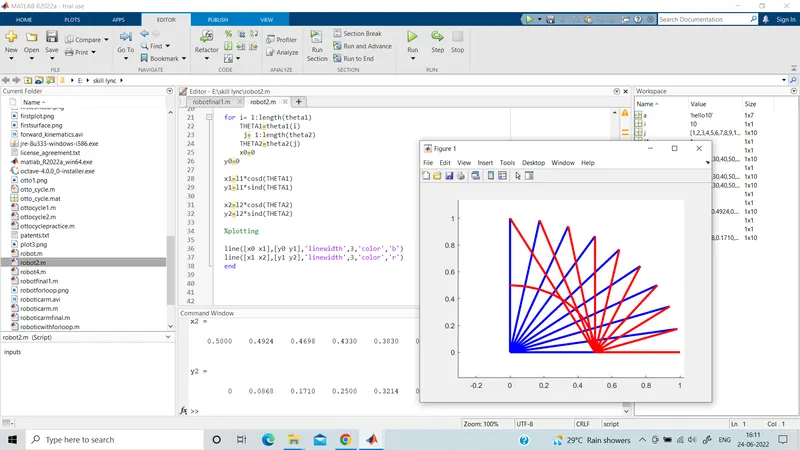
Remedy1:Line command is replaced by plot command.
Error2: in movie (M)
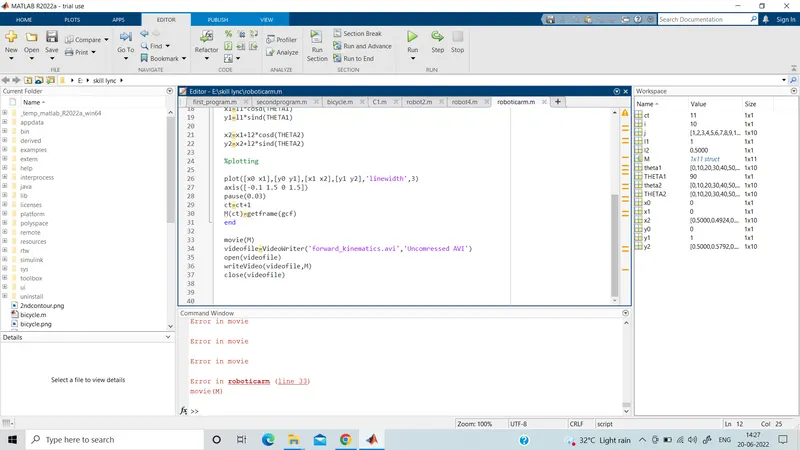
Remedy2:The increment for ct should be given at the end of the for loop, line 29 i.e. ct = ct+1 typed after using getframe command.