Week 3 Challenge : CFD meshing on Turbocharger
## Report
Step A: Geometry Cleanup
1. This CAD file is modelled in the way such that the assembled components are manufactured. This means that there are different types of contacts between the two components. The components may share a common surface. Or if 2 components were press fitted then their surfaces are overlapping.
2. In geometric cleanup, we need to clean such overlapping surfaces, common surfaces and eliminate all single cons.
3. Also we need to make sure that the entire geometry is closed. This given geometry has 4 openings. 2 inlets and 2 outlets.
Hence we need to close them before applying the mesh.
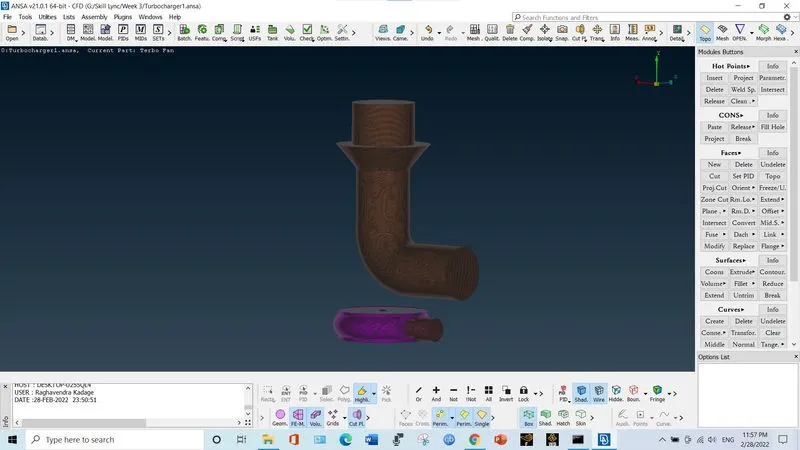
The following image is unclosed geometry.
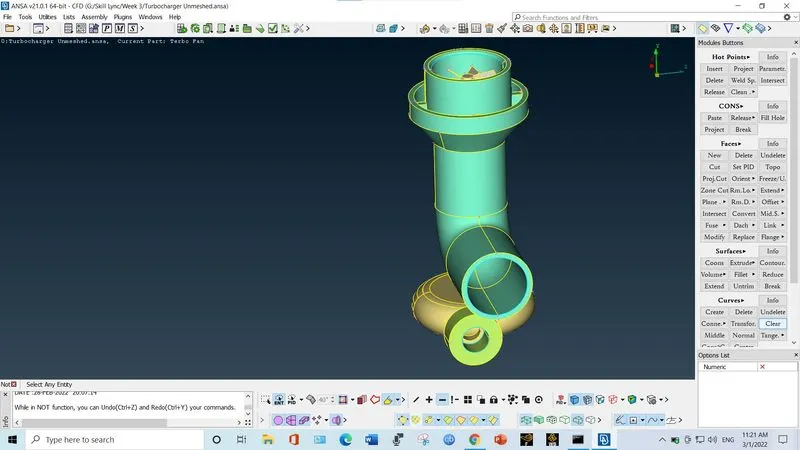
To close geometry create a con at the openings.
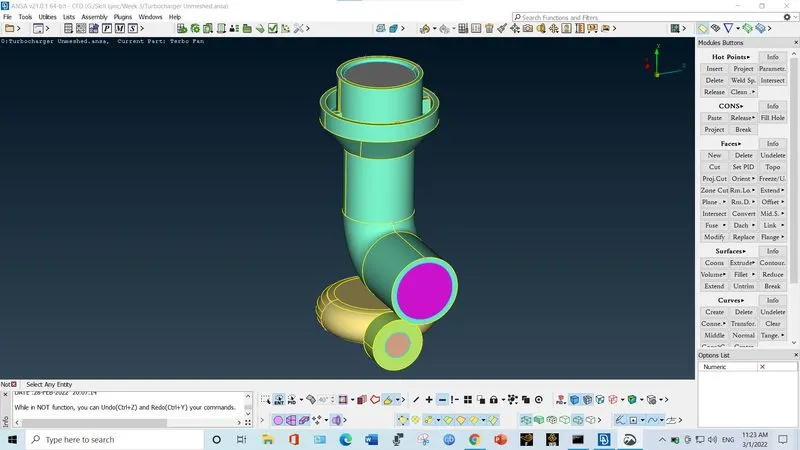
Step B: Apply Surface Mesh
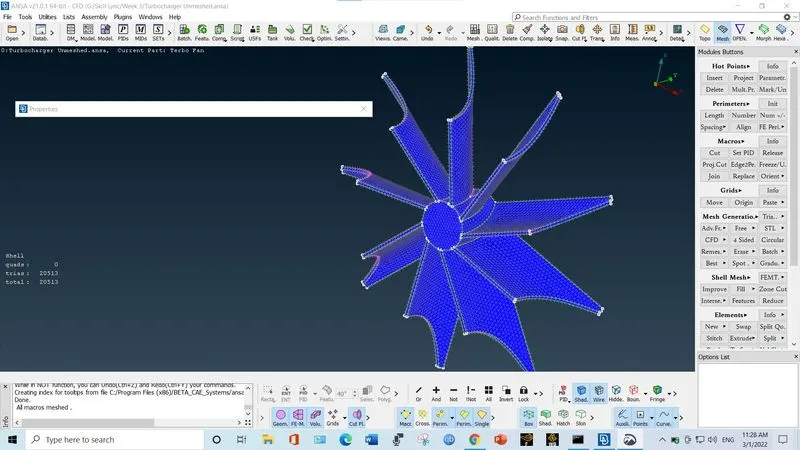
1. Surface mesh on impeller
2. Surface mesh on shaft and blade sets
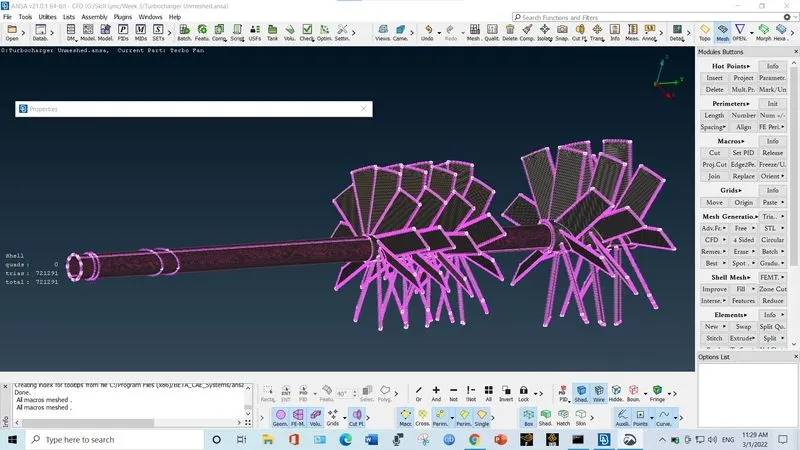
3. Problem in mesh due to different mesh size at interface of impeller and shaft
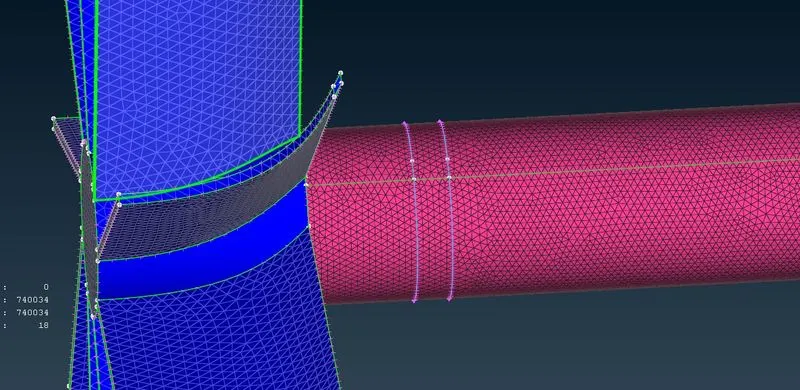
4. Reset the quality and mesh parameters as per the impeller and remesh the impeller
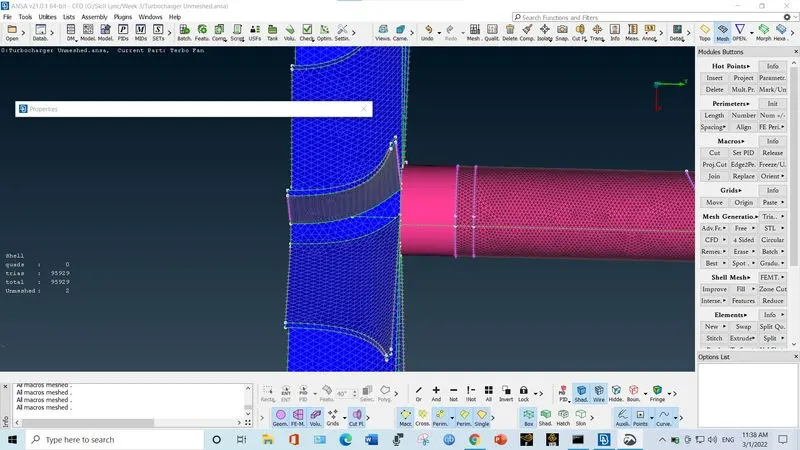
5. Reset the quality and mesh parameters as per shaft and them apply length by perimeter only and again remesh the shaft
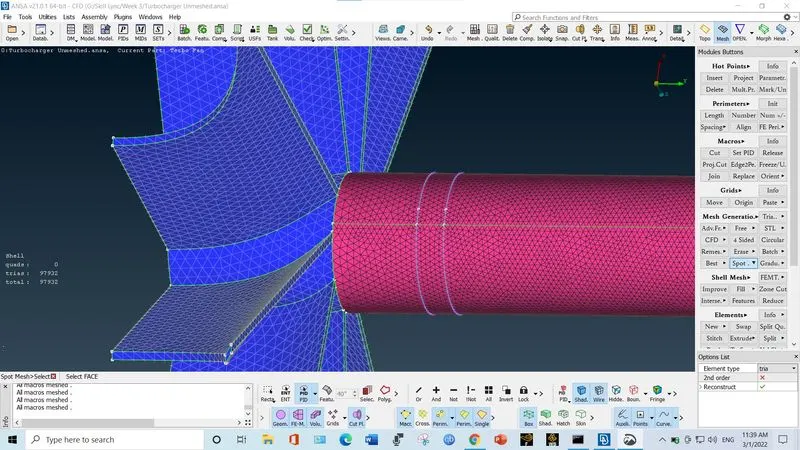
6. The problem at interface between turbine casing and mesh due to difference in mesh size
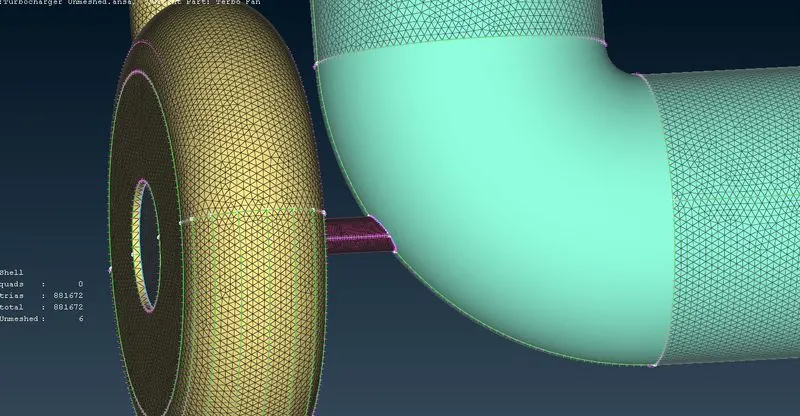
7. Rectify this problem by step 5
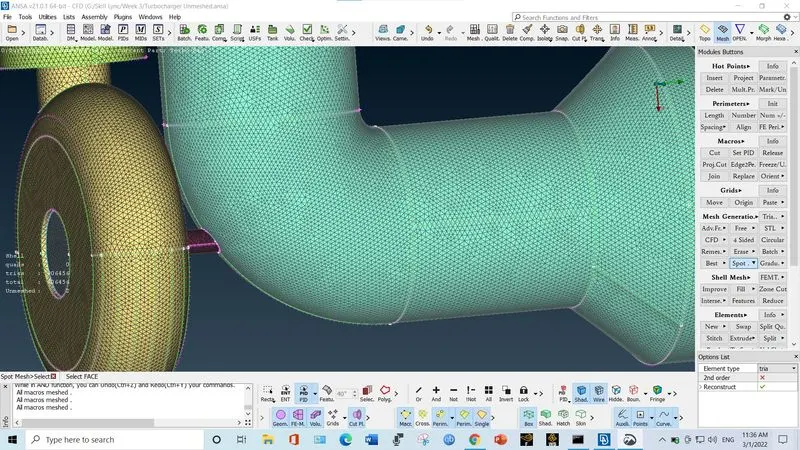
8. Complete Surface mesh
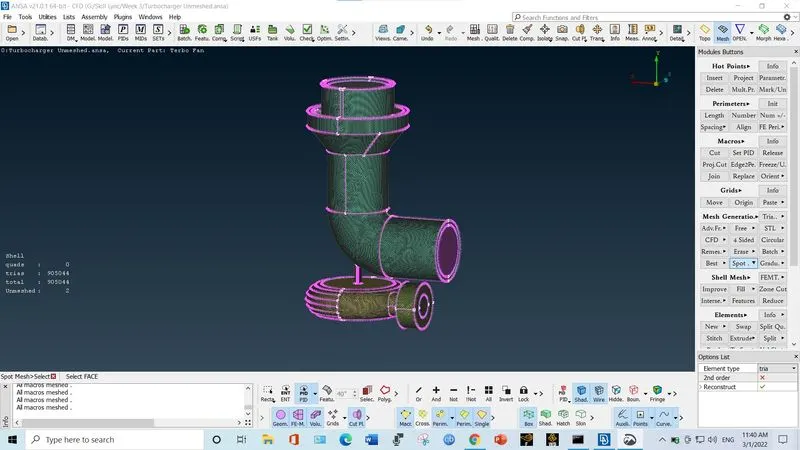
Step C: Volume Mesh
1. Go to volume mesh and click "define volume". And them select auto detect volume.
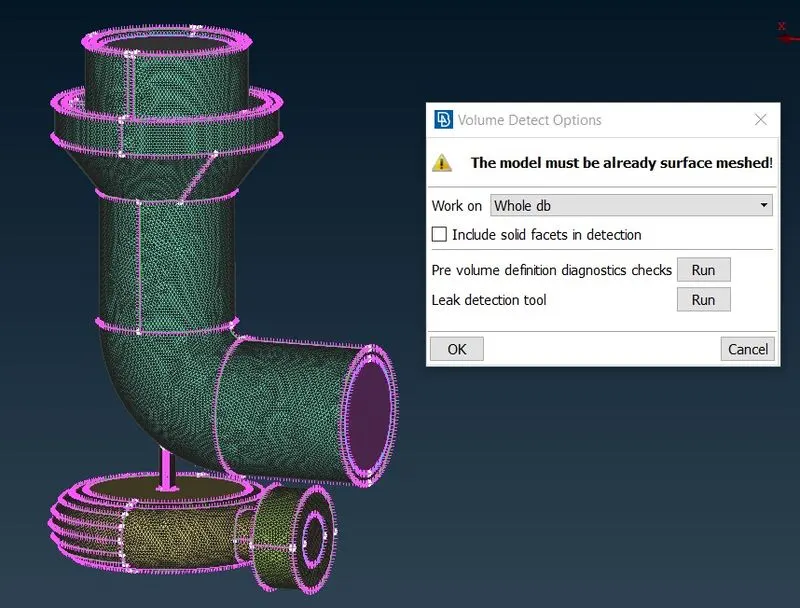
2. The detected volume contains the thickness of actual geometry as well as the volume for the passage of fluid.
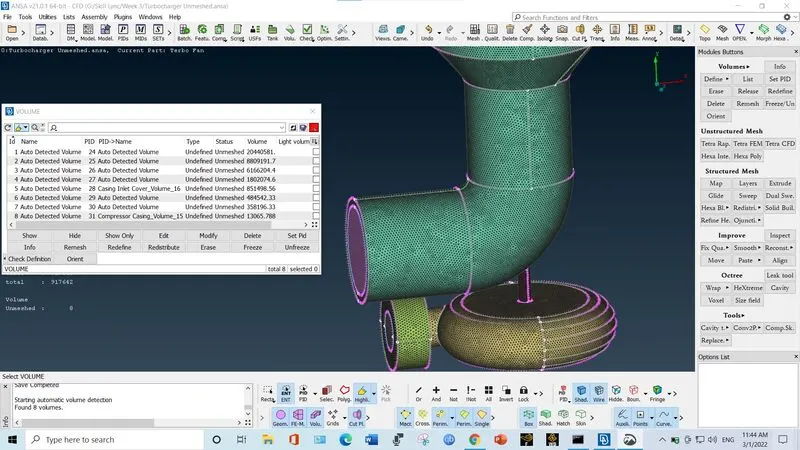
3. Delete those volumes which are by thickness of geometry. After deleting such volumes following model is formed
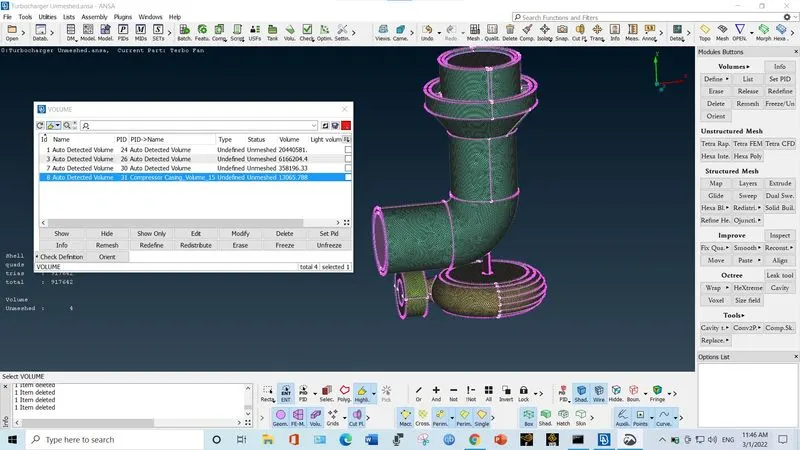
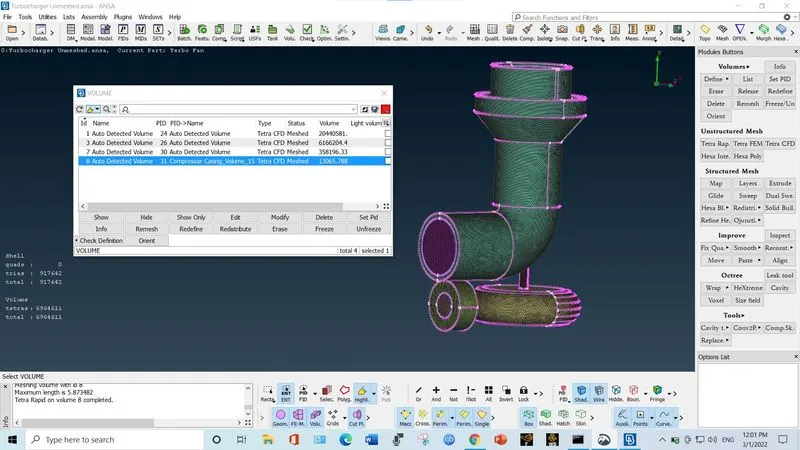
4. Now right clock on "unmeshed" and select "remesh". Them click on "Tetra CFD". The following is the meshed volume
Note: The size of actual mesh file is 428 MB. So I am uploading google drive link. Please download the mesh file to check the mesh.
https://drive.google.com/file/d/1I9vmA4km_8xr9HgthN24KpavUnAu_6SK/view?usp=sharing