Week 3 Challenge : CFD meshing on Turbocharger
Week 3 Challenge : CFD meshing on Turbocharger
AIM: In the given model to check for the geometrical errors ,create and assign PIDs. To perform surface mesh with the given target lengths as per PIDs.
- Blade stage-1 = 1 mm
- Blade stage-2 = 1 mm
- Impeller = 2 mm
- Shaft rotor = 1 mm
- Turbo casing = 5 mm
- Compressor casing = 5 mm
- Inlet casing cover = 5 mm
Then to perform Volumetric mesh for the required volumes.
Procedure
- First impoet the given model.
- Geometry checkup is ruin looking for intersections/overlapping surfaces , single cons, and triple cones.Then each errors are fixed seperately by isolating the surfaces
- Surface is mesh is done with given mesh sizes
- Volumes are detected using Define-> auto detect
- Deleted as they dont have any importance in CFD applications and define the types of mesh required then check the mesh status.
- Then inside volumes are meshed
First import the model from the computer
open>select the location of the file >open
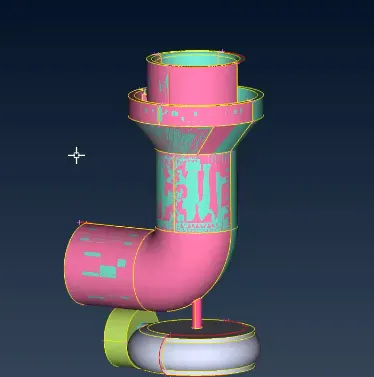 Here we see glitchs on the surface.We need to fix this glitchings.
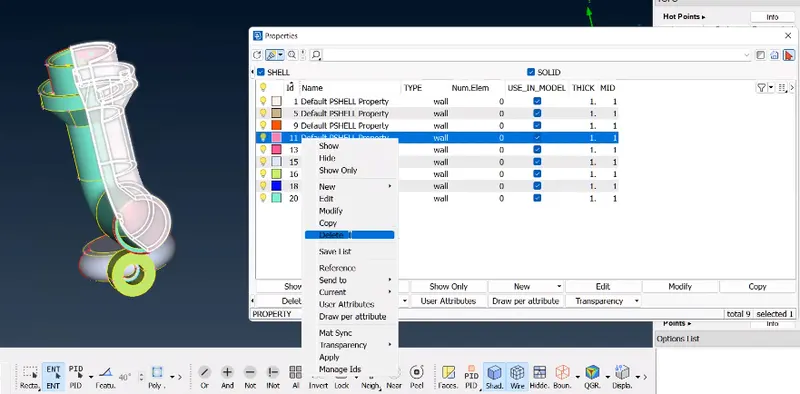
By using the delete tool with PID region we can delete the glitchs.
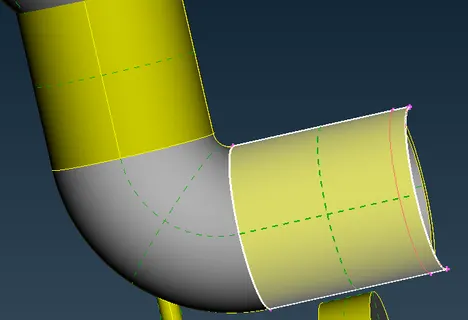
Here we see extraface out . here we delete the face and create once by useig new face option.
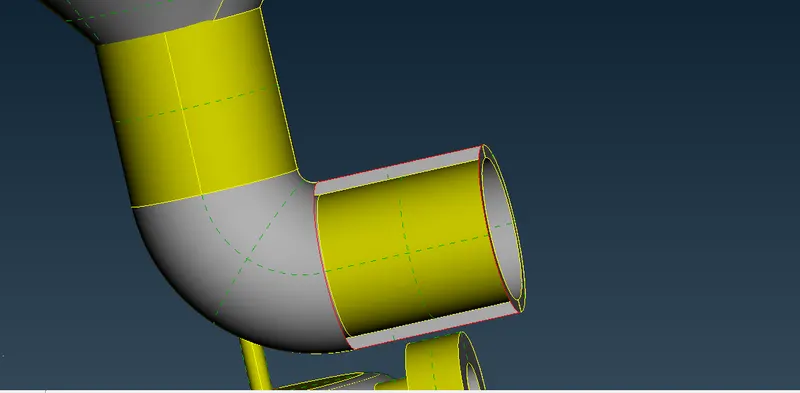
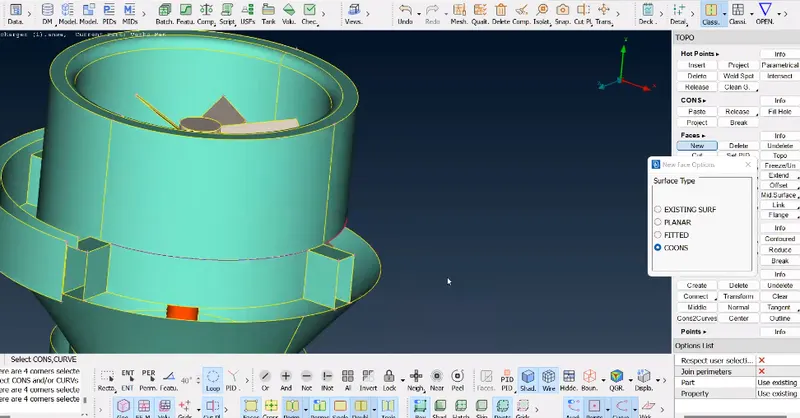
Here we can see the missing face we can create a new face by useing face>new>cone option. Before useing the cone option transmit the curve by useing the curve>transmit.
In the same procedure create all the missing face.
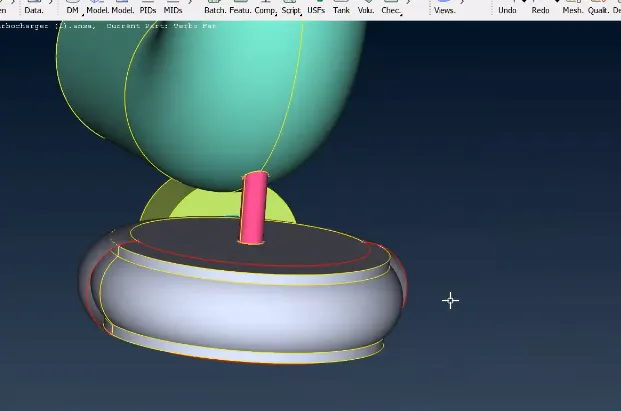
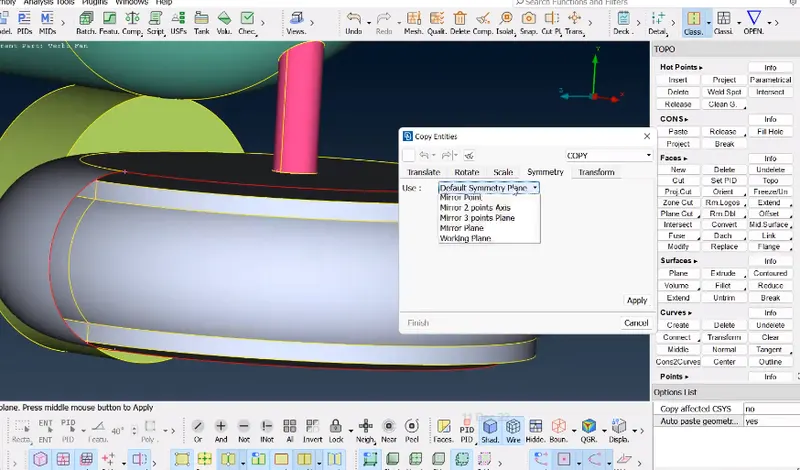
In the above figure we see one side face miss .here we can't create this face by useing the fill hole or new face . here we can use the symetry option which is available Transfer>copy>symetry option.
Then check the gemotrical error
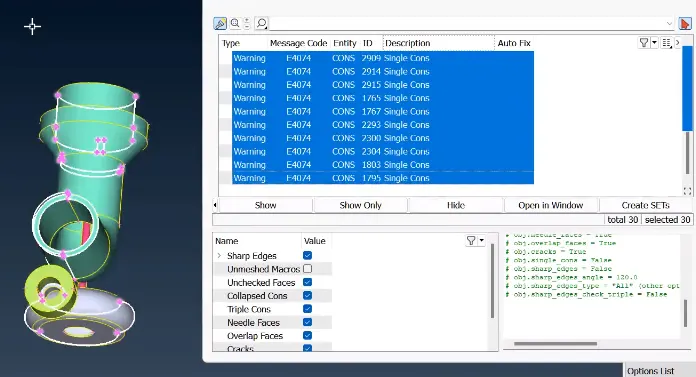
We can see in the above image all the single,triple and all warning . we can fix all the error one by one.
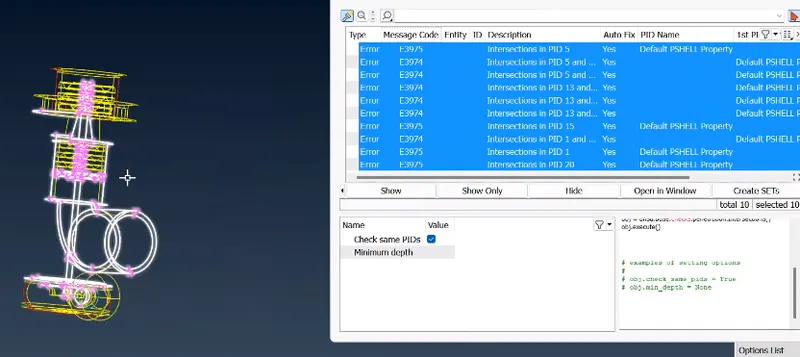
In the above image we see all the intersect error and fix all the error one by one.
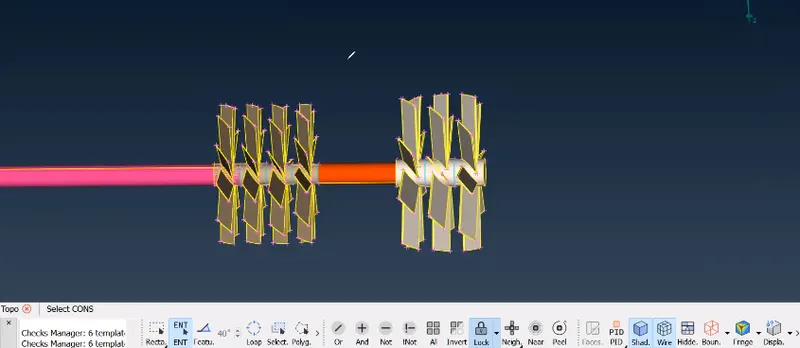
In the above figure we see the triple cone. we can isolate this triple cone by deleteing the extra face one by one and here we see some glitch faces we can avoid this by deleteing the extra part . we can't delete directly because when we select for delete tha hole shaft wii select. in that case we can project the curve (cone>project)over the shaft the delete the extra part.
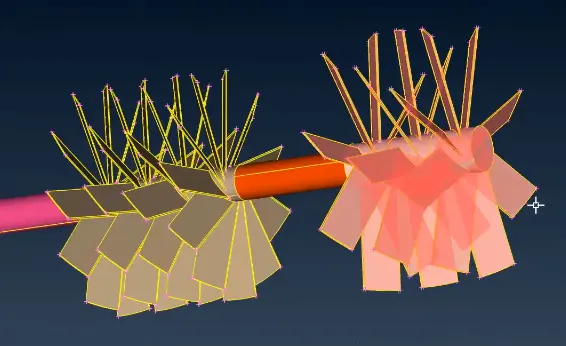
In the above part we see all the triple cone are fix.
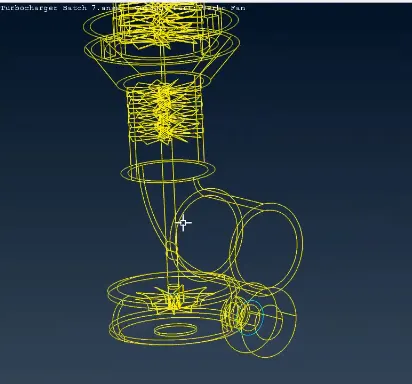
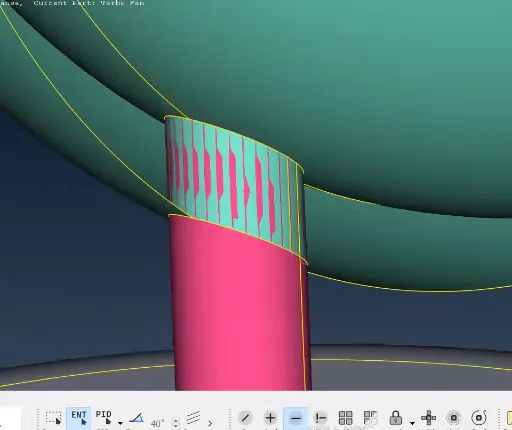
In the image we can delete the glitch face directly . afte delete the glitch face here intersection error present . in that case we can project the curve on the shaft after project the curve we can delete the unwanted part.
In the same procedure we can fix the same error.
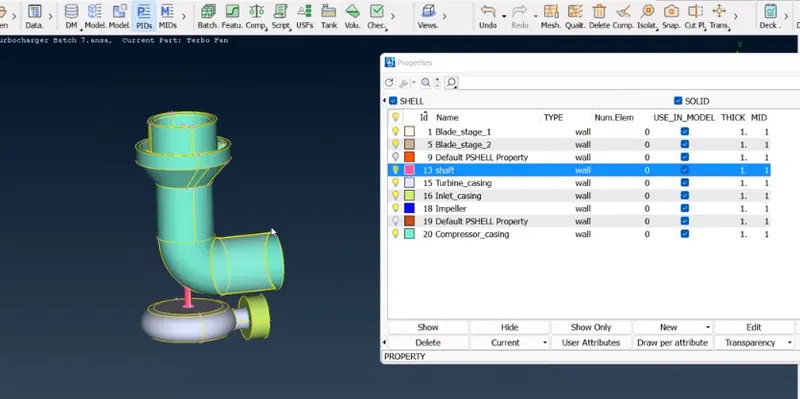
After fix or isolate all error go to PID change the name of the part correspondlly.
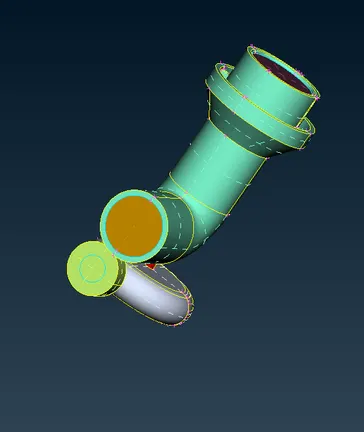
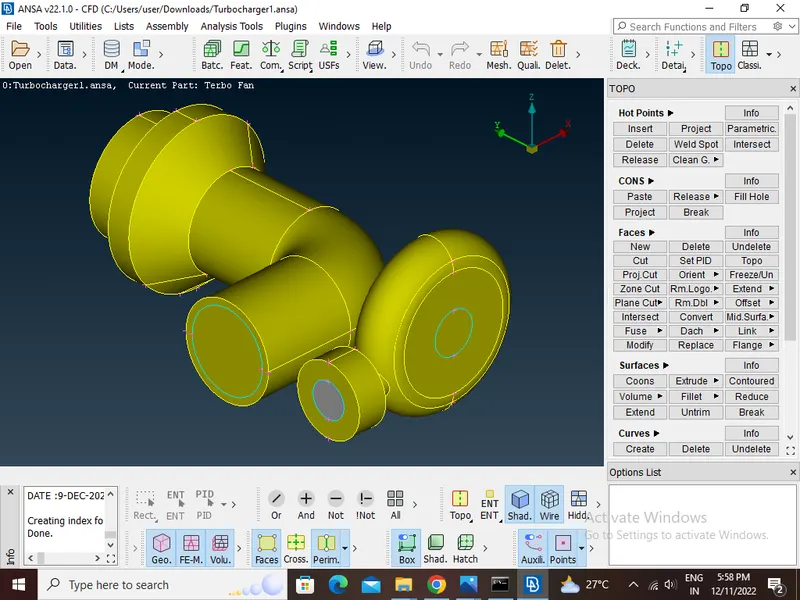
After assign PID then go for surface mesh in the given traget length. before mesh ensure that all open face are close. the go for mesh.
After meshing the indivisual parts then do the freeze(Classic mesh>Marcos>Freeze/unfreeze). after meshing all parts then go for unfreeze.
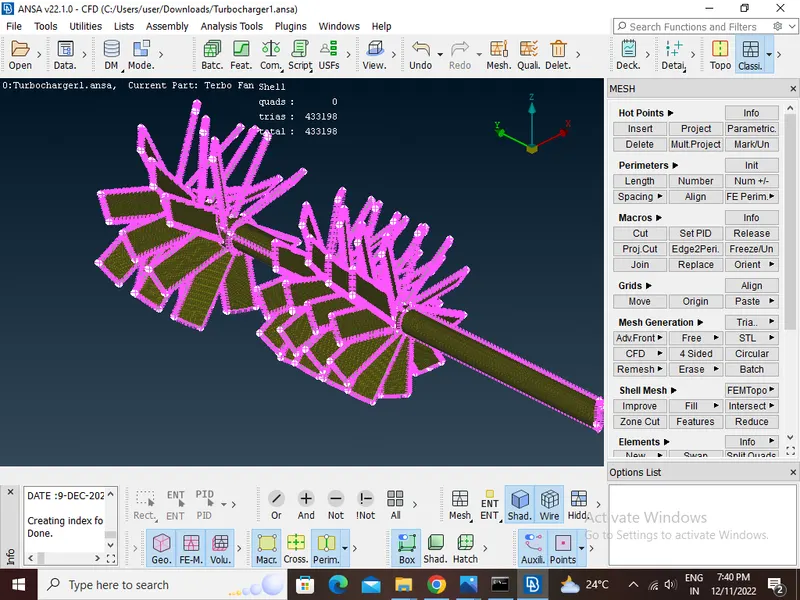
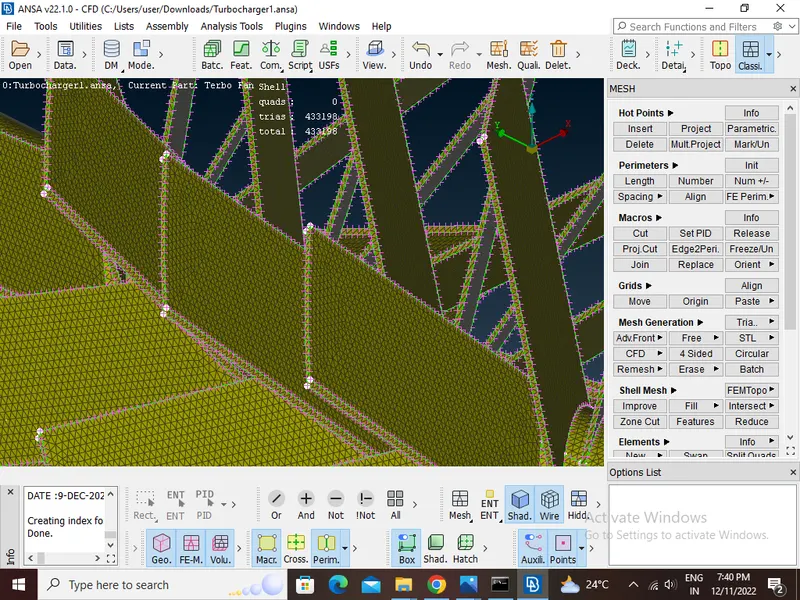
Here we mesh stage-1 blade, Stage-2 blade and rotor shaft at the given traget length 1mm.
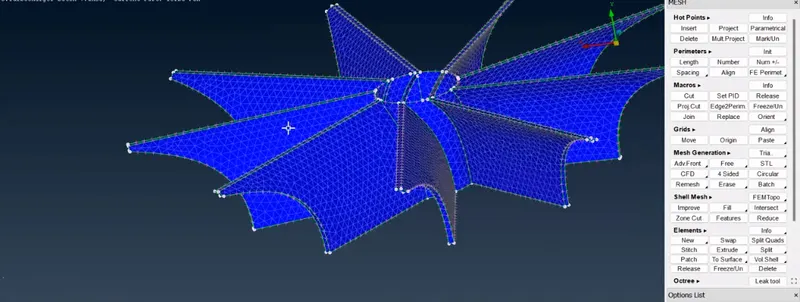
Here we mesh the Impeller at the given traget length 2mm.
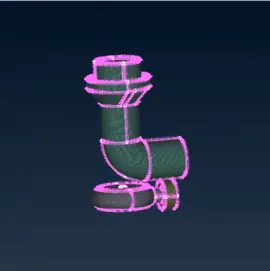
Here we mesh the Turbo casing Compressor casing and Inlet casing cover at the given traget length 5.
VOLUMETRIC MESHING:
As there are no unmeshed surfaces now we move to volumetric mesh
After meshing all parts then go for volume mesh.
We go to define and select the whole data base
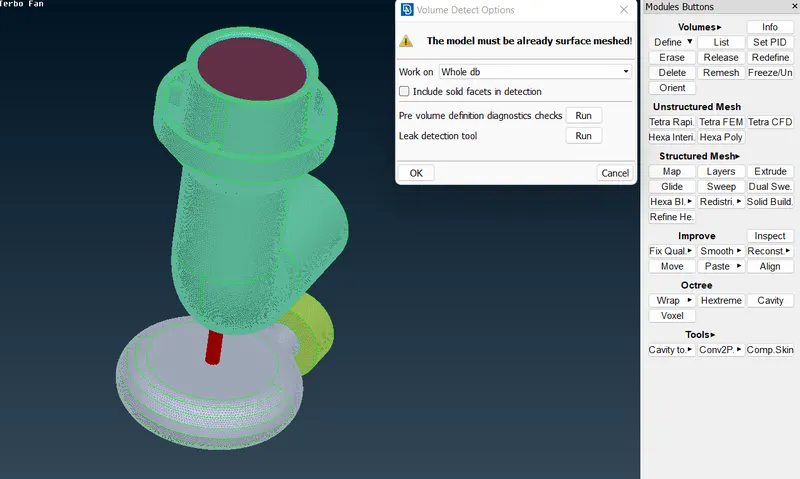
These are the volumes detected automatically be ANSA.
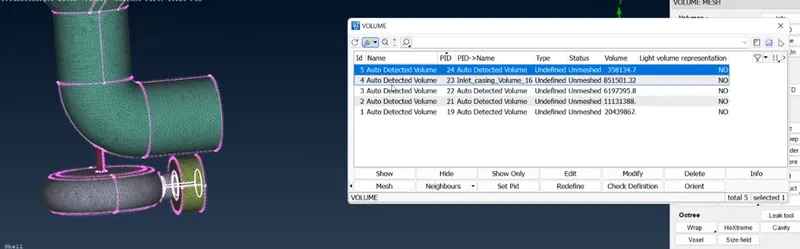
From the above volumes defined we require only the volume of components where the fluid flows. Outer body part and all other to be deleted as not required.
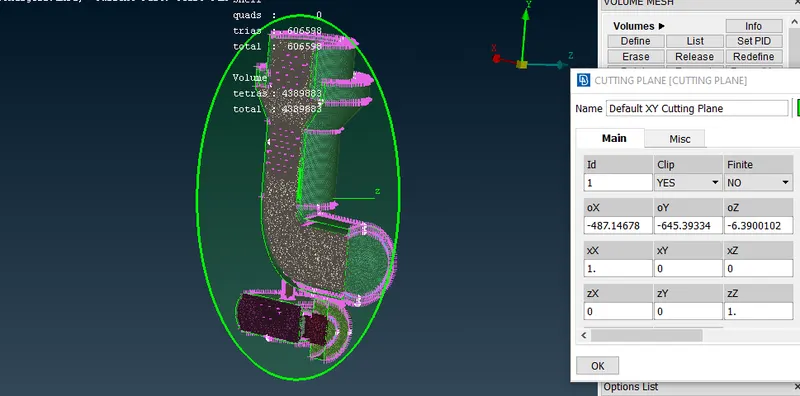
Here we see all the component are mesh propelly.
CONCLUSION:
Thus, the geometrical errors like single, double and triple con are checked and PIDs are assigned accordingly to the requirement and the surface is generated for with the given target lengths. Then volumetric meshing is performed for the volumed required successfully.
MODEL GOOGLE DRIVE LINK
https://drive.google.com/file/d/1B9FILErWkHv-tQ_wAyfclfBnTaXtR46o/view?usp=share_link