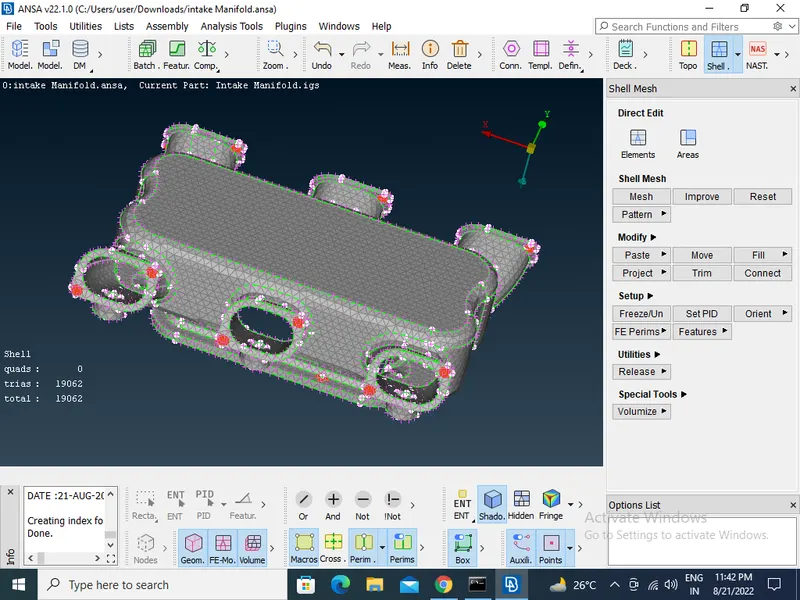
Tool Test-2
- Importing CAD Geometry of intek manifold in ANSA in File > Open > Choose the File and open.
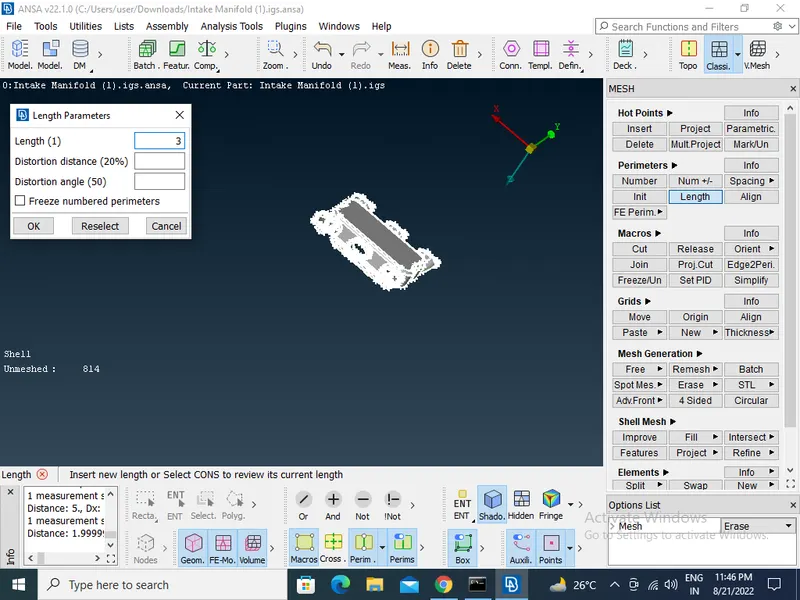
- Cons resolution by Length option in Mesh module The Length value for doing the cons resolution is 1.
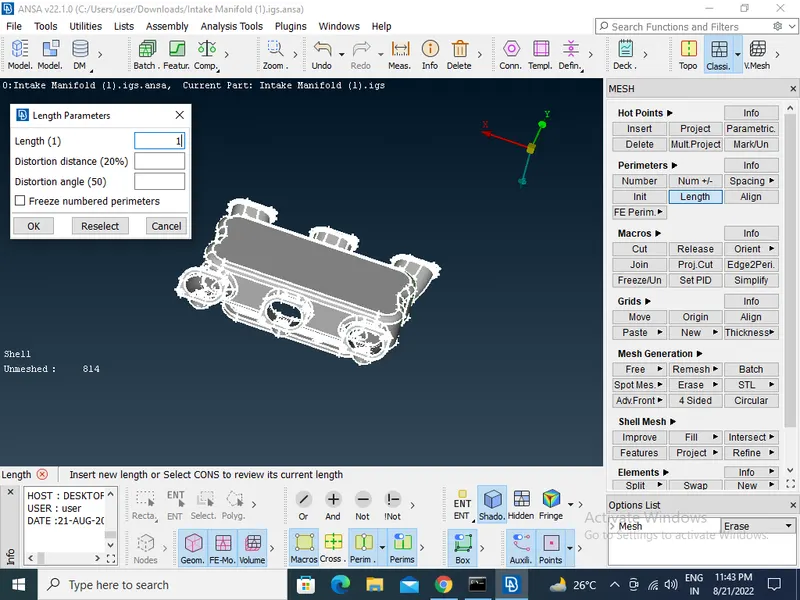
- To get the connectivity between the surfaces to use the Topo option in TOPO Module> Faces > Topo.
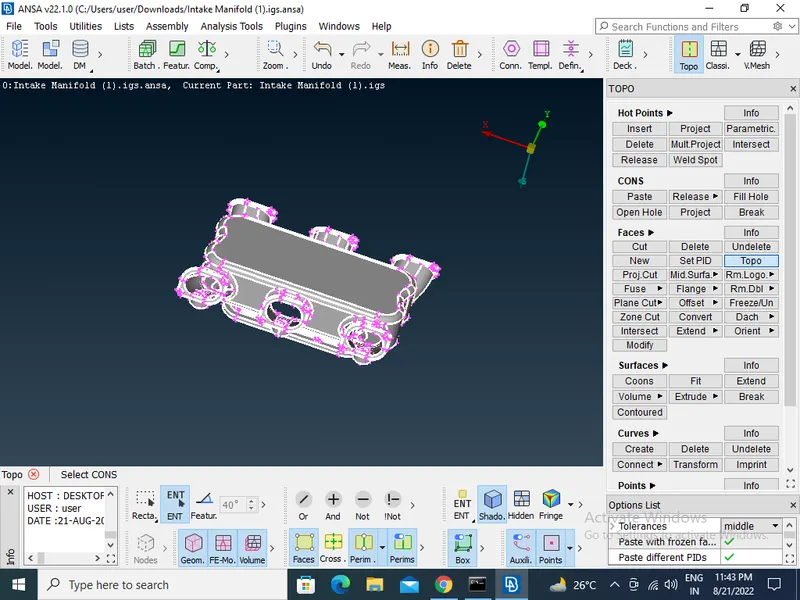
- We have to Orient the Surfaces to make sure all the surfaces are in one normal direction in TOPO Module> Faces > Orient.
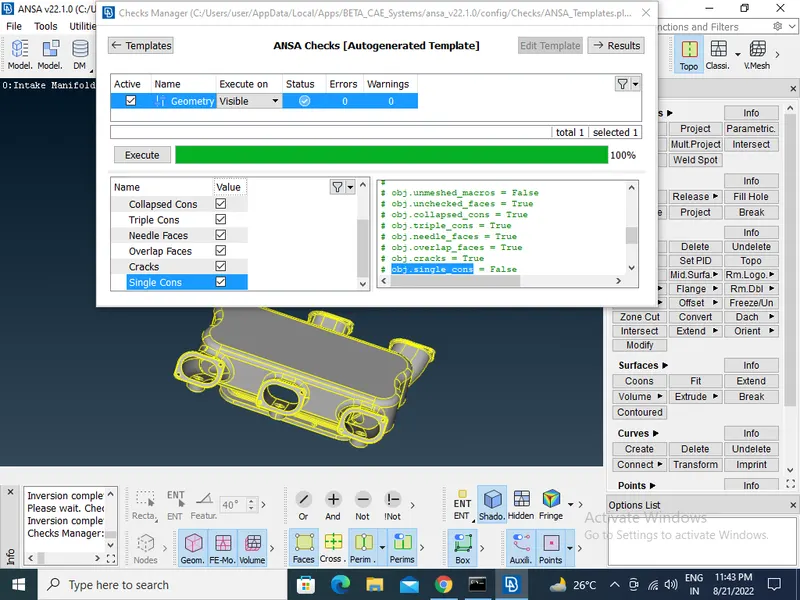
- Checking the geometrical errors.
- Clearing the geometry errors.
- Check the thickness of the components.(If the thickness is more than 5 or 6mm then no need to extract the midsurface).
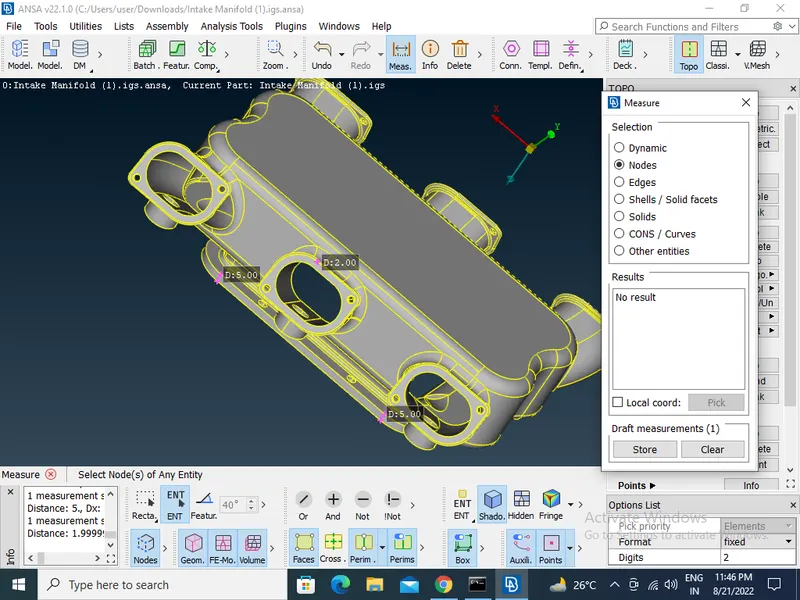
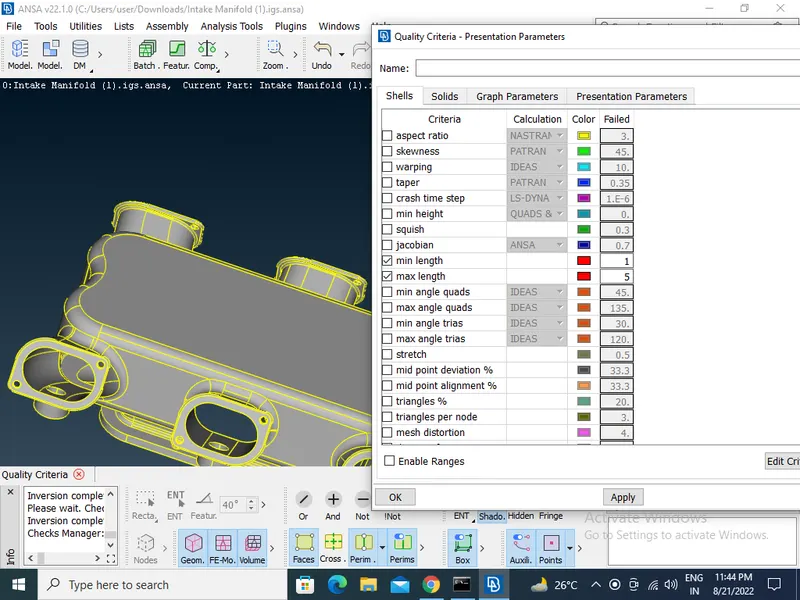
- Then Providing the Target element length by using the length option in the mesh module. Providing the Mesh Parameters and Quality criteria to the models.
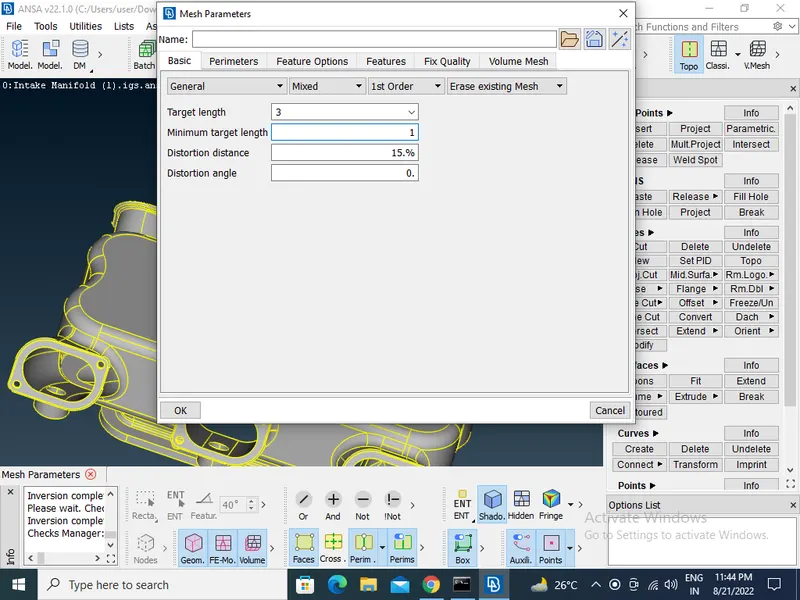
- Select all the flat surfaces and mesh by using tria as the element type and Select the remaining curved surfaces and mesh by using the otho trias as the element type in mesh module>mesh paraameter>Best.
- Then Make sure that every surface is meshed.
- Then Go to the Volume deck and define the volume for the closed mesh in volume module>volume>Define.
- After defining the volume go to the lists and edit the volume by changing the type to tetra rapid in volume module>unstructure mesh>tetra mesh.
-
Check for the Tet collapse and fix the Tet collapse.