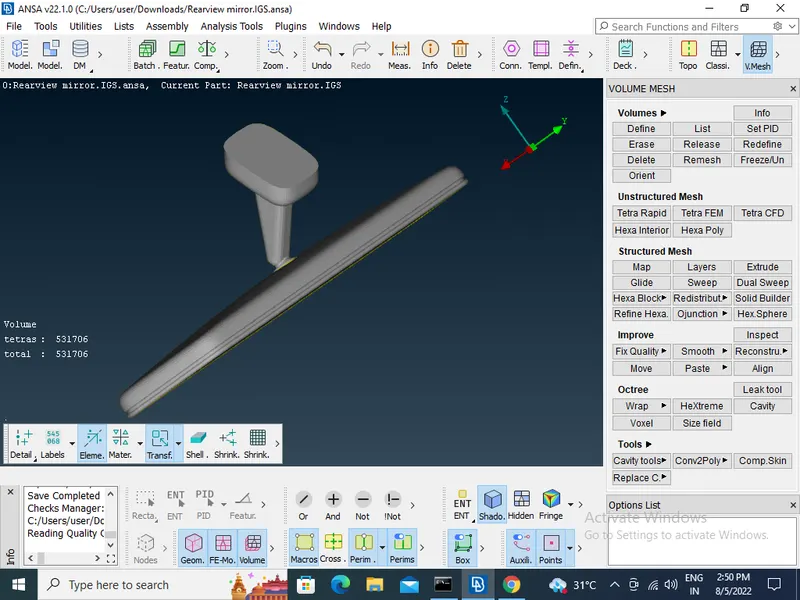
Week- 5 - Solid meshing
- First import model File > Open > Choose the File and open.
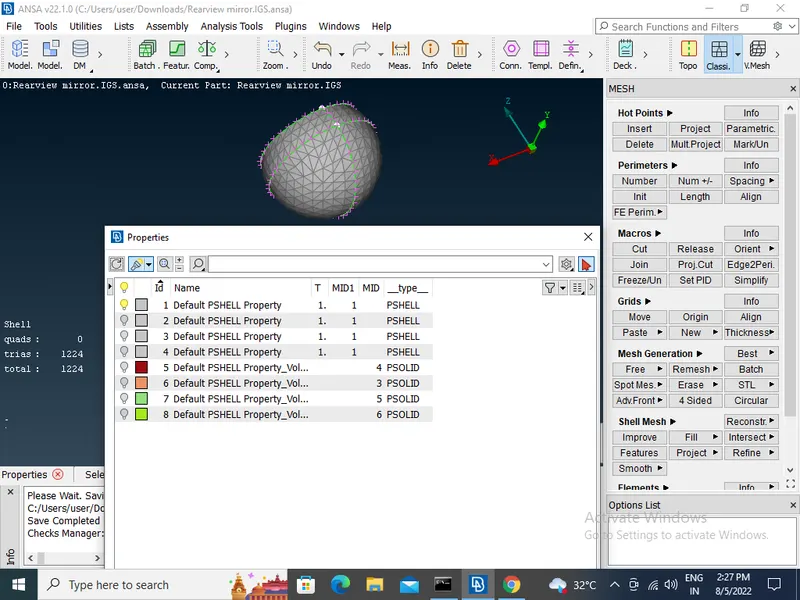
- Select one part of the model bu useing peoperties toolbar
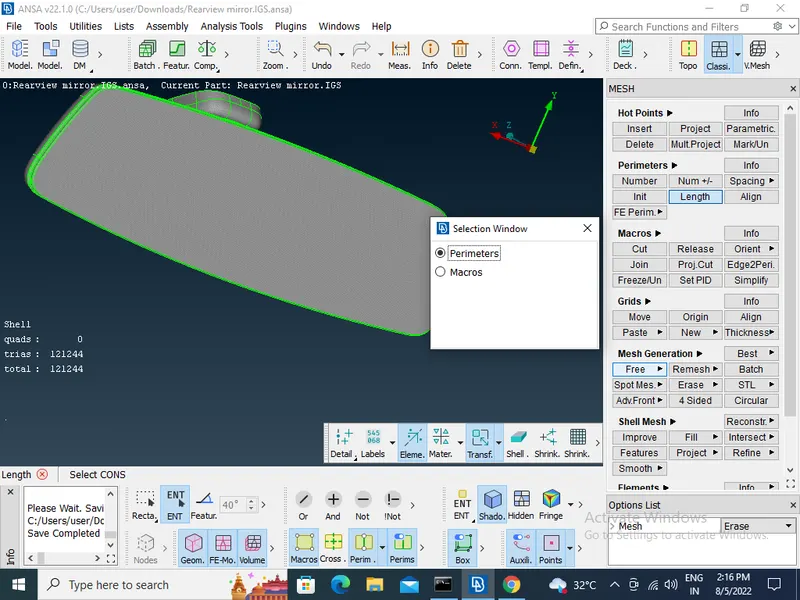
- Cons resolution by useing Length option in mesh module >perimeter> length (Length value for doing the cons resolution provide 1)
- To get the connectivity between the surfaces useing the Topo option in TOPO Module> Faces > Topo
- To Orient the Surfaces sure all the surfaces are in one normal direction by useing orient option in TOPO Module> Faces > Orient
- Checking the geometrical errors
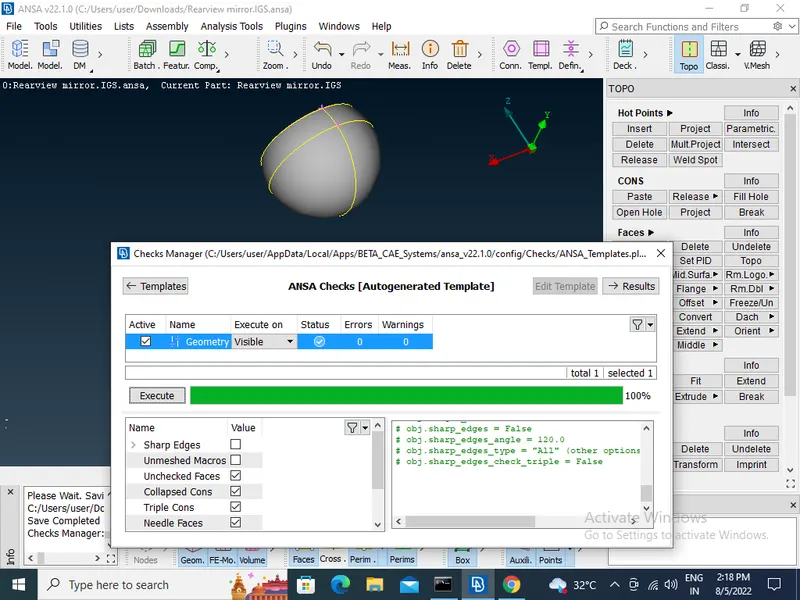
- Clearing the geometry errors.
- Checking the thickness of the components whether is 6mm or more than 6mm.
- Then Providing the Target element length by using the length option in the mesh module.
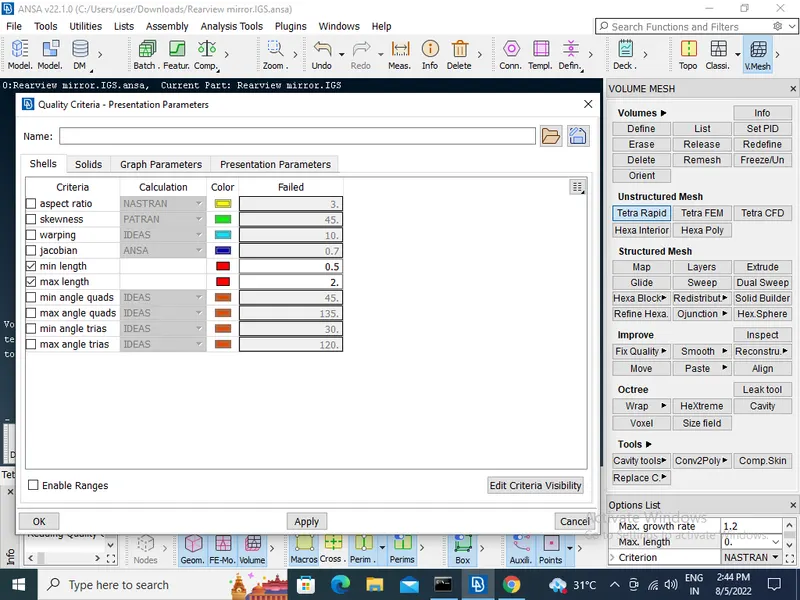
- Then Providing the Mesh Parameters and Quality criteri to the models.
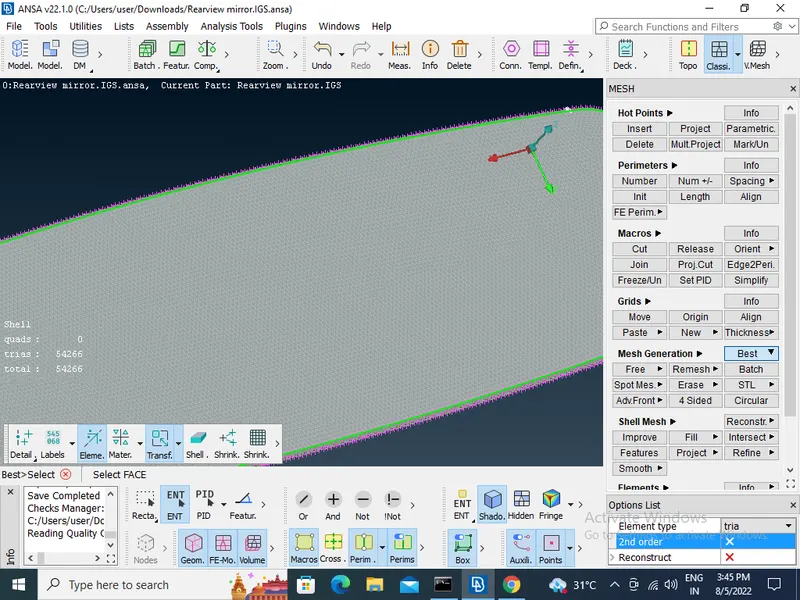
- to provide mesh Select all the flat surfaces and mesh by using tria as the element type in the best option in (Mesh module>mesh generation>best>element type >select tria)
- Selecting the remaining curved surfaces and mesh by using the otho trias as the element type in the best option in (Mesh module>mesh generation>best>element type >select otho tria)
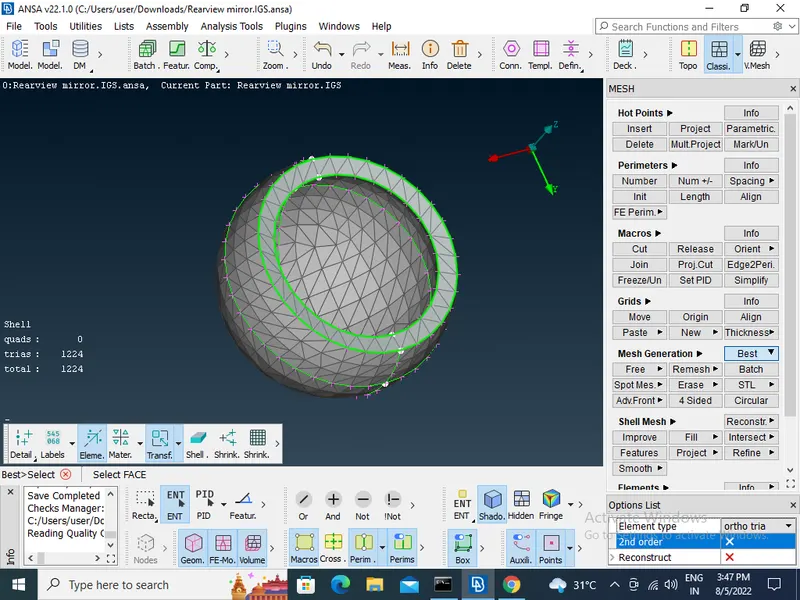
- To make sure that every surface is meshed propely.
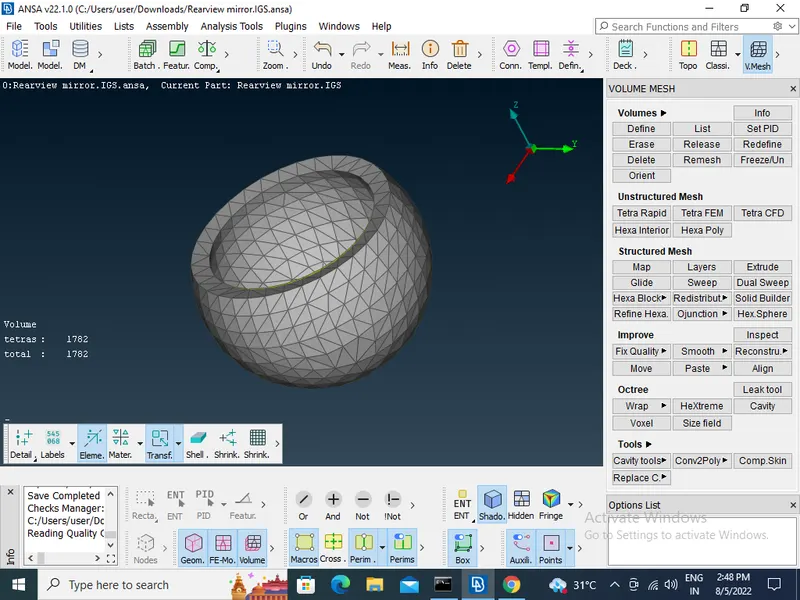
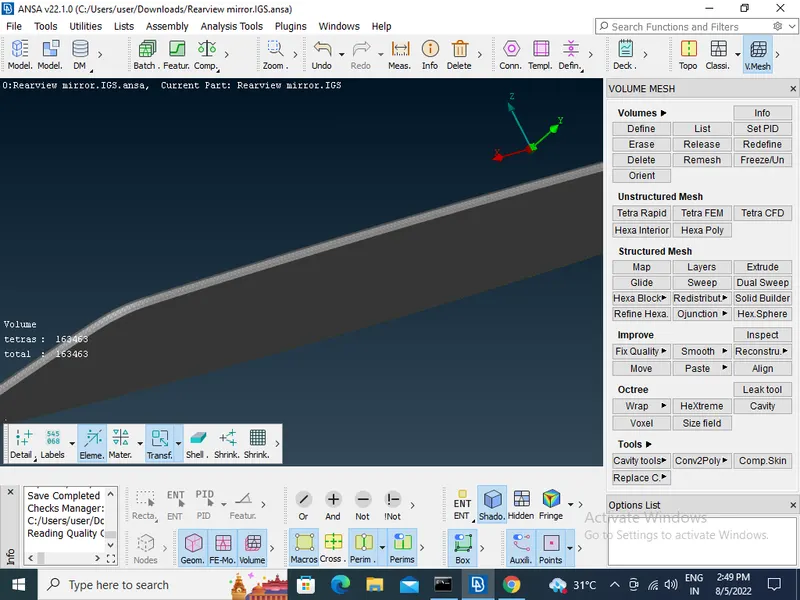
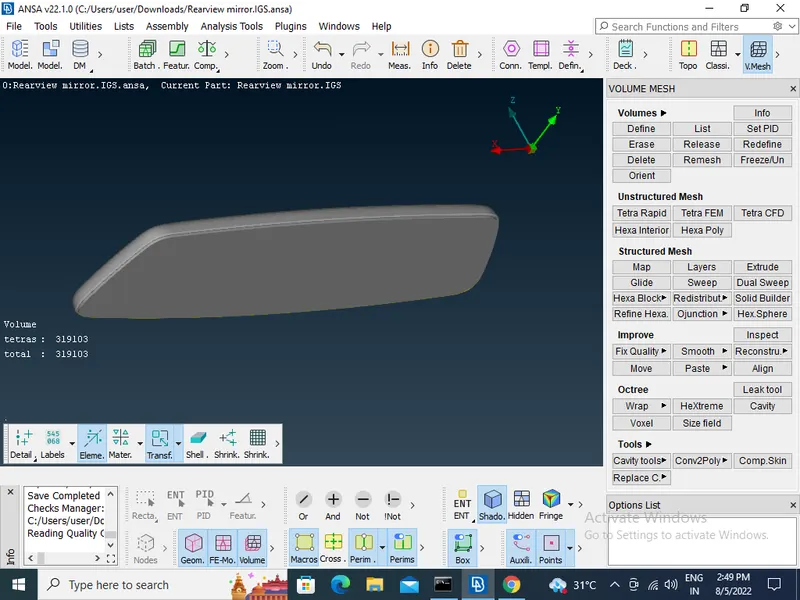
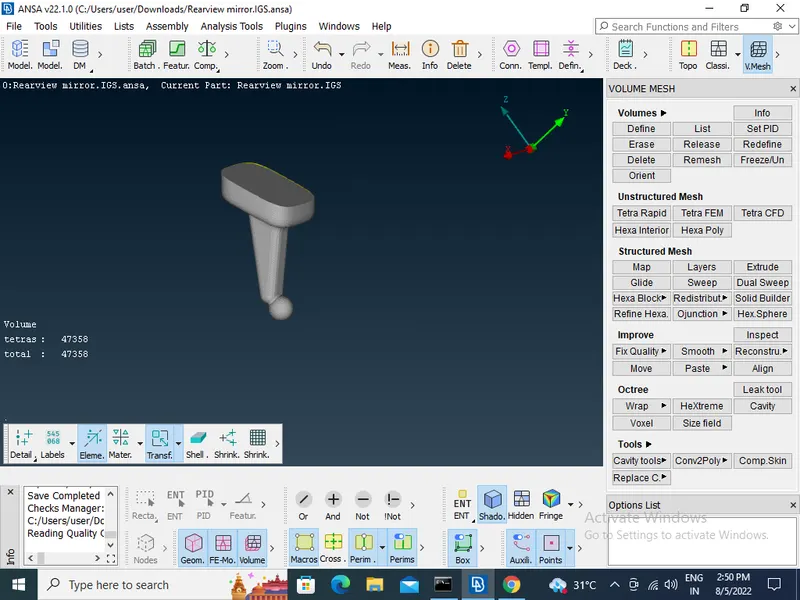
- then go to the volume deck and define the volume for the closed mesh in (V.mesh>volume>Defines)
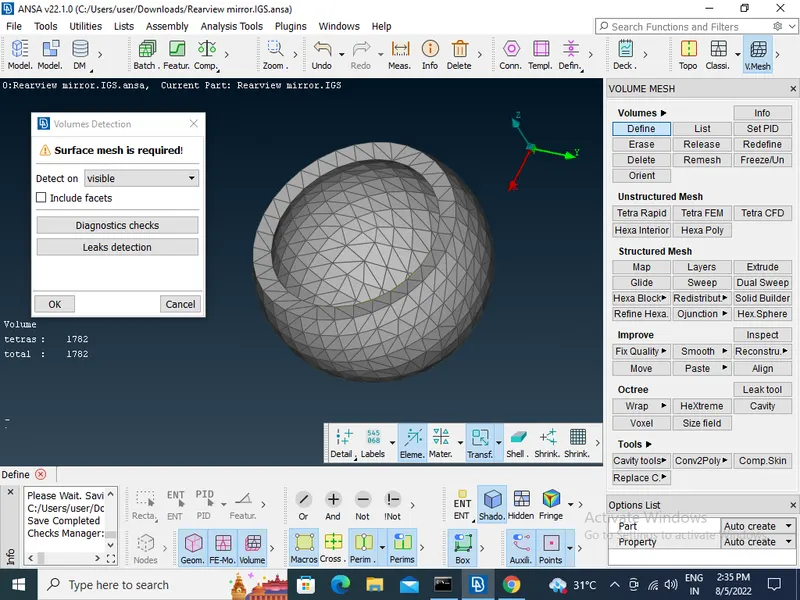
- After defining the volume then go to the lists and edit the volume by changing the type to tetra rapid in (V.mesh>unstructerd mesh>Ttra rapid)
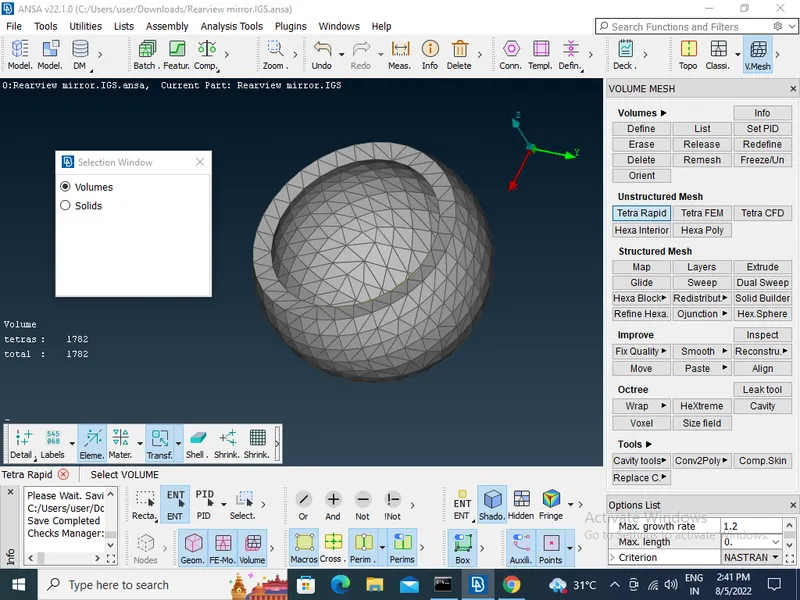
- Remaining all parts of the element follw the same procedure.
- After compliteing all part of the element