Week - 4 - 2D meshing for Plastic components
AIM: To perform geometry clean up and shell mesh the given model of a bottle cap with given quality criteria.
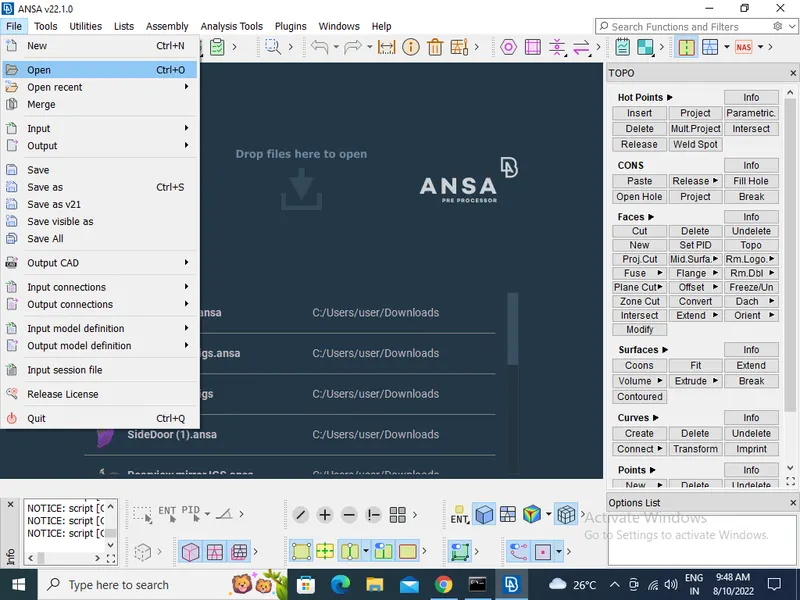
- Import the model by the process of File > Open > Choose the File and open.
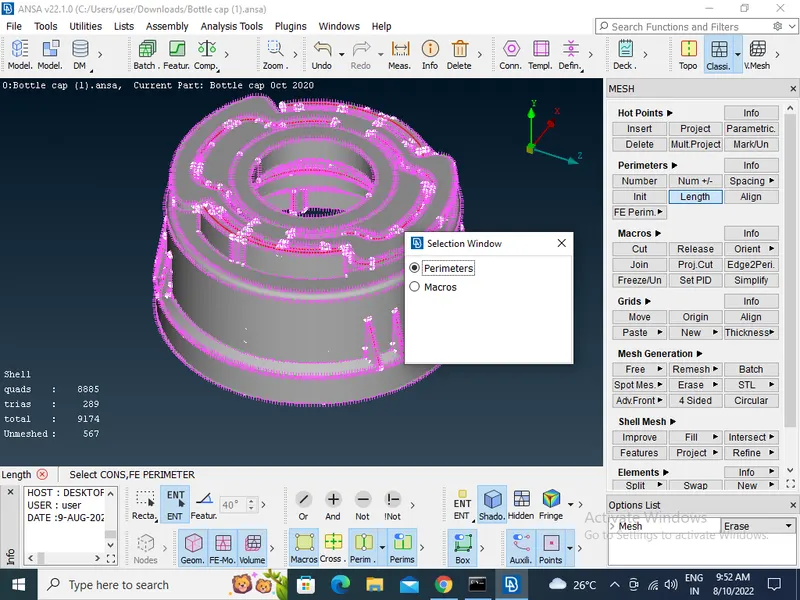
- Then Cons resolution by Length option in Mesh module(The Length value for doing the cons resolution is 1) Location- mesh module>perimeters>Length
- To get the connectivity between the surfaces giving the Topo option. Location-(TOPO Module> Faces > Topo)
- To give Orient the Surfaces to make sure all the surfaces are in one normal direction. Location of the option-(TOPO Module> Faces > Orient)
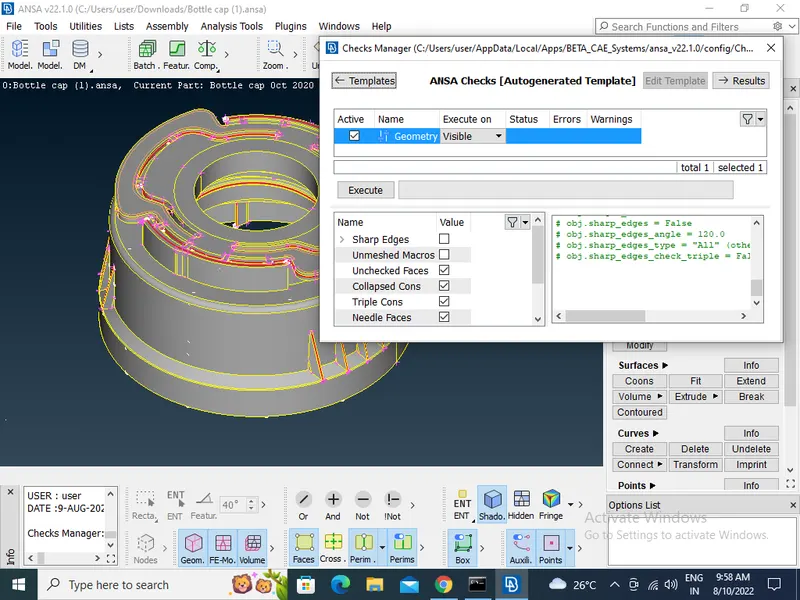
- Then Checking the geometrical errors.
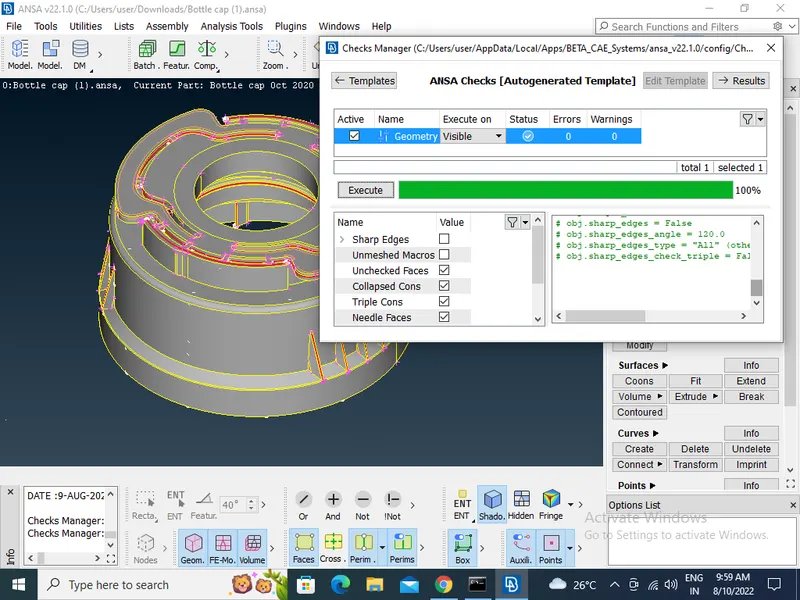
- Clearing all the geometry errors.
- Then Check the thickness of the components(If the thickness is less than 5 or 6mm then we have to extract the midsurface) by useing the casting option.
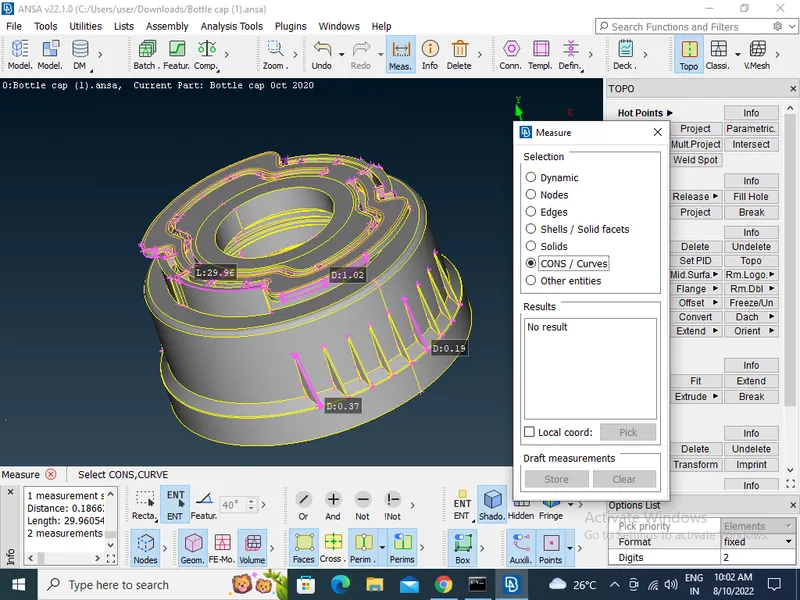
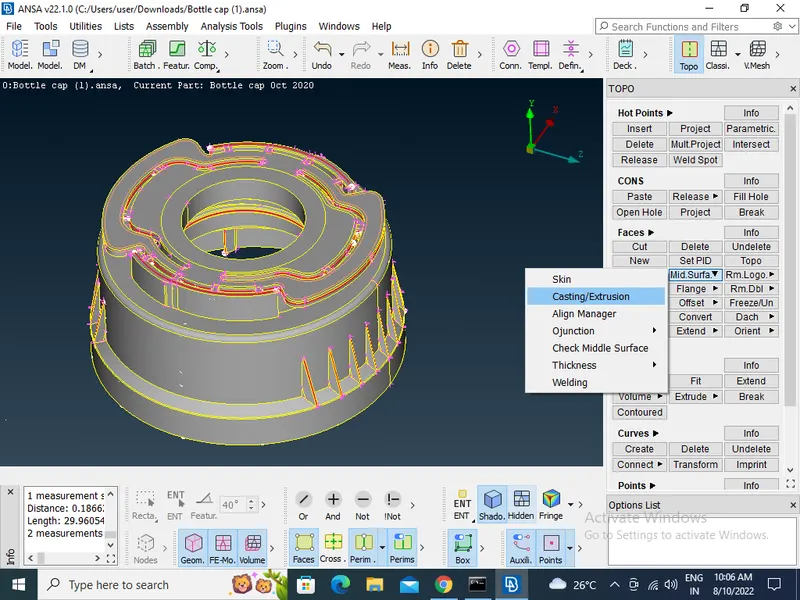
- Creating the Midsurface for a Plastic component by the using of cating option in (Topo module>face>midsurface>casting)
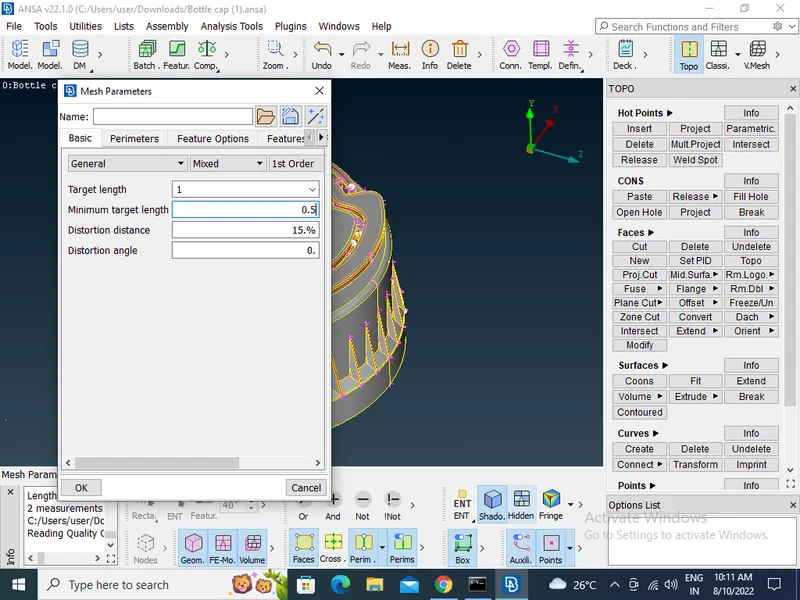
- Providing the Target element length by using the length option in the mesh module.
- Then Providing the Mesh Parameters and Quality criteria to the models.
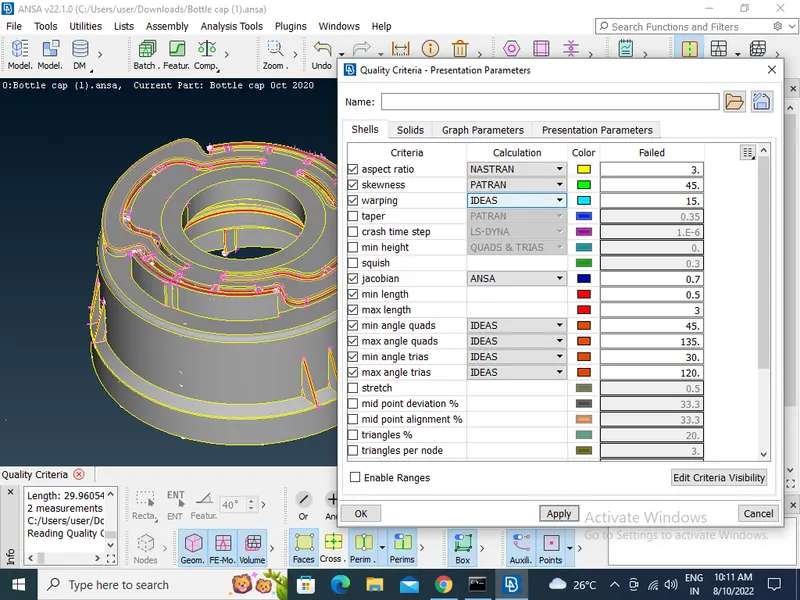
- Cleaning all the unnecesary Midsurface by useing delete option.
- Spliting the surface in the small square-like structures to get proper mesh flow.
- Clear the elements which are failing for the quality criteria
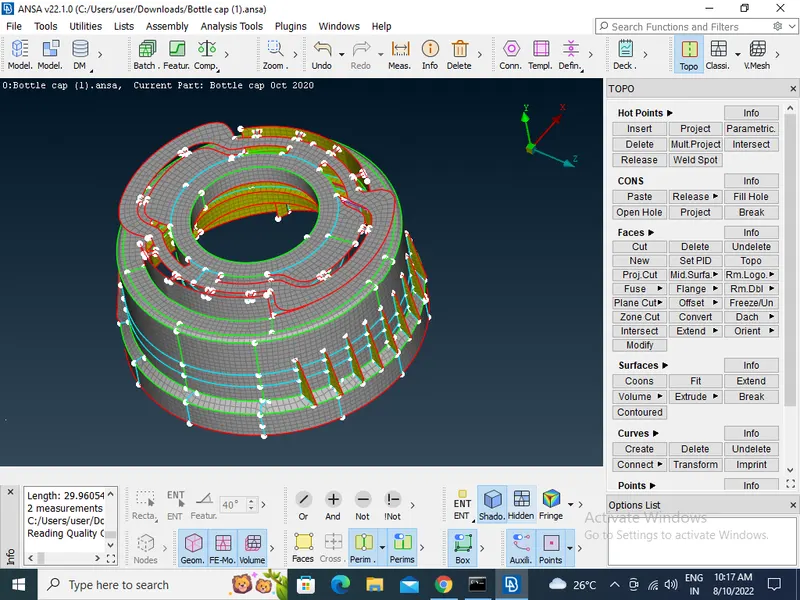
- Assign the proper thickness for the newly created midsurface.